Free Office Templates for Word, Excel & PowerPoint - Plans, POs & Pitch Decks
Free, editable office templates for Microsoft Word, Excel & PowerPoint – plan, present, and get work done faster.
Open in Word or Excel (works in Google Docs/Sheets) and PowerPoint, add your logo and details, adjust colors/fonts, then export to PDF for consistent sharing.
- Operations & Procurement:Purchase Order Templates (Word), RFQ Templates
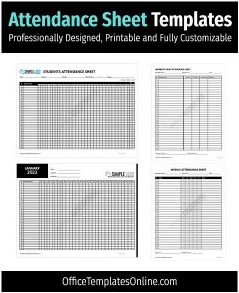
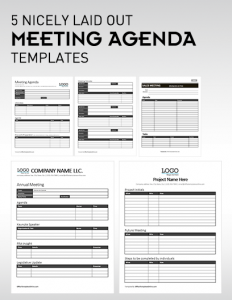
- Meetings & Teams:Meeting Agenda Templates, Attendance Sheets, Org Charts
- Sales & Pitching:Sales Tracker (Excel), Pitch Decks (PowerPoint), Startup Pitch Decks
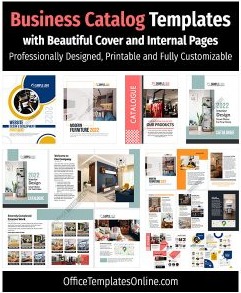
- Planning & Company Docs:Business Plans, Company Profile Booklets, Fact Sheets
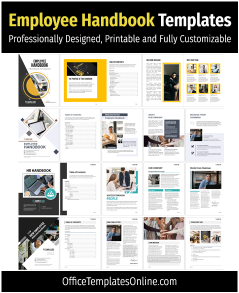
- HR & Admin:Employment Verification Letters, Name Badges/Tags
Browse the resources below and download your editable office template – clean layouts, quick edits, professional results.
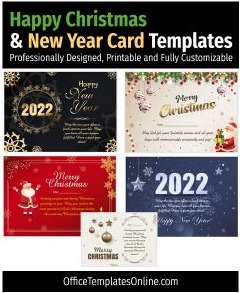
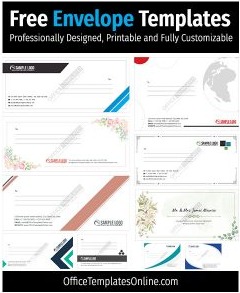
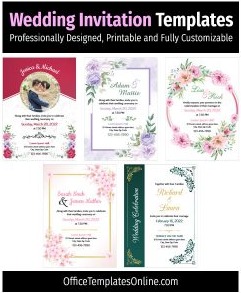
![11+ Best & Free Thanksgiving Templates – [Cards, Invitations, Menu, Posters]](https://officetemplatesonline.com/wp-content/uploads/2021/10/best-thanksgiving-card-invitation-and-menu-templates-in-ms-word-250x300-oto-trim.jpg)
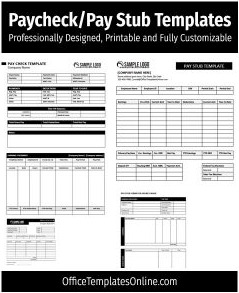
Advertisement
![5+ Free Newsletter Templates in MS Word – [Printable & Editable]](https://officetemplatesonline.com/wp-content/uploads/2021/09/printable-and-editable-newsletter-templates-for-ms-word-250x300-oto-trim.jpg)
![Professional Statement Templates for your Business – [MS Word, Excel]](https://officetemplatesonline.com/wp-content/uploads/2020/03/professional-business-statement-templates-for-ms-word-and-excel-250x300-oto-trim.png)
Advertisement
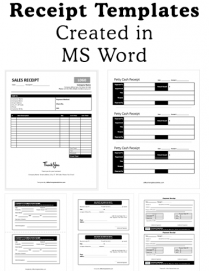
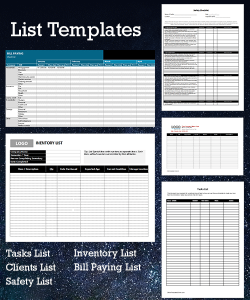
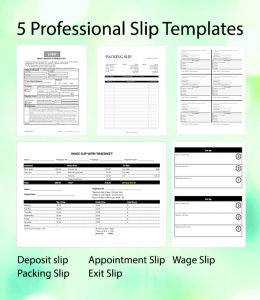
Try Our Interactive Template Editor
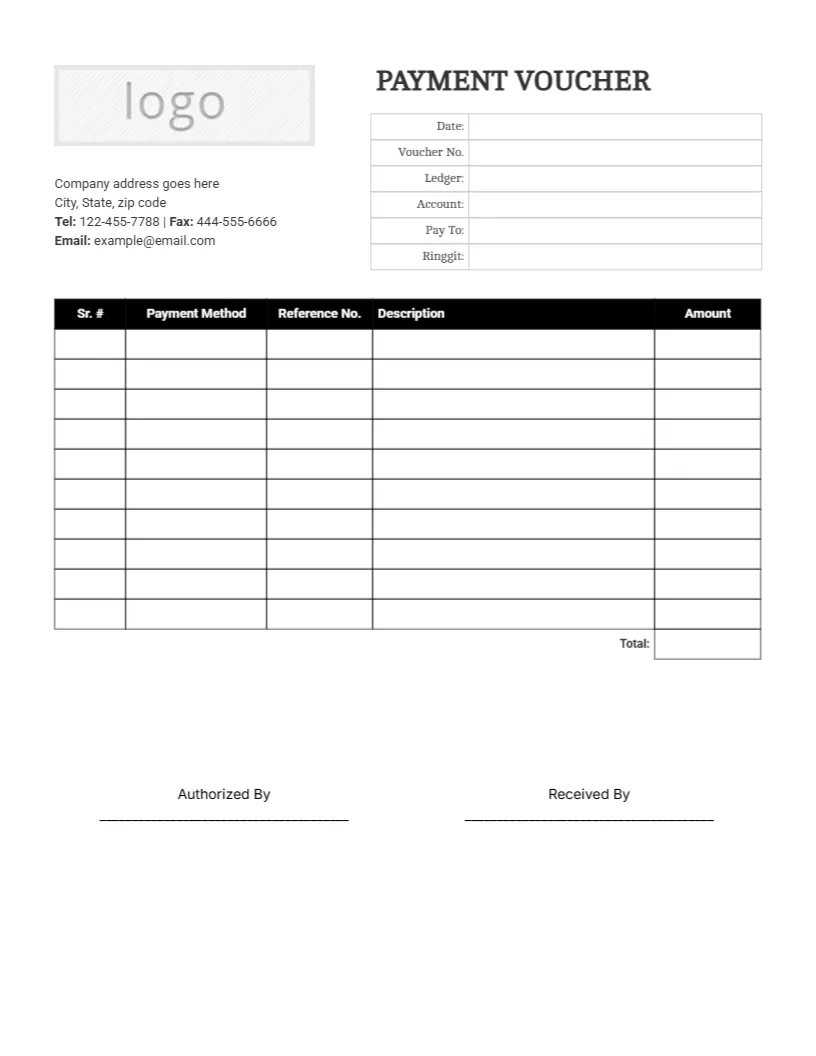
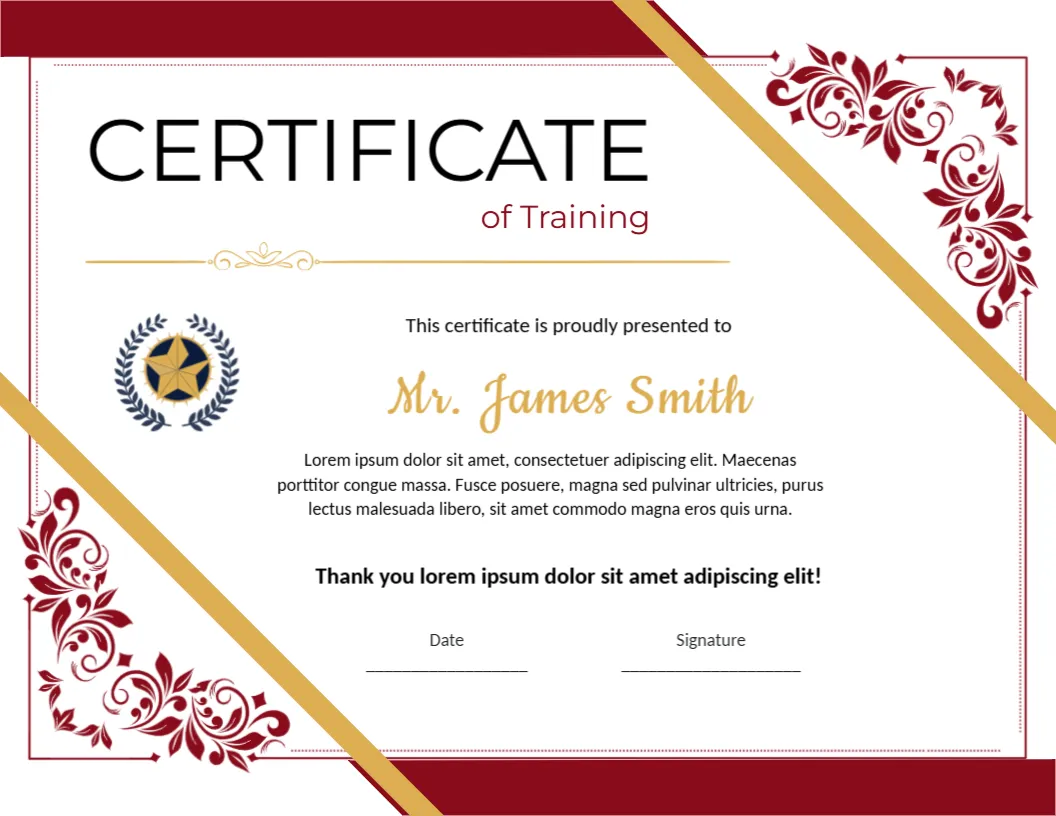
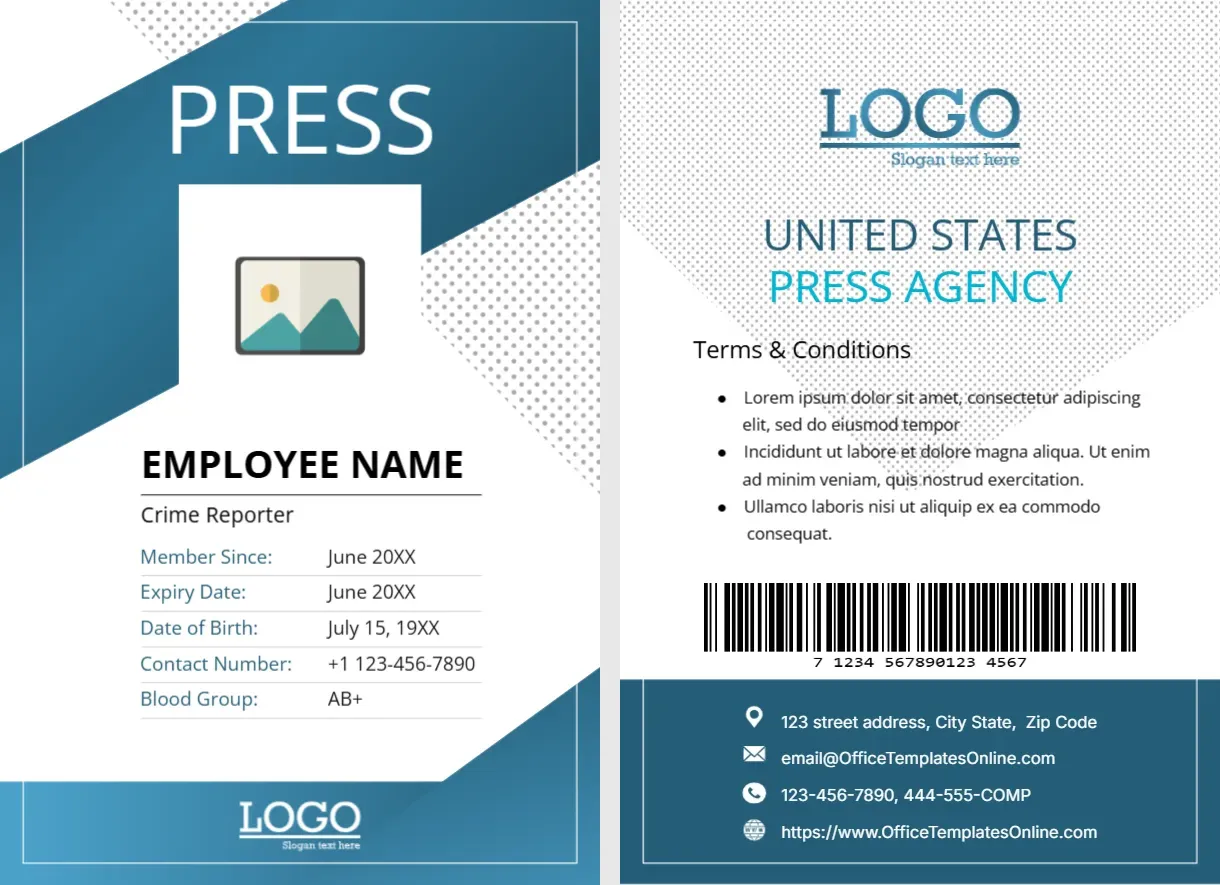
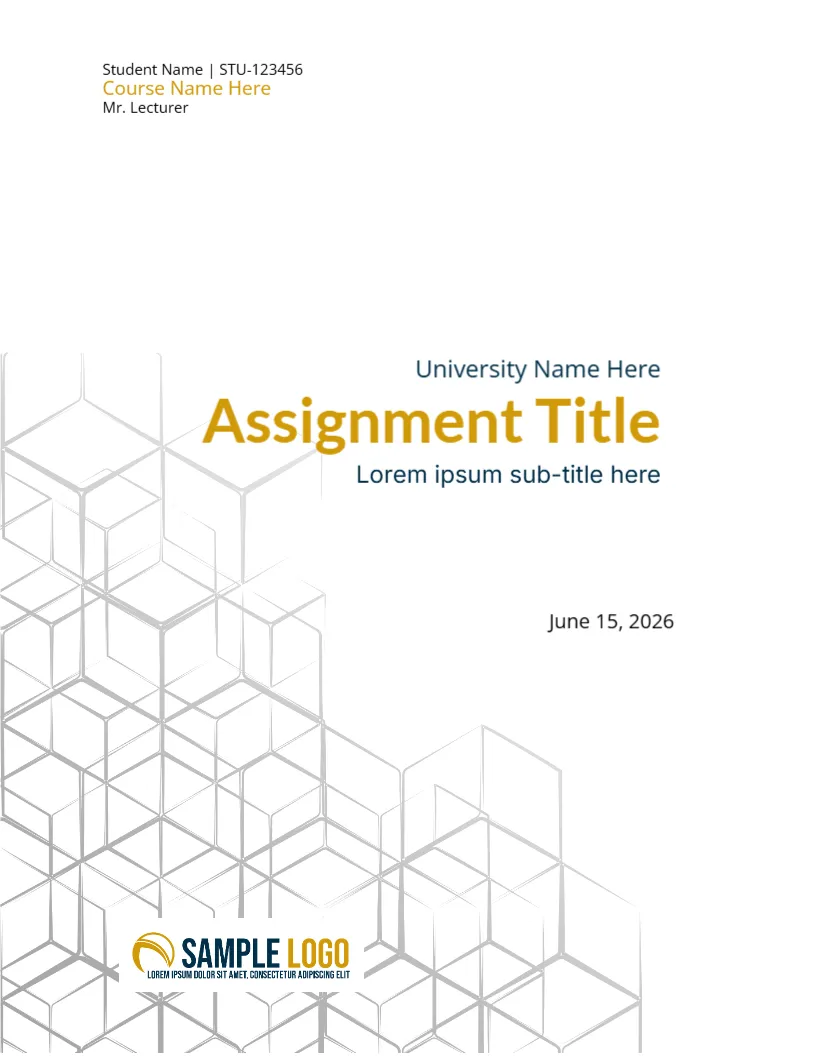
Looking for quick online customization? Browse our featured interactive editor templates below—perfect for creating polished certificates, letterheads, cards, and flyers with zero software needed.
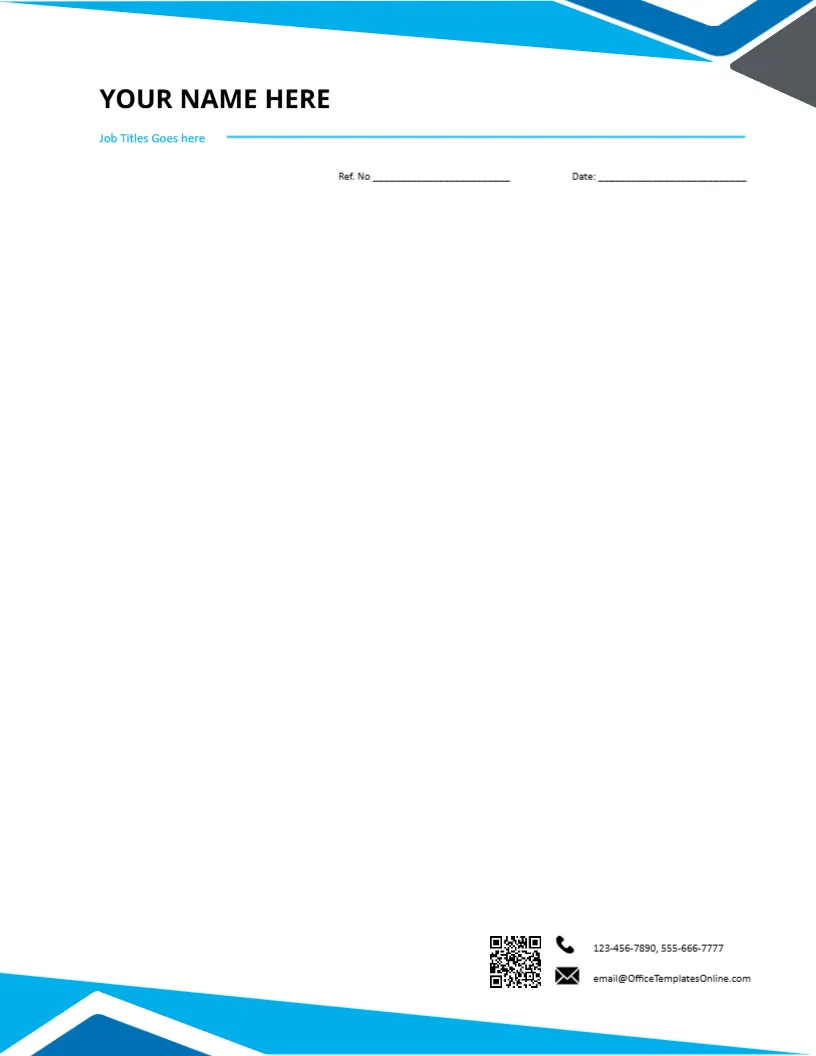
Top Picks


What can you do with these office templates?
- Procurement: standardize purchase orders and RFQs for faster approvals.
- Meetings: set agendas, track attendance, and share action items.
- Sales & pitching: track product sales, present pitch decks, and send fact sheets.
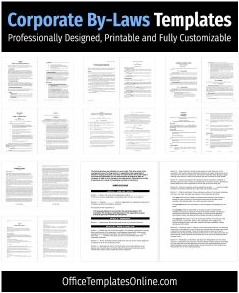
- Company docs: publish business plans, company profiles, and policies quickly.
Customize in minutes
- Open the DOCX/XLSX/PPTX file (Google Docs/Sheets/Slides also work).
- Update logo, colors, fonts, and fields (currency, dates, IDs).
- Export to PDF for a consistent share/print experience.
Word vs. Excel vs. PowerPoint — when to use which
- Word: letters, policies, purchase orders, RFQs, company profiles.
- Excel: trackers and registers that use formulas (sales tracker, budgets).
- PowerPoint: investor/client presentations and pitch decks.
Organization tips
- Use IDs in filenames (
PO-2025-09-###,MEET-2025-09-Board). - Keep a master template; save final versions as PDF.
- Protect Excel formula cells to avoid accidental edits.
FAQs
Do these templates work in Google Workspace?
Yes – open DOCX/XLSX/PPTX in Google apps, edit, then export to PDF.
Can I change colors and fonts?
Yes – use Word/PowerPoint Design ? Colors/Fonts and Excel cell styles for quick rebranding.
Where are invoices & receipts?
See the Invoices & Receipts category for matching sets.
Advertisement
