Free Financial Templates for Word & Excel - Quotes, POs & Ledgers
Free, editable financial templates for Microsoft Word & Excel – build quotes, purchase orders, ledgers, and balance sheets in minutes.
Browse the templates below and download your editable file – professional formatting, fewer errors, faster workflows.




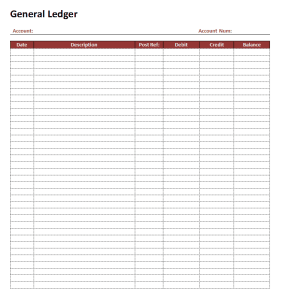
Featured Browser-Editable Templates
Prefer editing without opening Word or Excel? These templates below are editable online - change the text and graphics, then export a print-ready file.
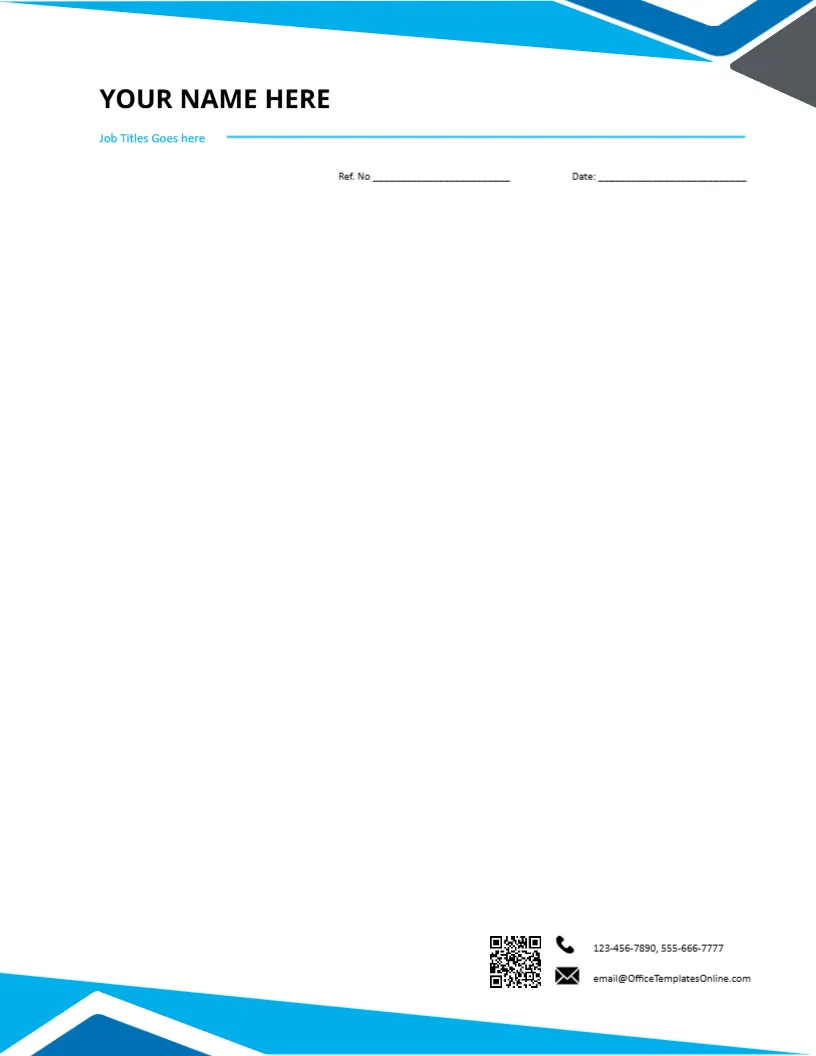
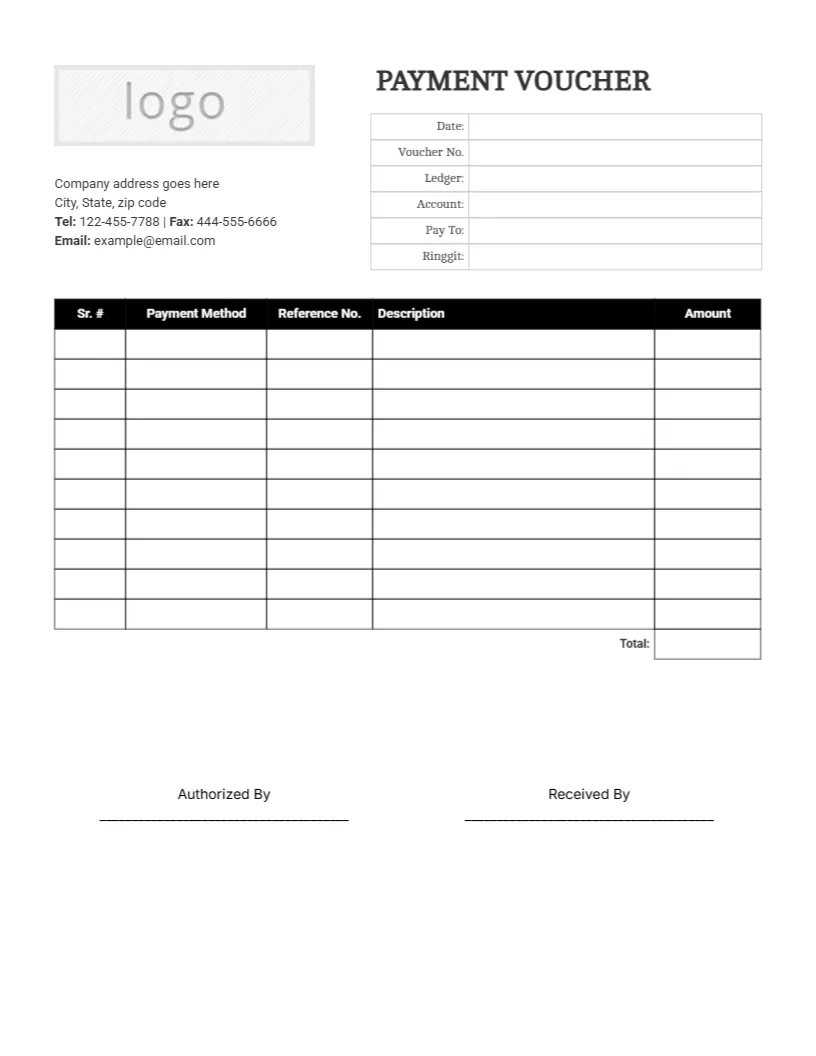
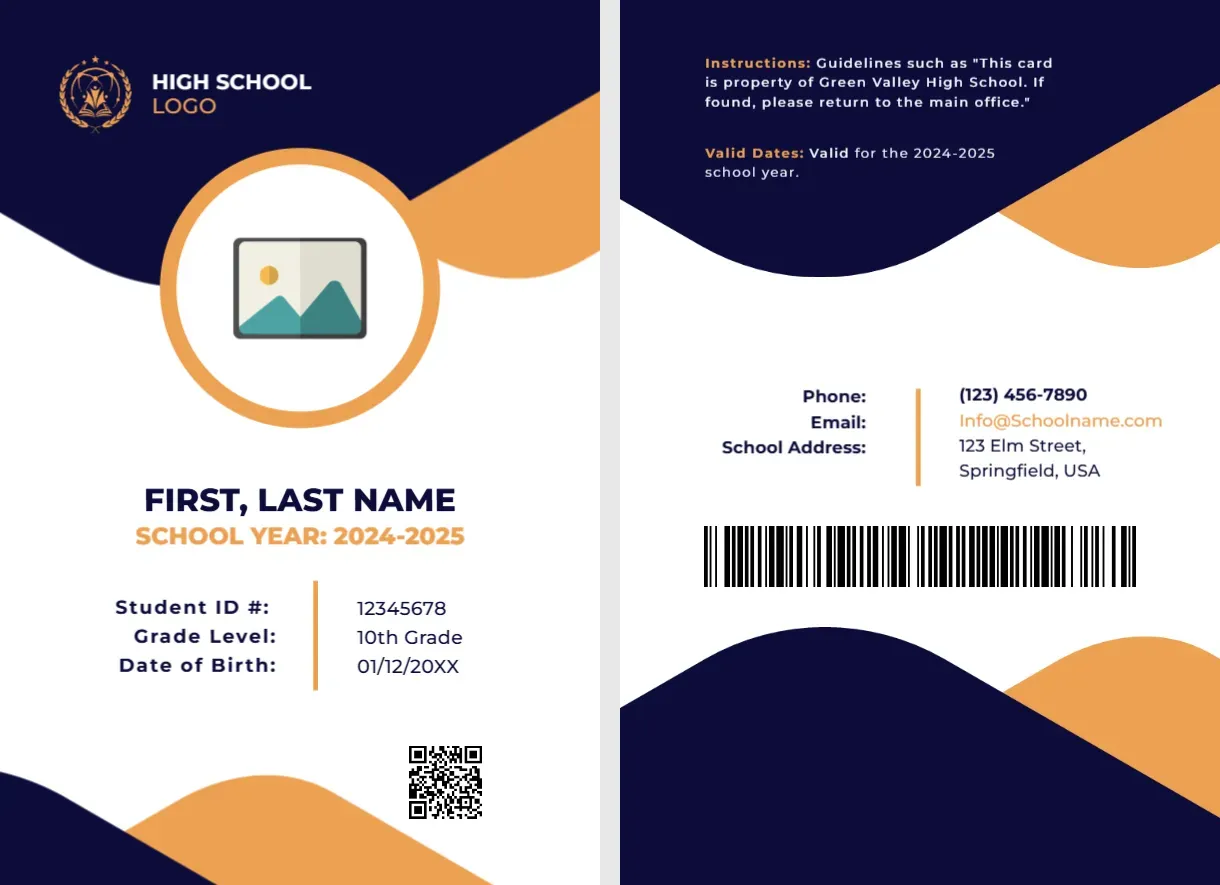
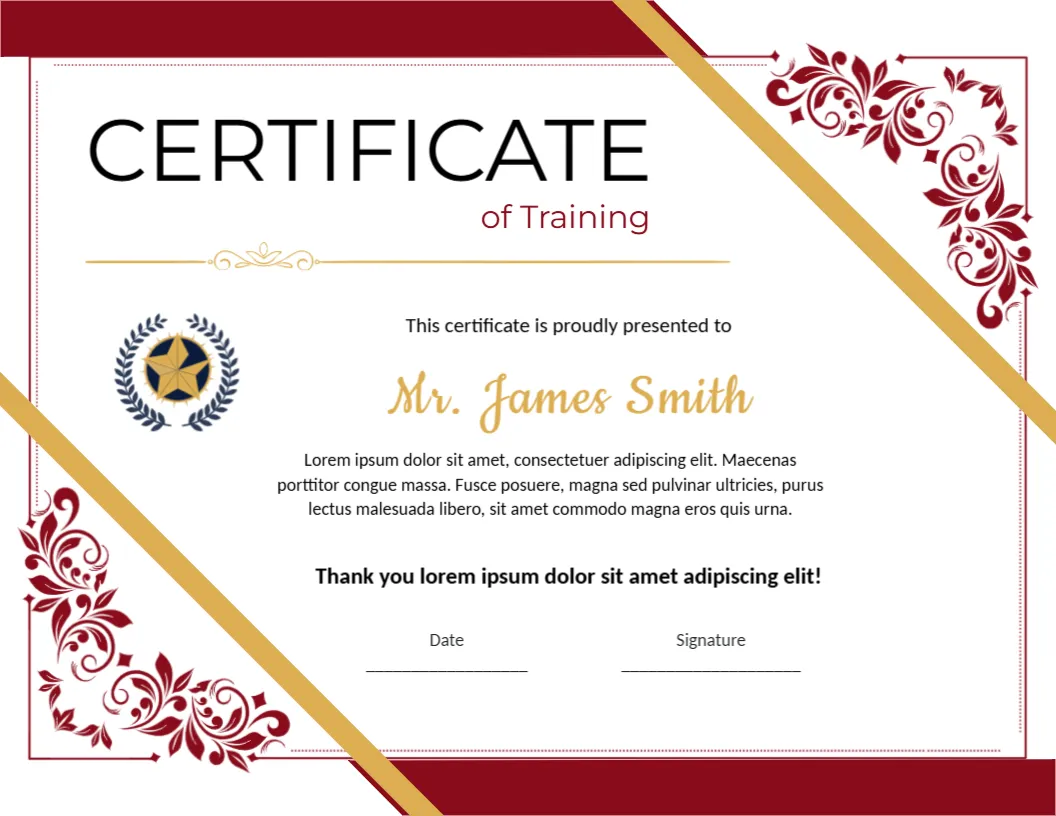
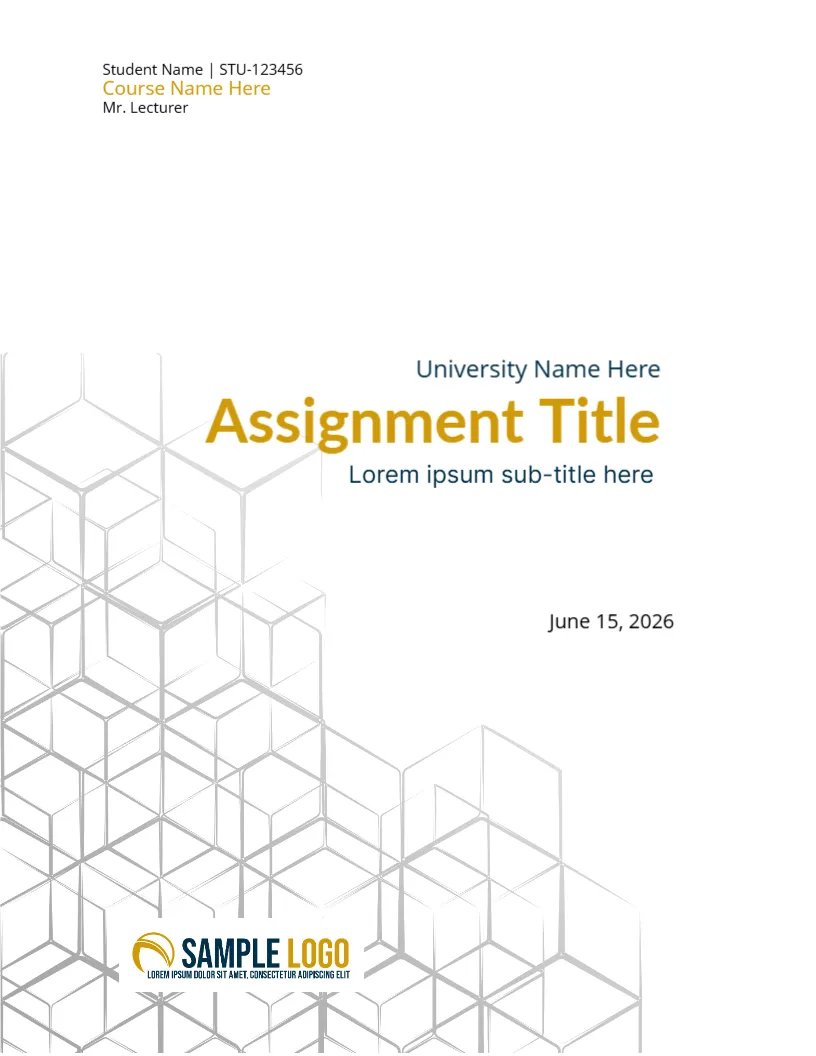
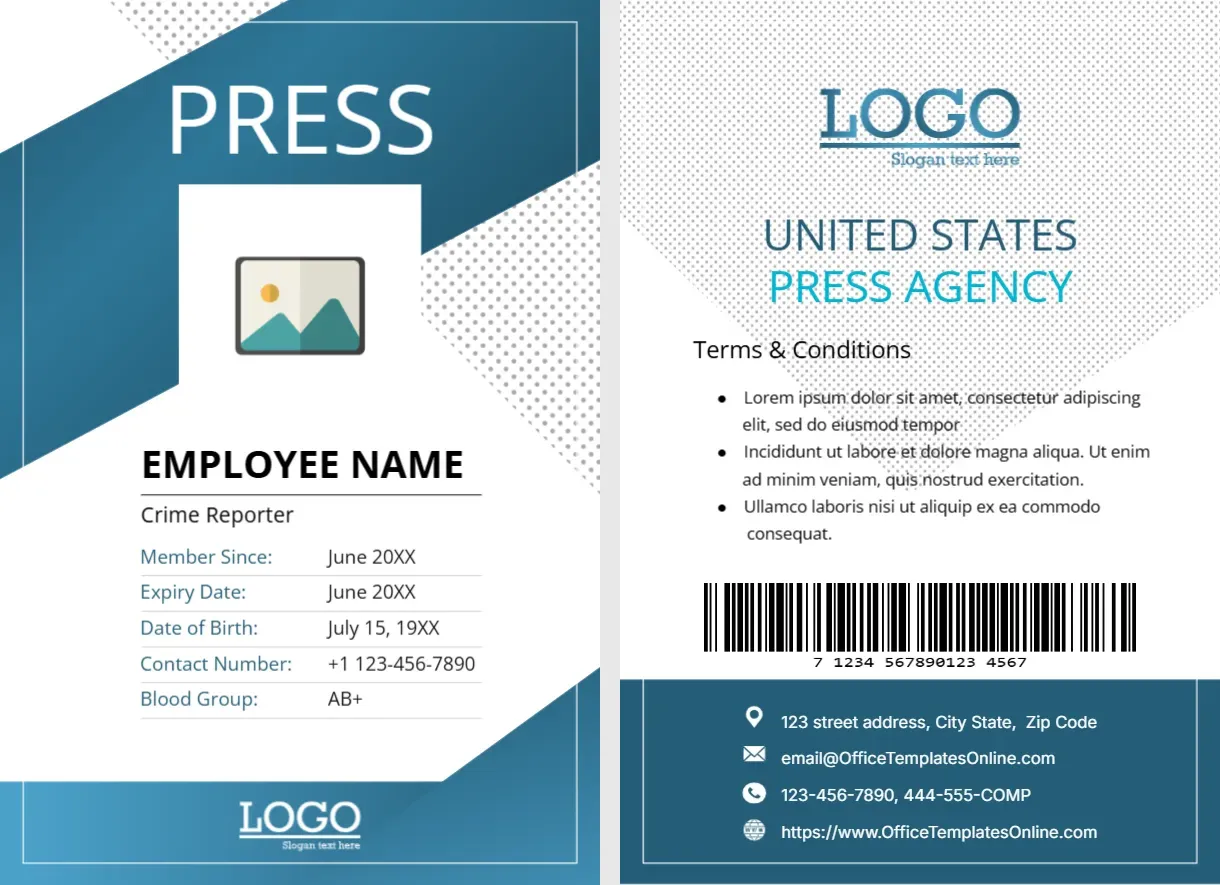
Top Picks


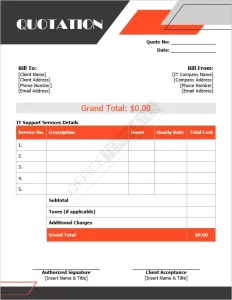
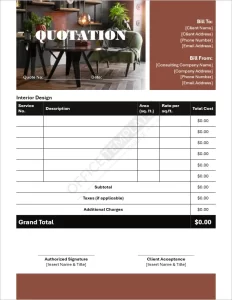


Open in Word (works in Google Docs) or Excel (works in Google Sheets), add your company details, line items, and currency, then export to PDF for sharing and record-keeping.
- Sales & Purchasing:
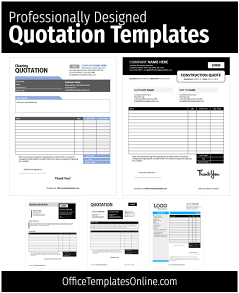
Quotation Templates (Word),
Purchase Order (Word),
Sample PO Form - Expenses & Logistics:
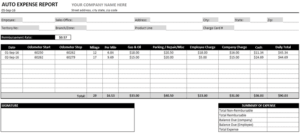
Auto Expense Report (Excel),
Weekly Expense Report (Excel),
Packing List (Excel) - Accounting & Records:
Balance Sheet (Excel),
General Ledger (Word) - Agreements & Credit:
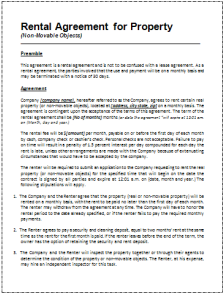
Rental Agreement (Word),
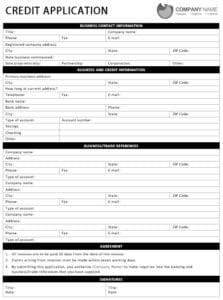
Commercial Credit Application (Word)
Which financial template do you need?
- Quotation (Word): clear pricing, terms, and acceptance line — start with Quotation Templates.
- Purchase Order (Word): standardized POs with vendor, ship-to, and line items — use
PO Template or the
Sample PO Form. - Expense Reports (Excel): mileage and weekly tracking with formulas — try
Auto Expense Report and
Weekly Expense Report. - Accounting Sheets: yearly Balance Sheet and
General Ledger for clean records. - Operations: shipments with the Packing List; formalize property use with the
Rental Agreement.
Customize in minutes
- Open the DOCX or XLSX file in Word or Excel (Google Docs/Sheets also work).
- Update logo, company info, currency/locale, taxes, totals, and signers.
- Export to PDF for sharing; keep an editable master for future use.
Word vs. Excel — when to use which
- Word: best for client-facing documents (quotes, POs, agreements) with polished branding.
- Excel: best for trackers and statements (expenses, balance sheets) with built-in formulas.
Record-keeping tips
- Use consistent filenames:
PO-2025-09-####,QUOTE-Client-YYYYMMDD. - Protect Excel totals and lock formula cells to prevent accidental edits.
- Export signed documents to PDF to preserve layout and signatures.
FAQs
Can I change currency and tax?
Yes – update currency symbols, number formats, and tax rates directly in the template.
Will these work in Google Workspace?
Yes – DOCX opens in Google Docs and XLSX in Google Sheets; export to PDF when finished.
Do you have invoices and receipts?
Yes – see our Invoices & Receipts category for matching sets.
Advertisement
