
Free Report Templates for Word & Excel - Business, School & Projects
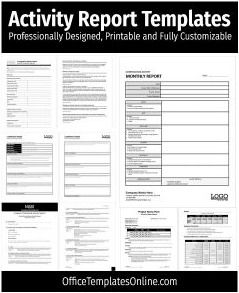
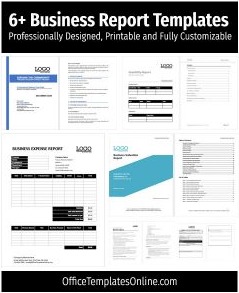
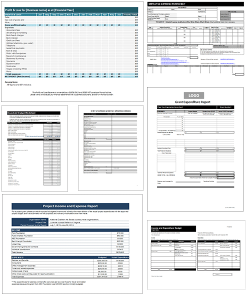
Need a clean, professional report-fast? This hub collects free, editable report templates for Microsoft Word and Excel so you can write, format, and share polished reports without starting from a blank page.
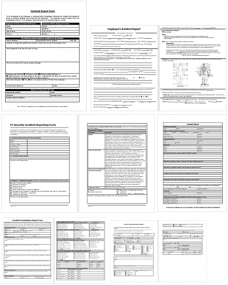
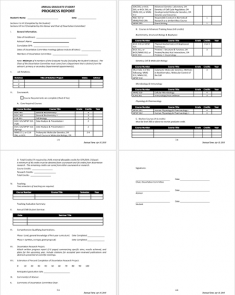
Whether you’re putting together a business report, project update, marketing summary, incident report, or a student/school report, the templates below help you stay consistent with headings, tables, and print-ready layouts.

Advertisement


Advertisement


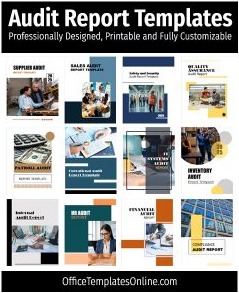
Popular Online Editable Templates
Want to customize designs on the fly? Explore our online template editor library below. Pick any design, update text and graphics directly in your browser, and export print-ready files instantly.
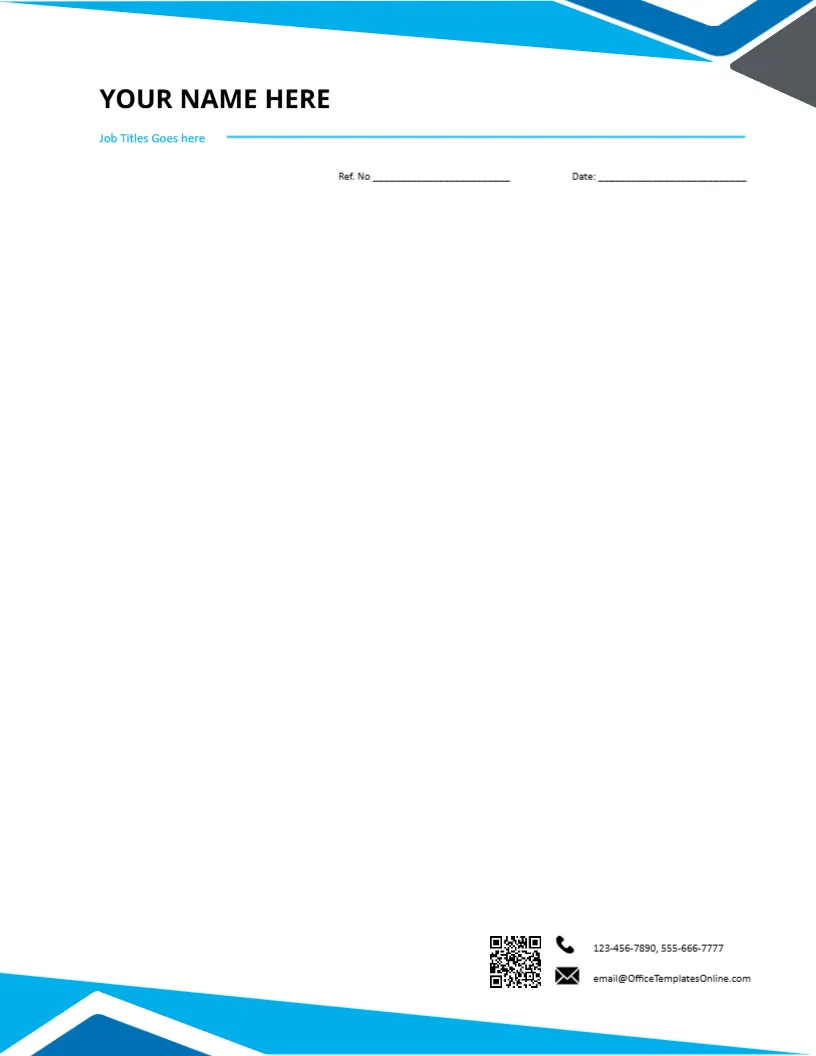
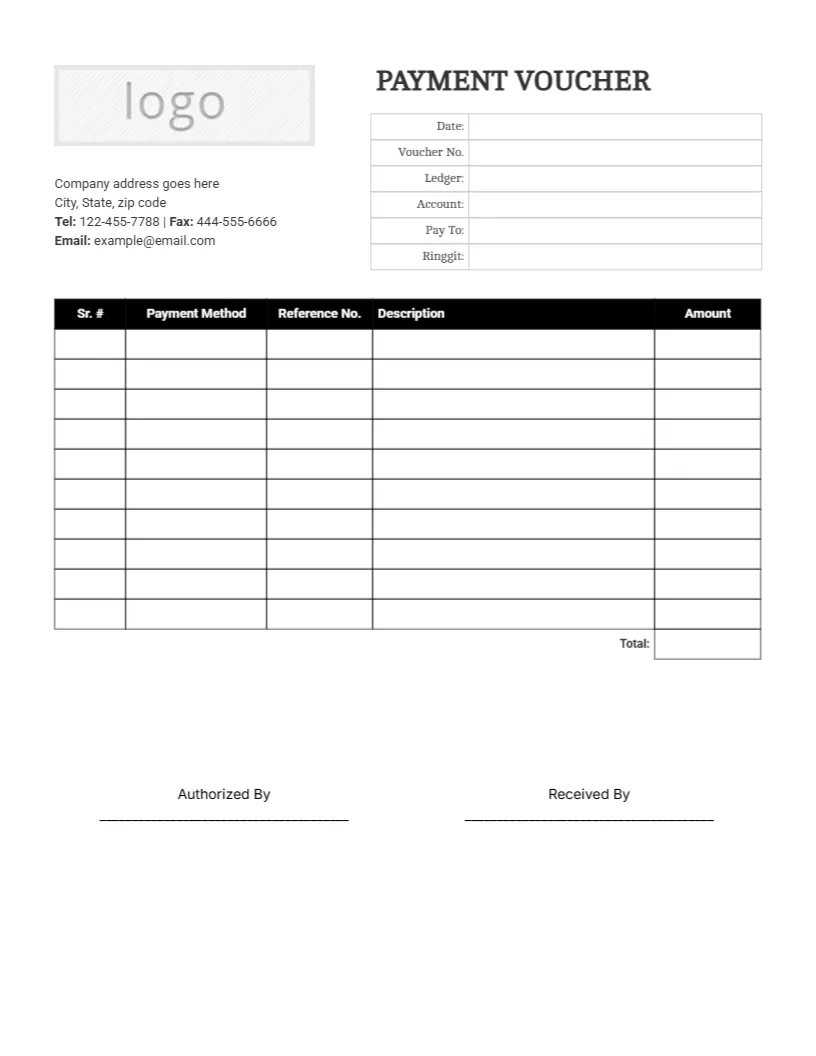
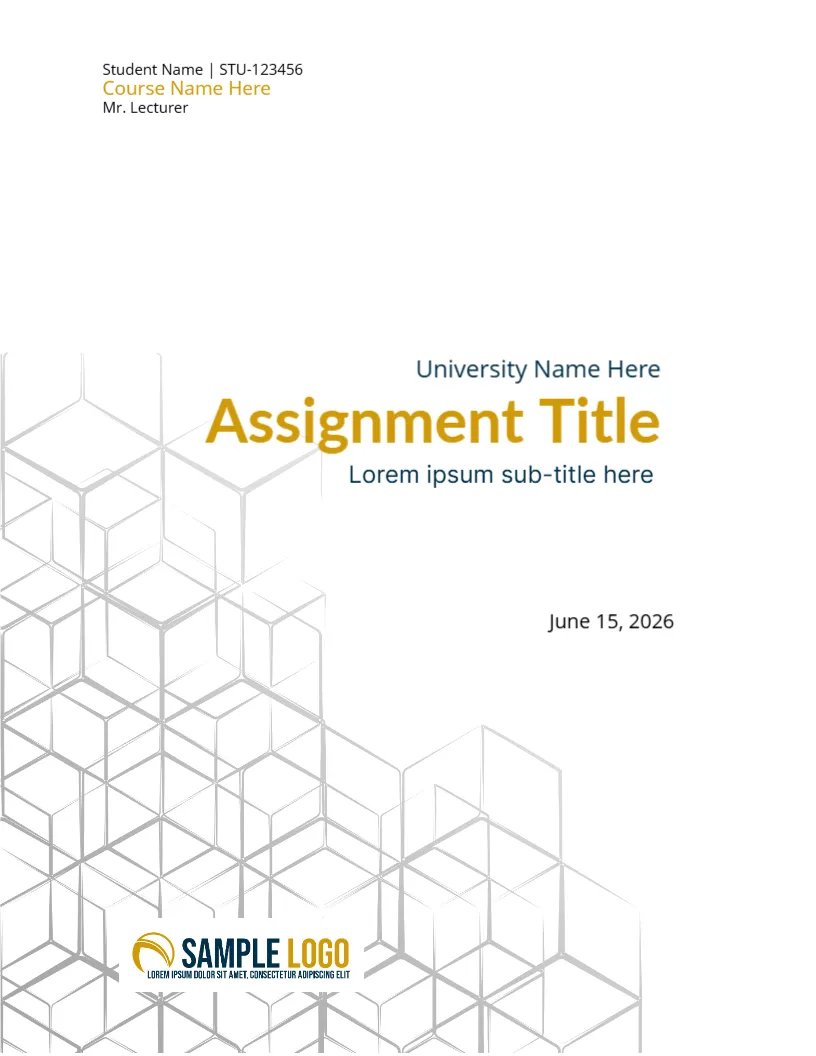
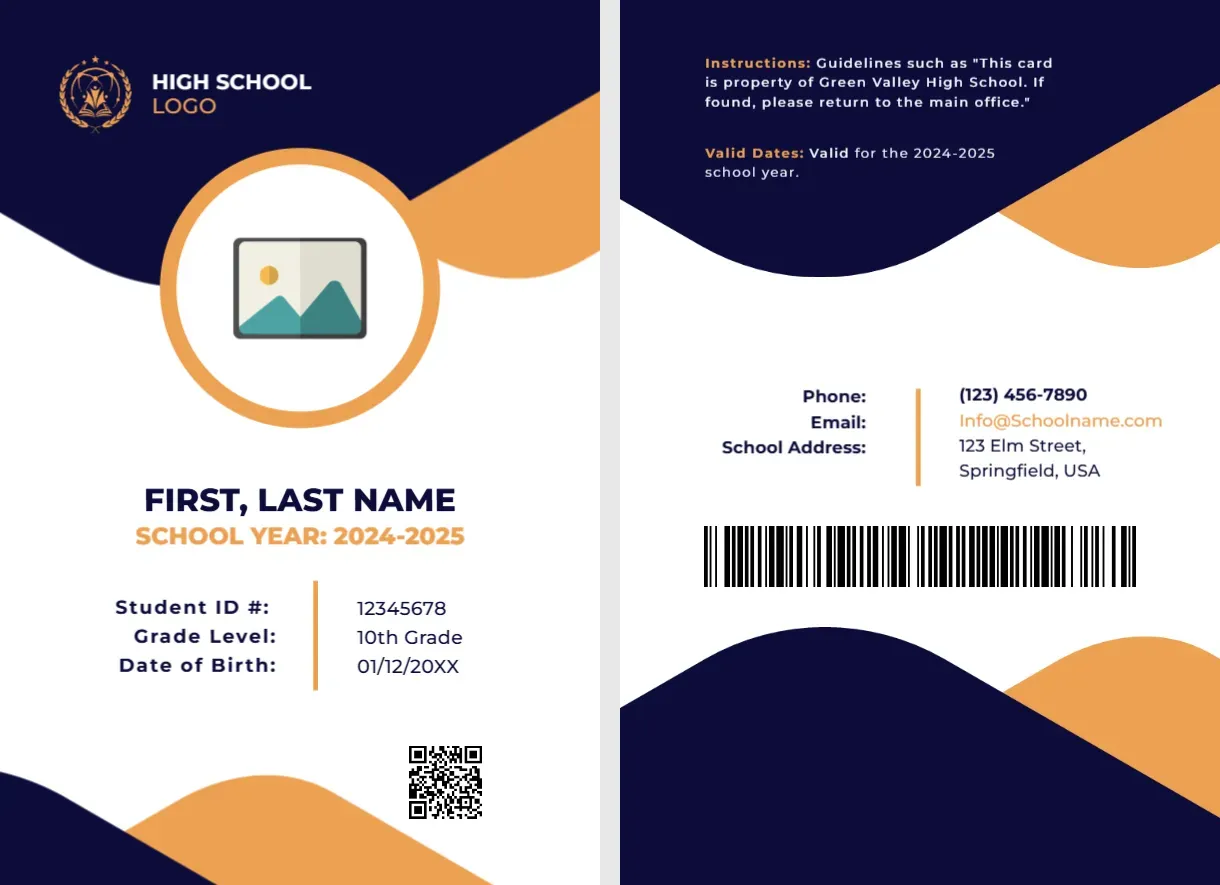

Top Picks








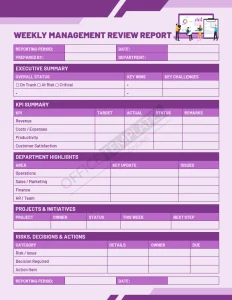
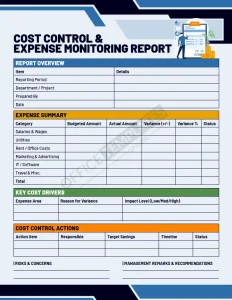
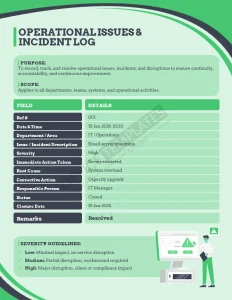
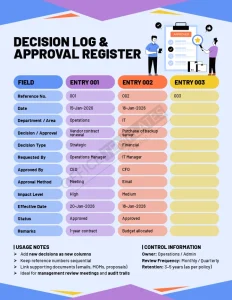
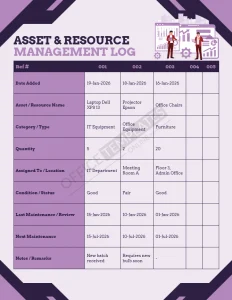
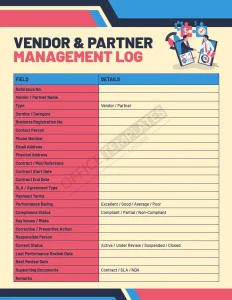
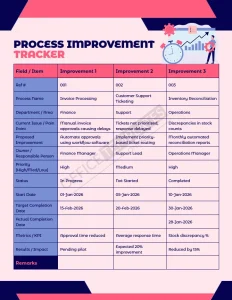
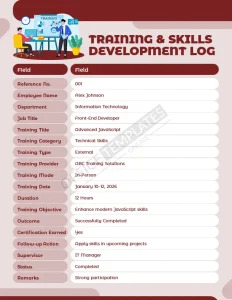
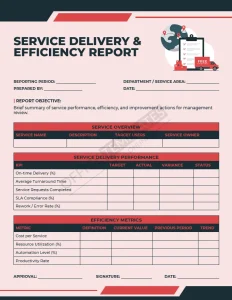
What is a report template?
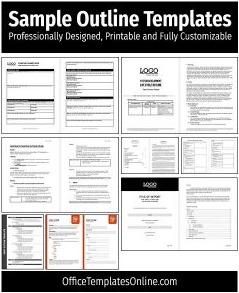
A report template is a pre-built document layout (Word) or spreadsheet structure (Excel) that includes common sections like titles, summaries, findings, and action items – so you can focus on the content instead of formatting.
Why use Word or Excel report templates?
- Save time: ready-made sections, headings, and tables are already set up.
- Look professional: consistent structure makes your report easier to read and trust.
- Make updates painless: reuse the same layout for weekly/monthly reporting.
- Export cleanly: finalize in Word/Excel and share as PDF when needed.
Types of report templates (browse by use case)

Business & project reporting
- Business report templates
- Project report templates
- Marketing report templates
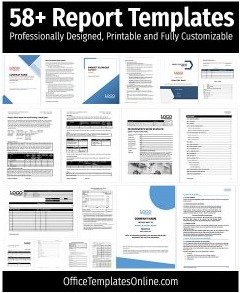
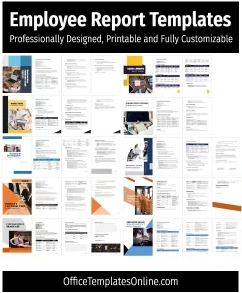
- Complete set: 58+ report templates (Word/Excel)
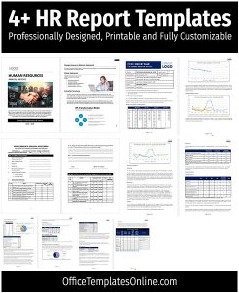
Operations, HR & compliance
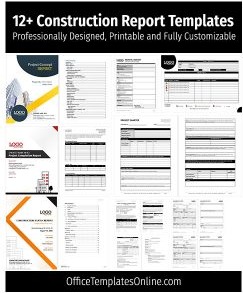
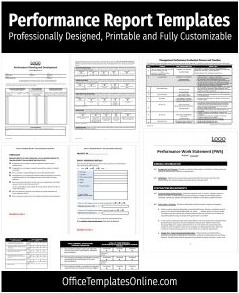
Construction, field & performance tracking
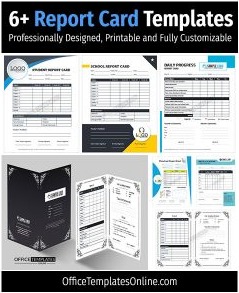
School & student reporting
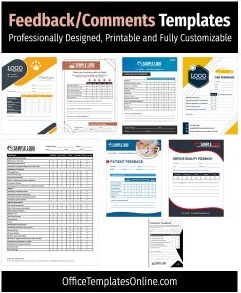
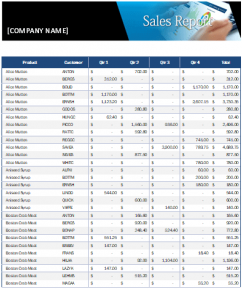
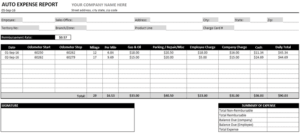
Sales, expenses & feedback
Ready to download? Scroll the templates below to pick a layout, open it in Word/Excel, and customize it with your logo, headings, and data.
What’s included in a standard report (so you don’t miss anything)
Most professional reports – whether business, school, or project-based—share a familiar structure. If you’re not sure what to include, use this as a checklist:
- Title page: report name, author, date, department/client, version
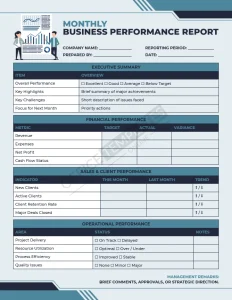
- Executive summary: key outcomes, highlights, and recommendations
- Objectives & scope: what the report covers (and what it doesn’t)
- Methodology: data sources, tools, timeline, assumptions
- Findings: results, evidence, tables/charts
- Recommendations / next steps: actions, owners, deadlines
- Appendix: references, raw data, supporting material

How to customize these report templates (Word & Excel)
In Microsoft Word
- Replace placeholder text with your headings, summary, and findings.
- Update fonts/colors using Word’s theme settings for consistency.
- Add a simple table of contents for longer reports (optional).
- Export to PDF before sharing to keep formatting stable.
In Microsoft Excel
- Paste your data into the tables and update totals/formulas if needed.
- Use clear labels (dates, departments, categories, KPIs).
- Create one simple chart for key metrics (avoid clutter).
- Save a “clean copy” version you can reuse monthly.
Tips & best practices for better reports
- Lead with the “so what”: put decisions and recommendations near the top.
- Keep sections scannable: short paragraphs, bullets, and clear headings.
- Use visuals with intention: one good table/chart beats five confusing ones.
- Stay consistent: same headings, same order, same metrics each reporting cycle.
- Match the template to the job: narrative-heavy reports ? Word; data-first reporting ? Excel.
Report templates FAQ
Do these report templates work in Google Docs or Google Sheets?
Yes. You can import the DOCX/XLSX file into Google Docs/Sheets, edit it there, and export as PDF when you’re done.
Should I use Word or Excel for my report?
Use Word for narrative, client-facing, or school-style reports. Use Excel for KPI dashboards, sales/expense reporting, and data-heavy tracking.
Can I customize the colors, fonts, and branding?
Yes. In Word, update themes/styles and replace the logo. In Excel, adjust cell styles and header formatting to match your brand.
What’s the fastest way to make a report look professional?
Use consistent headings, keep spacing clean, and summarize outcomes at the top. If you include visuals, stick to one or two clear tables/charts.
Which report types are most popular on this page?
Visitors commonly start with business, project, marketing, incident, and construction reports—then move to specialized templates from there.
Related: If you need supporting documents, explore cover pages for Word to pair with your final report.
Advertisement
