Free Cover Page Maker – Create Professional Cover Pages Online
Part of: Business & Office
Create a Professional Cover Page in Minutes
Your cover page is the first impression of your document, assignment, or report. With our free online Cover Page Maker, you can design a clean, professional, and fully customized cover page in just a few clicks.
Choose from dozens of ready-made templates or start from a blank page using our powerful editor. Add your title, subtitle, images, logos, and styling exactly the way you want — no design skills required.
Download your final design instantly in PDF, PNG, or JPG format, ready to use for school, business, or personal projects.
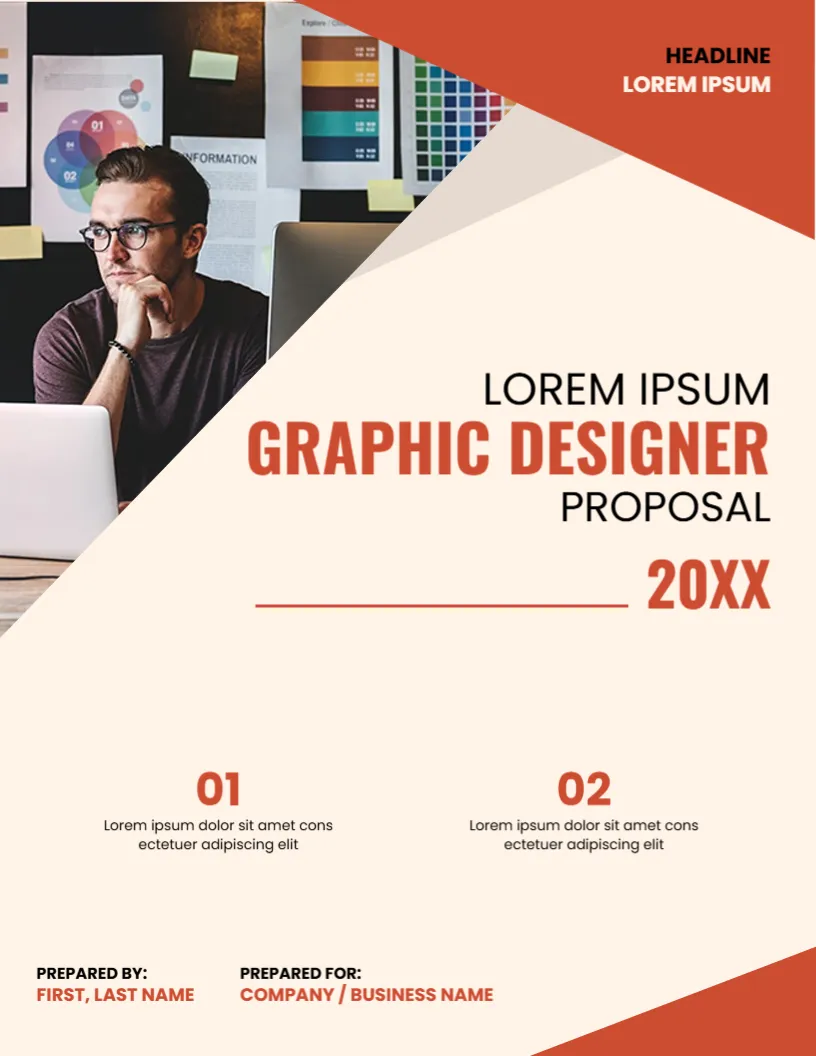
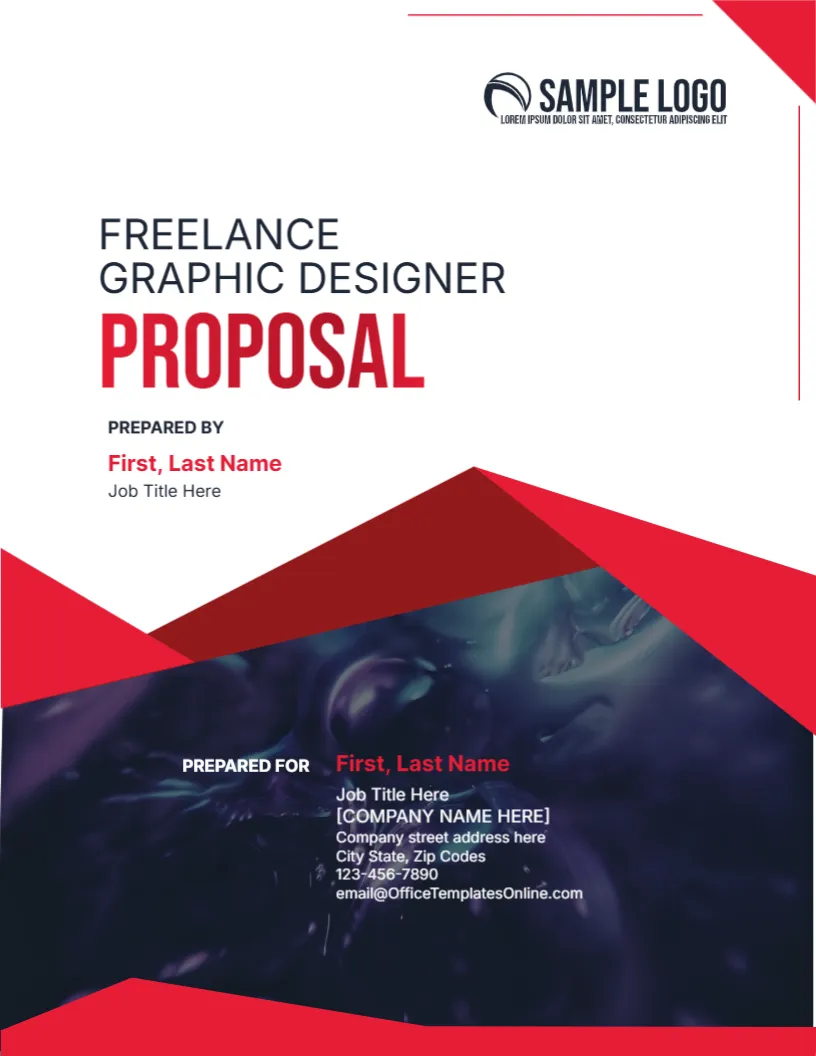
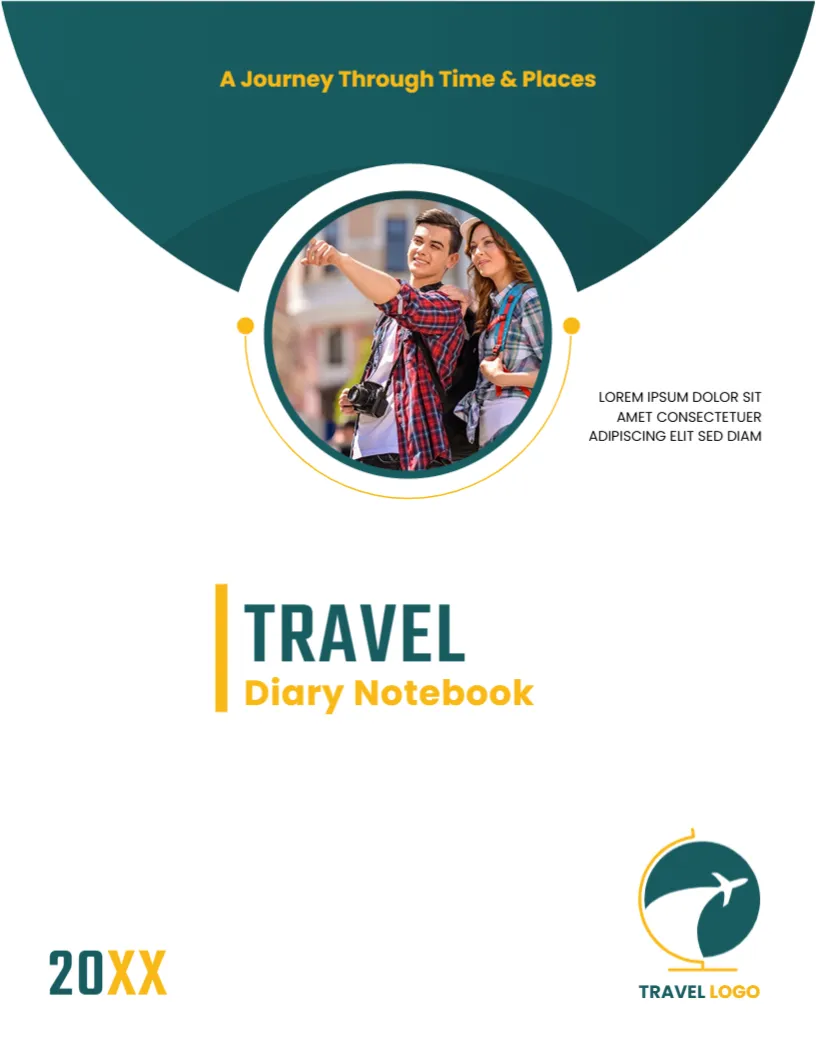

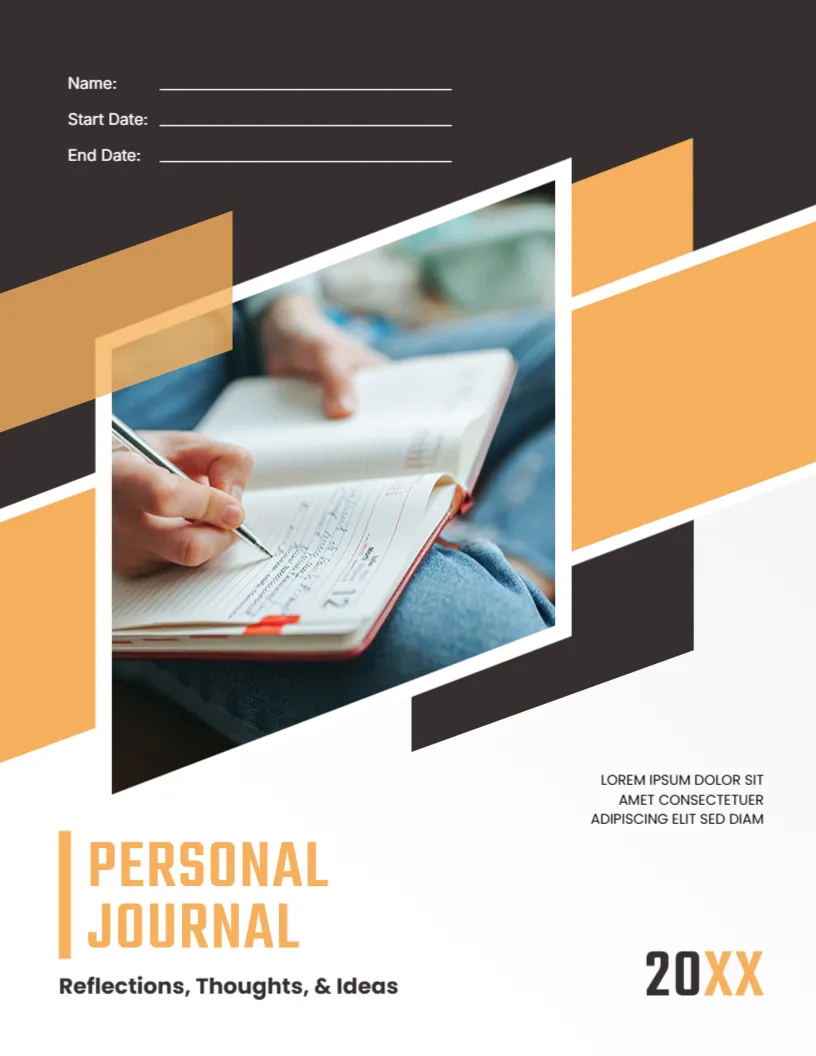

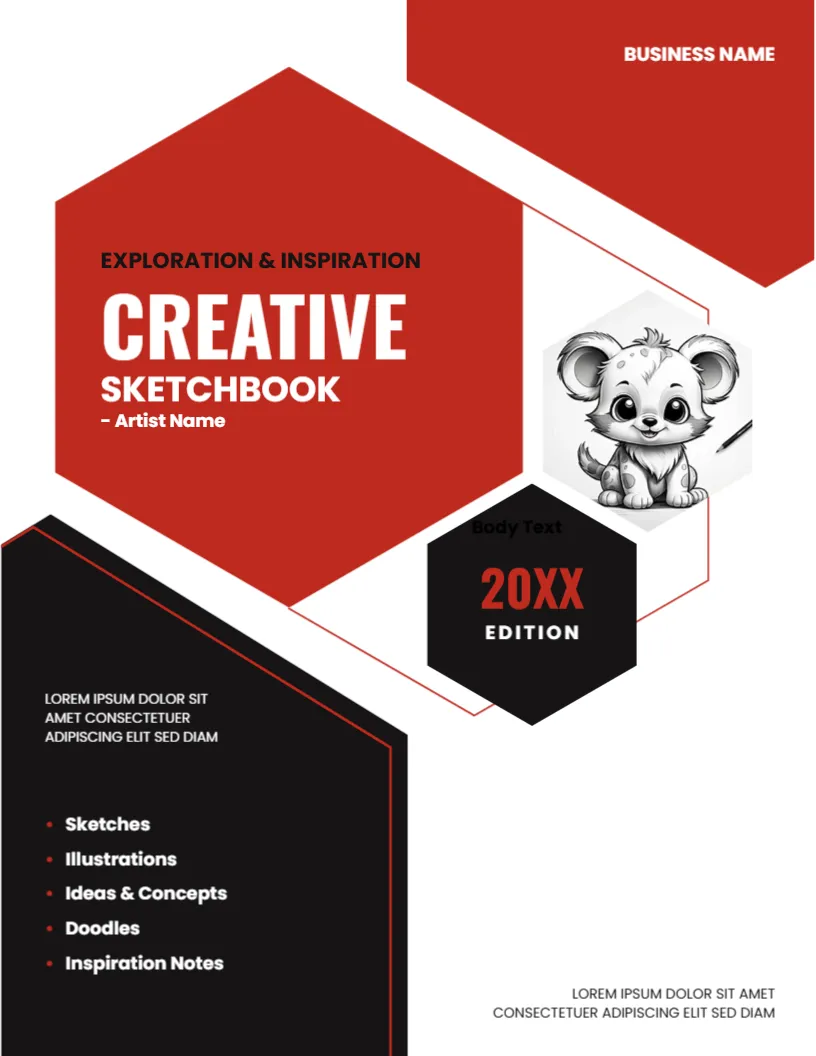

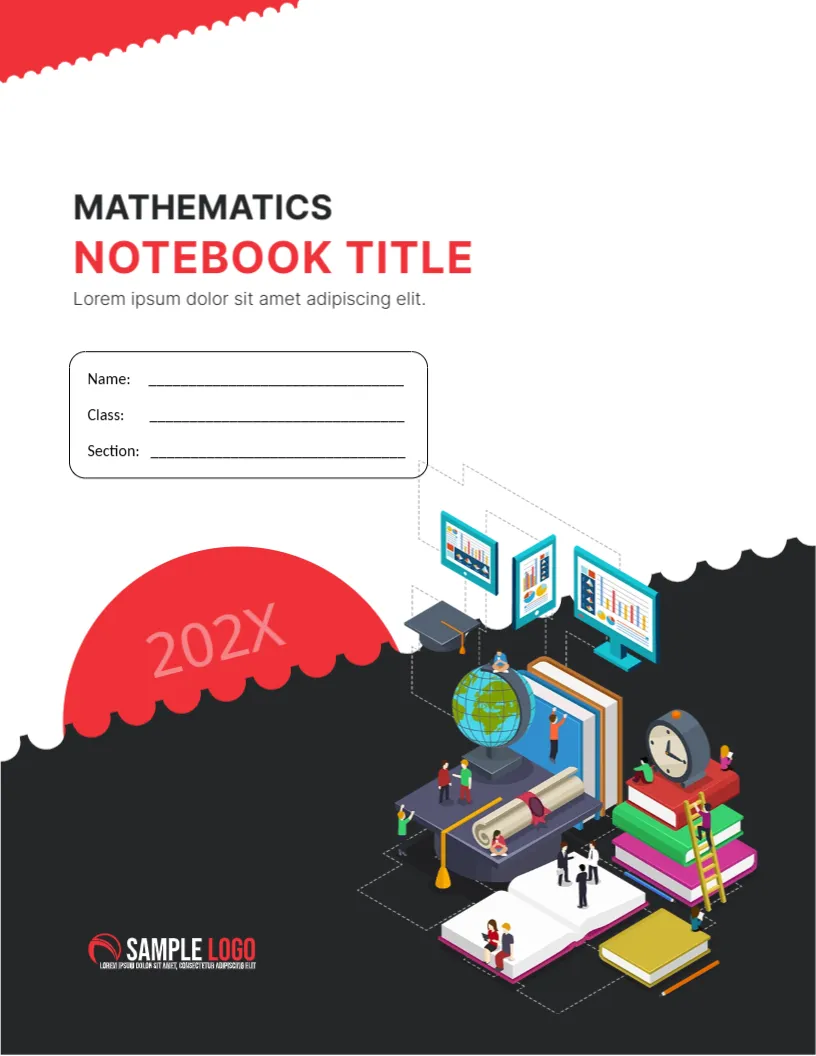
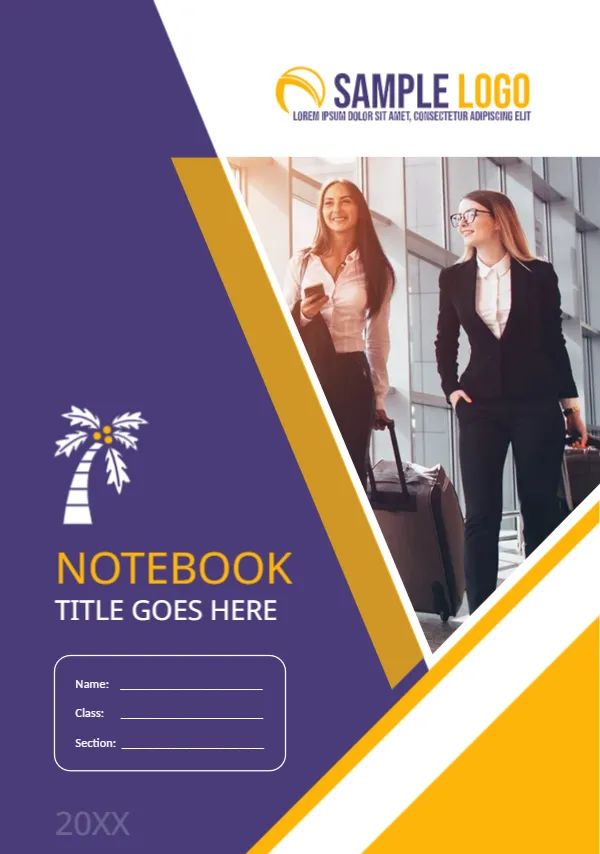
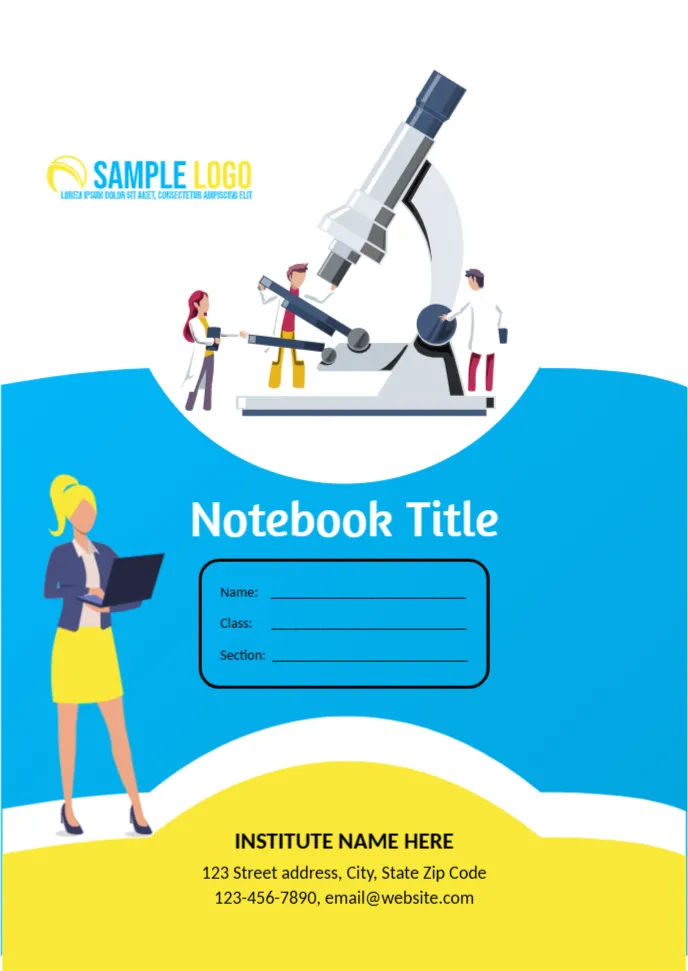
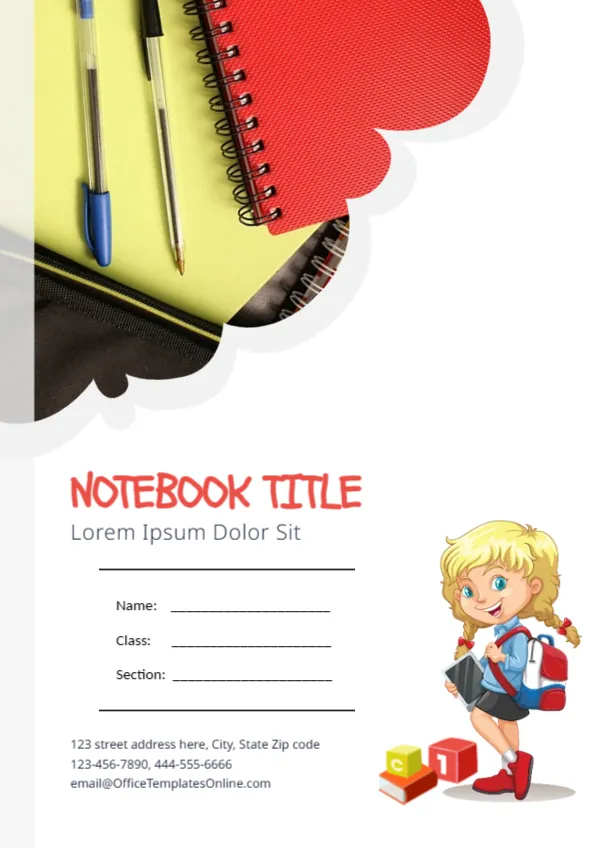
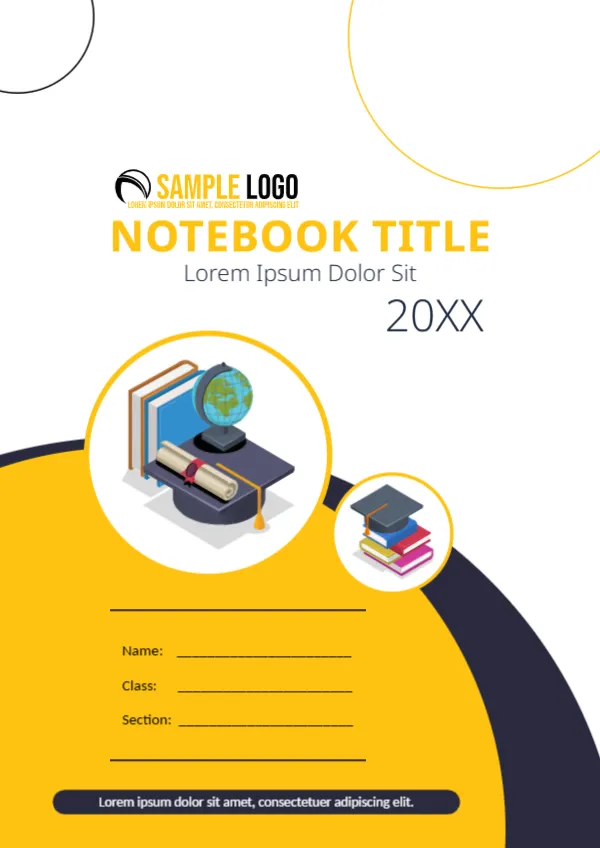
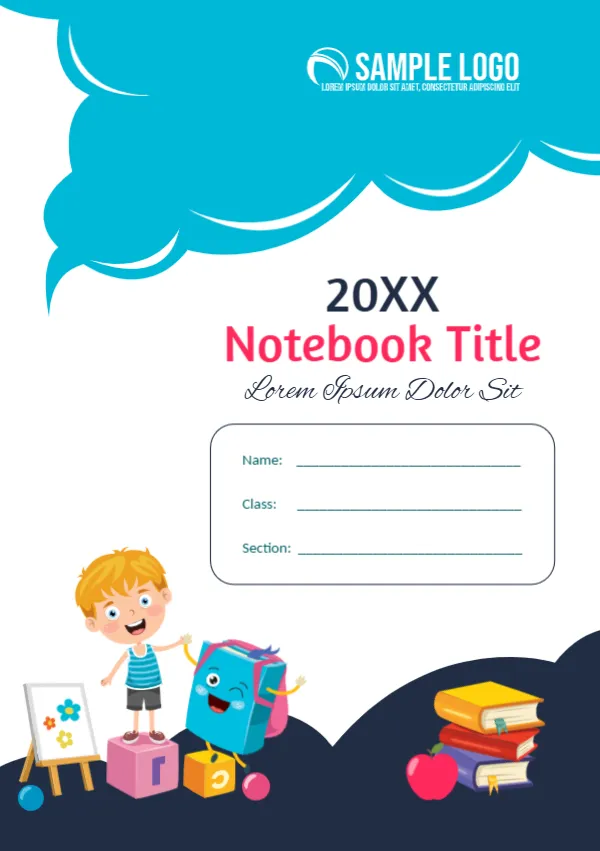
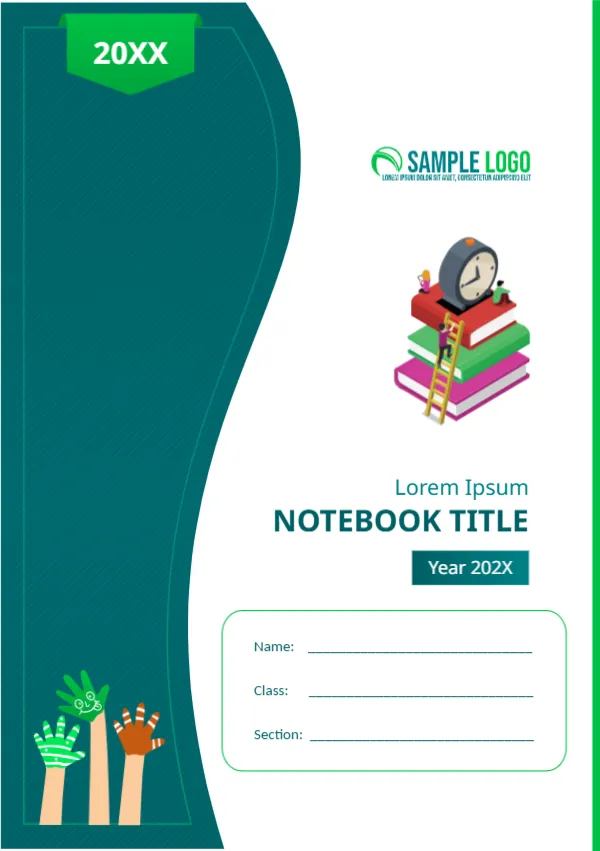
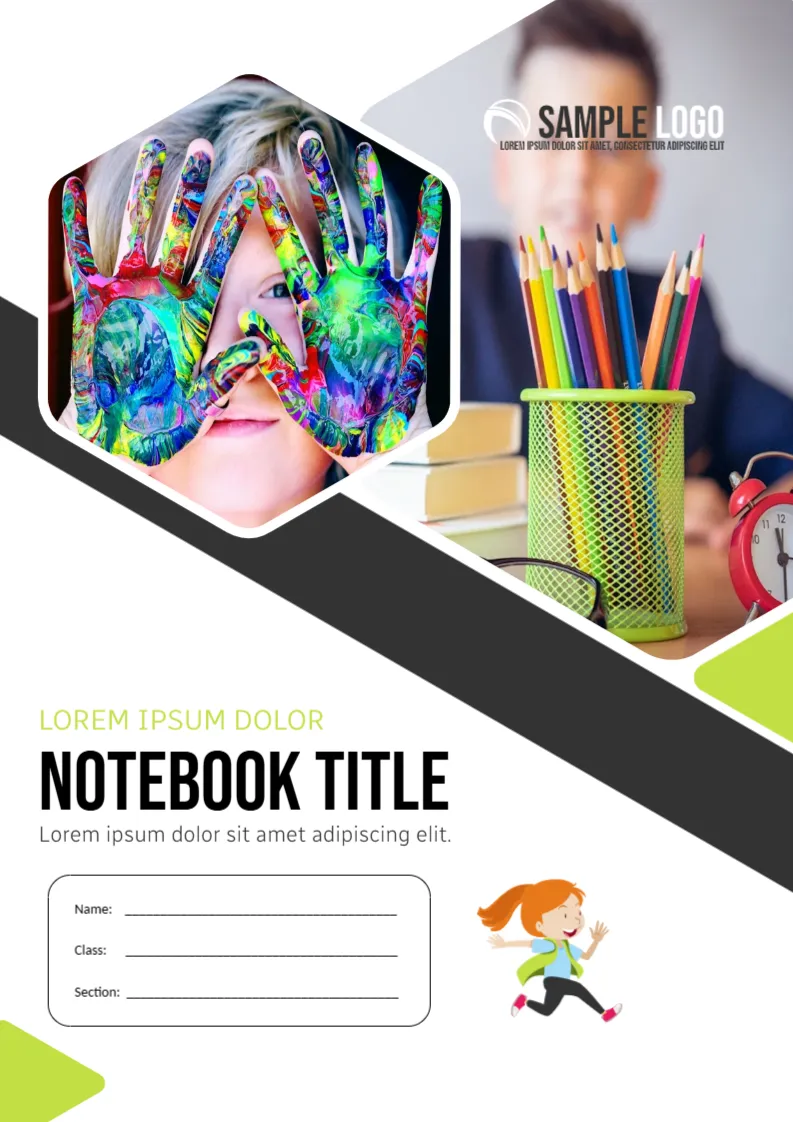


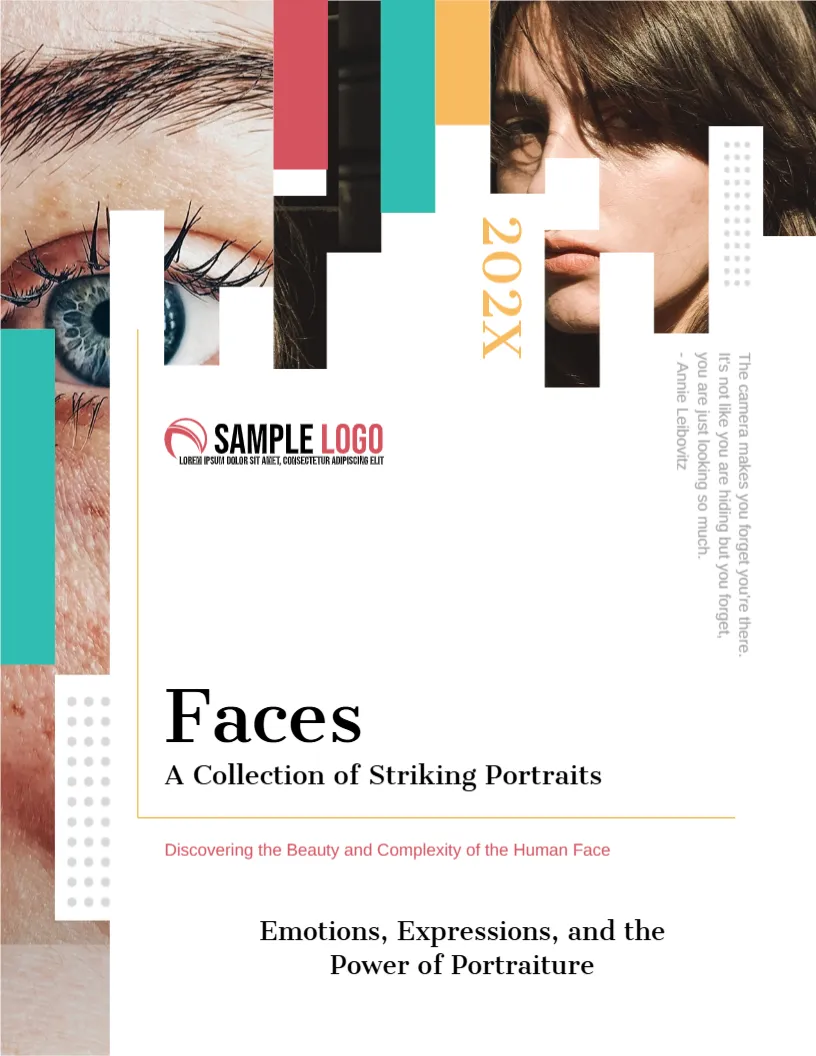
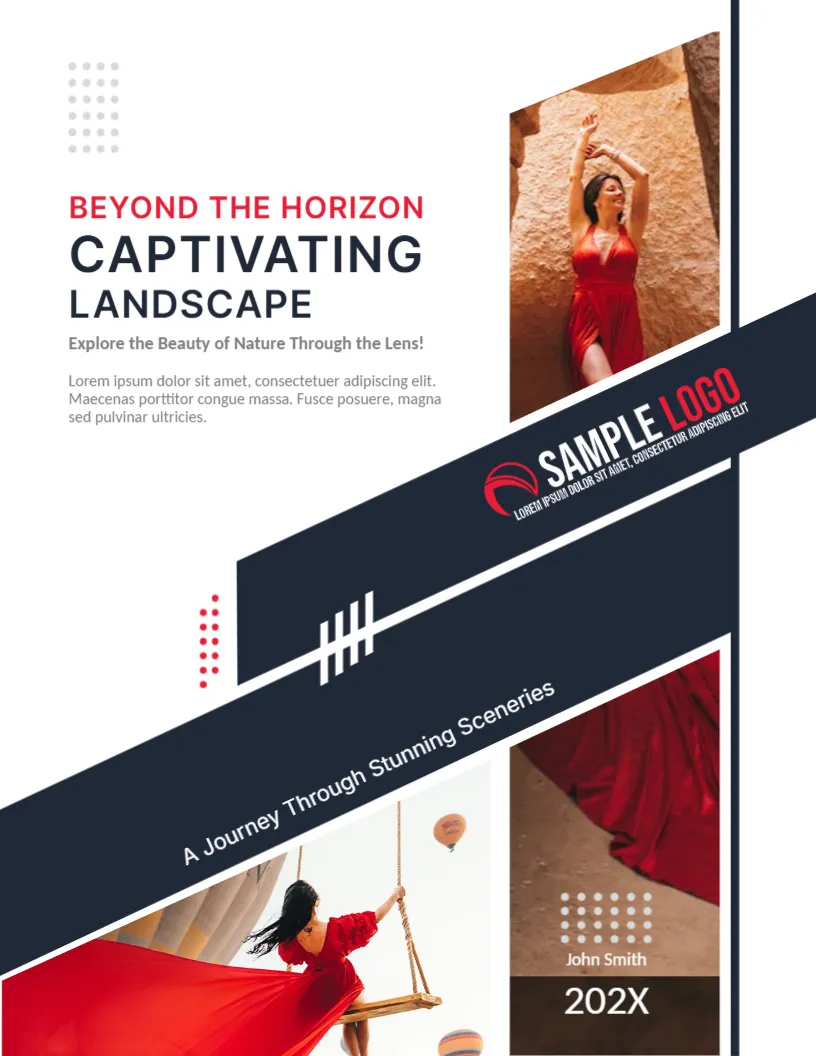
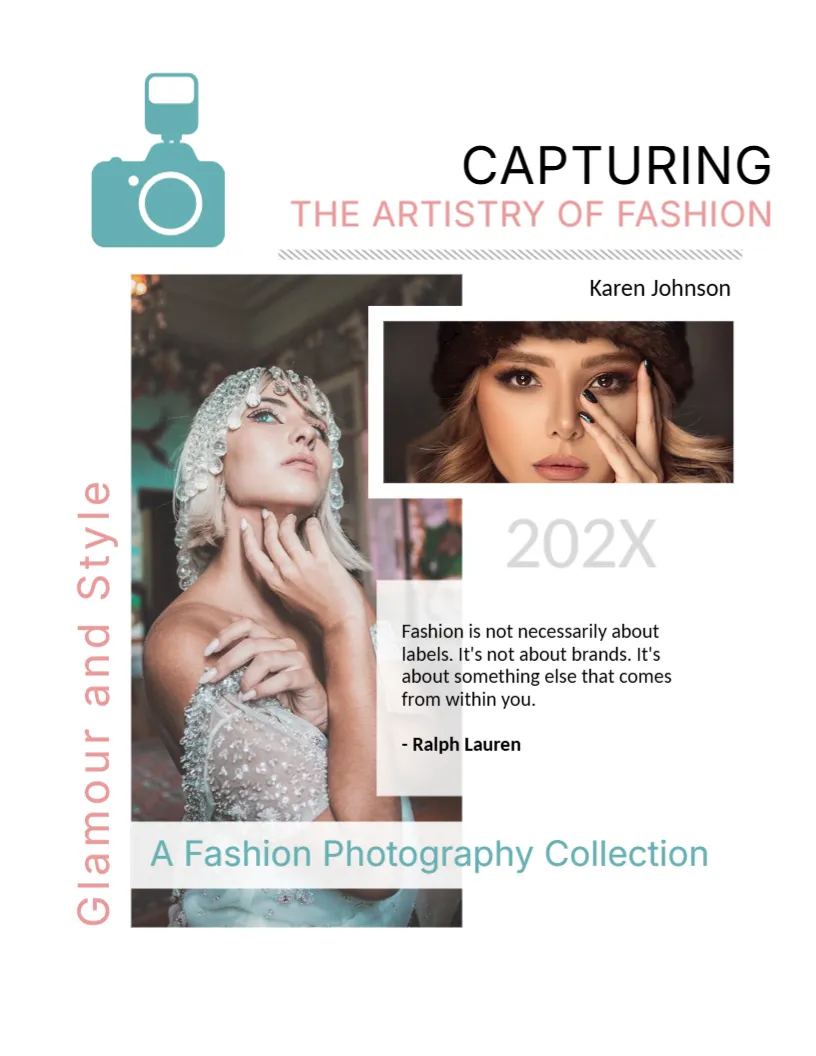




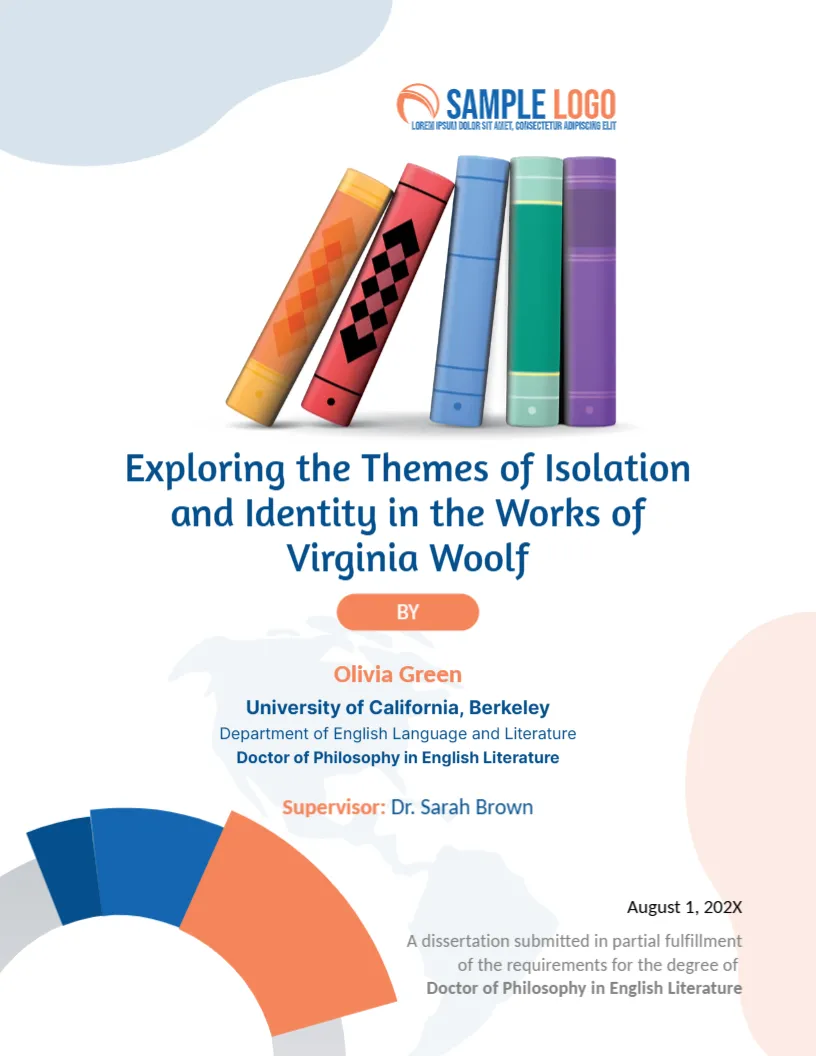



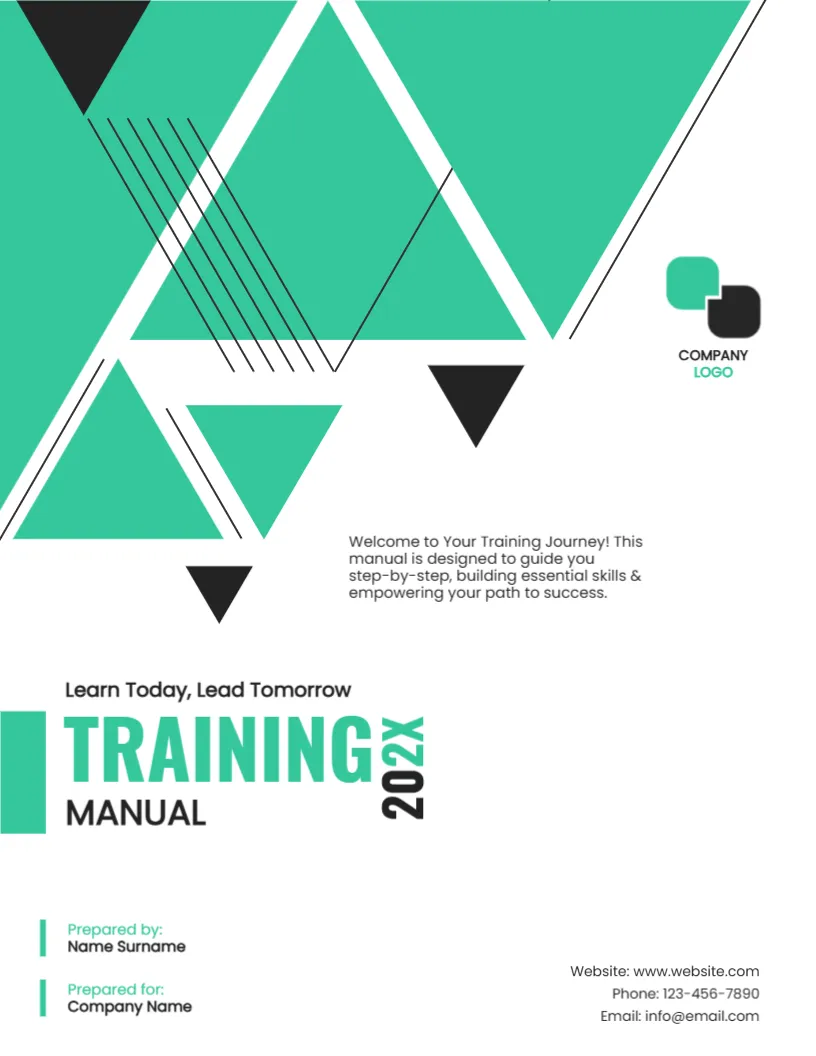
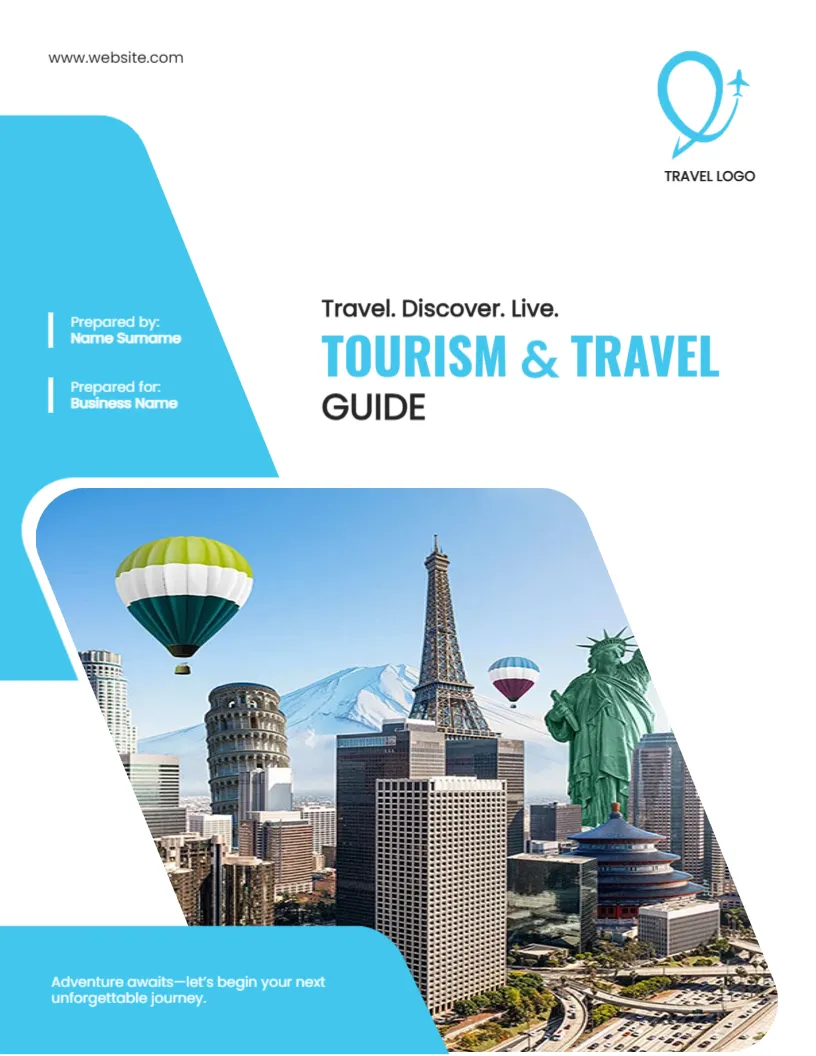


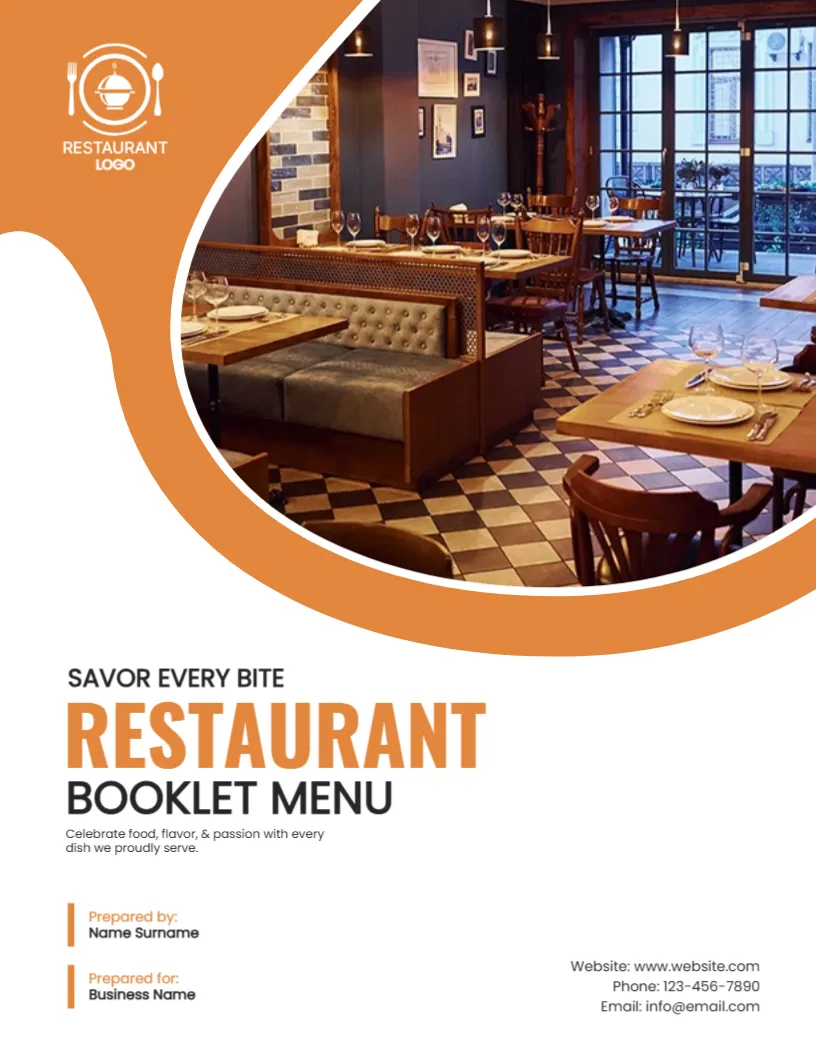

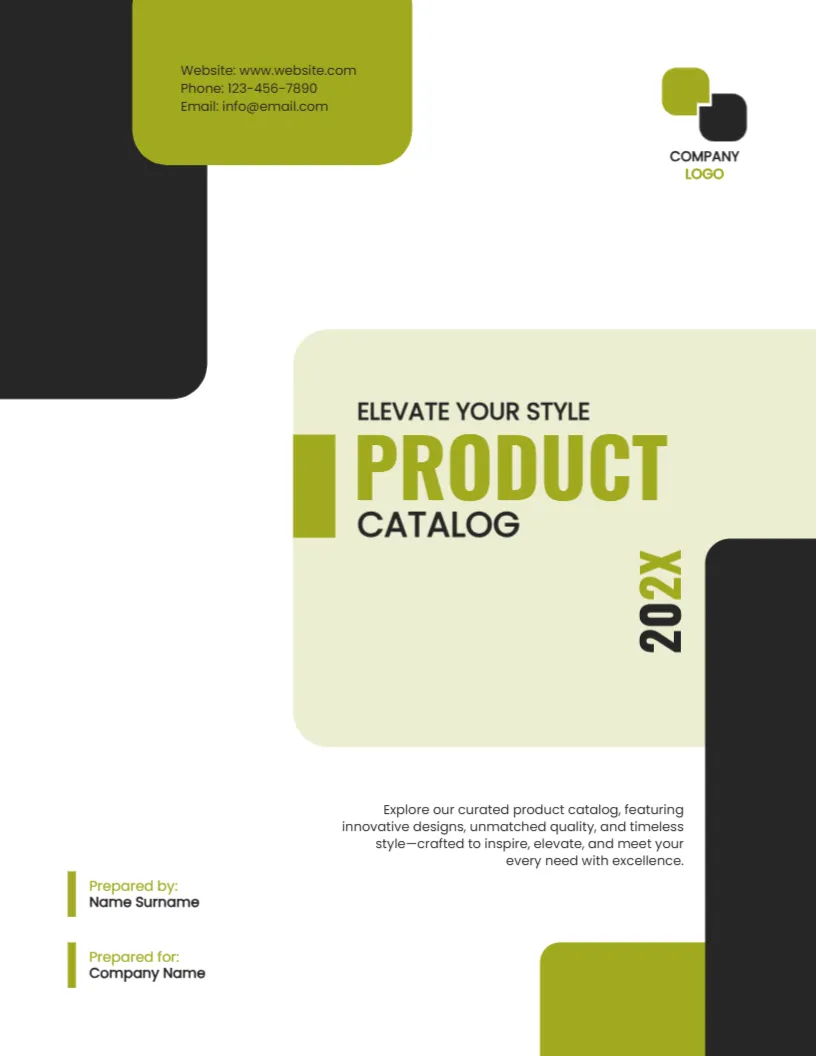
What is a Cover Page Maker?
A cover page maker (also known as a cover page generator) is an online tool that helps you create a visually appealing front page for your document without needing design software.
Instead of building everything from scratch, you can:
- Select a pre-designed template
- Customize text, fonts, and layout
- Add images or logos
- Export your design instantly
Our tool combines the simplicity of a generator with the flexibility of a full design editor.
Browse Cover Page Templates
Explore our collection of professionally designed cover page templates below. Click on any template to start editing instantly or use it as a starting point for your own custom design.
Features of Our Cover Page Generator
Our online cover page generator is designed to be simple, fast, and flexible:
- Editable Templates – Choose from a wide variety of modern designs
- Start from Blank – Create a completely custom cover page
- Drag-and-Drop Editor – Easy to use, even for beginners
- Custom Fonts & Colors – Match your brand or academic style
- Image & Logo Support – Upload and place your visuals
- Multiple Download Formats – Export as PDF, PNG, or JPG
- No Software Installation – Works directly in your browser
Create Cover Pages For Any Purpose
You can use our cover page maker for a wide range of purposes:
- School assignments
- Research papers
- Business reports
- Project submissions
- Portfolios
- Books and eBooks
- Proposals and presentations
Whether you're a student, teacher, or professional, you can quickly generate a polished cover page.
How to Create a Cover Page Online
Creating your cover page is simple:
- Choose a template or start from a blank page
- Customize your text, fonts, and layout
- Add images, logos, or design elements
- Preview your design
- Download in PDF, PNG, or JPG format
No signup required — just design and download.
Why Use an Online Cover Page Generator?
Using an online cover page generator saves time and ensures professional results without needing advanced design tools. Unlike traditional software, everything is accessible in your browser, making it faster and more convenient.
You can quickly experiment with different layouts, styles, and formats until you find the perfect design.
What Makes a Cover Page Look Professional
A good cover has a clear hierarchy. The title is the largest element, supporting details sit below it in a smaller size and the logo or decoration stays at the edges. Leave generous white space, use no more than two fonts and keep colors to a small palette. A cover that looks calm and organized gives the reader confidence in the content behind it.
Information to Include
- The title of the work, and a subtitle if the title needs context.
- The name of the author, student or team.
- The organization, school or department.
- The date or version number.
- A course name, client name or reference number where relevant.
Printing and Binding Tips
If your document will be bound, leave an extra margin on the binding edge, usually about 10 to 15 mm. Print the cover on slightly heavier paper than the pages inside, for example 160 gsm for the cover and 80 gsm for the body. For documents sent as a PDF, download the cover as a PDF and merge it with the rest of the file so the first page is always the cover.
Keeping Covers Consistent Across a Series
If you produce reports every month or every term, keep one master cover and change only the title and date. Readers will recognize your documents in a pile, and your work will look planned instead of improvised. Save the editable master so you do not have to start from scratch next time.
Choose a Cover Page by Document Type
A cover works hardest when it matches the document behind it. These pages sort the designs by use.
- Assignment cover pages: coursework for school, college and university.
- Business and report cover pages: proposals, plans, research papers and case studies.
- Magazine cover pages: newsletters, yearbooks and publications.
Frequently Asked Questions
Q1: Is this cover page maker free?
Yes, you can create and download cover pages for free.
Q2: Can I create a cover page from scratch?
Yes, you can start from a blank page and design your own layout.
Q3: What formats can I download?
You can download your cover page in PDF, PNG, and JPG formats.
Q4: Do I need design experience?
No, the editor is beginner-friendly and easy to use.
Q5: Can I use these templates for business use?
Yes, the templates are suitable for both personal and professional use.
More Questions About Cover Pages
What is the difference between a cover page and a title page?
A cover page is a designed first page, while a title page follows a set academic format. Some institutions want one or the other, so check the guidelines.
How big should the title be on a cover page?
Large enough to read from arm length, usually between 28 and 48 points, with supporting details smaller.
Can I combine a cover page with my document in one PDF?
Yes. Download the cover as a PDF and merge it with your document using a PDF tool so both stay together.
Can I add a photo to a cover page?
Yes. Upload a picture and place it in the image area, then adjust the colors of the text so it stays readable.
Explore Related Categories
Business and office templates for the documents every team needs, from letterheads, business cards and envelopes to cover pages, price lists, purchase…
Professional letterhead templates help businesses, organizations, consultants, and professionals maintain a consistent brand image across official correspondence. A well-designed letterhead enhances credibility…
Cover page templates for business reports, project proposals, marketing plans, research papers, case studies and portfolios. Add the title, company and date,…
Business card templates help professionals create a strong first impression when networking, meeting clients, and promoting their services. Our editable business card…
Fact sheet templates for products, programs, funds, venues, safety information, biographies and school projects. Put the key numbers, dates and details on…
Assignment cover page templates for subjects such as law, psychology, economics, physics, computer science, philosophy and environmental science. Add your course, name,…
Research paper cover page and title page templates for APA, MLA, Chicago, Harvard and IEEE styles, lab reports, theses, dissertations, case studies…
Holiday and seasonal templates for every date on the calendar, from Eid and Mother's Day to Halloween, Independence Day, Labor Day and…
Card and invitation templates for the moments people remember, including birthdays, parties, get well wishes, condolences, announcements, gift tags and event tickets.…
Certificate, ID card and voucher templates for schools, businesses, clubs and events. Create award and employment certificates, student and staff ID cards,…
Marketing and promotion templates for small businesses, shops and teams, including flyers, promotion banners, signs, outdoor signs, door hangers, job hiring posters,…
Education templates for teachers, schools, tutors and homeschooling families. Build report cards, progress reports, behavior charts, classroom posters, schedules, homeschool planners and…