Green Triangles That Point Upwards
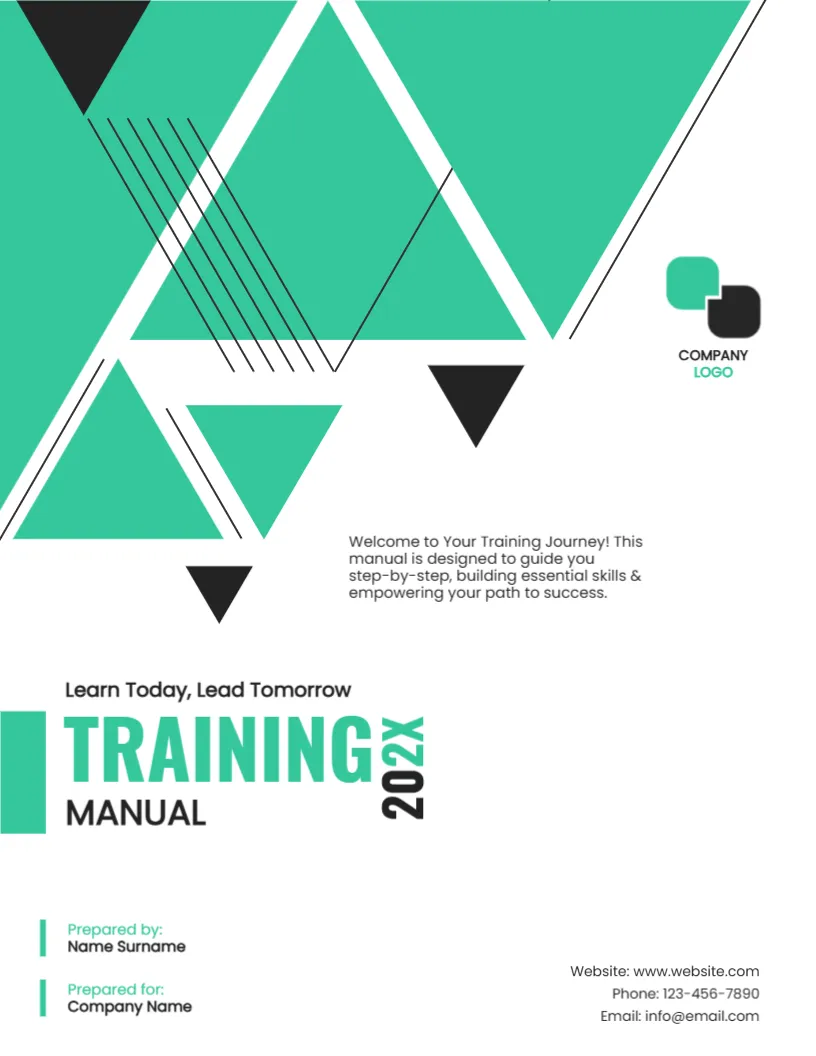
The triangles on this cover point both up and down, which gives it a lively, modern rhythm. A vertical year sits beside the title TRAINING MANUAL, and a welcome paragraph says the manual will guide the learner step by step. It suits companies, trainers and colleges that issue a manual for a course or an onboarding programme.
Triangle Pattern and Bold Title
The page is 8.5 x 11 inches, portrait, one page. A pattern of large mint green triangles and small black ones fills the upper half, with fine parallel lines. The company logo sits at the right. A green bar leads into the title at the lower left.
Title, Tagline and Welcome
Learn Today, Lead Tomorrow sits above TRAINING in green capitals and MANUAL in black, with 202X turned vertical. The paragraph says Welcome to Your Training Journey! This manual is designed to guide you step by step, building essential skills & empowering your path to success. Prepared by, Prepared for, the website, phone and email complete the page.
What a Training Manual Should Include
- Learning objectives.
- Step by step procedures.
- Exercises and checks.
- Safety notes.
- A glossary and contacts.
Writing for Adults Who Learn at Work
Adult learners want practical steps. Use short paragraphs, numbered procedures and screenshots or photos. Test the manual with someone new to the task.
Version Control for Manuals
Put the year and a version on the cover, and keep a change log inside. When a process changes, update the manual quickly so that trainers do not teach the old way.
Printing the Training Manual Cover
Print on 200 gsm and use spiral or comb binding so the manual opens flat on a desk.
Step by Step Editing of the Training Manual Design
- On the training manual design, click the main headline and type your own words, keeping a similar length.
- Retype every name, date and contact line on the training manual design, checking each against a trusted source.
- Search the training manual design for the words Lorem and Company so that no placeholder remains.
- Click any logo or photo on the training manual design, choose Replace Image and resize the new picture to fit.
- Zoom the training manual design to full size and read each line aloud before you save it.
- Keep a clean master of the training manual design without private details, so later versions start tidy.
Quizzes and Sign Off Pages
End each chapter with a short quiz, and add a sign off page where the learner and trainer confirm completion. Records of training are useful for audits and certificates.
Training Feedback Forms
Put a one page feedback form at the back of the manual. Ask what was clear, what was hard and what to add. Use the answers to improve the next edition.
Choosing a Trainer or Mentor
Name a person learners can ask for help during the course. A named contact makes a manual feel supported, and trainees are more likely to finish the programme.
Consider the course guide cover page. Similar designs include the employee handbook cover page. Compare it with the reference guide booklet cover. Every training manual style alternative sits in cover pages.