A Bold Chevron for a Guide That People Keep Open
A quick reference guide sits on a desk or a workbench, so it has to be spotted instantly. This cover uses a bright yellow and navy chevron that points to the year, and big navy capitals that spell QUICK REFERENCE GUIDE. It suits software shortcuts, safety checklists, product quick start sheets, procedures and any short guide that people use again and again.
Chevron, Stripes and Dotted Panel
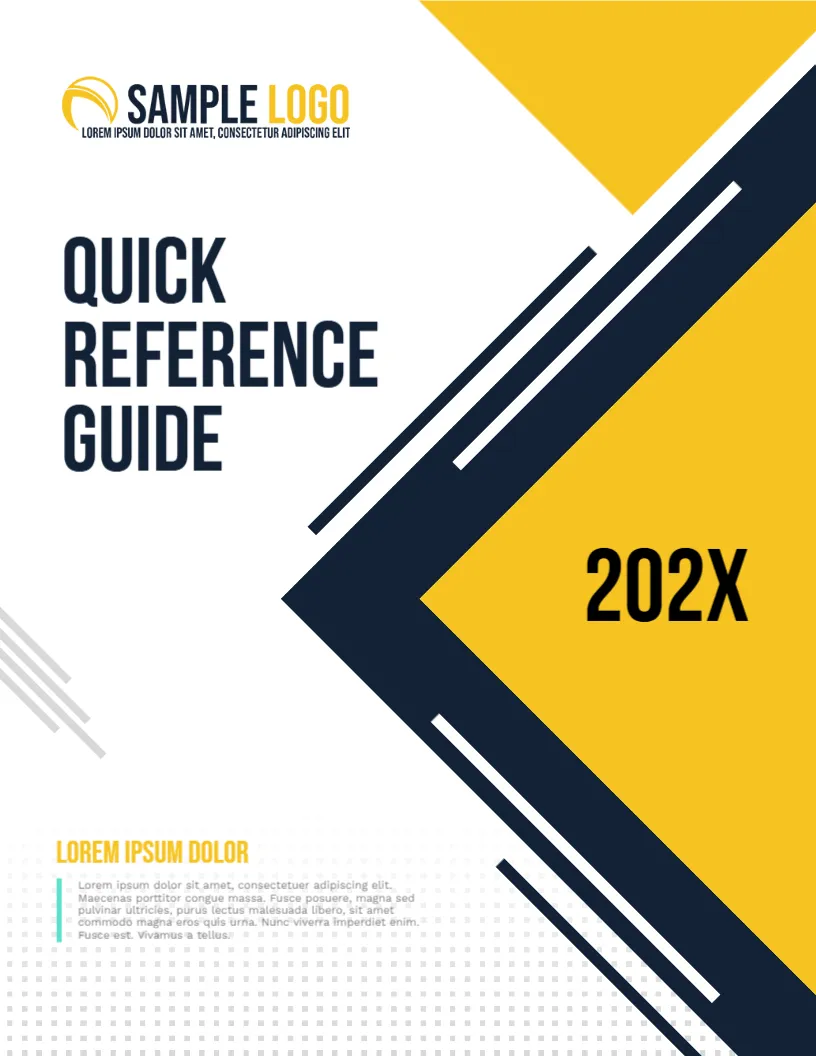
The page is 8.5 x 11 inches, portrait, one page. A navy chevron with thin parallel lines points left at the right edge, with a yellow triangle at the top corner and a yellow wedge below. Light grey stripes sit at the left. A dotted pattern fills the lower part, where a teal bar introduces a short paragraph.
Title, Year and Small Print
SAMPLE LOGO and a tiny line sit at the top left. QUICK, REFERENCE and GUIDE are stacked in heavy navy capitals. The year 202X sits in black on the yellow. LOREM IPSUM DOLOR in yellow heads a short paragraph in grey. Replace the first heading with the topic of the guide, and the paragraph with a sentence on who the guide is for.
Information to Show on the Cover of a Reference Guide
- What the guide covers.
- The version or the year.
- Who it is for.
- Where to get help.
- Where to find the latest copy.
Keeping a Quick Guide Quick
Limit the guide to what people use most. Put the most common tasks on the first pages, and use tables or numbered steps. If the guide grows beyond ten pages, consider splitting it into two.
Lamination for Heavy Use
Guides used in workshops, labs and kitchens benefit from lamination. Print the cover on 250 gsm, and laminate the whole booklet or ring bind it so it can lie flat.
Printing the Yellow Navy Cover
Yellow can look pale on a cheap printer, so run a test. A colour laser or a shop gives a stronger result on 170 gsm paper.
Step by Step Editing of the Quick Reference Guide Design
- On the quick reference guide design, click the main headline and type your own words, keeping a similar length.
- Retype every name, date and contact line on the quick reference guide design, checking each against a trusted source.
- Search the quick reference guide design for the words Lorem and Company so that no placeholder remains.
- Click any logo or photo on the quick reference guide design, choose Replace Image and resize the new picture to fit.
- Zoom the quick reference guide design to full size and read each line aloud before you save it.
- Keep a clean master of the quick reference guide design without private details, so later versions start tidy.
Keeping Reference Content Accurate
A reference guide is only as good as its accuracy. Assign an owner, set a review date and note it on the inside cover. When a step changes, update the guide the same day. Readers lose faith in a guide after finding one wrong entry.
Have a look at the course guide cover page. Another option is the training manual cover page. A related layout is the booklet cover page. Looking beyond the quick reference guide design? See all cover pages.