Free Announcement Maker Online
Part of: Cards & Invitations
Create Professional Announcements Online in Minutes
If you’re looking for a fast and easy way to create announcements, you’re in the right place. Our free Announcement Maker helps you design professional, eye-catching announcements without any design skills.
Choose from dozens of ready-made templates, customize text, colors, images, and layout using our powerful online editor, and download your design instantly.
Whether you need an announcement for business, personal events, or promotions, you can create it in just a few clicks.
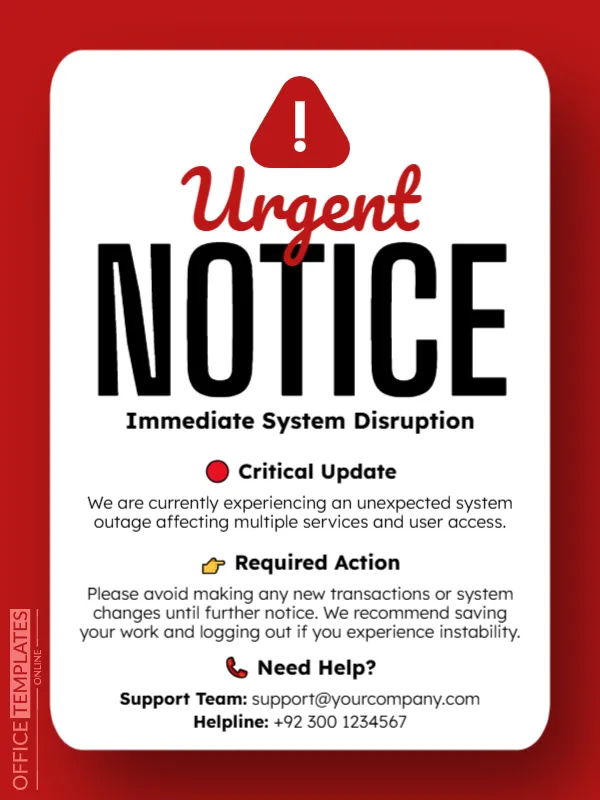
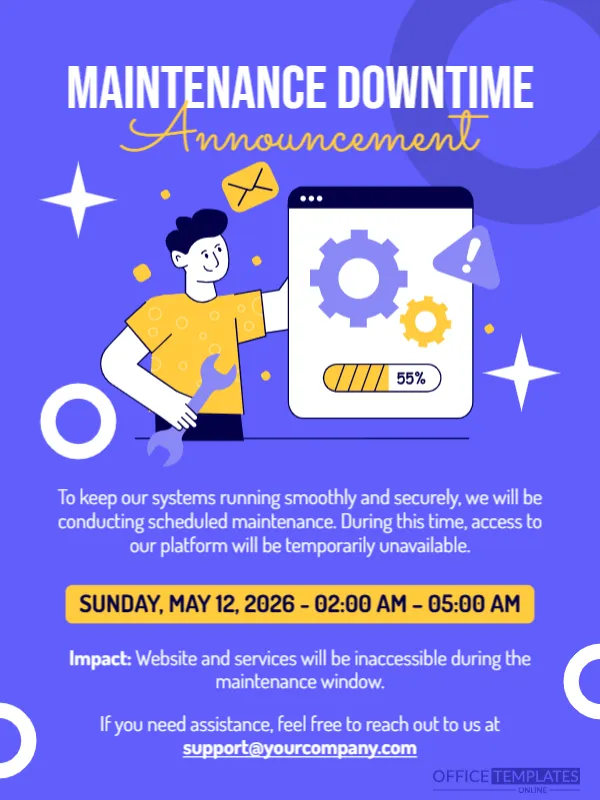

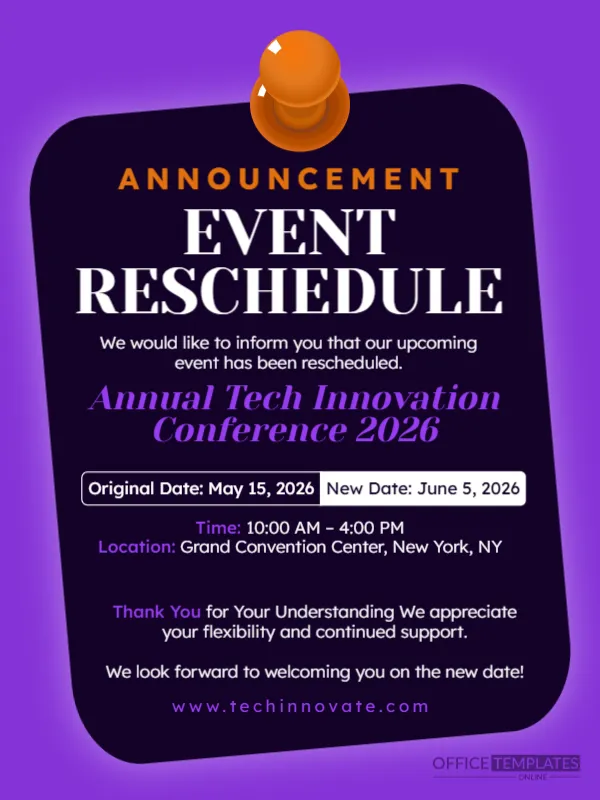
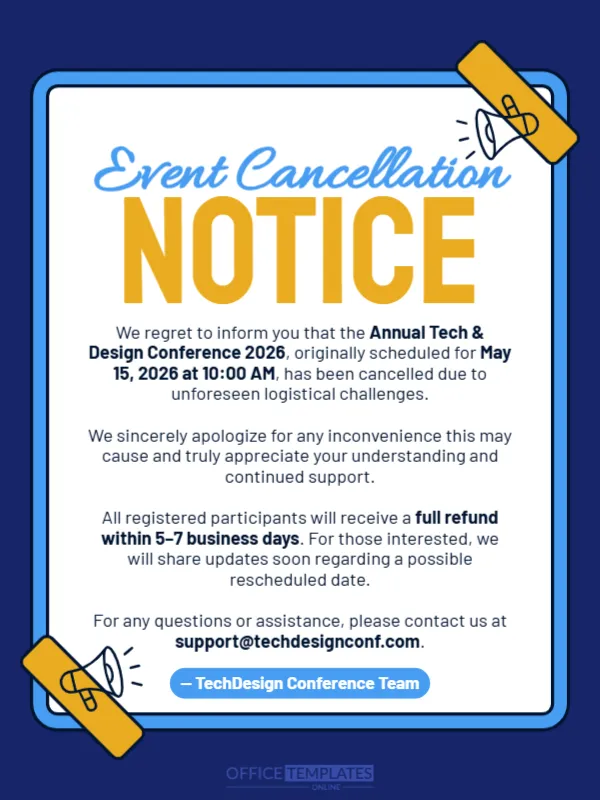







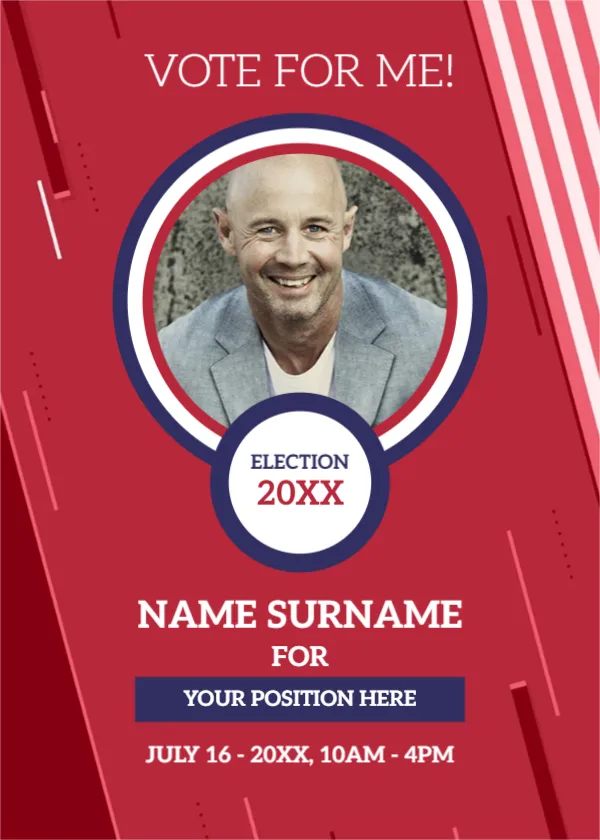
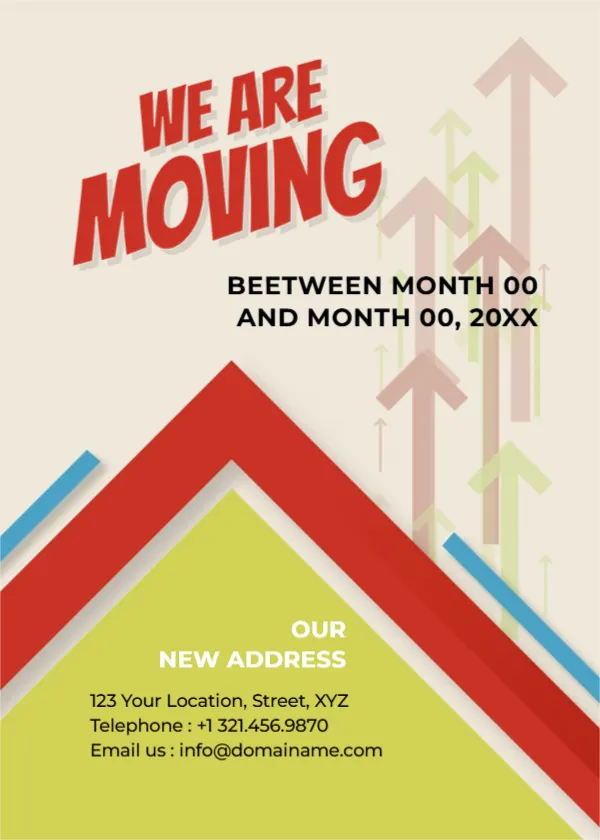
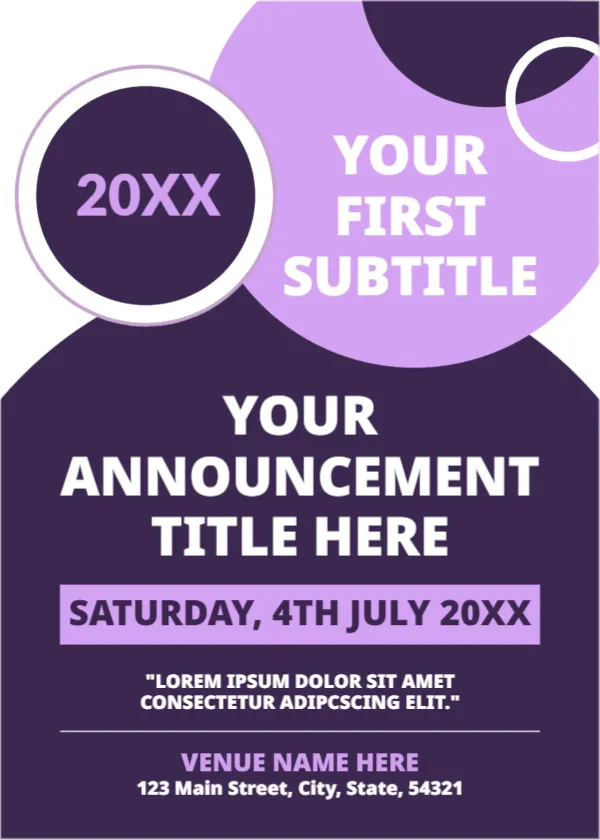
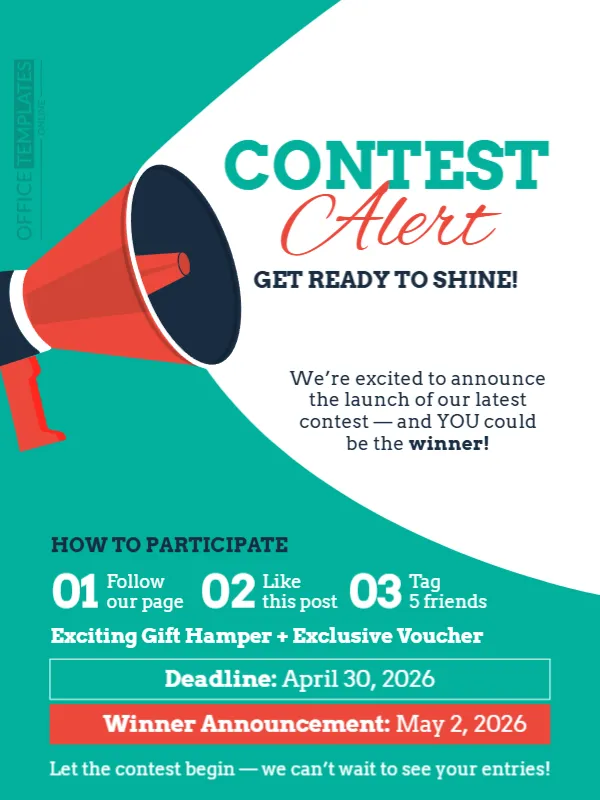

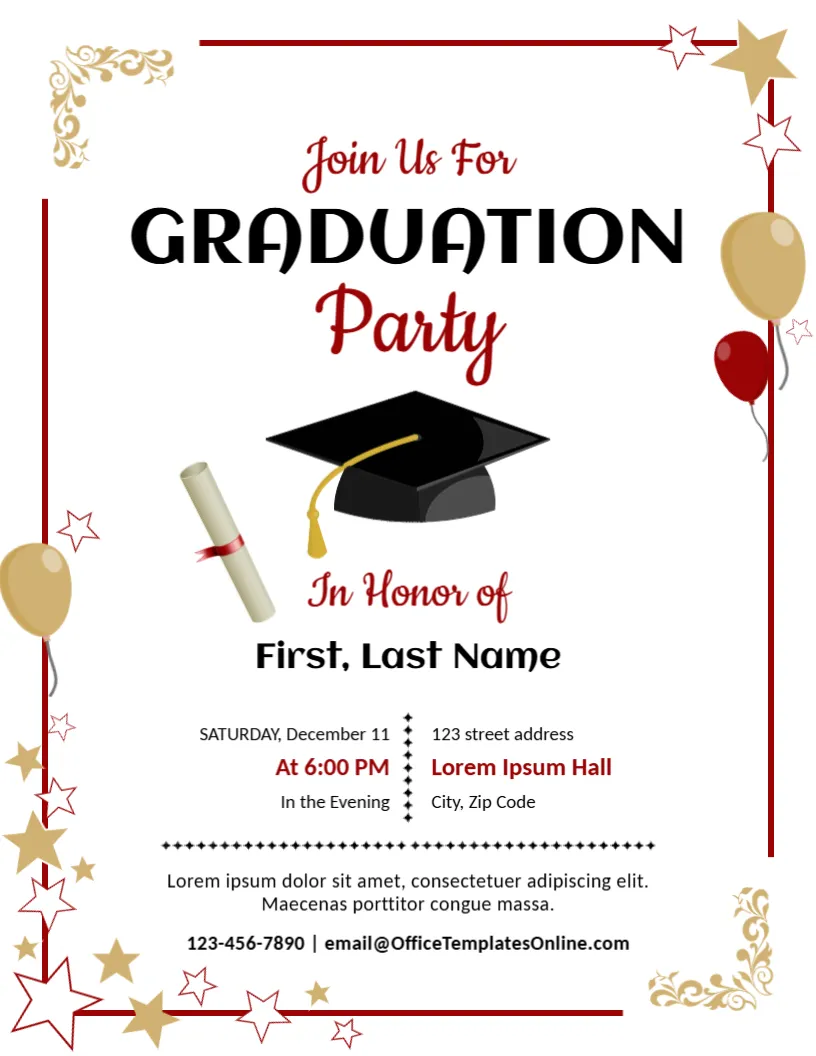
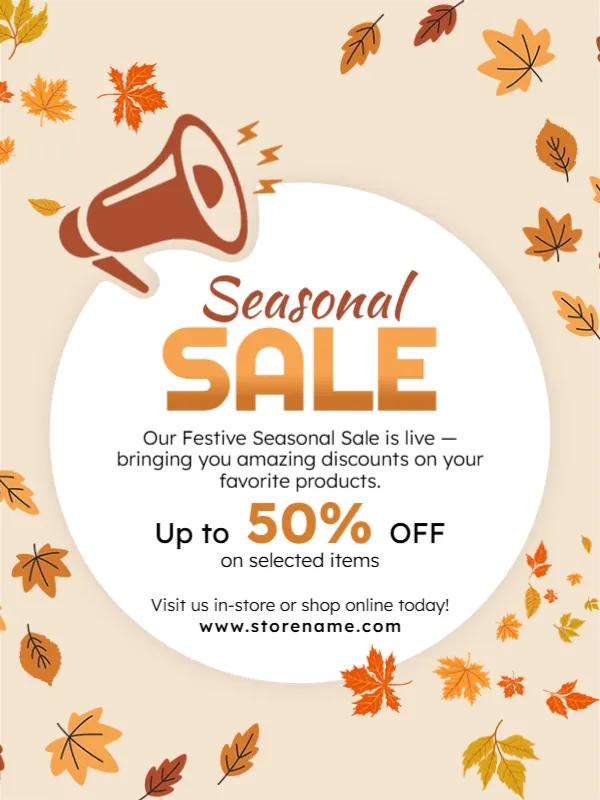

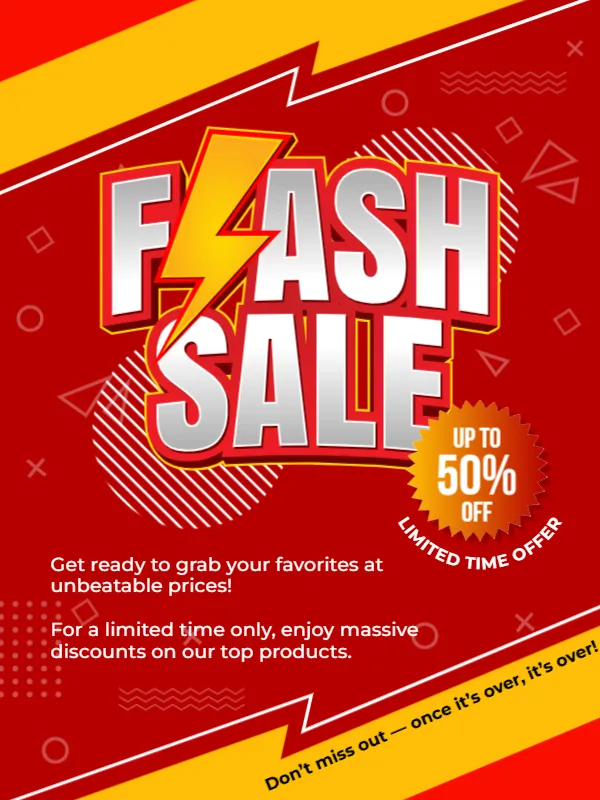
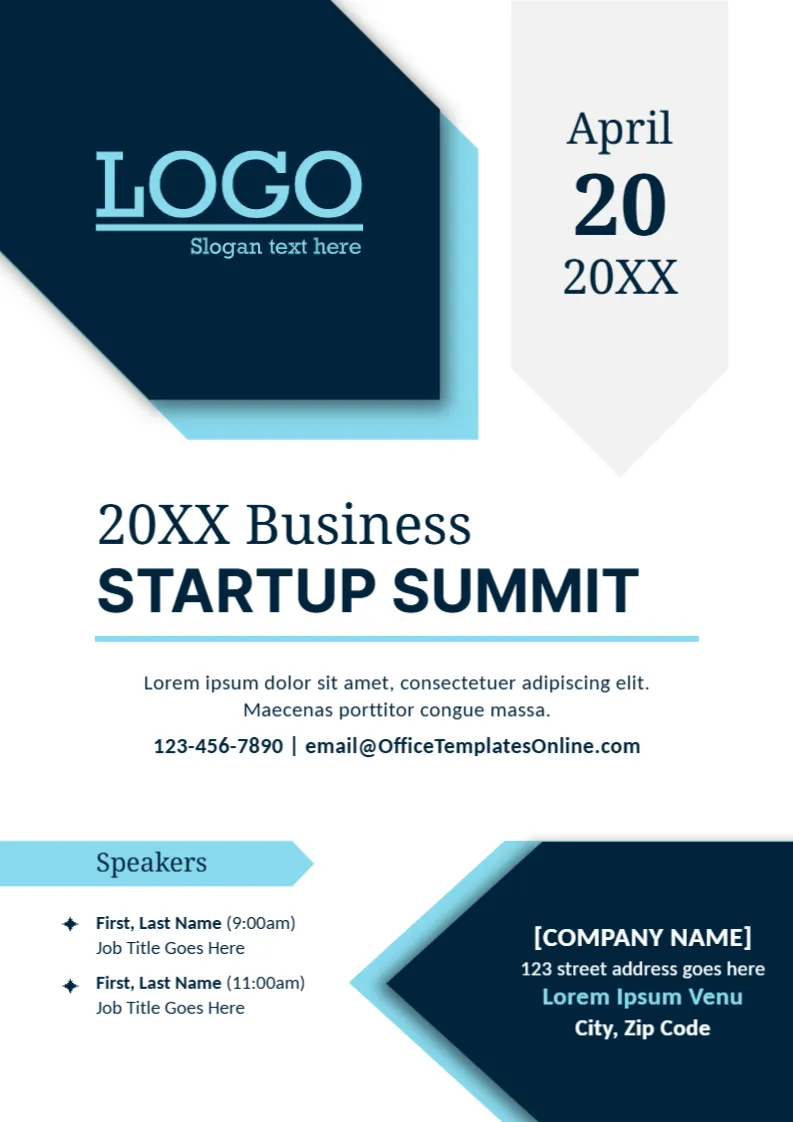

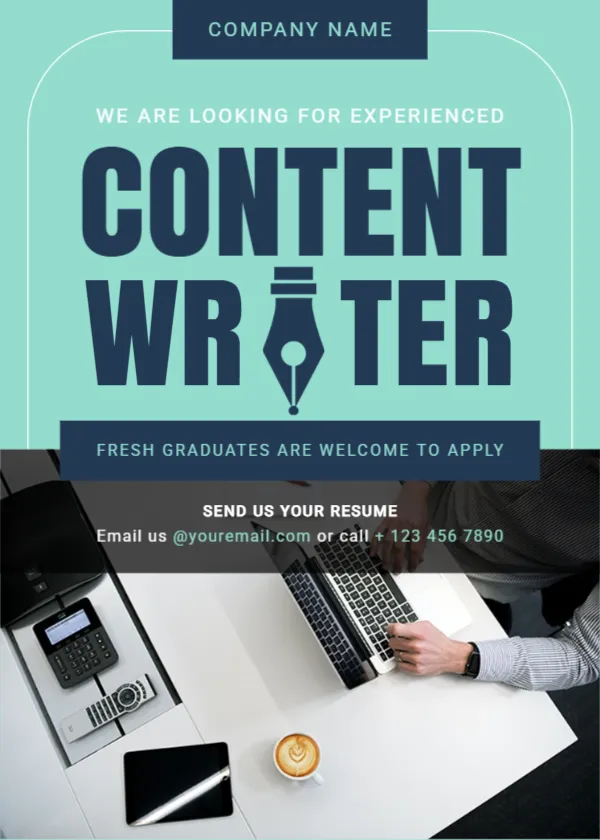

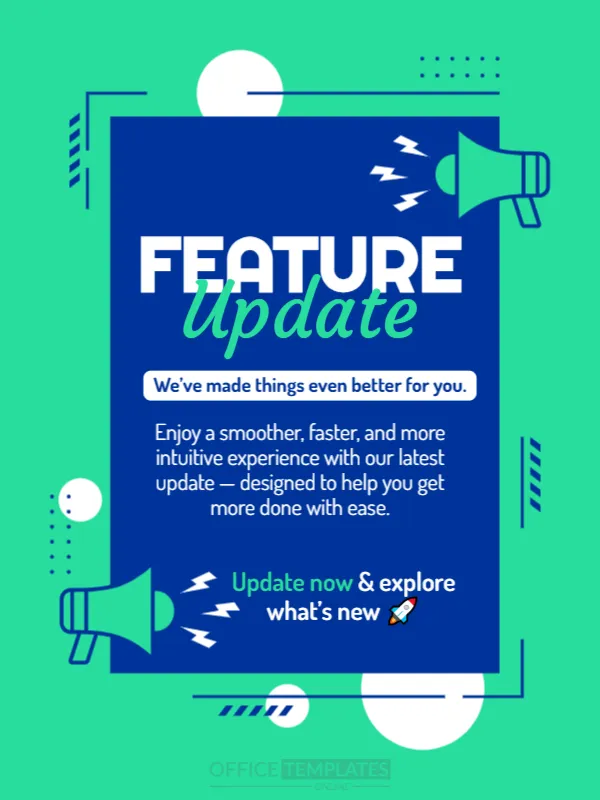
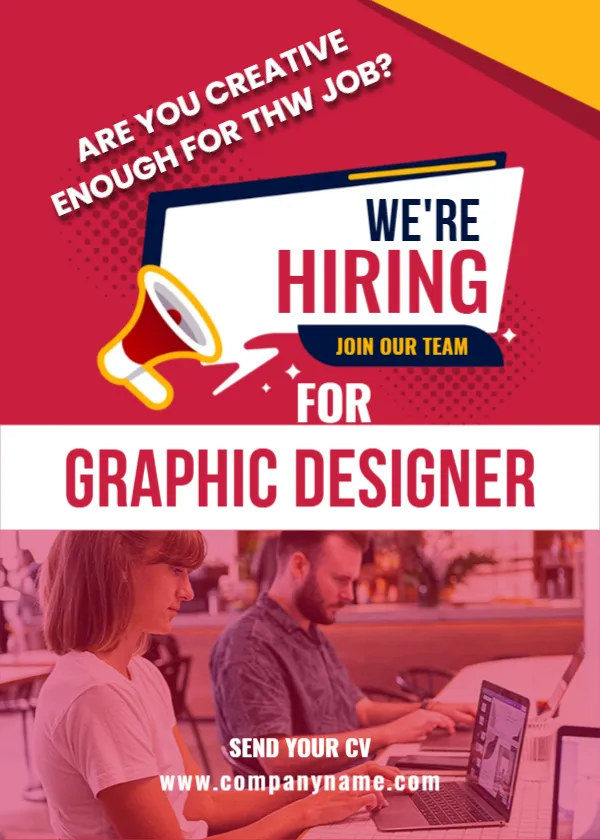
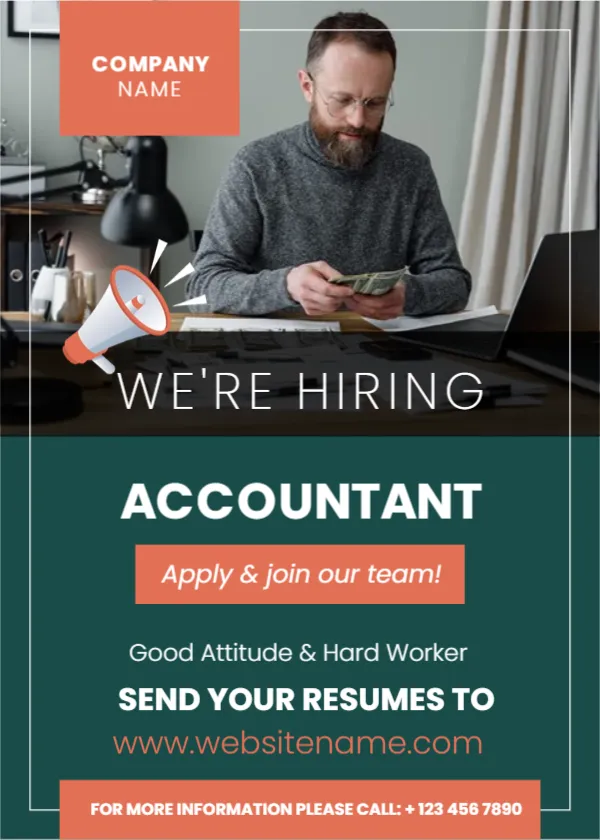
What is an Announcement Maker?
An Announcement Maker is an online tool that allows you to design and customize announcements quickly using pre-designed templates. Instead of starting from scratch, you simply choose a template, edit it, and download your final design.
Our tool combines:
- Ready-made announcement templates
- Easy drag-and-drop editing
- Instant download options
This makes it ideal for both beginners and professionals.
How to Use the Announcement Maker
Creating your announcement is simple:
- Browse templates from the collection below
- Click on Customize to open the editor
- Edit text, colors, images, and layout
- Preview your design
- Download in your preferred format (PDF, PNG, JPG)
No design experience required.
Create Announcements for Any Occasion
Announcements are an essential way to share important updates clearly and professionally. Whether you’re launching a business, celebrating a milestone, or promoting an event, a well-designed announcement helps grab attention and communicate your message effectively.
Using our Announcement Maker, you can ensure your message stands out with visually appealing designs and structured layouts.
Key Features of Our Free Announcement Maker
- No signup required – start editing instantly
- 100% free to use
- Modern, professionally designed templates
- Fully customizable text, fonts, colors, and images
- Download in PDF, PNG, and JPG formats
- Works on desktop and mobile
- Fast and user-friendly editor
Types of Announcement Templates Available
You can create announcements for almost any purpose, including:
Business Announcements
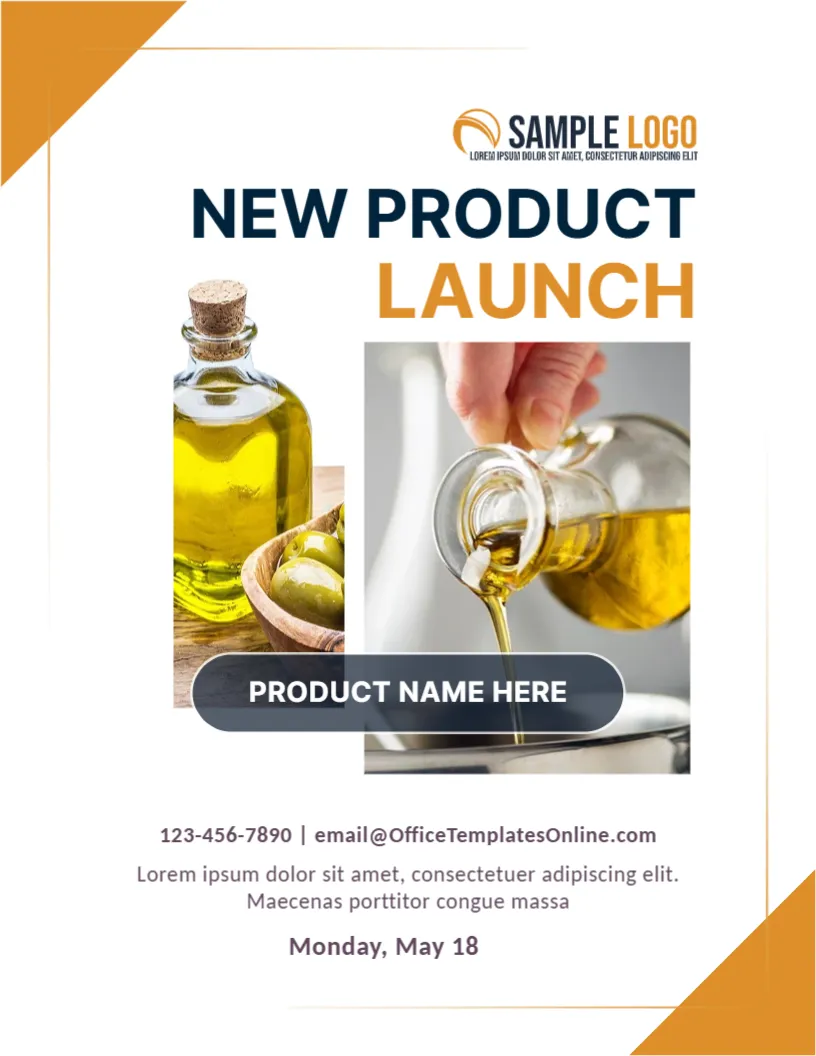
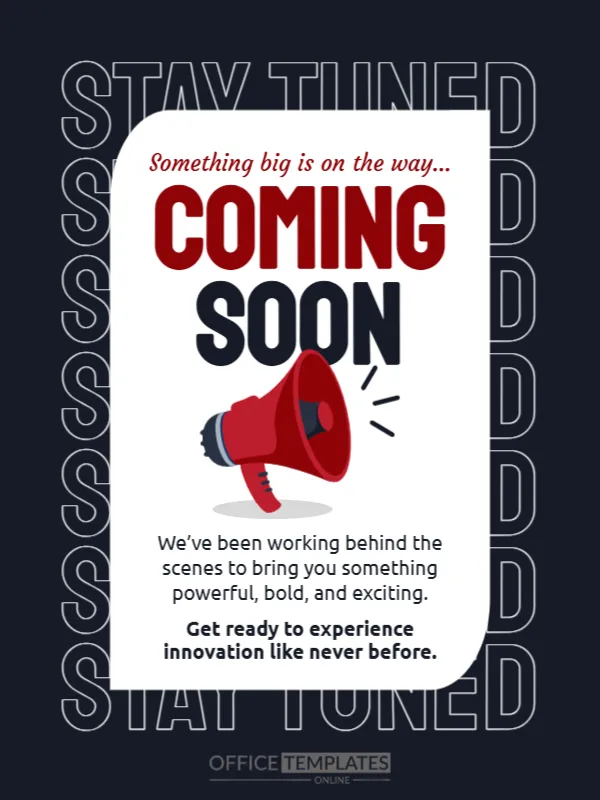
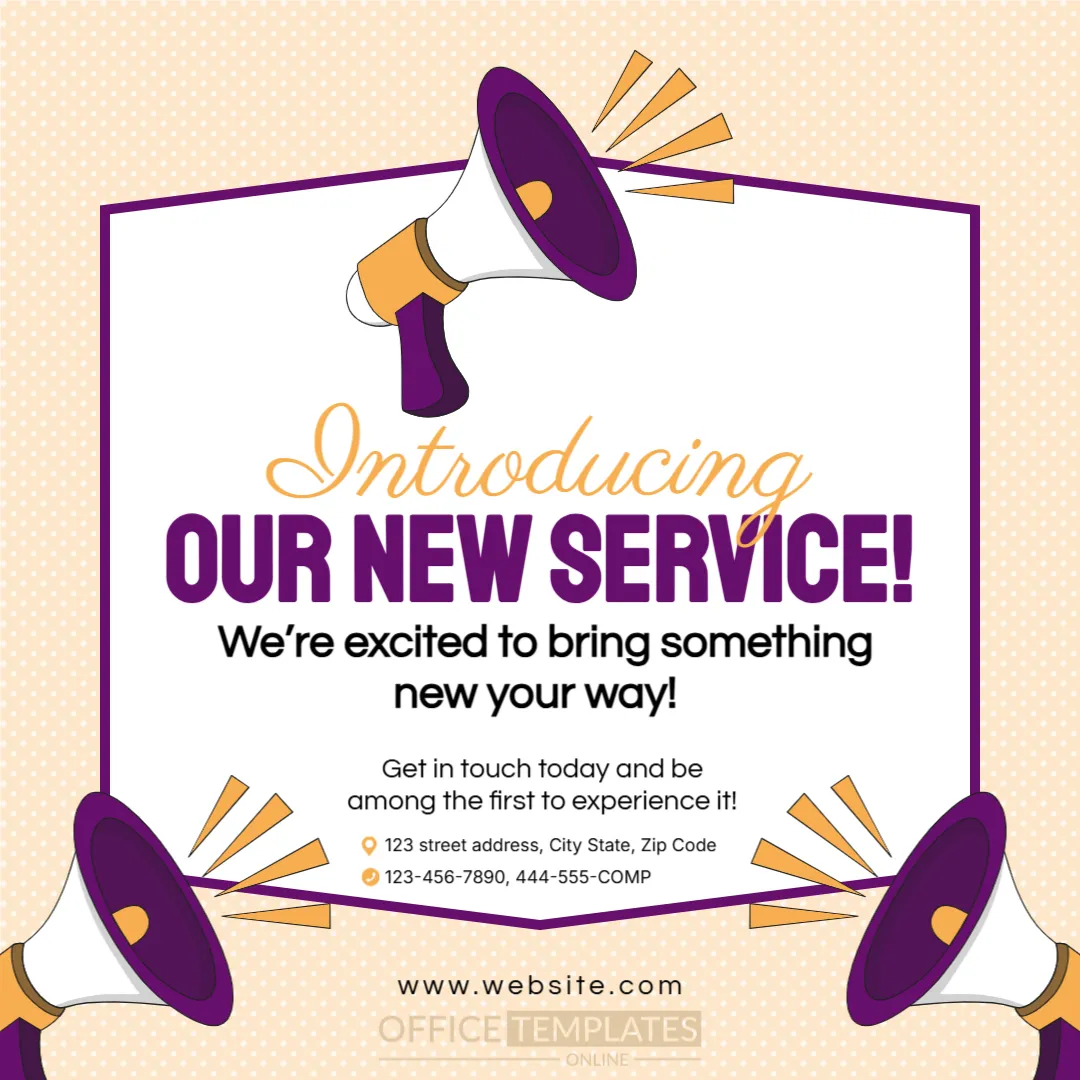
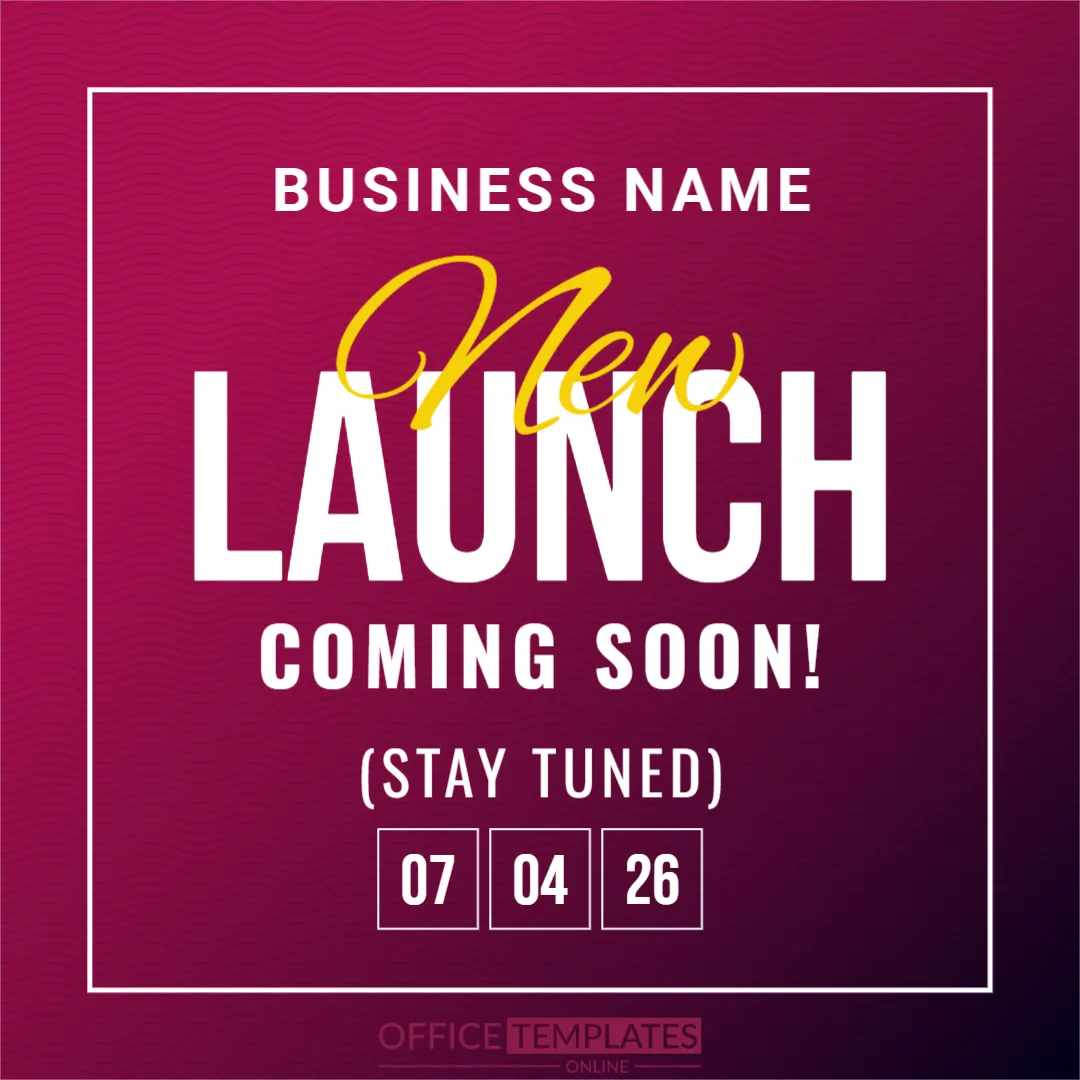
- New product launch
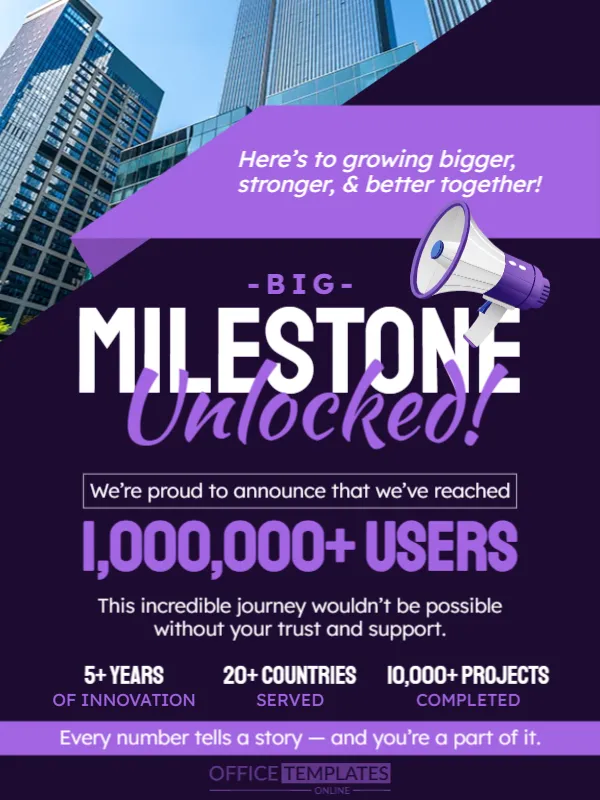
- Company milestone
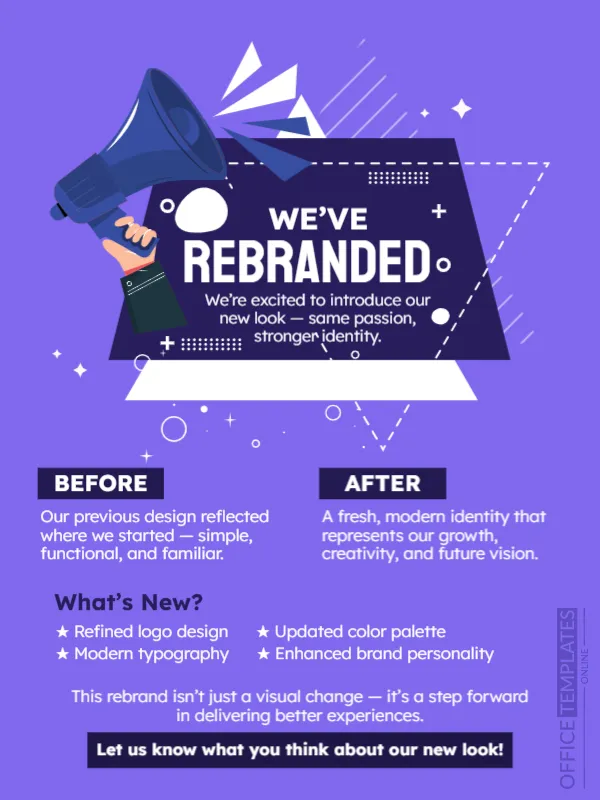
- Rebranding announcement
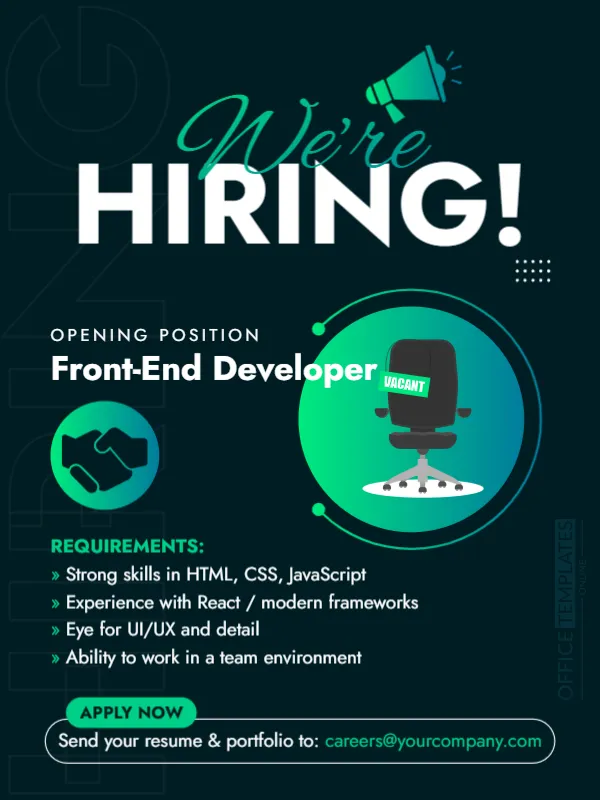
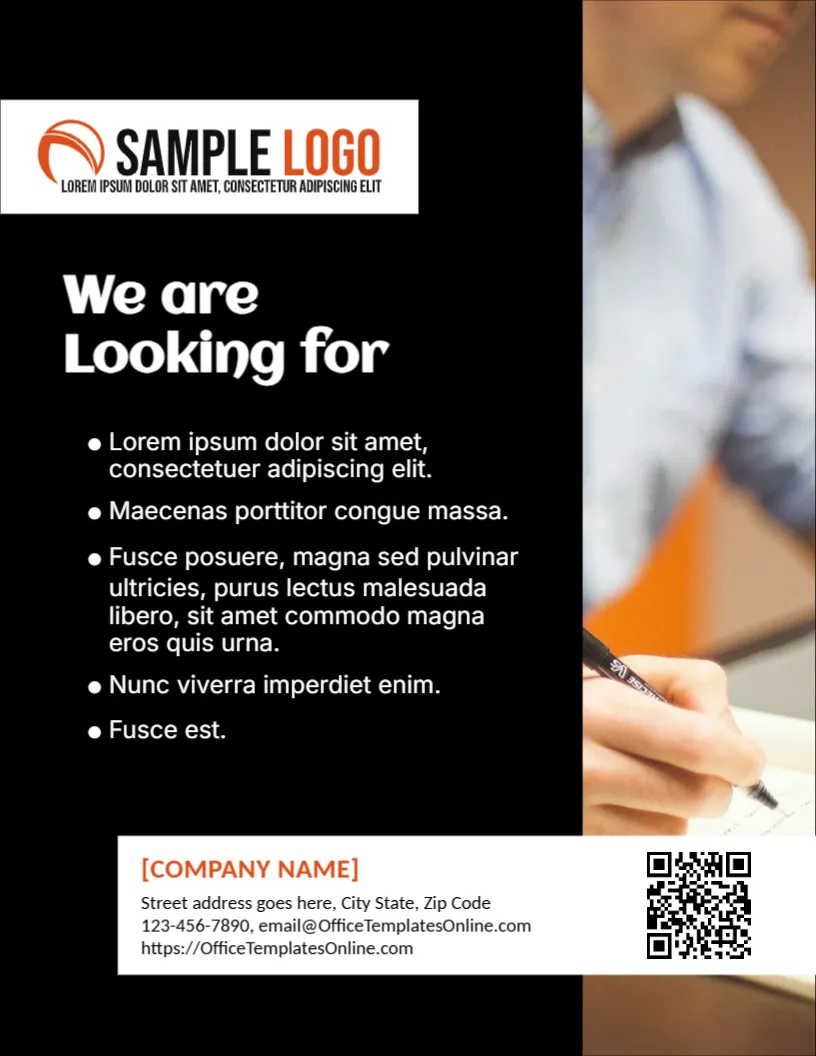
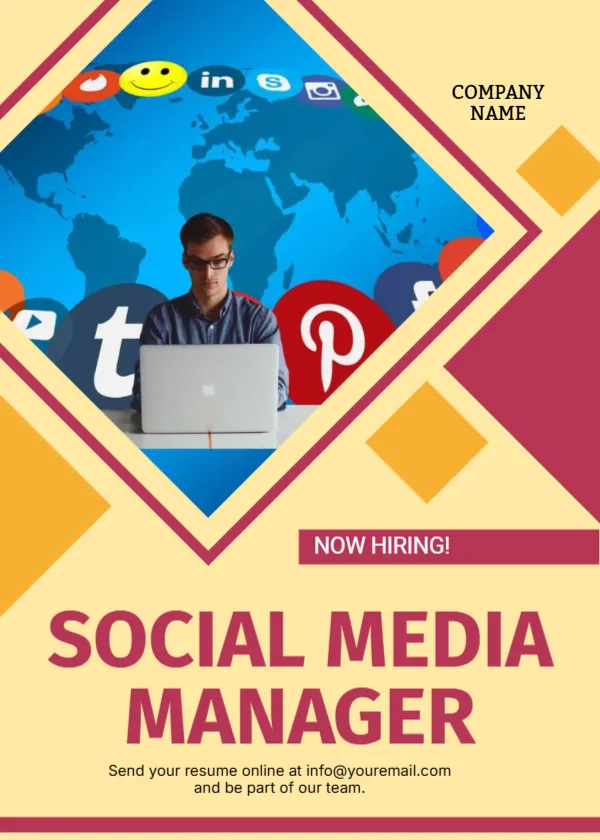
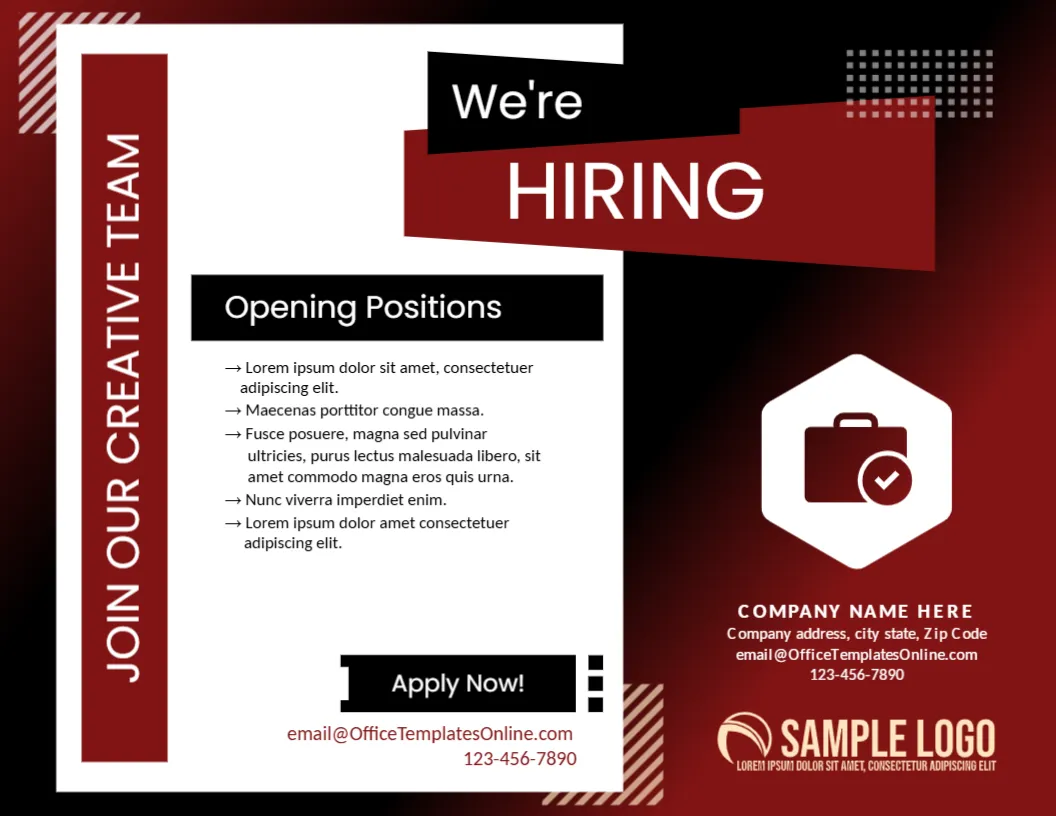
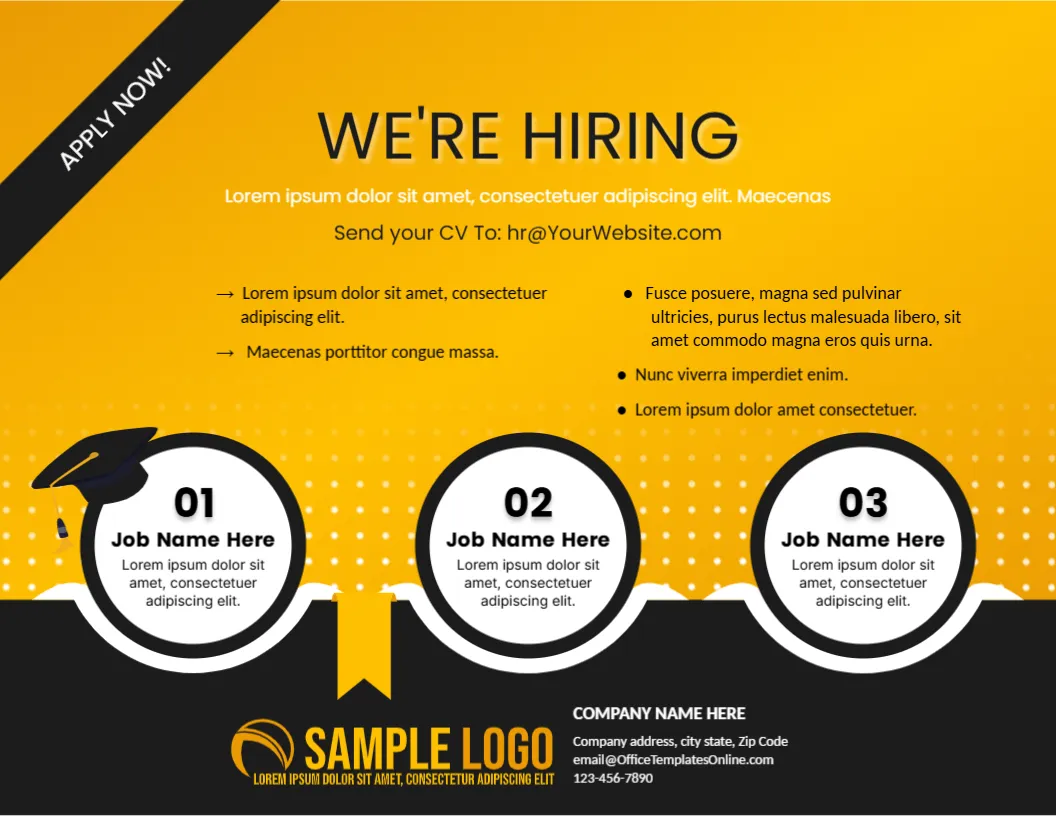
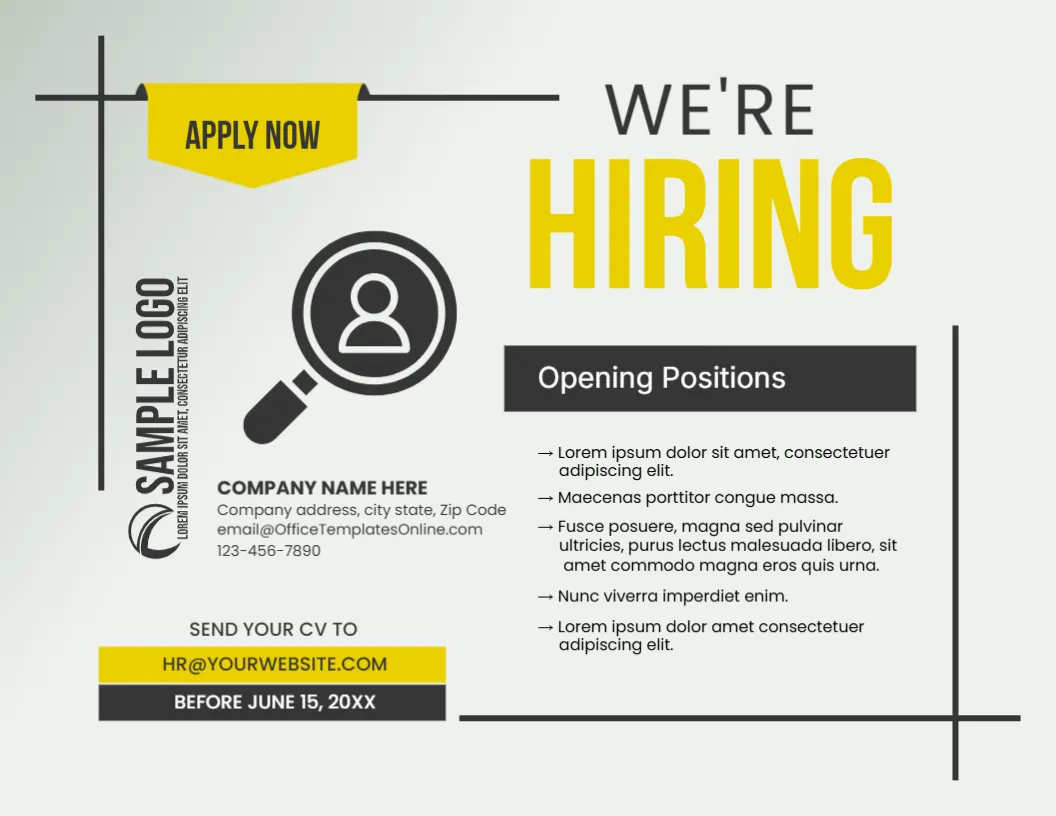
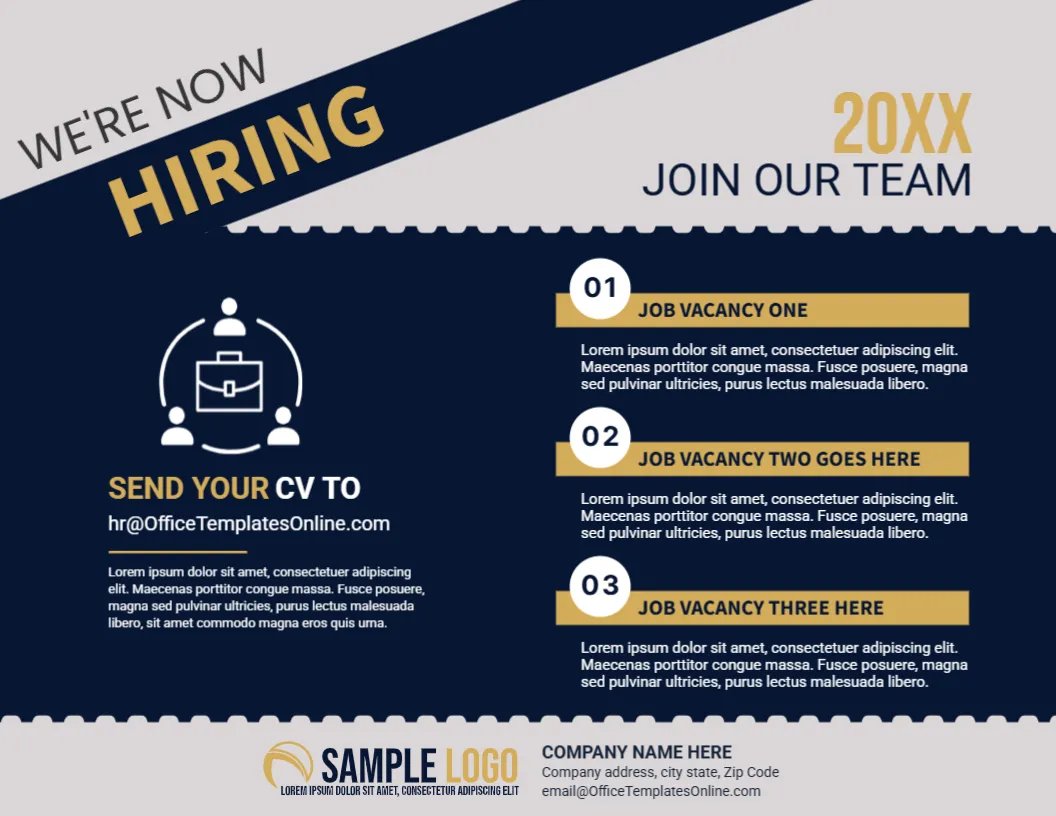
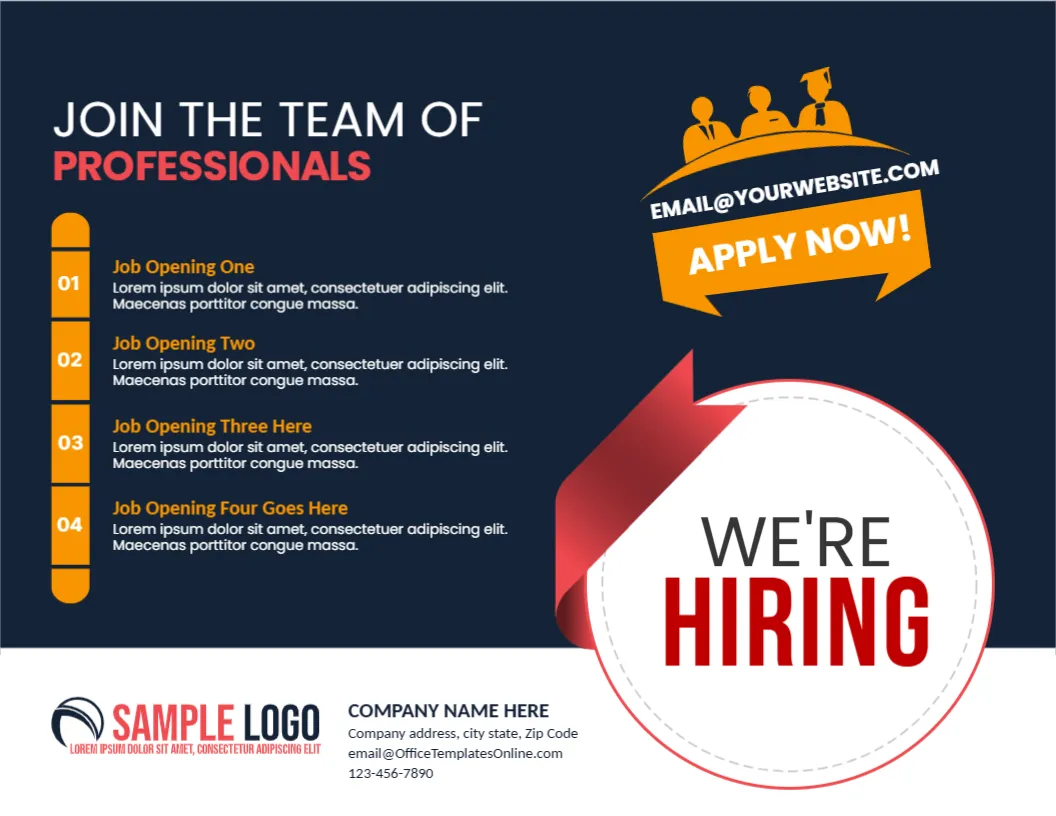
- Hiring and job opening
Event Announcements
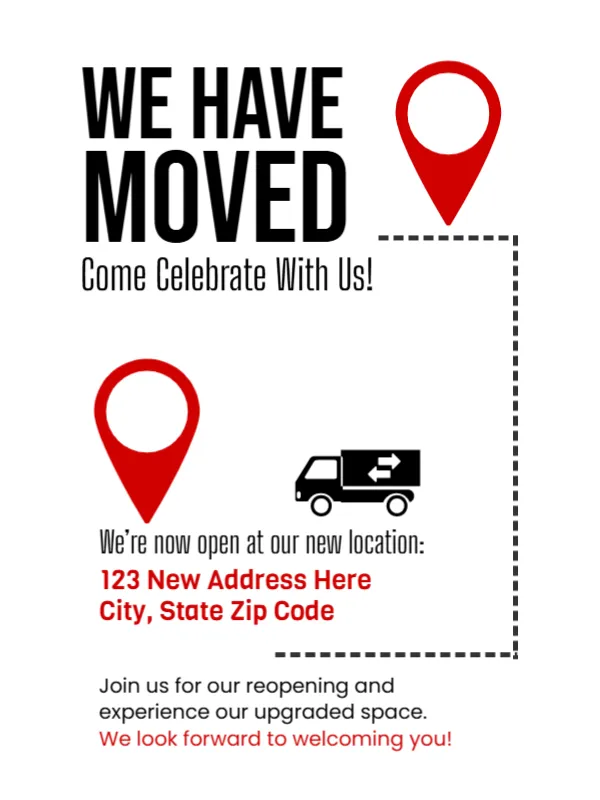
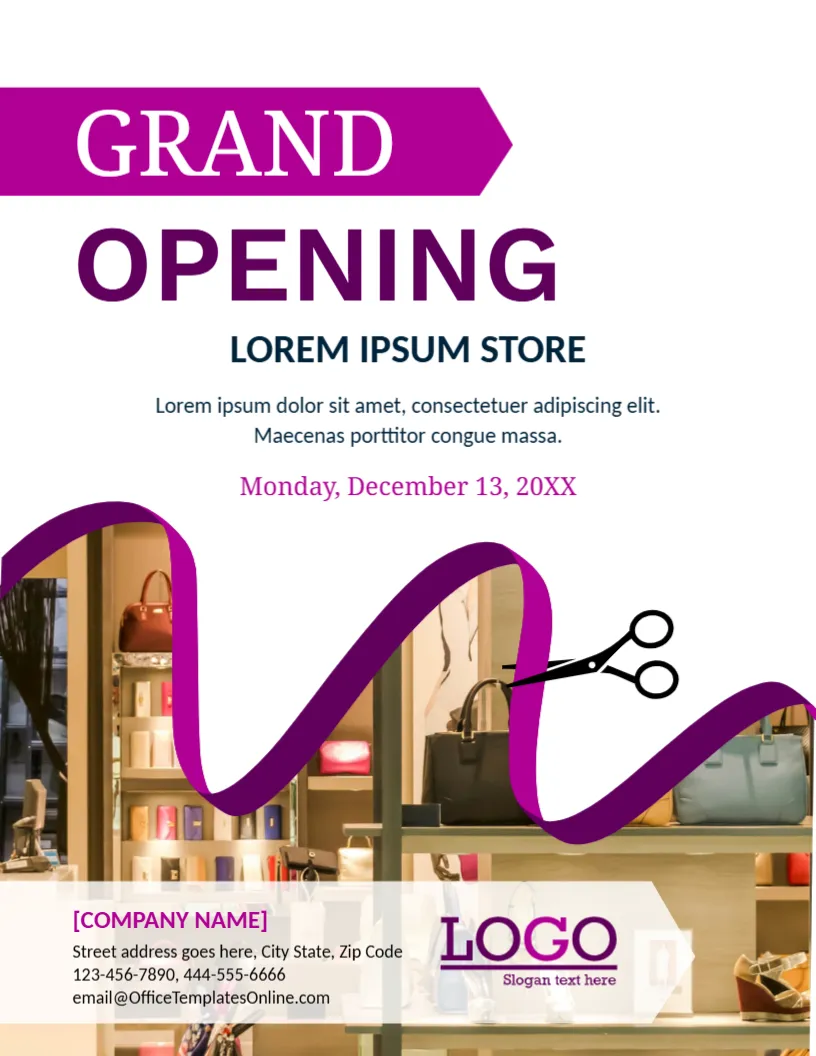
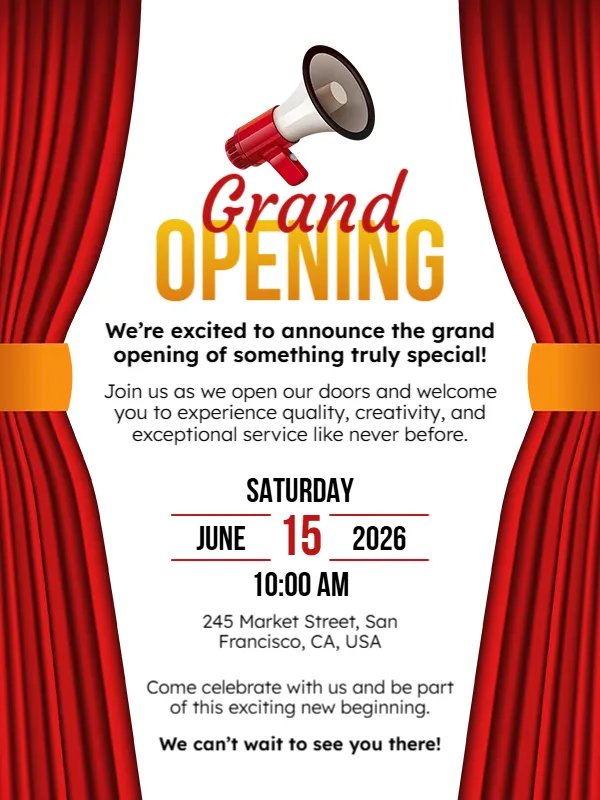
- Grand opening
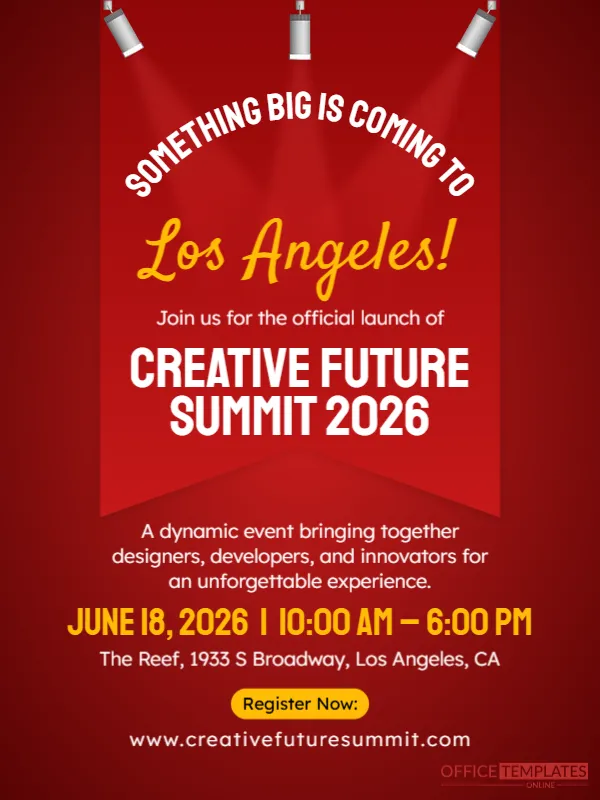
- Meetup or conference
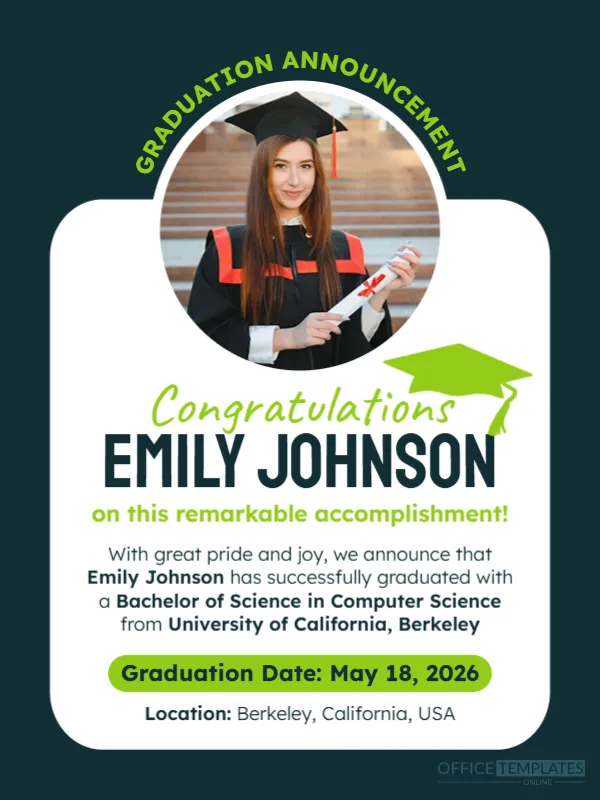
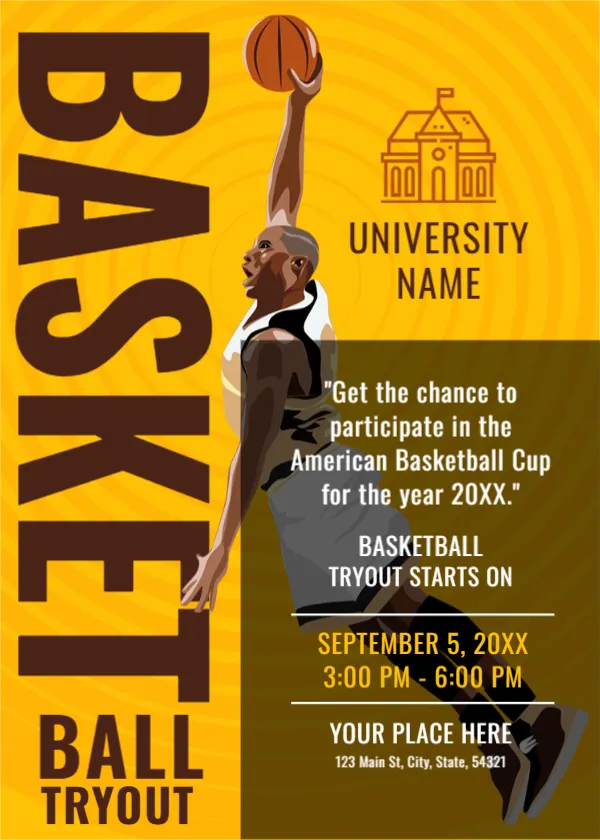
- School or university events
Personal Announcements
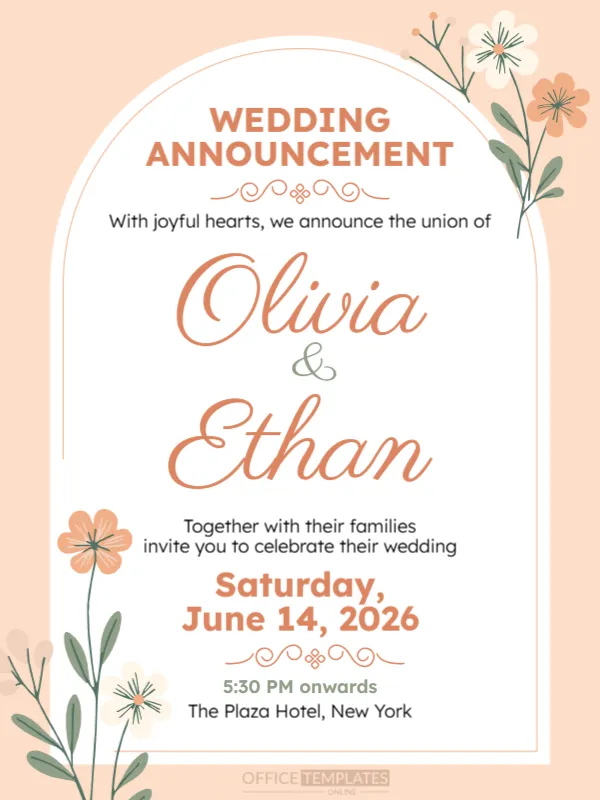
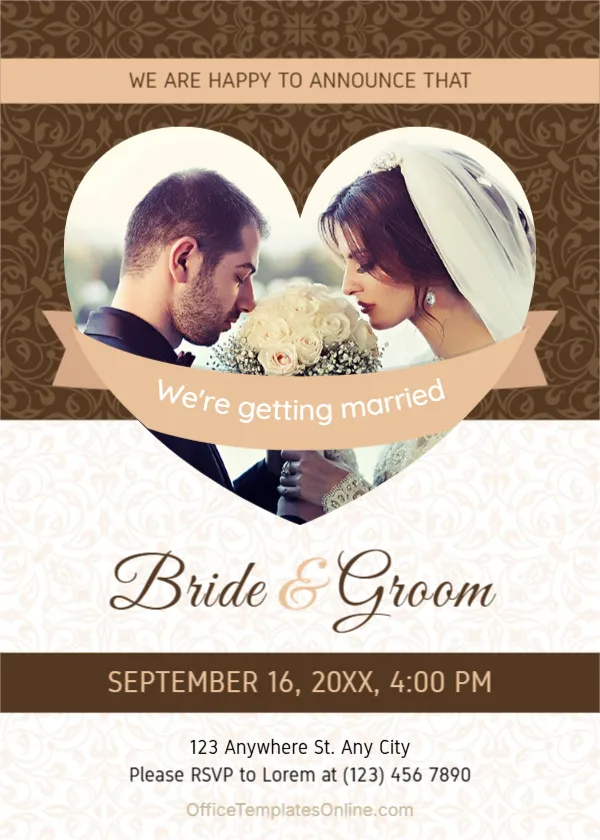
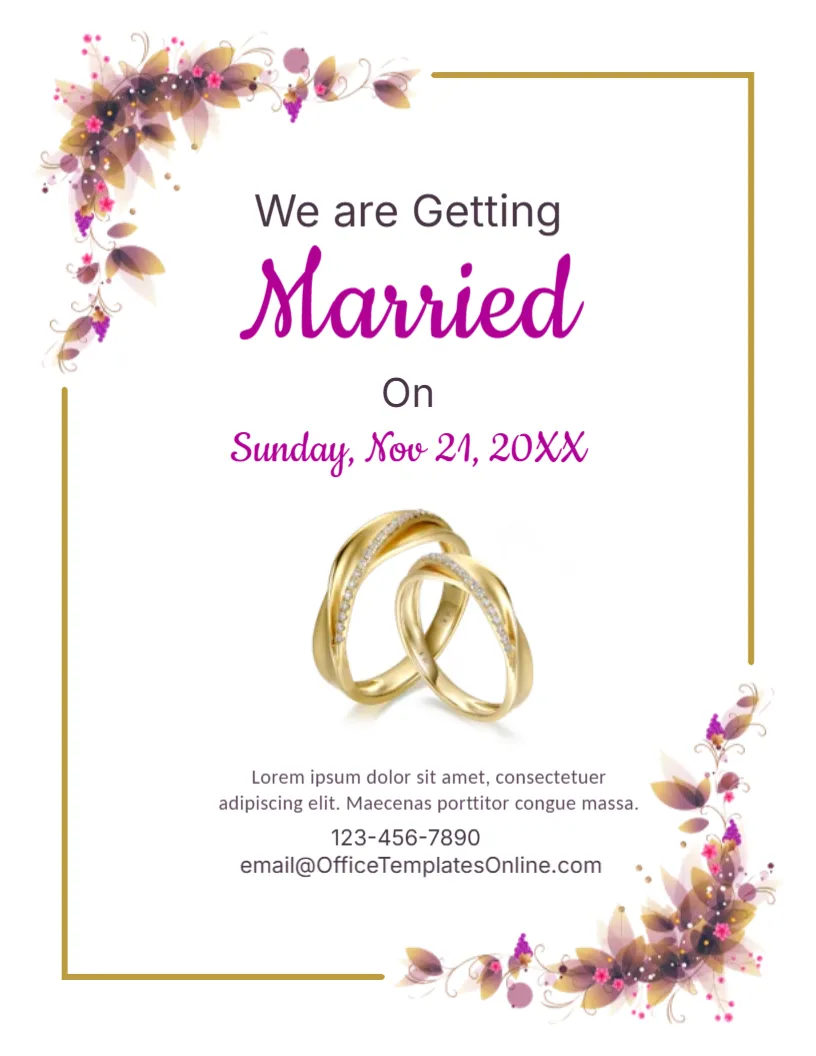
- Wedding announcement
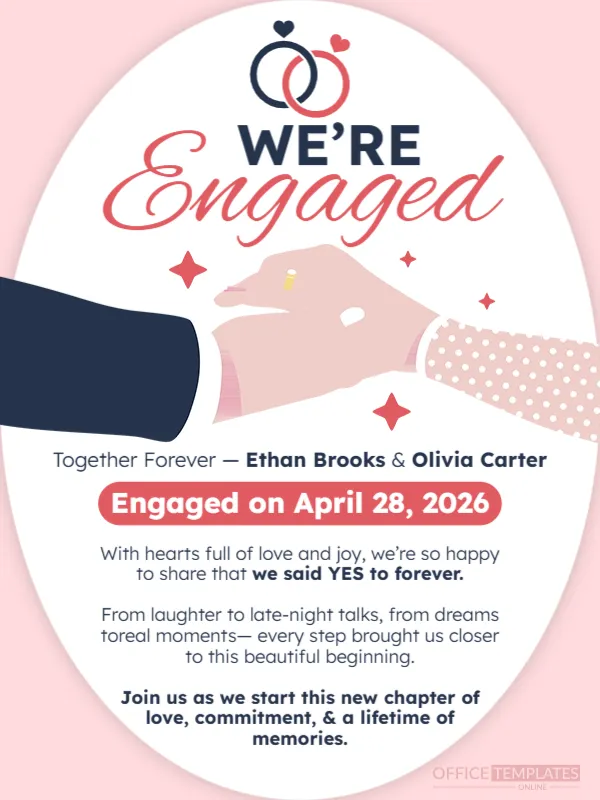
- Engagement announcement
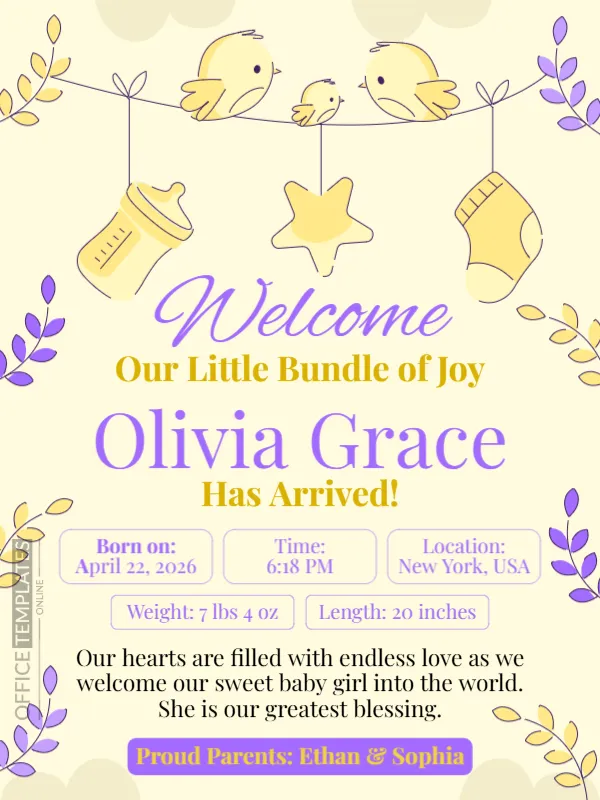
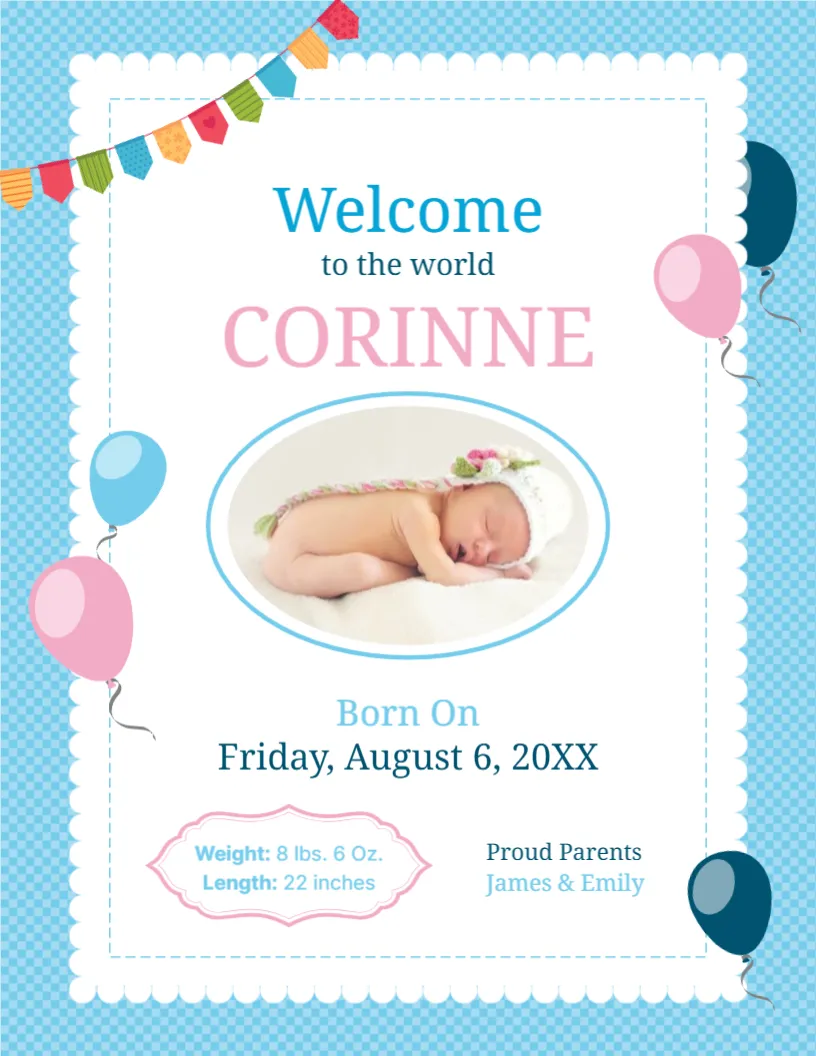
- Baby arrival
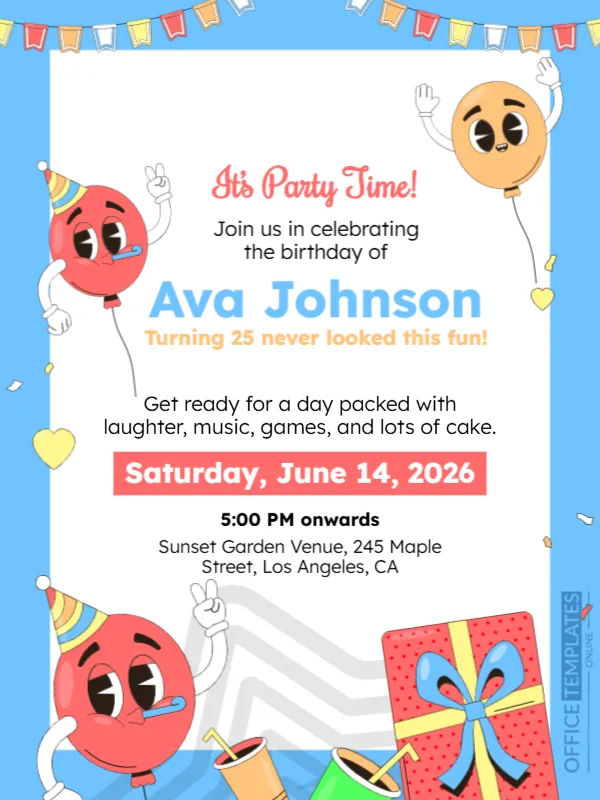
- Birthday celebrations
Promotional Announcements
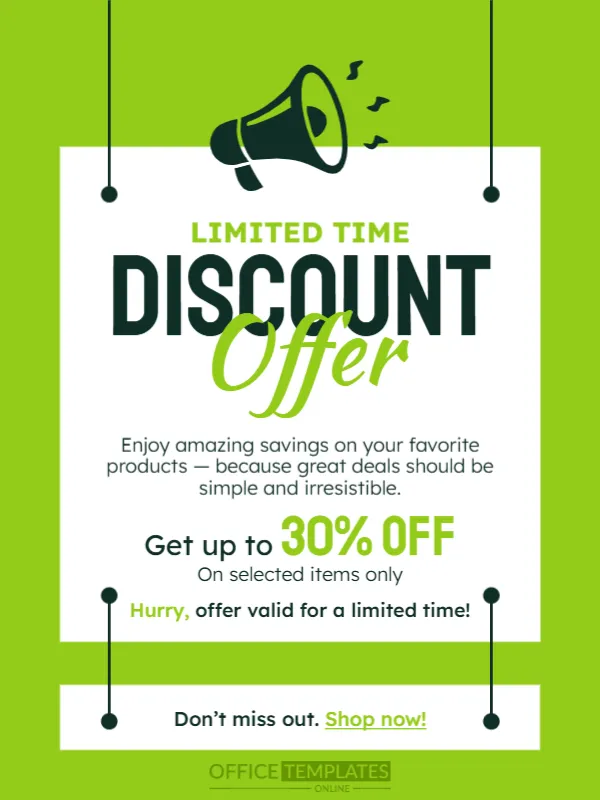
- Sales and discounts
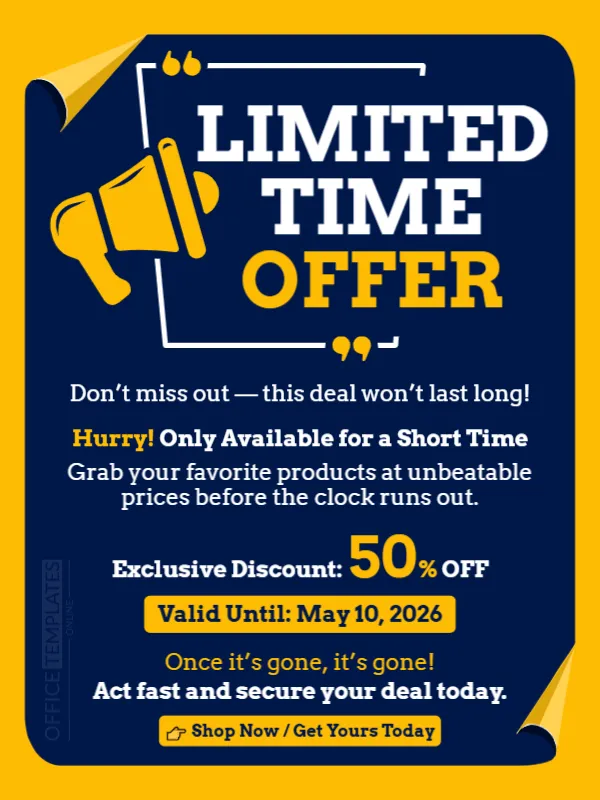
- Limited-time offers
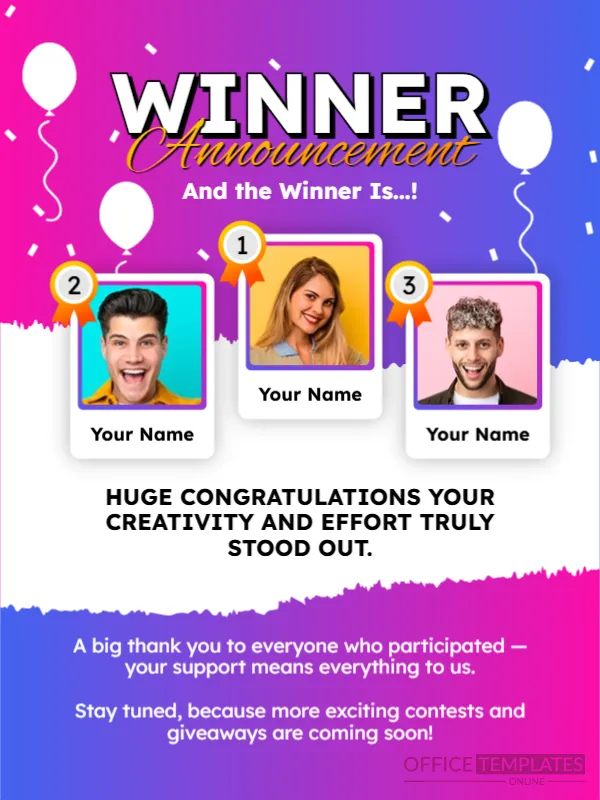
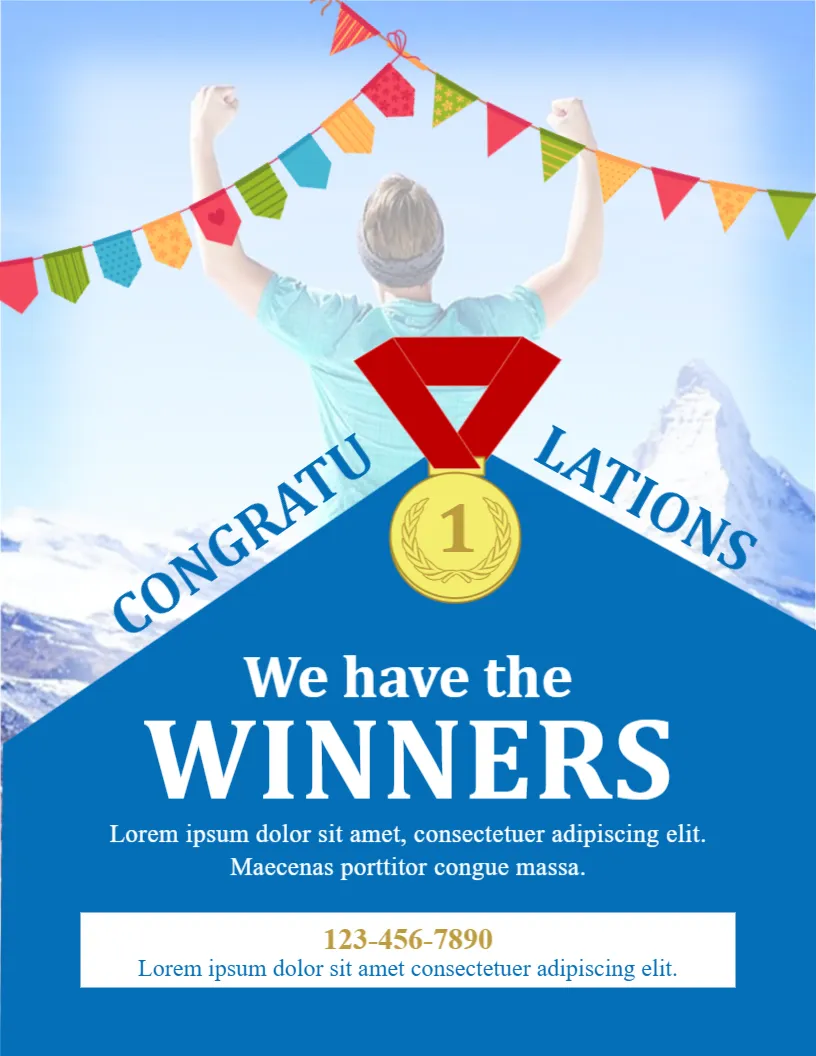
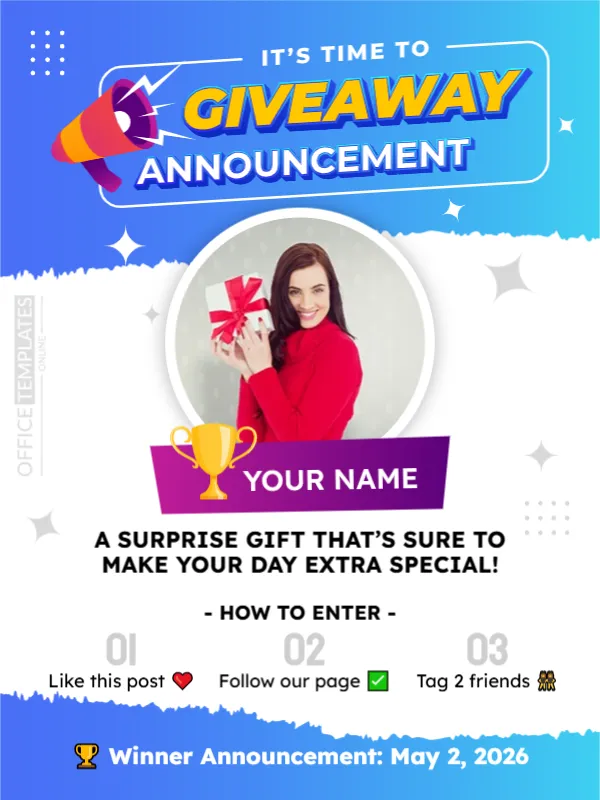
- Giveaway announcements
With so many templates available, you’ll always find a design that fits your needs.
Why Use Our Online Announcement Maker?
Unlike traditional tools or complicated design software, our Announcement Maker is built for speed and simplicity.
- No installation needed
- No design skills required
- Instant results
- Professional quality output
It’s perfect for businesses, students, marketers, and individuals who want quick and high-quality announcements.
Tips for Creating Effective Announcements
- Keep your message clear and concise
- Use bold headlines to grab attention
- Highlight important details (date, time, offer)
- Choose a clean and readable design
- Use high-quality visuals
Writing an Announcement People Read to the End
Put the news in the first line. Readers decide in seconds whether an announcement matters to them, so say what is happening, who it affects and when. After that, add the details they need to act, such as a date, a place or a link. Keep sentences short and avoid jargon. If there is a deadline or an action, make it stand out with a bold line or a colored box.
Choosing the Right Format for Your News
| Announcement | Tone | Where to share it |
|---|---|---|
| Product launch or milestone | Confident and celebratory | Social media, email and your website |
| Hiring and job openings | Clear and welcoming | Window posters, job boards and social pages |
| Wedding or engagement | Joyful and personal | Messages, cards and social posts |
| Baby arrival | Warm and playful | Photo cards and family chats |
| School and community news | Friendly and factual | Noticeboards and newsletters |
Making a Digital Announcement Work Everywhere
Download a PNG or JPG for social media and messaging, and a PDF for printing or email. Keep text large enough to read on a phone, with plenty of contrast. Add your logo in a corner and a short link or phone number at the bottom. If the news will be shared widely, post the image with a caption that repeats the main point in plain words, because some people read the caption before they look at the picture.
Announcements for Parties and Events
If your news is about a celebration, a dedicated page can speed things up.
- Invitation templates: formal and casual invitations.
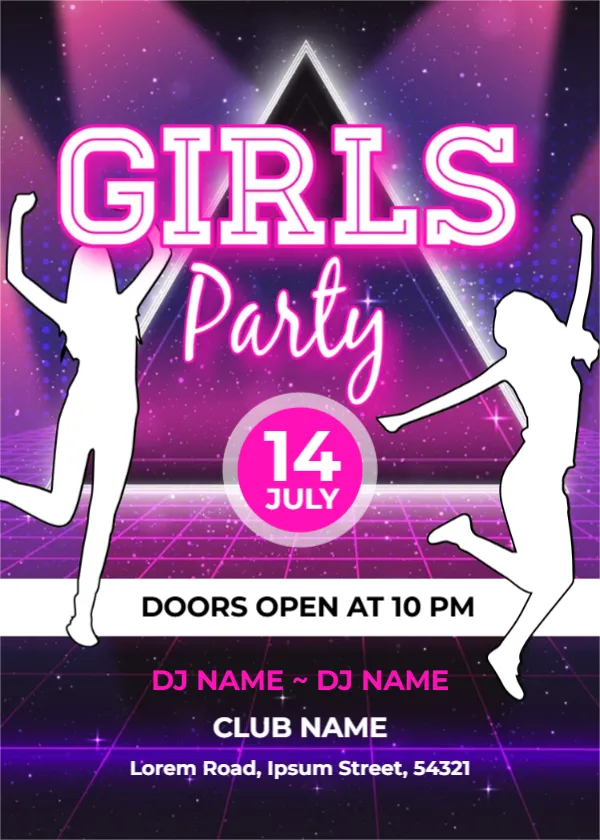
- Party invitations: graduations, showers and office events.
- Job hiring posters: announce an open role.
Frequently Asked Questions
Q1: Is this Announcement Maker free to use?
Yes, our Announcement Maker is completely free. You can customize templates and download your designs without any cost.
Q2: Do I need to create an account?
No, you can use the editor without signing up or logging in.
Q3: What formats can I download my announcement in?
You can download your announcement in PDF, PNG, and JPG formats.
Q4: Can I customize templates fully?
Yes, all templates are fully customizable. You can edit text, colors, images, and layout.
Q5: Can I use this for business announcements?
Absolutely. The tool is perfect for business, marketing, and corporate announcements.
More Questions About Announcements
How long should an announcement be?
As short as possible. Put the news in the first line, add the date, place and next step, and stop. Most announcements work best under fifty words.
Can I use an announcement template for a job opening?
Yes. Name the role, add pay or hours if you can, say how to apply and include a closing date.
What is the best format to share an announcement on WhatsApp?
A PNG or JPG in a square or vertical shape. Keep the text large enough to read on a phone screen.
Should I add a logo to personal announcements?
Not for personal news such as a wedding or a baby. Use a photo or an illustration instead, and keep a logo for business announcements.
Explore Related Categories
Card and invitation templates for the moments people remember, including birthdays, parties, get well wishes, condolences, announcements, gift tags and event tickets.…
Party invitation templates for graduation parties, bridal showers, children's parties, Christmas get-togethers, office parties, pool and beach parties, DJ and music nights,…
Express sympathy and support with professionally designed condolence card templates. These editable templates help individuals, families, religious organizations, and communities create thoughtful…
Create meaningful photo keepsakes with our customizable Scrapbook & Polaroid templates. This collection includes designs for memory boards, photo collages, travel memories,…
Get well soon card templates in classic, floral, funny, minimalist, motivational and nature-themed styles, with versions for kids, pets, hospital visits, mental…
Create personalized birthday greetings with our collection of editable birthday card templates. Designed for children, friends, family members, coworkers, and loved ones,…
Birthday party invitation templates for children, babies, adults and milestone birthdays, including first birthday, twins, DIY craft, themed, family, funny and elegant…
Holiday and seasonal templates for every date on the calendar, from Eid and Mother's Day to Halloween, Independence Day, Labor Day and…
Certificate, ID card and voucher templates for schools, businesses, clubs and events. Create award and employment certificates, student and staff ID cards,…
Business and office templates for the documents every team needs, from letterheads, business cards and envelopes to cover pages, price lists, purchase…
Marketing and promotion templates for small businesses, shops and teams, including flyers, promotion banners, signs, outdoor signs, door hangers, job hiring posters,…
Education templates for teachers, schools, tutors and homeschooling families. Build report cards, progress reports, behavior charts, classroom posters, schedules, homeschool planners and…