A Cartoon Birthday Invitation With Smiling Balloons
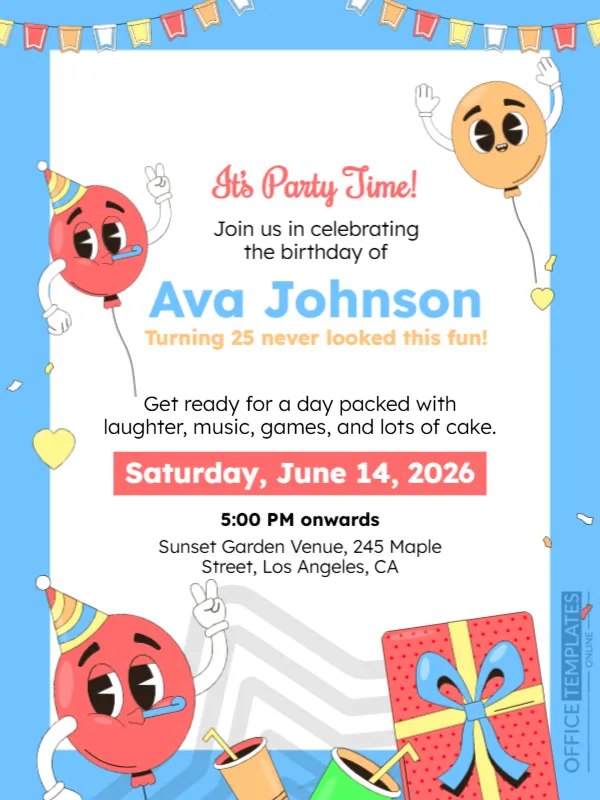
The balloons on this announcement have faces, party hats and waving hands, which gives the page a cheerful, slightly silly mood. A blue frame with bunting holds a white panel with the invitation, and a gift box and drinks sit at the foot. It suits birthdays of every age, from children to adults who prefer a playful card.
Blue Frame, Bunting and Cartoon Balloons
The design is 600 x 800 pixels, portrait, one page. Coloured flags run across the top of a light blue border. Three cartoon balloons in red, orange and red with party hats cheer from the sides, and a red gift box with a blue ribbon and two drinks sit at the bottom right. The text is centred on a white panel.
Invitation Text, Date and Place
It’s Party Time! is in red script, followed by Join us in celebrating the birthday of and Ava Johnson in large blue letters. Turning 25 never looked this fun! is in orange. A paragraph promises laughter, music, games and cake. A red bar reads Saturday, June 14, 2026, then 5:00 PM onwards and Sunset Garden Venue, 245 Maple Street, Los Angeles, CA. Note that 14 June 2026 is a Sunday, so check the weekday against the date for your event.
Details Guests Need
- Name and age of the birthday person, if you want to share it.
- Date with the correct weekday, and start time.
- Venue and address.
- RSVP contact and date.
- Any theme, dress code or gift note.
Matching the Tone to the Guest of Honour
The cartoon style suits children and playful adults. For a milestone birthday you can keep the layout and replace the line about age with a warm message. Remove the age completely if the person prefers privacy.
Adding an RSVP Line
The template has no RSVP line. Add one at the bottom, for example RSVP to Sam at 555 0100 by June 7. A reply date helps you plan food and seats.
Saving and Sharing the Birthday Card
Save an image and send it by message or post it in a group chat. For a printed invitation, use 250 gsm card and print at A5. Check spelling of the name and the address.
Step by Step Editing of the Fun Balloon Birthday Design
- On the fun balloon birthday design, click the main headline and type your own words, keeping a similar length.
- Retype every name, date and contact line on the fun balloon birthday design, checking each against a trusted source.
- Search the fun balloon birthday design for the words Lorem and Company so that no placeholder remains.
- Click any logo or photo on the fun balloon birthday design, choose Replace Image and resize the new picture to fit.
- Zoom the fun balloon birthday design to full size and read each line aloud before you save it.
- Keep a clean master of the fun balloon birthday design without private details, so later versions start tidy.
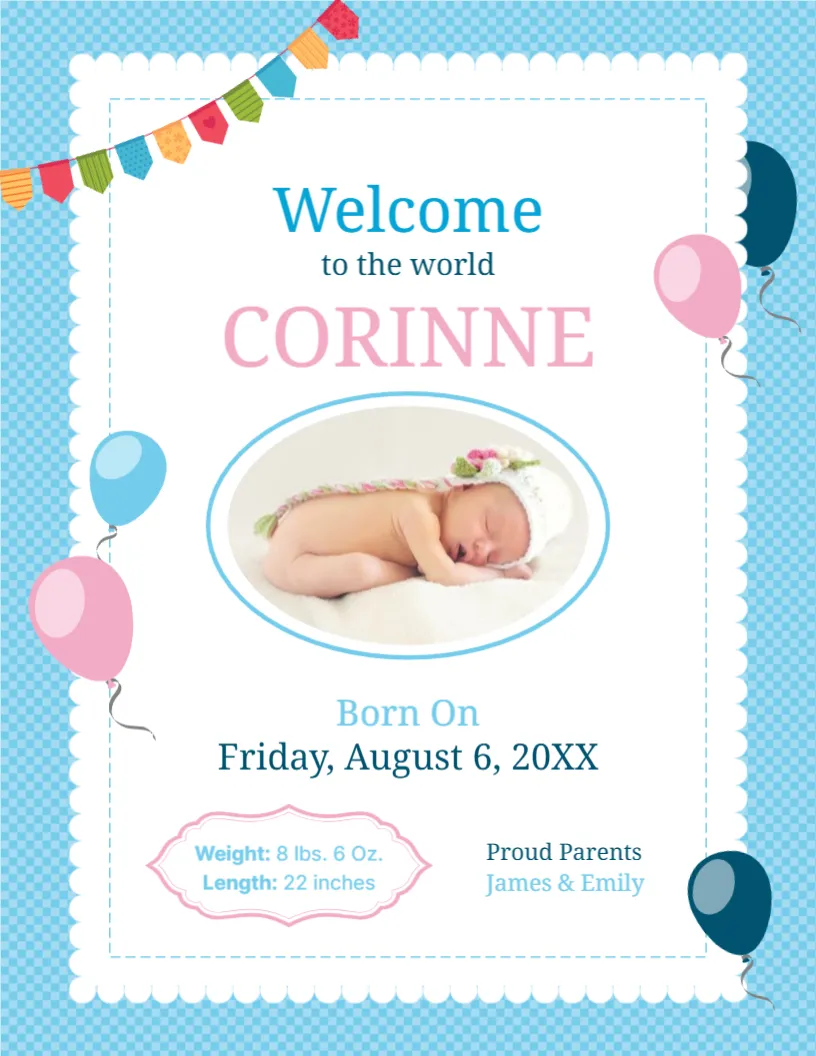
Compare it with the birth announcement template. You may also like the graduation announcement. For comparison, open the graduation party announcement. Looking beyond the fun balloon birthday design? See all announcements.