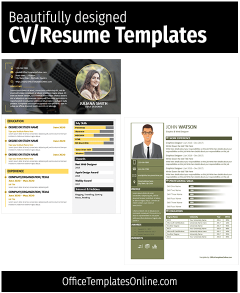
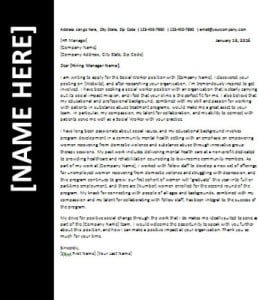
Best Free Resume Templates for Word [2026] – 6+ Editable & ATS-Friendly
Welcome! You’ve just found the perfect place to create a resume that truly stands out. On this page, we’re not only showing you how to make a great resume, we’re giving you a collection of professionally designed templates, and the best part? They’re completely free. Each template is simple to edit in Microsoft Word, so you can easily adjust it to match your style and experience. Whether you’re an experienced professional or starting your first job hunt, these templates will help you craft a polished resume that gets noticed.
What is a Resume and Why It Matters
The resume is actually a French word that basically means “summary”. That’s why it is a document that showcases your personal and academic information, as well as your professional experiences and work skills. That is to say, it is a kind of summary of your academic and professional abilities and history. There can be many purposes for creating it, but the most basic and common purpose for which it is used is to get a job.
Free Resume Templates in MS Word (Editable)

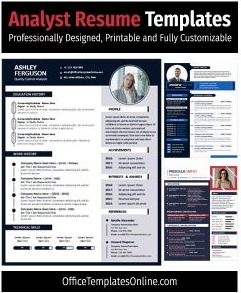
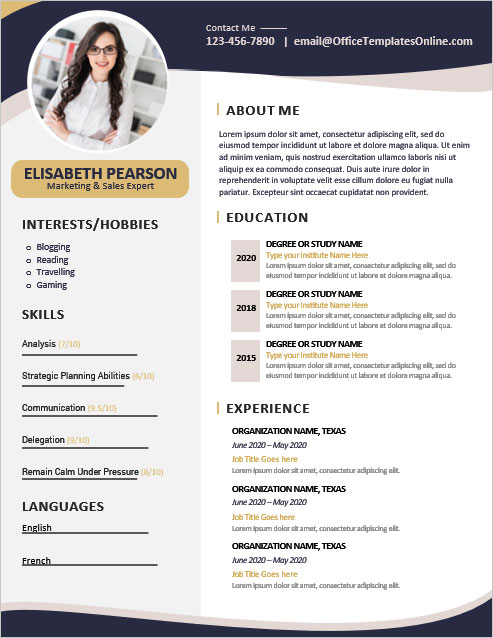
It is a document that provides you with a pre-made format. Everything in this is pre-designed, which you can customize and use for yourself. At the top, there is a space for your name where you can write your name along with the title. Nearby is a place for your photo where you can add your latest photo. The template has a prominent place for your contact information where you can write your phone number, mobile number, email, address, etc.
In the first section, you can write a short statement about yourself. Then describe your academic history and performance in a good way. In the Experience section, describe your work history in a way that gets better and more attention. Focus on the Skills section and list your best skills in a pre-designed section. Once you have put all your information into this resume template, then print it on a plain piece of paper with the help of any regular printer. In addition to printing, you can also save it in PDF format.
Creative Resume Template for Any Job
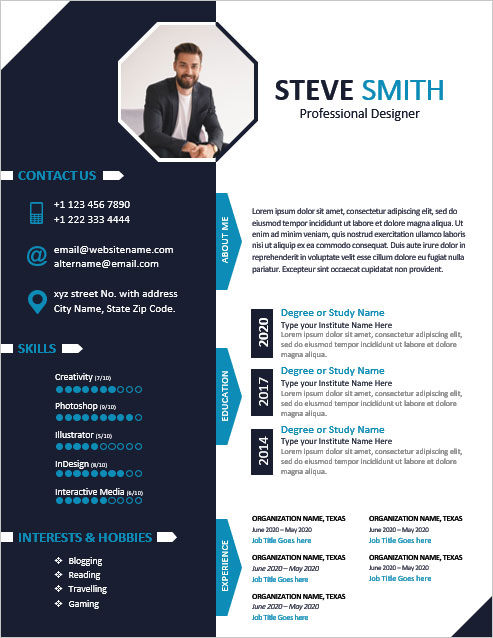
Watch the video to see how easily you can create or modify this CV format.
Use the link below to download this template in MS Word Format

Best Resume Template for IT Professionals

Modern Resume Template for Graphic Designers
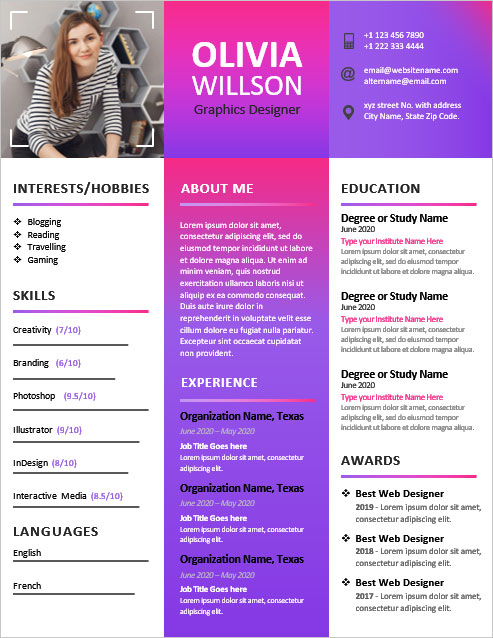
HR-Recommended Professional Resume Template

Sales Manager Resume Template
Web Designer Resume Template in MS Word

Different Types of Resume Formats (with Examples)
You can create a CV in any format you like; however, there are five different formats of a standard and commonly used resume or CV. Find the details below
1. Reverse Chronological Resume Format
As the name suggests, in this format, the academic and work history are displayed in chronological order, that is, the present or latest one is first and on top, and the rest after it. The goal is to focus on your current academic performance and professional experience at first glance. Generally, people like to create their resumes in this format as work experiences can be overviewed in a much better way in this format.
2. Functional Resume Format
Unlike the chronological format, the focus in this format remains on skills and experience. This type of format is more suitable for people whose skill level is very good and who also have a lot of work experience, but whose work history is not very good either. In other words, they don’t want to highlight their work history too much in their resume.
This type of format is mostly used by people who have just completed their education and want to start their professional careers and do not have a specific work history. Like, freshers and those who have entered professional life but are not satisfied with their first or second job. Or those who want to change their career from one domain to another.
3. Targeted Resume Format
In this type of format, the focus is more on what kind of job the resume is being made for than on academic performance, skills, or experience. Therefore, in this format, skills, experience, and work history are prioritized and highlighted as per the demand of the job.
So, before creating this type of CV, you should understand the job details very well. You need to know very well what kind of skills and experience are required for this job. And then, accordingly, highlight your skills and experiences well.
4. Online Resume Format
In today’s world, where everything has been digitized, job search and job management have also gone digital. There are currently many websites and web portals where you can create this online. This is available to you at a specific URL. You can easily send this URL to anyone via social media, email, or SMS. Search engines index these URLs that employers can easily search for. This way, your online resume is included in the searches of many employers on a daily basis.
5. Infographic Resume Format
This is a type of modern CV that uses colorful text and beautiful designs, layouts, images, and icons instead of plain text. Due to their beautiful design, such formats get more attention. With these beautiful elements, the candidate can present his / her academic performance, professional experience, skills, etc. to the employer in a better way to get more chances to be selected for the job.
Create Your Perfect Templates in Seconds
Choose from ready-made templates related to this topic, edit them online, and download instantly in PDF, PNG, or JPG format - fast, free, and no login needed.
Essential Sections to Include in a Resume
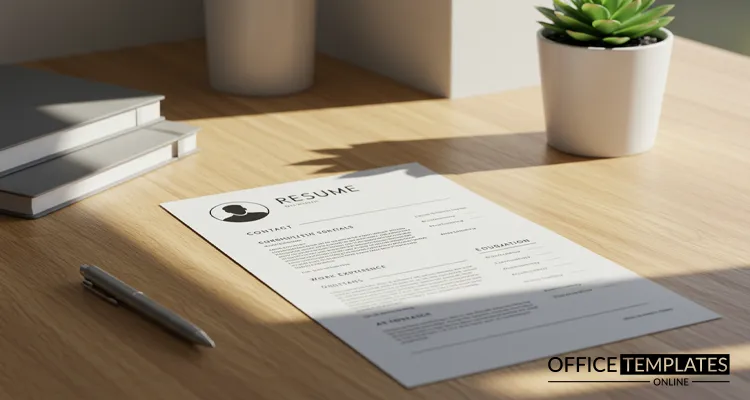
Actually, your resume should include everything that best describes your education, skills, and work history. But in general, the basic things that should be included in it are as follows.
- Your Name, Photo, and Contact Information.
- Summary about you, or your objectives.
- Your Education Details.
- Your Work History
- Your Skills
- Awards, Achievements, or Certificates
- References
Name, Photo & Contact Information
The most prominent part of a resume should be your name and your picture so that the employer can identify you at first sight. Then there is your contact information, which is a necessary thing to contact you in case you are selected for the job. Add to the contact information every option that makes it easier for your employer to access you. Such as phone number, mobile number, email address, physical home or residency address, Facebook, Instagram, Twitter, LinkedIn information, and web address (if you have one).
Professional Summary or Career Objectives
The About section should be short but concise. The words should not be so long that the reader begins to get bored, nor so short that they do not even cover your personality or what you are trying to tell about yourself. So you have to focus a lot on this section and choose the best words and phrases. This section should be good enough for the potential employer to start making up their mind to select you for the job.
Education Details
Describe your educational history in a professional way in this section. The chronological order is usually used to describe the educational history. But if you want to express it in a different way, do it the way you like. Try to highlight your basic educational qualifications and what is relevant to the job. Describe the academic subject with the year in which it was completed. Also, describe the majors of this course so that the employer can easily understand the basics of your qualifications.
Work Experience
If you are not a fresher and have done a job before, describe your work history in this section. Describe each job separately with its time period. Also, with each job, describe what your role was for that job and what accomplishments you achieved. Also, describe the basic skills needed to do the job and how you performed them. But when writing all this, keep your words as short and concise as you can.
Key Skills
The most important part of a resume is the skills section. This is the section that every employer pays close attention to. This section plays a vital role in the selection of a candidate for any job. So be very careful while describing this section, and mention all the skills that are required for the job in this section, and you can do it well. When describing each skill in this section, also state how qualified you are to perform this skill. If possible, rate yourself for this skill, such as eight out of ten, nine out of ten, or ten out of ten, etc.
Awards & Certifications
If you have received a special award or certificate during your academic career or while doing a job, mention it prominently in this section. Also, if you have any special achievements related to this job, describe them in the same section. All this will give a different look to your personality and leave a good impression on the employer
Professional References
This section is not very important, but if there is someone you know who is already working in a good position, you can describe their contact here as a reference. One of the advantages of this is that the employer can contact the person and get an opinion about you or your personality, which can be of some help to you in getting this job.
Why You Should Update Your Resume Regularly
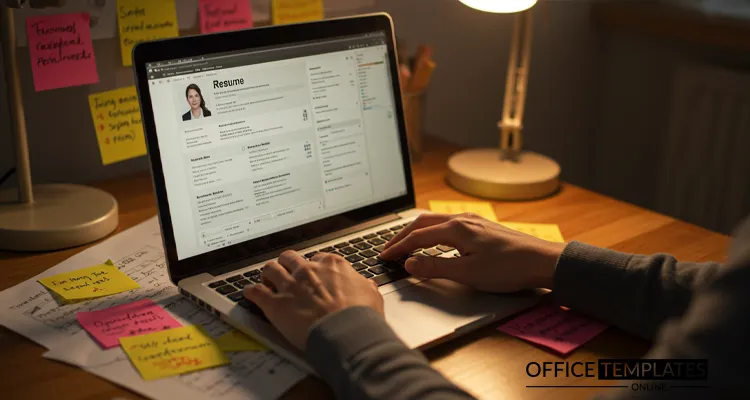
One of the most important things that most people don’t pay attention to is updating it regularly. If you have taken a new course, learned a new skill, or achieved a new milestone or achievement in your job or organization, be sure to update it in your resume. This is a very important thing, especially for an online one, that you have to do on time. This will always allow your employer to receive your updated resume.
Frequently Asked Questions (FAQs)

1. What is the best format for a resume?
The best resume format depends on your experience. For most professionals, the reverse-chronological format works best as it highlights recent achievements. However, functional or targeted formats are ideal for career changers or those with gaps in employment.
2. Are these resume templates ATS-friendly?
Yes. All the templates provided here are designed to be ATS-friendly, meaning they are formatted in a way that applicant tracking systems can easily read and parse your information without errors.
3. How do I download and edit these resume templates?
Click the download button under each template. Once downloaded, open the file in Microsoft Word, replace the placeholder text with your details, and save the file. You can also export it to PDF for online submissions.
4. Can I customize the design and layout of these templates?
Absolutely. You can change fonts, colors, sections, and layout in Microsoft Word to match your personal branding and style preferences.
5. Are these resume templates free for personal and commercial use?
Yes, these templates are completely free for personal use. For commercial use, please review the licensing terms provided on the download page.