A Blue Ribbon Swirl and a Black Crown for a Teacher Award
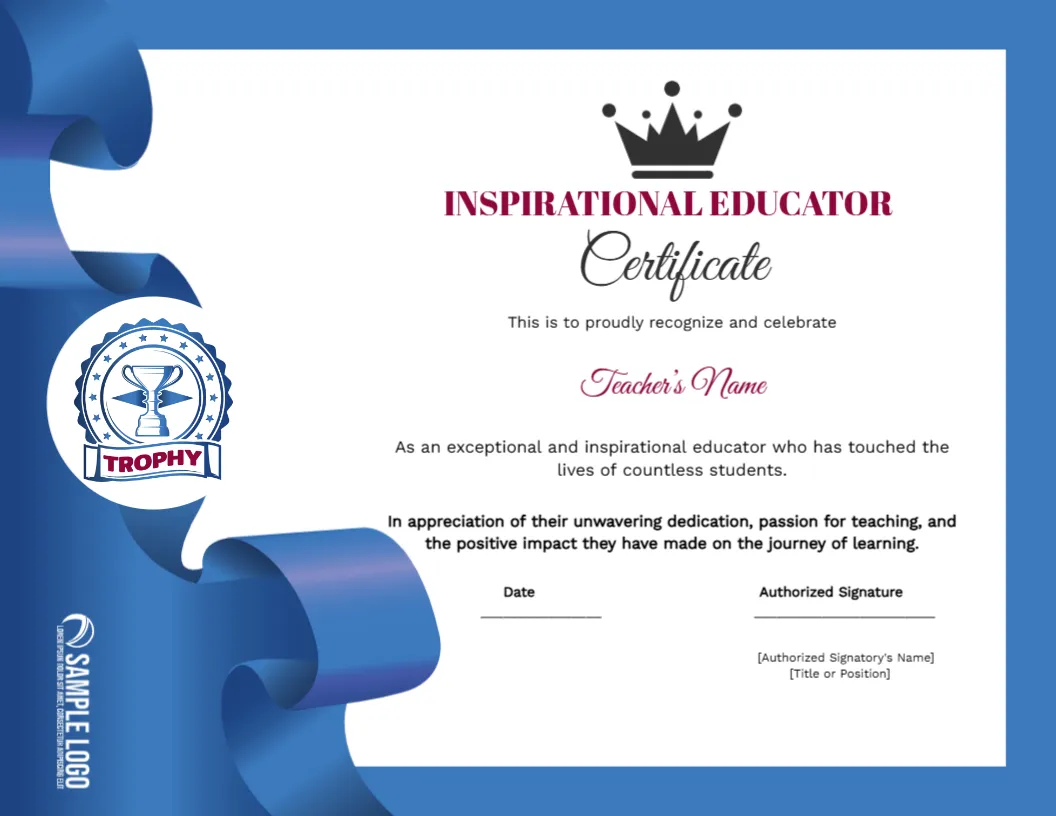
A glossy blue ribbon swirls down the left of this landscape certificate, with a round trophy seal sitting on a white circle and a sample logo set vertically at the foot. A black crown sits over INSPIRATIONAL EDUCATOR in plum capitals, with a script word Certificate, the teacher name in plum script and two lines of praise.
A Letter Landscape With a Wide Ribbon
The page is 11 x 8.5 inches. The ribbon uses the left quarter of the width, so keep the text centred in the white area, and avoid long lines that run towards the ribbon.
Teacher Name and Appreciation Text
Type the teacher name in the plum script line and rewrite the two statements about countless students if you want a personal note. Add the signatory name and title in the square brackets under the signature line, and replace the vertical SAMPLE LOGO with your own.
Preparing the Educator Certificate
- Type the teacher name.
- Personalise the praise text.
- Fill the signatory details.
- Swap the vertical logo.
- Print on glossy or matte paper.
Awards That Honour Influence
This certificate recognises teachers who changed students lives rather than those with the best marks. It suits an end of year staff event, a retirement or a thank you from a parent teacher group.
Script Fonts and Readability
The word Certificate and the teacher name are in script type. Script looks elegant but is harder to read at a small size, so keep the name at the original size and avoid very long names.
A Crown and a Trophy Together
The crown and the trophy seal both signal a top award. Together they make the certificate feel celebratory, so it works well for a prize given in front of a whole school.
Matching Blue to School Colours
The blue ribbon can be recoloured in the editor. If your school colours are green or red, change the ribbon tint and keep the plum headings, which contrast strongly with most backgrounds.
Adding a Personal Anecdote
A short story from a student, printed on the back or on a card, turns a certificate into a keepsake. Gather two or three quotes from students and place them in a small frame.
Handling a Group of Awards
If you honour several teachers, print the names on a spreadsheet and create each certificate from the same master. That keeps layout and wording consistent and saves time.
Framing the Award
Offer a simple frame or a folder with the school crest. Teachers often keep such certificates for years, so good paper and a neat presentation are worth the small extra cost.
Step by Step Editing of the Inspirational Educator Certificate Blue Ribbon Crown Design
- On the inspirational educator certificate blue ribbon crown design, click the main headline and type your own words, keeping a similar length.
- Retype every name, date and contact line on the inspirational educator certificate blue ribbon crown design, checking each against a trusted source.
- Search the inspirational educator certificate blue ribbon crown design for the words Lorem and Company so that no placeholder remains.
- Click any logo or photo on the inspirational educator certificate blue ribbon crown design, choose Replace Image and resize the new picture to fit.
- Zoom the inspirational educator certificate blue ribbon crown design to full size and read each line aloud before you save it.
- Keep a clean master of the inspirational educator certificate blue ribbon crown design without private details, so later versions start tidy.
For comparison, open the best subject teacher certificate. Consider the parent choice certificate. Similar designs include the congratulations certificate. Find more designs next to the inspirational educator certificate blue ribbon crown design in certificate templates.