Free Proposal Templates for Word (DOCX)
Looking for professional, free proposal templates you can edit in Microsoft Word?
You’re in the right place. This page is a complete resource for proposal templates in DOCX format, designed for businesses, freelancers, startups, students, and organizations that need to create clear, persuasive proposals – fast.
Whether you’re responding to a Request for Proposal (RFP), pitching a business or consulting service, submitting a construction or research proposal, or preparing an investment or job proposal, these templates provide a proven structure that saves time and improves acceptance rates.
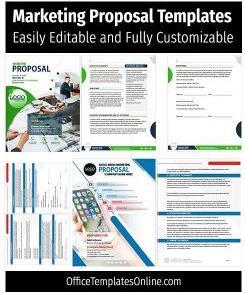
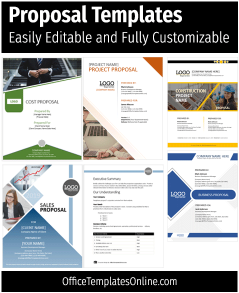

Try Our Interactive Template Editor
Looking for quick online customization? Browse our featured interactive editor templates below—perfect for creating polished certificates, letterheads, cards, and flyers with zero software needed.
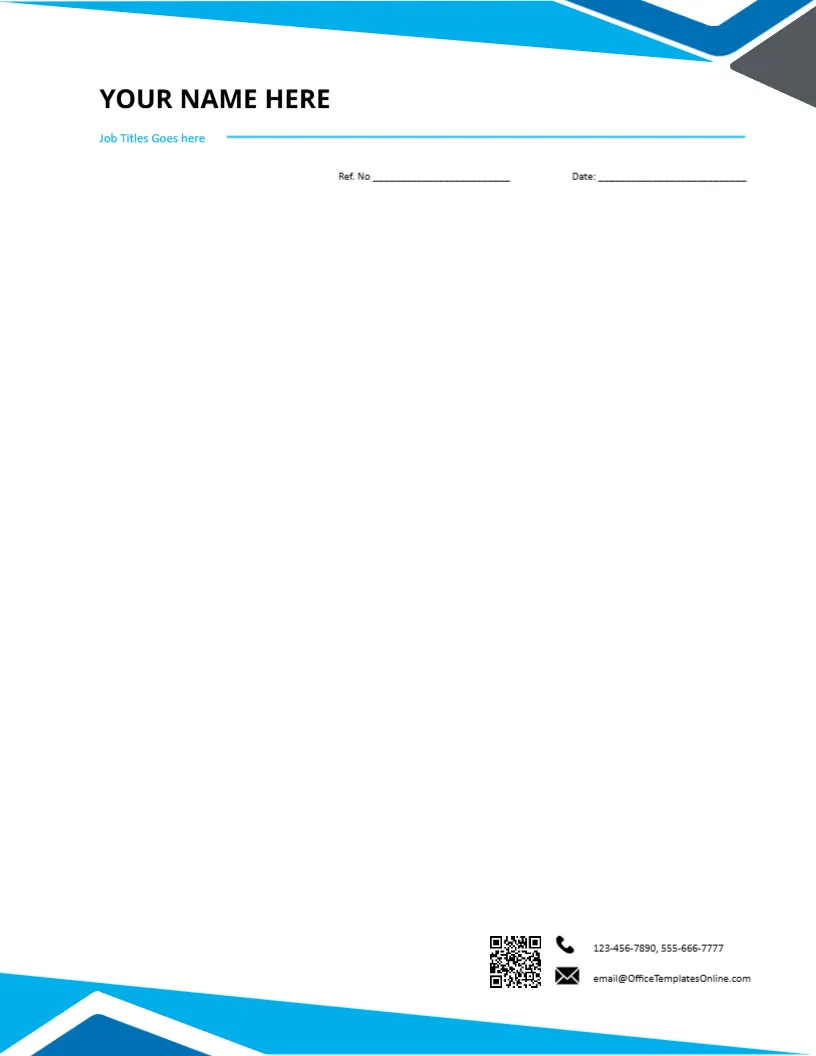
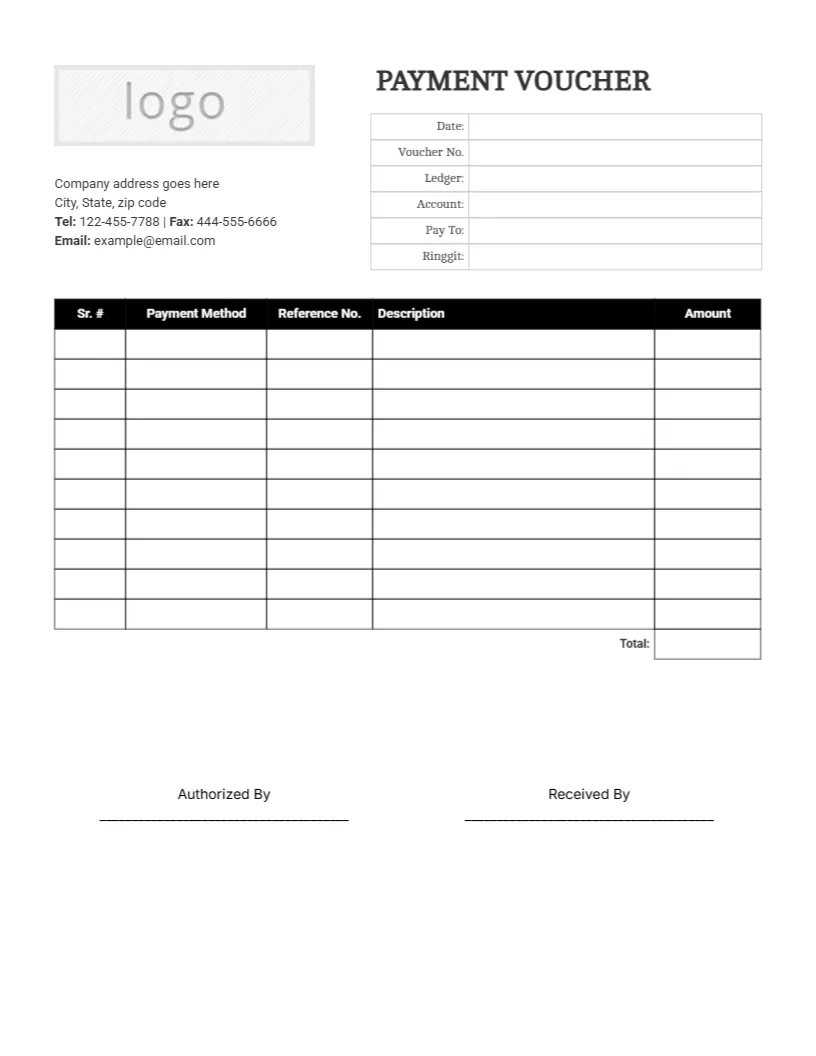
Top Picks





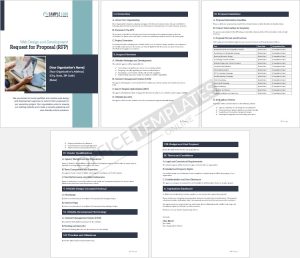


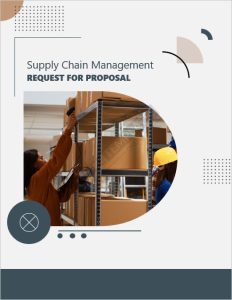

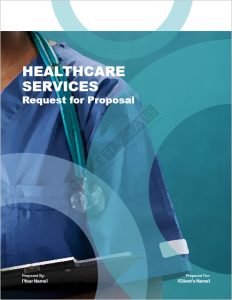


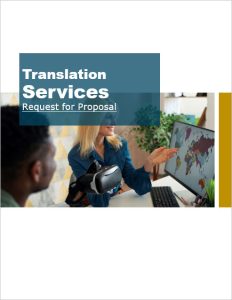
What Is a Proposal Template?
A proposal template is a pre-designed document layout that helps you present an offer, plan, or request in a clear and professional format. Instead of starting from a blank page, you simply replace the placeholder content with your own project details, pricing, and terms.
Using a proposal template ensures consistency, clarity, and completeness – especially when proposals are reviewed by clients, evaluators, or decision-makers who expect a formal structure.
Why Use Proposal Templates in Word (DOCX)?
Microsoft Word (DOCX) proposal templates are widely preferred because they are:
Fully editable — change text, colors, fonts, and layout
Compatible with Windows, Mac, and Google Docs
Easy to export to PDF for sharing or submission
Accepted worldwide for business, academic, and government use
All templates on this page are provided in DOCX format, so you can customize them without specialized software or design skills.

Types of Proposal Templates Available
This page brings together all major types of proposal templates in one place. Choose a format based on your purpose and industry:
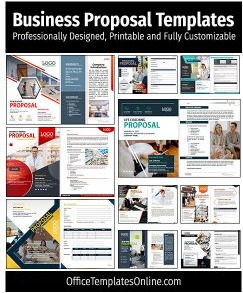
Business Proposal Templates – for services, agencies, and companies
Project Proposal Templates – for internal approval or client work
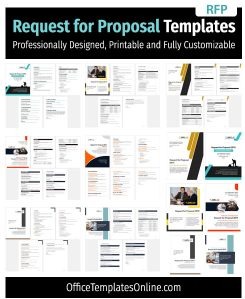
RFP (Request for Proposal) Templates – structured for formal bidding
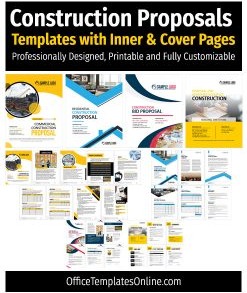
Construction Proposal Templates – scope, materials, timelines, pricing
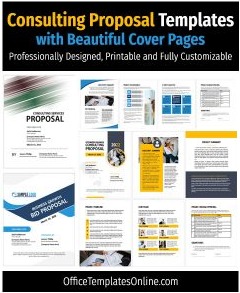
Consulting Proposal Templates – workstreams, deliverables, and fees
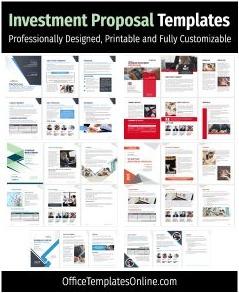
Investment Proposal Templates – startups, funding, and pitch documents
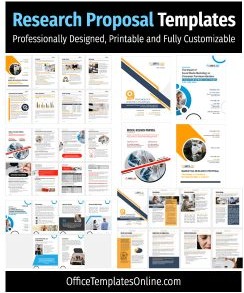
Research Proposal Templates – objectives, methodology, references
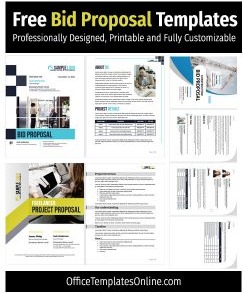
Bid Proposal Templates – compliance-focused and price-driven
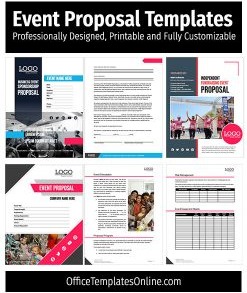
Event Proposal Templates – planning, vendors, and budgets
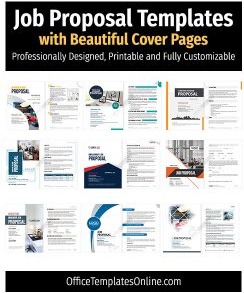
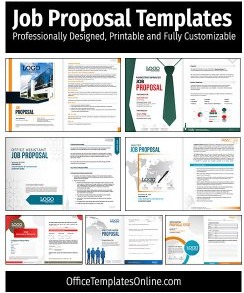
Job & Work Proposal Templates – freelance and contract roles
Each category below links to dedicated collections with multiple examples and layouts.
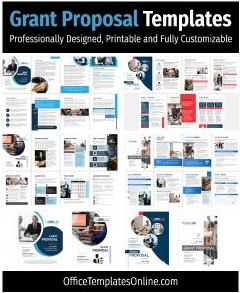
Browse the proposal templates below to find the format that best fits your needs. Every template is free to download and easy to customize.
Standard Sections Included in Professional Proposal Templates
While formats vary by industry, most effective proposals follow a proven structure. The templates on this page typically include:
Executive Summary – a concise overview of the problem and solution
Scope of Work & Deliverables – what will be done, and how
Timeline & Milestones – phases, deadlines, and schedules
Pricing & Payment Terms – itemized costs and options
Company or Team Overview – experience, credentials, and proof
Terms, Conditions & Acceptance – assumptions, signatures, next steps
These sections help evaluators quickly understand your offer and make informed decisions.
How to Customize a Proposal Template in Minutes
Customizing a proposal template is simple and requires no design experience:
Download the DOCX file and open it in Microsoft Word or Google Docs
Replace placeholder text with your project details
Update branding — logo, colors, fonts, and images
Adjust sections based on the proposal requirements
Export the final version as PDF or submit as a Word file
Tip: Keep paragraphs short, use bullet points, and highlight outcomes to improve readability.
Proposal Writing Tips That Improve Approval Rates
A well-designed template is only half the equation. Use these best practices to increase your chances of success:
Lead with outcomes, not features
Make it scannable using headings, bullets, and tables
Reduce risk with testimonials, credentials, or guarantees
Offer pricing options (good–better–best)
Clarify next steps with a signature or approval section
Free Proposal Templates – Frequently Asked Questions
Are these proposal templates really free?
Yes. All templates are free to download and can be used for personal and business purposes under our standard terms.
Do these templates work on Mac and Google Docs?
Absolutely. The templates are provided in DOCX format, compatible with Microsoft Word on Windows and Mac, and can be imported into Google Docs.
Can I edit colors, fonts, and images?
Yes. Every element is fully editable. You can customize branding, typography, layout, and images.
Can I add or remove sections?
Definitely. The templates are modular — duplicate, remove, or reorder sections to match your requirements or evaluation criteria.
Advertisement
