Best Free Business Operations Templates for Word (SOPs, Logs & Reports)
This page brings together a complete set of business operations templates designed to help teams document processes, manage performance, and maintain operational control. All templates on this page are original, created in-house, and structured for real business use – not generic examples.
These Microsoft Word templates are built for founders, operations managers, and growing teams who need clear documentation, consistent reporting, and practical tools they can adapt to their own organization. Every file is fully editable and ready to use in day-to-day operations.
We designed this collection to work as a system. You can use a single template on its own, or combine them to support governance, audits, scaling, and ongoing management.
Key Features
- Free to download and use
- Microsoft Word (.DOCX) format
- Fully editable layouts and fields
- Suitable for small businesses and established organizations
- Designed for operational, management, and compliance use
- Works for both digital and printed workflows
- ZIP includes the fonts used in the preview (install once to match the screenshots).
Who These Templates Are For

These templates are used by people who run and manage real operations:
- Business owners and founders documenting how their company runs
- Operations managers standardizing workflows and reviews
- Department heads clarifying roles, responsibilities, and KPIs
- Project and program managers tracking decisions, issues, and progress
- Finance and admin teams monitoring costs, assets, and approvals
- Compliance, QA, and audit teams maintaining control and evidence
They are especially useful for organizations that are growing, hiring, preparing for audits, or trying to reduce operational confusion.
How We Designed These Templates
We designed these templates based on how operations actually work inside organizations – not how they look in theory.
Each document was structured after reviewing common operational gaps: undocumented processes, unclear ownership, missing audit trails, and inconsistent reporting. We focused on layouts that prompt the right information, without forcing unnecessary complexity.
Our design approach prioritized:
- Clear sections with defined purpose
- Fields that support accountability and review
- Language that fits internal business use
- Flexibility to scale with team size and maturity
Every template was reviewed to ensure it could be used as a working document, not just a one-time form.
Business Operations Templates Included
The templates below cover essential areas of business operations, from daily execution and reporting to governance, compliance, and scaling. Each download includes an editable Word file and the fonts used in the design, allowing you to match the layout shown in the preview screenshots.

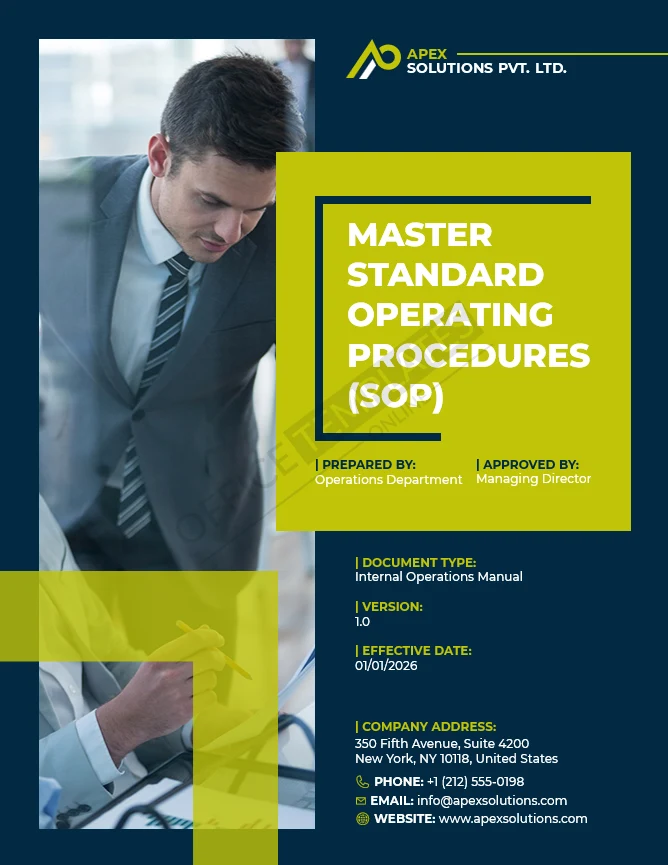
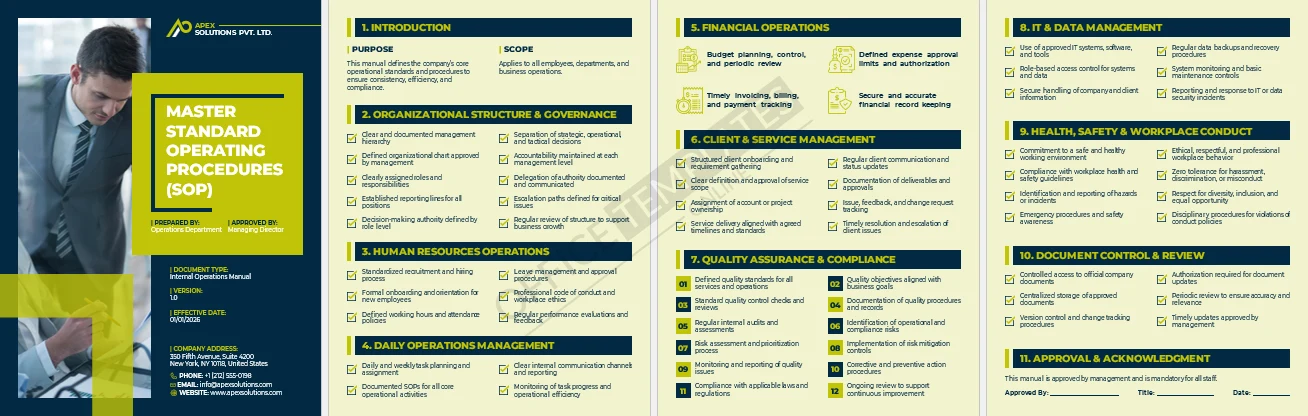
Company Operations Manual (Master SOP)
Best for: Defining how the business operates end-to-end.
A central operations manual that documents governance, daily operations, quality, compliance, and control standards in one place.

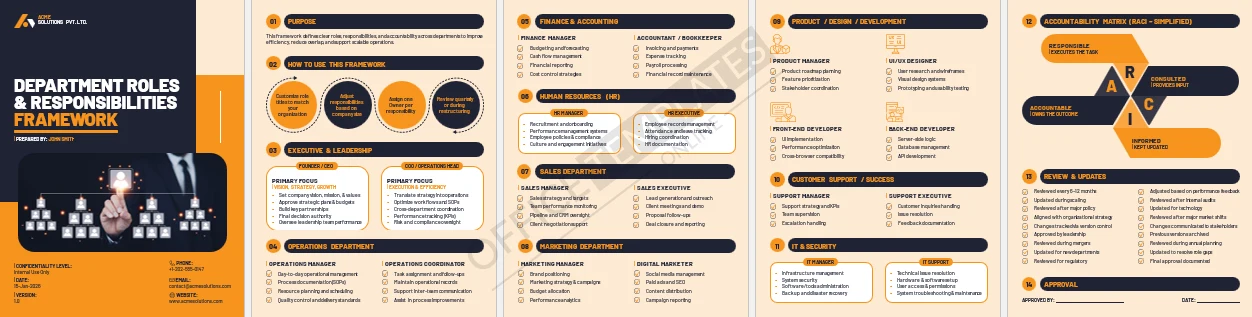
Department Roles & Responsibilities Framework
Best for: Clarifying ownership and accountability.
Defines roles across departments with clear responsibility areas and a simplified RACI-style structure.

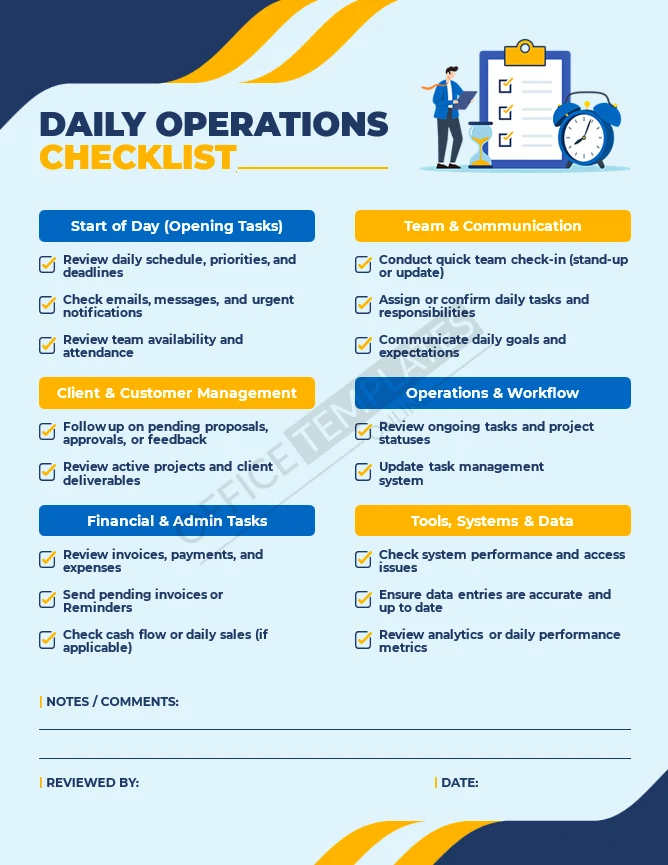
Daily Operations Checklist
Best for: Day-to-day operational consistency.
A practical checklist to help teams manage daily priorities, communications, systems, and follow-ups.
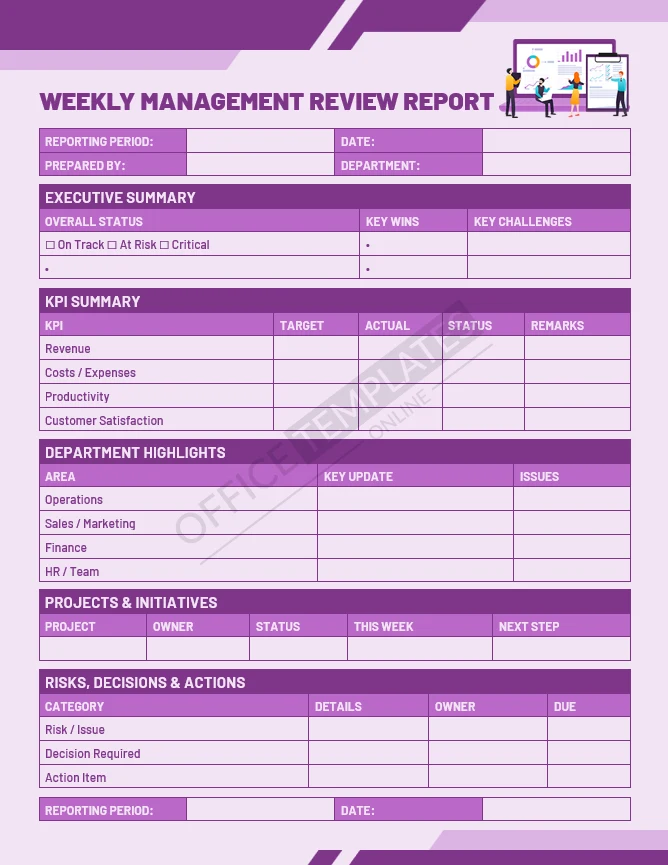
Weekly Management Review Report
Best for: Leadership and management reviews.
Tracks risks, decisions, KPIs, and departmental updates in a single weekly view.
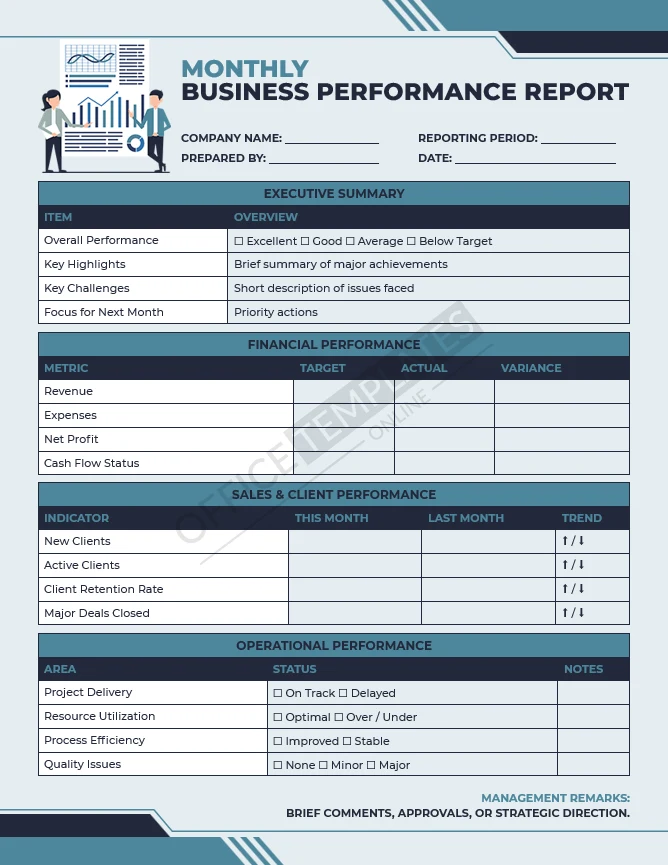
Monthly Business Performance Report
Best for: Ongoing performance tracking.
Summarizes financial, operational, and client performance with management remarks and next steps.
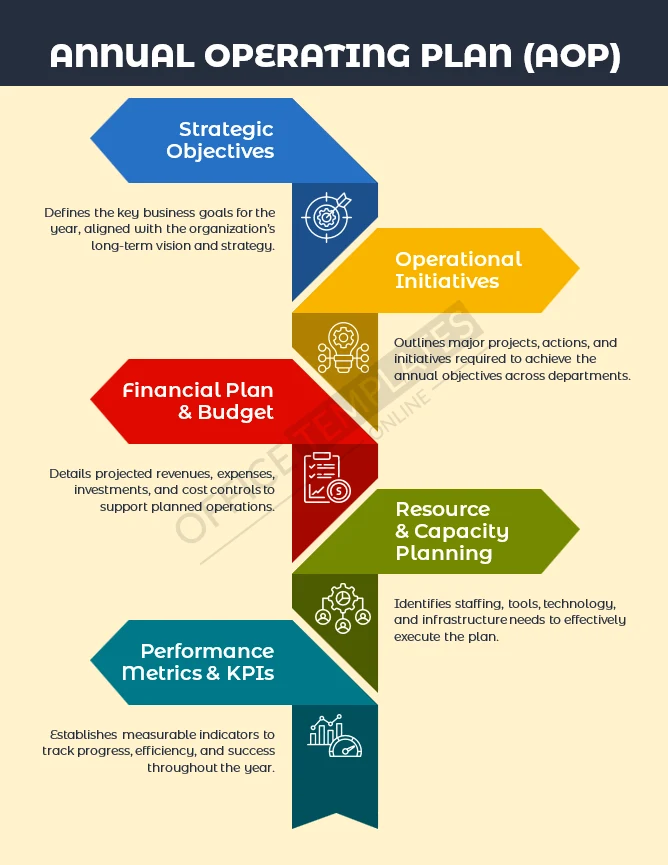
Annual Operating Plan Template
Best for: Yearly planning and alignment.
Outlines strategic objectives, initiatives, budgets, resource planning, and KPIs for the year.
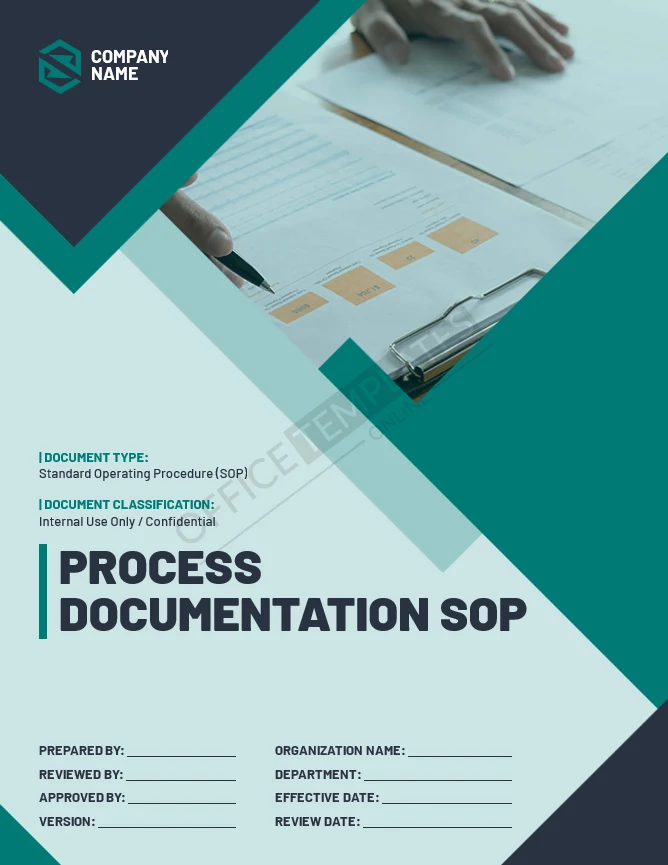
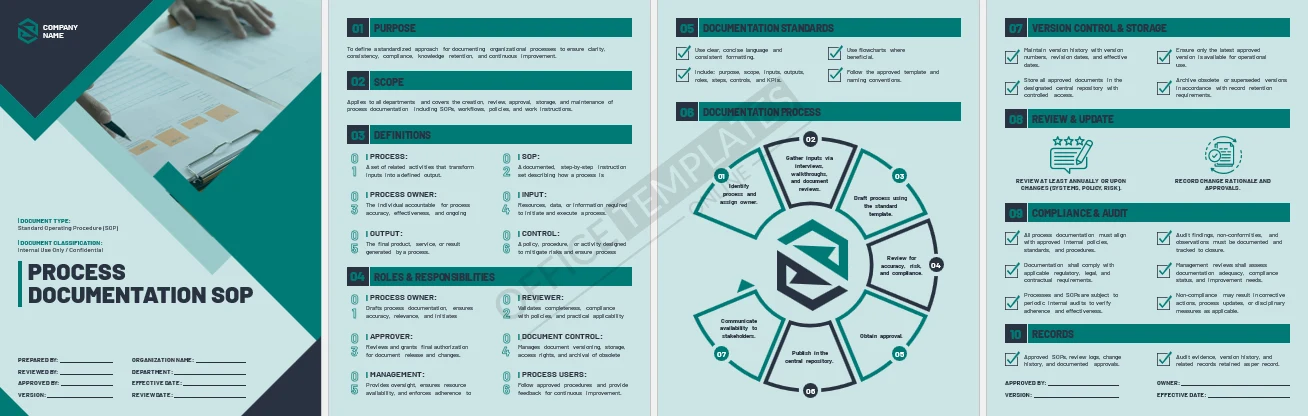
Process Documentation SOP
Best for: Standardizing how processes are documented.
Provides a consistent structure for creating, reviewing, approving, and maintaining SOPs.
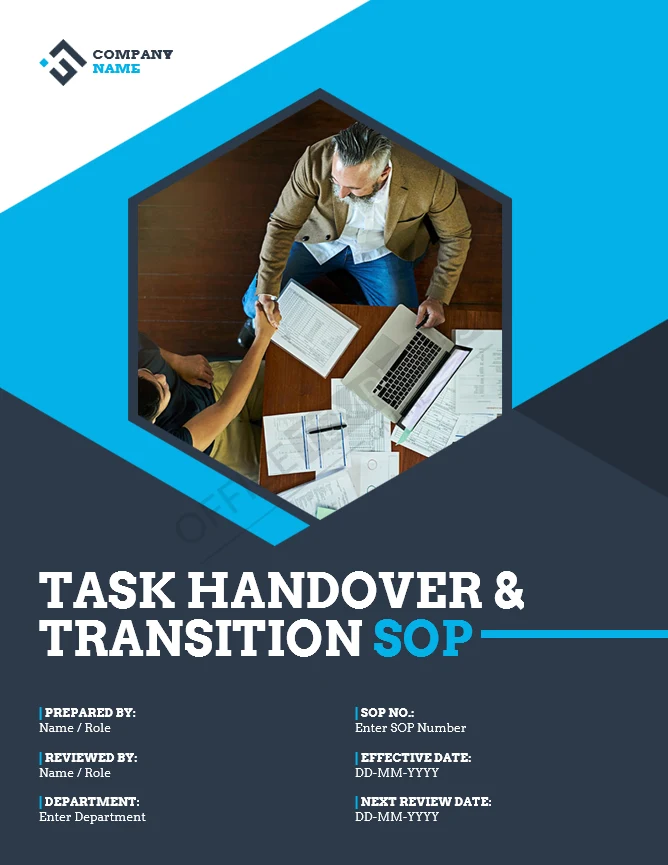
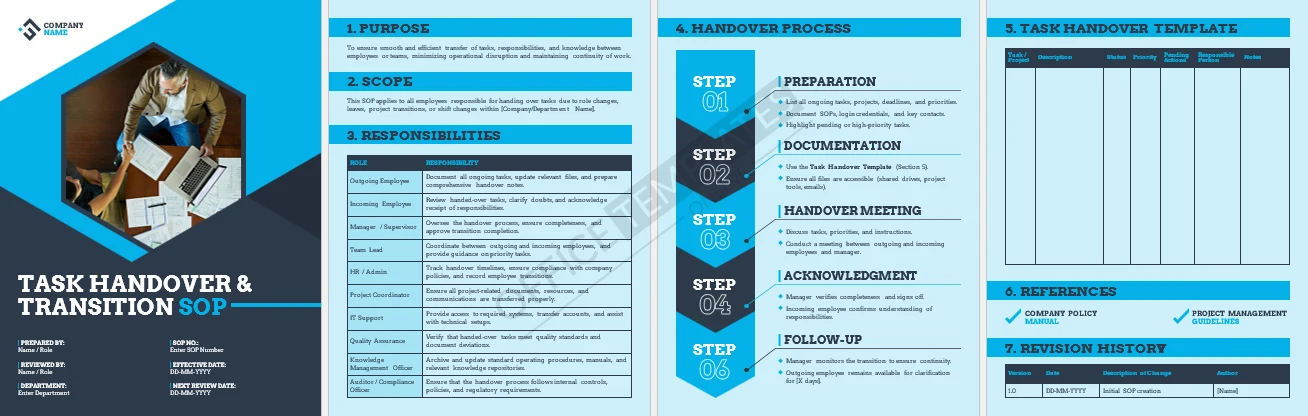
Task Handover & Transition SOP
Best for: Role changes and employee transitions.
Ensures knowledge, responsibilities, and access are transferred without disruption.

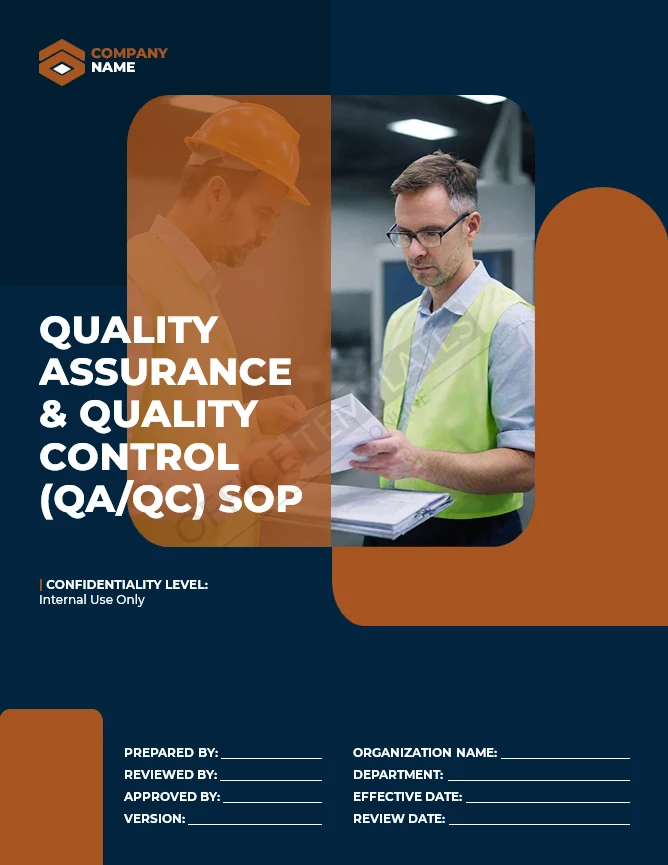
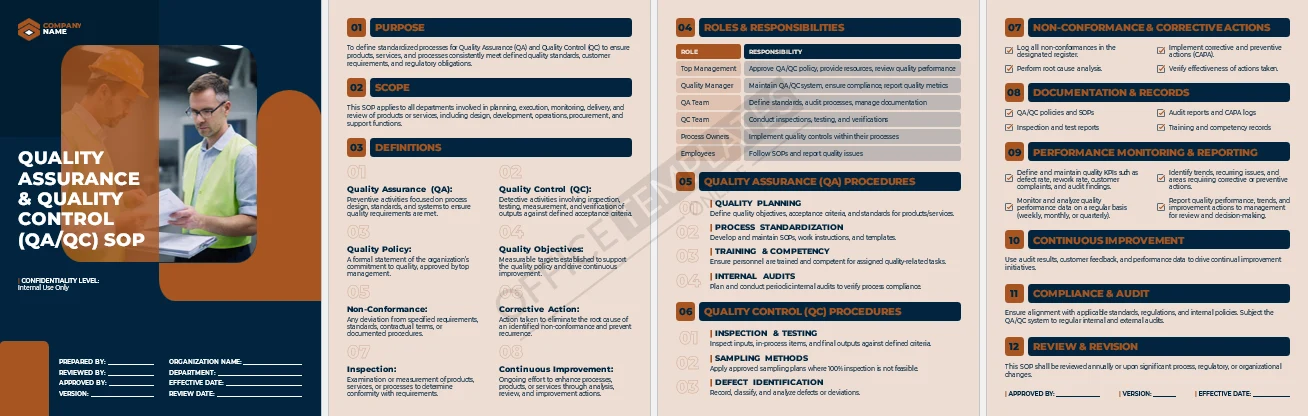
Quality Assurance & Control SOP
Best for: Maintaining service or product quality.
Defines QA and QC responsibilities, controls, audits, and corrective actions.
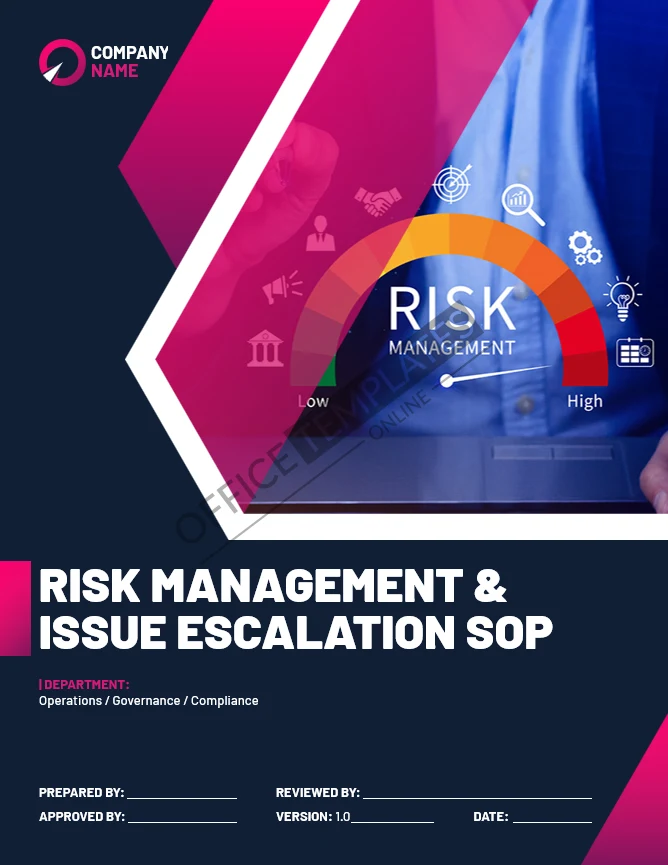
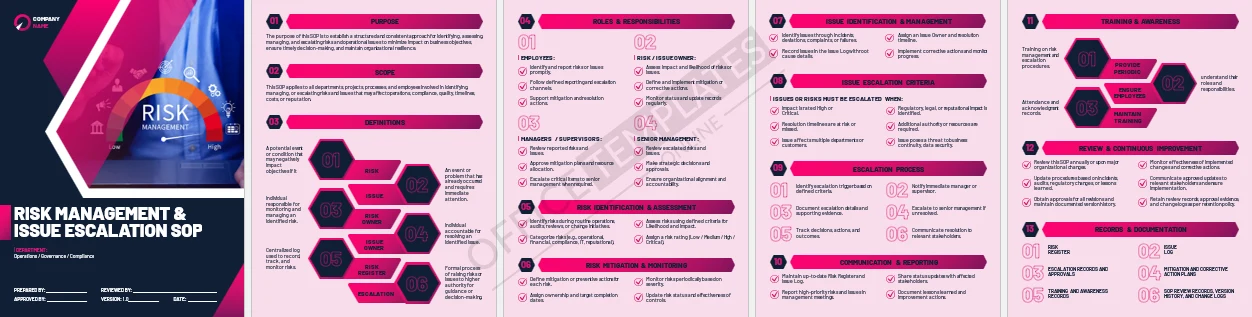
Risk Management & Issue Escalation SOP
Best for: Managing operational risks.
Establishes how risks and issues are identified, assessed, escalated, and monitored.
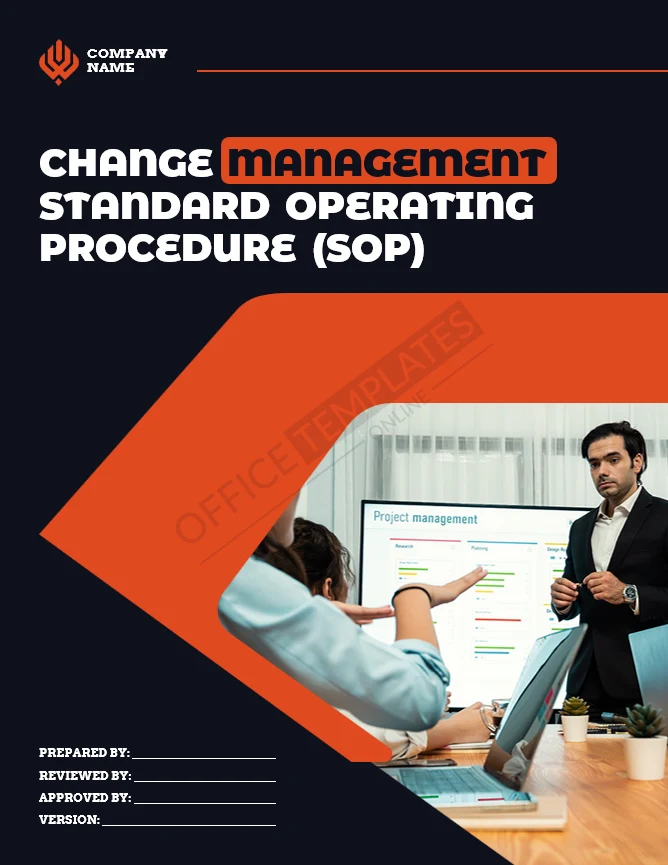
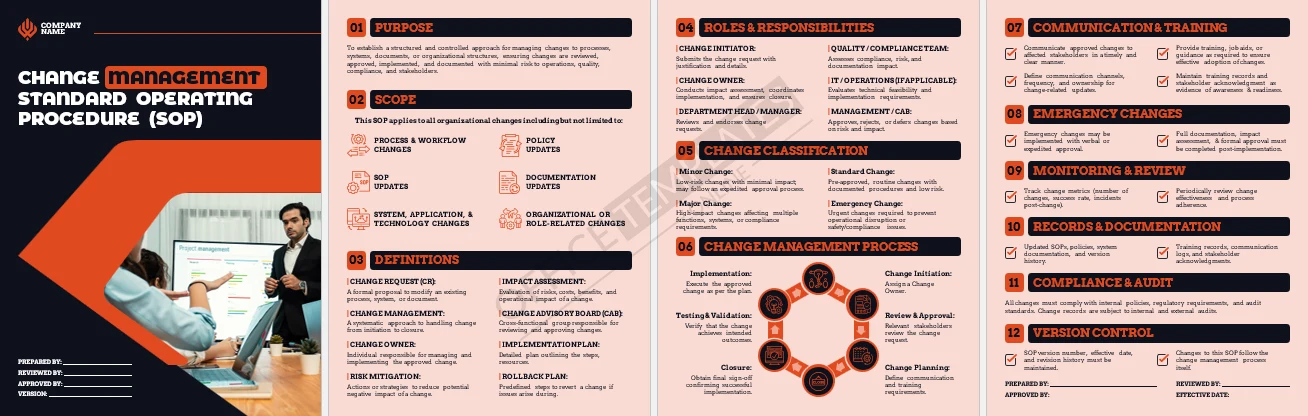
Change Management SOP
Best for: Controlling operational and system changes.
Provides a structured approach for reviewing, approving, implementing, and documenting changes.
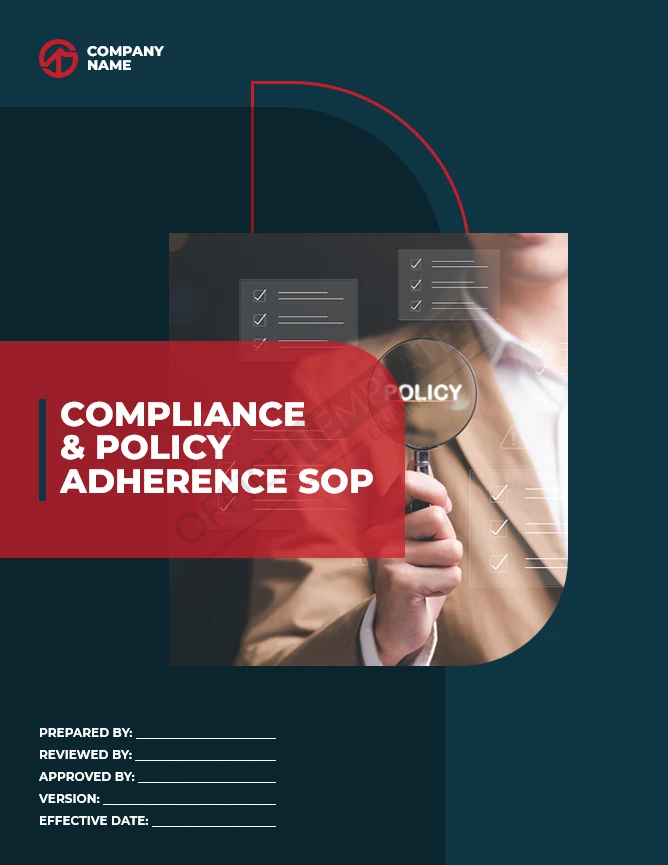
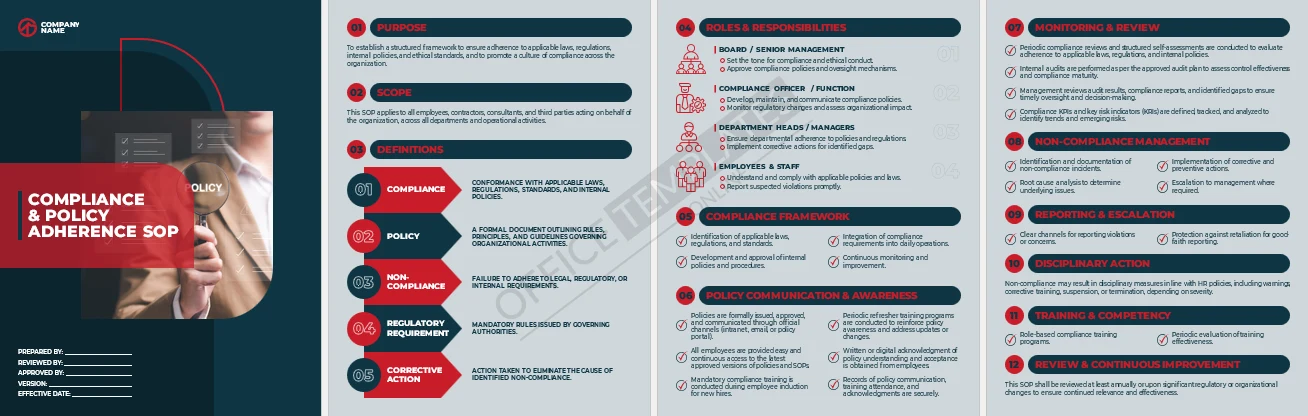
Compliance & Policy Adherence SOP
Best for: Regulatory and internal compliance.
Defines compliance roles, monitoring, training, reporting, and corrective actions.
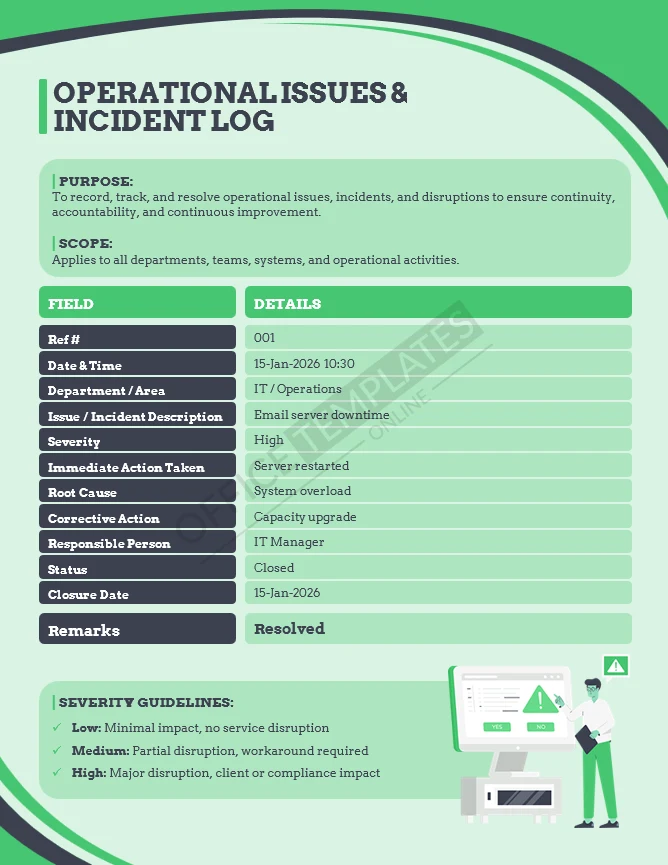
Operational Issues & Incident Log
Best for: Tracking disruptions and incidents.
Logs operational issues with severity, root cause, actions, and closure details.
Create Your Perfect Templates in Seconds
Choose from ready-made templates related to this topic, edit them online, and download instantly in PDF, PNG, or JPG format - fast, free, and no login needed.


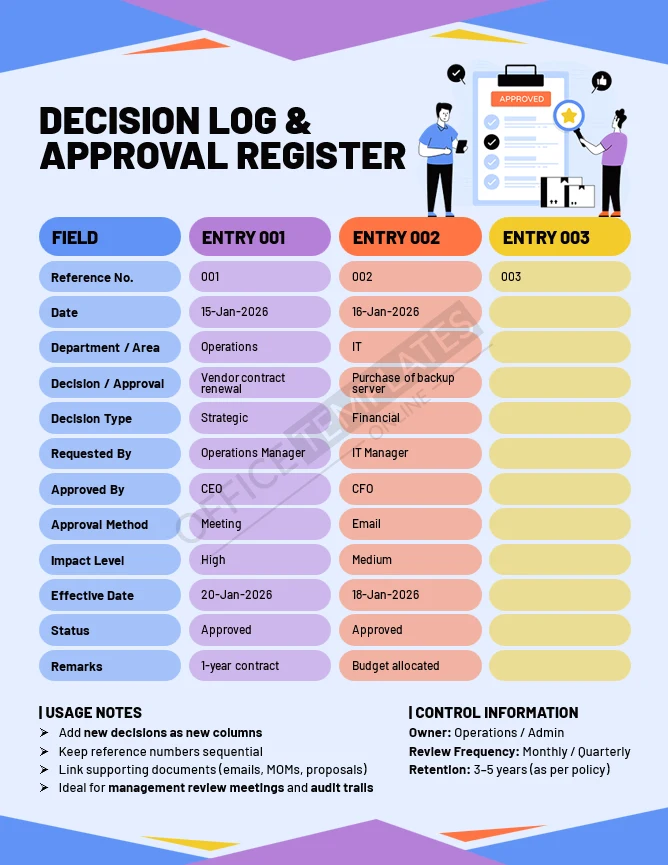
Decision Log & Approval Register
Best for: Audit trails and governance.
Records key decisions, approvals, impact levels, and supporting references.
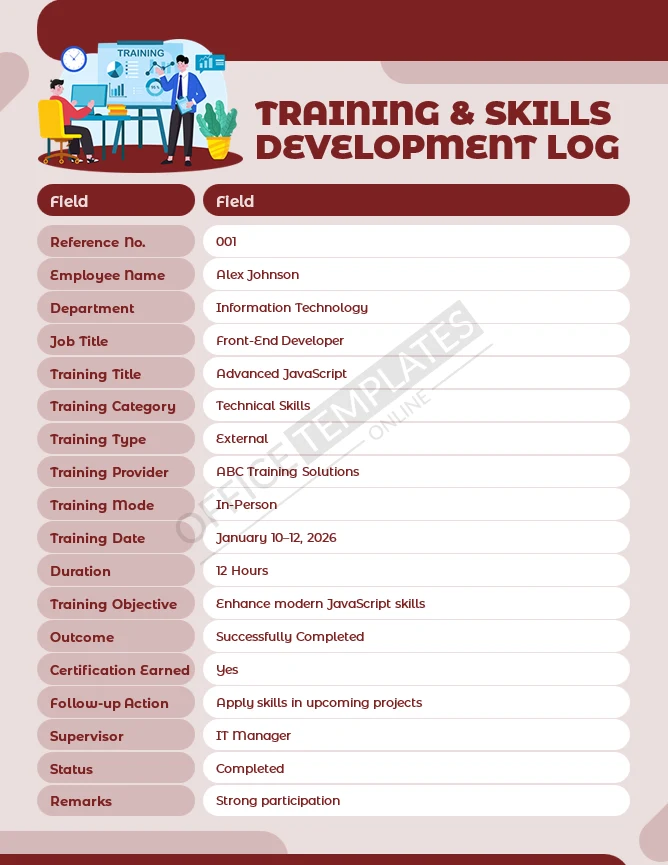
Process Improvement Tracker
Best for: Continuous improvement initiatives.
Tracks improvement ideas, owners, timelines, and measurable outcomes.
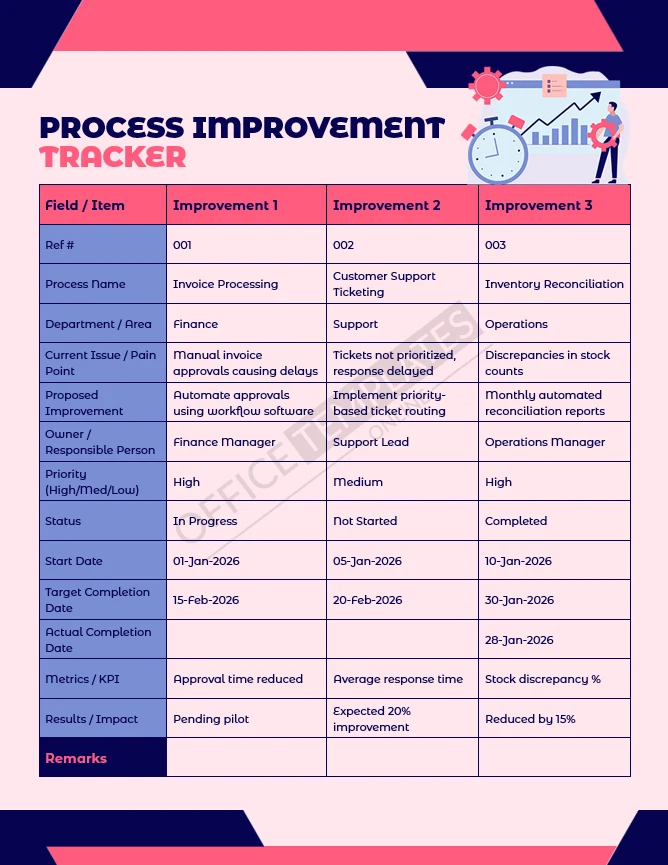
Asset & Resource Management Log
Best for: Managing company assets.
Tracks assets, condition, location, maintenance, and responsibility.
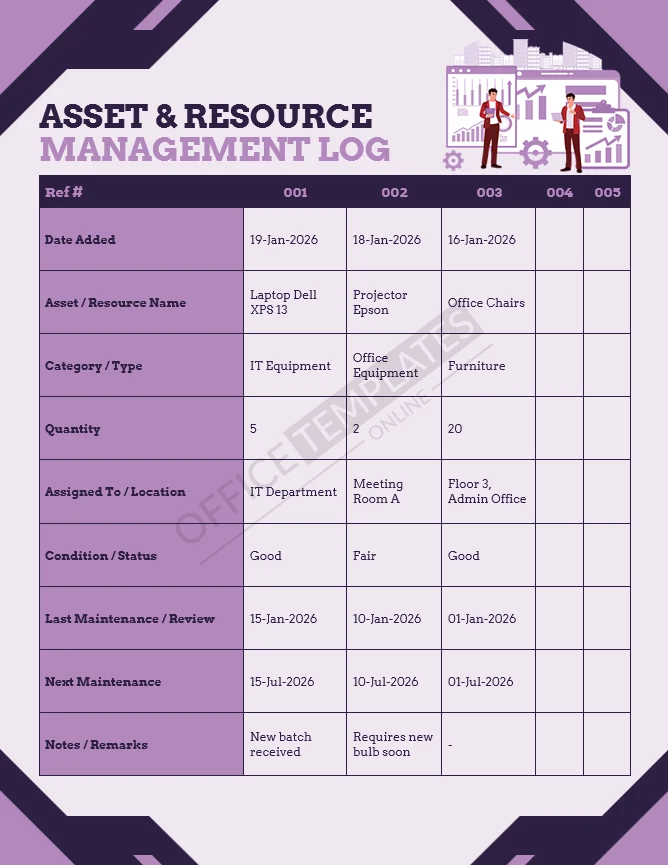
Vendor & Partner Management Log
Best for: Third-party oversight.
Documents vendor details, contracts, performance, and compliance status.
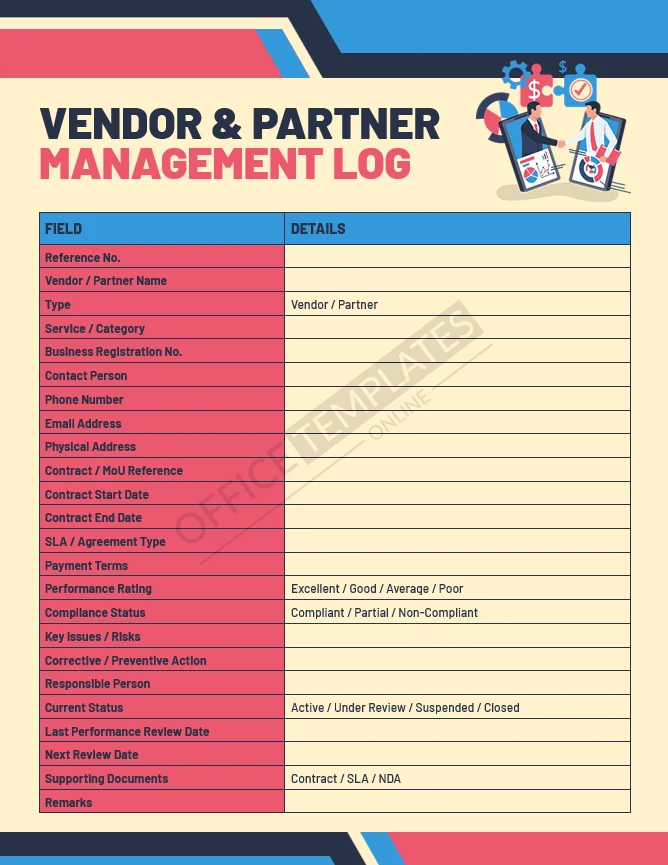
Training & Skills Development Log
Best for: Employee development tracking.
Records training activities, objectives, outcomes, and follow-up actions.
Service Delivery & Efficiency Report
Best for: Operational performance reviews.
Measures service levels, efficiency metrics, and improvement actions.
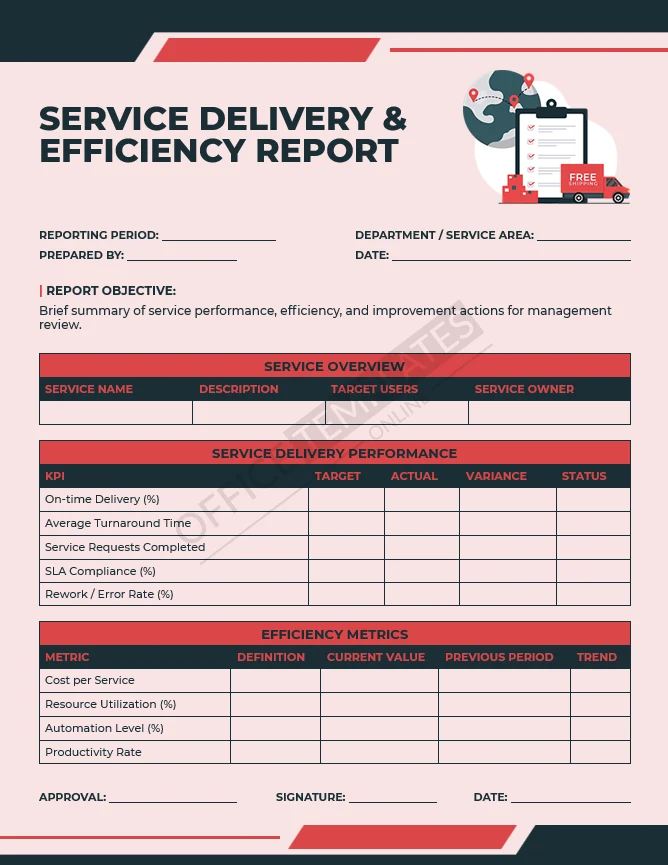
Cost Control & Expense Monitoring Report
Best for: Financial oversight.
Compares budgeted vs actual costs, identifies variances, and tracks cost control actions.
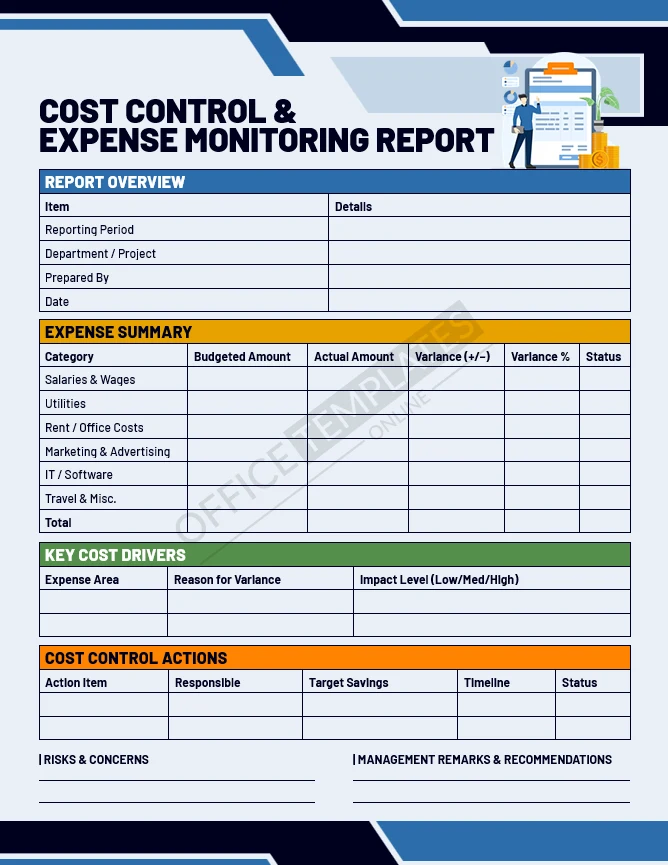
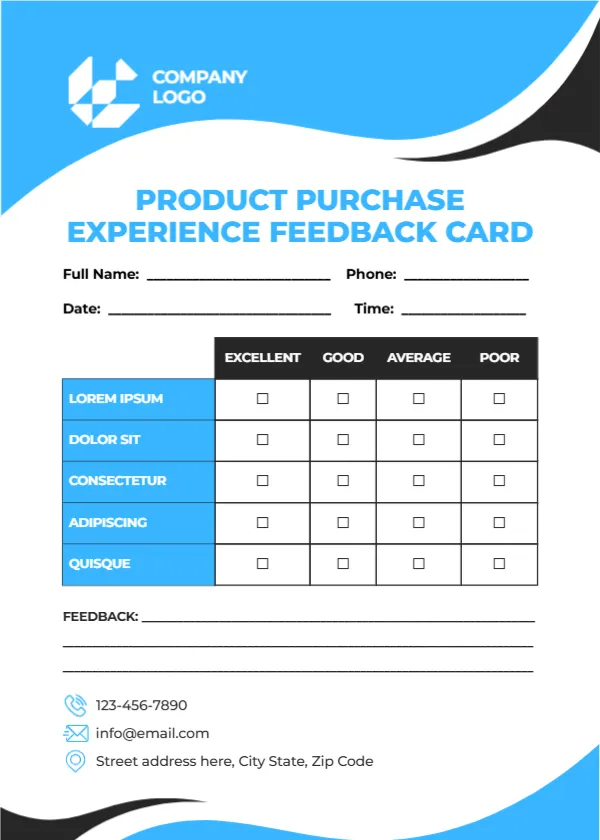
Customer Feedback & Satisfaction Report
Best for: Understanding customer experience.
Summarizes feedback scores, themes, and satisfaction metrics.
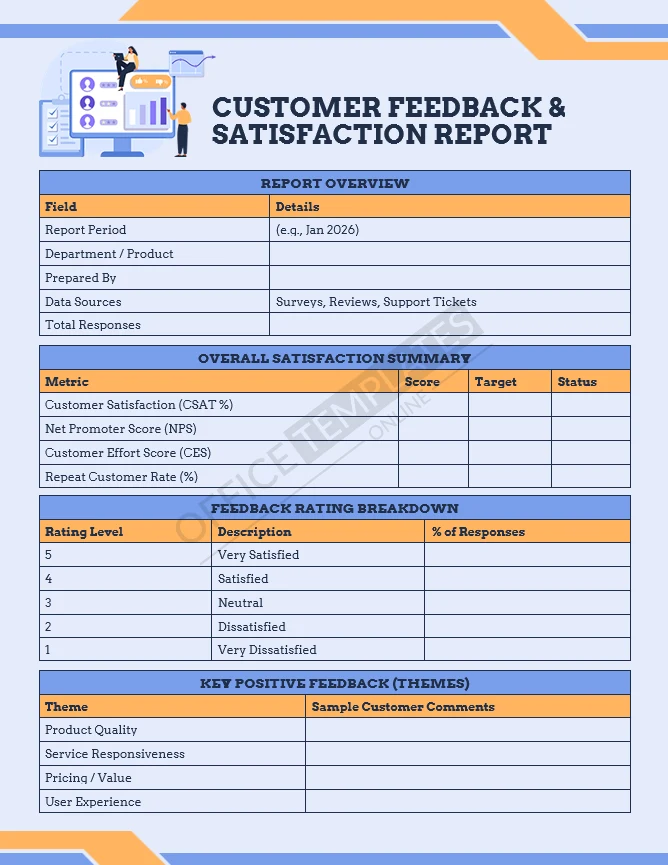
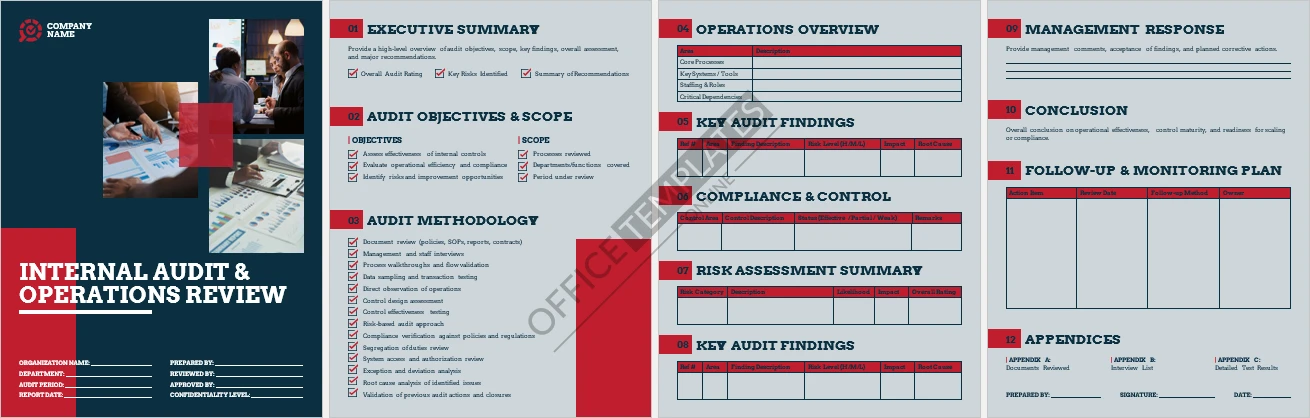
Internal Audit & Operations Review Template
Best for: Internal audits and readiness reviews.
Supports structured audits covering controls, risks, findings, and follow-ups.
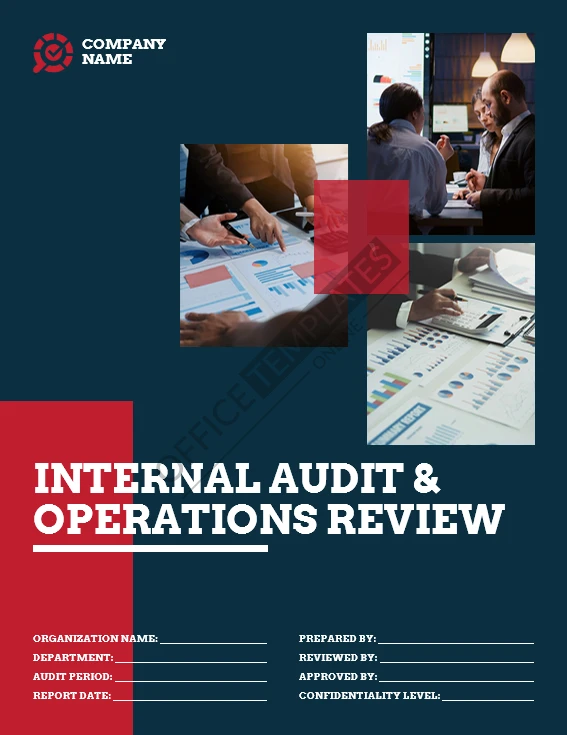
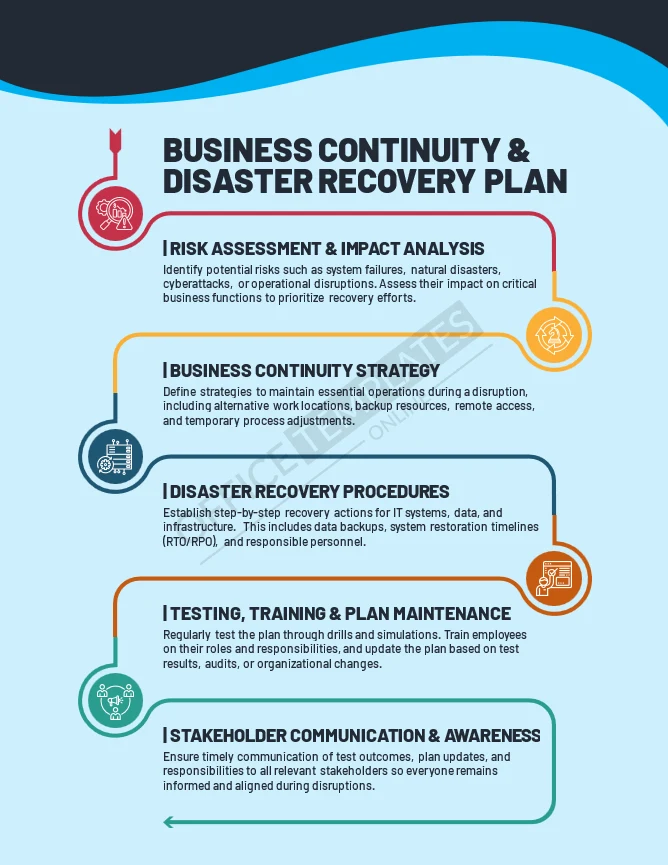
Business Continuity & Disaster Recovery Plan
Best for: Operational resilience.
Documents continuity strategies, recovery procedures, testing, and communication plans.
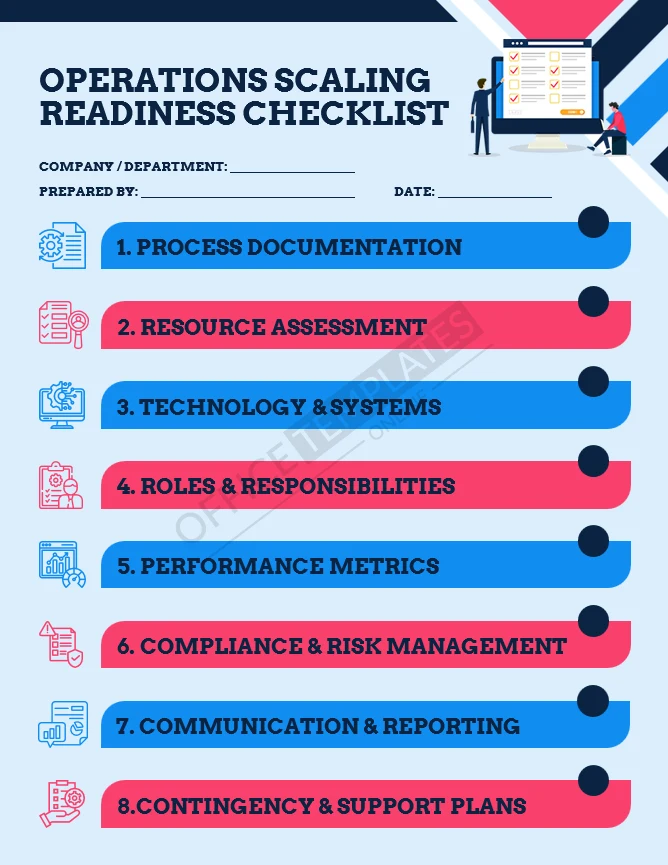
Operations Scaling Readiness Checklist
Best for: Assessing operational readiness before growth.
A practical checklist to review whether core operations are prepared for scaling. Covers processes, systems, roles, performance metrics, compliance, and contingency planning.
Why Use These Templates

These templates help teams work with more clarity and less friction.
They save time by removing the need to design documents from scratch, while still allowing full customization. The layouts support professional internal communication, clearer decision-making, and better documentation for audits or reviews.
Most importantly, they help turn operations into something visible and manageable.
Frequently Asked Questions
Are these templates really free to download?
Yes. All templates on this page are free to download.
Are the templates editable?
Yes. Every file is fully editable in Microsoft Word.
Do I need special software to use them?
No. A standard version of Microsoft Word that supports .DOCX files is sufficient.
Can I customize them for my business?
Absolutely. You can edit text, add sections, remove fields, and adjust formatting.
Are these templates suitable for small businesses?
Yes. They work well for small teams and can scale as the business grows.
Can these be used for audits or compliance reviews?
Many of these templates are designed specifically to support audits, reviews, and documentation.
Are these templates resold or sourced elsewhere?
No. All templates are designed in-house and are original.
Can I use them for client work or internal use?
They are intended for internal business use. Redistribution or resale is not permitted.
Download and Use
You can download any template individually and start using it right away. Each file opens in Microsoft Word and is designed to be easy to adapt without additional instructions or setup.
If you’d like guidance on how to customize or use specific templates, you can also visit our official YouTube channel, where we share step-by-step walkthroughs and practical examples:
https://www.youtube.com/@readymadetemplates
Browse the templates above, choose what fits your needs, and integrate them into your operations at your own pace.