A Web Design Portfolio Cover With a Scannable Contact Block
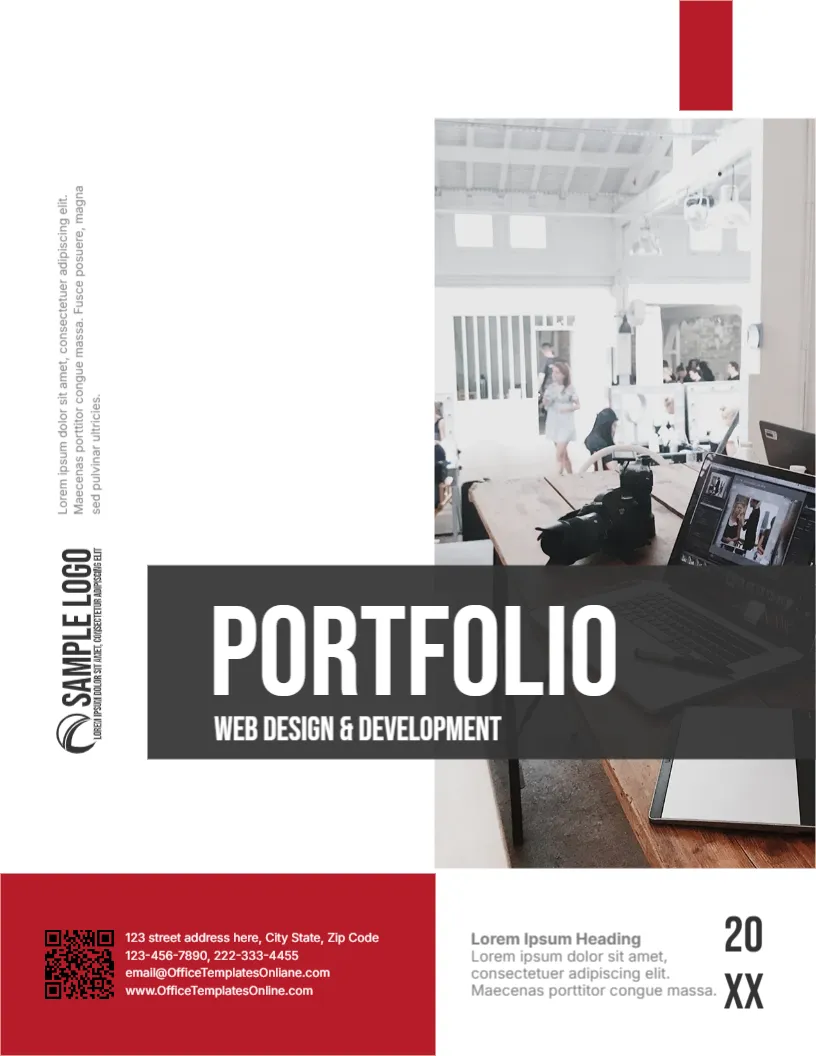
Web designers want clients to see live work, so this cover puts a QR code in the contact block. A scan can lead straight to a portfolio site. The cover also shows a bright studio desk with a camera and a laptop, and a dark title bar that reads PORTFOLIO WEB DESIGN & DEVELOPMENT. It suits web designers, front end developers, UX designers and small web studios.
Studio Photo and Title Bar
The page is 8.5 x 11 inches, portrait, one page. A photo of a shared studio with desks and a laptop fills the right side. A dark grey bar crosses the lower part with the title in white. A small red tab sits at the top right, and a vertical SAMPLE LOGO and a vertical note run along the left margin. The shapes in the web design portfolio cover are graphics, and the photo is replaceable.
Red Contact Block and Year
At the lower left, a red block holds a QR code and four lines: a street address, two phone numbers, an email and a website. At the right of the red block, a heading, Lorem Ipsum Heading, and a short paragraph sit beside a vertical year, 20 above XX. The email in the template spells the domain as OfficeTemplatesOnliane, with an extra letter, so retype it with your real address anyway.
Making the Portfolio QR Code Scan Every Time
- Link it to your live portfolio, not the home page of a general site.
- Test it with two phones in different lighting.
- Print it at least 2 cm wide.
- Keep a contrast between code and background.
- Update it if the address changes.
Showing Process and Results
A web portfolio is more convincing with before and after screenshots, load time improvements and conversion results. Pick three or four projects and explain the brief, your approach and the outcome. Include the technologies you used.
The Studio Photo
The sample picture shows a busy studio. If you work alone, use a photo of your own desk or a screenshot of a recent project. Avoid pictures with other companies’ logos or identifiable client data on screens.
Editing and Printing the Web Design Portfolio Cover
The fonts are Bebas Neue and Inter. Text edits freely. Replace the QR code image with your own. For a printed copy, use 170 gsm silk, and for digital use export a PDF.
Case Notes for Web Projects
For each site, state the client goal, the design approach and one measurable result, such as faster loading or more enquiries. Add a screenshot of the homepage and a mobile view. Clients want proof that your designs perform, not only that they look good.
Step by Step Editing of the Web Design Portfolio Cover
- On the web design portfolio cover, click the main title and type your own words, keeping the same style of capitals.
- Retype every name and contact line on the web design portfolio cover, checking each spelling against an official source.
- Change the year or date on the web design portfolio cover, then search the page for XX and for the word Lorem so that no placeholder remains.
- Click the logo or the photo on the web design portfolio cover, choose Replace Image and resize the new picture until it fills its space.
- Zoom the web design portfolio cover to full screen and read each line aloud, because spoken reading catches slips that silent reading misses.
- Keep a clean master of the web design portfolio cover without your private details, so that later versions begin from a tidy copy.
A related layout is the developer portfolio cover. Also worth a look: creative portfolio cover. Next to try is the agency portfolio cover. Find more designs next to the web design portfolio cover in business and report cover pages.