A Photo Led Proposal Cover With Almost No Clutter
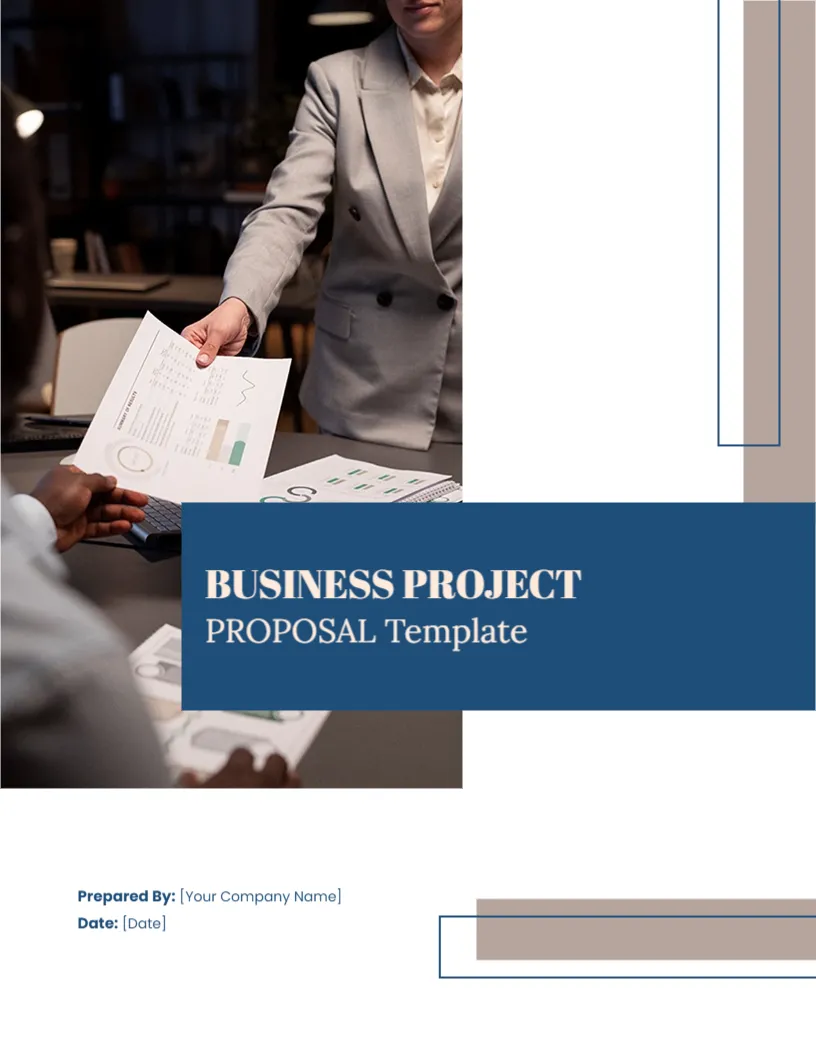
Some proposals work best when the cover is quiet. This one gives most of the page to a single photograph of a business meeting, places a solid blue banner over its corner with the title, and keeps the rest white. Only two fields appear at the foot: who prepared the proposal and when. It suits professional services, advisors and small firms that want a modern, restrained look.
Large Photo, Blue Banner and Taupe Bars
The page is 8.5 x 11 inches, portrait, one page. A tall photo of a woman handing a document to a colleague across a desk fills the upper left. A deep blue banner stretches from the photo to the right edge, holding the title. Taupe vertical and horizontal bars and thin blue outlines add structure in the corners. The photo is a picture that you can replace.
Title Text to Change
The banner reads BUSINESS PROJECT in bold serif capitals and PROPOSAL Template below it. The word Template is part of the sample and does not belong on a finished cover. Delete it, or replace it with the client or project name. Type your own project title in the first line if you wish.
Prepared By and Date Fields
At the foot, two lines show Prepared By: [Your Company Name] and Date: [Date]. The square brackets mark placeholders that you must overwrite. Add a third line for the client if you want, using the same blue label style.
Choosing the Right Photo
The photo sets the mood. For a financial advisor, a handshake or a document review works. For a design studio, use a workspace shot. Make sure the image is large enough, at least 1500 pixels wide, so that it prints sharply. Use images you have the rights to.
A Short Proposal Structure
- One page summary with the key benefit.
- The client’s situation in their own words.
- Your solution and how it works.
- Fees, timing and terms.
- About your team, with one or two relevant projects.
Editing Online for the Quiet Proposal Cover
Text boxes can be changed. The bars and outlines are graphics. If you shorten the title, the banner still looks balanced, but very long titles may need a smaller size.
Printing and PDF for the Quiet Proposal Cover
The photo prints best on 170 gsm silk. For email, export a PDF and compress the photo if the file is large. A simple version without the photo can be made by deleting the picture and leaving the banner.
Writing a Cover Letter to Go With It
Because the cover is quiet, a short letter can carry the warmth. Write four or five sentences: thank the client for the chance, say what you propose, name the main benefit and offer a call. Sign by hand if you send a printed copy. The letter and the cover together make a strong first impression.
Consider the business proposal cover page. Similar designs include the unique business proposal cover. Compare it with the project proposal cover page. The rest of the series around the quiet proposal cover is in business and report cover pages.