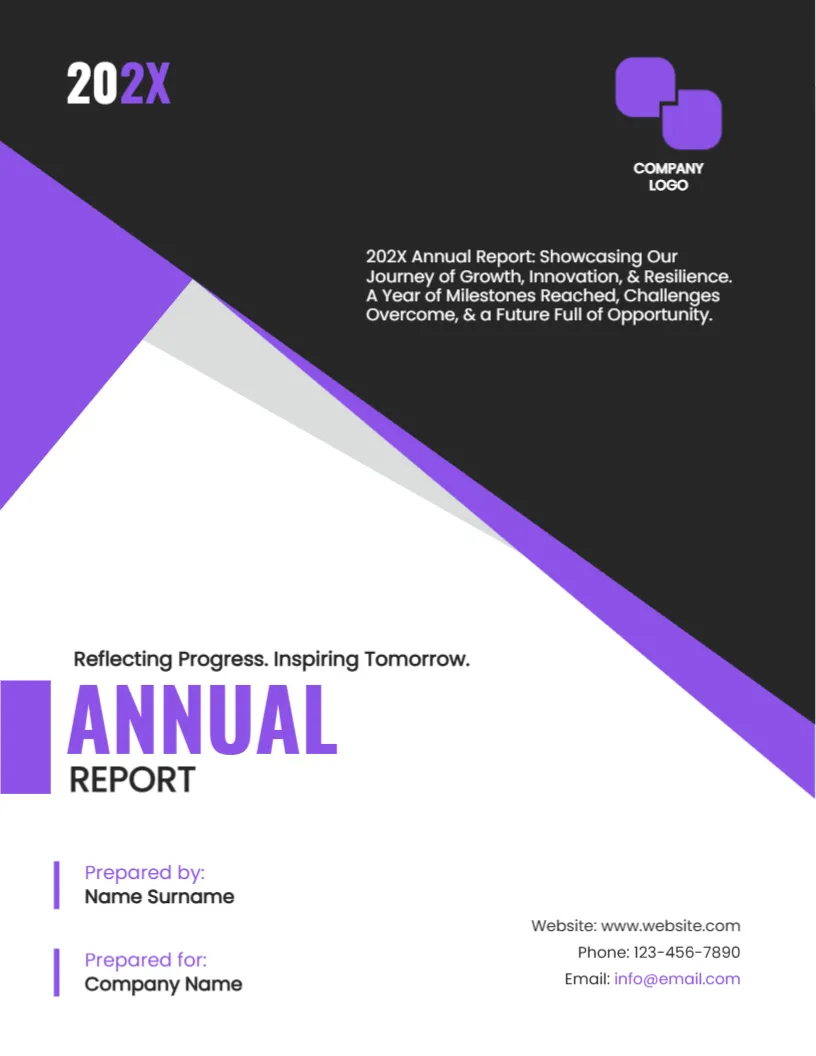
A Purple Proposal Cover With Two Colleagues in Conversation
This cover opens with a photograph of two men discussing work at a table. A purple triangle frames the picture. It looks like a cut paper corner, and the rest of the page is white with clear text blocks. It suits advisers, agencies and consultants whose proposals involve conversation and trust, rather than product features.
Purple Triangle and White Space
The page is 8.5 x 11 inches, portrait, one page. A large purple triangle and a lighter lilac band point towards the right edge of the photo. Everything else is white, and thin purple vertical lines mark each text block. The shapes are graphics. The photo is replaceable.
The BUSINESS PROPOSAL Title Block
In the lower right, a purple bar stands beside BUSINESS in violet capitals and PROPOSAL in dark navy. Under it, Prepared by: Name Surname and a large year, 20XX, with a thin line extending to the page edge. Replace BUSINESS with the type of offer, such as TRAINING or CONSULTING, if you wish, and enter your name and the year.
Extra Text Blocks to Use or Delete
The page also has small groups of text. At the right above the title, three lines of capitals read LOREM IPSUM DOLOR SIT AMET CONSECTETUER ADIPISCING ELIT SED DIAM. On the left, TEXT REPLACEMENT, LOREM IPSUM BUSINESS HEADING and two short bars of text explain the proposal. At the lower right, HEADLINE and TEXT REPLACEMENT finish the page. Replace them with real information: a client name, a project description and a validity note, or delete the blocks you do not need.
Tips for Replacing Placeholder Lines
- Use the left blocks for the client name and the project in one line each.
- Use the right lines for your company name and a contact email.
- Delete unused lines rather than leaving words like TEXT REPLACEMENT.
- Check the whole page at 100 percent zoom for leftovers.
Choosing a Meeting Photo
A photograph that shows two people in conversation reflects a human approach. Use images that match your clients’ industries. Credit or licence them correctly.
Editing and Output for the Purple Proposal Cover
Text boxes can be edited and resized. The fonts are Poppins and Oswald. Export a PDF for email, or print on 120 gsm paper in colour.
Matching Fonts and Colours Across Pages
The cover uses Poppins and Oswald with purple accents. Use the same two fonts for headings and body text inside the document, and the same purple for table headers and charts. A consistent look across ten pages feels deliberate and builds trust before the reader reaches the numbers.
Reading the Cover on Screen
Many proposals are first seen on a phone or a laptop. Open the PDF at small size and check that the title, the year and the prepared by line are still easy to read. If they are too small, increase the font by two points.
Another option is the business proposal cover page. A related layout is the digital marketing proposal cover. Also see the business project proposal cover. Looking beyond the purple proposal cover? See all business and report cover pages.