A Final Project Cover With Diagonal Energy
A final project is the last piece of work in a course, a programme or an engagement, and the cover should give it some weight. This design cuts the page with a diagonal band of photos, a gradient green ribbon and a round framed picture with the year printed over it. It suits capstone projects, business courses, training programmes and end of contract reports.
Photo Strip, Ribbon and Circle
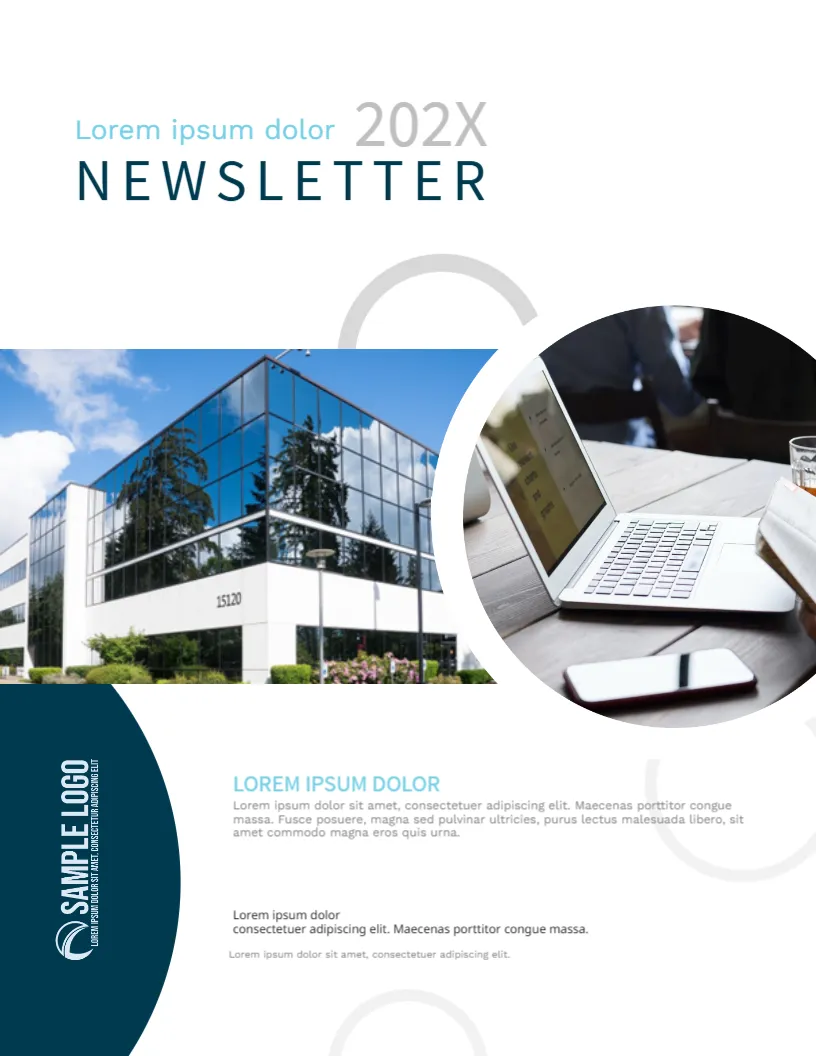
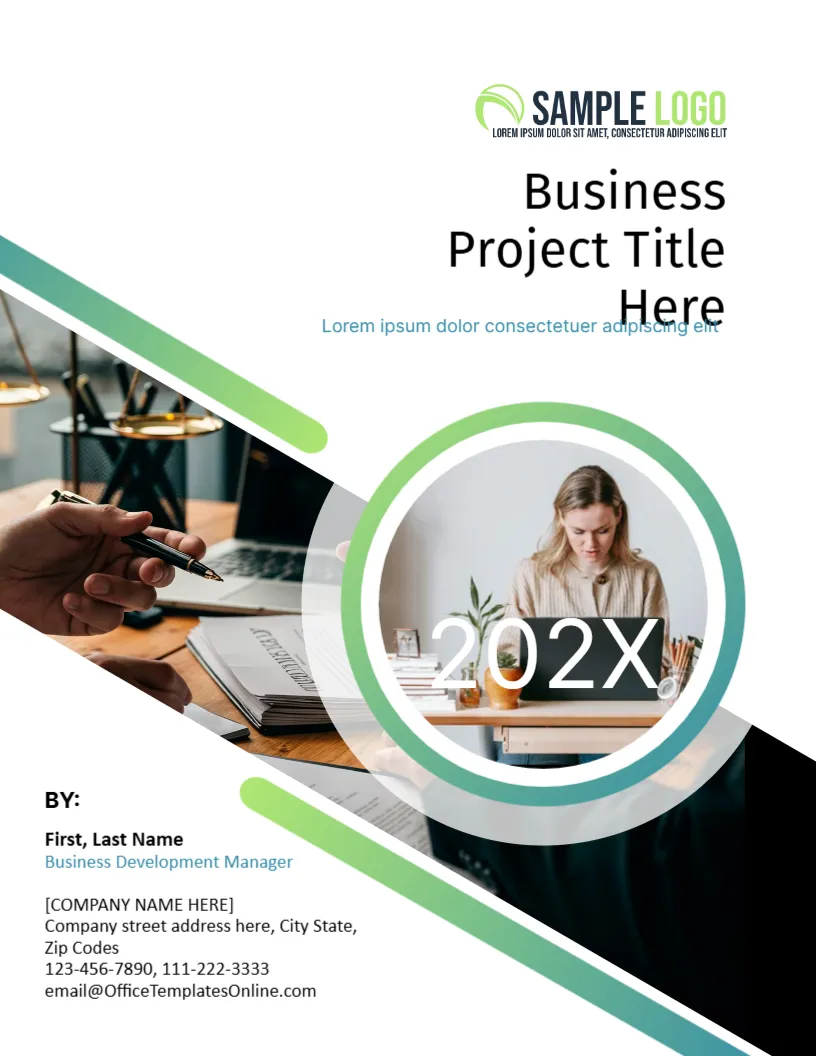
The page is 8.5 x 11 inches, portrait, one page. A diagonal strip of photographs crosses the page, showing a hand with a pen over papers and a desk setting. A green to teal ribbon follows it above and below. In the centre, a ring of the same gradient holds a round picture of a woman working at a laptop, with a large white 202X across it. The pictures can be replaced; the ribbon and ring are graphics.
A Title That Needs a Check
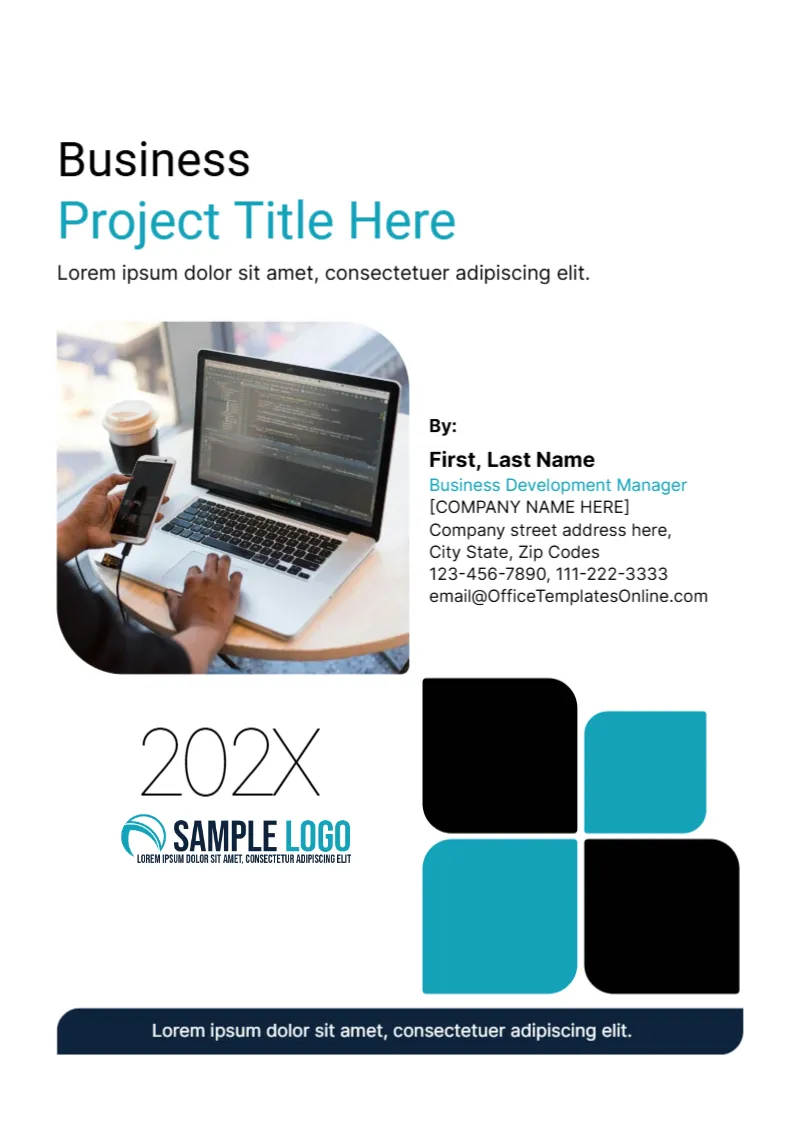
The title, Business Project Title Here, is right aligned at the top. In the sample the last word Here drops low enough to touch the blue subtitle line, which reads Lorem ipsum dolor consectetuer adipiscing elit. When you type a real title, look at the line spacing. If the title wraps to three lines, shorten it or reduce the size, so it does not overlap the subtitle.
The Year Over the Photo
The 202X sits in white on top of the round picture. White text on a photo can vanish on a light image. After you replace the photo, check that the year is still readable. If not, choose a darker picture or change the text colour.
The By Block at the Lower Left
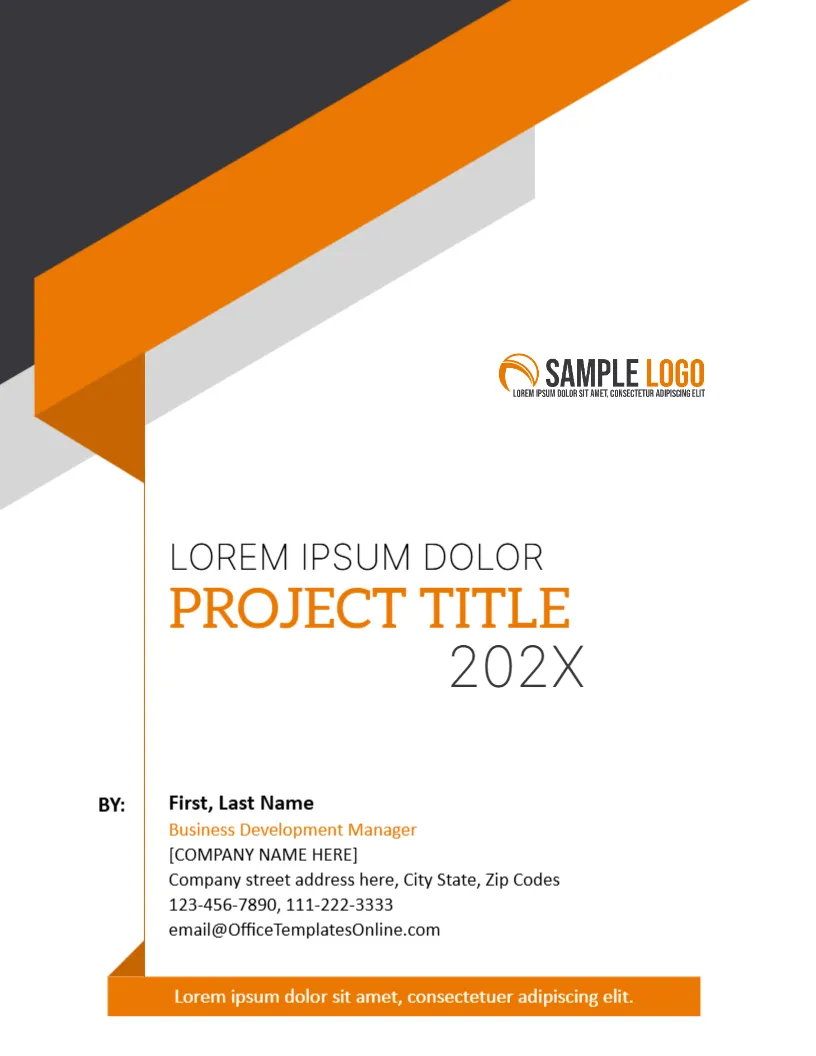
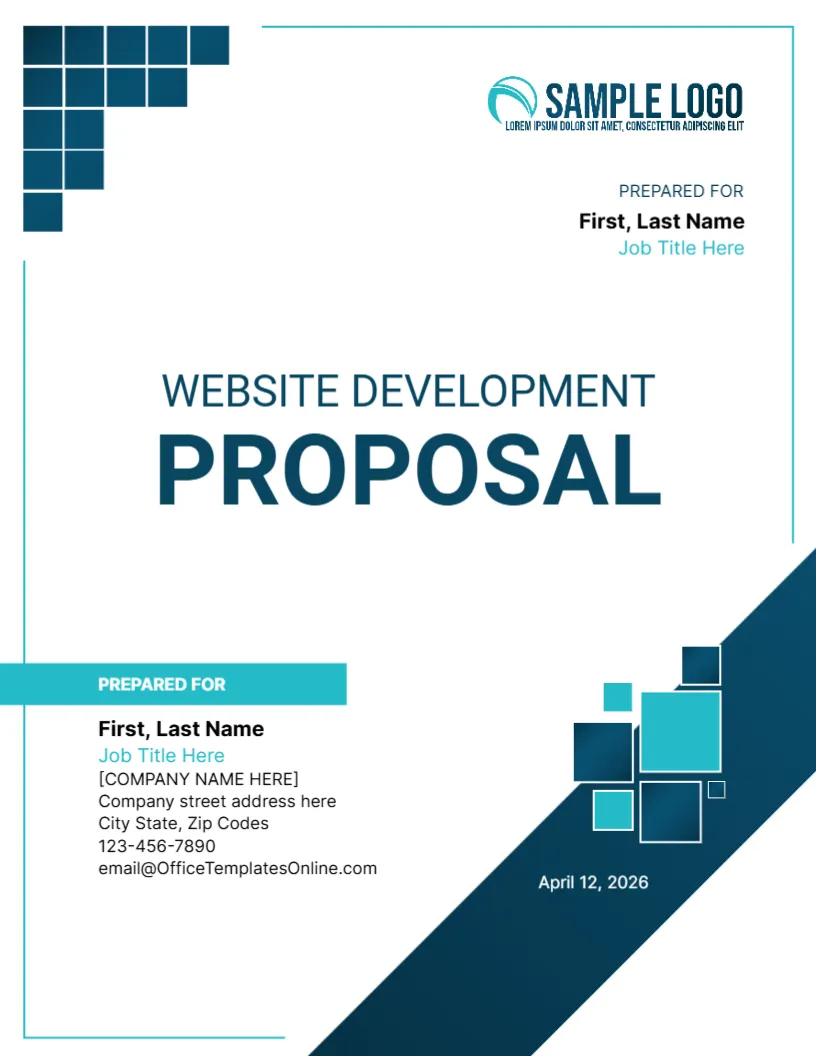
BY: is followed by the name, a job title in blue (the sample is Business Development Manager), a company placeholder, an address, two phone numbers and an email. Fill in your own details. For a student project, replace the job title with the course name and the company with the school.
Uses for This Cover
- Capstone and final year projects.
- Project completion reports for a client.
- Training programme assignments.
- Internal reviews at the close of a project.
Replacing Pictures Well
Use photographs with a similar mood: people at work, a desk, a site. Crop faces so that they stay inside the round window. Avoid busy pictures behind the year.
Printing for the Final Project Cover
Photo covers print best on 200 gsm silk paper. A laser on plain paper is fine for a draft. For a bound copy, leave a margin on the left of the text for the spine.
Presenting a Final Project in Person
If you present your final project to a panel, bring a printed cover and a short summary page. The cover looks best in a clear sleeve. Practise a one minute introduction that repeats the title, your name and the main result, so that the panel hears what the cover shows.
Another option is the any project cover page. A related layout is the business project cover page. Also worth a look: educational project cover. Looking beyond the final project cover? See all business and report cover pages.