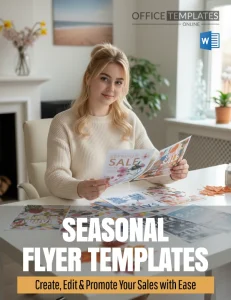
Free Flyer Templates for Word (DOCX) - Business, Events & Promotions
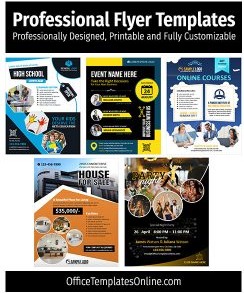
Free, editable flyer templates for Microsoft Word (DOCX) to promote events, sales, announcements, and community programs – fast. Pick a design, open it in Word (many also edit fine in Google Docs), swap text and images, then export to PDF for crisp printing and easy sharing.
Need something specific? Jump straight to seasonal events, business promotions, school flyers, or matching print sets below.
Advertisement
![6+ Hang Tag Formats Designed for MS Word – [Editable & Free ]](https://officetemplatesonline.com/wp-content/uploads/2022/05/free-hang-tag-design-templates-for-ms-word-250x300-oto-trim.jpg)

Advertisement


Design & Edit Flyers Templates in Browser
Bring your flyers ideas to life instantly. Pick any of our 101 designs below to edit text, swap images, and download high-resolution PDF or PNG files in seconds.
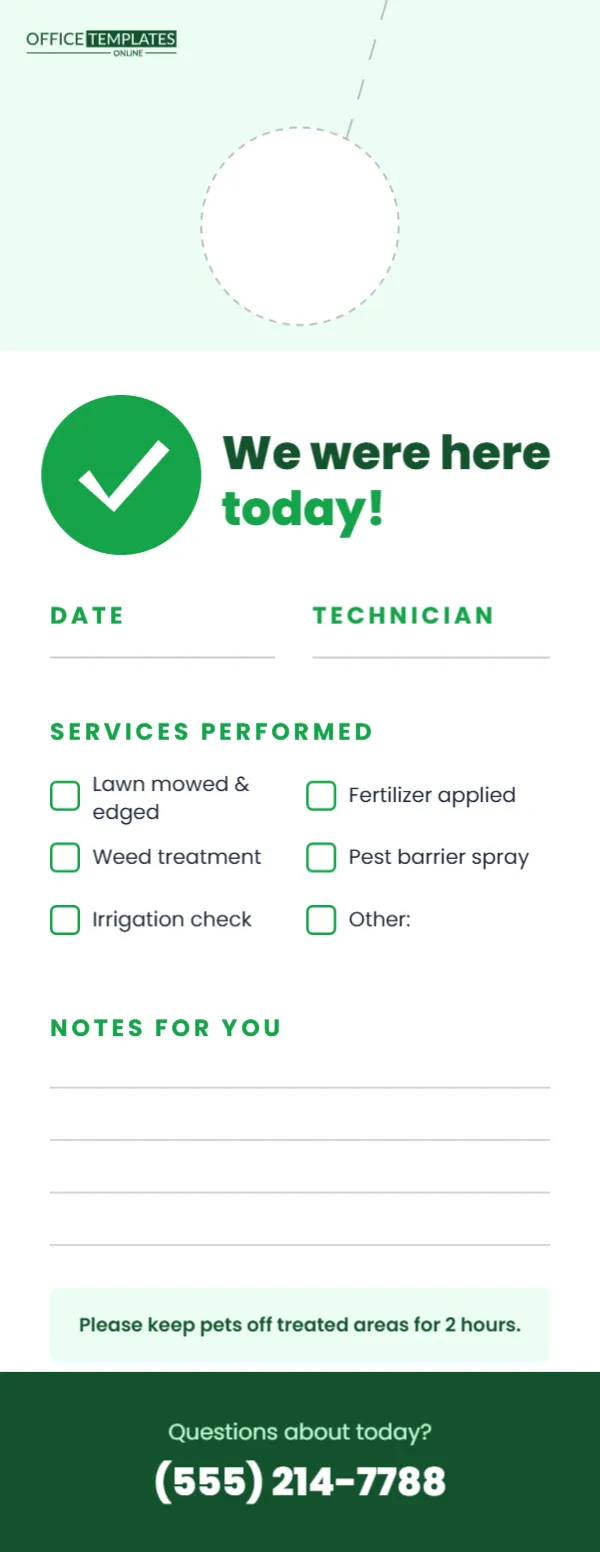
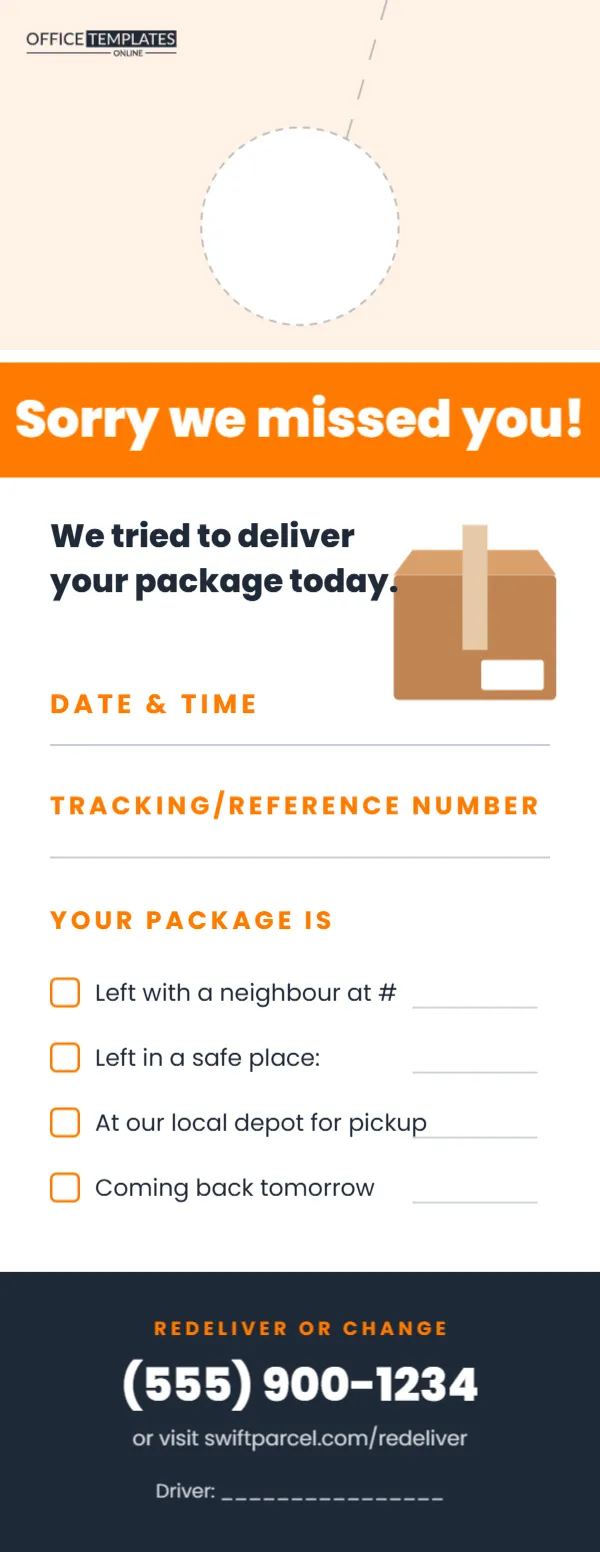
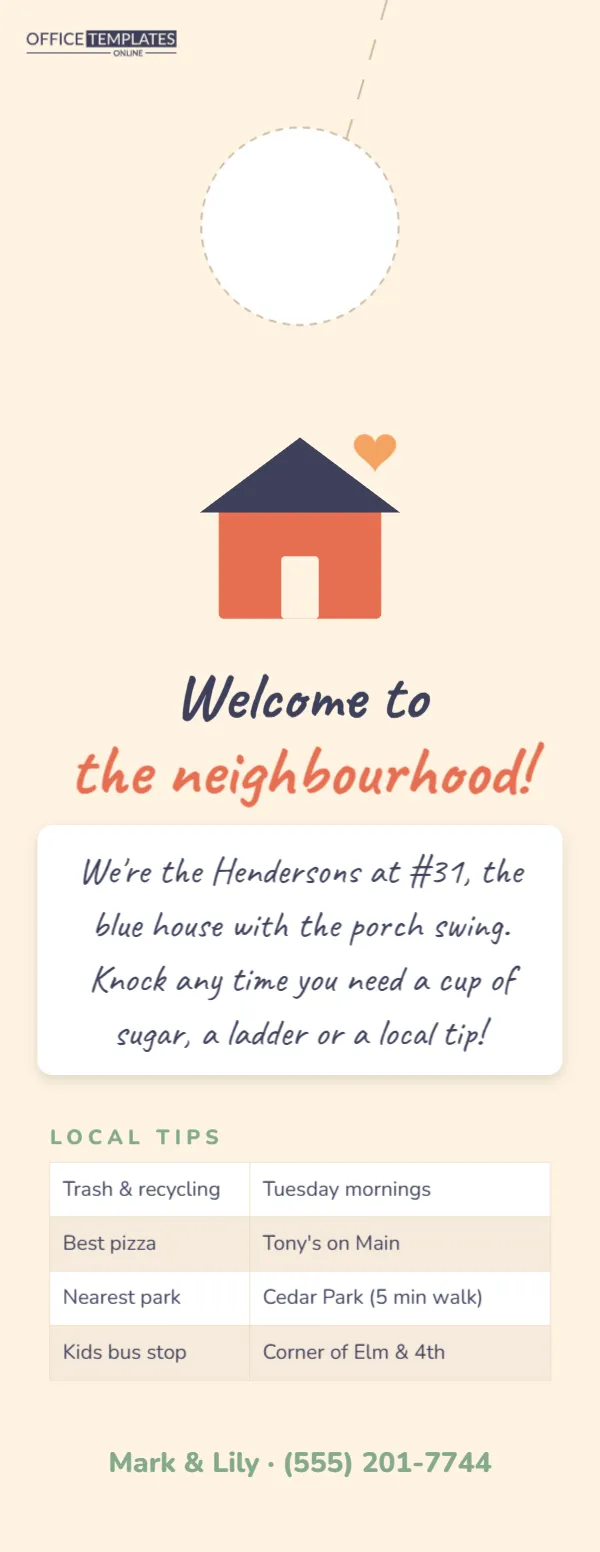
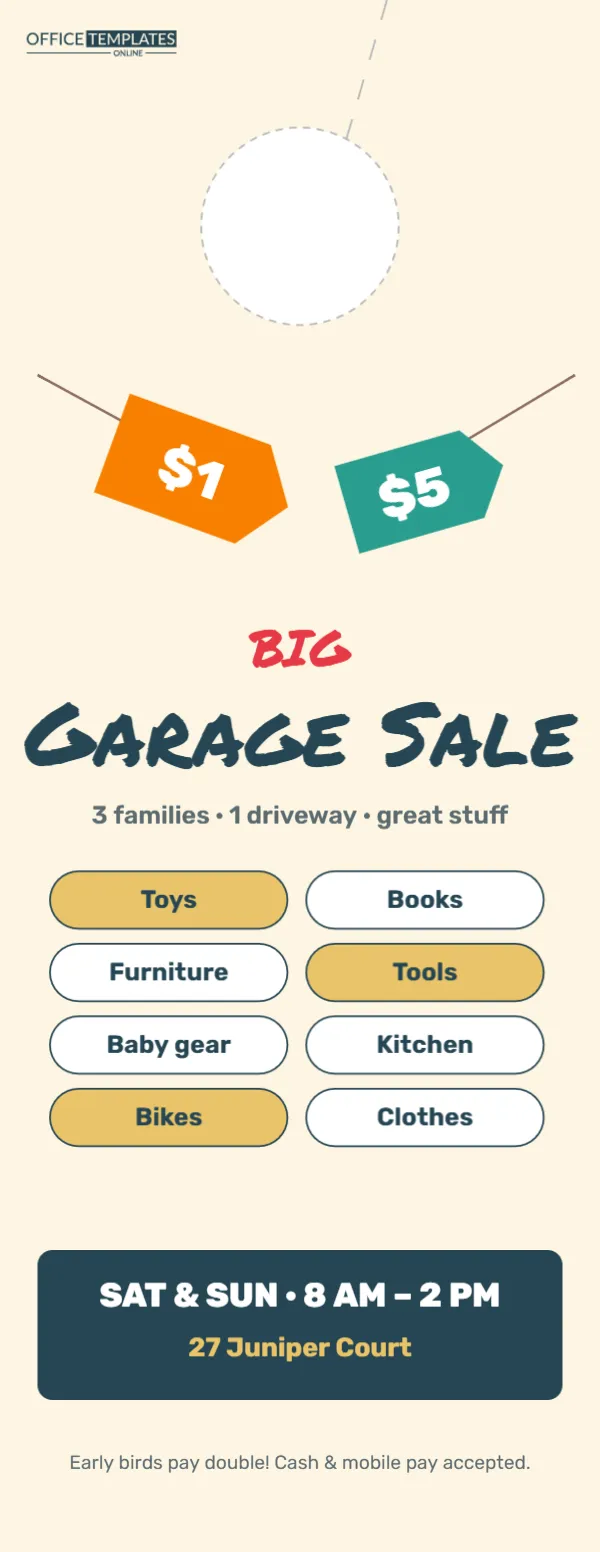
Top Picks

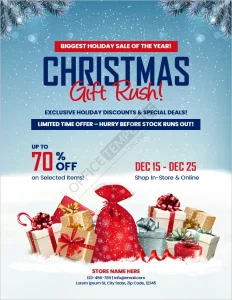
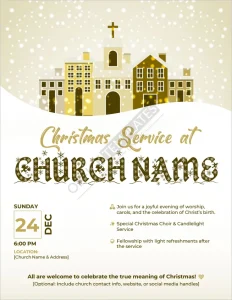
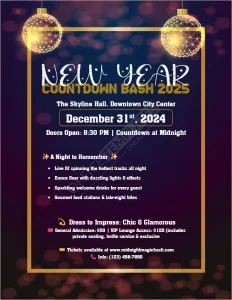

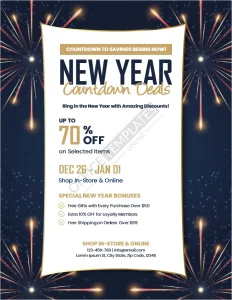
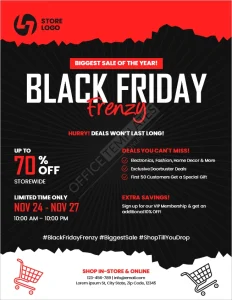

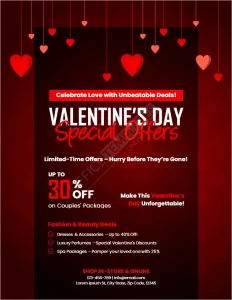
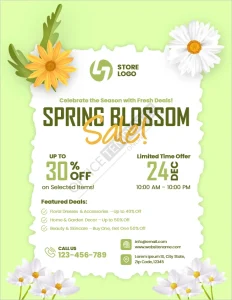
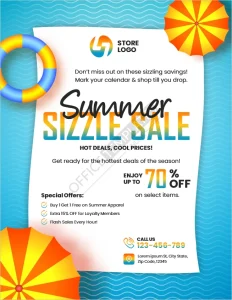
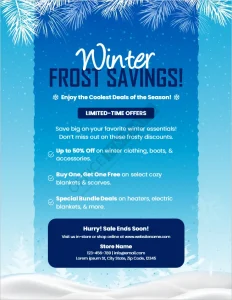
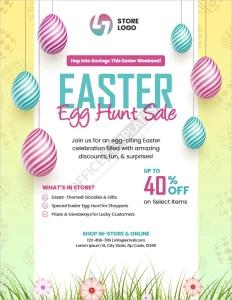
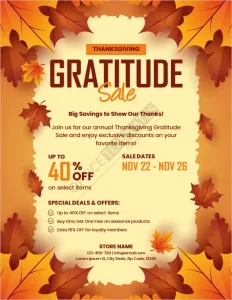
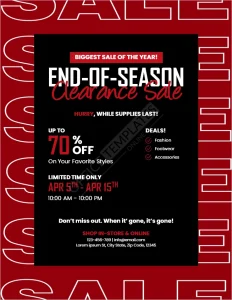
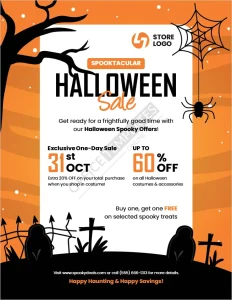
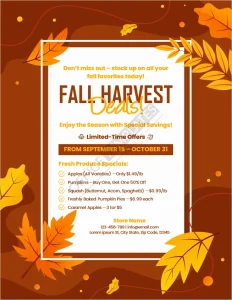
What is a flyer template?
A flyer template is a pre-designed one-page layout you can edit with your own headline, details, and images. Instead of designing from scratch, you start with a polished structure—so you can publish and print in minutes.
Why use Word flyer templates?
- Speed: Start with a ready-to-edit DOCX layout and launch today.
- Consistency: Reuse the same style for future promos and campaigns.
- Print-ready: Export to PDF so margins, fonts, and spacing stay consistent.
- No design tools required: Perfect for small businesses, schools, churches, and community groups.
Types & use cases
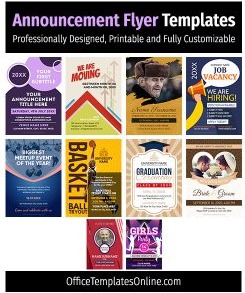
Seasonal & event flyers
Great for parties, holidays, and special events. Start here:
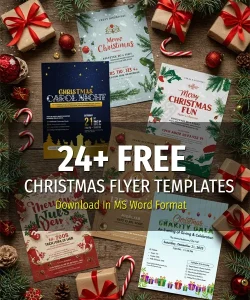
- Christmas flyer templates
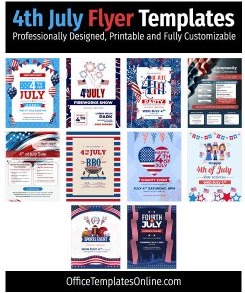
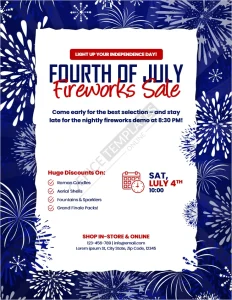
- 4th of July flyer templates
- Halloween flyer template
- Summer beach party flyer
- Holiday & seasonal sale flyer templates
Business & promotional flyers
Designed for offers, services, hiring, and listings:
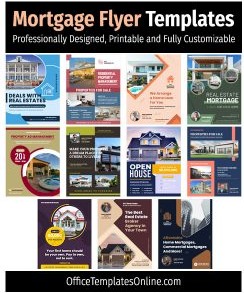
- Mortgage flyer templates
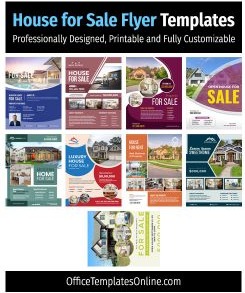
- House for sale / rent flyer templates
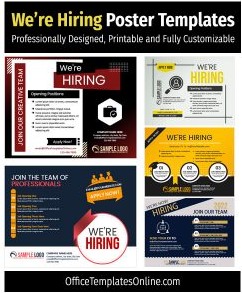
- We’re hiring flyer templates
- Price / rate card templates
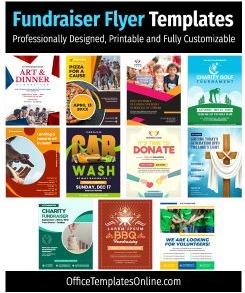
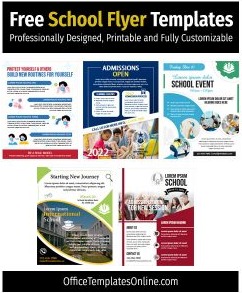
Nonprofit, school & community flyers
Matching print sets (for a consistent campaign)
If you want coordinated materials, pair your flyer with:
Ready? Browse the designs below, open your favorite in Word, and download a printable flyer template you can customize in minutes.
What’s included in these flyer templates
Most flyer designs in this category are built for quick editing and clean printing. Typical elements include:
- Headline + subhead area (ideal for a benefit-driven message)
- Date/time/location section for events
- Offer/price block for promos and sales
- Contact details + CTA (call, visit, RSVP, book, order)
- Image placeholders you can replace with your own photos

How to customize a flyer in Word (fast workflow)
- Download a design you like from the list above.
- Open in Microsoft Word (many templates can also be edited in Google Docs).
- Replace text: headline, details, and your call-to-action.
- Swap images: click the picture placeholder and replace it with your own.
- Match your brand: adjust colors and fonts (keep it readable).
- Export to PDF to preserve layout for printing and sharing.
Flyer tips & best practices (so it actually works)
- Lead with the outcome: “50% Off,” “Grand Opening,” “Free Entry,” or “Limited Seats.”
- Keep the essentials: who, what, when, where, and the next step (CTA).
- Use one focal point: one offer, one main image, one clear CTA.
- Make it scannable: short lines, bullets, and strong section labels.
- Print smart: export to PDF and test-print once before doing a large batch.
FAQs
Can I edit these flyer templates in Google Docs?
Yes. Upload the DOCX to Google Docs to edit online, then export to PDF for sharing or printing.
What should I include on a flyer?
Use a clear headline, the key details (date/time/location or offer/price), and one strong call-to-action—plus contact info or a QR code if helpful.
How do I make a flyer look professional without design skills?
Keep it simple: use one accent color, limit fonts to one or two, align text consistently, and avoid clutter. Let the template structure do the heavy lifting.
Which flyer templates are best for business promotions?
For promos, start with focused designs like seasonal sale flyers, service-based layouts, or hiring announcements, such as We’re Hiring flyers.
Do you have matching templates for a coordinated campaign?
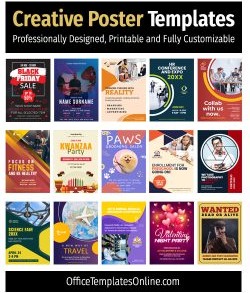
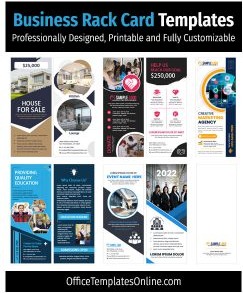
Yes—pair your flyer with matching formats like posters and rack cards for consistent branding across print materials.
Related templates you may want next
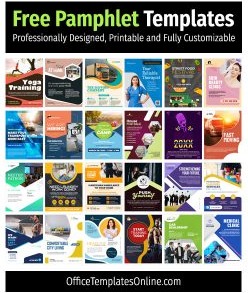
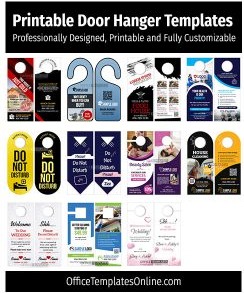
If you’re building a full set, browse pamphlet templates and door hanger templates for coordinated handouts and local distribution.
Advertisement
