Free Letterhead Templates for Word (DOCX) - Business, Personal & Doctor
Quick chooser: jump to the right letterhead set
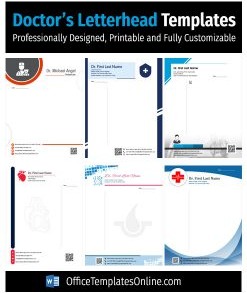
- Healthcare / clinic:Doctor Letterhead Templates
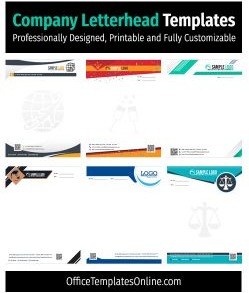
- Corporate + internal use:Company Letterhead Templates | Business Letterhead Templates
- Modern, minimal branding:Modern Letterhead Designs
- Personal + seasonal:Personal Letterhead Templates | Halloween Letterhead & Cards
- Official announcements:Notice Templates with Letterheads
- Want a single ready-made file fast?Free Business Letterhead (single template)
![5+ Dentist Prescription Pad Templates for MS Word [Download Free]](https://officetemplatesonline.com/wp-content/uploads/2022/06/dentist-prescription-pad-templates-for-microsoft-word-250x300-oto-trim.png)
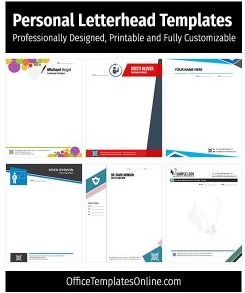
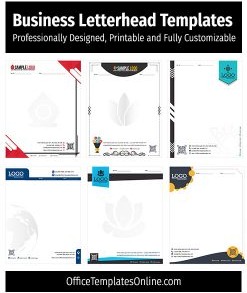
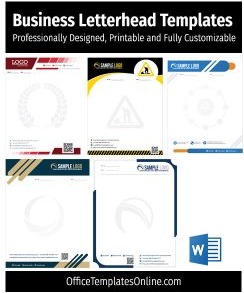
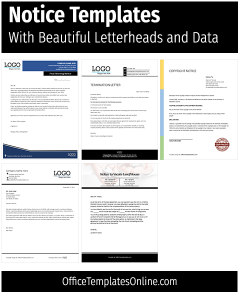

Online Editable Letterheads Templates
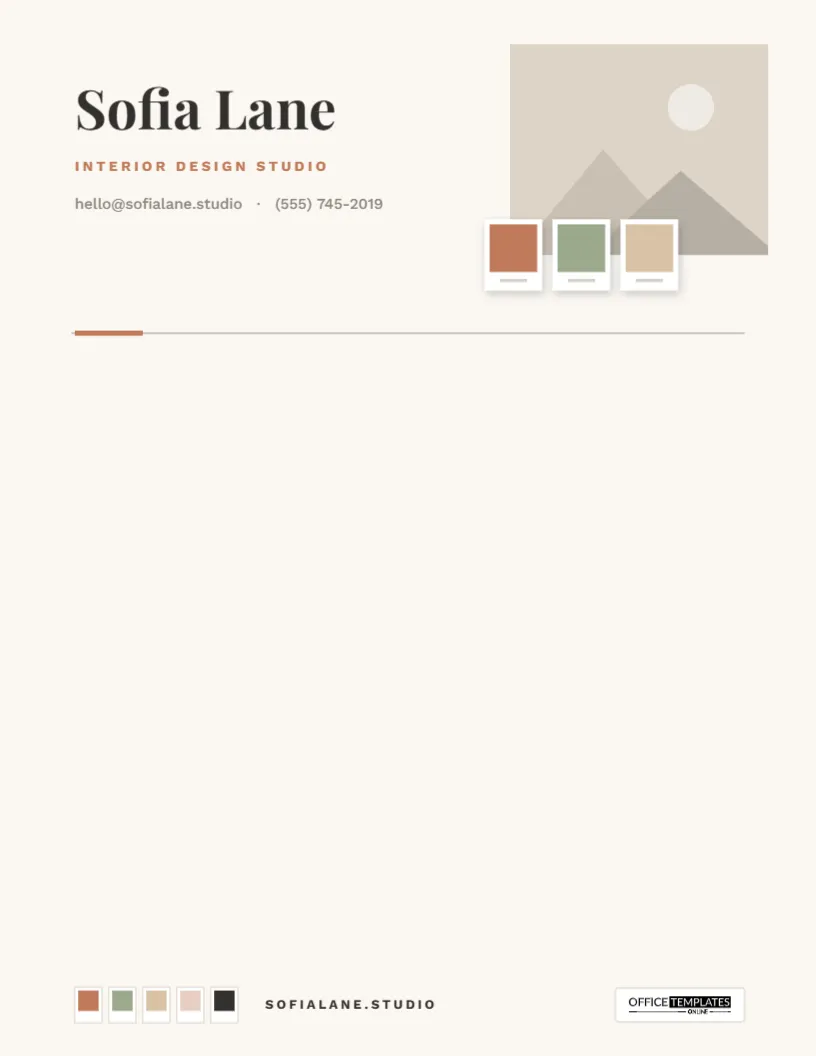
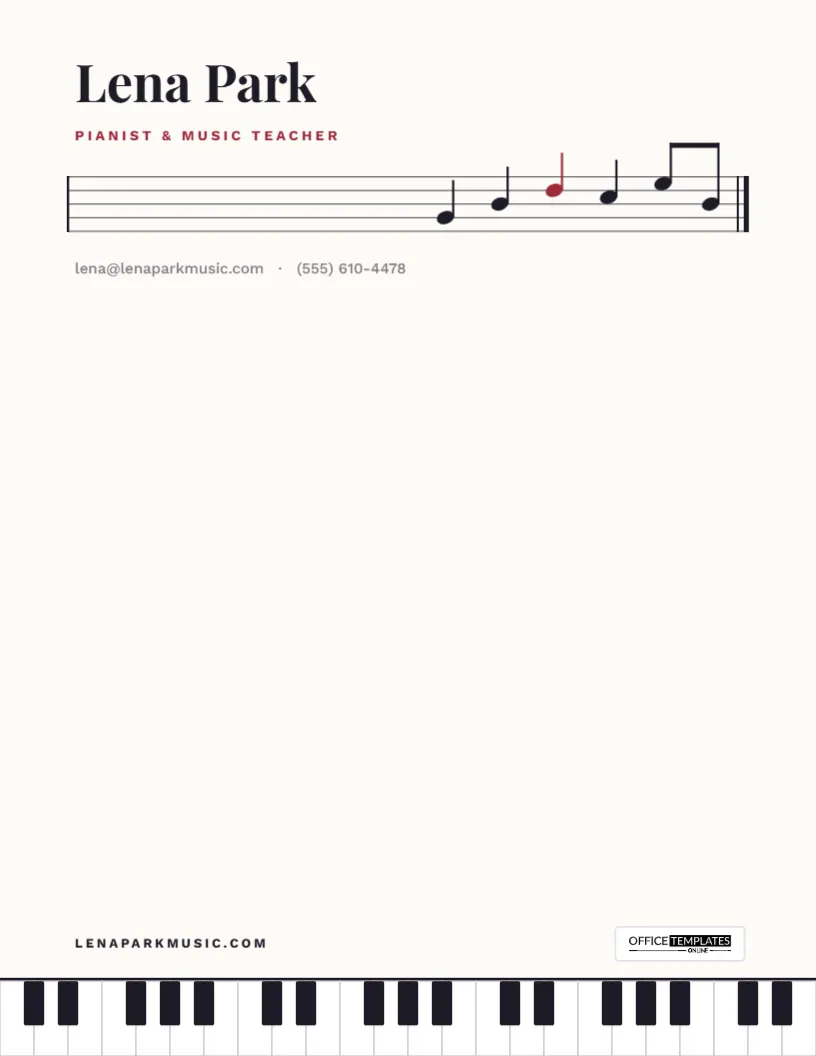
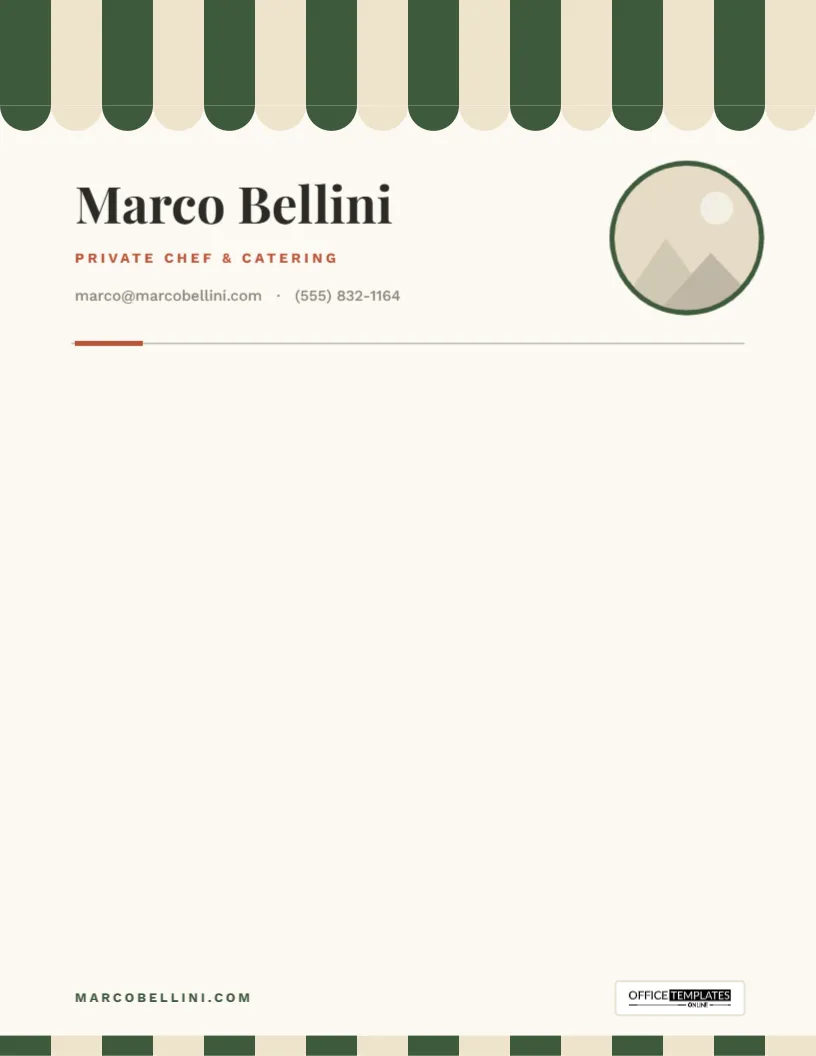
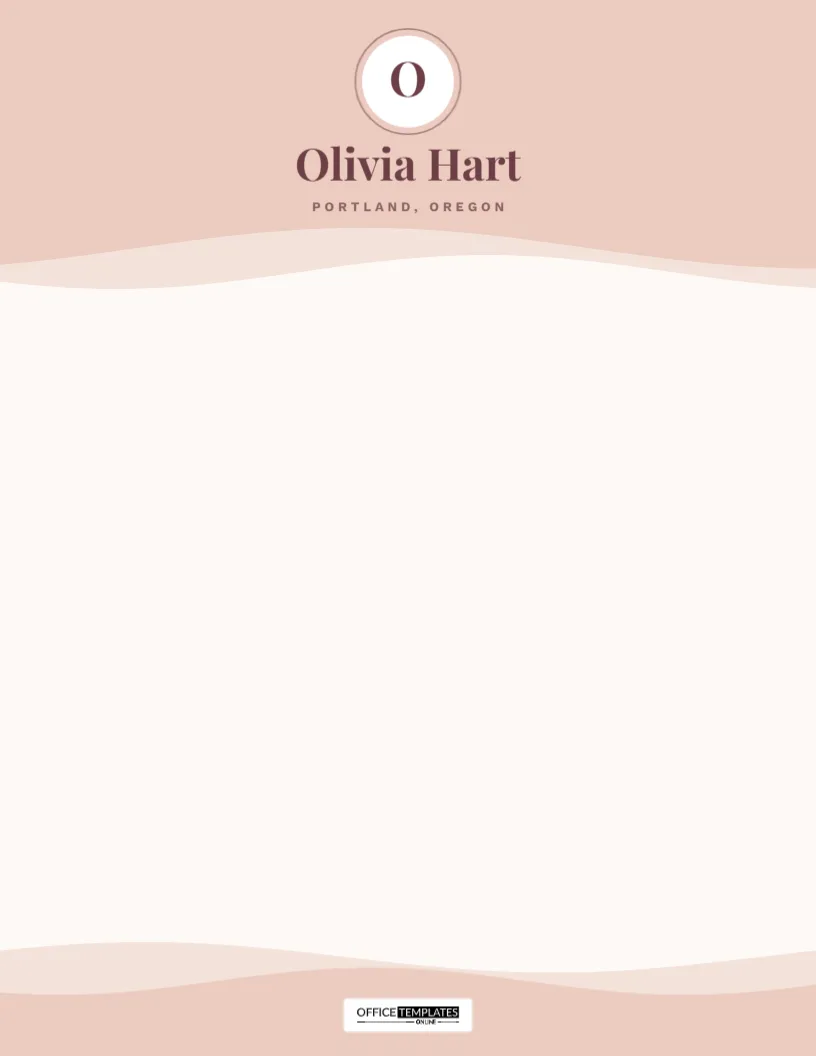
Bring your letterheads ideas to life instantly. Pick any of our 122 designs below to edit text, swap images, and download high-resolution PDF or PNG files in seconds.
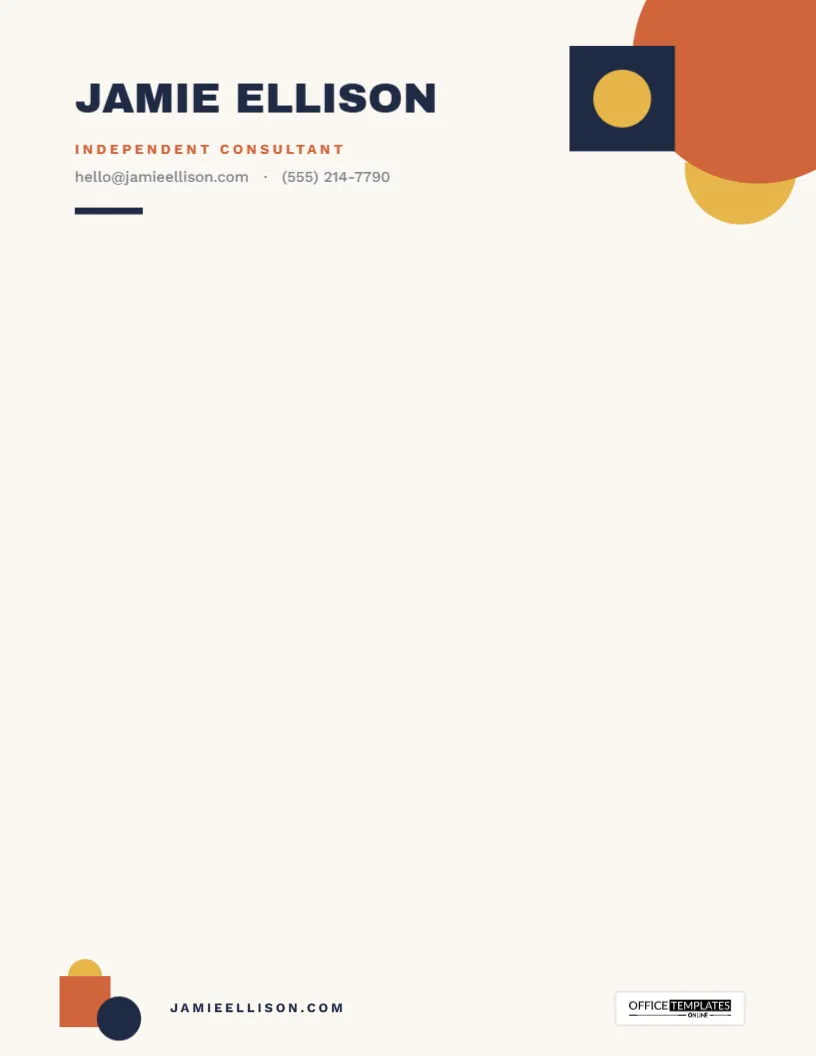
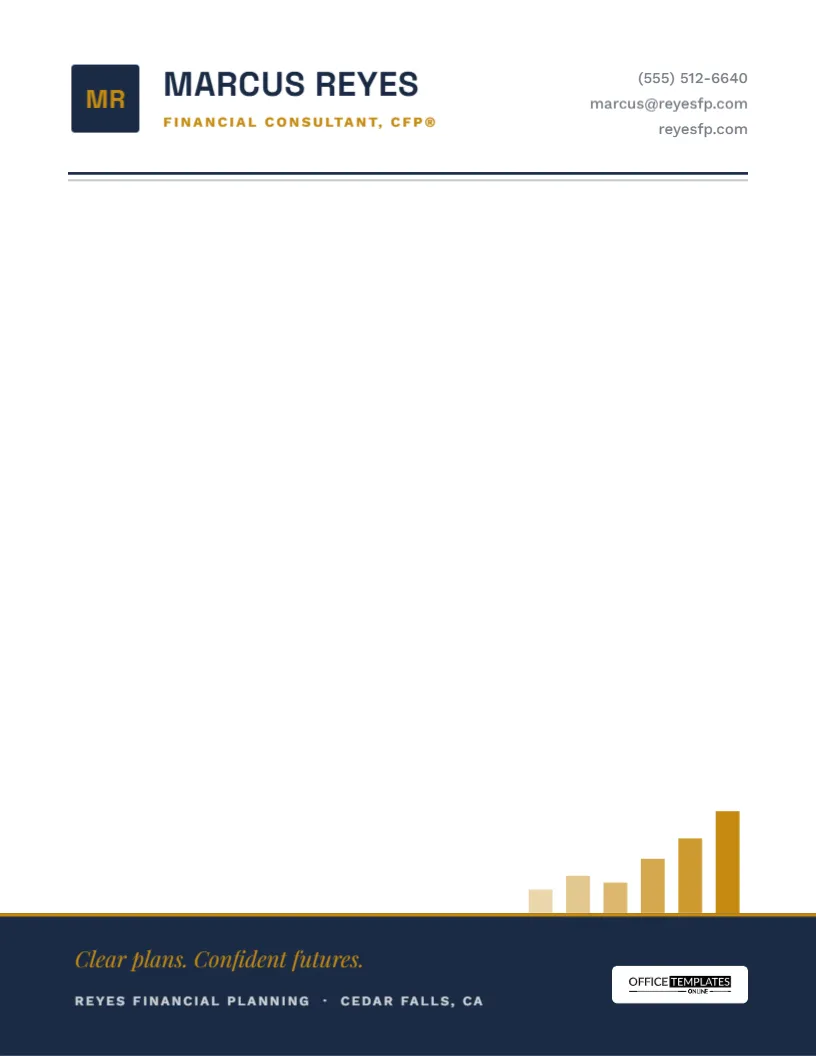
Top Picks





What is a letterhead template?
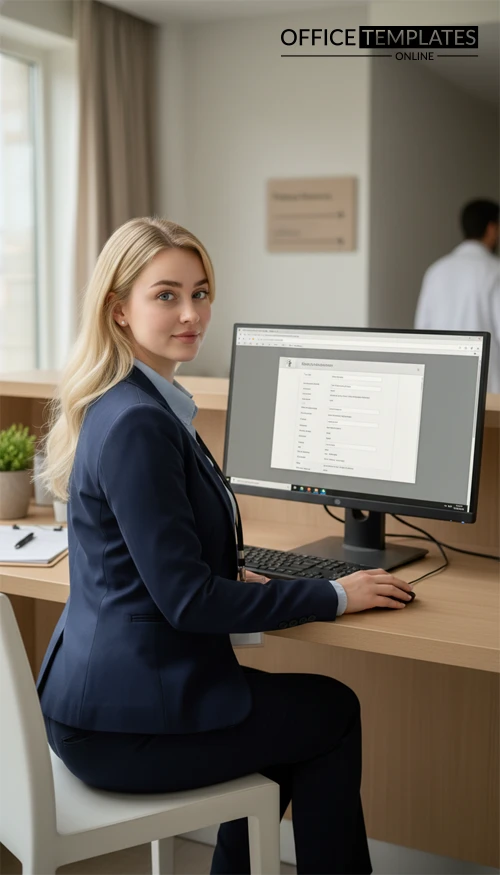
A letterhead template is a pre-designed document header (and sometimes footer) that includes your identity – logo, organization name, address, and contact details – so every letter you send looks consistent and credible.
Why use a Word (DOCX) letterhead?
- Fast edits: swap logo, colors, and text blocks without design software.
- Consistency: keep spacing, typography, and margins uniform across the team.
- Print-ready: export to PDF for clean printing and professional emailing.
Popular types & use cases
Business & company letters
Client communication, proposals, invoices/cover letters, HR letters, vendor notices.
Doctor & clinic communication
Referrals, medical letters, appointment notes, clinic letters (with optional registration/licence fields).
Personal + event stationery
Personal correspondence, family announcements, themed invites and seasonal designs.
Quick quality checklist (use this to pick a good template)
- Readable header: logo + name should be clear at a glance.
- Balanced whitespace: enough room for date, recipient, subject, and signature.
- Simple footer: avoids show-through in duplex printing.
Ready? Choose a design from the grid below and download your preferred Word (DOCX) letterhead.
What’s included in most professional letterheads
While styles vary, most templates follow the same “professional essentials” layout:
- Logo + sender name (organization/clinic/individual)
- Contact block (address, phone, email, website)
- Optional trust details (tagline, registration/licence no., social handle)
- Document area with room for date, recipient, subject, body, and signature
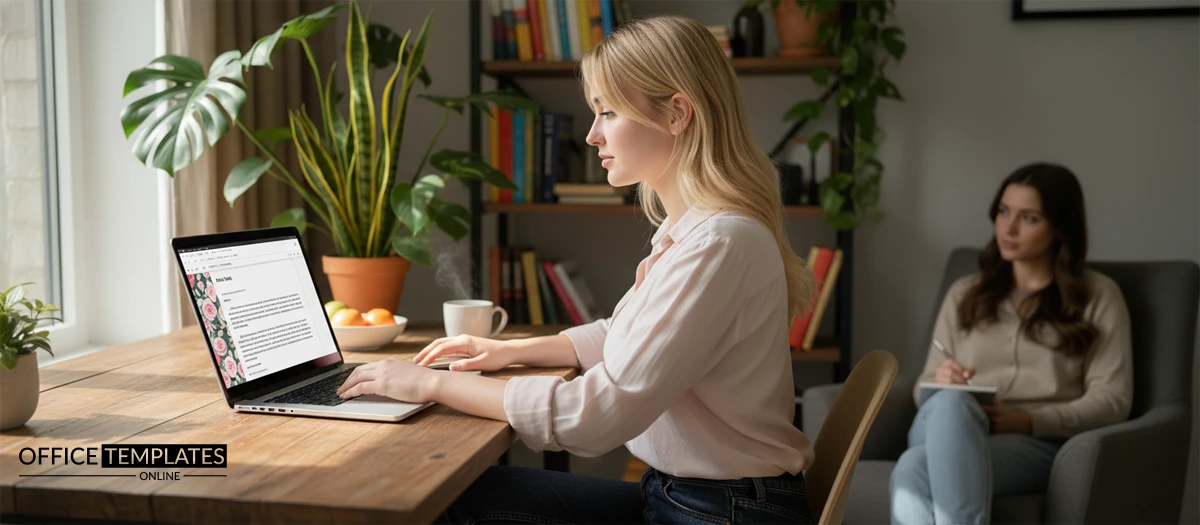
A simple customization workflow (Word / Google Docs)
- Open the DOCX in Microsoft Word (or import into Google Docs).
- Replace branding: logo, organization name, address, phone, email, URL.
- Apply your style: update fonts and colors so headings + body stay consistent.
- Export to PDF for email/printing; keep the DOCX as your editable master.
Tips & best practices (print + professionalism)
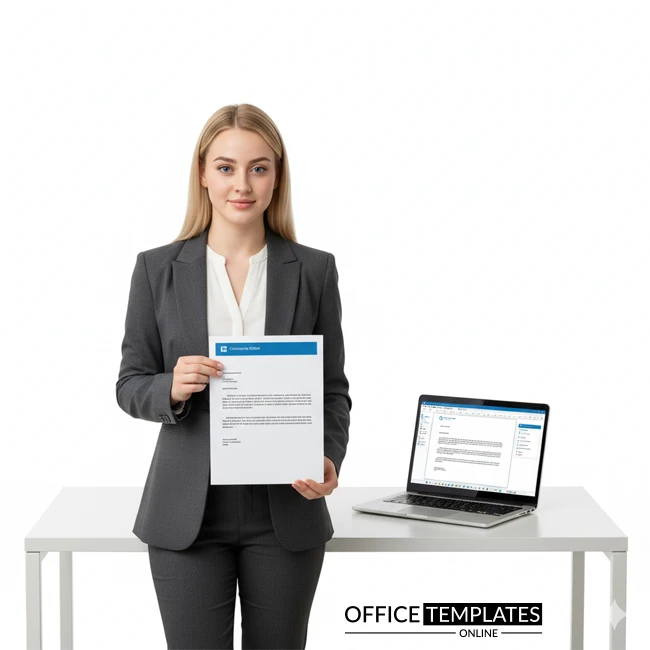
- Page size: confirm A4 vs US Letter before finalizing margins.
- Paper: 90–100 gsm for everyday letters; 120+ gsm for formal documents.
- Duplex printing: keep the footer light to reduce show-through.
- Medical/official note: include registration/licence fields only if required; keep sensitive info out of the header.
FAQs
Can I change fonts and colors in these letterhead templates?
Yes. Update fonts and theme colors in Word so headings and body text stay consistent across pages.
Do the DOCX files work on Word for Mac and Google Docs?
Yes. You can open them in Word for Mac or import into Google Docs and then export to PDF.
Where should I start if I need a business or company style?
Start with Company Letterhead Templates or Business Letterhead Templates, then explore modern variations if you want a cleaner look.
Do you have letterheads designed specifically for doctors or clinics?
Yes – use the Doctor Letterhead Templates collection for healthcare-ready layouts.
What’s the fastest way to get a single template without browsing?
Use this direct file: Free Business Letterhead (single template).
Related (more letterhead options)
If you want a bigger bundle of variations, see: 22+ Free Letterhead Designs and Formats.
Advertisement
