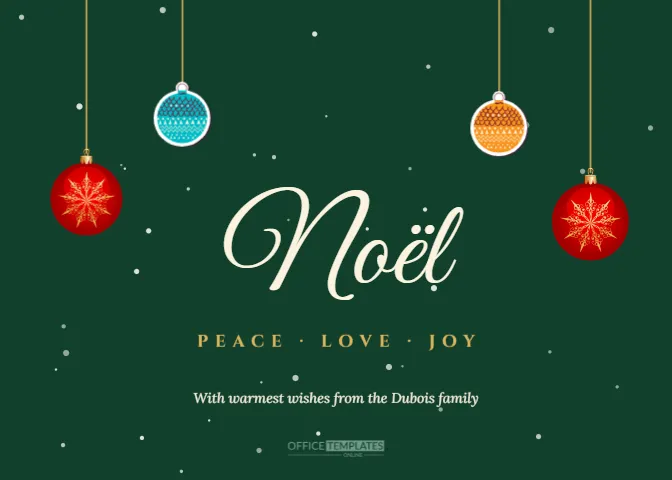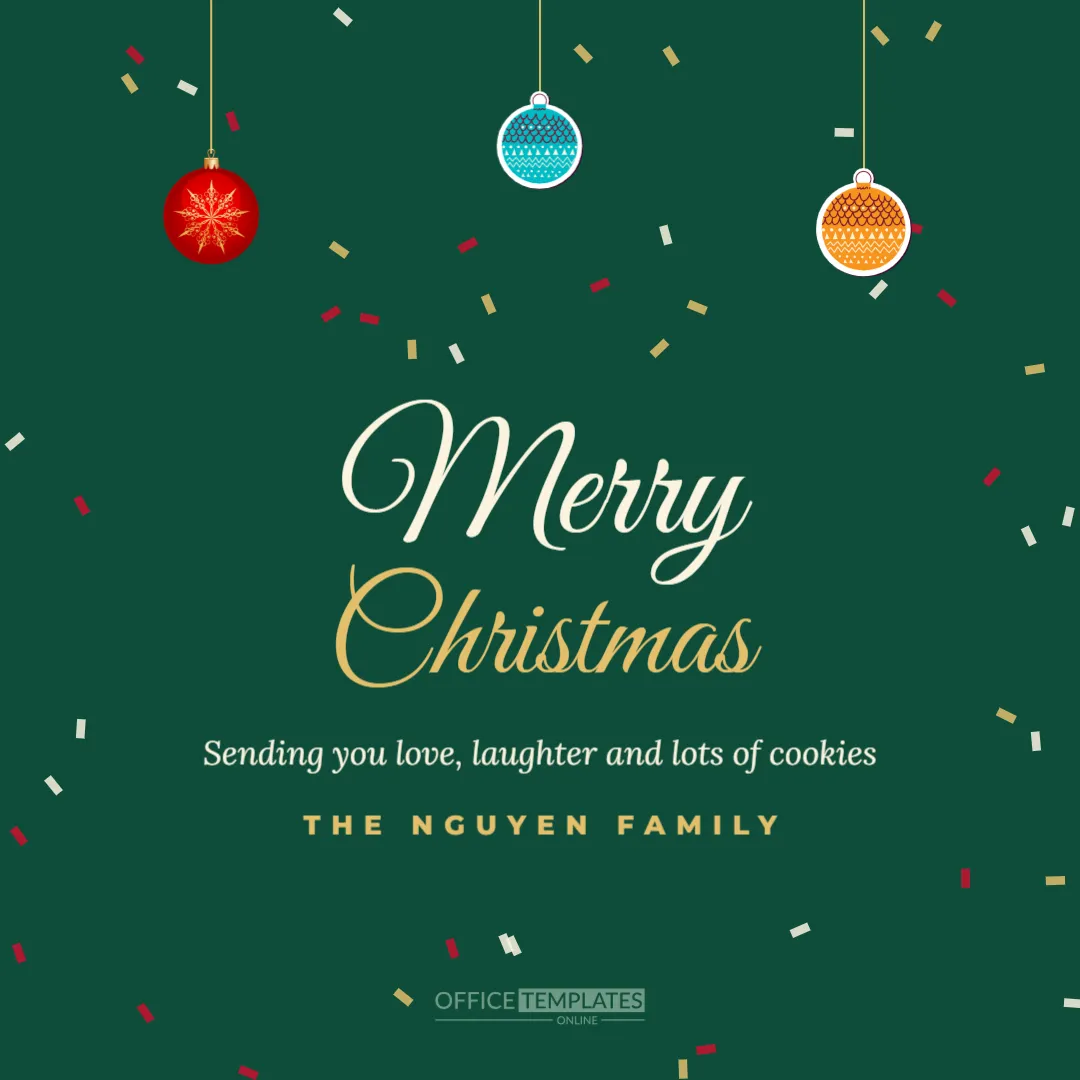
Not every greeting needs paper and postage. A digital Christmas e-card arrives instantly, costs nothing to send, and reaches friends anywhere in the world. This square 1080 x 1080 pixel template is designed for phones, messaging apps and social media. A deep emerald background is scattered with gold, cream, and red confetti around the edges. Three ornaments in red, teal, and orange hang from gold strings at the top. Merry appears in huge cream script with Christmas in gold below, followed by a warm message and the family name in spaced gold capitals.
Why Send a Christmas E-Card
E-cards are perfect for friends abroad, last-minute greetings, large contact lists, and anyone who wants to reduce paper waste. They can be sent by email, WhatsApp, Messenger, or posted on social media in seconds.
Designed for Phone Screens
The square format fills a phone screen in messaging apps and Instagram feeds. The large script and short message are readable even at small sizes, and the confetti frames the text without crowding it.
Editing the E-Card
Click the message and family name to edit them. The sample message, Sending you love, laughter and lots of cookies, can be changed to anything you like. Keep it short for easy reading on phones.
Sharing on WhatsApp and Messaging Apps
Download the e-card as a JPG or PNG and send it to individual contacts or family groups. Many people set it as a status or story on Christmas Eve.
Posting the E-Card on Instagram and Facebook
The 1080 x 1080 size is ideal for Instagram and Facebook posts. Add a caption with your personal message and tag family members to share the greeting widely.
Sending the E-Card by Email
Insert the image into an email to friends, family, or colleagues. Add a personal paragraph above the card to make each email feel individual.
E-Cards for Businesses
Businesses can send the e-card in email newsletters and social media posts, replacing the family name with the company name.
Personalising E-Cards for Each Friend
Duplicate the design and change the message for different friends, adding their names for a personal touch. It takes only a minute per card.
Emerald and Gold Colours
Emerald and gold feel festive and elegant. Change the background to red, navy, or white to suit your style; the confetti and ornaments work with many colours.
Confetti and Ornament Details
The confetti is a group of small rotated rectangles placed around the edges, so it never covers the text. The ornaments hang from gold strings and can be moved or recoloured.
Eco-Friendly Greetings
E-cards use no paper, ink, or postage, making them an eco-friendly choice. Some people send e-cards and donate the money they would have spent on cards and stamps to charity.
E-Cards for Last Minute Greetings
If you forgot someone on your card list, an e-card arrives instantly on Christmas Day. No one needs to know it was last minute.
Animated Versions
For an animated effect, export the e-card and add simple motion in a social media app, such as falling snow or sparkles, before sharing as a story.
Printing the E-Card
Although designed for screens, the e-card can also be printed as a square card at 5.5 x 5.5 inches for those who prefer paper.
Christmas E-Card Questions
Can I change the size to a story?
Yes. Resize the canvas to 1080 x 1920 and adjust the layout.
Can I add a photo?
Yes. Drop in a frame and use Replace Image for your photo.
Can I send it on WhatsApp?
Yes. Download a JPG and send it as an image.
E-Card Etiquette
Digital cards are increasingly accepted, but a short personal message still matters. Send e-cards individually or in small groups rather than to a long list in one message, and add each person’s name in your text. For older relatives who prefer paper, consider printing the e-card or choosing a printed card from this collection instead.
Scheduling Christmas E-Cards
Many email services let you schedule messages, so you can prepare e-cards in advance and have them arrive on Christmas morning while you enjoy the day with family. On social media, schedule your post for Christmas Eve or Christmas morning when friends are most likely to see it.
E-Cards for Teachers to Send Families
Teachers can send the e-card to class families through the school messaging app, replacing the family name with the class name. It is a quick, friendly way to wish everyone a happy break without printing.
Matching Story and Post Sizes
Create a vertical story version and a landscape version from the same design so your greeting looks perfect on every platform.
Accessibility for Digital Cards
When posting online, add alt text describing the card, such as an emerald Christmas card with ornaments and the words Merry Christmas, so people using screen readers can enjoy it too.
E-Cards for Remote Teams
Managers of remote or hybrid teams can post the e-card in team chat channels on the last working day before the break, adding a personal thank-you message to the team. It brings a festive moment to a distributed team that rarely meets in person, and team members can react and reply with their own holiday plans.
Saving E-Cards for Next Year
Save the design in your account, then update the message and name next December in moments.
E-Card File Size Tips
JPG files are smaller and send faster on mobile data, while PNG keeps text perfectly sharp; choose JPG for messaging apps and PNG for social media posts.
E-Cards for Charities
Charities can send the e-card to supporters with a link to a year-end donation page, thanking them for their help this year.
E-Card Group Messages
Share it once in a family group chat so everyone sees it together on Christmas morning.
E-Card Printing Size
For paper copies, print the square design at 5.5 inches.
Send Christmas Cheer in Seconds
Add your message and name, download your e-card, and share it with everyone you love. A bright digital greeting spreads festive joy instantly.