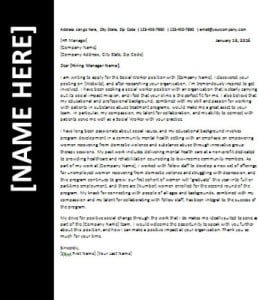
50+ Professional Job-Winning Resume / CV Designs for MS Word – Editable
No matter how experienced you are, while applying for the next dream job of yours, the way you write your resume will tell a lot about what you have been learning in all these years of Experience. With hundreds of individuals applying for the same job as you, the interviewers are very likely to spend as little as about 10 seconds on your CV. Therefore, it is imperative that your resume stands out and has been created in the right manner. With very little time that employers have today, your CV must not be a long list of clustered stuff that serves little or no purpose.
Editable Resume Formats for Microsoft Word
You can download below professionally designed, fully editable, modern layout, job-winning CV Formats for MS Word. All of these formats are totally free to download.
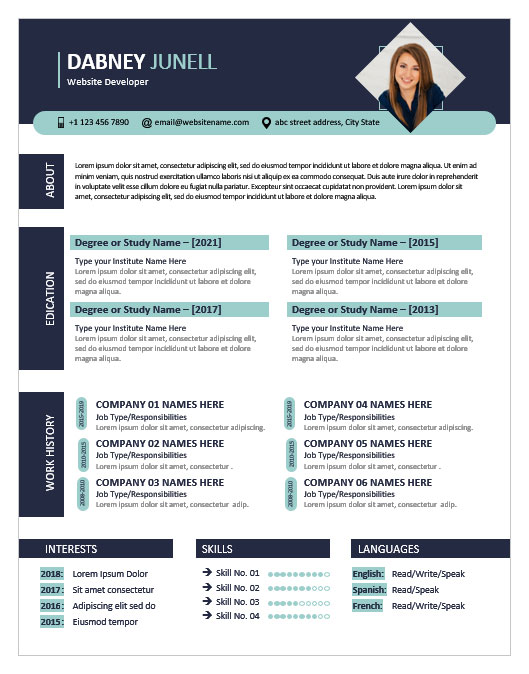
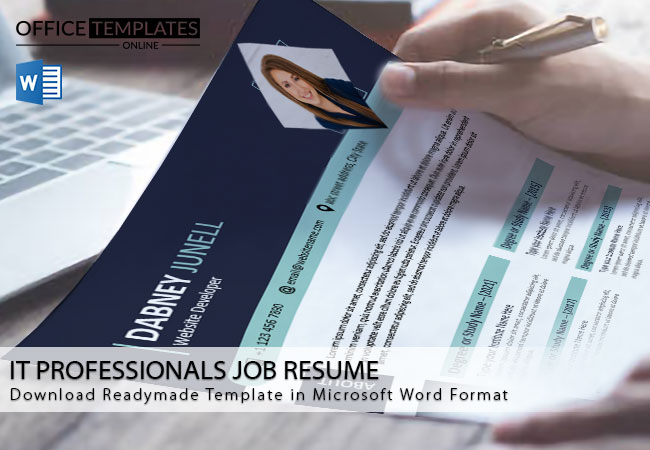
1: For Computer and Mathematical Operations Jobs

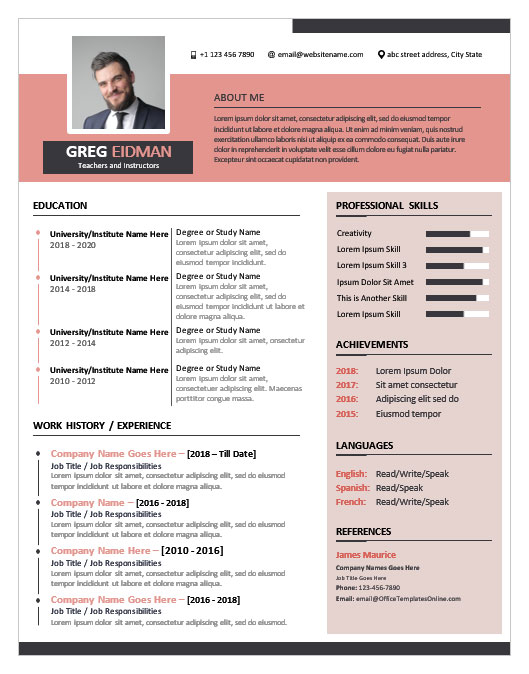
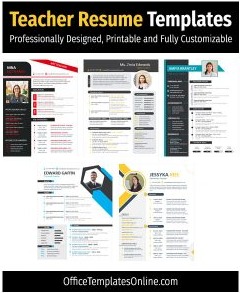
2: Best Format for Education, Training, and library-related jobs

3: Creative Design for Business and Financial Jobs – Landscape Style
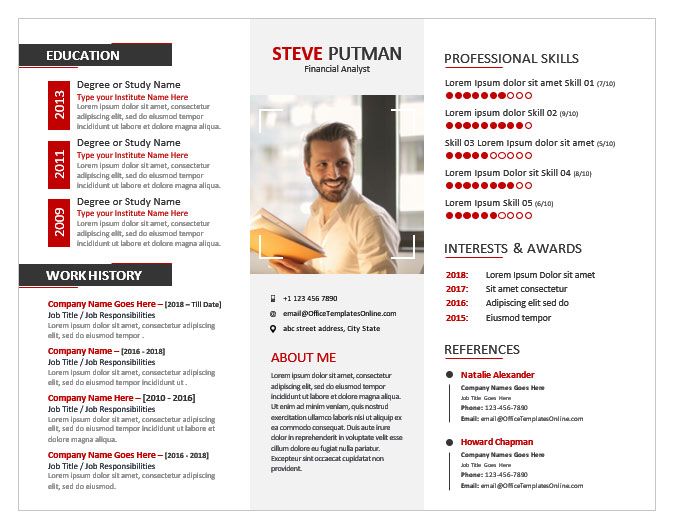

4: Life, Physical, and Social Science Jobs


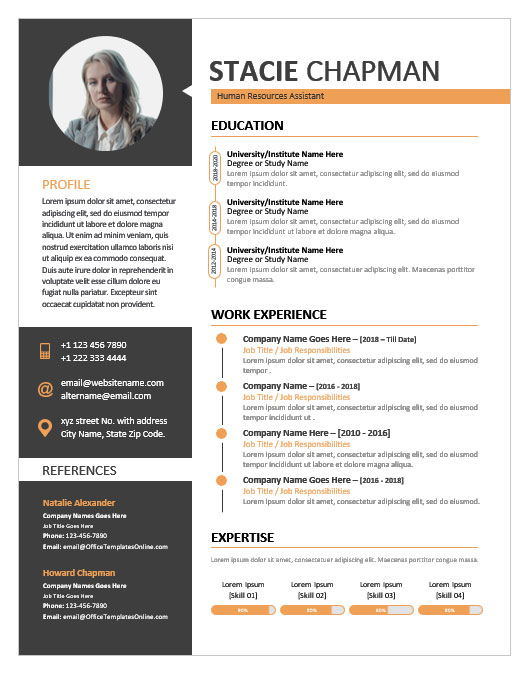
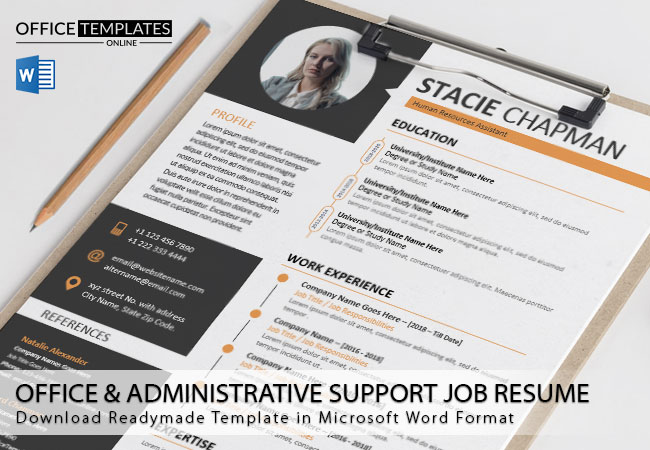
5: Job Winning Format for Office and Administrative Support Jobs
6: Professional Design for Law & Legal Jobs
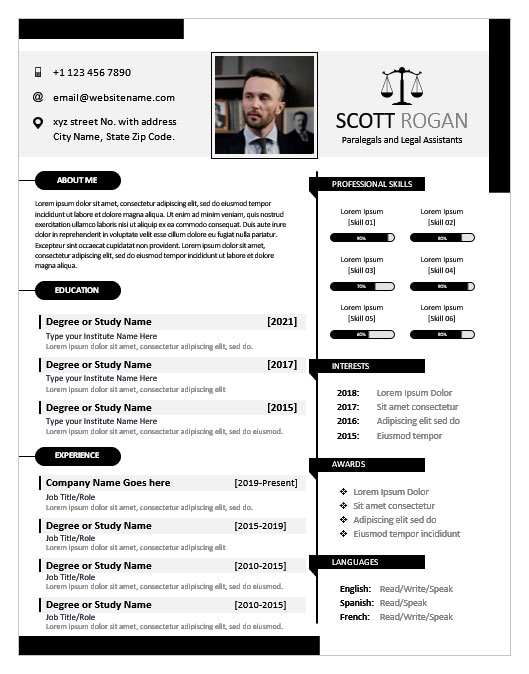
7: Best for Receptionists


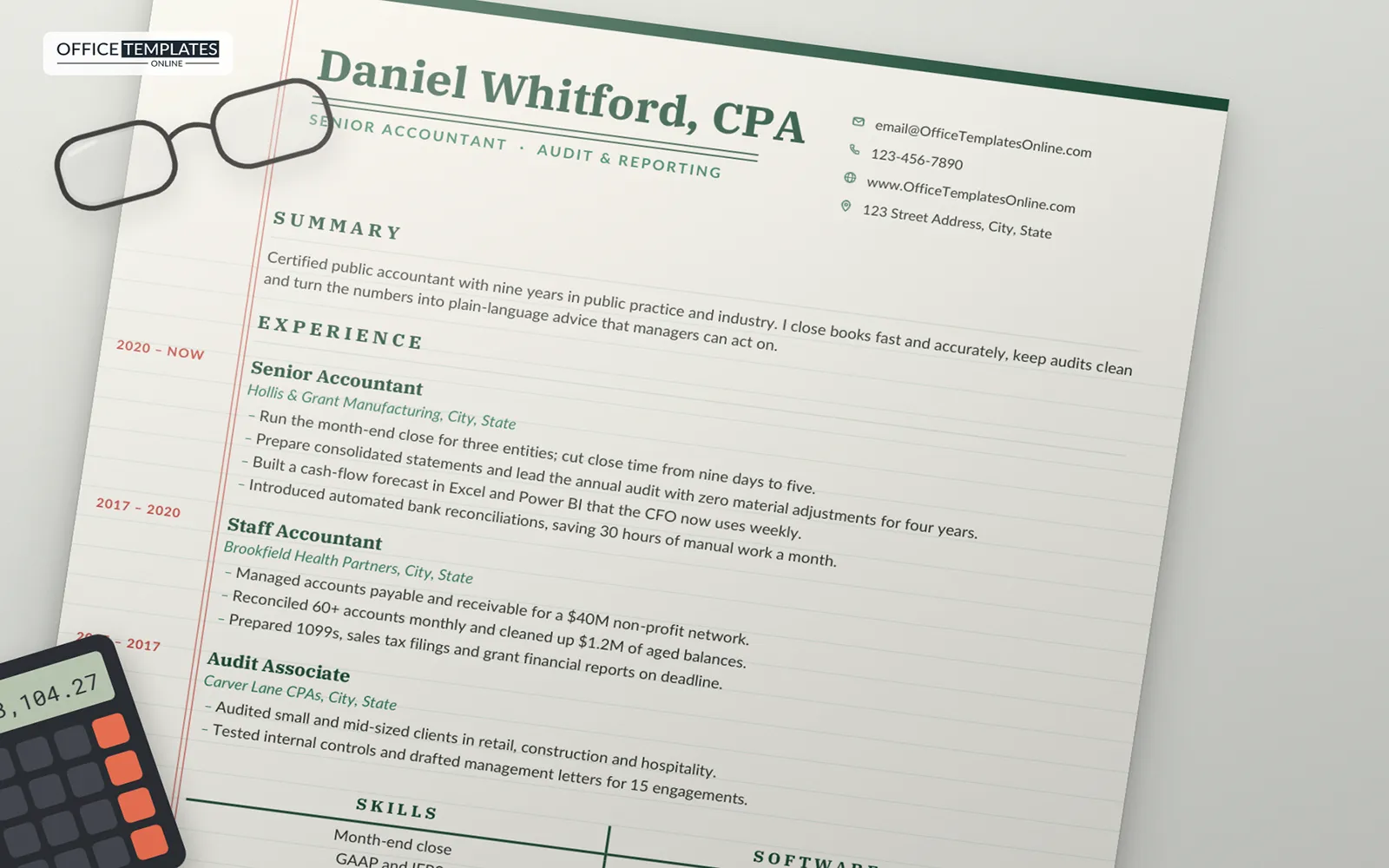
8: Accountant Resume Template on Ledger Paper
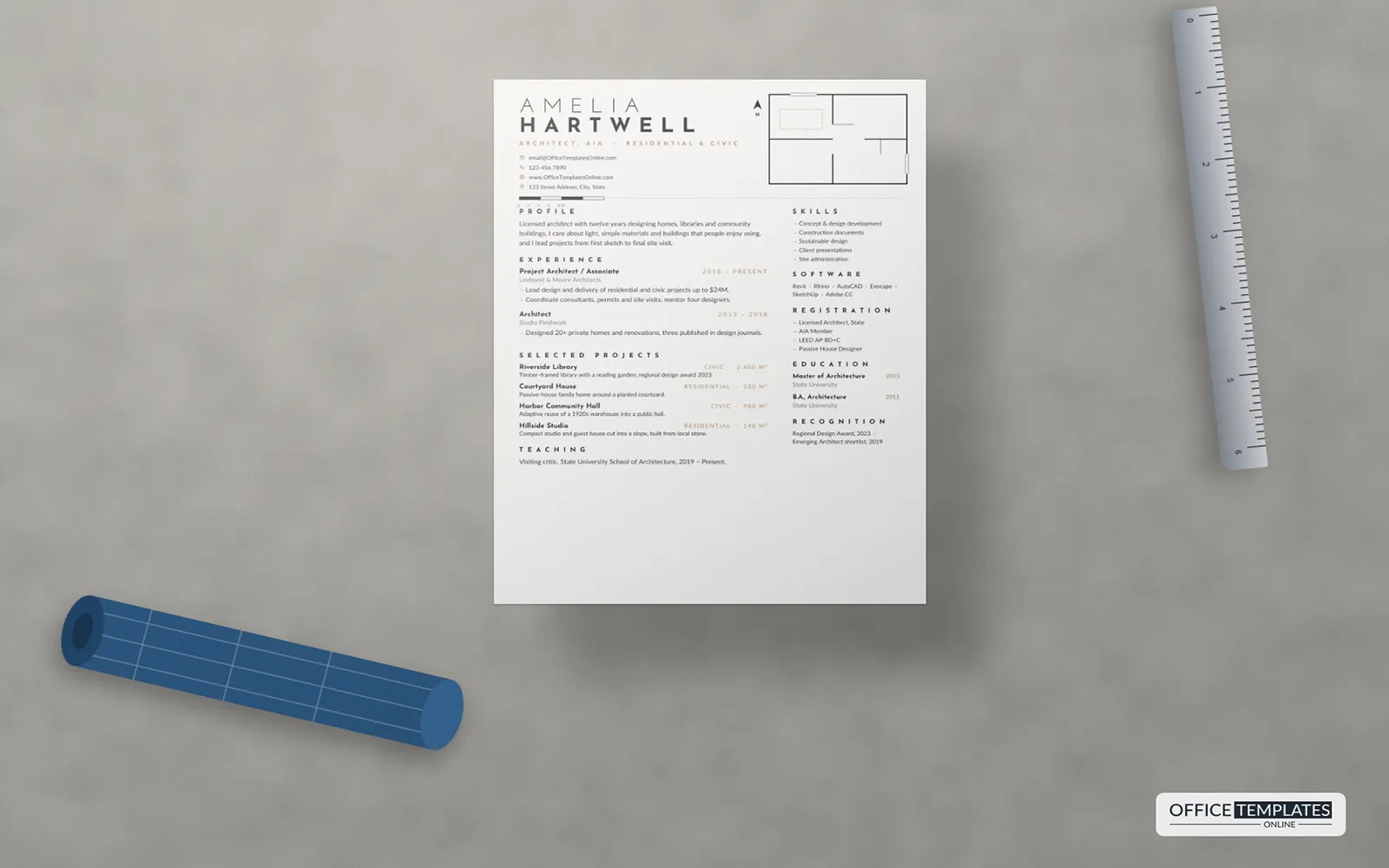
9: Architect Resume Template with Floor Plan Drawing
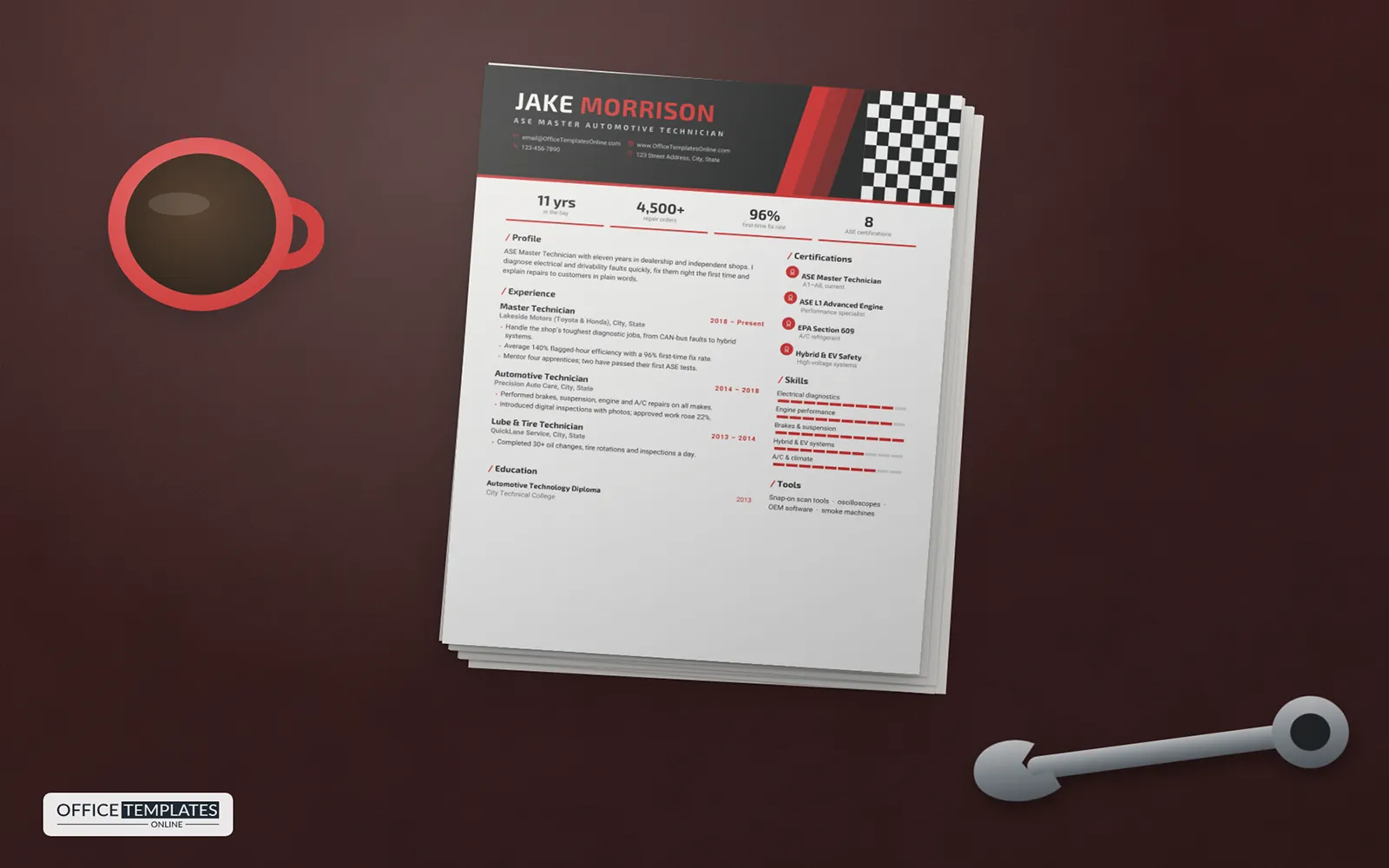
10: Automotive Technician Resume Template with Checkered Flag
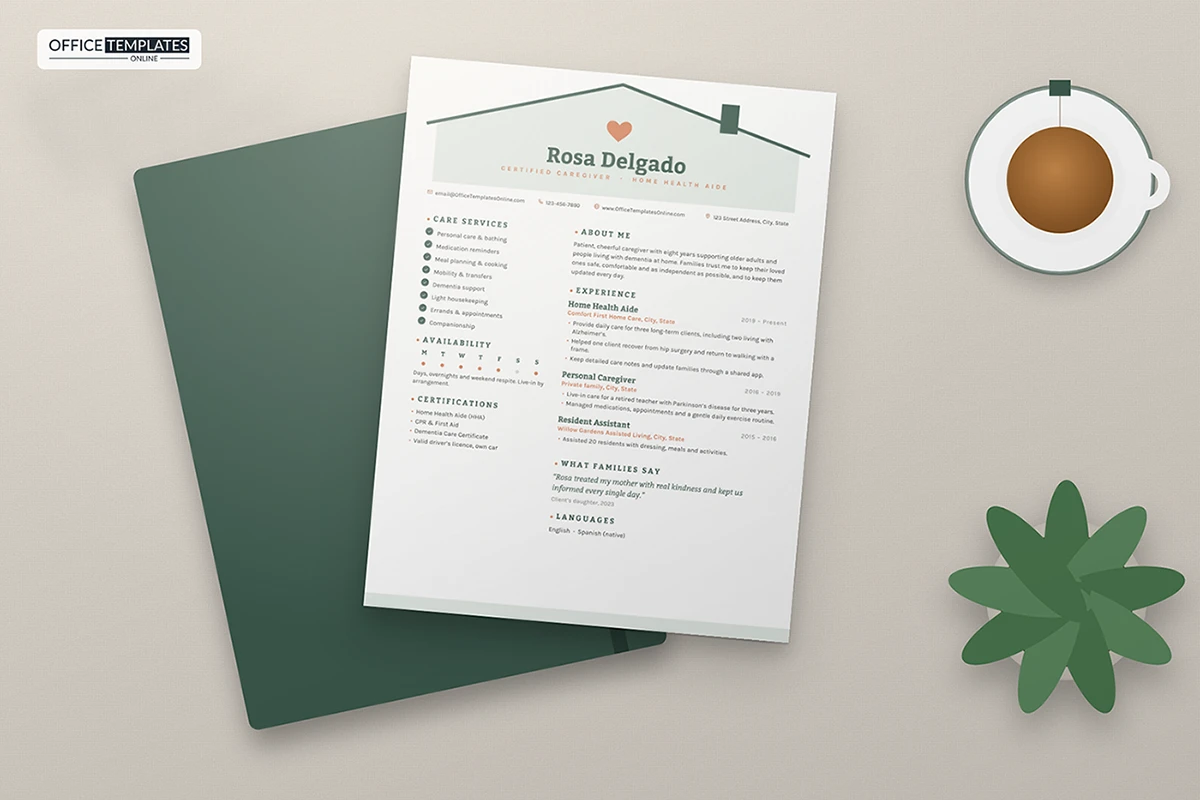
11: Caregiver Resume Template
12: CEO Resume Template for Executives and Board Members
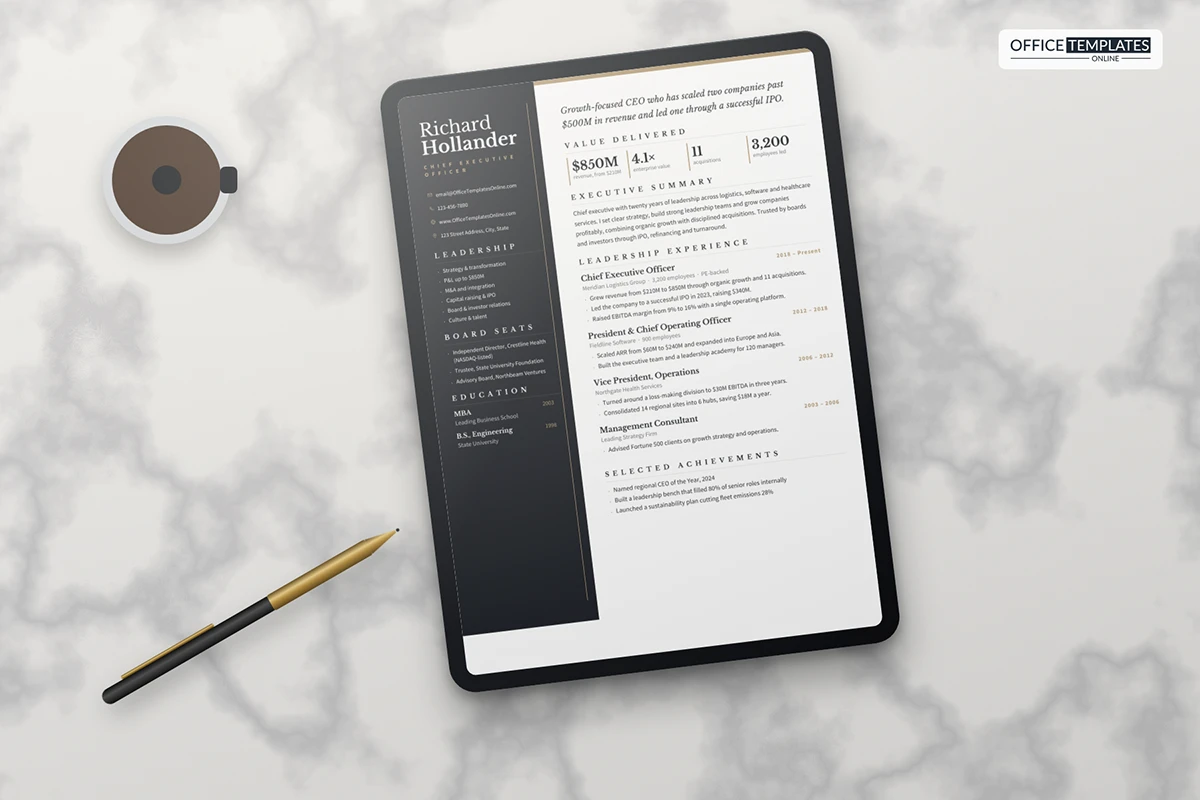
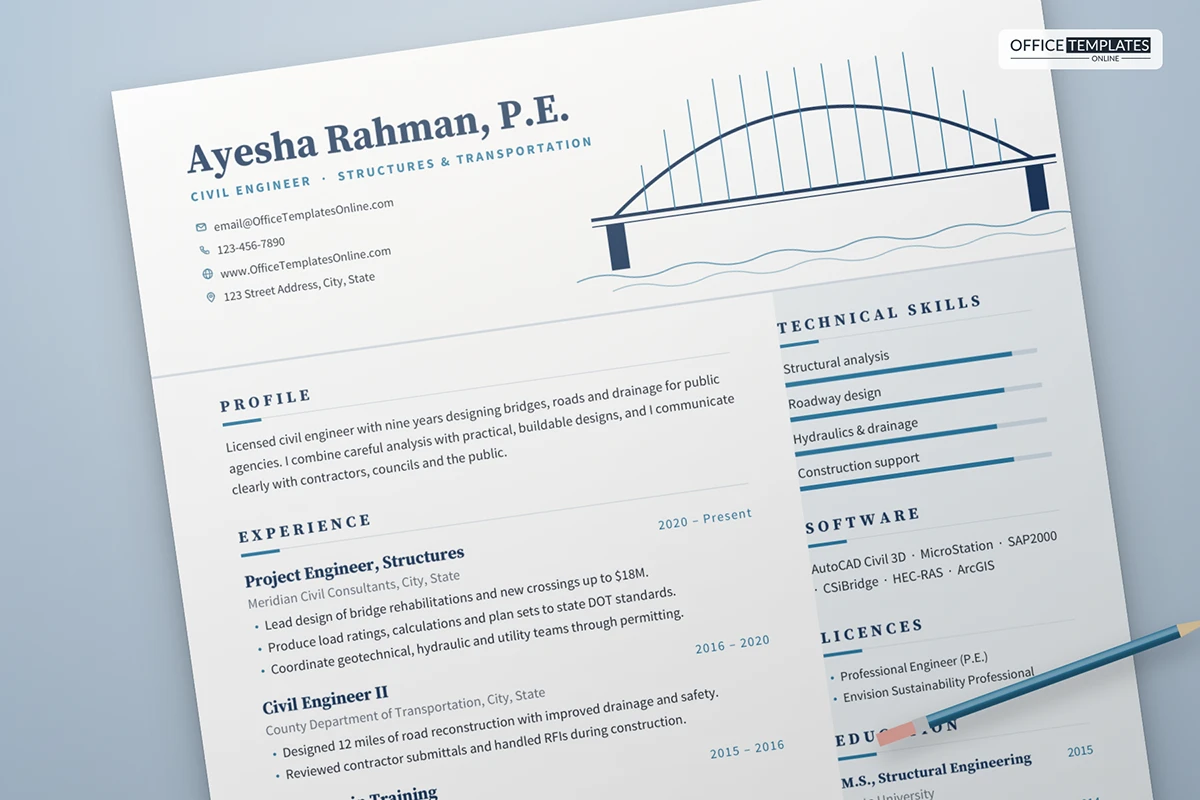
13: Civil Engineer Resume Template
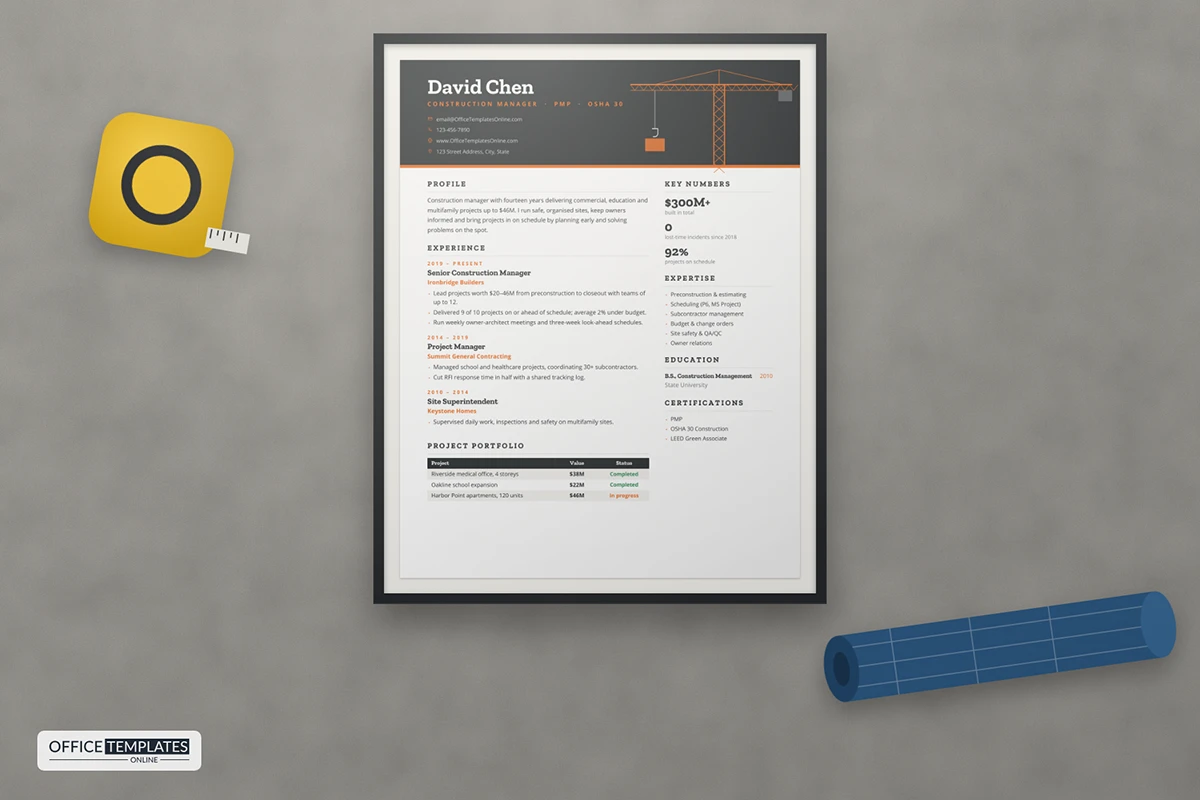
14: Construction Manager Resume Template
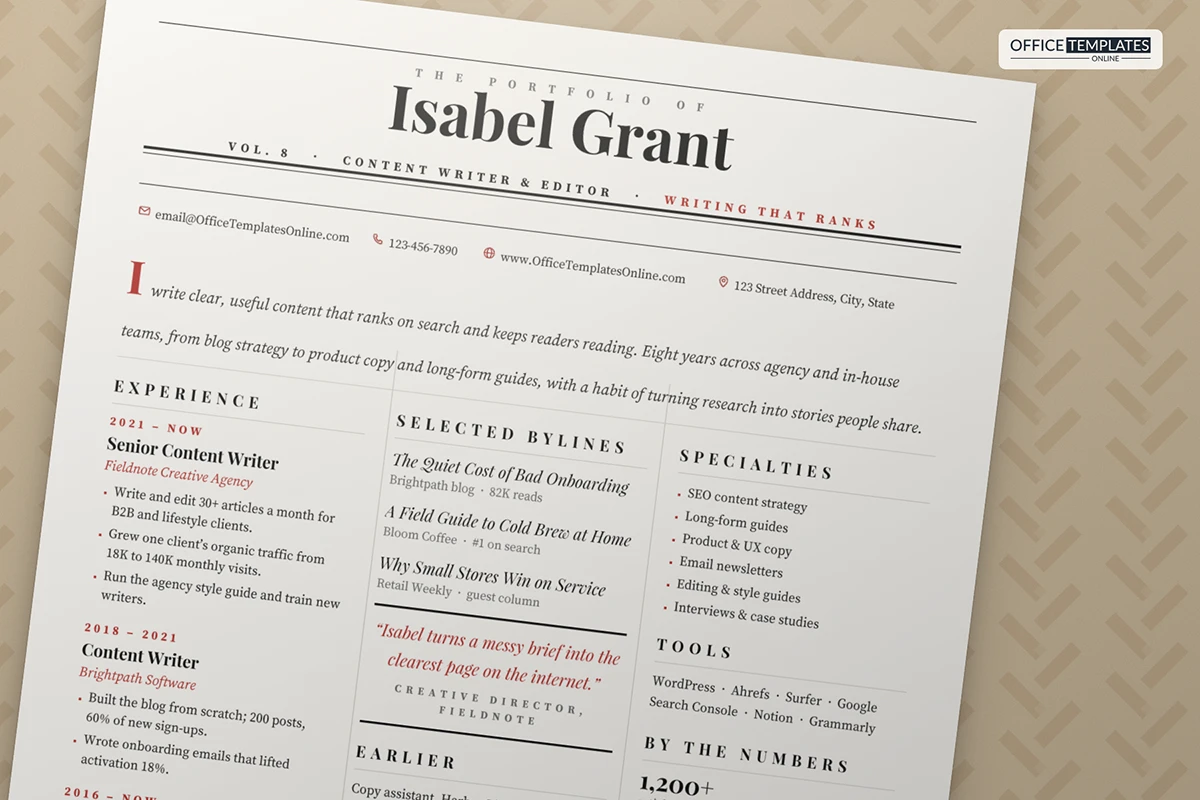
15: Content Writer Resume Template in Newspaper Style
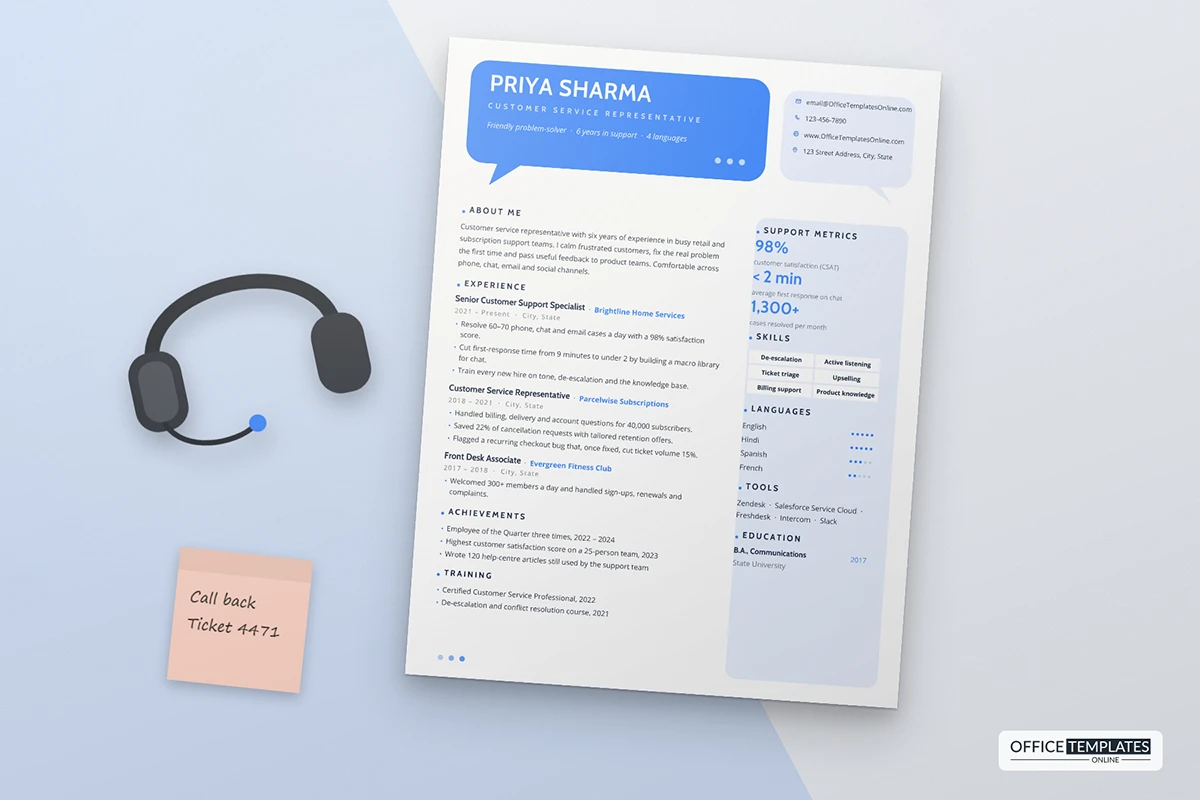
16: Customer Service Representative Resume Template
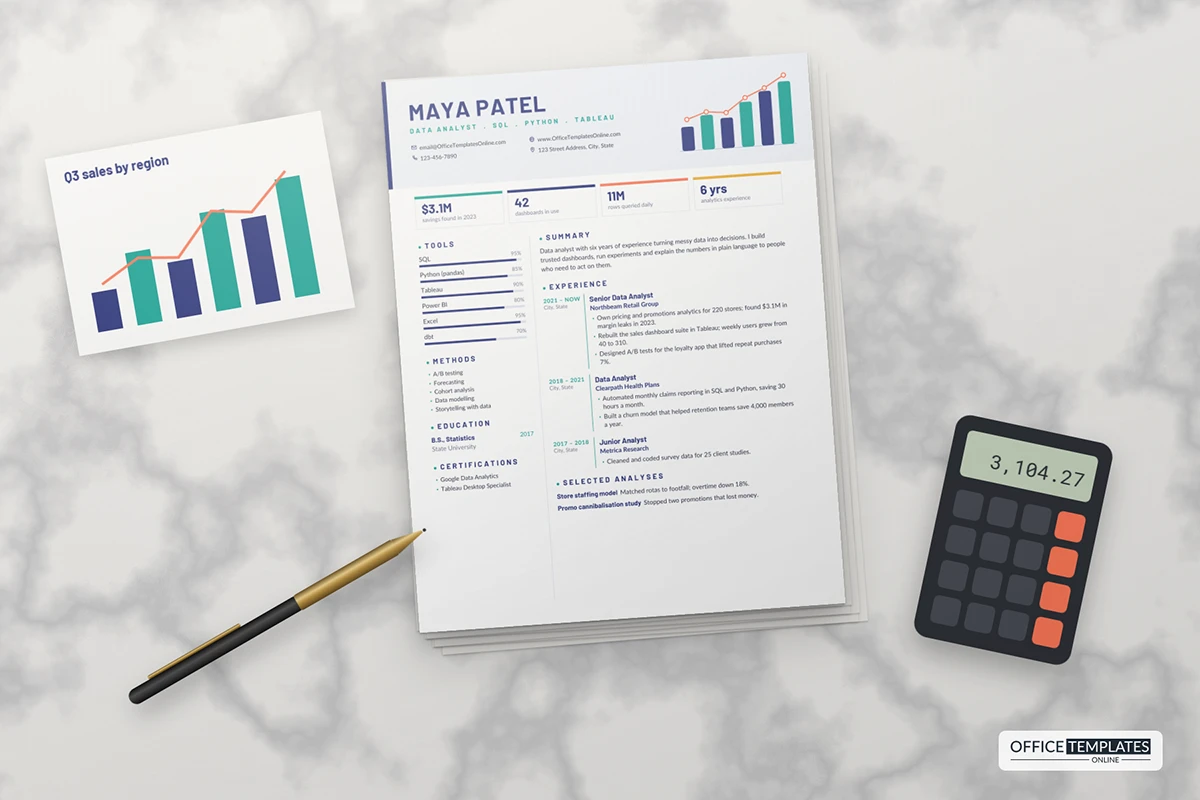
17: Data Analyst Resume Template
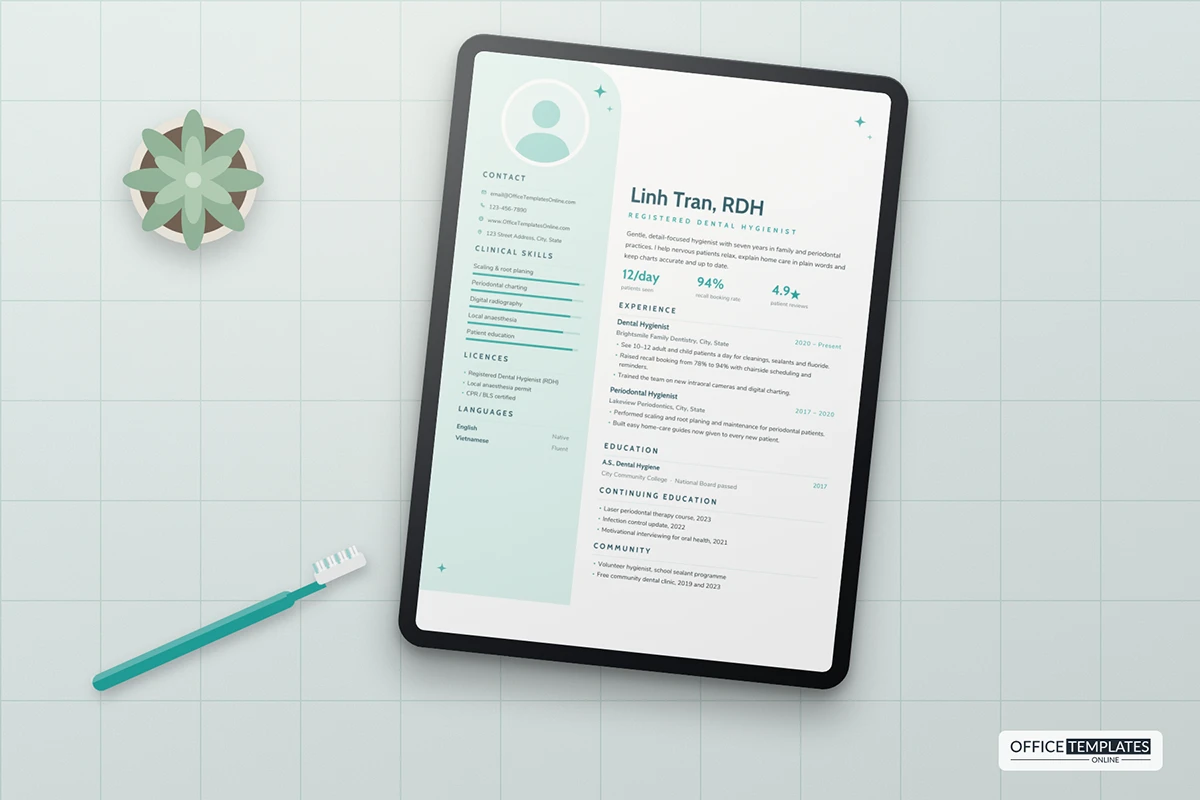
18: Dental Hygienist Resume Template
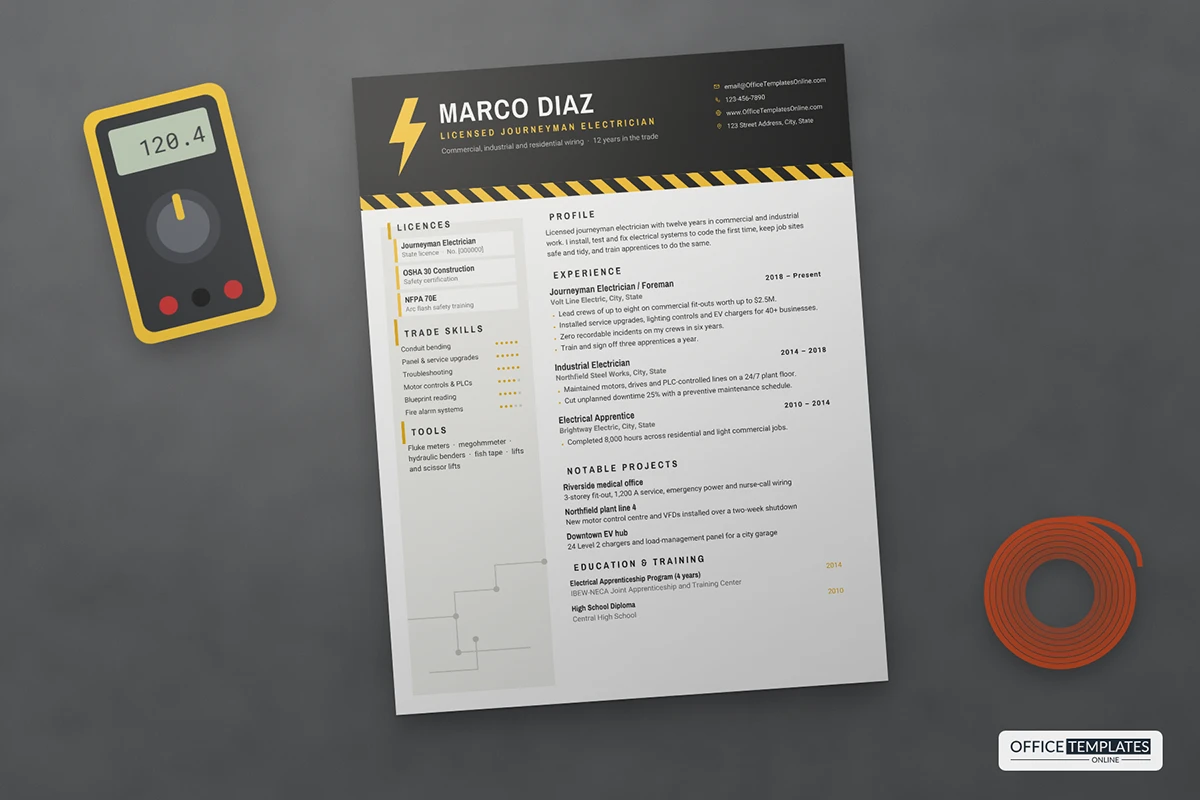
19: Electrician Resume Template with Hazard Stripe Header
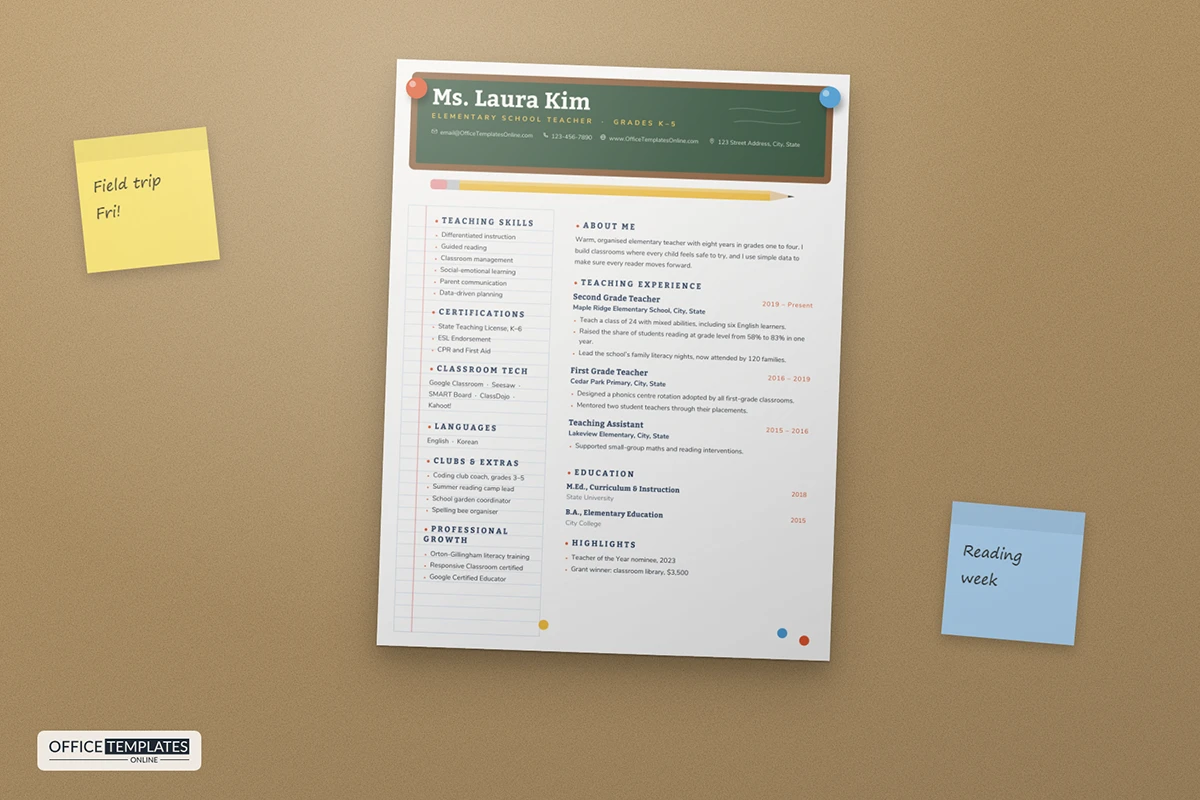
20: Elementary Teacher Resume Template
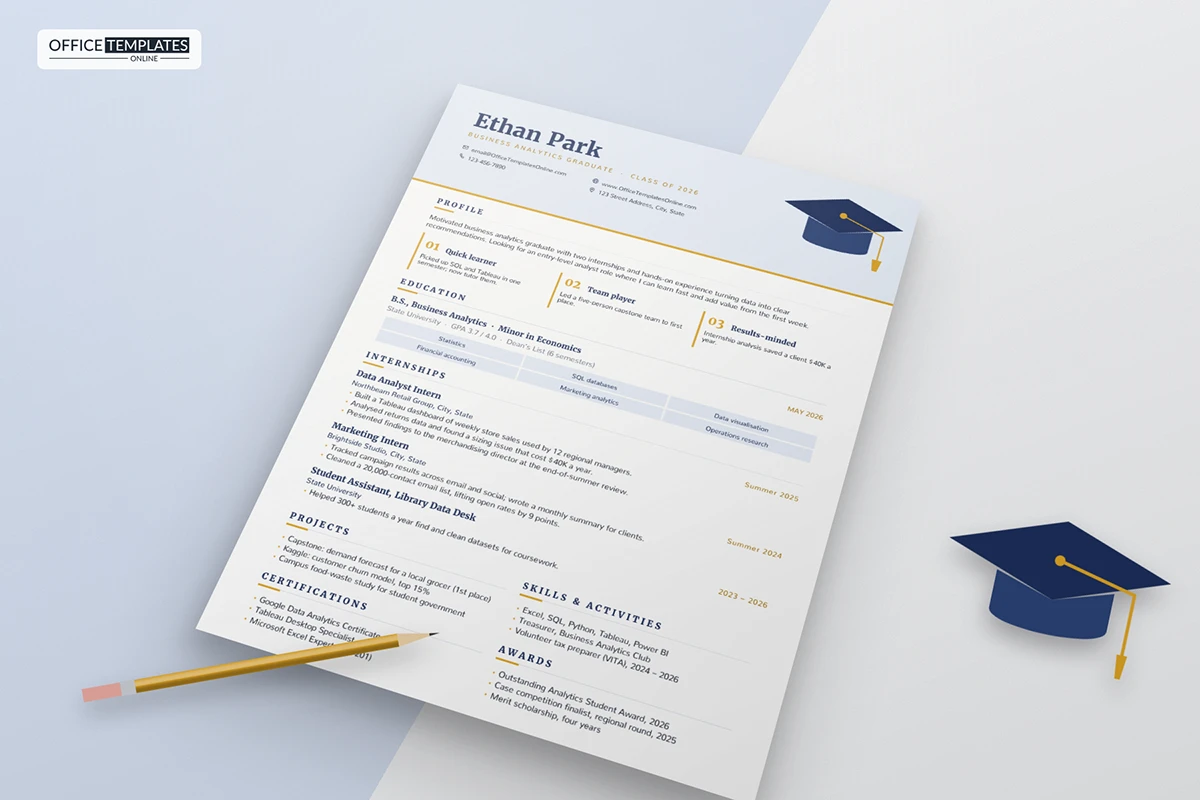
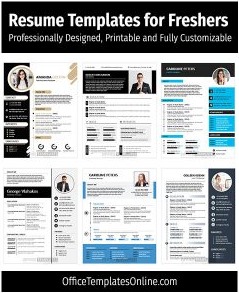
21: Entry-Level Graduate Resume Template
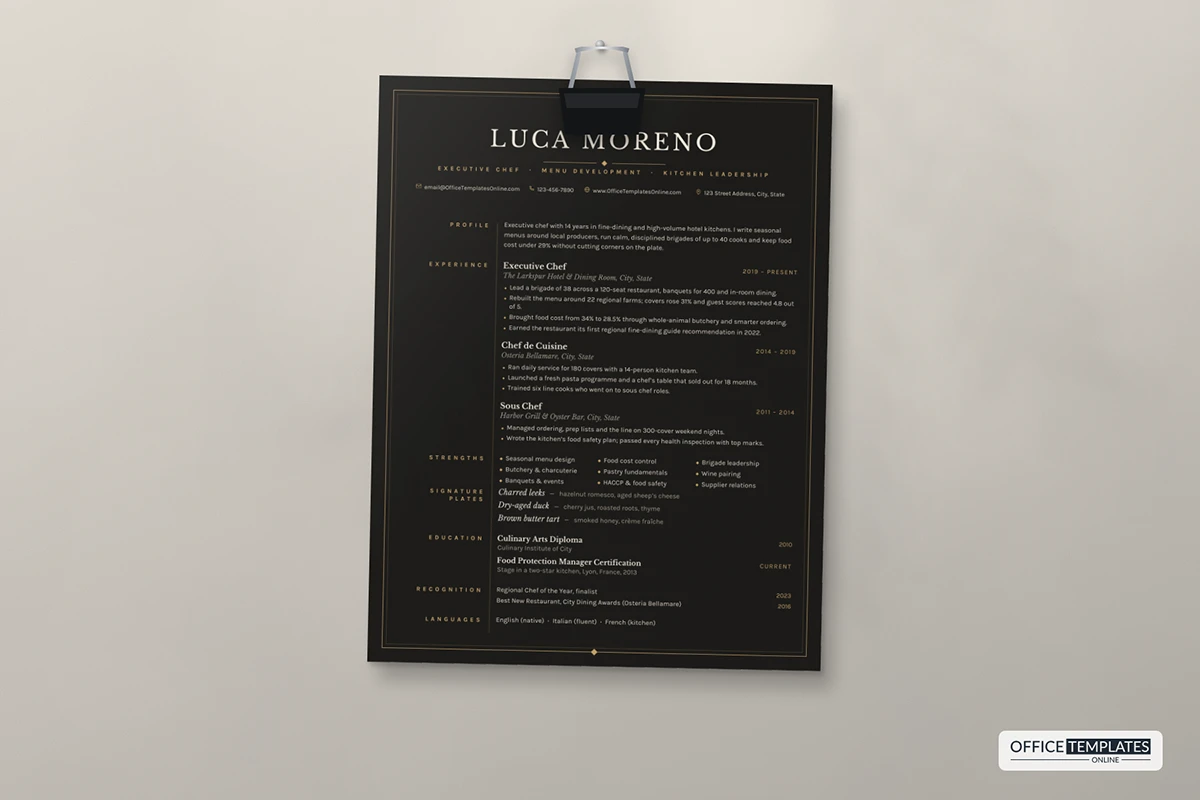
22: Executive Chef Resume Template in Black and Gold
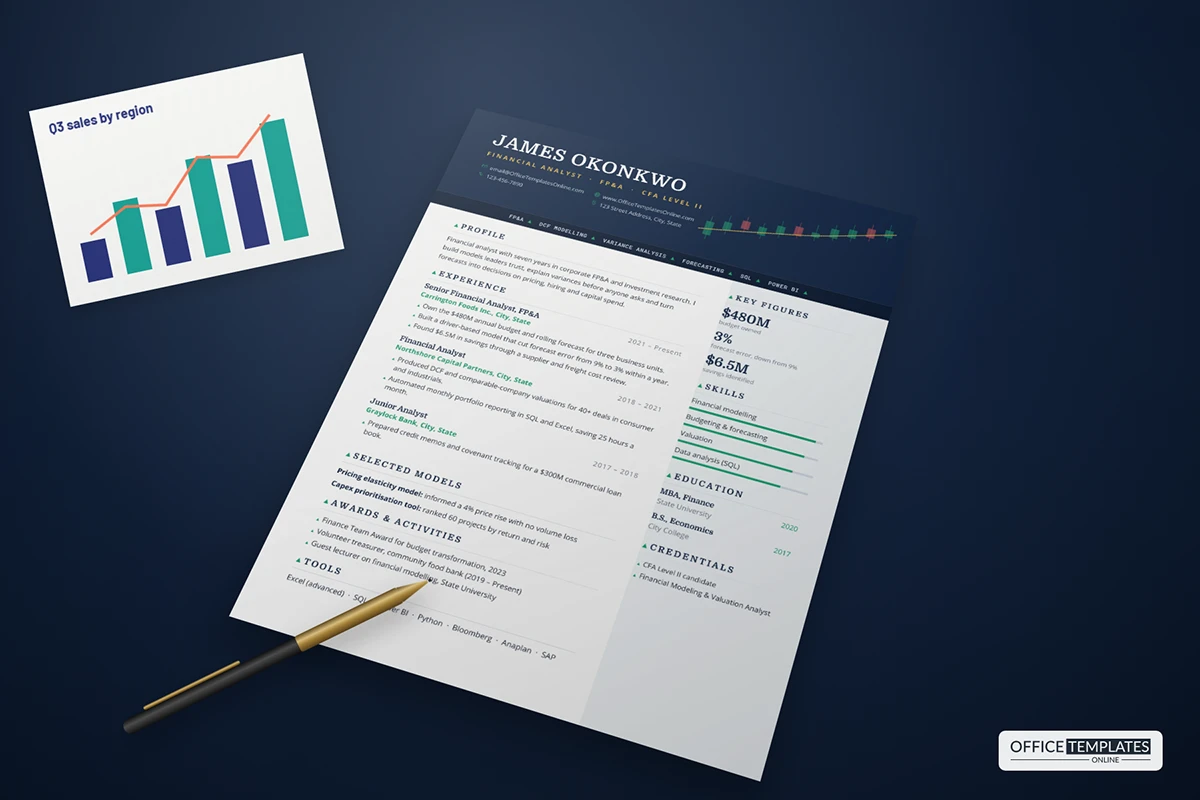
23: Financial Analyst Resume Template with Candlestick Header
24: Flight Attendant Resume Template
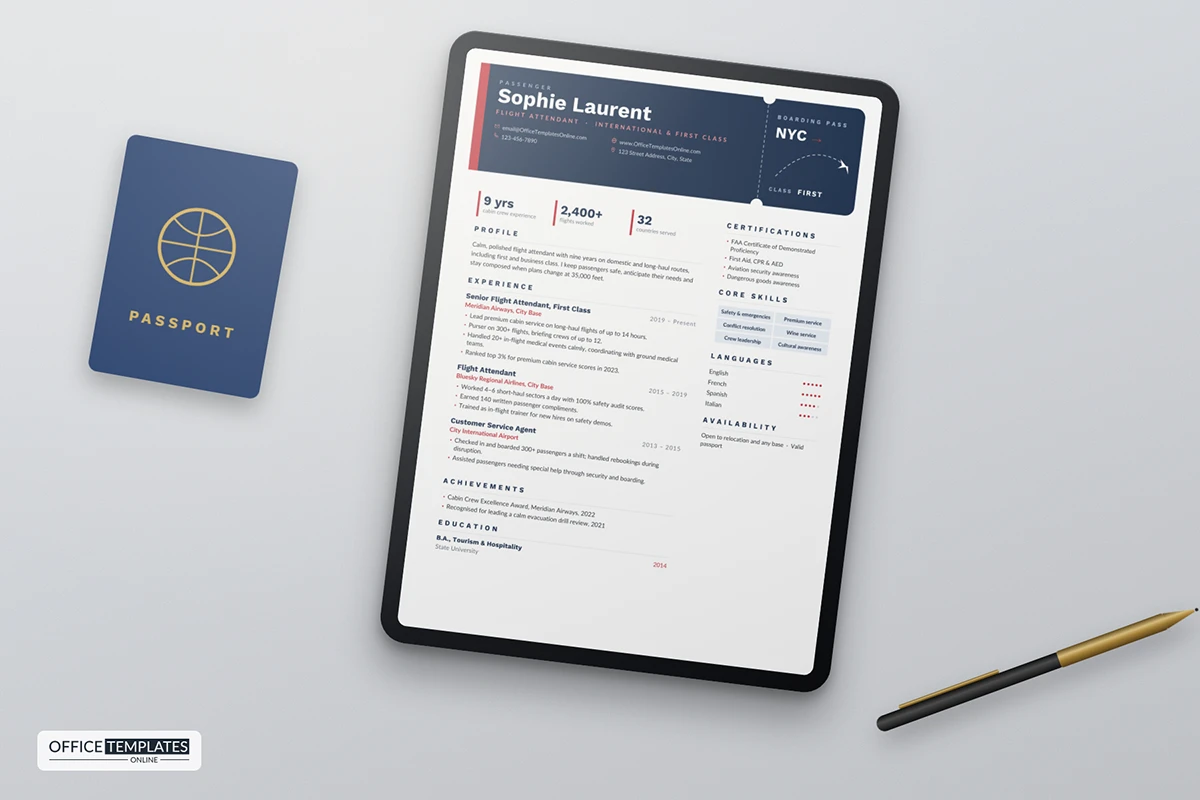
25: Graphic Designer Resume Template
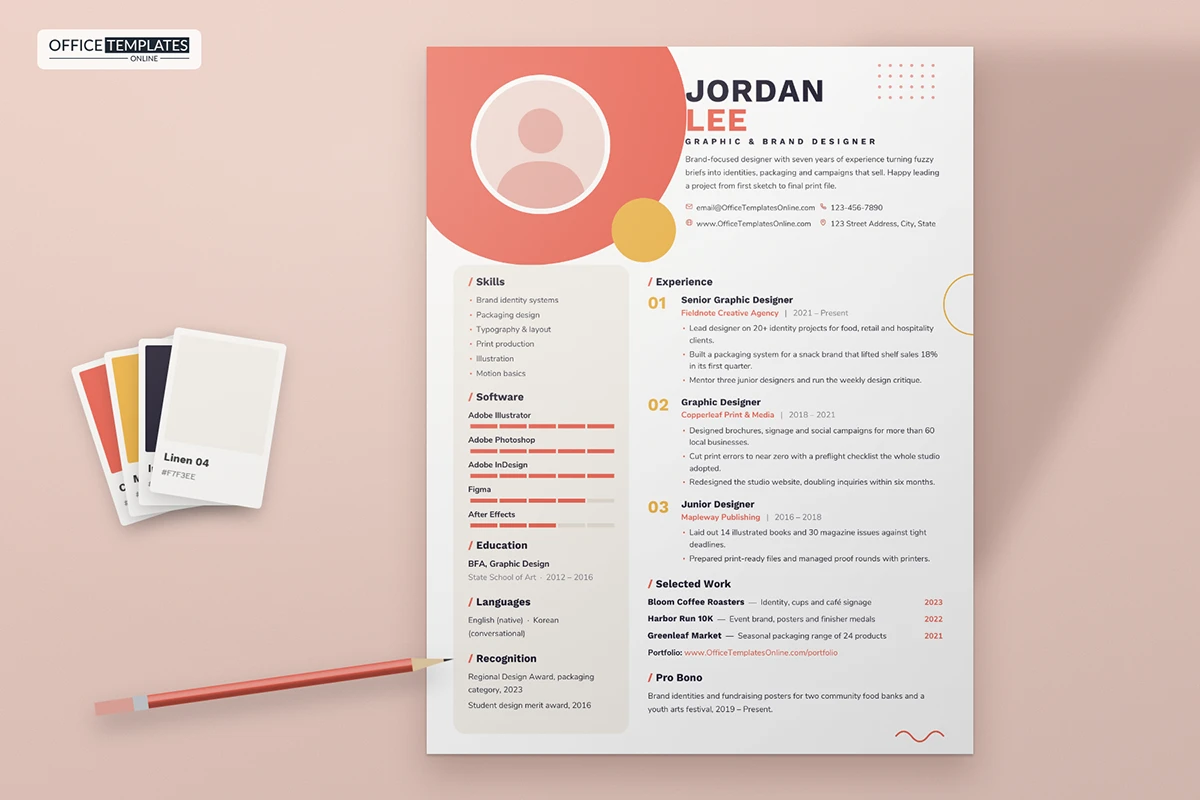
26: Hair Stylist Resume Template
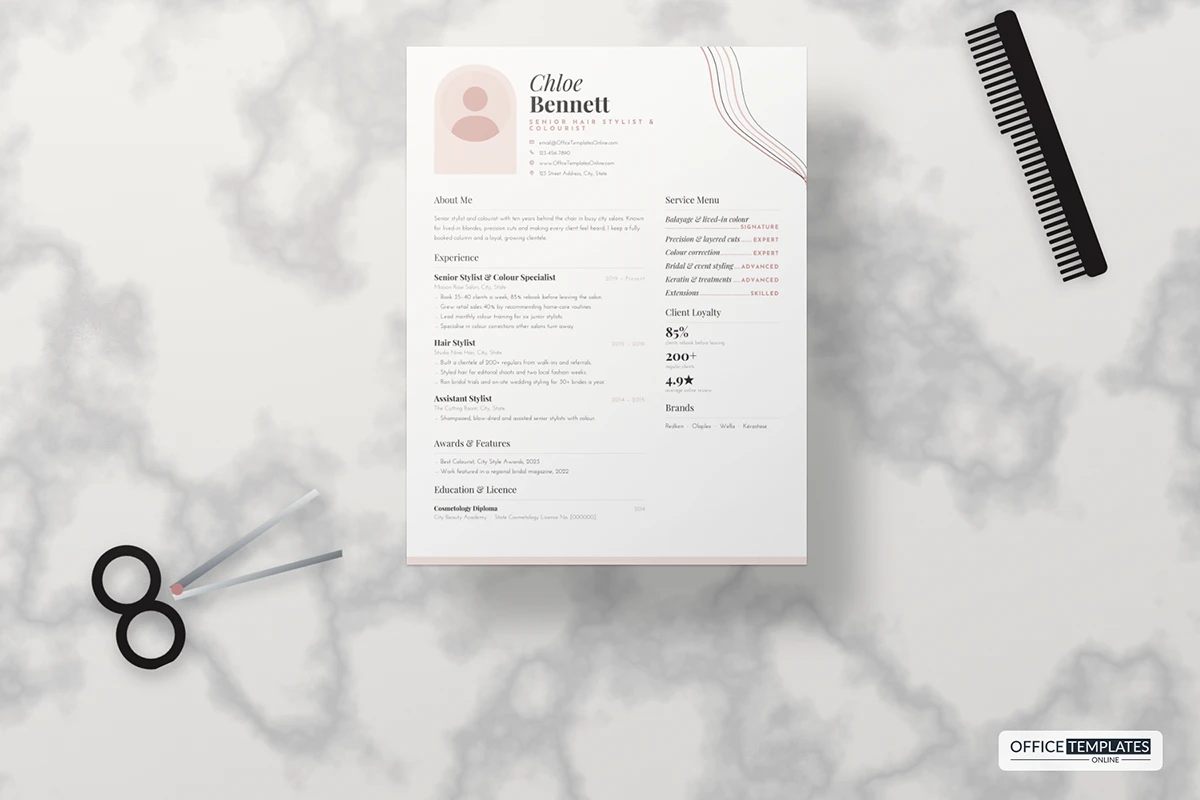
27: Hotel Manager Resume Template
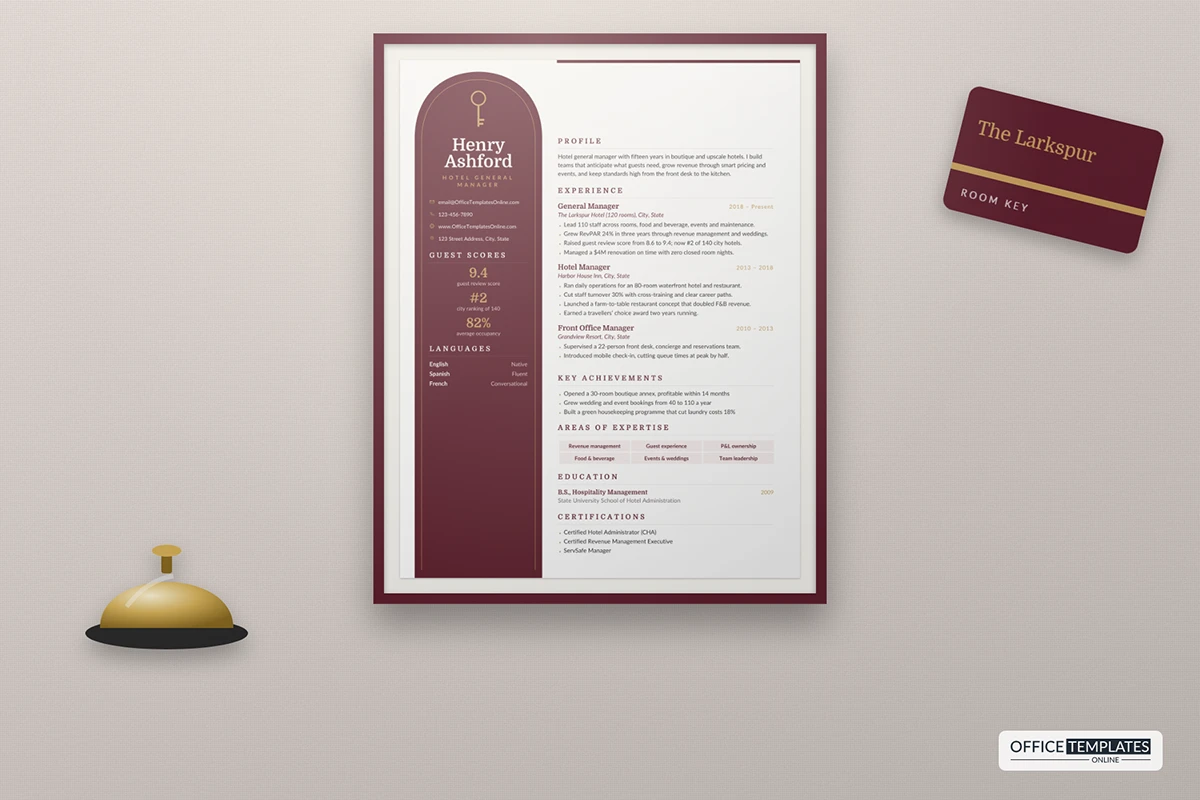
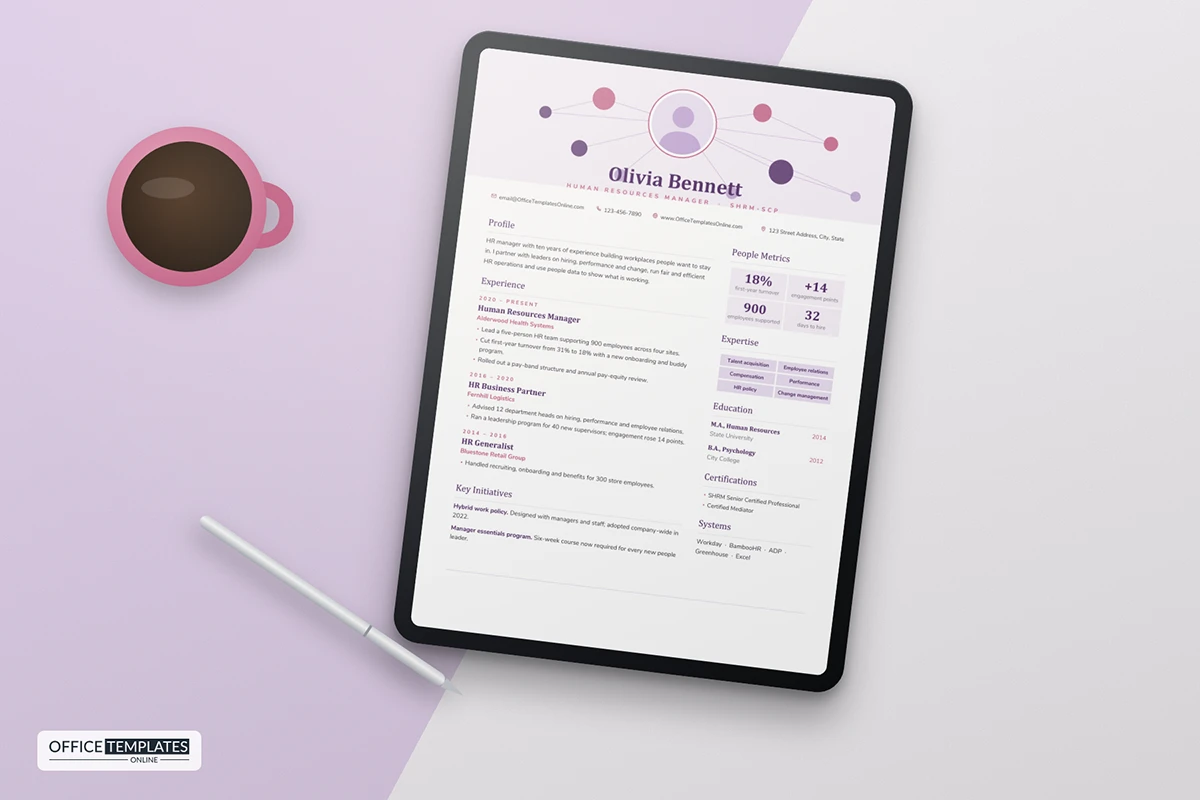
28: HR Manager Resume Template
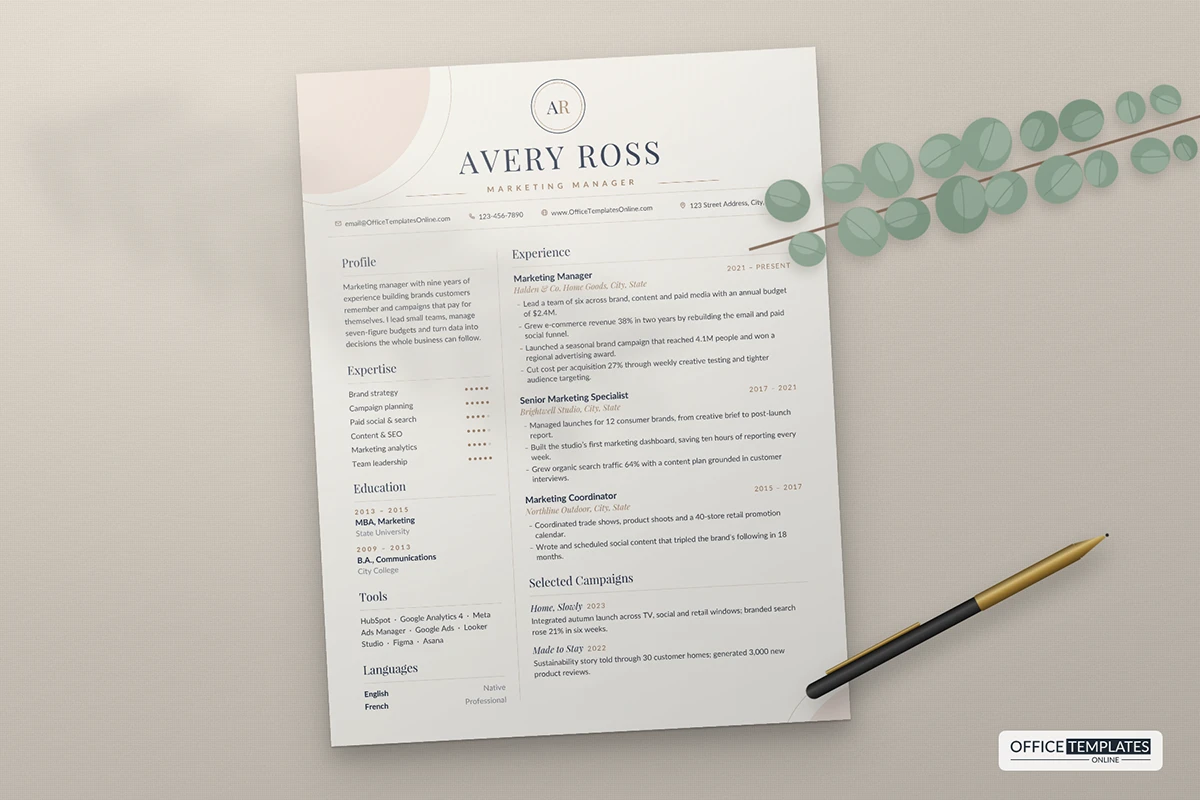
29: Marketing Manager Resume Template
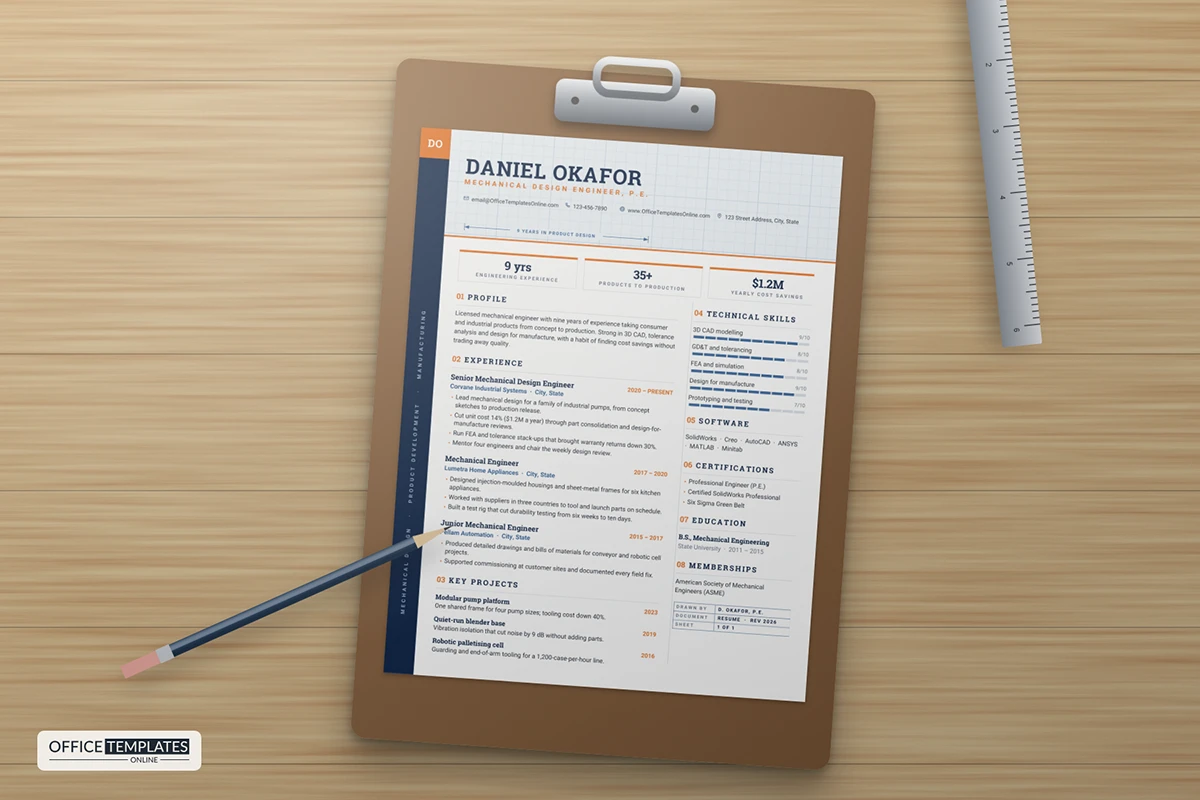
30: Mechanical Engineer Resume Template
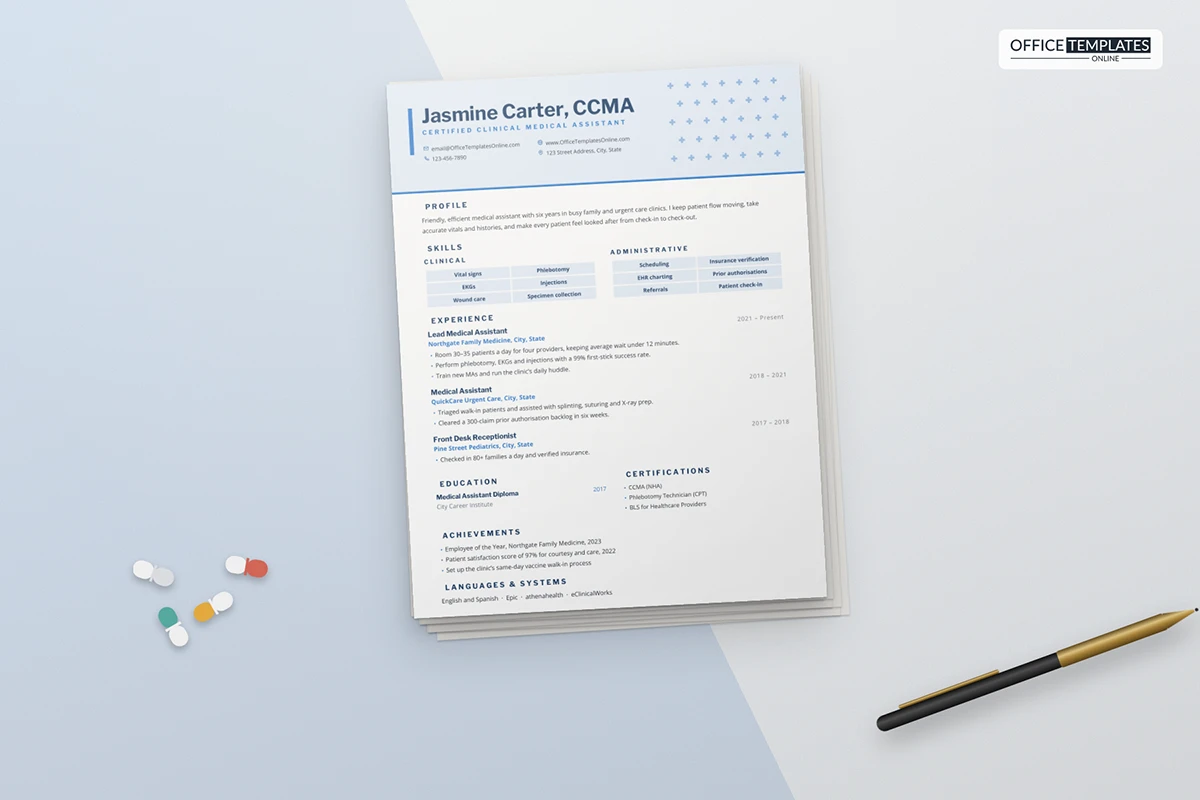
31: Medical Assistant Resume Template
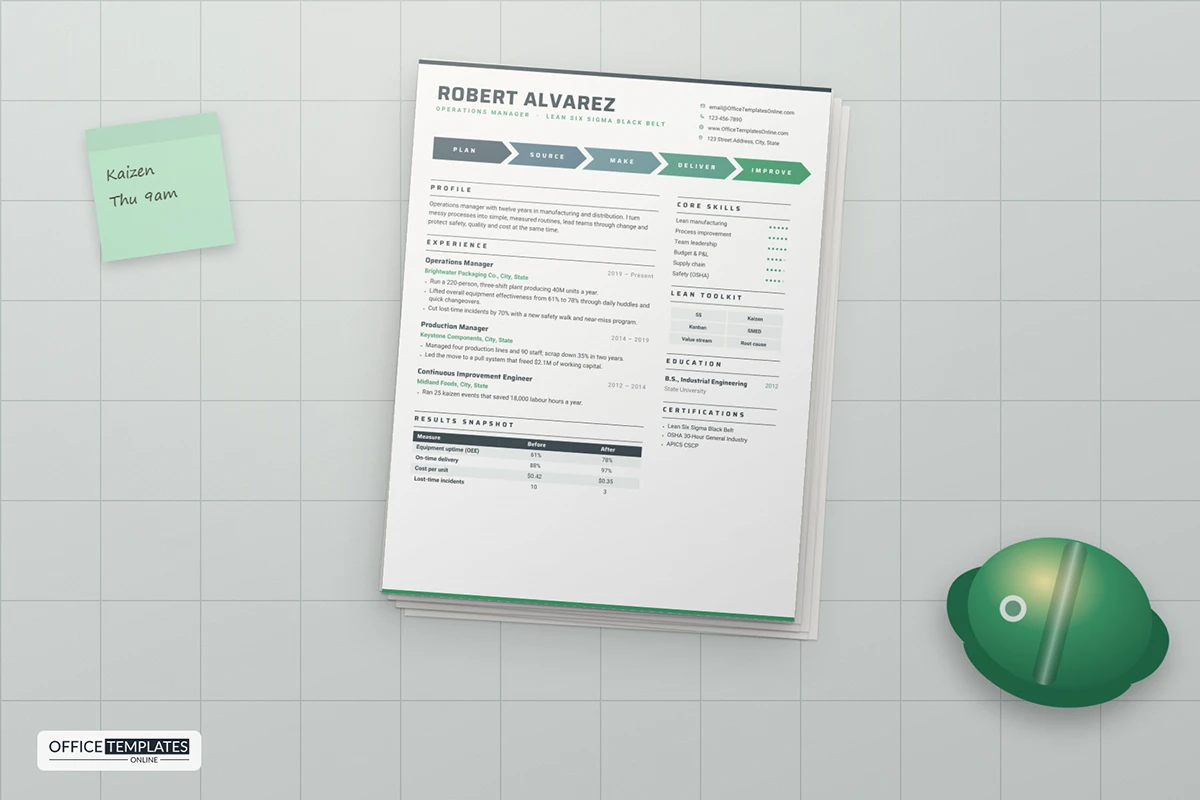
32: Operations Manager Resume Template
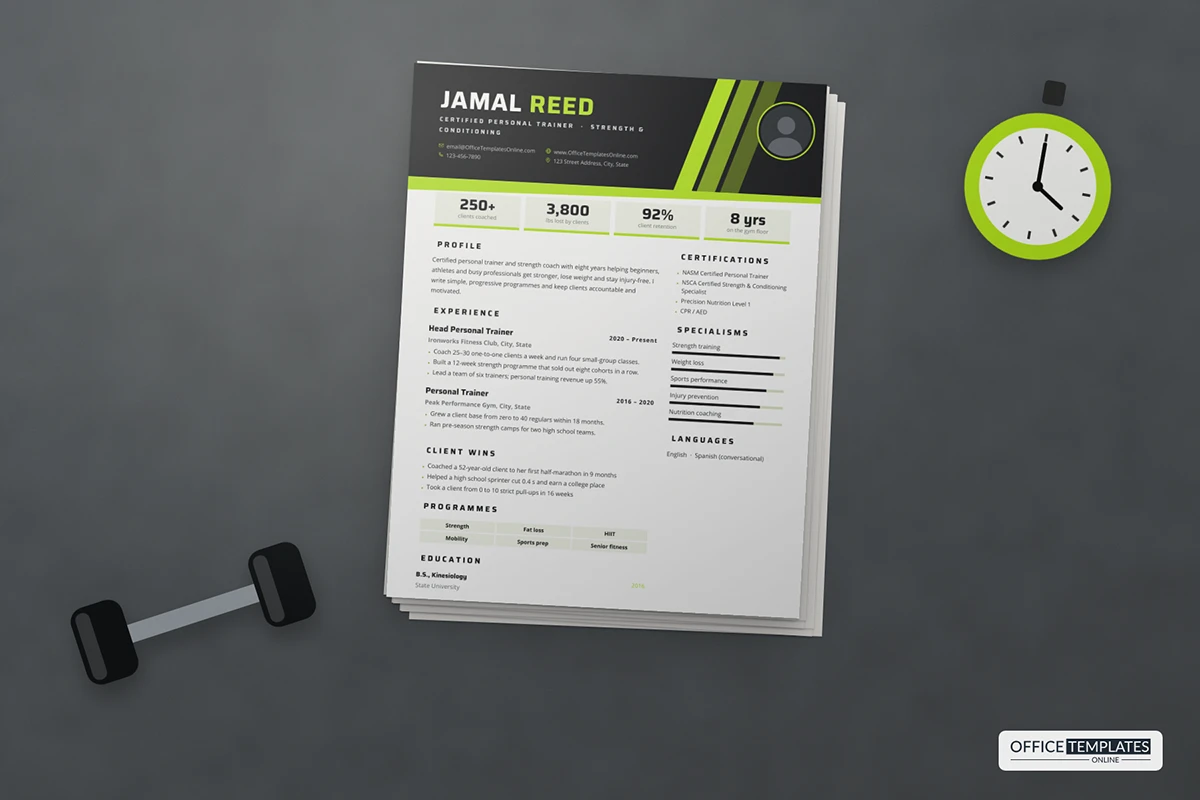
33: Personal Trainer Resume Template
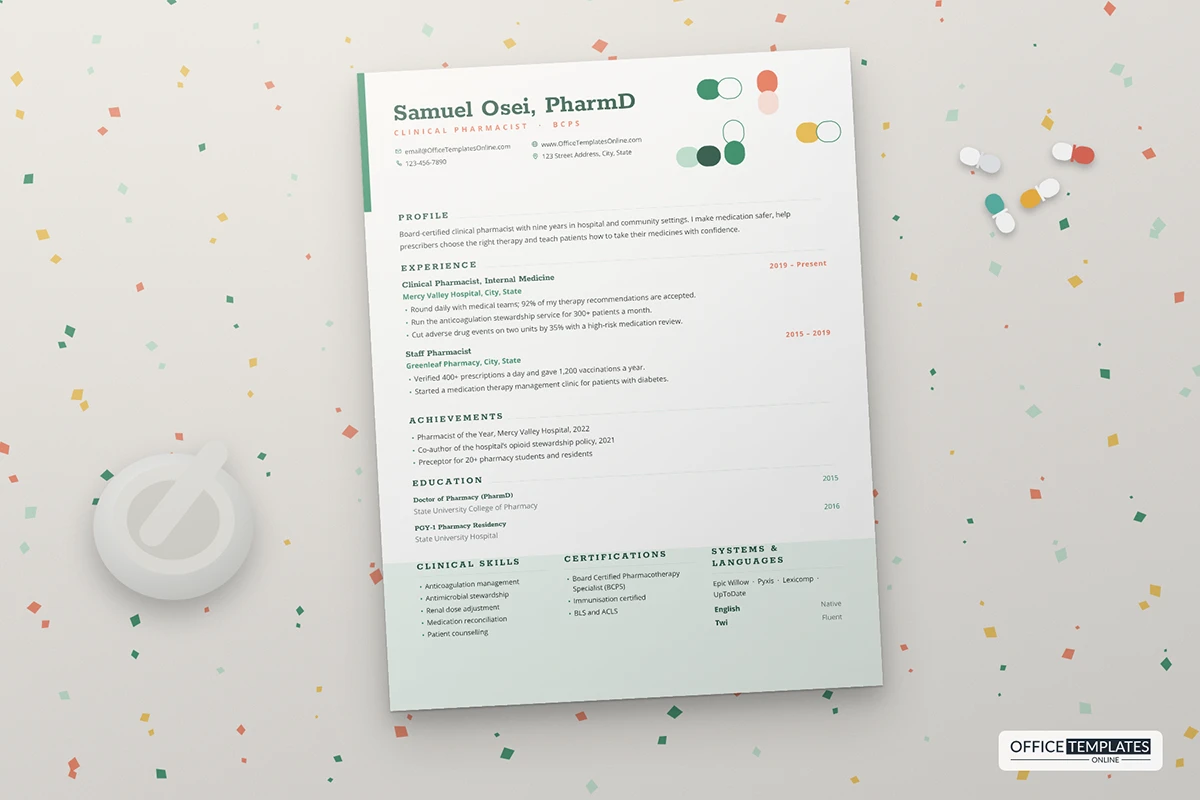
34: Pharmacist Resume Template with Capsule Header
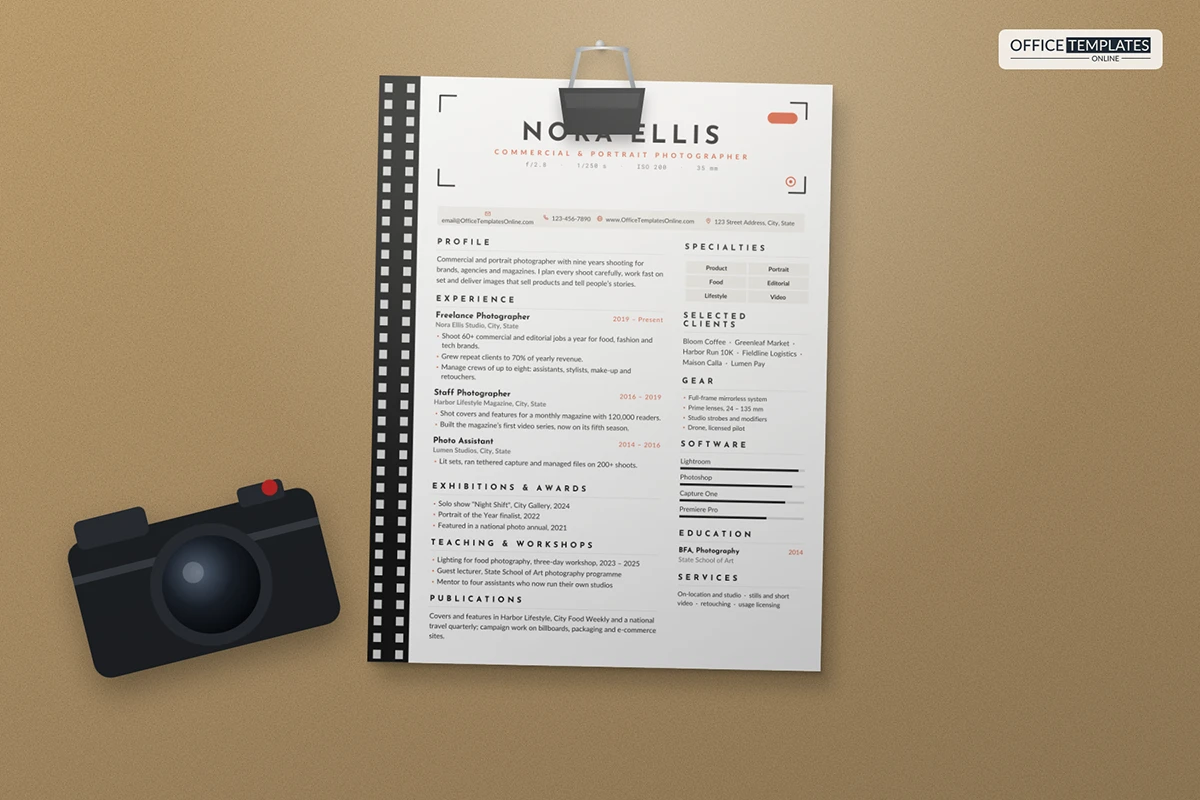
35: Photographer Resume Template
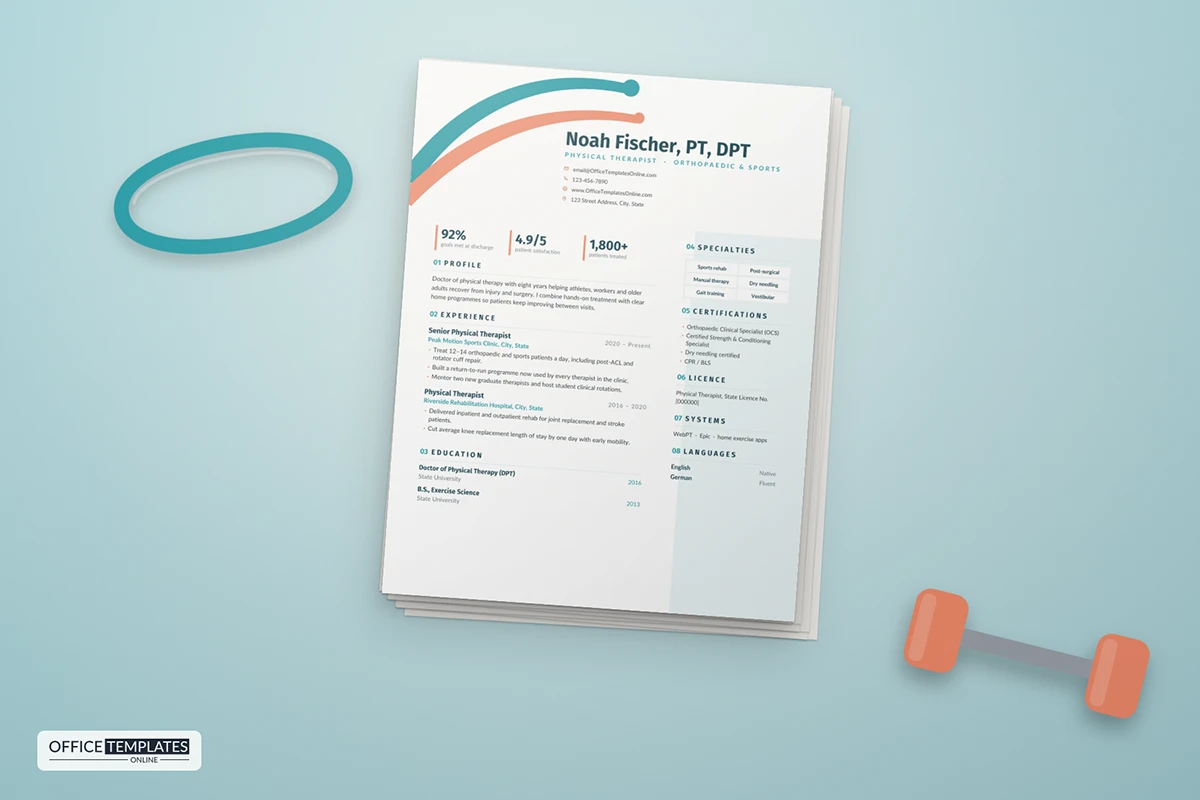
36: Physical Therapist Resume Template
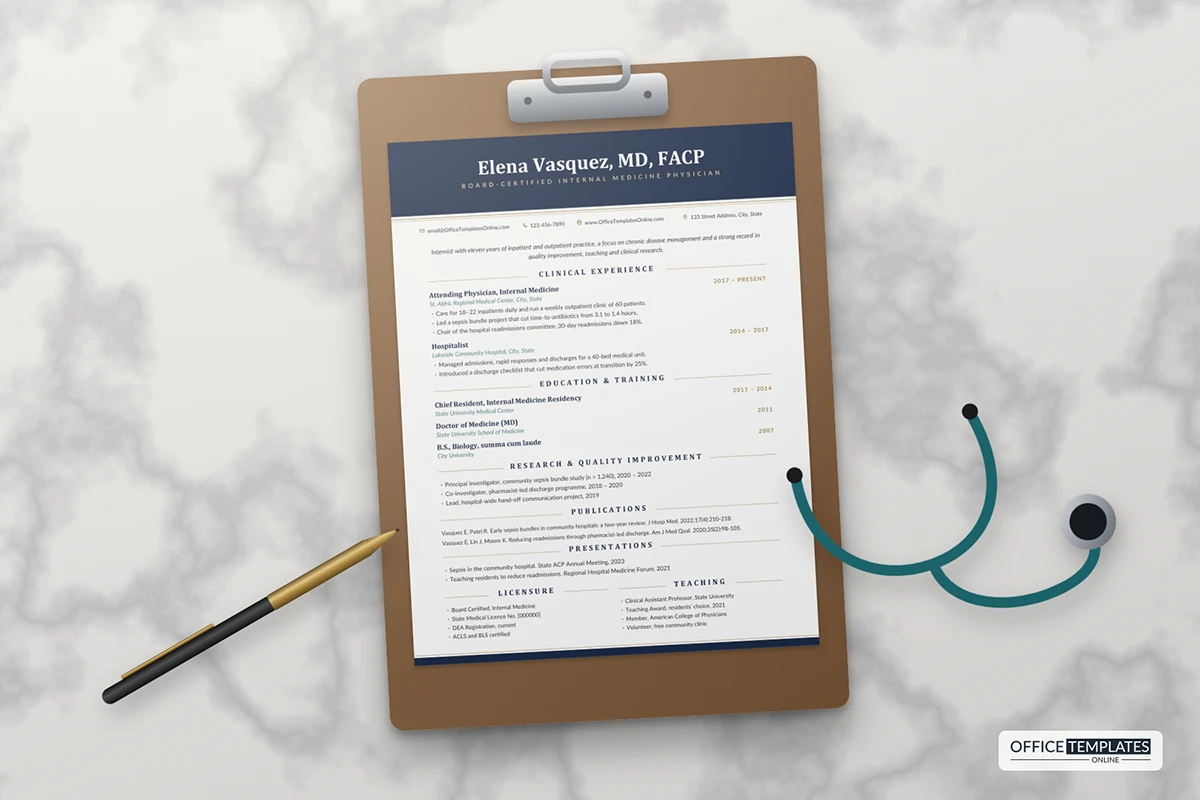
37: Physician CV Template in Classic Navy and Gold
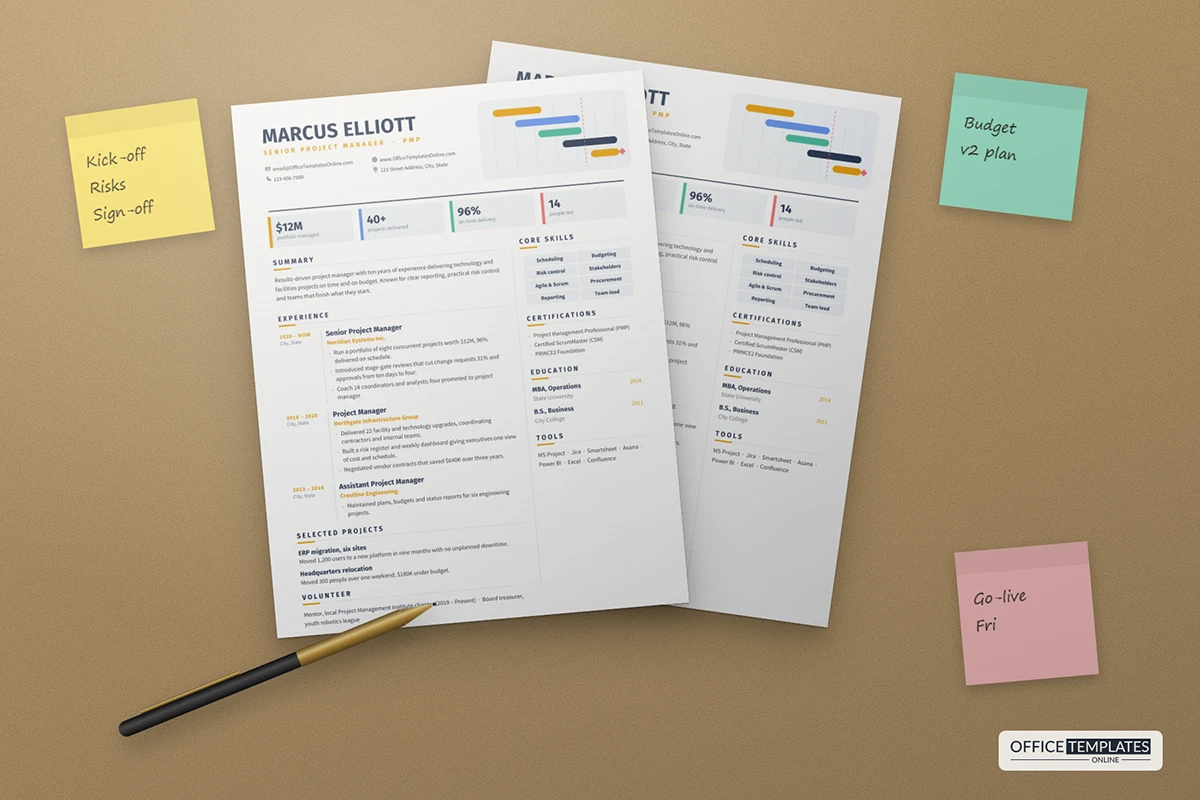
38: Project Manager Resume Template
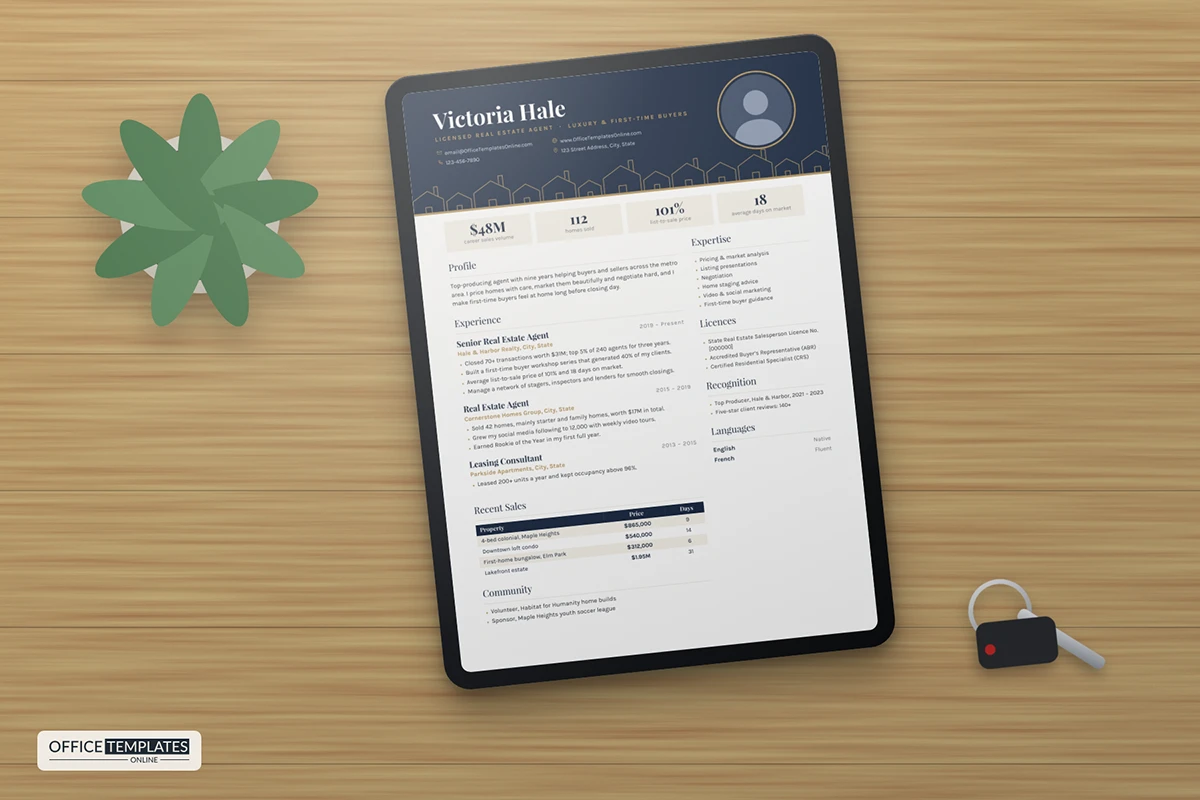
39: Real Estate Agent Resume Template
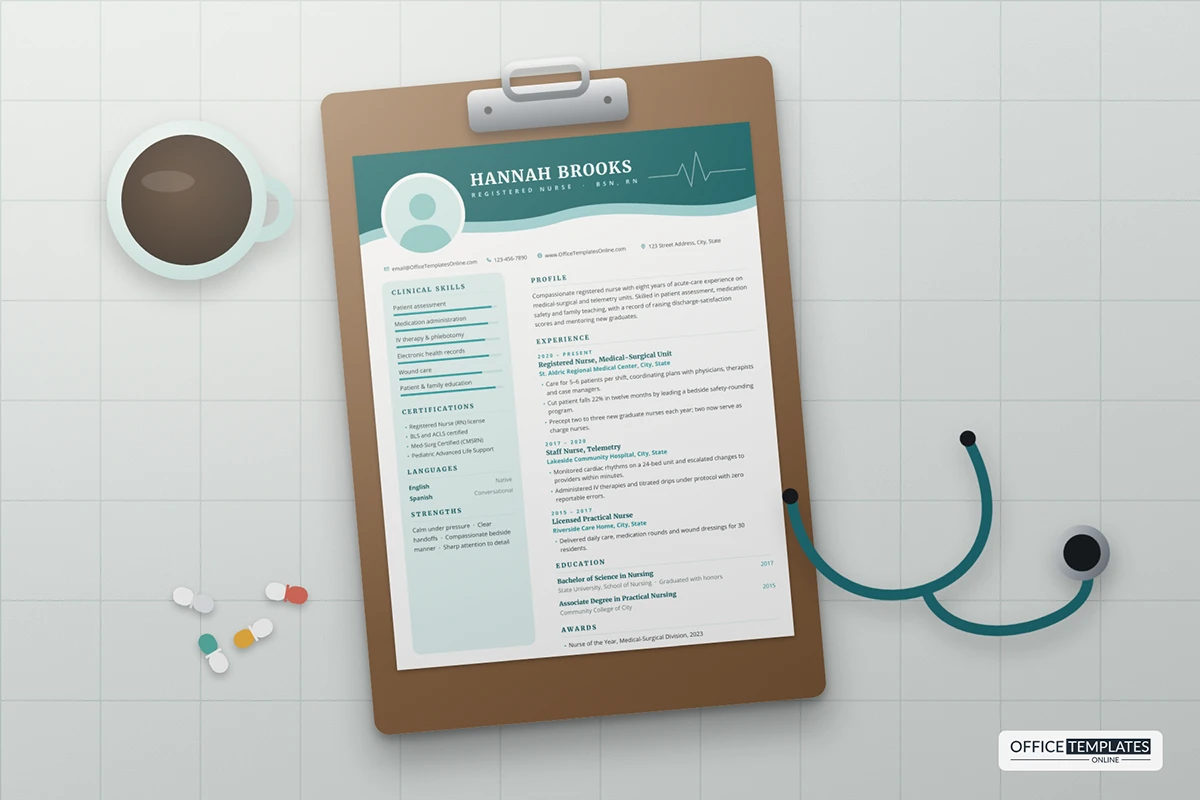
40: Registered Nurse Resume Template
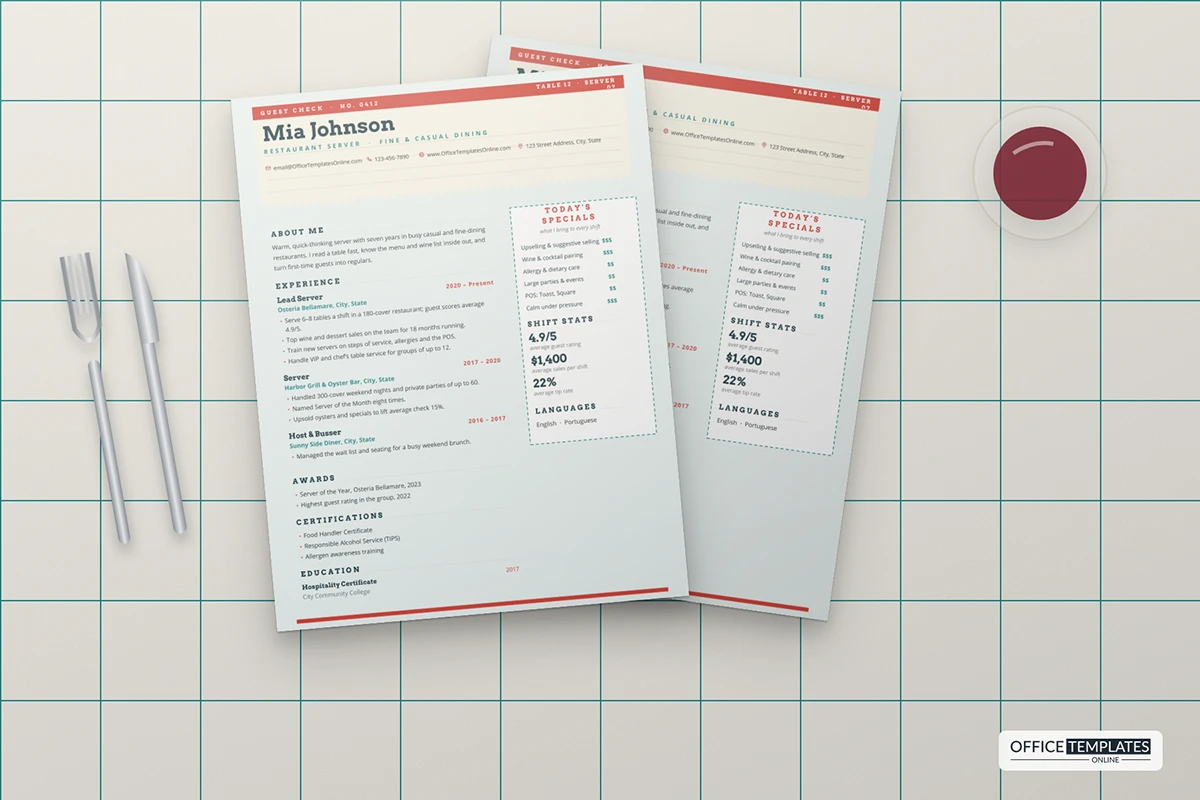
41: Restaurant Server Resume Template
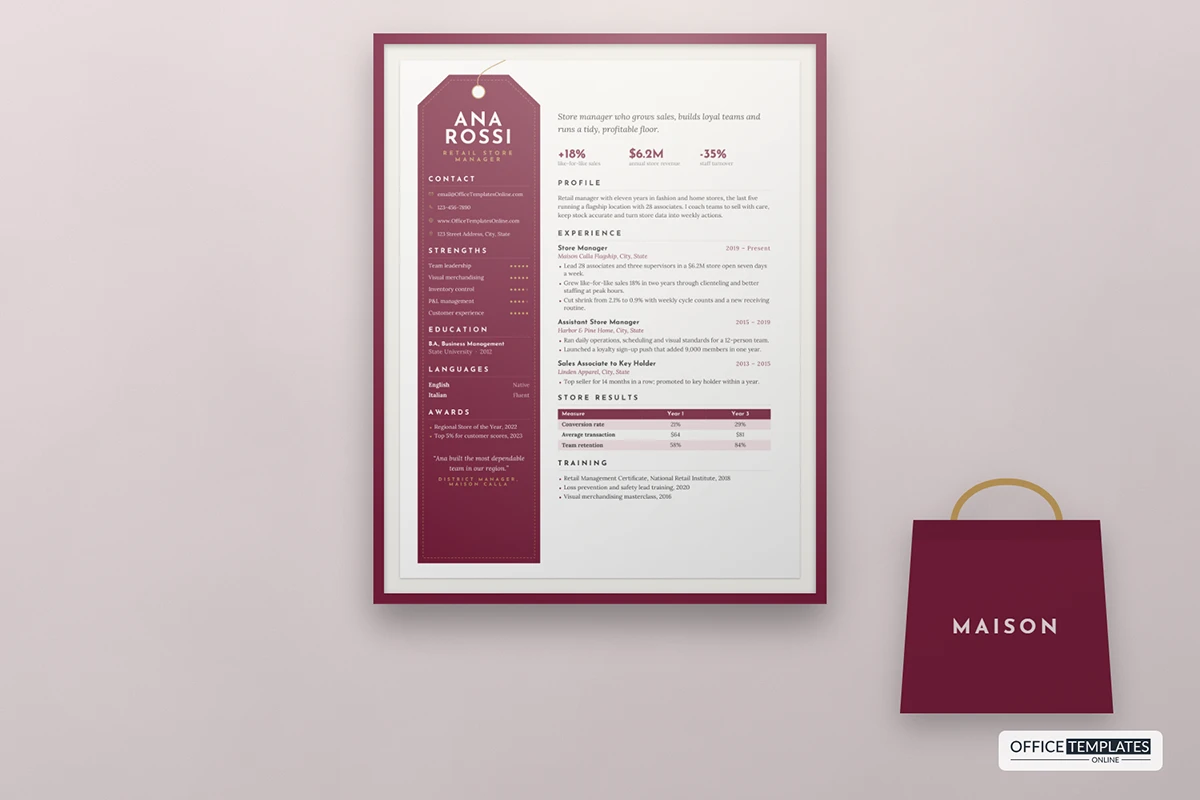
42: Retail Store Manager Resume Template
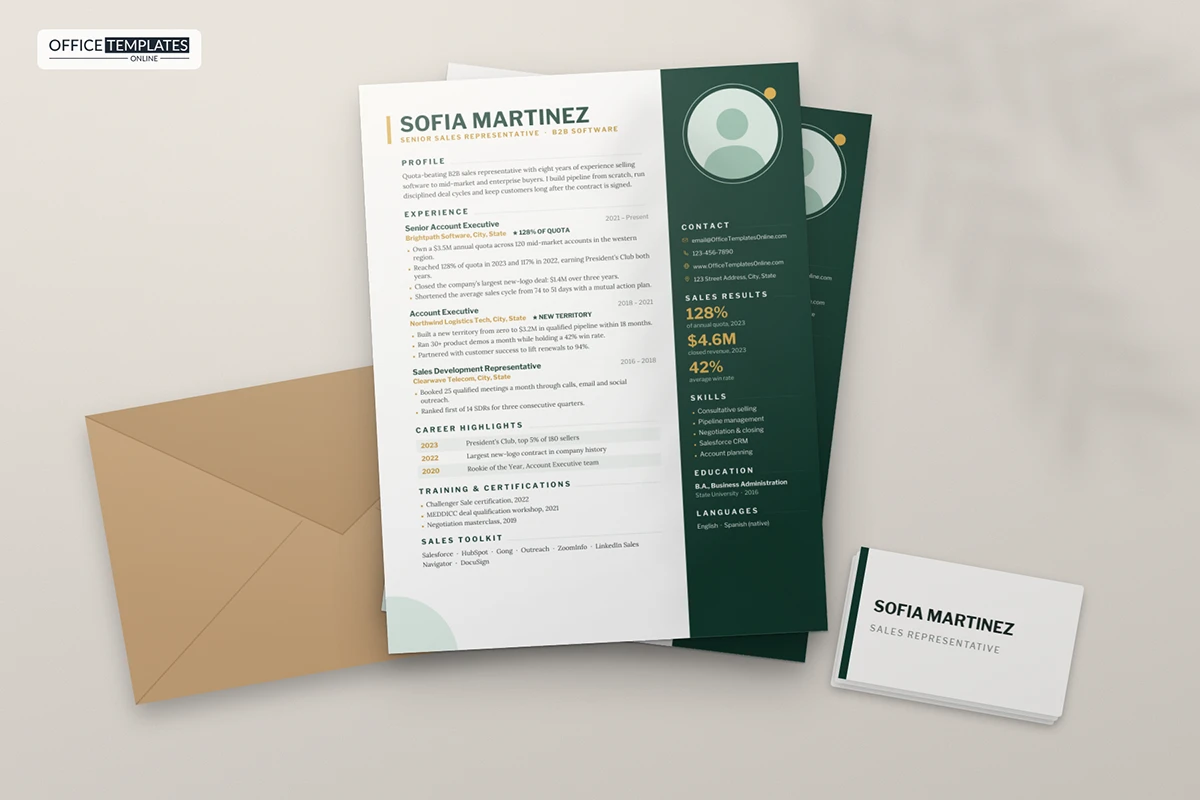
43: Sales Representative Resume Template
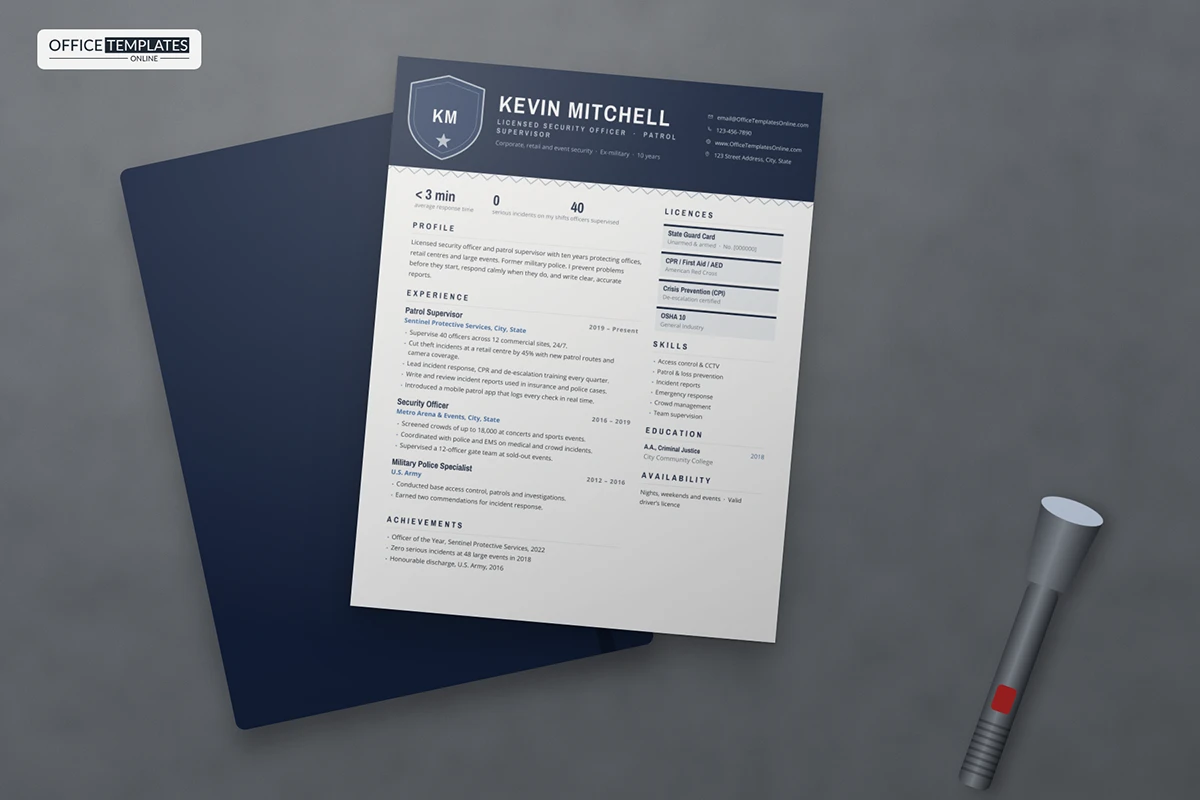
44: Security Officer Resume Template
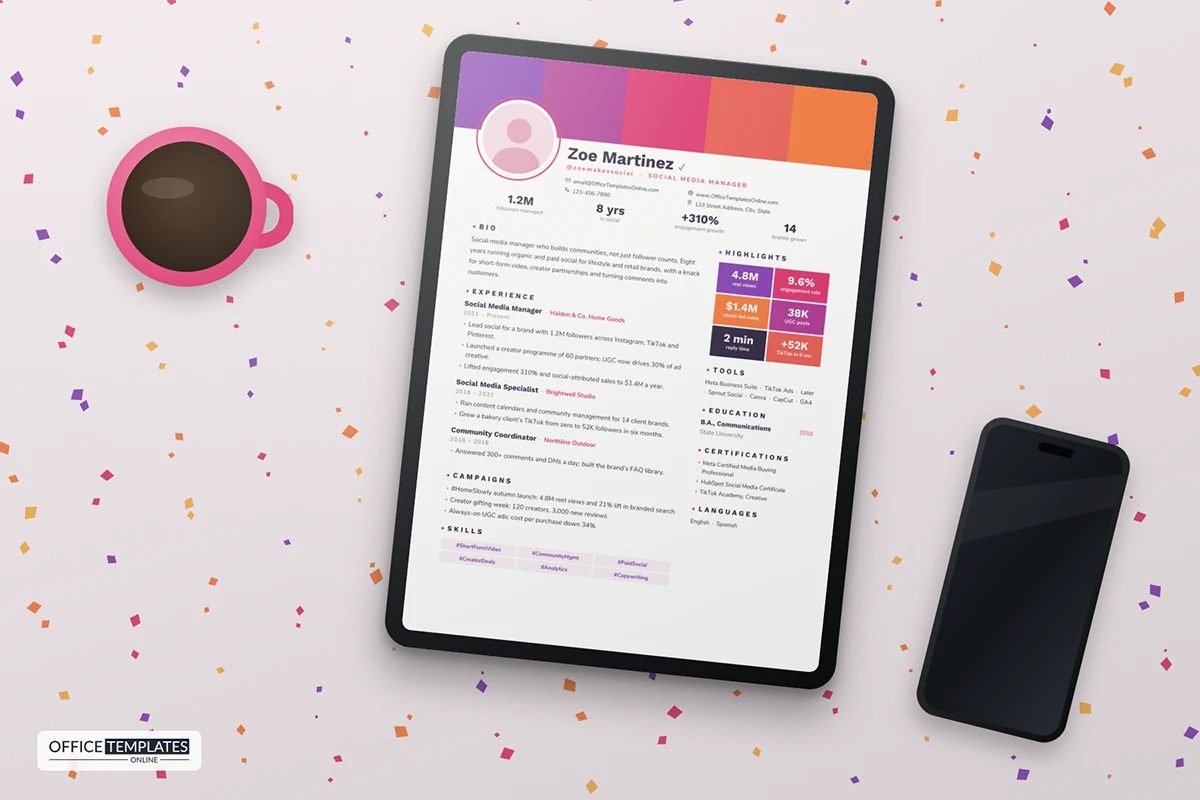
45: Social Media Manager Resume Template
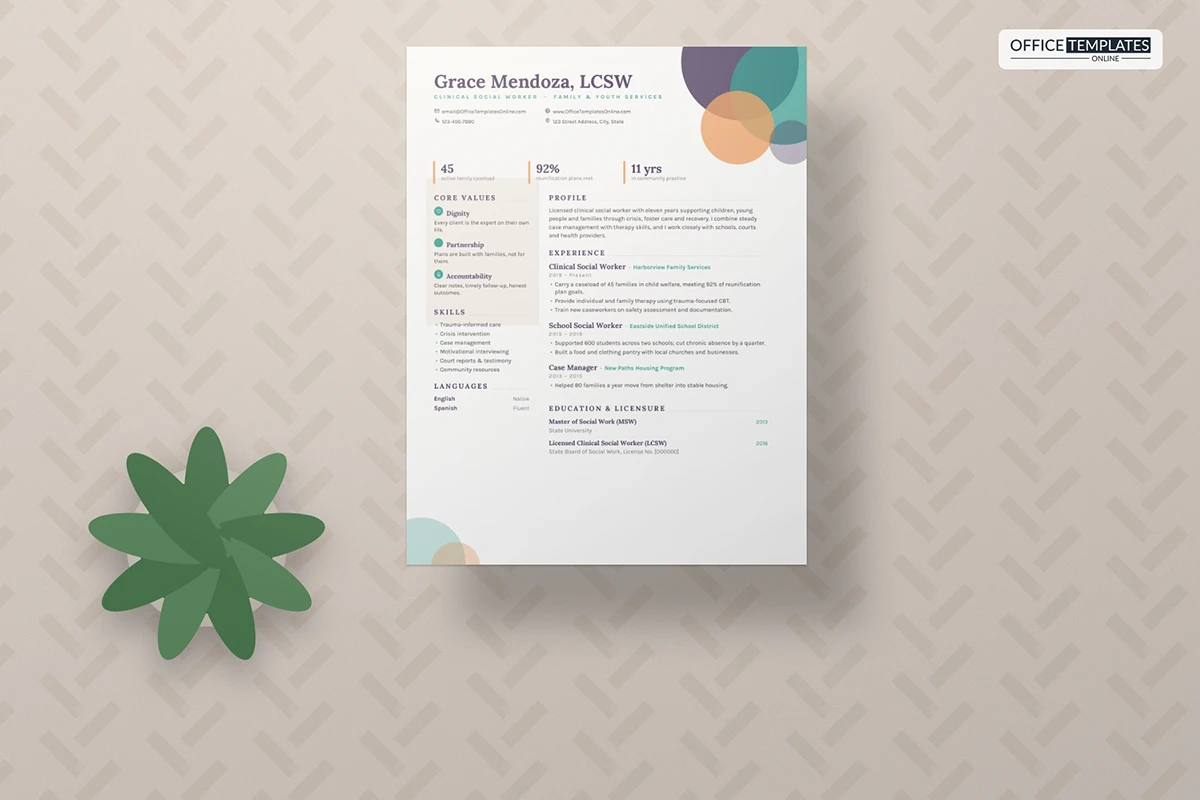
46: Social Worker Resume Template with Community Circles
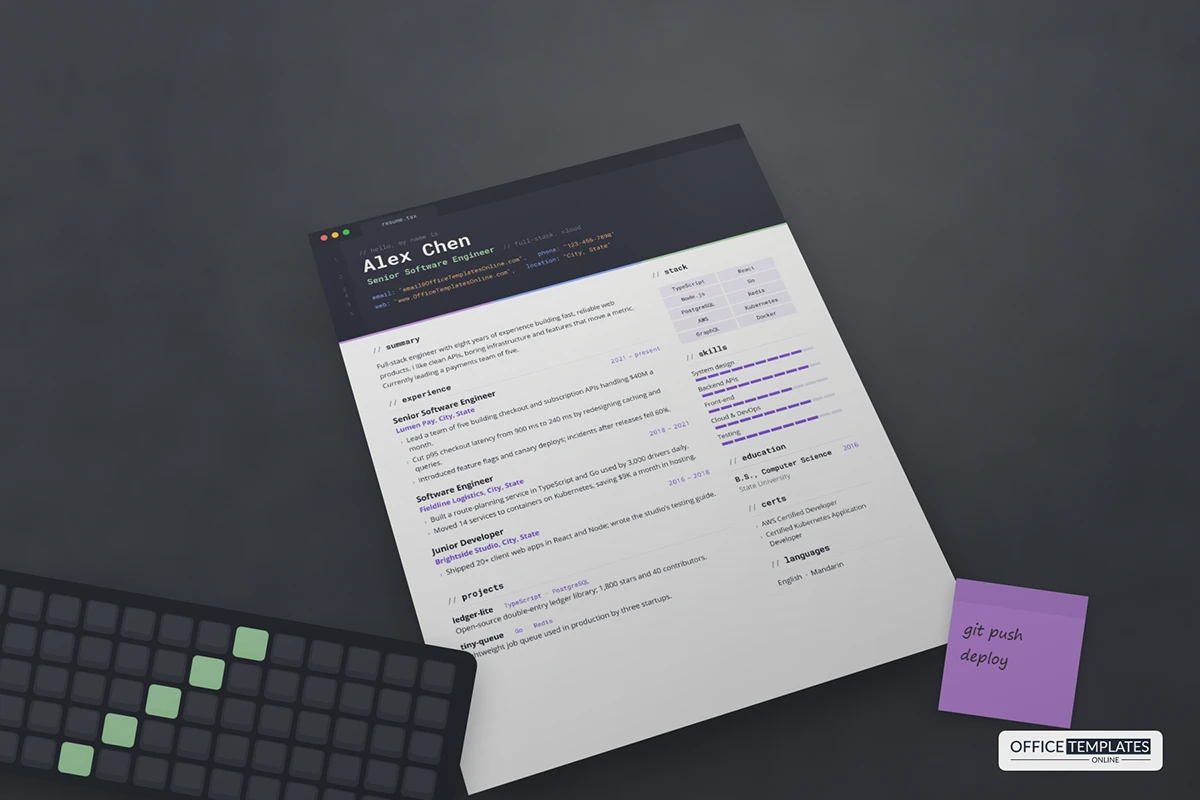
47: Software Engineer Resume Template
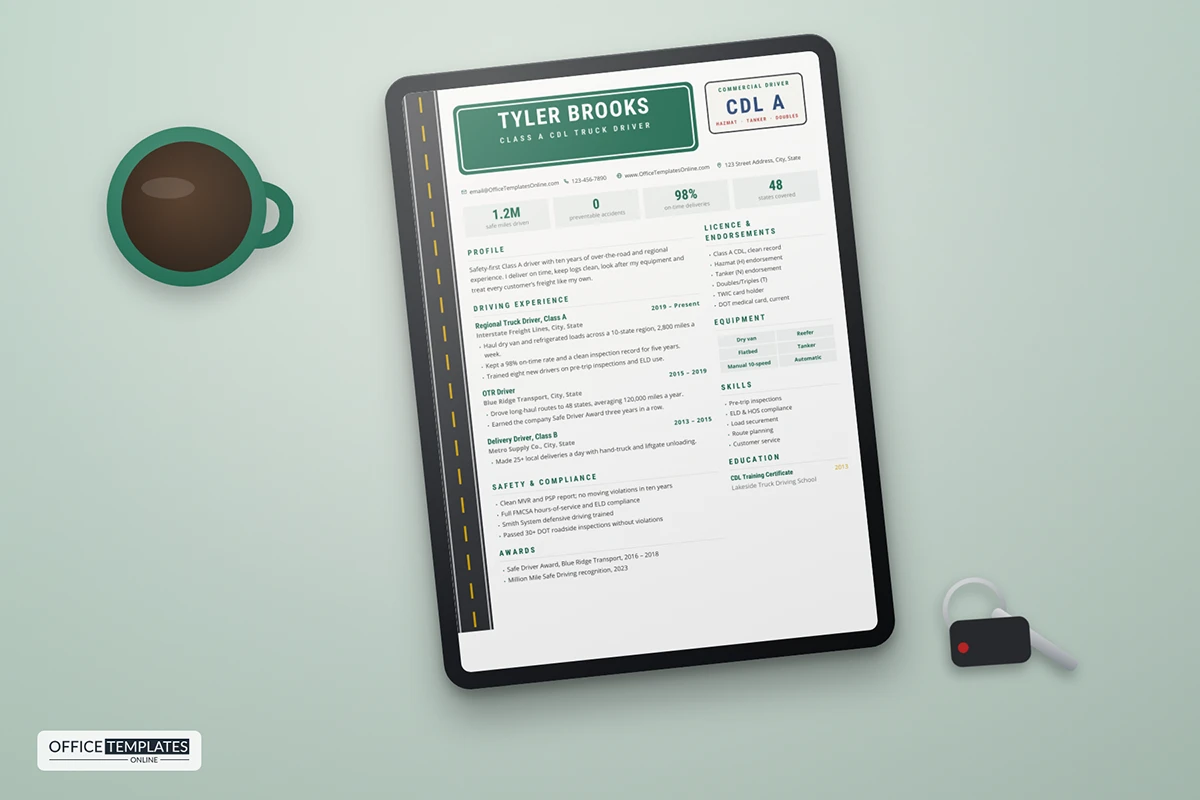
48: Truck Driver Resume Template with Highway Sign Header
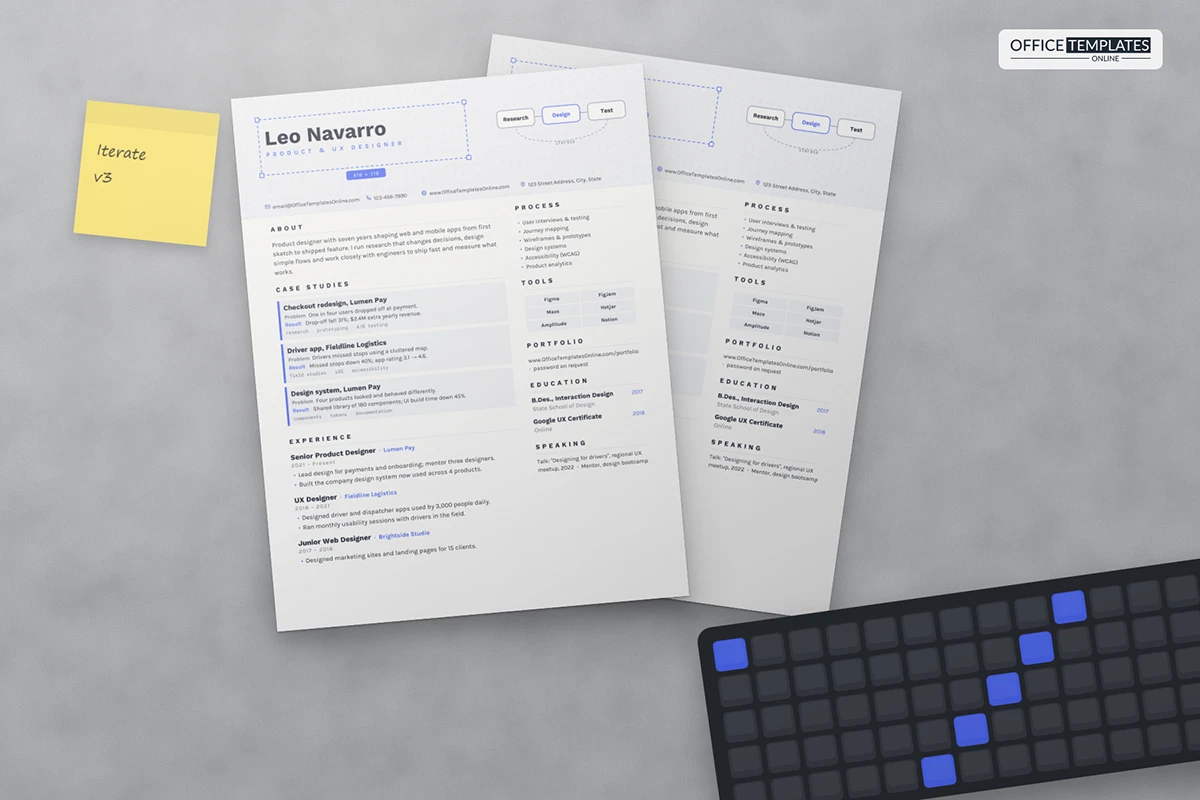
49: UX Designer Resume Template
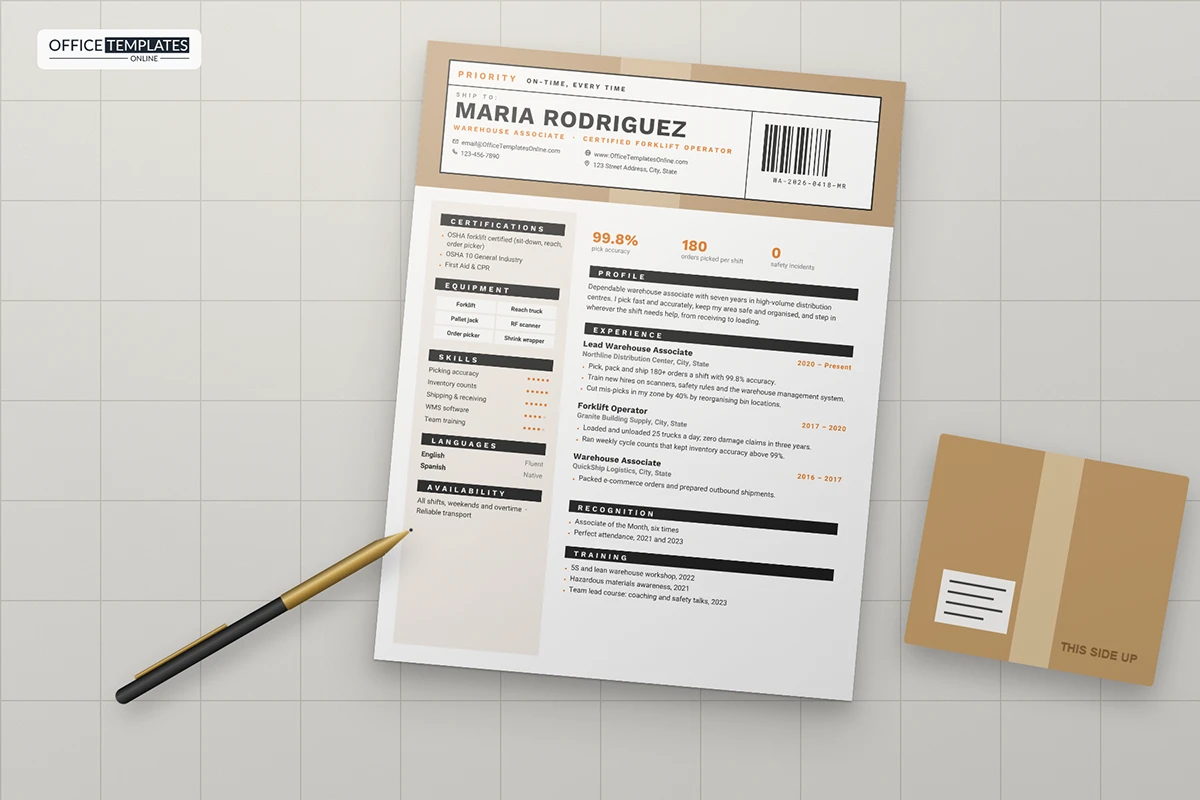
50: Warehouse Associate Resume Template
Tips to Make Your Resume Impressive
Here are a few tips on how to make your resume brief, to the point, and impressive:
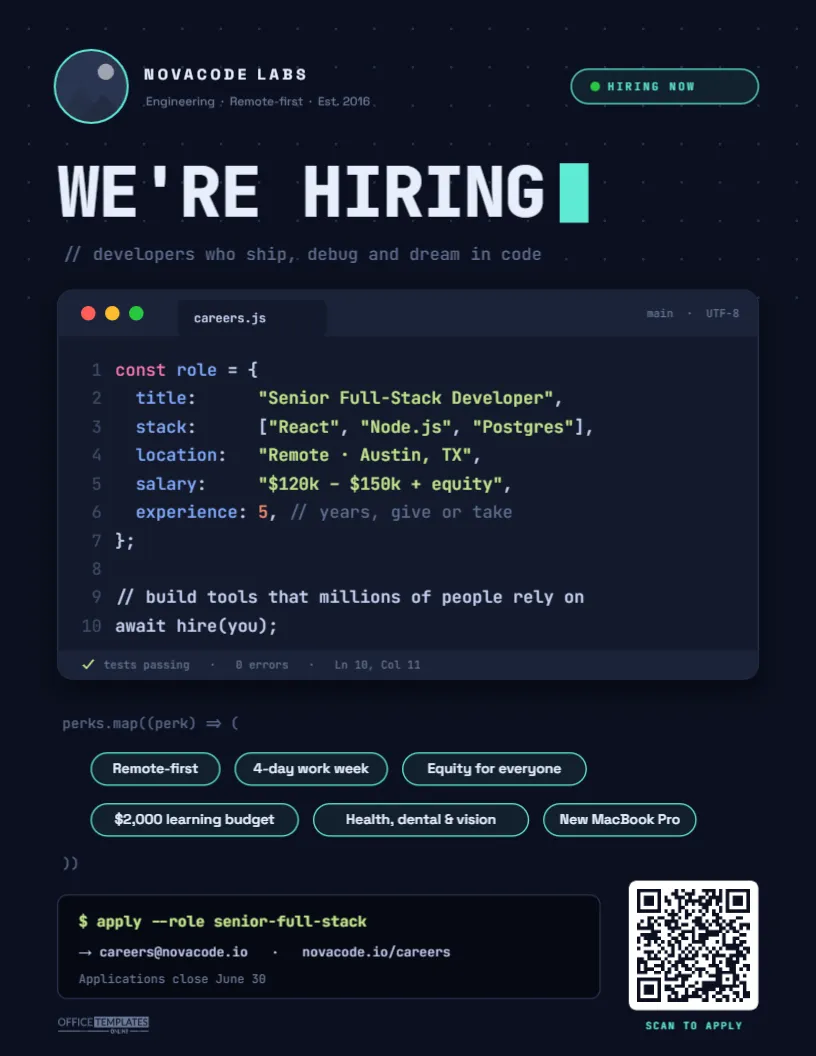
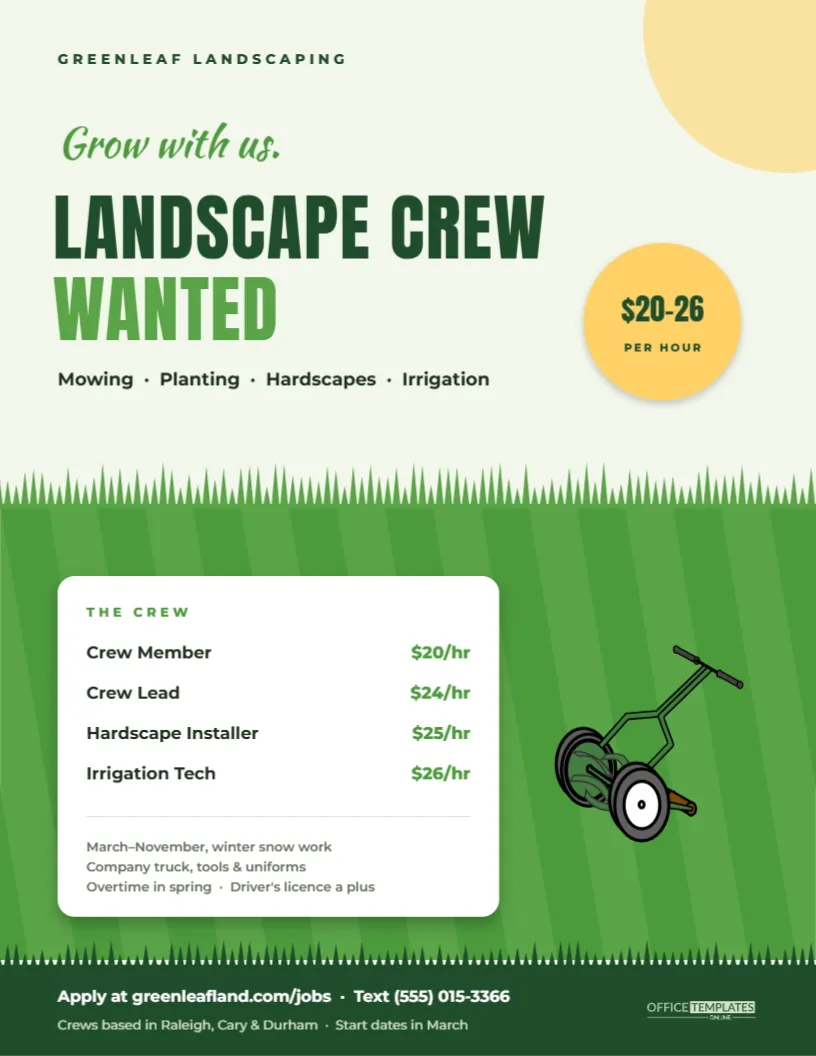
Create Your Perfect Templates in Seconds
Choose from ready-made templates related to this topic, edit them online, and download instantly in PDF, PNG, or JPG format - fast, free, and no login needed.

- Start by stating your name at the top
- Then comes your professional title. These few words will be stated to define your professional title or phrases that define you as a person and as a professional. You might call yourself a problem solver, a critical thinker, a prompt decision-maker, a talented multi-disciplinarian, or a fast learner.
- Contact information comes next: First of all, you can provide your email ID; however, what needs to be remembered is that stating that funky email ID you created back in college would leave a very bad impression. Make sure to provide your professional email address, along with your contact number and your social media profiles. Resumes these days DO NOT include photos, marital status, religious affiliation, date of birth, etc.
- The experience section will be provided next in reverse chronological order, with your latest job coming first. The job title, name of the company, and the time period for the job should be mentioned. The experience section must include the keywords mentioned in the job advertisement for extra points.
- The Education section for an experienced person must be pretty short, to the point. Stating your metric degree, its percentages, and grades looks like a waste of space. A wiser choice would be to mention the latest degree only, with the CGPA, achievements, etc.
- The Skills section would mostly include the general life abilities that you have in addition to the professional skills. An advantage in gaining points would be to not miss the skills that the employer mentioned in the job ad.
- An additional section is your chance to write about all the awards, volunteer ships, hobbies, extracurriculars, patents, etc. that you are proud of in life. However, make sure not to go overboard with the ‘self-praise’ part!
Why is it important to add experience to your resume?
The experience section is probably the heart of it all, and all other sections of the resume are created around it. It shows the potential employer that you have the necessary qualifications that they may require. It is a significant section that displays a lot of very weighty and crucial information in a small amount of space. Consider yourself an employer for a second; the very section that you’re very likely to focus the most on will be the “work/job experience section.”
Employers will most probably be shortlisting candidates based on their past work experience, primarily. Using market-specific words and keywords will definitely be a good seller for you. Therefore, this section should undoubtedly be top-notch for you to hit just the right mark.
Do’s and Don’ts for your resume
Here are a few quick points on the Dos and Don’ts:
- Stick to the ‘single page’ rule.
- It’s never about quantity. Your CV is not your grocery list; keep it brief!
- Check, and re-check your format with eyes wide open!
- NEVER state a skill you don’t possess. Lies can hurt!
To avoid missing the best one, you can keep these three F’s for resume writing at your fingertips:
Function must be clear, Format must be impressive, and it must be eFFective!
Video: How to Design a CV in MS Word
Watch a Tutorial Video at the link below to see how you can create your resume in the best and easiest way!
https://www.youtube.com/watch?v=3yQcEFiEK7k

![Best Free Resume Templates for Word [2026] – 6+ Editable & ATS-Friendly](https://officetemplatesonline.com/wp-content/uploads/2021/02/medern-resume-templates-suitable-for-eny-job-for-ms-word-250x300-oto-trim.jpg)