HR Manager Resume Template with People Network Header
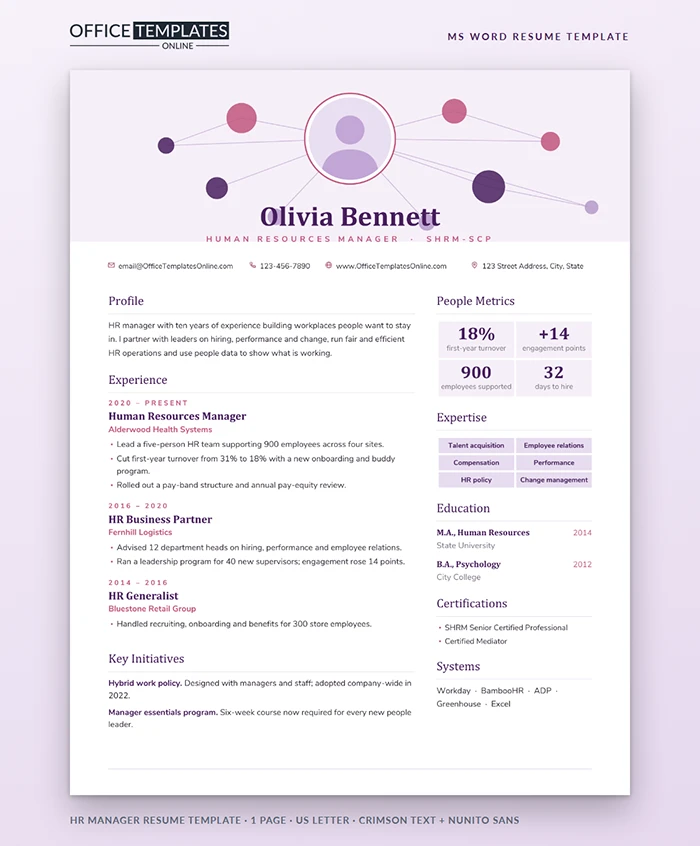
Human resources is about connections: between people and teams, between leaders and the people they lead. This resume shows that idea in its header. Your photo sits at the center of a small network of connected circles, and everything below is organized the way an HR leader thinks, from people metrics to policies that worked.
A Header Built Around People
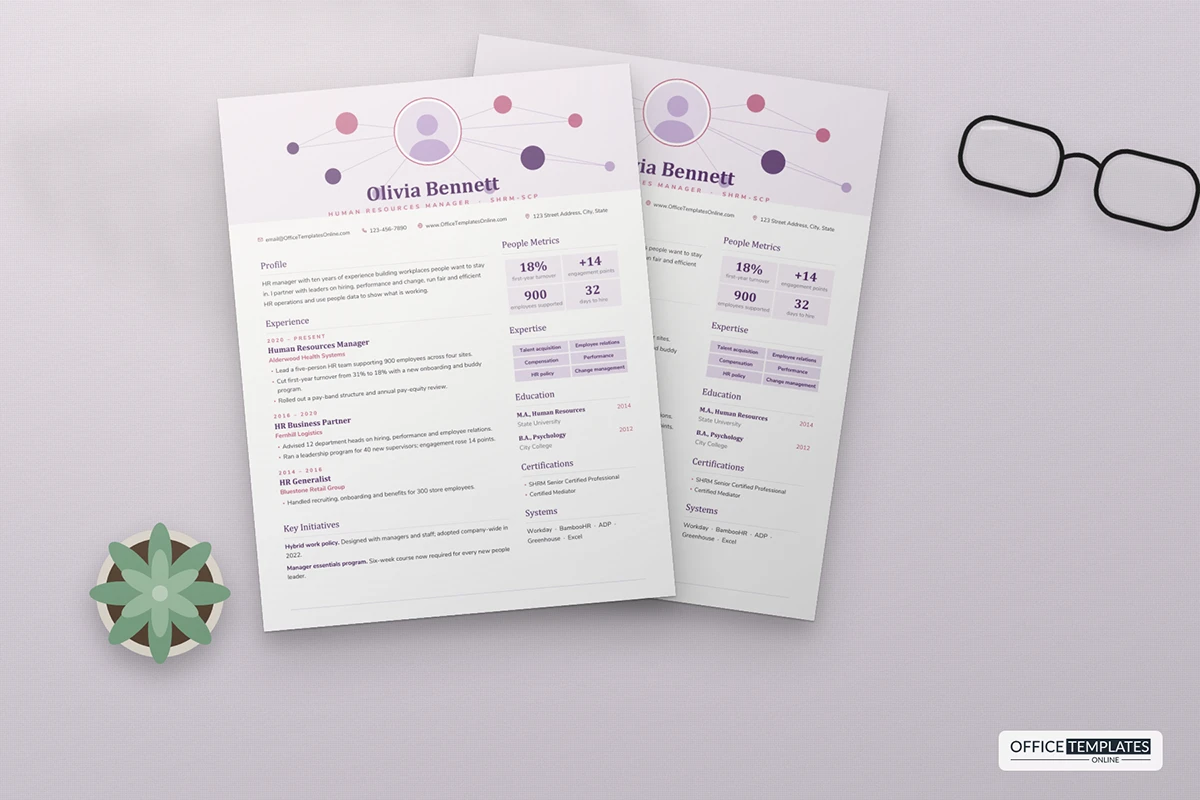
A soft lavender panel fills the top of the page. In its center, your round photo sits inside a white circle with a rose outline. Thin lilac lines connect it to nine smaller circles in rose, plum, and lavender, scattered across the panel like a team chart. Your name is centered beneath in large plum Crimson Text, with Human Resources Manager and your certification in spaced rose capitals. Contact details run across the page in one line just below.
What Sits Where
The main column carries your profile, experience, and key initiatives. Each role starts with the dates in small rose capitals, then the title in Crimson Text and the employer in rose. The right column opens with four people metrics in shaded tiles, followed by expertise chips, education, certifications, and HR systems. Section headings are elegant serif titles with a fine line underneath.
People Metrics That Speak to Leaders
| Metric | Why executives care | Example |
| First-year turnover | Cost of losing new hires | Down from 31% to 18% |
| Engagement score | Productivity and retention | Up 14 points in two years |
| Time to hire | Speed of filling roles | 32 days, down from 51 |
| Employees supported | Scale of your remit | 900 across four sites |
| Internal promotion rate | Career growth inside the company | 40% of roles filled internally |
Writing About Sensitive Work
A lot of HR work is confidential, so focus on outcomes rather than cases. Instead of describing a difficult investigation, describe the policy or training that reduced complaints. Instead of naming a restructure, say how many roles you helped move and how retention held up. The Key Initiatives section is ideal for this: give each project a short, positive name and one line on what it changed.
Personalizing the Network in Word
- Right-click the photo and choose Change Picture. If the new picture shows square corners, use Picture Format, then Crop, Crop to Shape, and Oval.
- The lavender panel, circles, lines, and photo ring are shapes in the page header. Double-click near the top of the page to select them; recolor circles with Shape Fill or drag them to new positions.
- The metric tiles and expertise chips are small tables, so typing over them is all it takes.
- If you prefer no photo, delete it and the white ring; the network still reads as a neat centerpiece.
Moving Up from Generalist to Manager
If you are applying for your first HR manager role, show the moments you already acted at that level. Did you lead a policy rewrite, run a benefits renewal, coach managers through a difficult conversation, or cover for your manager during leave? Put those in your most recent job's bullets. Turn your metrics tiles into numbers you personally influenced, even if they are smaller, and add any people you supervised, including interns or coordinators. Hiring managers want proof that you can make decisions, not just process paperwork.
Roles It Fits
HR managers, HR business partners, people and culture leads, talent acquisition managers, learning and development managers, and senior HR generalists. Recruiters can use it too by turning the metrics into hires made, offer acceptance rate, and time to fill.
Fonts and Delivery
The design uses Crimson Text and Nunito Sans, both free on Google Fonts. It is a single US Letter page. Save a PDF for applications and keep the Word file for quick changes when you tailor it to each posting.












