Free Checklist Templates for Word & Excel (Printable)
Free, editable checklist templates for Word & Excel — built for real-life use (printable, shareable, and fast to customize). If you’re managing tasks for work, home, or an event, a good checklist prevents missed steps and makes progress visible.
Pick a use case below, grab a template, and edit it in minutes.



Featured Browser-Editable Templates
Looking for quick online customization? Browse our featured interactive editor templates below—perfect for creating polished certificates, letterheads, cards, and flyers with zero software needed.
Top Picks






Quick start: choose your path

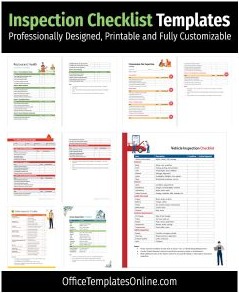
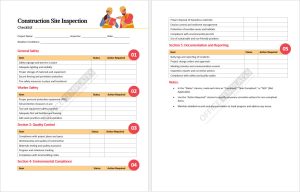
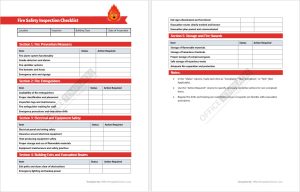
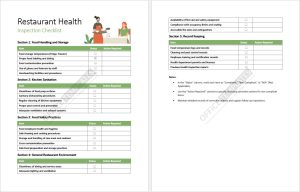
- Operations & QA: run audits, safety checks, and repeatable inspections ?
Inspection Checklist Templates ·
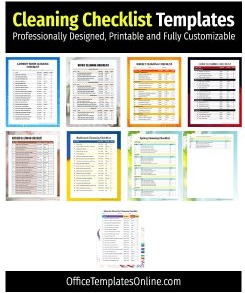
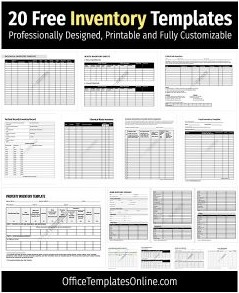
Inventory Checklists - Home & personal: weekly cleaning, daily routines, and to-do planning ?
Cleaning Checklists ·
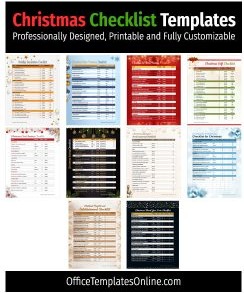
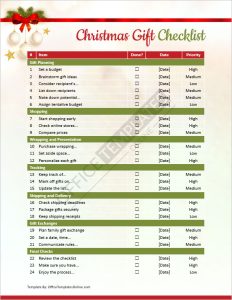
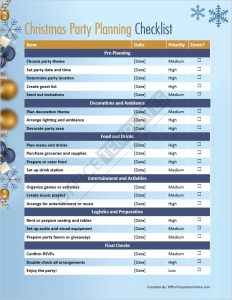
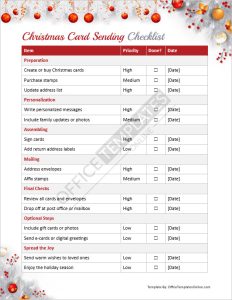
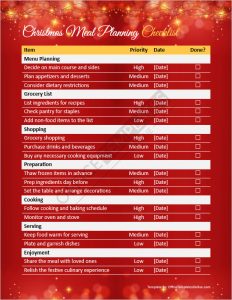
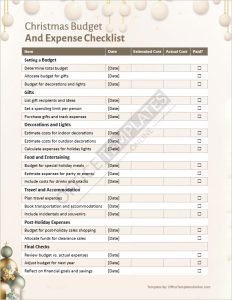
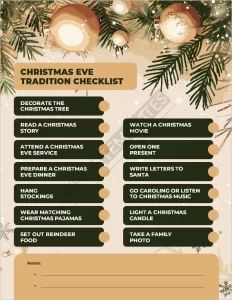
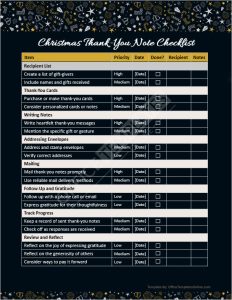
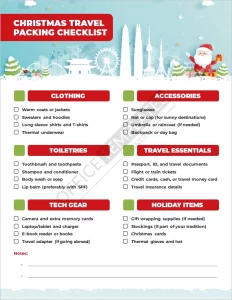
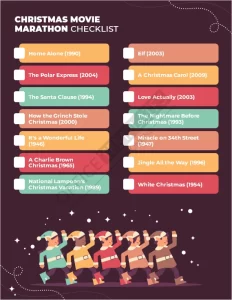
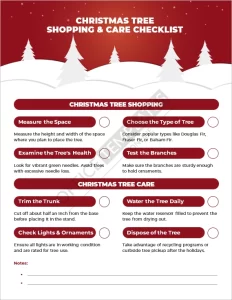
To-Do List Templates - Seasonal & events: holiday prep, parties, and gifting ?
Christmas Checklists - Life events: big milestones with many moving parts ?
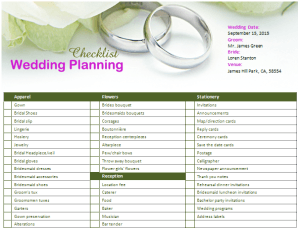
Wedding Planning Checklist - Need “all in one place”? Start here ?
MS Word Checklist Templates (27+) ·
List & Checklist Templates (Daily Use)
What is a checklist?
A checklist is a structured list of steps you can complete in order — often with a status column (Not Started / In Progress / Done) and a notes area. The best checklists are short, specific, and designed to be reused.
Why use these checklist templates?
- Fewer missed steps: ideal for inspections, inventory, cleaning routines, and event planning.
- Fast customization: edit in Word or Excel, then export to PDF for clean printing.
- Team-friendly: add owners/roles and notes so tasks don’t fall through the cracks.
Types & use cases (Word vs Excel)
Use this quick guide to choose the right file type for your workflow:
| Best for… | Choose Word (DOCX) | Choose Excel (XLSX) |
|---|---|---|
| Printable lists you can mark by hand | Great | Okay |
| Totals, progress %, counts, summaries | Okay | Best |
| Simple routines (daily/weekly) | Best | Optional |
| Operations / QA workflows | Optional | Best |
Next: browse the templates below, open the one you like, and tailor the steps to your process.
What’s included in most checklist templates
While each checklist is tailored to a use case, most downloads on this page follow a reliable structure so you can reuse them again and again.
- Grouped steps: sections like prep, execution, wrap-up (or room-by-room for cleaning).
- Status tracking: checkboxes or a “Done / In Progress / Not Started” column.
- Owner + notes: assign responsibility and capture follow-ups in one place.
- Print-ready layout: margins that work well for A4 and US Letter when exported to PDF.

How to customize (fast “recipes”)
- Rename sections to match your workflow: for example, “Pre-work / During / Post-work” for inspections.
- Add owners: a role per line item (e.g., “Supervisor”, “Technician”, “You”).
- Make it reusable: keep one “master” and duplicate it each time you run the process.
- Export cleanly: save to PDF for consistent printing and easy sharing.
Tips & best practices (the stuff that actually helps)
- Start items with verbs: “Verify”, “Clean”, “Confirm”, “Record”, “Review”.
- Keep one task per line: if a step has “and”, split it into two items.
- Use staging: group by timing (before/during/after) to reduce context switching.
- Make exceptions visible: add a “Notes / Issue found” column for audits and inspections.
- Don’t overbuild: if it’s getting long, create separate sheets by location or day.
FAQ

Can I use these checklist templates for business operations?
Yes. For repeatable processes, start with
inspection checklist templates
or
inventory checklists
and assign an owner per line item.
Are there Excel (XLSX) versions for tracking progress?
Many templates support Excel-style tracking. Use XLSX when you want totals, counts, or progress summaries.
Do these work on Mac and in Google Docs/Sheets?
Yes. Open DOCX in Word for Mac or upload to Google Docs, and open XLSX in Excel or Google Sheets to edit online.
Which checklist should I download if I’m not sure?
If you want a clean printable format, choose Word. If you want tracking and calculations, choose Excel. For a broad starting point, see
MS Word Checklist Templates (27+).
What’s the best way to print a checklist so it looks clean?
After editing, export to PDF before printing. This keeps spacing, fonts, and page breaks consistent across devices.
Related: If you’re building a daily routine system, browse
List & Checklist Templates (Daily Use)
for more printable formats.
List & Checklist Templates (Daily Use)
for more printable formats.
Advertisement
