Free Ticket Templates for Word (DOCX) - Event, Raffle, Concert & Movie
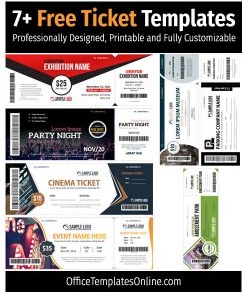
Interactive Tickets Template Editor
Bring your tickets ideas to life instantly. Pick any of our 21 designs below to edit text, swap images, and download high-resolution PDF or PNG files in seconds.
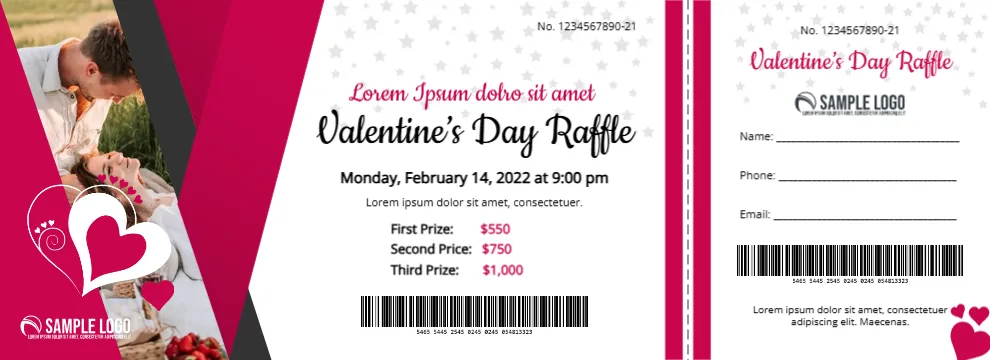
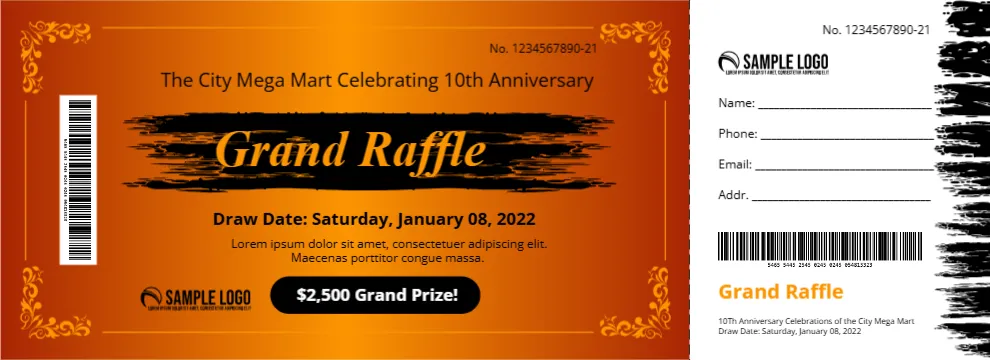

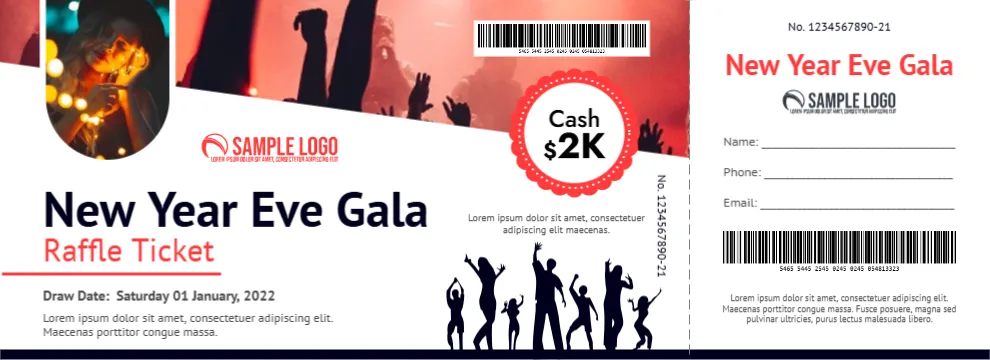
Top Picks



















Quick start: customize a ticket in 5 minutes
- Open the DOCX in Microsoft Word (or upload to Google Docs).
- Replace text: event name, date/time, venue, price, and terms.
- Brand it: logo, fonts, and colors to match your event.
- Add numbering: seat/row or ticket ID (QR/serial) if needed.
- Export to PDF before printing or sending to a print shop.
What is a ticket template?

A ticket template is a pre-built layout you can edit – usually with placeholders for the event title, date/time, venue, pricing, and a ticket ID. Instead of designing from scratch, you start with a layout that already has spacing, alignment, and print-friendly sizing handled.
Why use a Word (DOCX) ticket template?
- Fast edits: change details without design software.
- Print-friendly layouts: consistent margins, readable type, and clean alignment.
- Easy exporting: PDF output is ideal for printing and sharing.
- Flexible for teams: Word/Docs files are easy to collaborate on.
Popular types & use cases
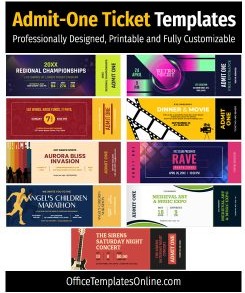
- General entry:Admit-One Ticket Templates
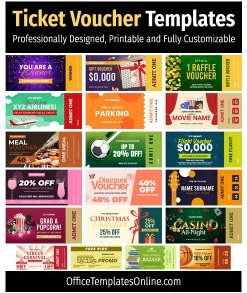
- Discounts & bundles:Ticket Voucher Templates
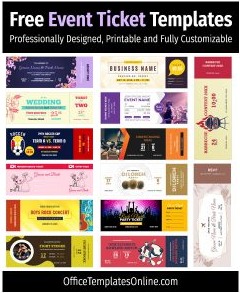
- Events:Event Ticket Templates
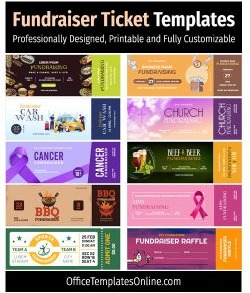
- Fundraising:Fundraiser Ticket Templates
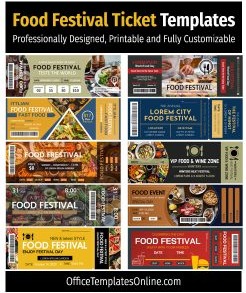
- Festivals:Food Festival Ticket Templates
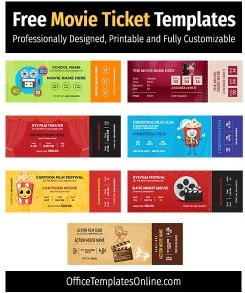
- Cinema & theatre:Movie Ticket Templates
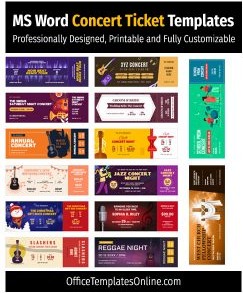
- Live music:Concert Ticket Templates
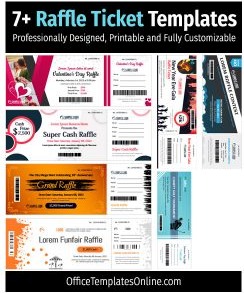
- Draws & giveaways:Raffle Ticket Templates
- Browse everything:All Ticket Templates
How to pick the right design (quick checklist)
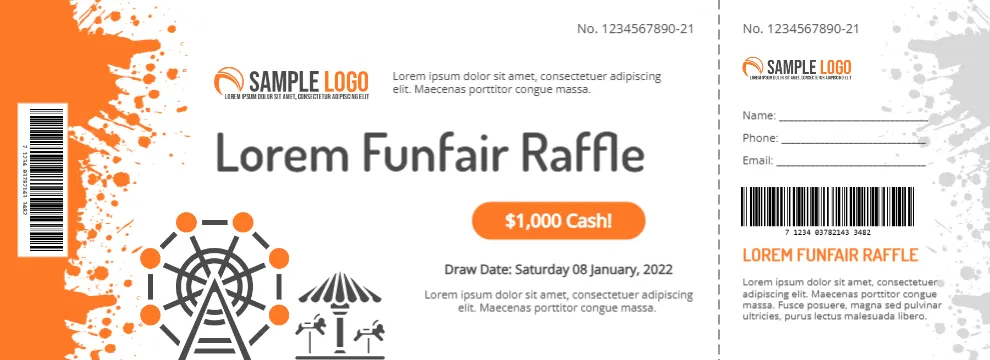
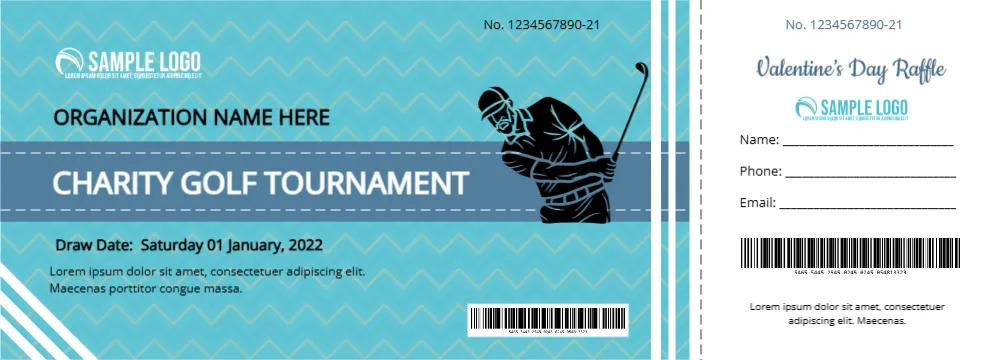
- Need a tear-off stub? Choose raffle/fundraiser styles with a clear stub area.
- Scanning at entry? Use templates with space for a QR/barcode away from edges/perforation.
- Seating? Pick layouts with strong “Seat / Row / Section” placement.
- High volume printing? Go for simpler designs with bold type for readability.
Ready to download? Browse the ticket designs below and choose the format that matches your event.

What’s included in our ticket templates
Most ticket templates in this category include the essentials you need for real-world entry control and printing:
- Event details: name, date/time, venue/location
- Ticket identifier: a clear ticket number/ID area (and often space for QR/barcode)
- Price/entry label: “Admit One”, VIP, General Admission, etc.
- Terms line: refund policy, age limit, non-transferable note
- Optional stub layout: especially common for raffles and fundraisers
How to customize and print (without surprises)

1) Edit safely
- Use one font family for consistency (headline + body).
- Keep critical text away from edges (printers can shift slightly).
- If adding a QR/barcode, keep it large enough to scan quickly.
2) Export properly
- Export to PDF before printing to lock spacing and fonts.
- Do a single test print first to confirm margins and alignment.
3) Paper and size tips
- Common ticket sizes: 2?×5.5? or 2.125?×5.5? (often with/without stub).
- Stock: 200–250 gsm card is a solid default for durability.
- Stub tickets: ask your printer about perforation (it makes tearing clean).
Tips & best practices (events, raffles, concerts)
- Use a strong hierarchy: event name first, then date/time, then venue.
- Repeat the ticket ID on the stub if the ticket has a tear-off section.
- Leave whitespace around QR/barcodes so scanners can read faster.
- Add a contact URL for support and lost-ticket handling.
- Keep terms short (refund policy + entry rules + age limits if needed).
FAQ
Can I auto-number tickets in Word?
Yes. You can insert a simple number field and duplicate ticket panels, or add numbering with a mail-merge style list if you’re producing many tickets.
Do these ticket templates work in Google Docs?
Yes. Upload the DOCX to Google Drive, edit in Google Docs, then download/export as PDF for printing.
Which template should I use for raffles or fundraisers?
Use a design with a tear-off stub and a clear ticket ID on both parts. Start here: Raffle Ticket Templates or Fundraiser Ticket Templates.
Where should I place a QR code so it scans reliably?
Place it away from perforations and edges, with some empty space around it. Avoid putting it right on a fold line or near heavy background patterns.
What’s the best way to print tickets at home?
Export to PDF, print one test page, and use heavier cardstock if possible. For large batches or perforated stubs, a local print shop is usually more consistent.
Related collections: If you’re still comparing styles, browse All Ticket Templates to find the closest match quickly.
Advertisement
