Free Company Meeting & Decision Log Templates for Daily Business Operations
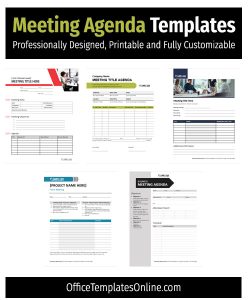
This page brings together 18 company meeting and decision log templates created to help teams record what actually happens in meetings – discussions, approvals, risks, and final outcomes – without overcomplicating the process. These templates are meant for real work, not theoretical planning or one-off use.
They’re built in Microsoft Word and work well across internal meetings, client conversations, management reviews, and ongoing decision tracking. We focused on layouts that are easy to read, straightforward to complete, and flexible enough to fit different teams and workflows.
Every template on this page is original, fully editable, and free to download. Each download includes both US Letter and A4 versions, packaged in a ZIP file along with the fonts used, so the formatting stays consistent whether you’re editing, printing, or sharing the files.
This page focuses on practical company meeting and decision log templates for Microsoft Word, used for agendas, minutes, approvals, and action tracking.
Key Features
- Free Microsoft Word (.DOCX) templates
- Fully editable text, tables, and headings
- Designed for US Letter and A4 paper sizes
- Suitable for internal, client, and executive meetings
- Clean layouts that support audits and record-keeping
- Fonts included with each ZIP download

Who These Templates Are For
These templates are used by teams that need reliable documentation – not decorative paperwork.
- Managers and team leads tracking decisions, actions, and follow-ups
- Project managers documenting kick-offs, reviews, risks, and approvals
- Operations and compliance teams maintaining formal records
- Consultants and agencies managing client meetings and outcomes
- Boards and committees recording votes, resolutions, and attendance
Each template supports real workflows such as approvals, accountability tracking, and post-meeting clarity.
How We Designed These Templates
We created these templates after reviewing how meeting records are actually used – during audits, follow-ups, and decision reviews. Many existing templates either overcomplicate documentation or leave out critical details like ownership, rationale, or next steps.
Our focus was on:
- Logical information flow, so readers can understand outcomes quickly
- Clear separation of decisions, actions, and discussion notes
- Neutral, professional formatting suitable for internal records
- Consistency across documents, making them easier to archive and review
Every layout was tested in Word to ensure fields align properly, print cleanly, and remain easy to customize without breaking the structure.
Included Meeting & Decision Templates
Below is the full list of meeting and decision templates included on this page, each linked to its individual download page with full details.
Meeting Attendance & Participation Record
Best for: Tracking attendance and engagement
Records who attended, participation status, and key contributions during meetings.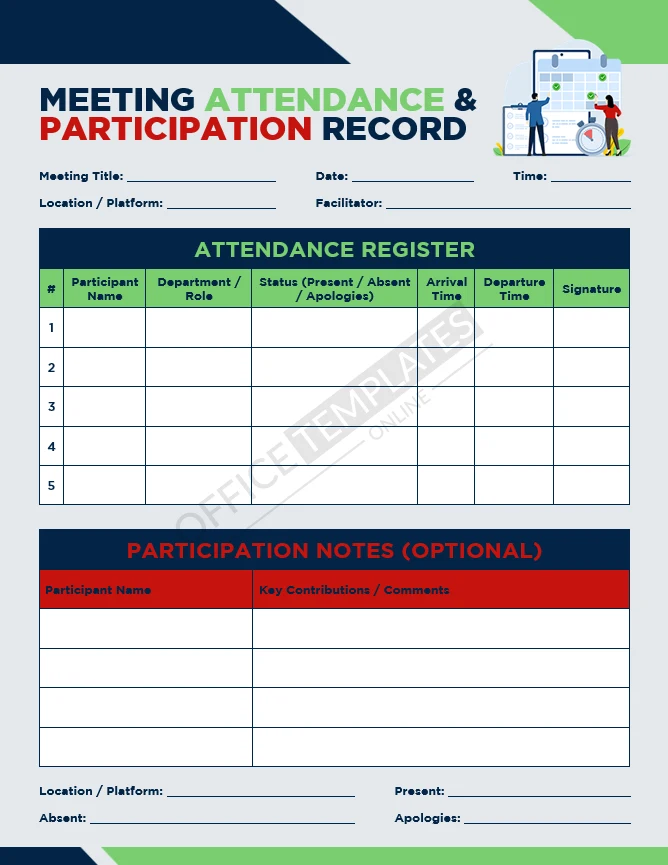

Board or Committee Meeting Minutes
Best for: Formal governance meetings
Captures resolutions, voting outcomes, and approvals in a structured format.
Change Control or Decision Request
Best for: Project and system changes
Documents requested changes, impact assessments, and approval outcomes.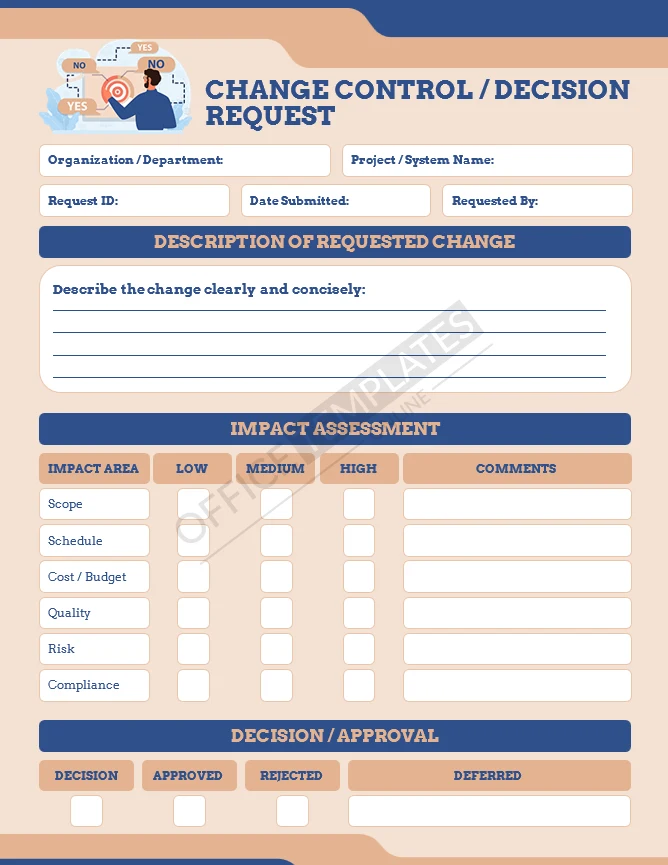
Client Meeting Minutes
Best for: Client-facing discussions
Tracks feedback, commitments, and agreed follow-up actions.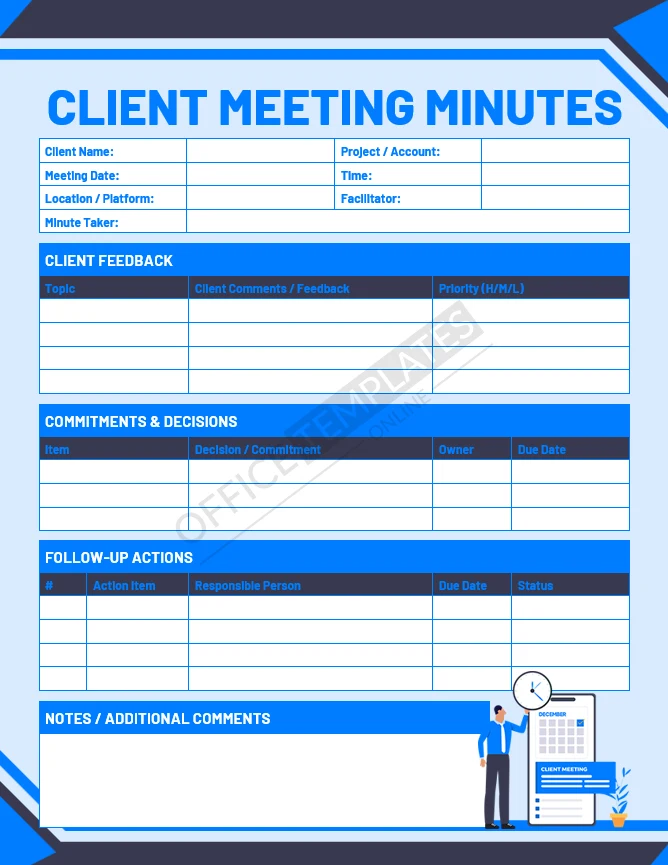
Client or External Meeting Agenda
Best for: Preparing structured client meetings
Helps align objectives, discussion points, and next steps.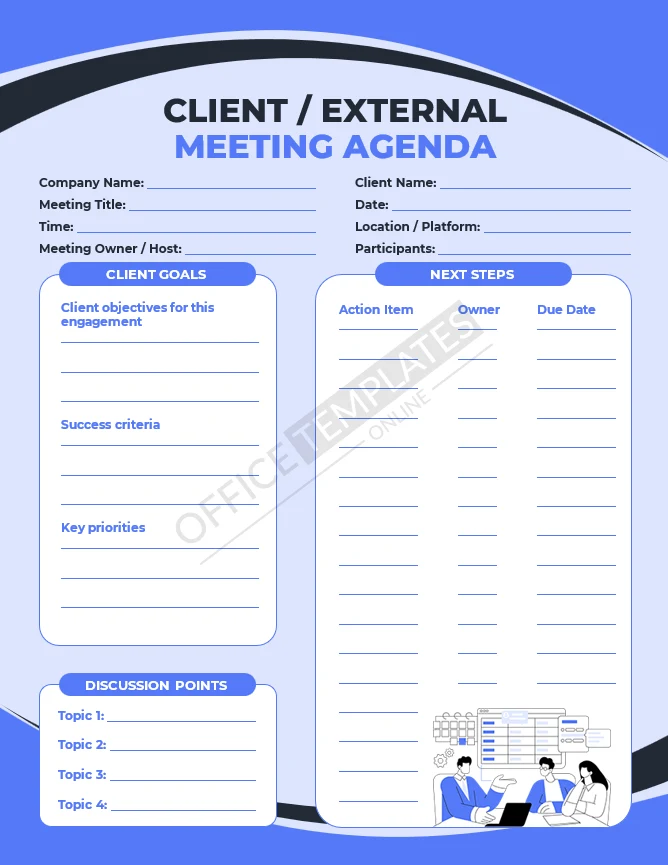
Decision & Approval Log
Best for: Ongoing decision tracking
Maintains a centralized record of approvals, rationale, and authority.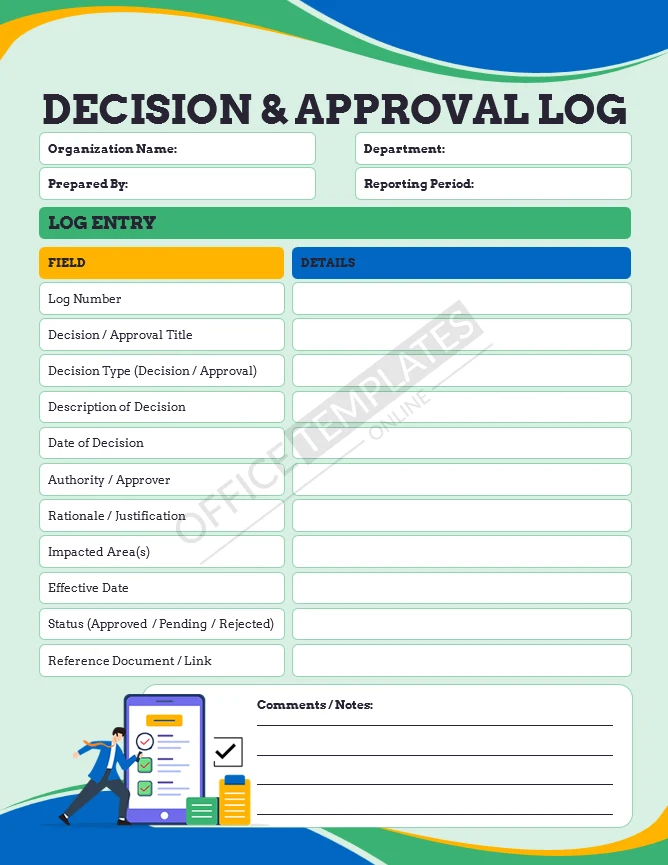

Detailed Meeting Minutes
Best for: High-stake or compliance meetings
Allows verbatim notes, attendance, and documented decisions.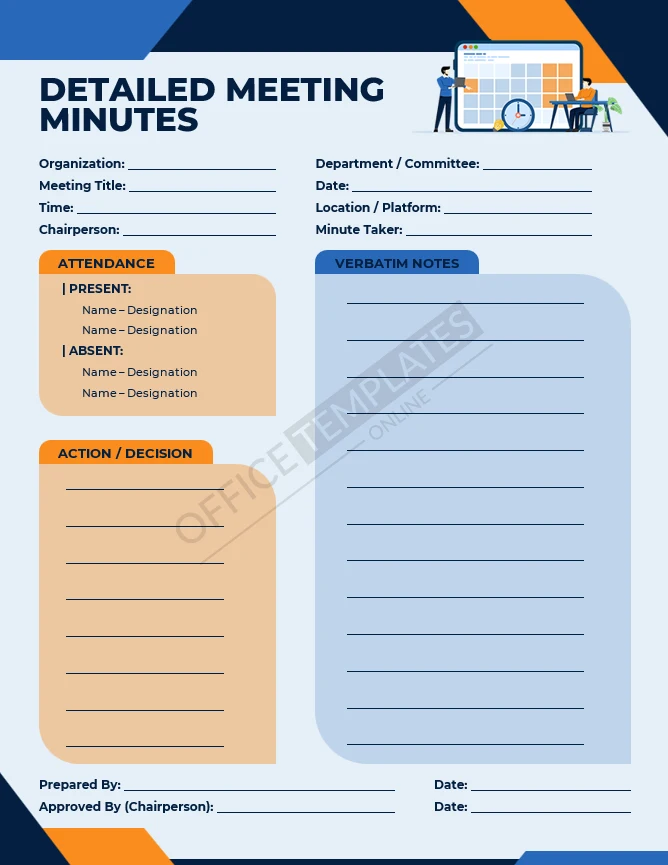
Executive or Management Meeting Agenda
Best for: Leadership meetings
Structures strategic updates, KPIs, risks, and approvals.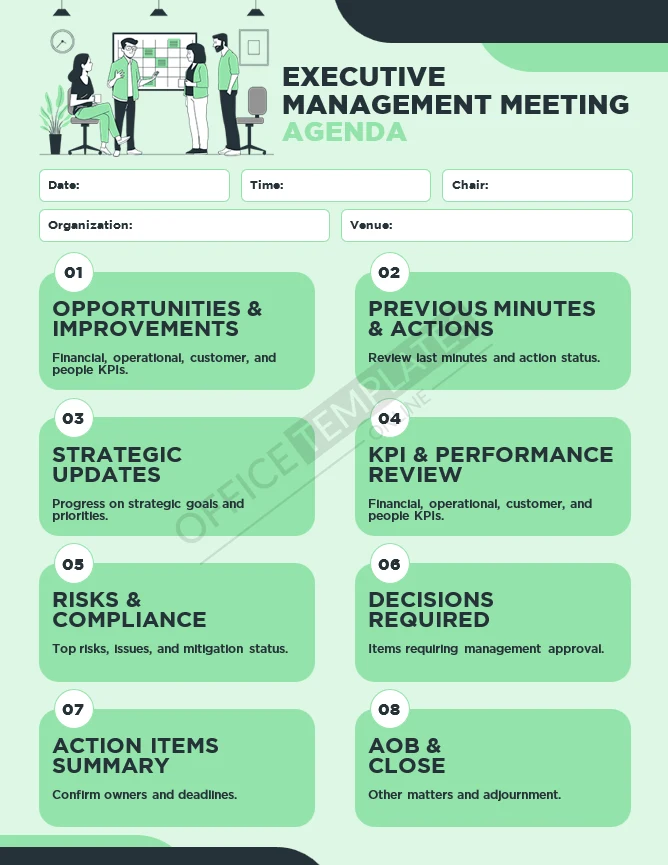
Management Decision Record
Best for: Formal decision justification
Documents problems, options considered, and final decisions.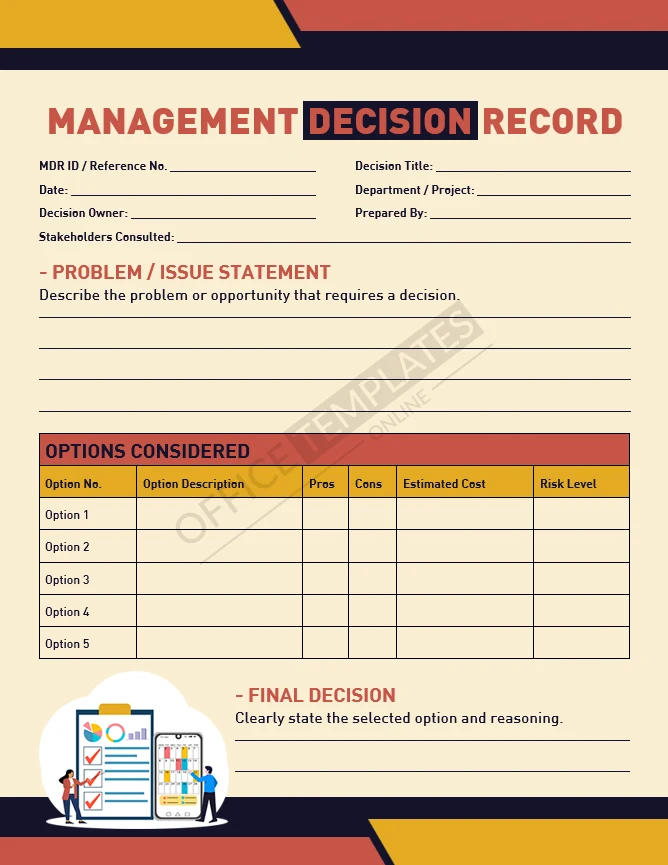
Meeting Action Items Tracker
Best for: Accountability and follow-up
Tracks tasks, owners, deadlines, and status after meetings.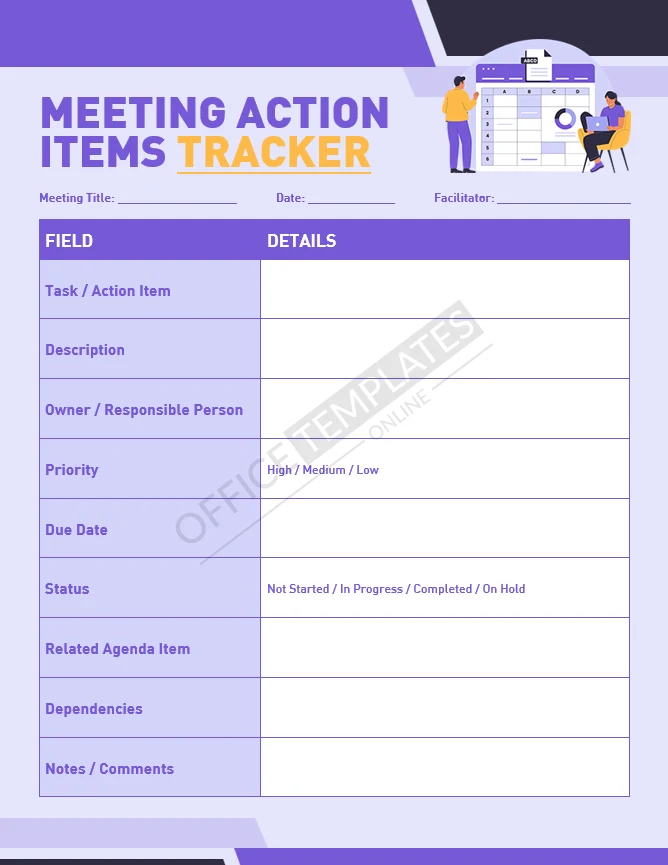
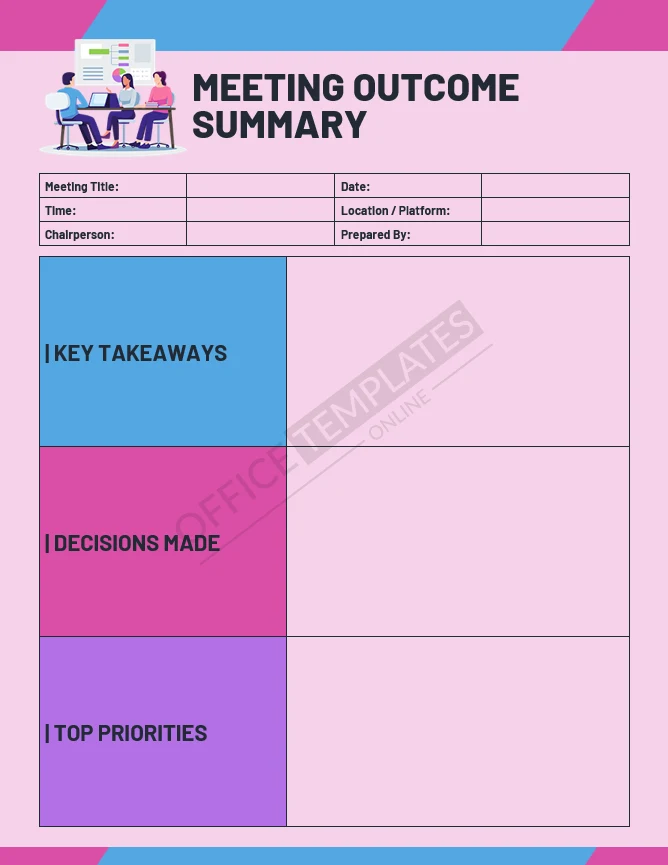
Meeting Outcome Summary
Best for: Quick distribution after meetings
Summarizes decisions, priorities, and key takeaways.
Create Your Perfect Templates in Seconds
Choose from ready-made templates related to this topic, edit them online, and download instantly in PDF, PNG, or JPG format - fast, free, and no login needed.

Post-Meeting Follow-Up Notes
Best for: Ensuring execution
Links discussion summaries with next steps and responsibilities.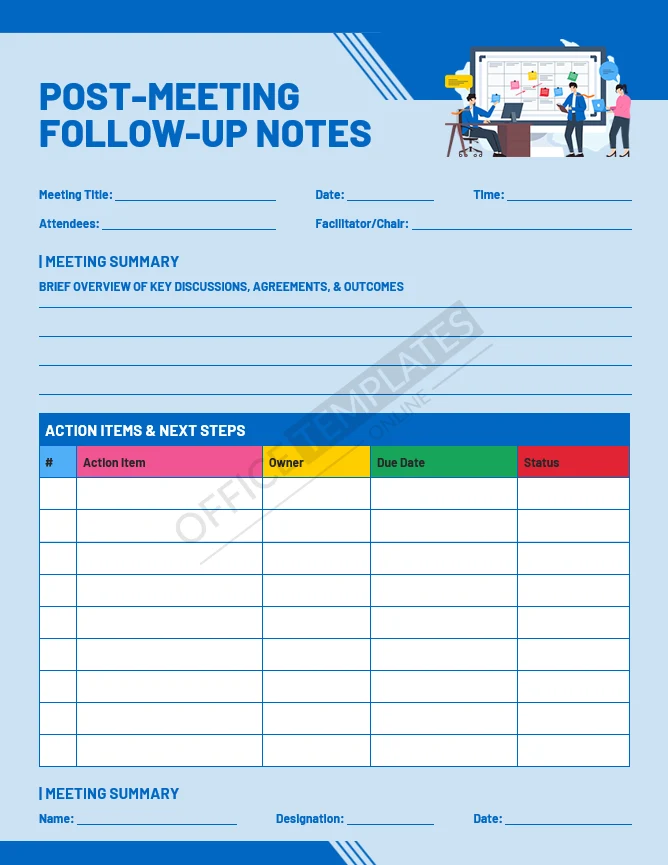

Project Kick-Off Meeting Agenda
Best for: Project initiation
Defines scope, roles, objectives, and assumptions.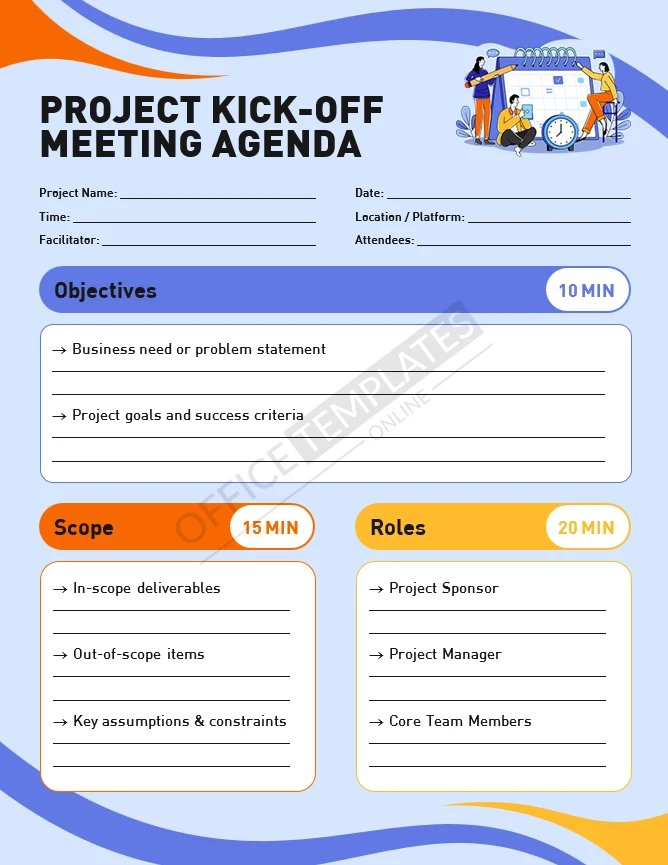
Project Review Meeting Minutes
Best for: Ongoing project governance
Tracks progress, risks, change requests, and approvals.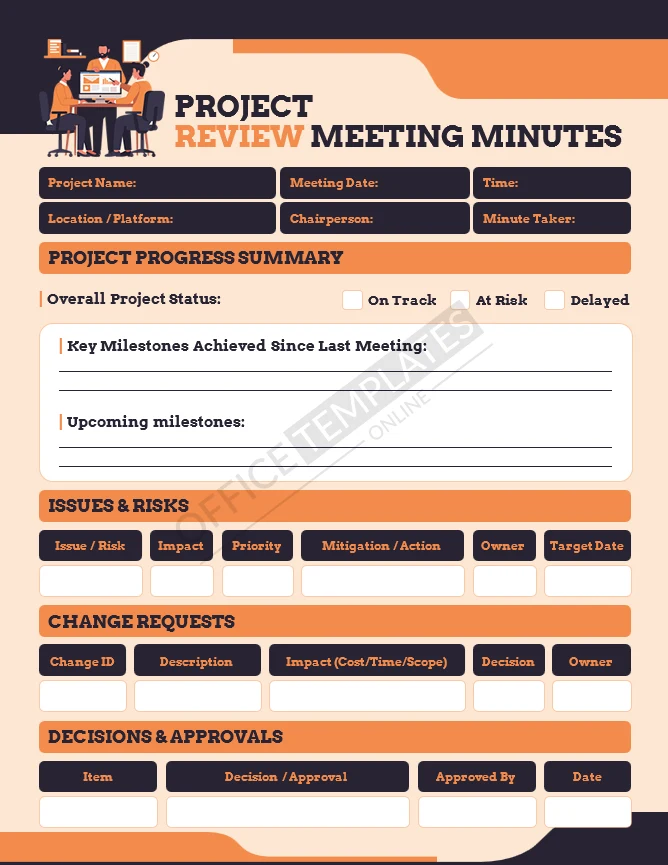
Recurring Team Meeting Agenda
Best for: Weekly or monthly team syncs
Standardizes updates, metrics, and action reviews.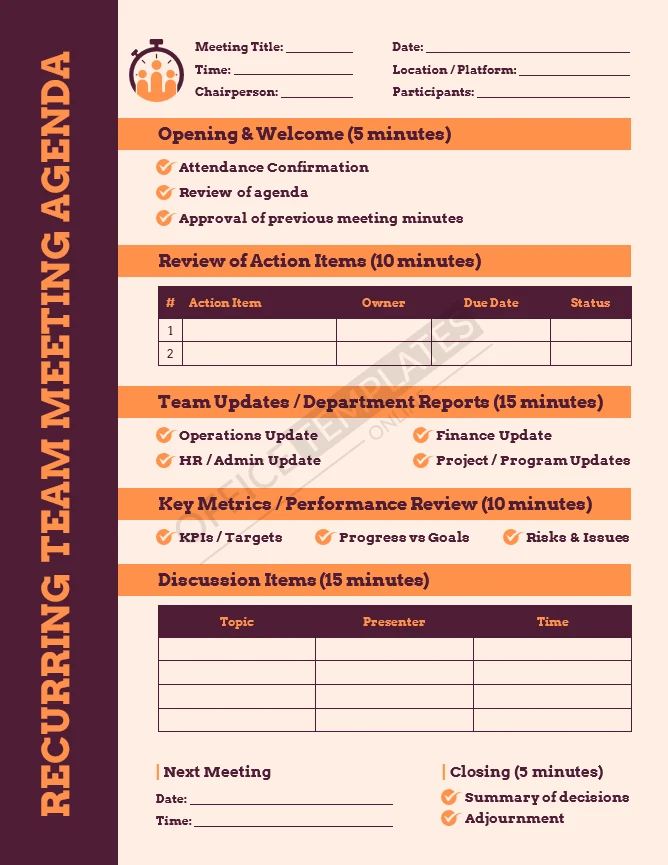
Risk & Issue Discussion Log
Best for: Risk management reviews
Documents risks, root causes, mitigation plans, and escalation.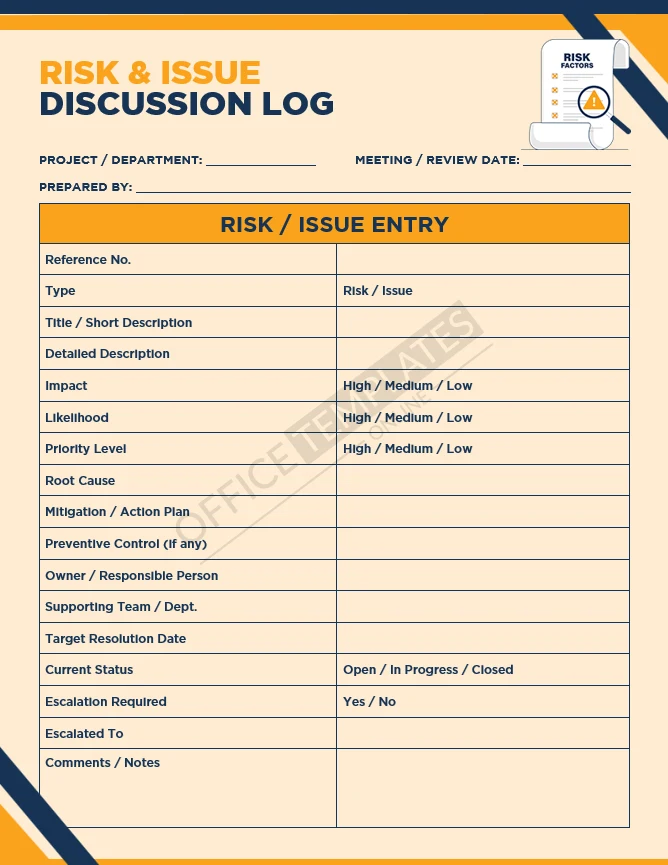
Standard Meeting Agenda
Best for: General internal meetings
Provides a flexible agenda structure for most meeting types.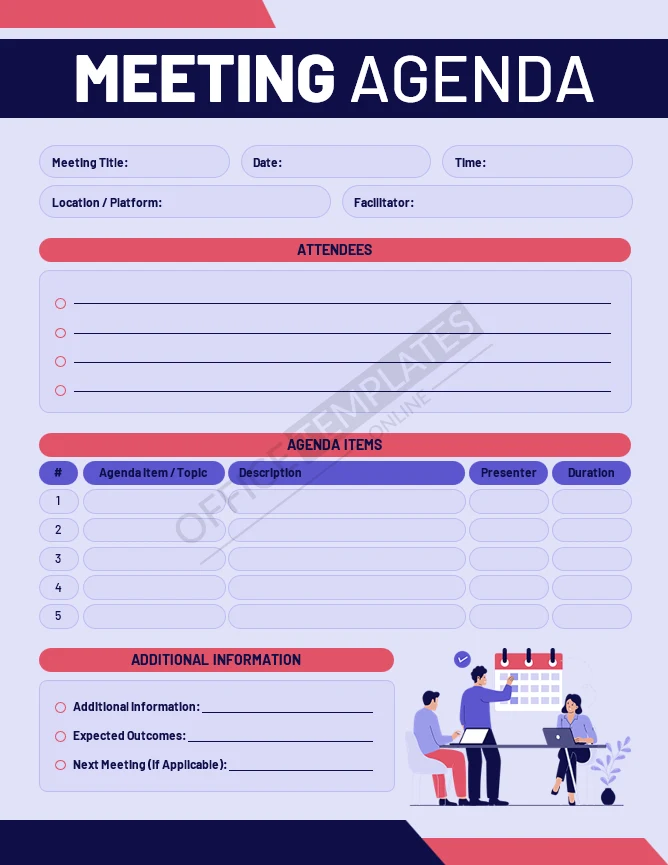
Standard Meeting Minutes
Best for: Everyday documentation
Captures discussions, decisions, and action items clearly.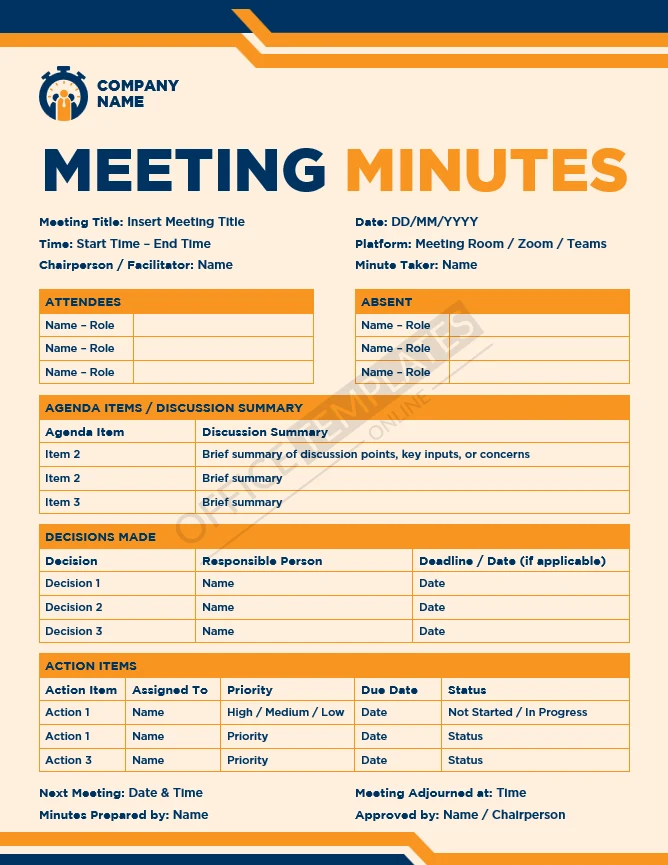
Why Use These Templates

Clear documentation reduces confusion after meetings. These templates help teams record what was decided, who owns the next steps, and why decisions were made.
Using structured Word templates also saves time. Instead of rebuilding documents for every meeting, teams can focus on content – not formatting. Because everything is editable, templates can be adapted to match internal processes without starting from scratch.
Frequently Asked Questions

Are these templates free to download?
Yes. All templates on this page are free to download and use.
Are the templates original?
Yes. Every template was designed in-house and is not resold or redistributed.
What file format are the templates?
All templates are provided as Microsoft Word (.DOCX) files.
Do the templates support A4 and US Letter sizes?
Yes. Each template is included in both A4 and US Letter formats.
Are fonts included with the downloads?
Yes. Each ZIP file includes the fonts used in the templates.
Can I edit these templates in Microsoft Word?
Yes. All text, tables, and sections are fully editable in Word.

Can these templates be used for client meetings?
Yes. Several templates are designed specifically for client and external meetings.
Are these templates suitable for audits or compliance records?
Yes. Many templates are structured for formal documentation and record-keeping.
Can I customize these for my company branding?
Yes. You can change fonts, colors, and layouts as needed.
Related Tutorials and Design Walkthroughs
If you prefer learning through video, we also publish step-by-step tutorials on our YouTube channel. These videos cover how we design and structure documents such as flyers, resumes, invoices, report cards, ID cards, envelopes, proposals, and other commonly used office materials.
The tutorials are practical and focused on real design workflows, making them a helpful companion if you want to understand how professional document layouts are built and customized.

You may also like