Take Control of Meetings with 42 Free Agenda Templates
Nobody likes going to meetings without knowing what it is about, thus, we all owe it to the person who came up with the idea of a meeting agenda to make our work lives easy and well a tad bit organized. As much as we all hate meetings, going to a meeting well-prepared always helps. A meeting agenda is simply a document that describes the list of topics, objectives, or activities that need to be discussed in a meeting.
It is shared with the participants of the meetings to make sure no one is dumbfounded, and everyone is prepared to discuss things and give their input in the meeting. It is a very useful tool utilized by the business world to help plan and prepare for meetings. Its purpose is to;
- Plan the meeting to keep things on track
- Describe the objectives of the meeting
- Describe roles and expectations, and track the success
Download Nicely Designed Meeting Agenda Templates in MS Word Format

This page is dedicated to getting you professionally designed, beautifully laid out Meeting Agenda Templates, formatted in Microsoft Word. All of these formats are fully editable, easy to personalize, and printable on a US Letter or A4 paper size.
#1 – Project Meeting Agenda


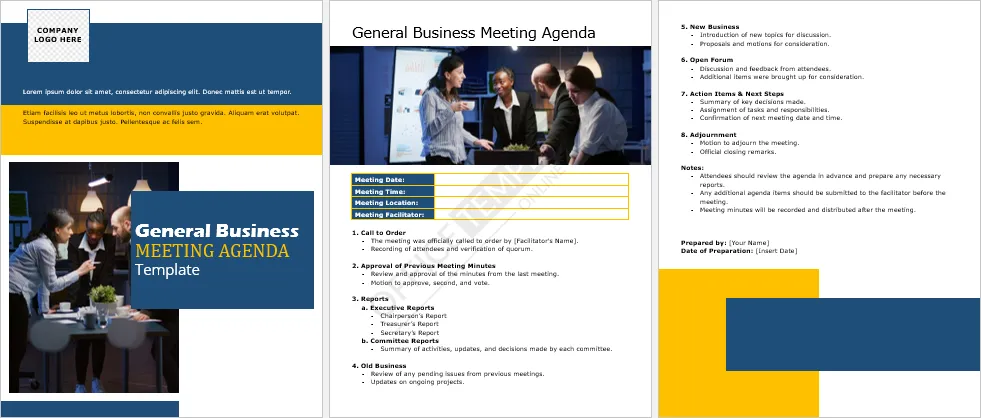
#2 – Business Meeting Agenda


#3


#4


#5


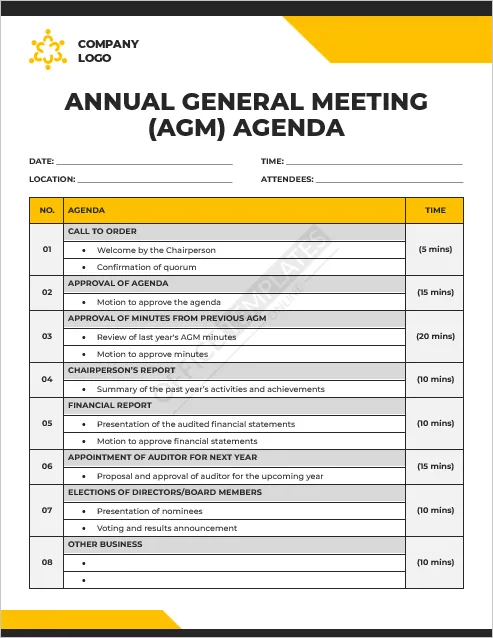
#6 – Annual General Meeting (AGM) Agenda

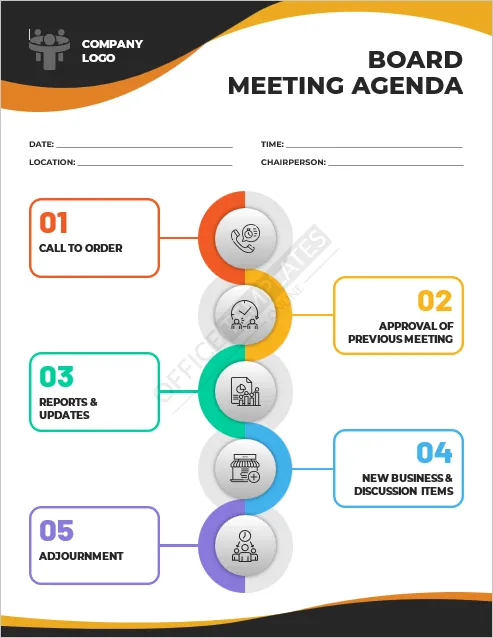
#7 – Board Meeting
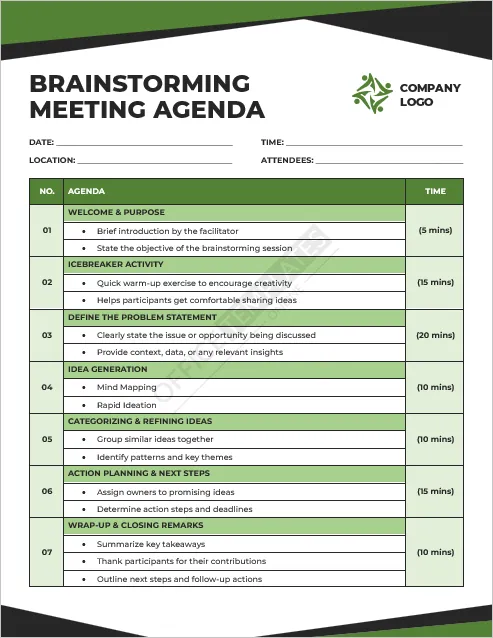
#8 – Brainstorming Meeting
#9 – Training or Workshop Agenda
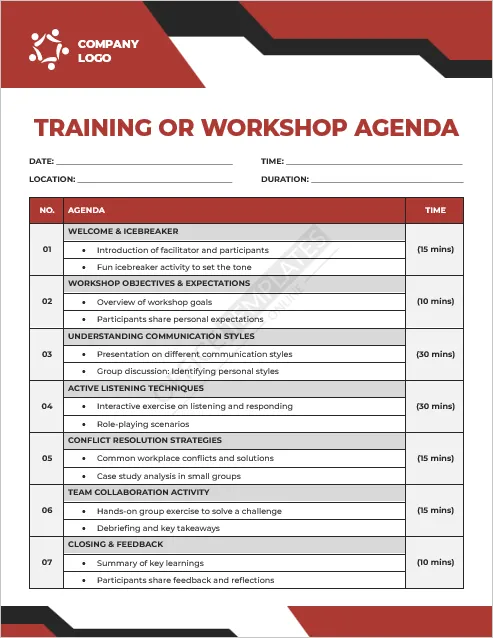
#10 – Crisis Management Meeting
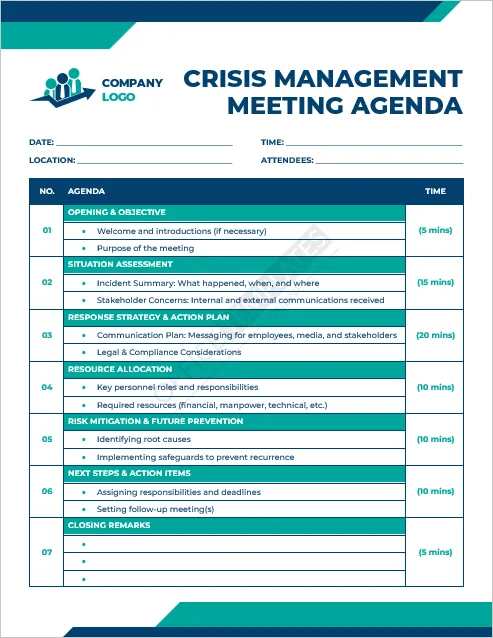
#11 – Weekly Team Stand-up Agenda
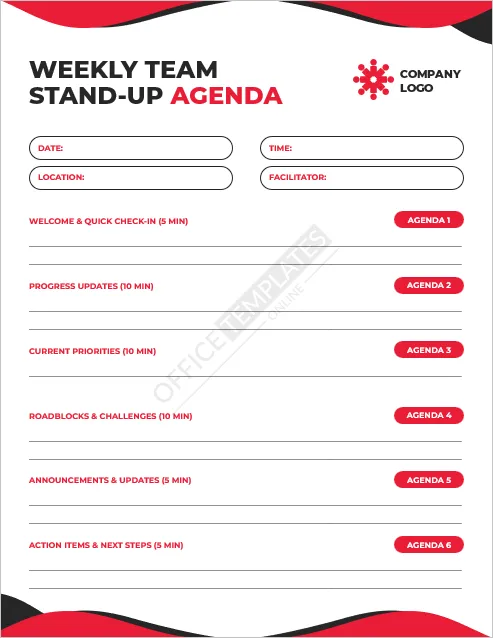
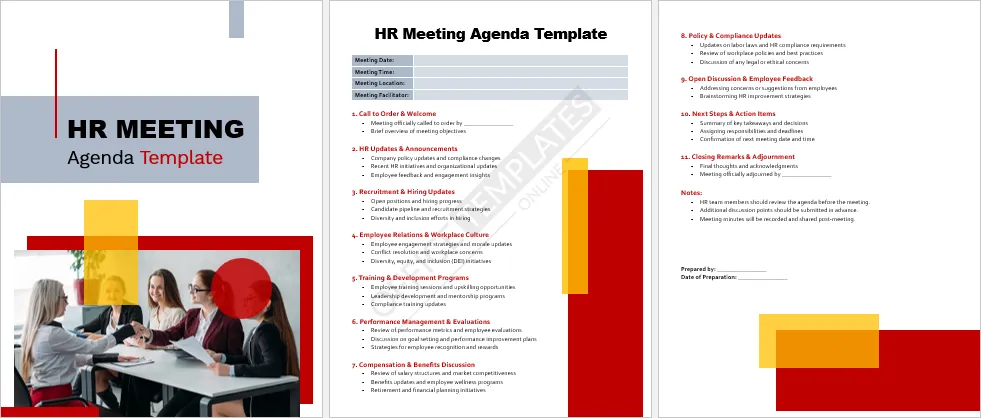
#12 – HR Meeting Agenda
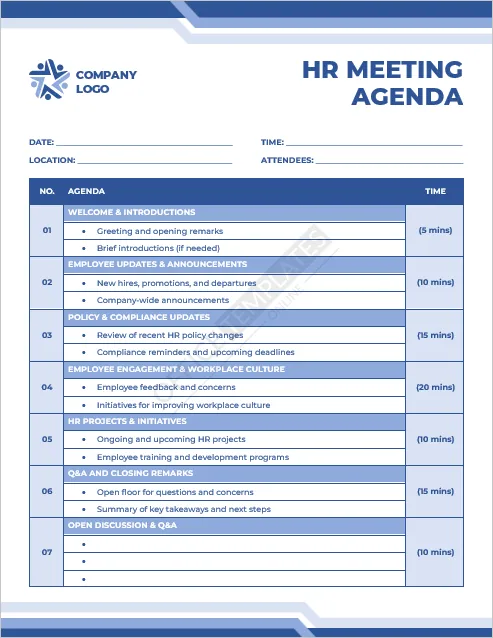
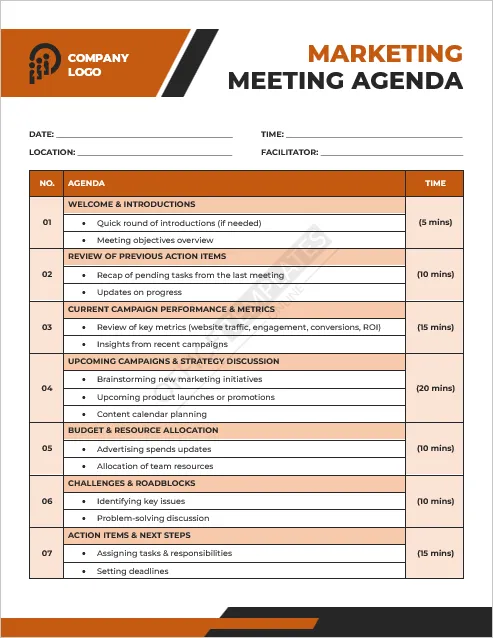
#13 – Marketing Meeting
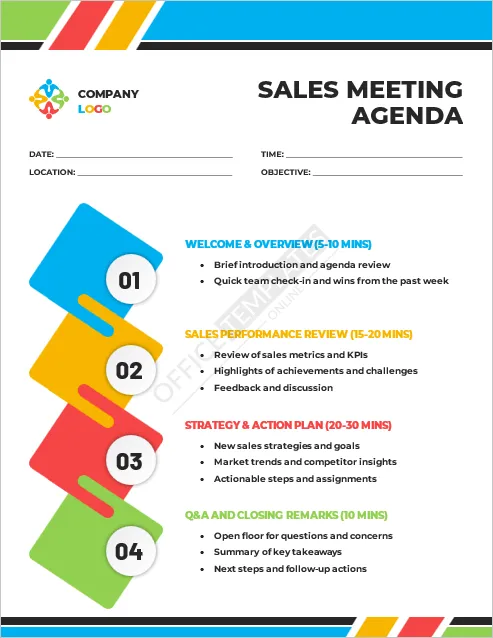
#14 – Sales Meeting
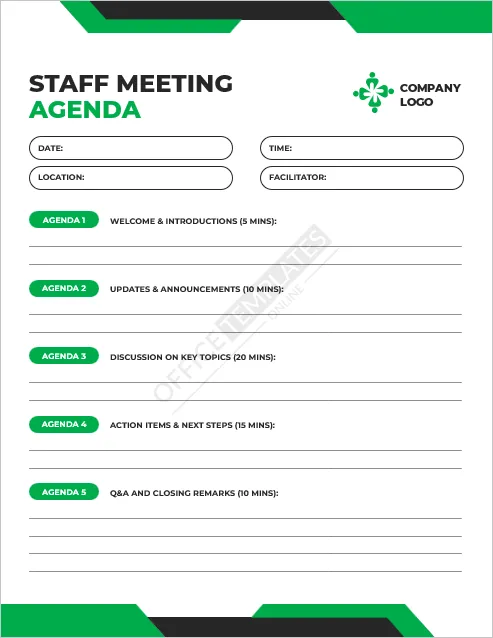
#15 – Staff Meeting Agenda
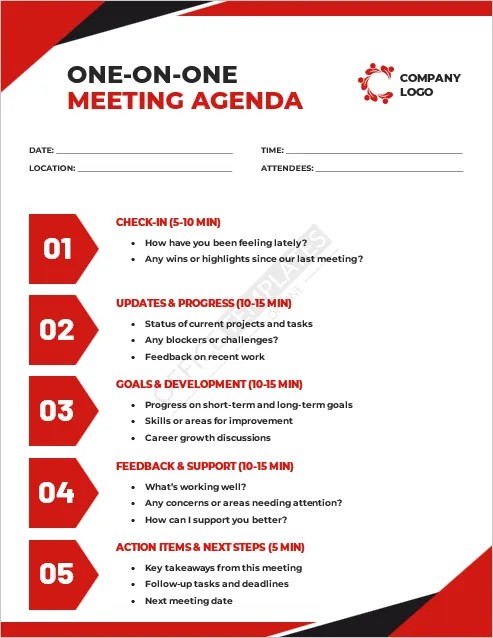
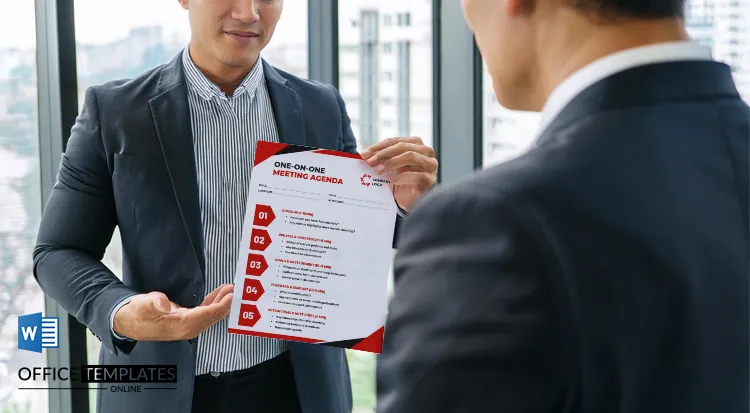
#16 – One-on-One Meeting Agenda
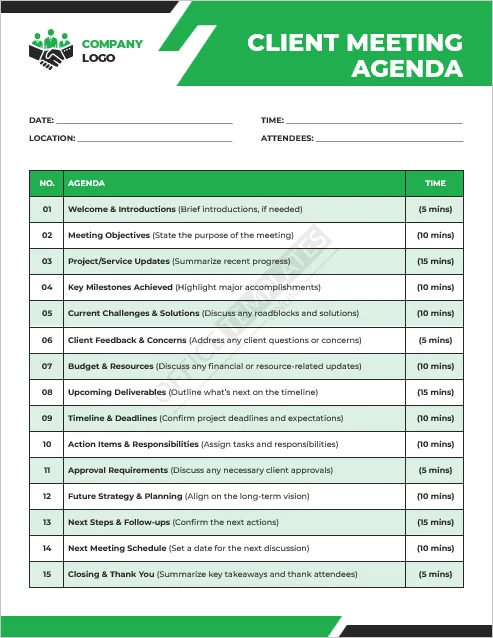
#17 – Client Meeting
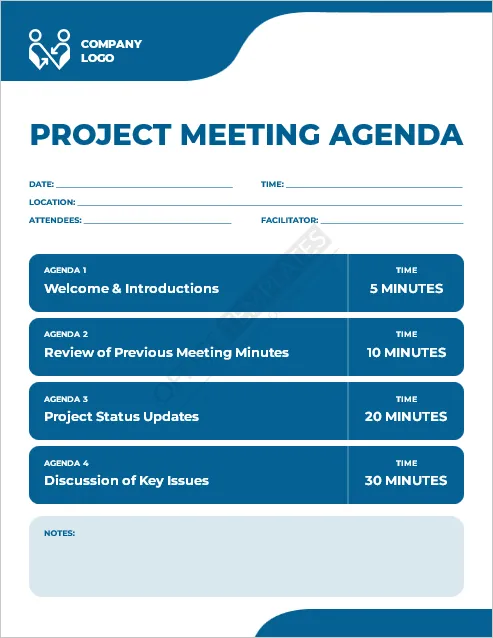
#18 – Project Meeting
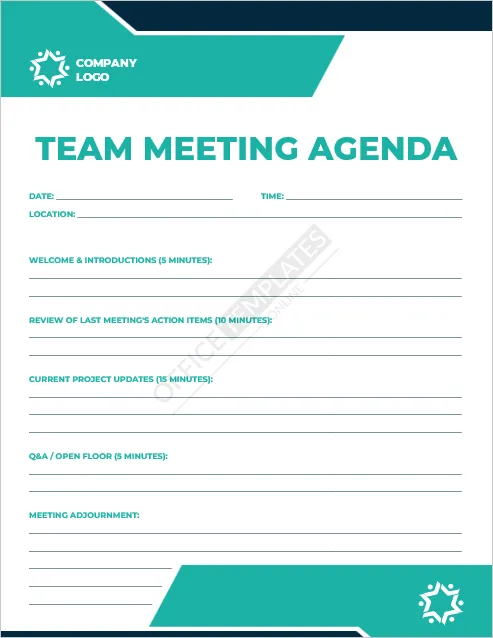
#19 – Team Meeting Agenda
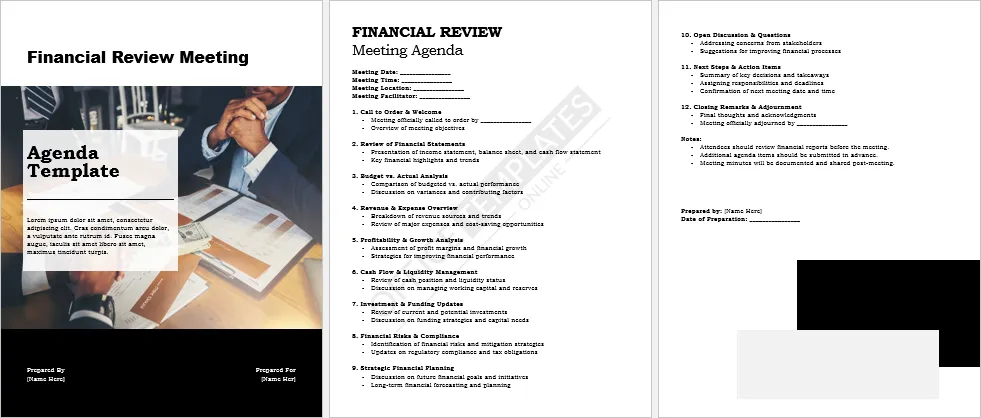
#20 – Financial Meeting
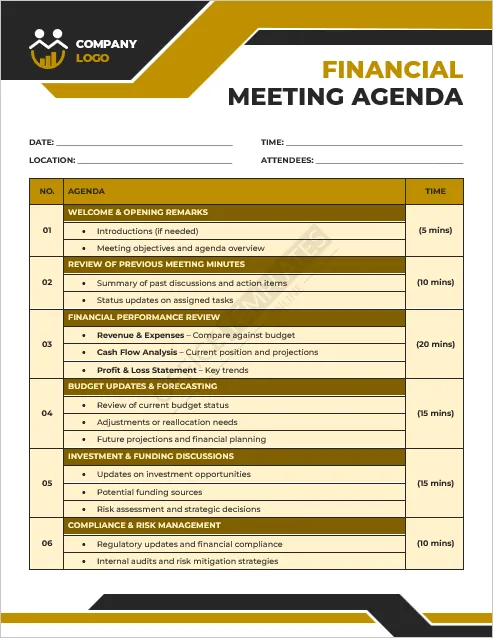
Multipage Agenda Templates
In this section, you can download templates that have multiple pages. The first page is a beautifully designed cover, and the other pages show the details of the meeting agenda.
#21
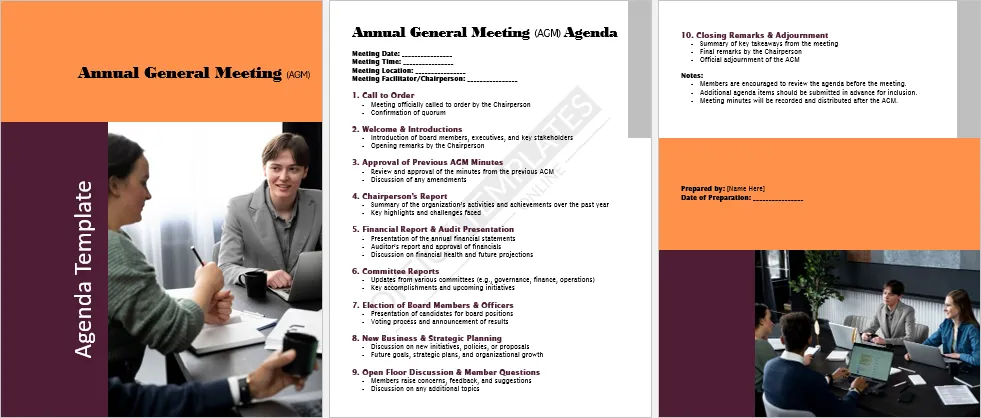
#22
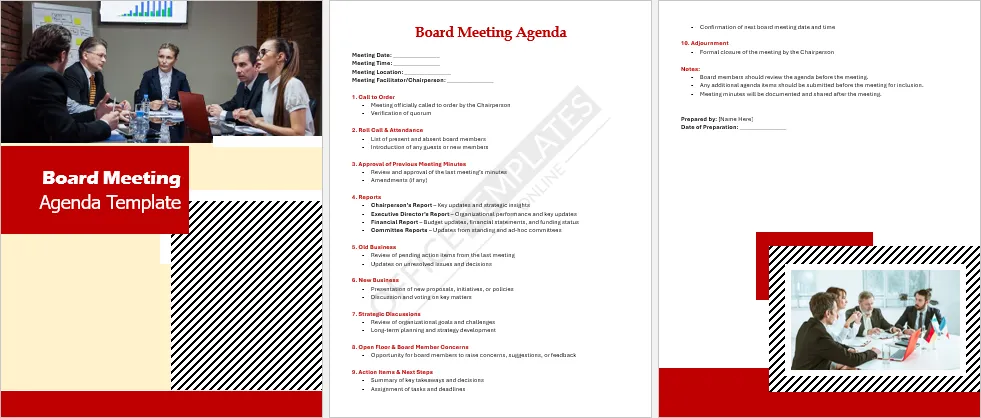
#23
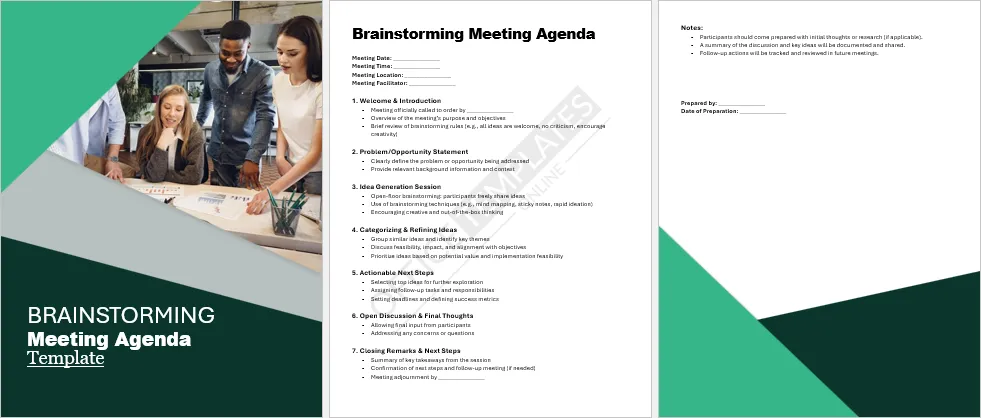
Create Your Perfect Templates in Seconds
Choose from ready-made templates related to this topic, edit them online, and download instantly in PDF, PNG, or JPG format - fast, free, and no login needed.
#24
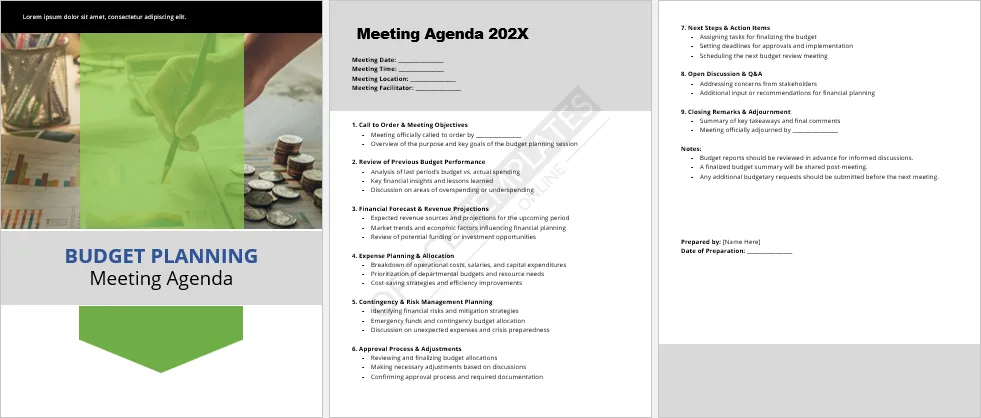
#25
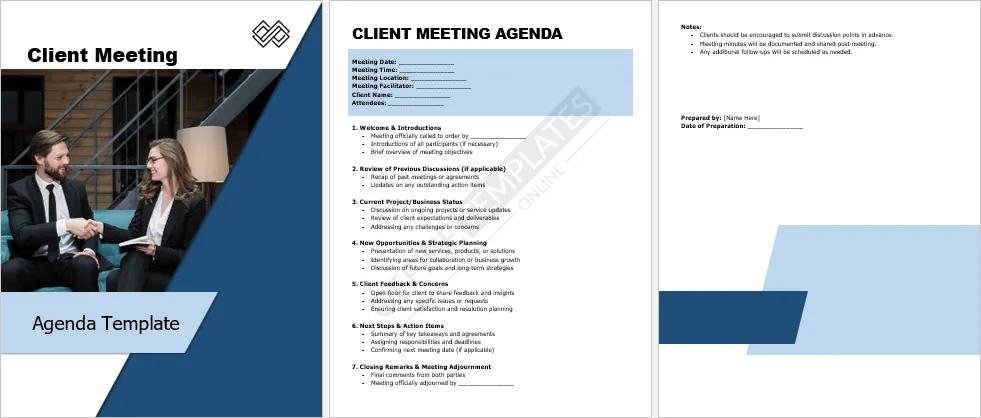
#26
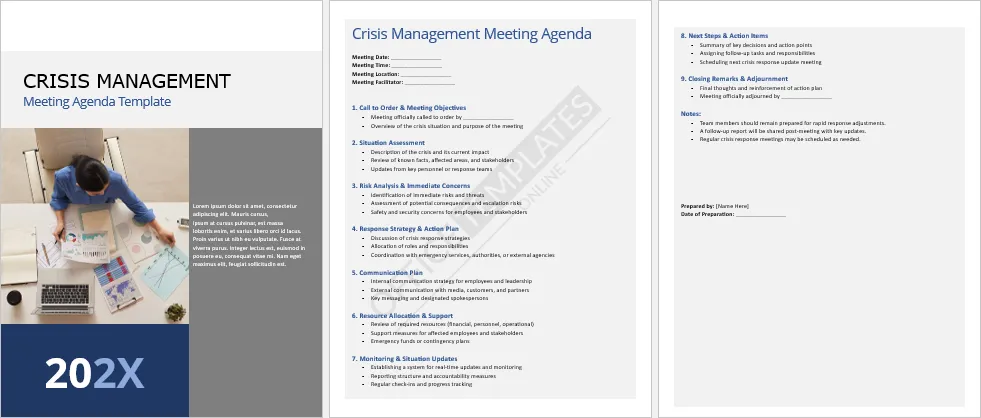
#27
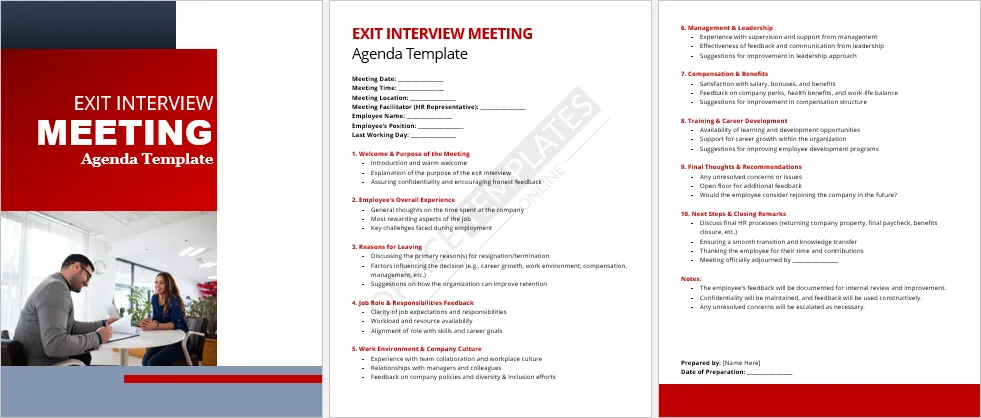
#28
#29
#30
#31
#32
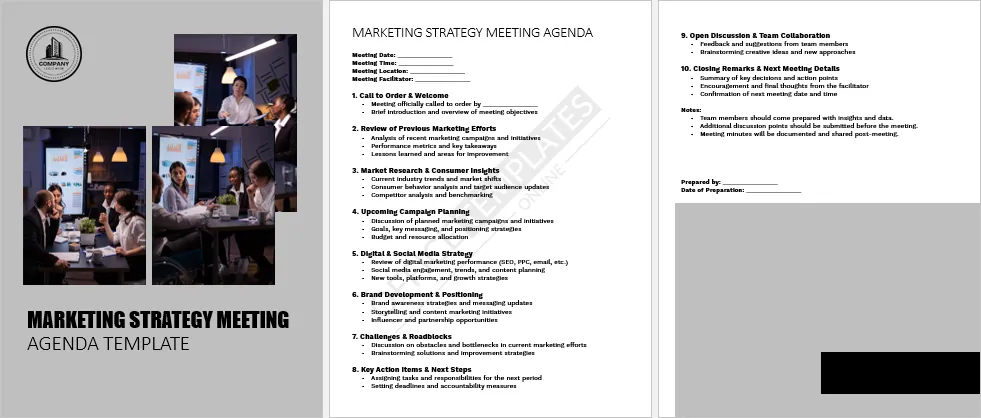
#33
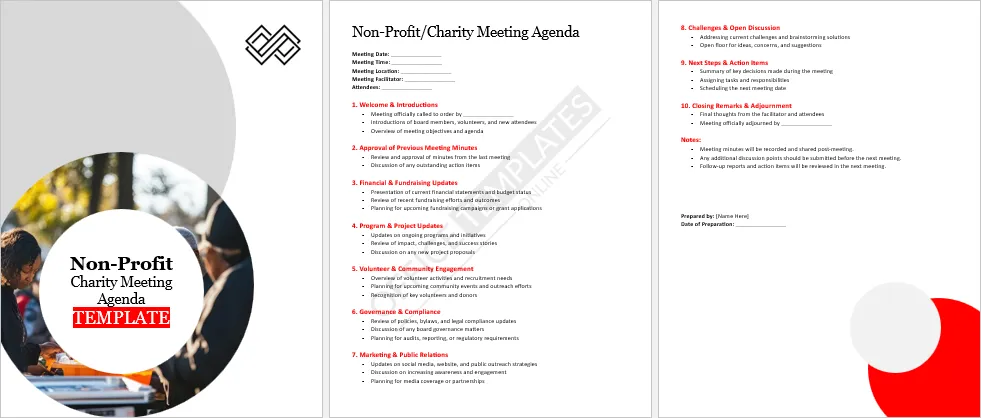
#34
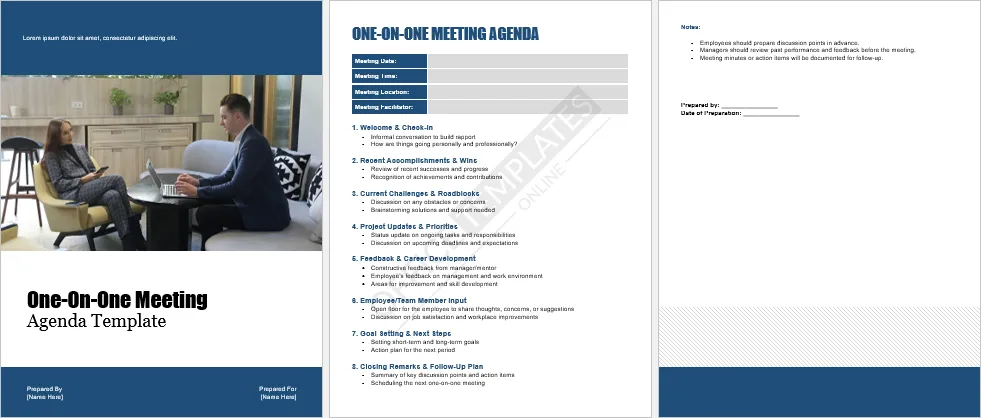
#35
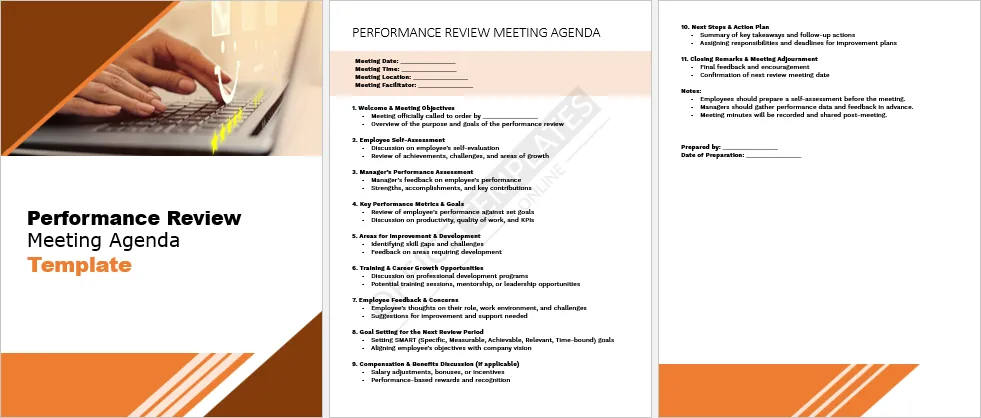
#36
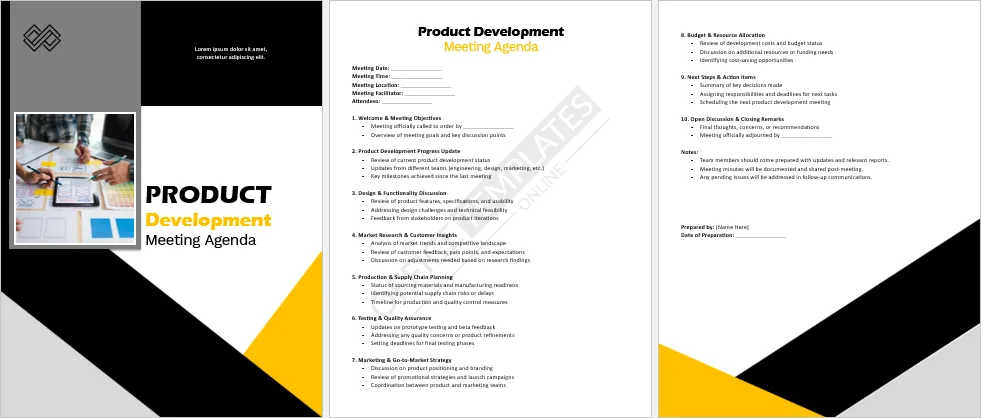
#37
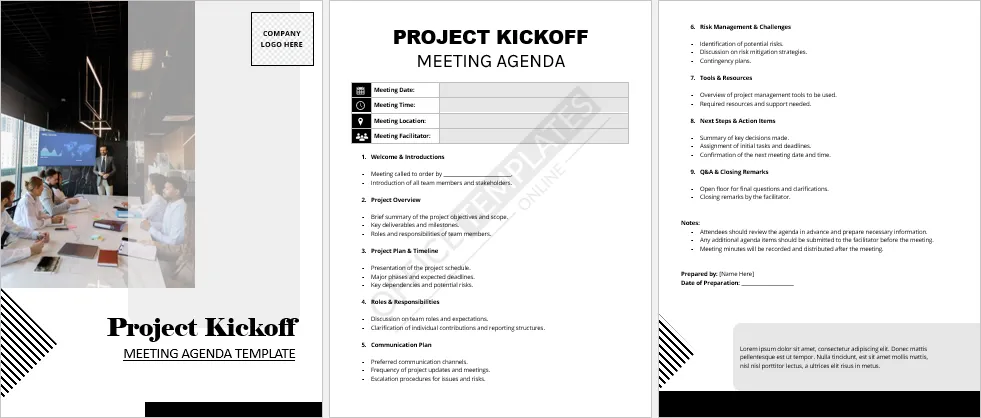
#38
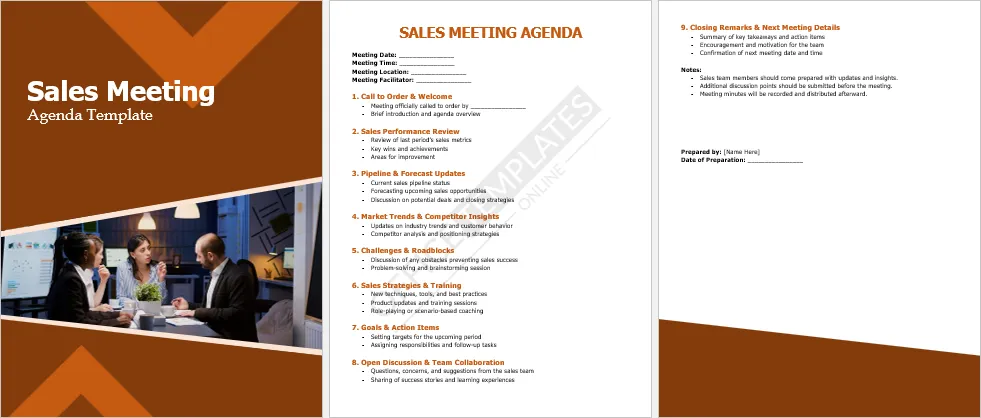
#39
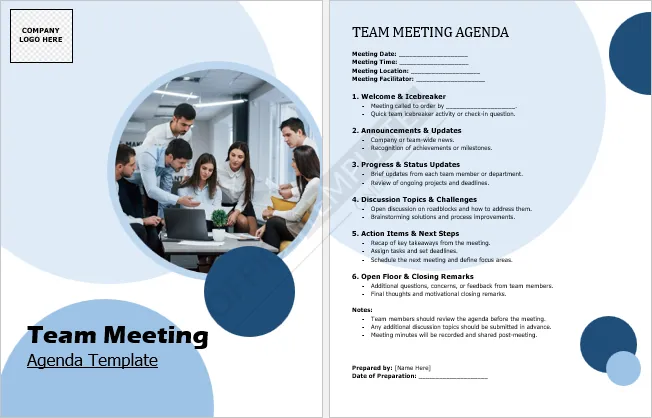
#40
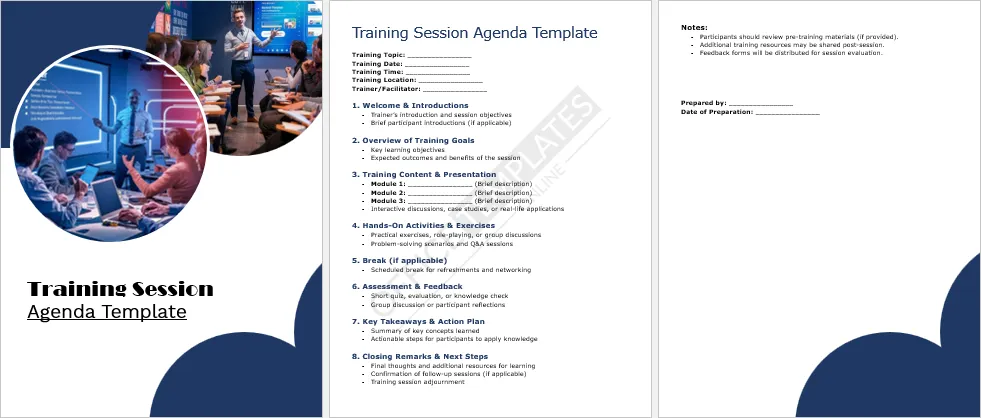
#41
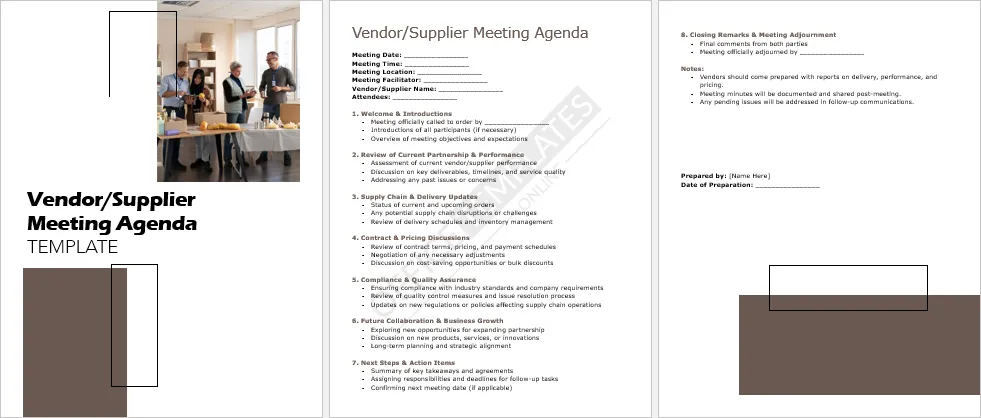
#42
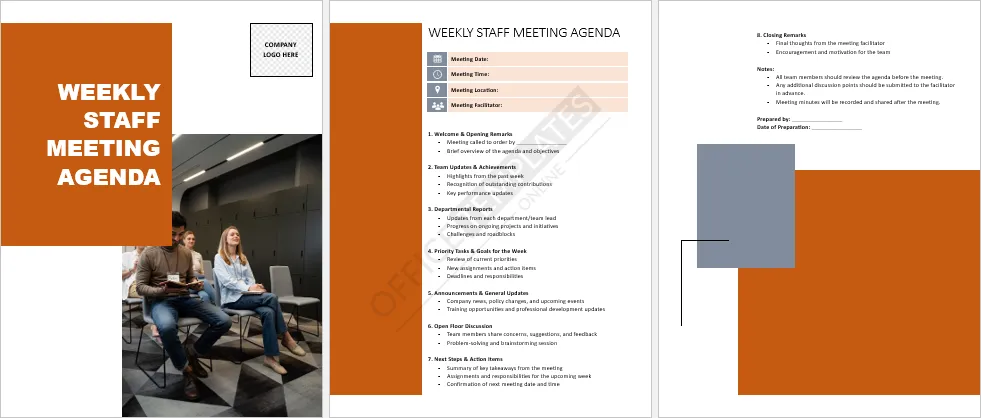
What are its types?
Broadly, it is of two types one is a simple meeting agenda and the other one is formal.
- The simple one is informal, short, and in the form of bullet points – used for small casual meetings, and for more frequently arranged meetings such as weekly meetings, staff meetings, the team meets et cetera
- The formal one is traditional, lengthy, and detailed. Its structure is strict this is why it occurs once in a while. It includes a description of financial reports, business growth, key announcements, motions, et cetera. It is used for formal meetings such as board meetings, annual meetings, committee meetings et cetera
What to include in a meeting agenda?
The things to include in a meeting agenda vary according to the type of meeting one is organizing. However, some common information that is almost always included in meeting agendas is as follows.
- Date of the meeting
- Start and end time
- Location – complete address
- Topic or theme
- Name of the host, facilitator, or meeting organizer
- Names of attendees
- Names of presenters
- Meeting objectives
- Name of the person who will write the minutes of the meeting
- List of the agenda item, its desired outcome, the time frame to achieve it, how to achieve it, and who will be responsible for the task
- Key learning points or discussion points
- Next steps
- Resources
- Q & A
What are some Dos and Don’ts of a meeting agenda?
Do’s
- Manage and track time
- Write meeting type
- Encourage participation from other team members
- Clearly state meeting points
- Make sure to outline all the topics that need to be discussed
- Allocate time to discuss each topic
- Make the document short and to the point preferably in bullet points
- Provide supporting documents such as links or statistics
- Include action-items
- Write Key Take-away message
- Time for Q & A session
Don’ts
- Don’t detract from the agenda topic
- Avoid writing lengthy discussions of the topic
- Do not write vague discussions of the topic
- Avoid adding too many details about the topic in the document
Helpful Video Tutorial
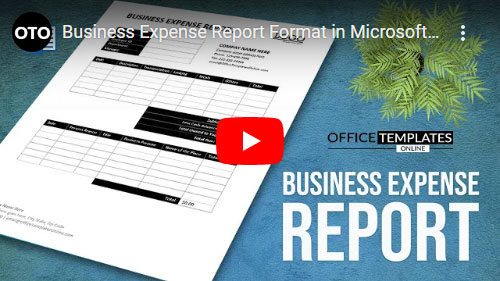
Watch this video tutorial below to see How to design a One-page Short Business Expense Report Template in Microsoft Word