Free Medical Templates for Word (DOCX) - Forms, Logs & Letters
Free, editable medical templates for Microsoft Word (DOCX) – speed up intake, tracking, and clinical communication.
Open in Word (works in Google Docs), add your clinic logo and details, edit fields, then export to PDF for secure sharing and printing.
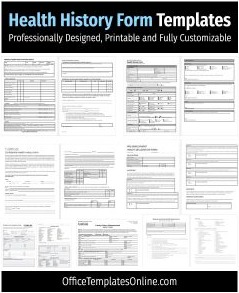
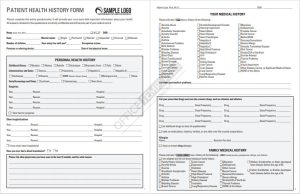
- Patient forms:Health & Medical History Forms
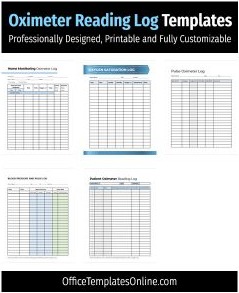
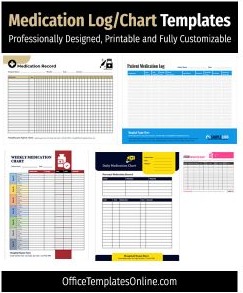
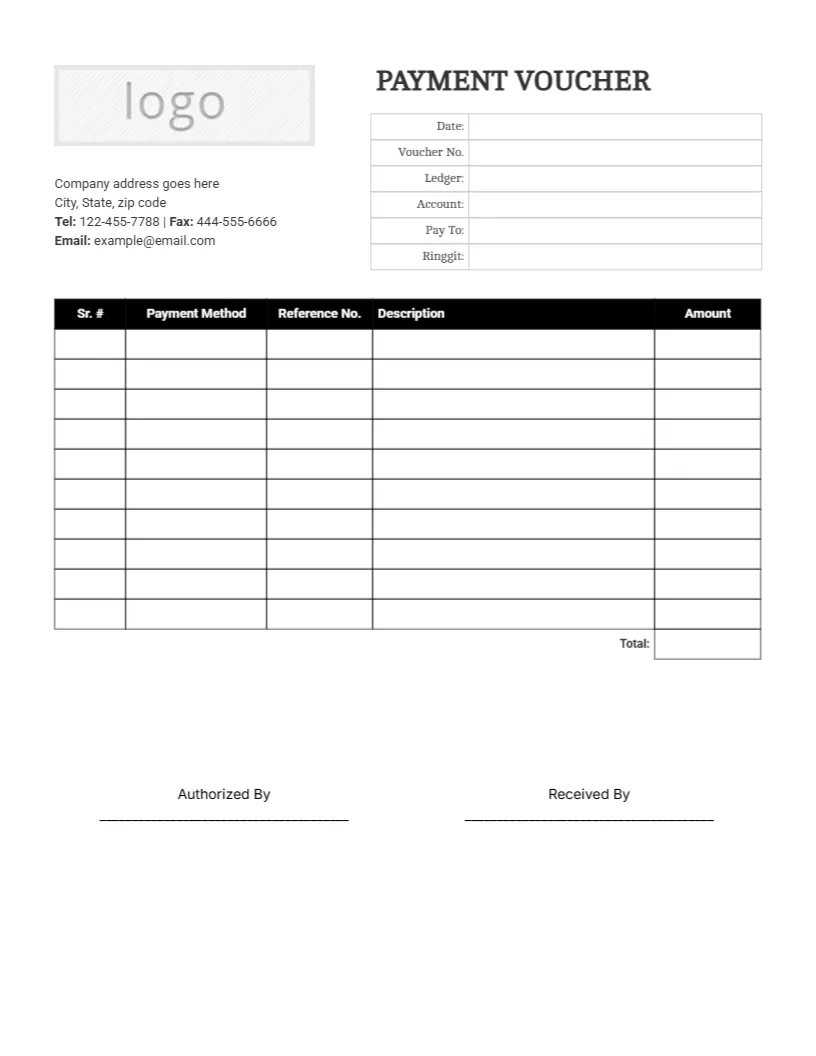
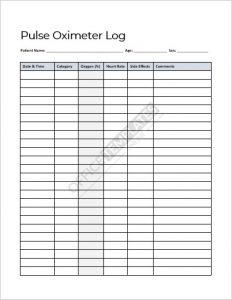
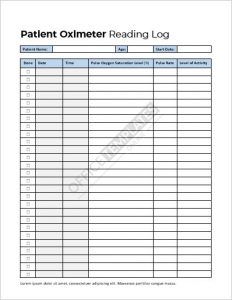
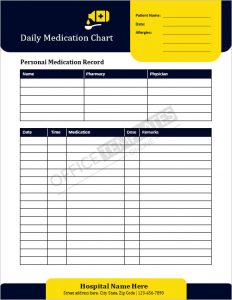
- Monitoring & logs:Pulse Oximeter Chart & Log, Medication Log & Chart
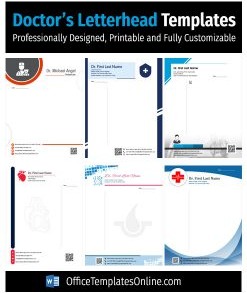
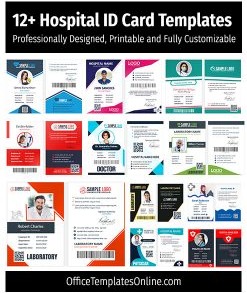
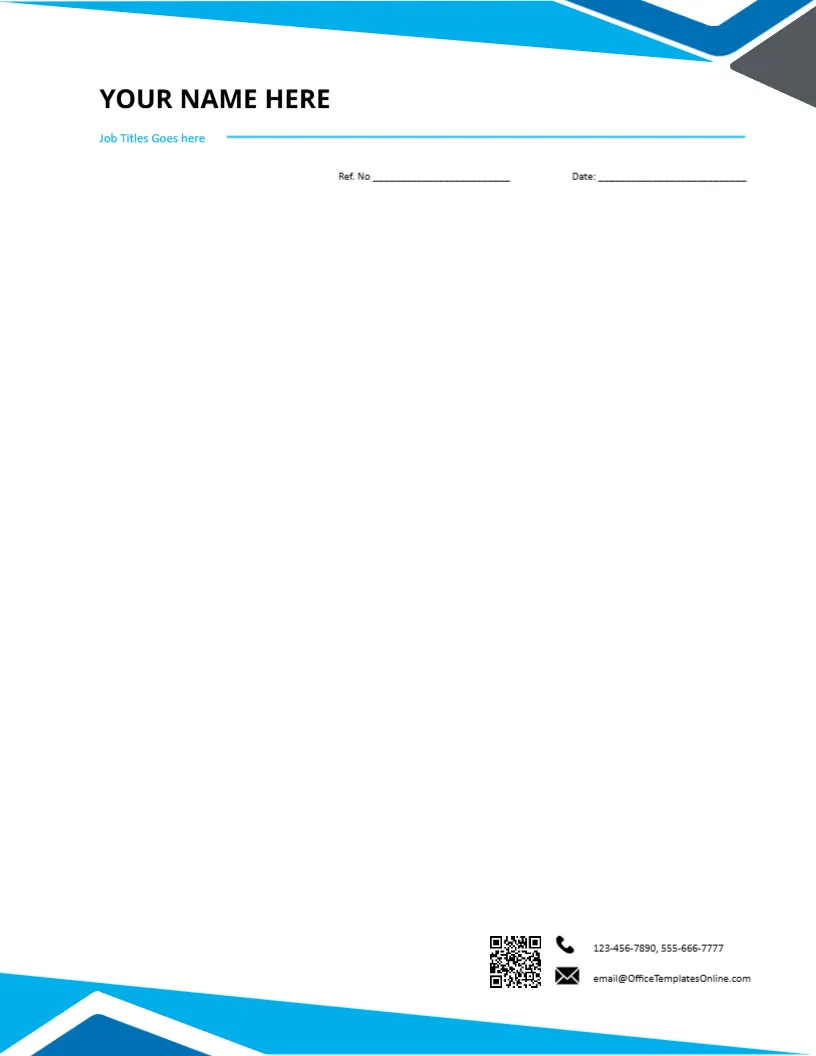
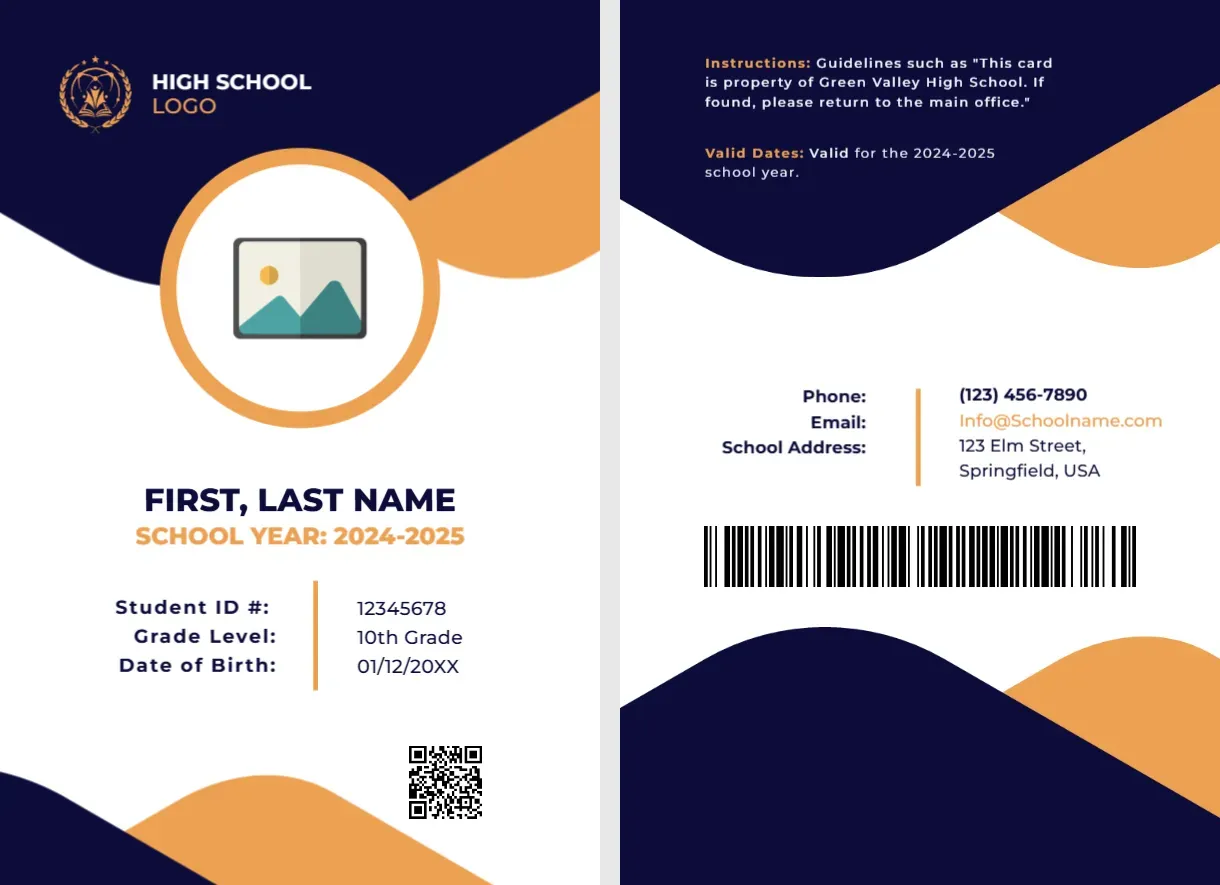
- Clinic branding:Doctor Letterhead Templates, Hospital ID Card Templates
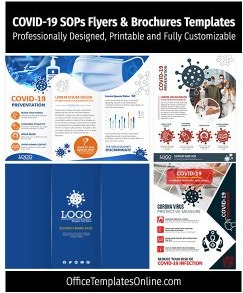
- Awareness & safety:COVID-19 SOP Flyers & Brochures
Browse the resources below and download your medical template for Word – readable layouts, quick edits, print-ready results.
![5+ Dentist Prescription Pad Templates for MS Word [Download Free]](https://officetemplatesonline.com/wp-content/uploads/2022/06/dentist-prescription-pad-templates-for-microsoft-word-250x300-oto-trim.png)
Trending Templates You Can Edit Online
Prefer editing without opening Word or Excel? These templates below are editable online - change the text and graphics, then export a print-ready file.


Top Picks







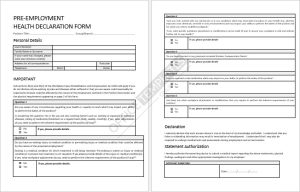
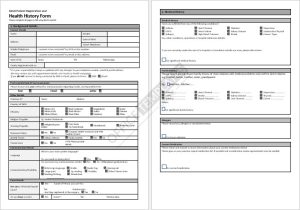
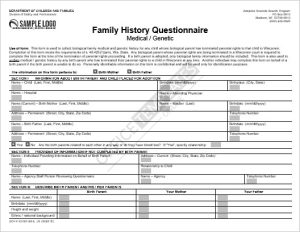

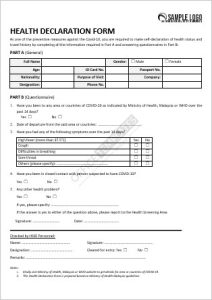
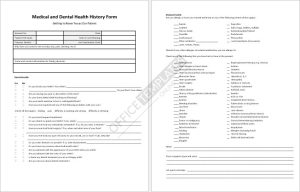
Pick the right template
- History & intake: capture demographics, conditions, allergies, meds, and signatures.
- Logs & charts: track vitals and dosing with clear date/time fields.
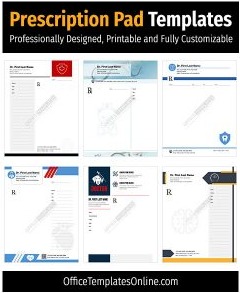
- Letters & IDs: professional letterheads and hospital ID badges with logo, role, and expiry.
- Awareness: flyers/posters for waiting areas, schools, and community outreach.
Customize in minutes
- Open the DOCX in Word (Google Docs works too).
- Update logo, clinic info, fields/labels, and brand colors.
- Export to PDF before sharing or printing to preserve layout.
Clinic best practices
- Use consistent typography across forms for readability.
- Protect patient data; store filled PDFs by MRN/date for quick retrieval.
- Lock editable areas if staff will reuse templates frequently.
FAQs
Are these files free?
Yes – download, customize, and print any template in this category at no cost.
Can I use these in Google Workspace?
Yes – import DOCX into Google Docs, edit, then export to PDF for distribution.
Advertisement
