Free Personal Templates for Word (DOCX) - Invitations, Cards & Planners
Free, editable personal-use templates for Microsoft Word (DOCX) – plan events, celebrate milestones, and organize life in minutes.
Open in Word (works in Google Docs), personalize text, colors, and photos, then export to PDF for crisp printing or easy sharing.
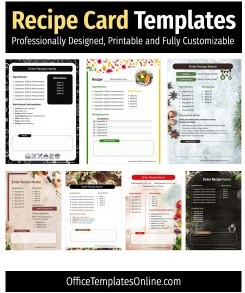
- Cooking & Keepsakes:Recipe Cards, Cookbook Templates, Scrapbooks, Bookmarks
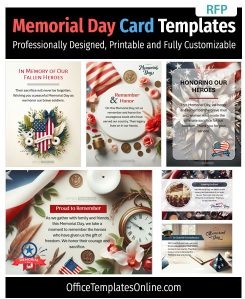
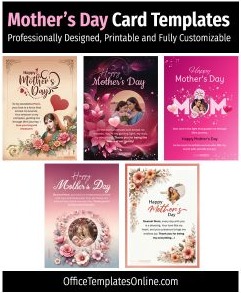
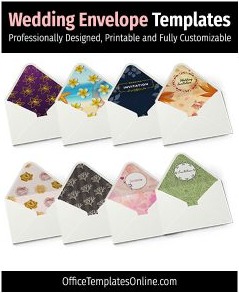
- Invites & Cards:Invitations, Wedding Invites, Envelopes, Christmas Cards, Valentine’s Day, Memorial Day
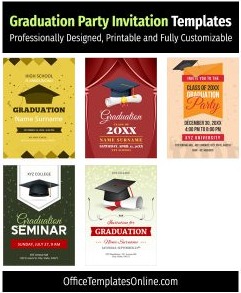
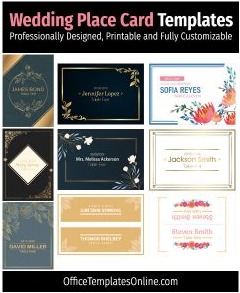
- Weddings & Events:Wedding Timelines, Wedding Checklists, Place Cards, Graduation Invitations
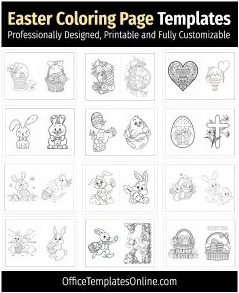
- Seasonal & Kids:Christmas Wishlists, Coloring Pages, Thanksgiving, 4th of July
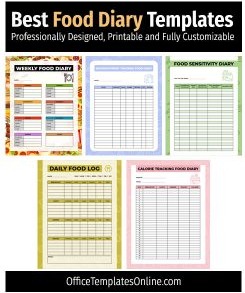
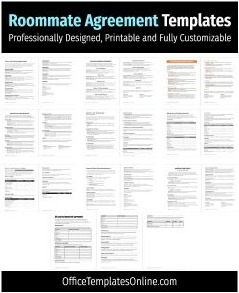
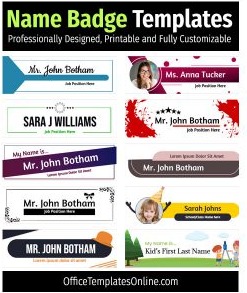
- Home & Life:Food Diary, Roommate Agreement, Name Badges, Outdoor Signs
Browse the designs below and download your personal template for Word – clean layouts, quick edits, print-ready results.


Advertisement
Advertisement

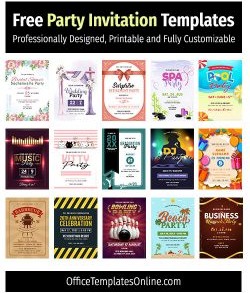
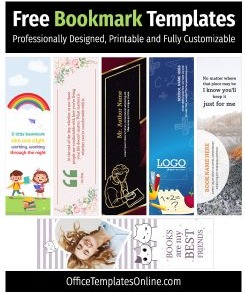
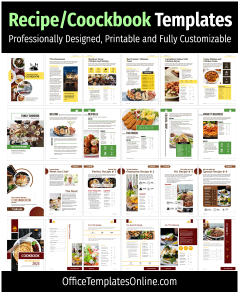
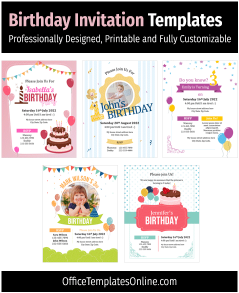
![30+ Editable Scrapbook Templates for MS Word – [Download Free]](https://officetemplatesonline.com/wp-content/uploads/2022/05/editable-scrapbook-templates-for-microsoft-word-250x300-oto-trim.jpg)
![10+ Free Note Card Templates for MS Word [Editable & Printable]](https://officetemplatesonline.com/wp-content/uploads/2022/02/free-note-card-templates-for-ms-word-250x300-oto-trim.jpg)
Featured Browser-Editable Templates
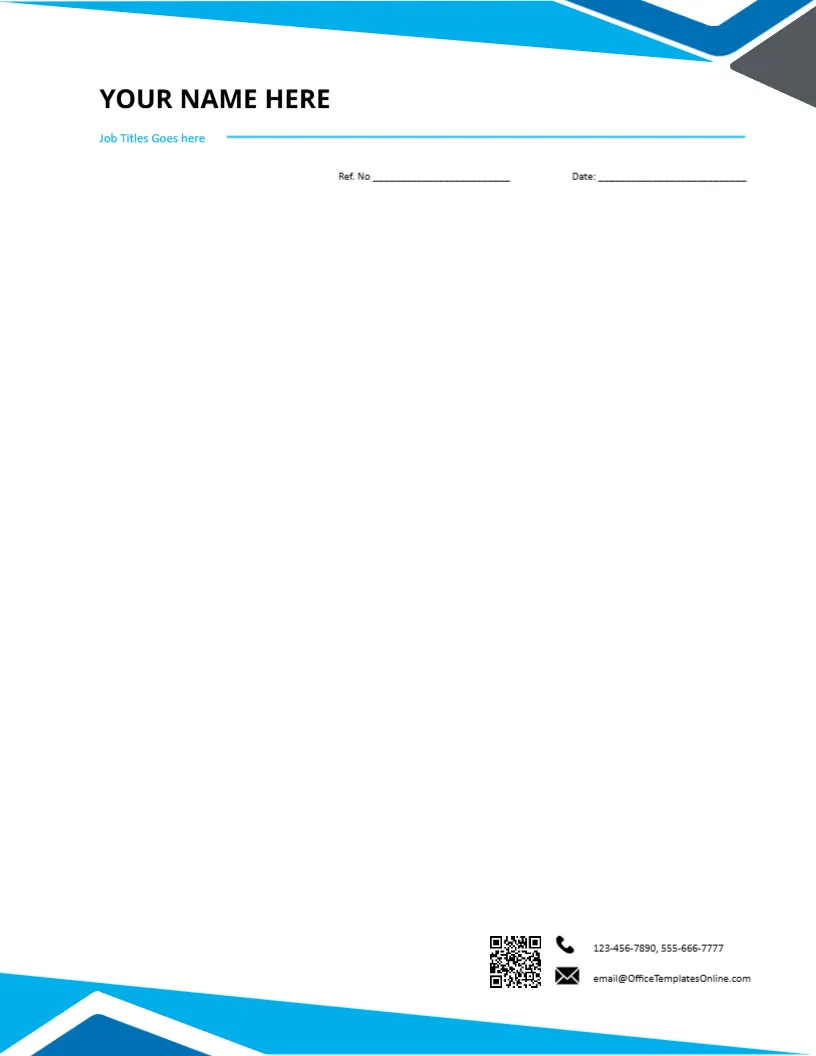
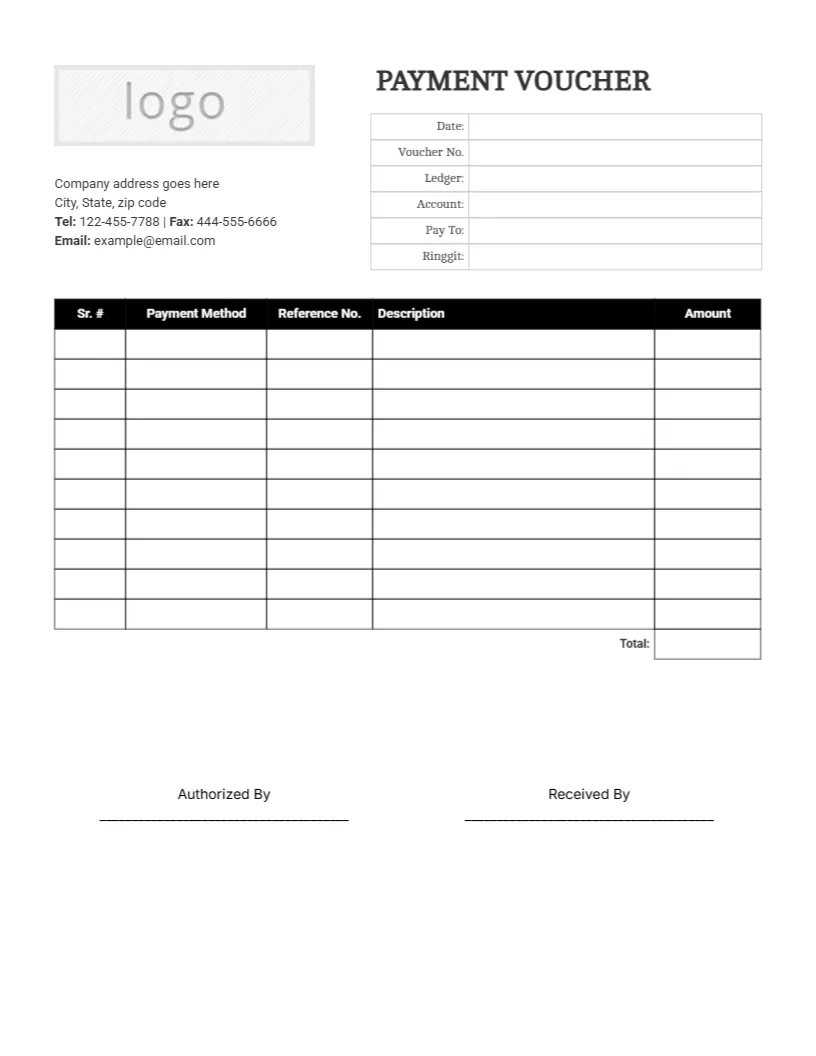
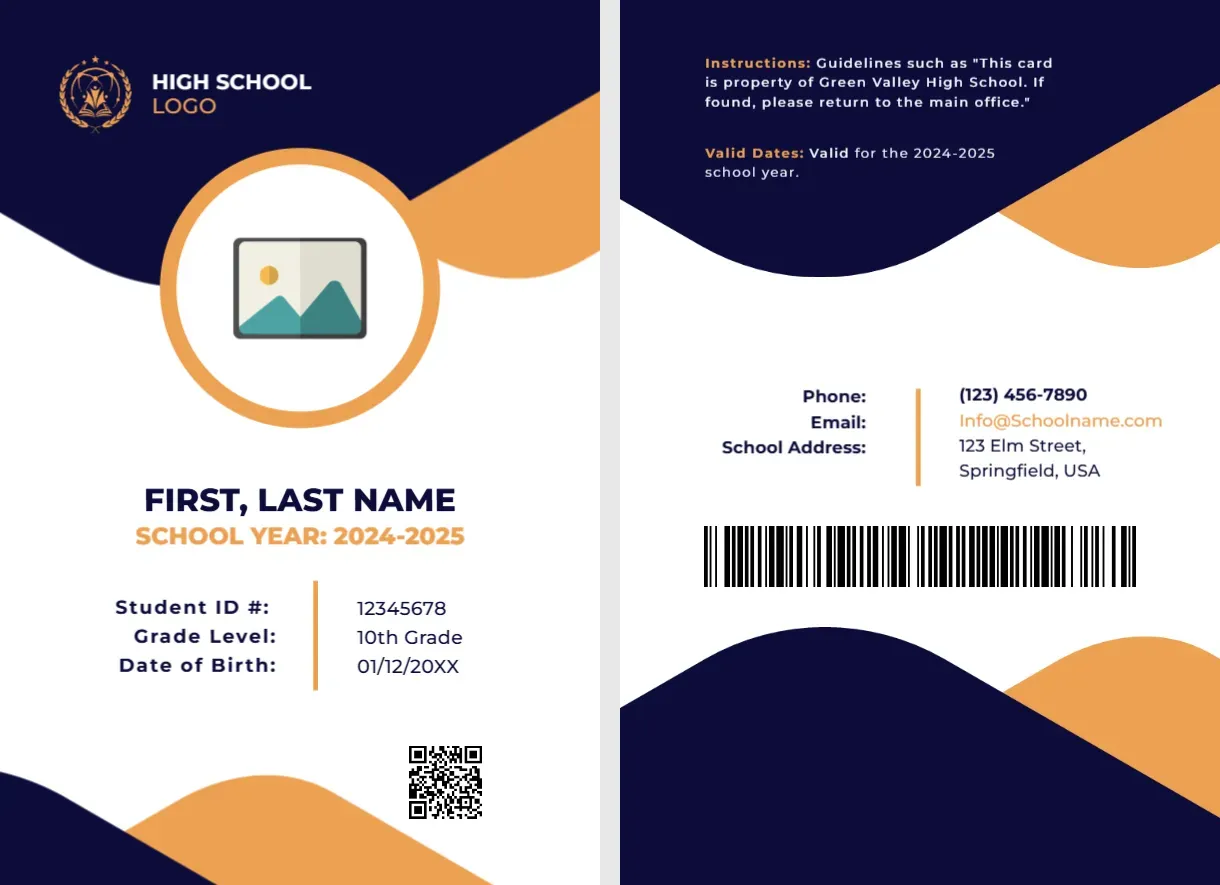
Looking for quick online customization? Browse our featured interactive editor templates below—perfect for creating polished certificates, letterheads, cards, and flyers with zero software needed.
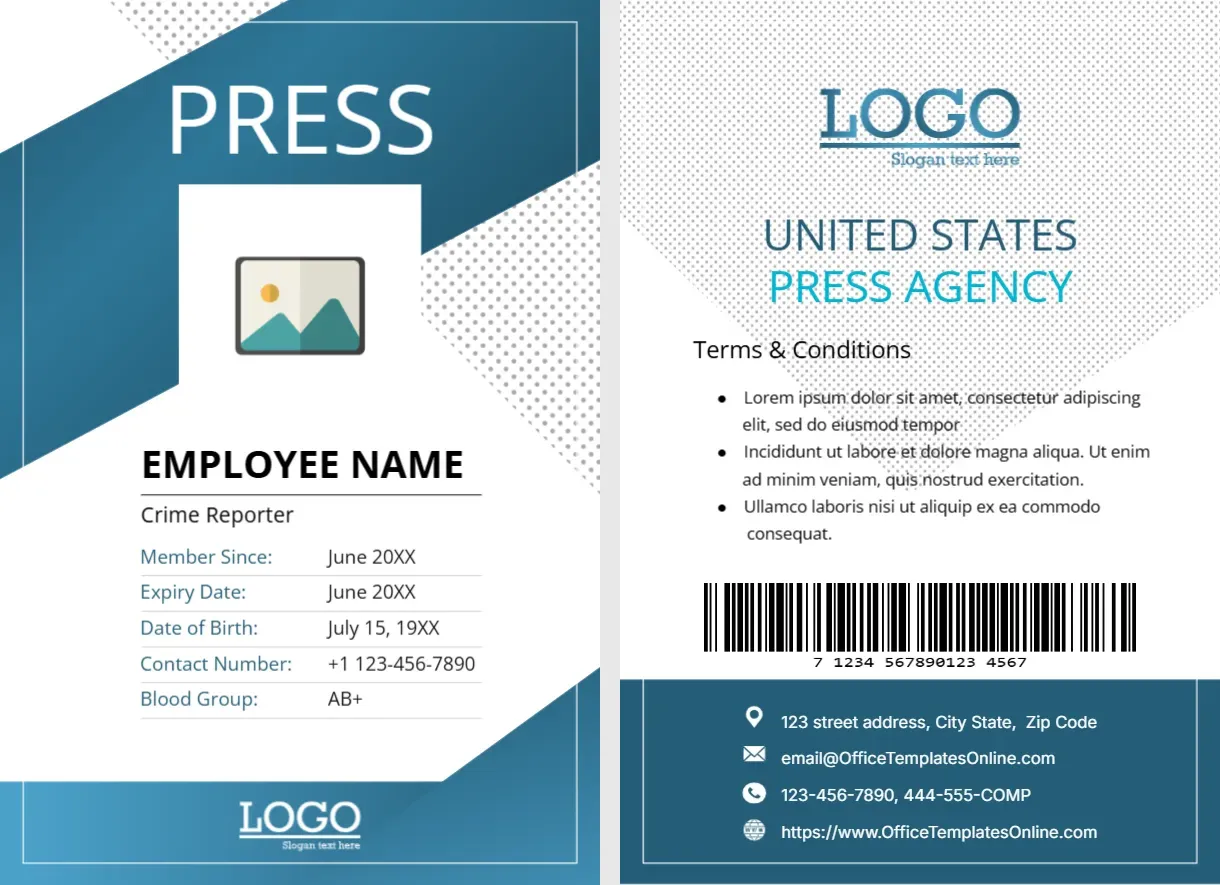
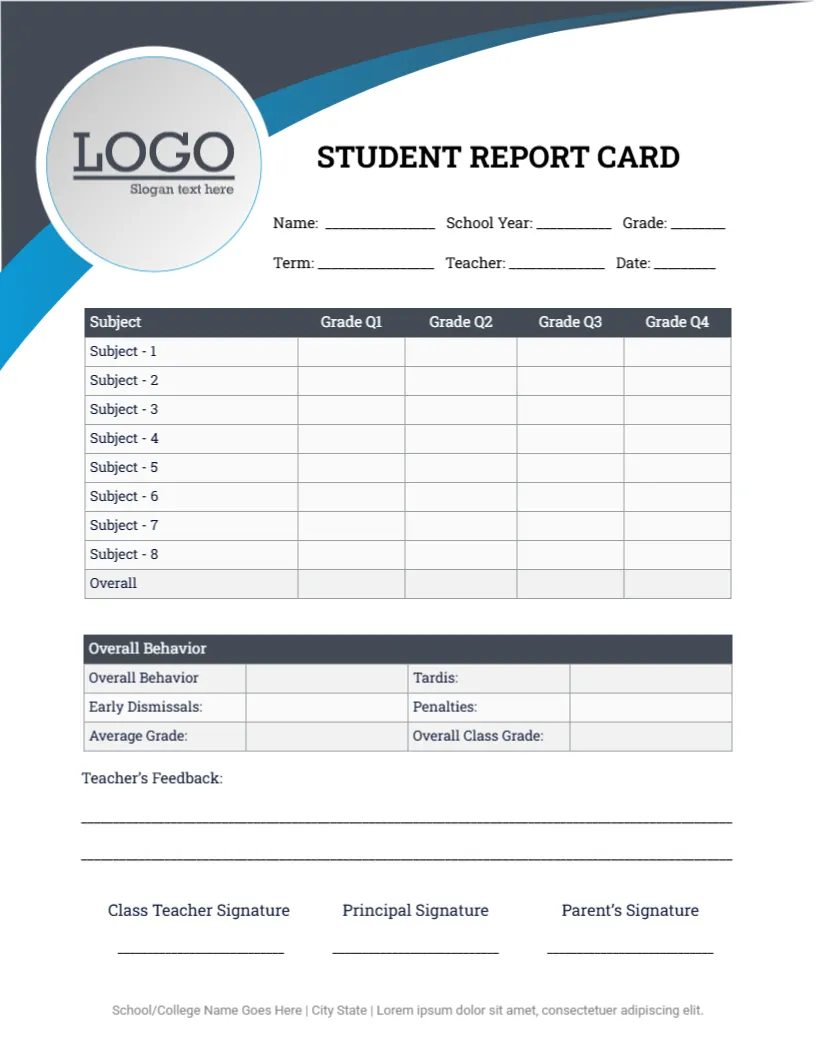
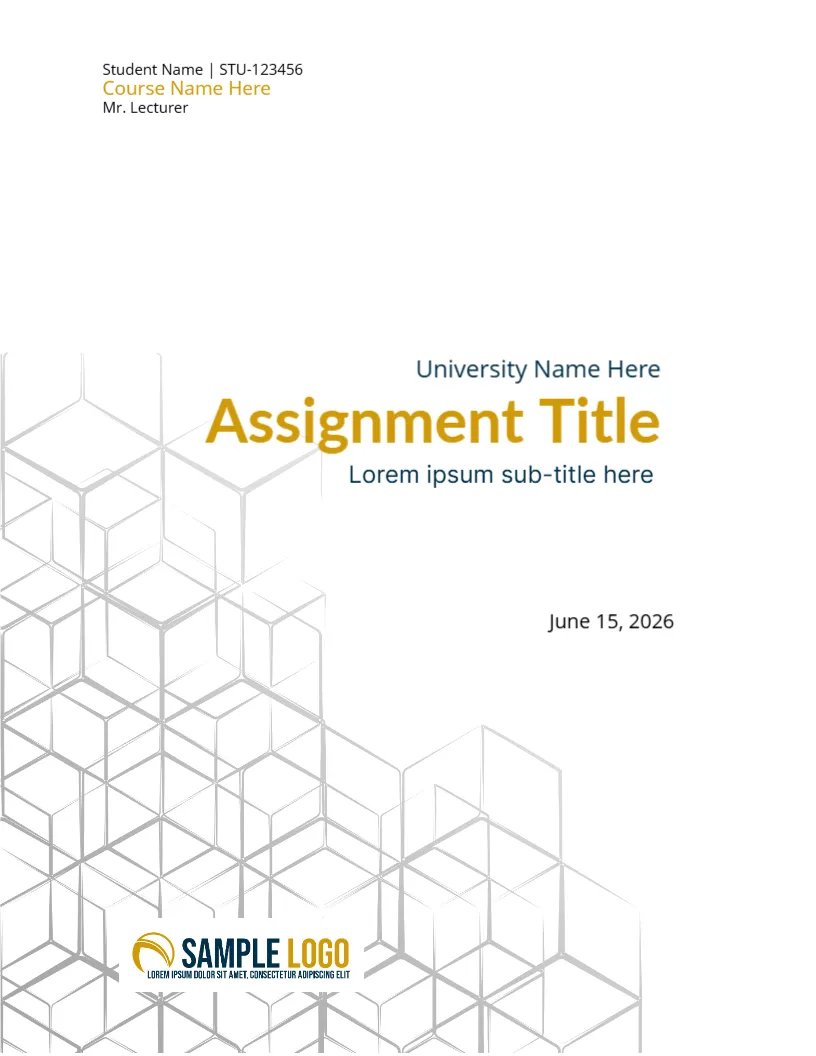
Top Picks






Make it yours in minutes
- Open the DOCX in Microsoft Word (Google Docs also works).
- Replace sample text and photos; set your colors and fonts.
- Export to PDF for consistent sharing and high-quality printing.
Popular categories on this page
- Invitations & cards: wedding, graduation, holiday, and party invites with matching envelopes.
- Weddings: timelines, checklists, and place cards for a smooth day.
- Home & family:recipe cards, food diary, coloring pages, bookmarks.
- Life admin:roommate agreement, signs, name badges.
Printing tips
- Use the size noted on each template (US Letter/A4); print a single test page first.
- Export to PDF before sending to a print shop to preserve layout and fonts.
- For cards/invites, choose 200–250 gsm paper for a premium feel.
FAQs
Can I use these in Google Docs?
Yes – upload the DOCX, edit online, then download as PDF for printing.
Can I change fonts, colors, and images?
Absolutely – use Word’s Design settings and replace images with your own.
Do you have matching envelopes or place cards?
Yes- see Envelope Templates and Wedding Place Cards.
Advertisement
