Free Certificate Templates for Word (Editable & Printable)
Free, editable certificate templates for Microsoft Word (DOCX) — ready to customize, print, and share in minutes.
Whether you’re recognizing employee achievements, issuing official HR documents, rewarding students, or running a seasonal promotion, these certificate designs help you create a polished result without starting from scratch.
All templates open in Microsoft Word (and typically work in Google Docs). Swap names, dates, signatures, and branding fast – then export to PDF for clean printing on A4 or US Letter.
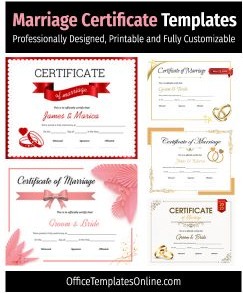
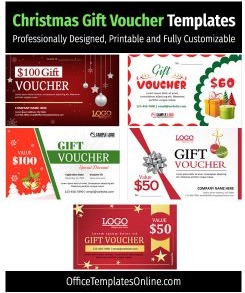
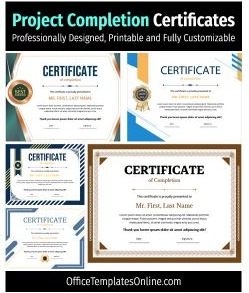
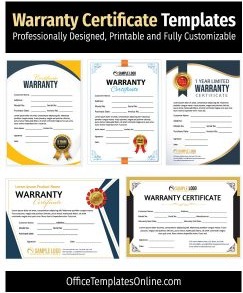
Advertisement


Advertisement


Interactive Certificates Template Editor
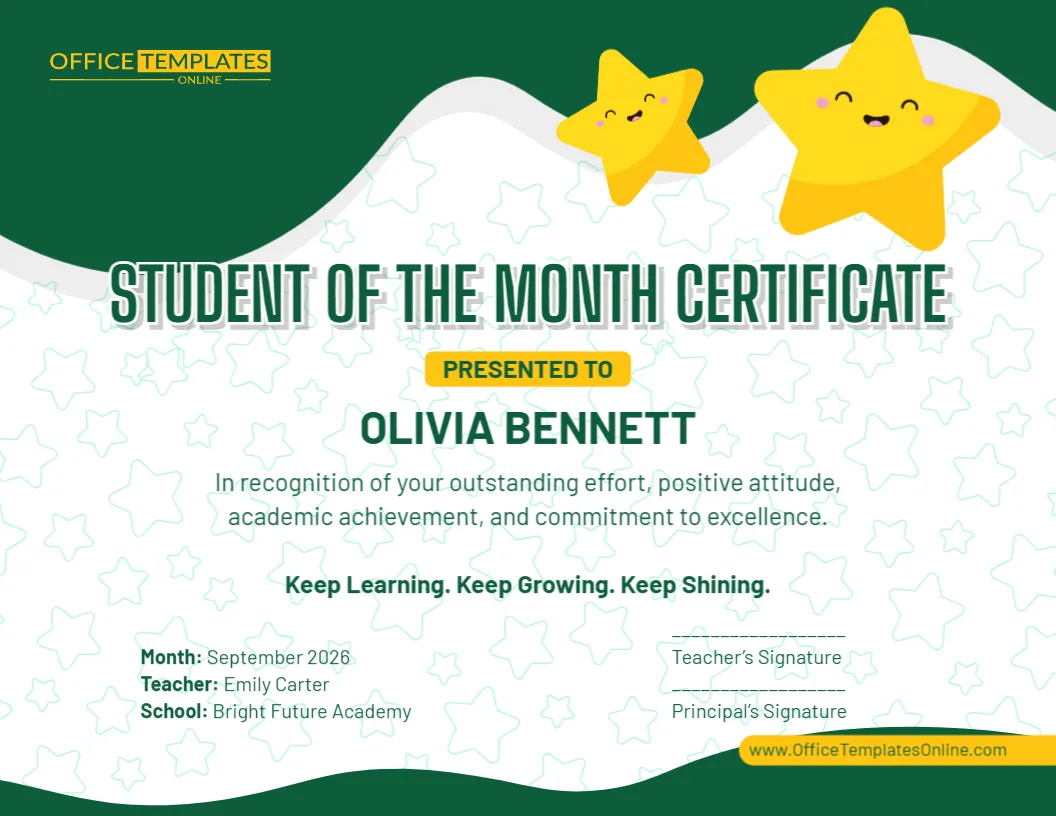
Bring your certificates ideas to life instantly. Pick any of our 130 designs below to edit text, swap images, and download high-resolution PDF or PNG files in seconds.
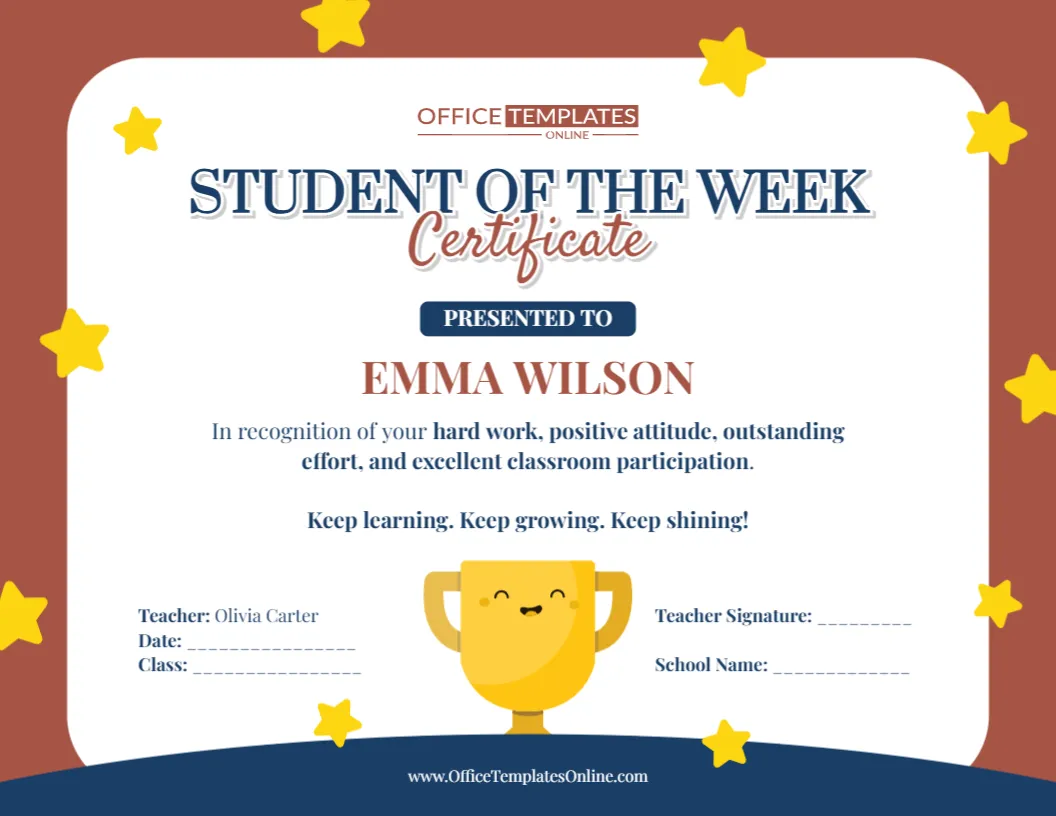
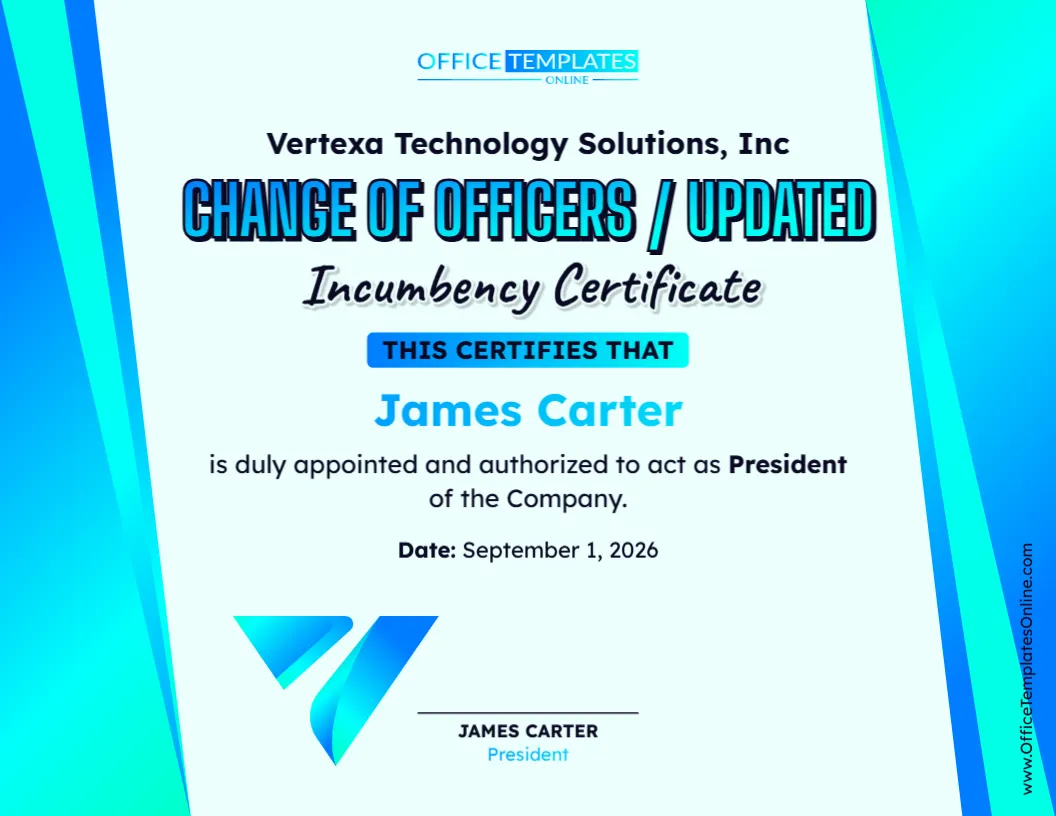
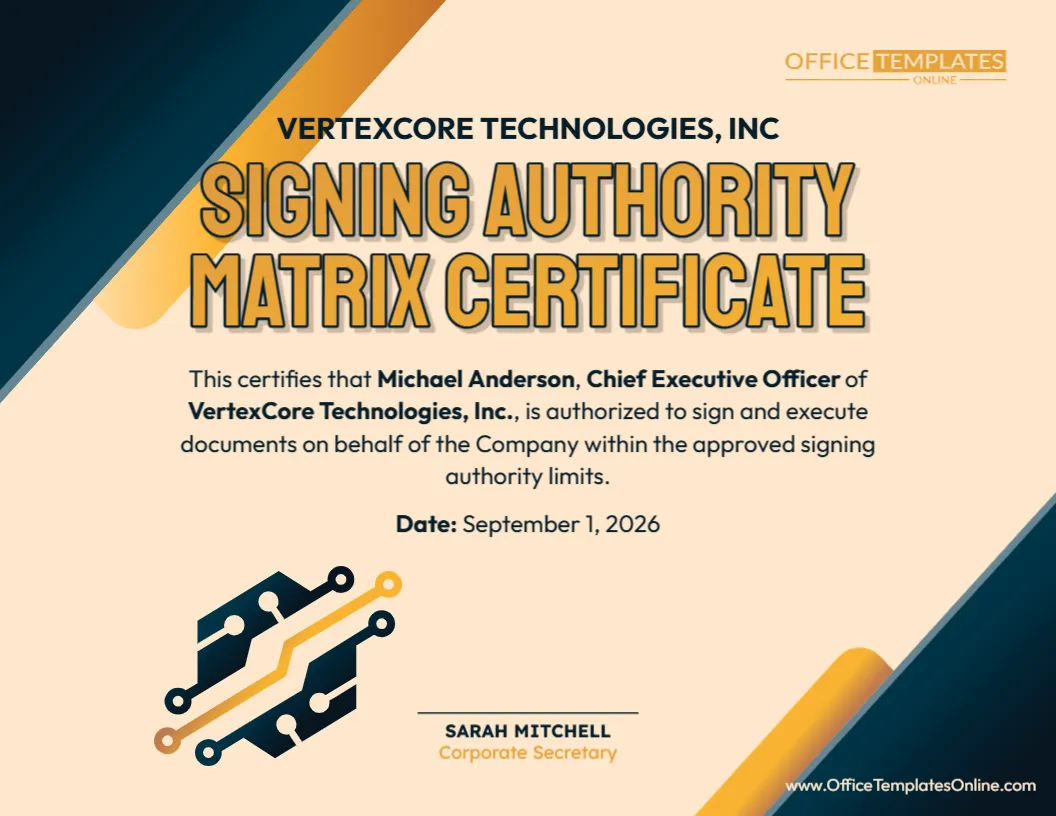
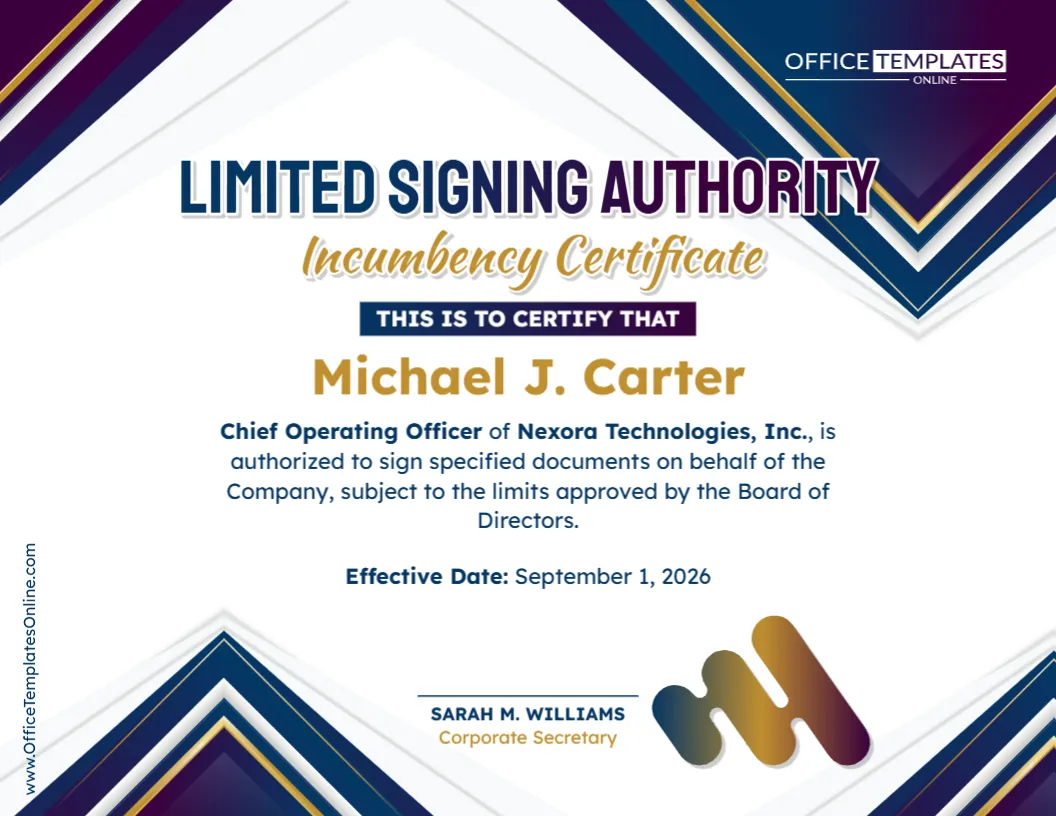
Top Picks





What is a certificate template?
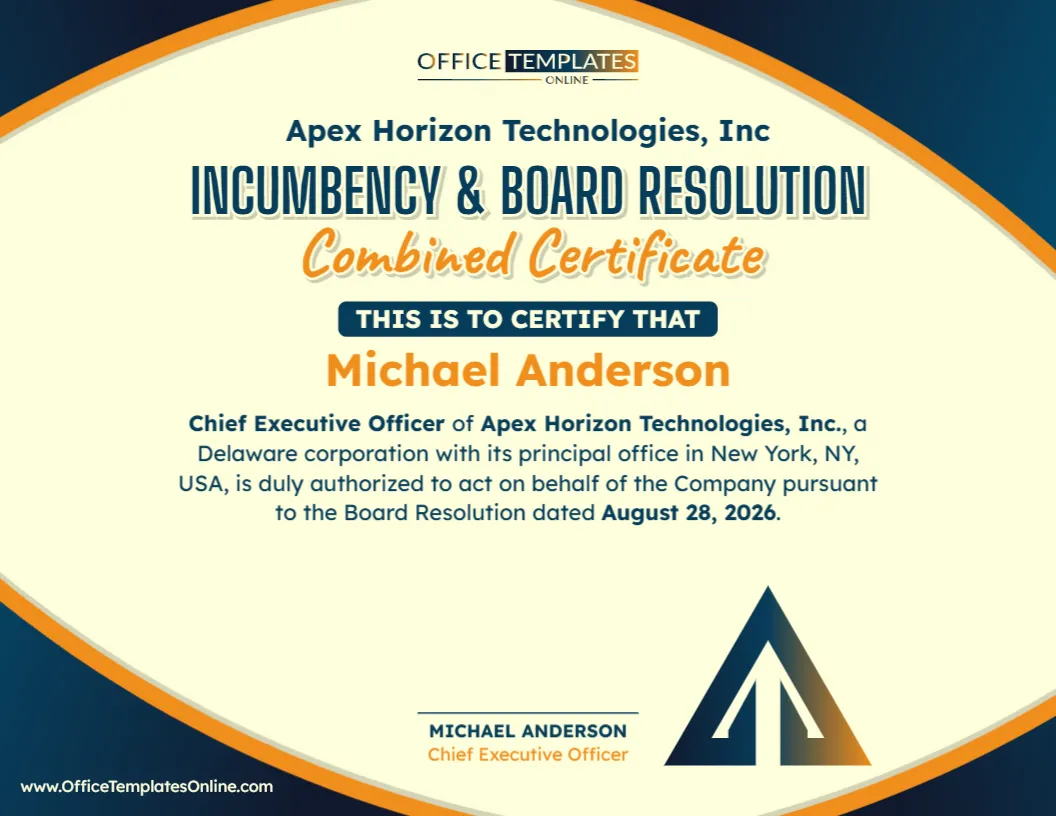
A certificate template is a pre-designed document layout (usually a DOCX file) that includes the key elements of a certificate—title, recipient name line, reason/award text, date, signature area, and optional seal or logo – so you can edit details quickly and keep formatting professional.
Why use editable Word certificate templates?

- Save time: start with a proven layout instead of designing from zero.
- Look professional: consistent spacing, typography, and borders make it “frame-worthy.”
- Easy to personalize: update names, roles, dates, signatures, and colors in minutes.
- Print-ready: export to PDF for crisp sharing and reliable printing.
Popular certificate types (quick links)
Jump straight to the certificate style you need:
HR & official certificates
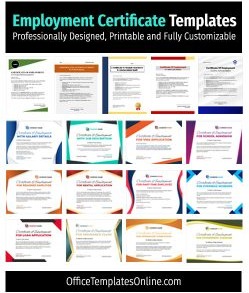
- Certificate of Employment (verification letters & HR requests)
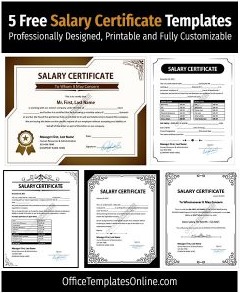
- Salary Certificate (bank/visa/official documentation)
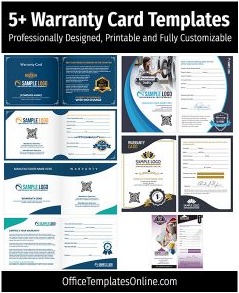
- Warranty Certificate (product coverage & service terms)
Awards, school & appreciation
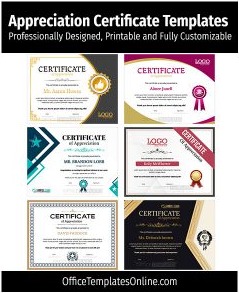
- Certificate of Appreciation (recognition & thank-you awards)
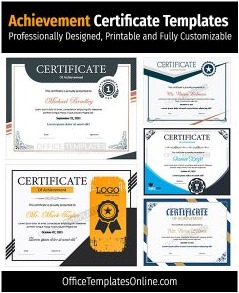
- Certificate of Achievement (performance, milestones, competitions)
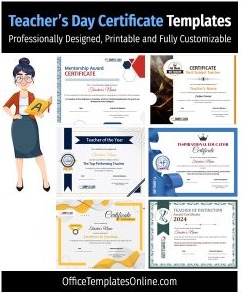
- Teacher Certificates (classroom awards & special recognition)
Business, retail & promotional certificates
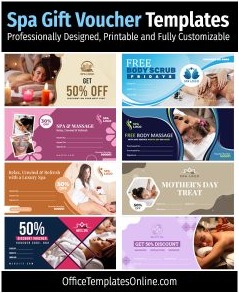
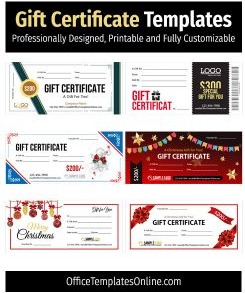
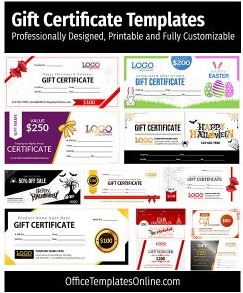
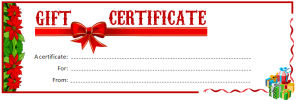
- Gift Certificates & Vouchers (promos, holidays, store credit)
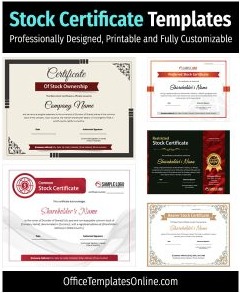
- Stock Certificates (ownership & formal records)
Personal & event certificates
- Marriage Certificate (keepsakes & event-style designs)
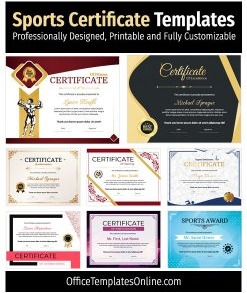
- Sports Certificates (teams, tournaments, participation)
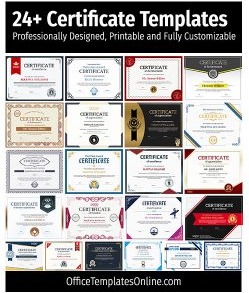
Next: browse the certificate designs below and pick the template that fits your purpose – then customize it in Word.
What’s included in these certificate templates
- Professional layouts: balanced typography, spacing, and borders for a premium look.
- Fully editable DOCX: change names, roles, dates, signatures, seals, and colors.
- Print-ready sizes: A4 and US Letter with safe margins for home/office printers.
- Easy export: save as PDF for clean sharing and consistent printing.

How to customize a certificate in Word (fast)
- Open the DOCX template in Microsoft Word (Google Docs usually works too).
- Replace placeholders: recipient name, reason/award, issuer, date, signature(s), and seal.
- Add your brand: insert a logo, adjust colors, and update fonts if needed.
- Export to PDF for printing or sending digitally.
Tips & best practices for a “premium” result
- Use heavier paper: 200–250 gsm cardstock (or certificate paper) looks more official.
- Avoid clipping: enable “Fit to page” or check margins before printing.
- Keep text readable: limit fancy fonts to headings; use clean fonts for details.
- Add credibility: include a signature line, title/role, and optional seal or stamp area.
- Batch awards: save a “master” version and duplicate it for multiple recipients.
Certificate Templates FAQ
Can I add my logo and change the colors?
Yes. These Word certificate templates are editable—update colors, fonts, and place your logo in the header, corner, or seal area.
Do these work on Mac or in Google Docs?
Yes. You can open the DOCX in Word for Mac, or upload to Google Docs to edit online, then export to PDF.
Can I reuse one certificate template for multiple people?
Absolutely. Save a master file, duplicate it, and update the name/date for each recipient.
What paper size should I use for printing?
Most templates are designed for A4 and US Letter. Choose the correct size in your print settings and preview before printing.
Which certificate should I use for HR documentation?
For formal requests, start with an Employment Certificate or a Salary Certificate and tailor the wording to your organization.
Related: if you need retail-ready designs, explore Gift Certificates & Vouchers for promotions and seasonal campaigns.
Advertisement
