20+ Free Cover Page Templates for Reports, Projects, and More
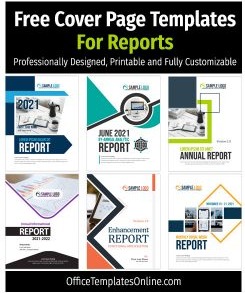
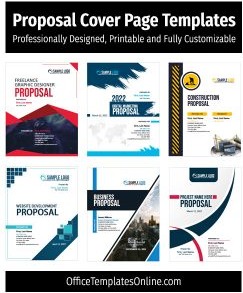
On this page: You can download beautifully and professionally designed Cover Page Templates for MS Word. You can use them for your assignment, proposal, research paper, booklet, reports, or any kind of book. All of these are created with high-quality vector graphics that make them printable for any regular or special printer. You can also export them to PDF to use in emails or online messages.
What is a Cover Page?
The title or cover page is the first page that actually represents the main idea of the whole book, booklet, or magazine with its design and title heading. This represents the real purpose so that just by looking at it, everyone can know what this book is about. By definition, the more beautiful, attractive, and informative a cover is, the greater the impact it will have on the viewer. The other big advantage is that you can understand by looking at it whether the book or document is in your interest and need or not. That way you won’t waste your time reading it and will be able to easily continue searching for what you want.
Download Creative & Professional Templates
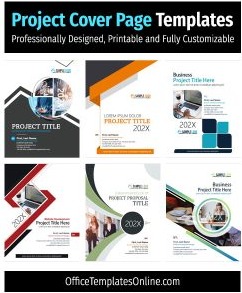
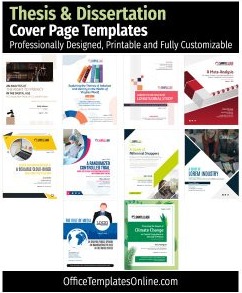
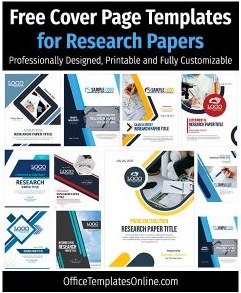
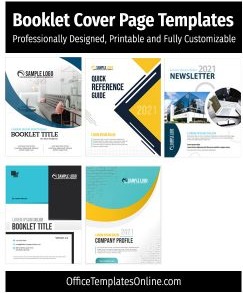
Find below creative and nicely laid out formats that you can download free of cost. Each of these has a preview and download link below it. You can simply click the download link to download it to your computer and use it to create an awesome title page for you.
#1 – Best for Business Case Report

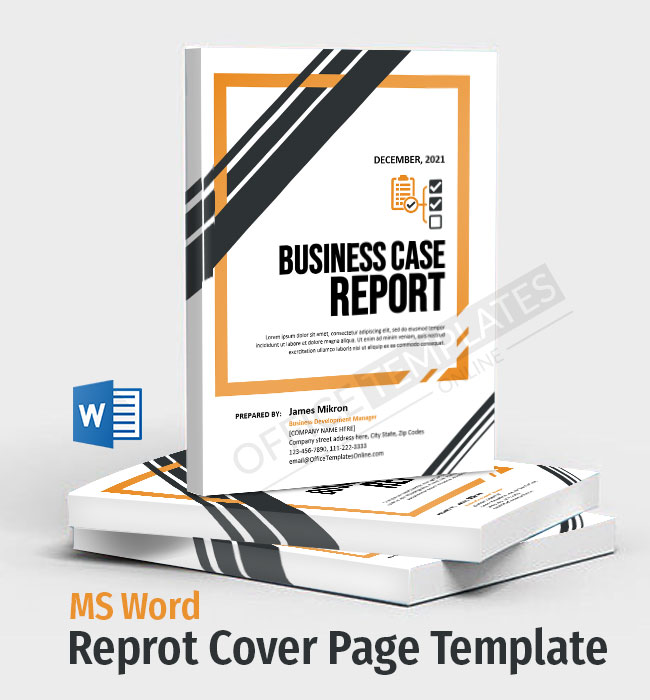
Watch the video below for how to create this cove page for Business Case Report.


#2 – For a Booklet
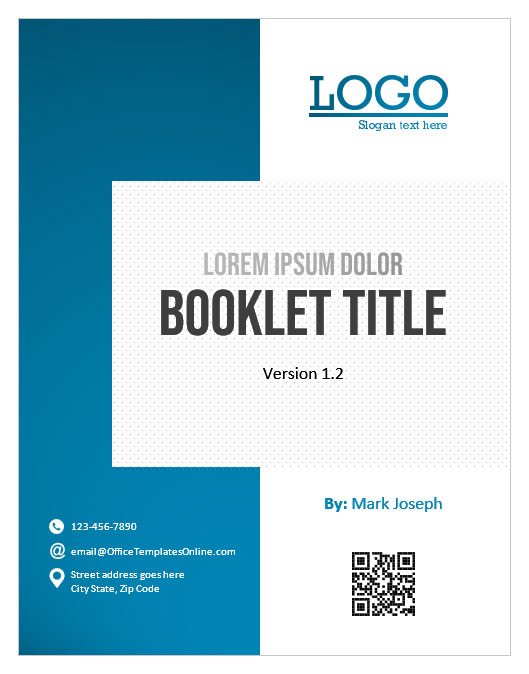

Watch the video tutorial to see how you can modify or create this from the start.

#3 – For any kind of Proposal
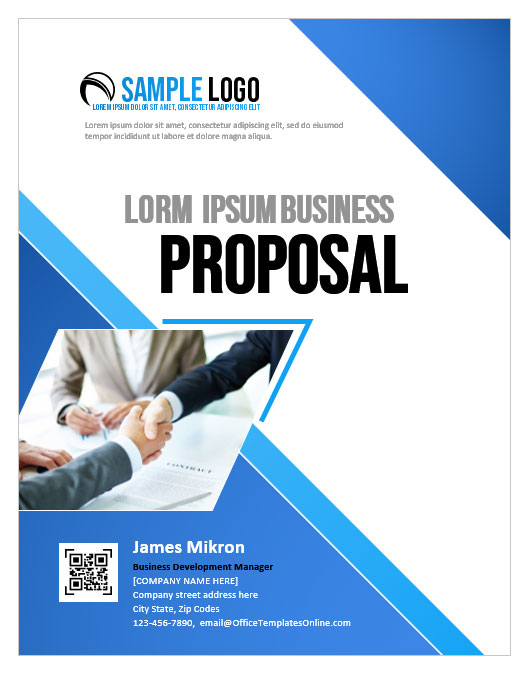
#4 – Best for any type of Assignment
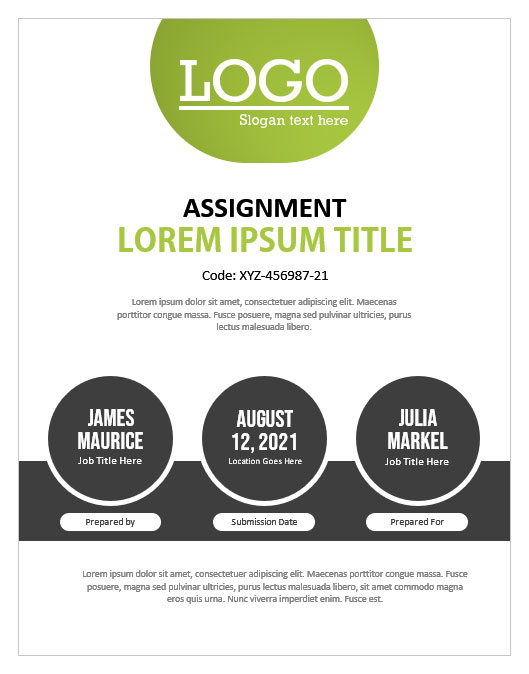
#5 – For Business Expense Report
#6 – Research Paper Format

#7 – For Weight Loss Booklet

#8 – For a Feasibility Report
#9 – Annual Report Cover Page


#10 – Case Study Cover Page

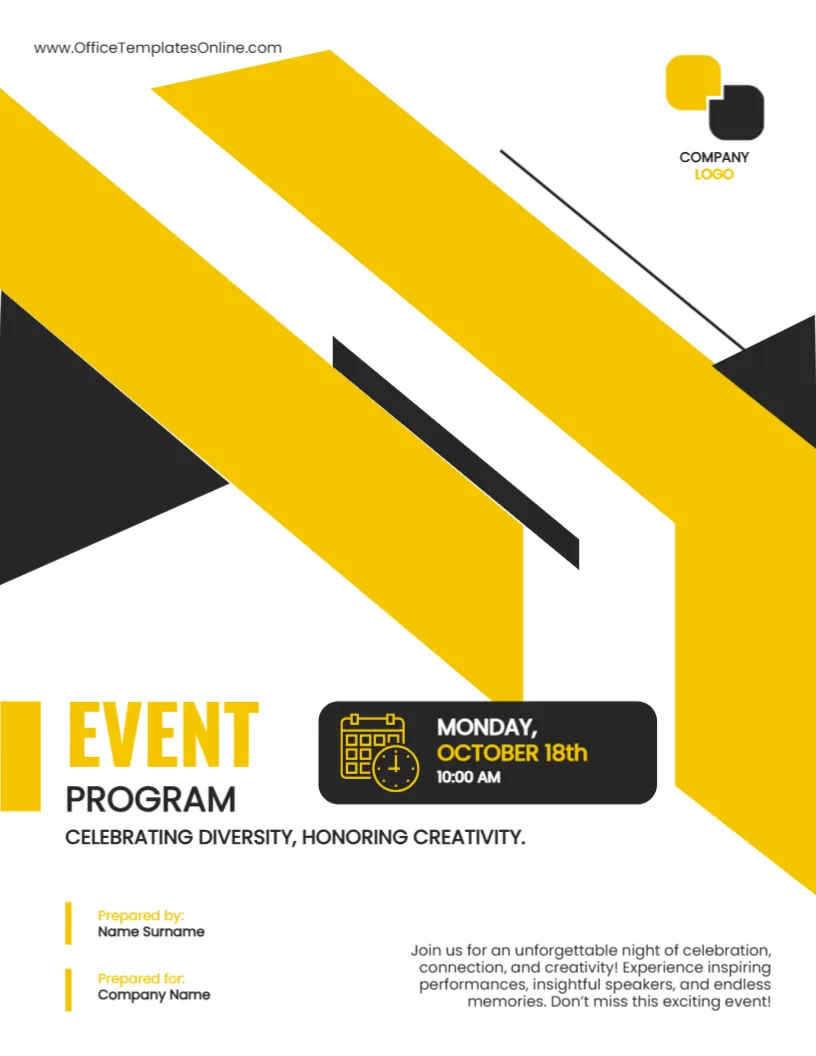
#11 – Event Program Cover Page
#12 – Internship Report Cover

Create Your Perfect Templates in Seconds
Choose from ready-made templates related to this topic, edit them online, and download instantly in PDF, PNG, or JPG format - fast, free, and no login needed.
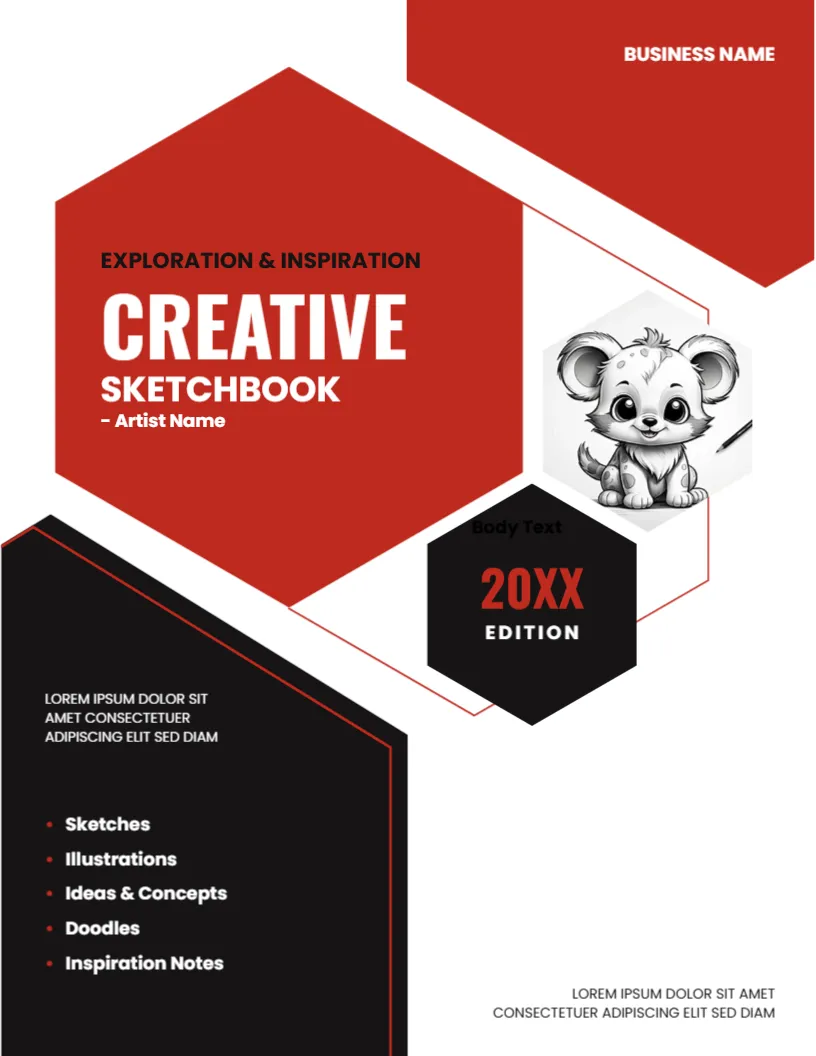
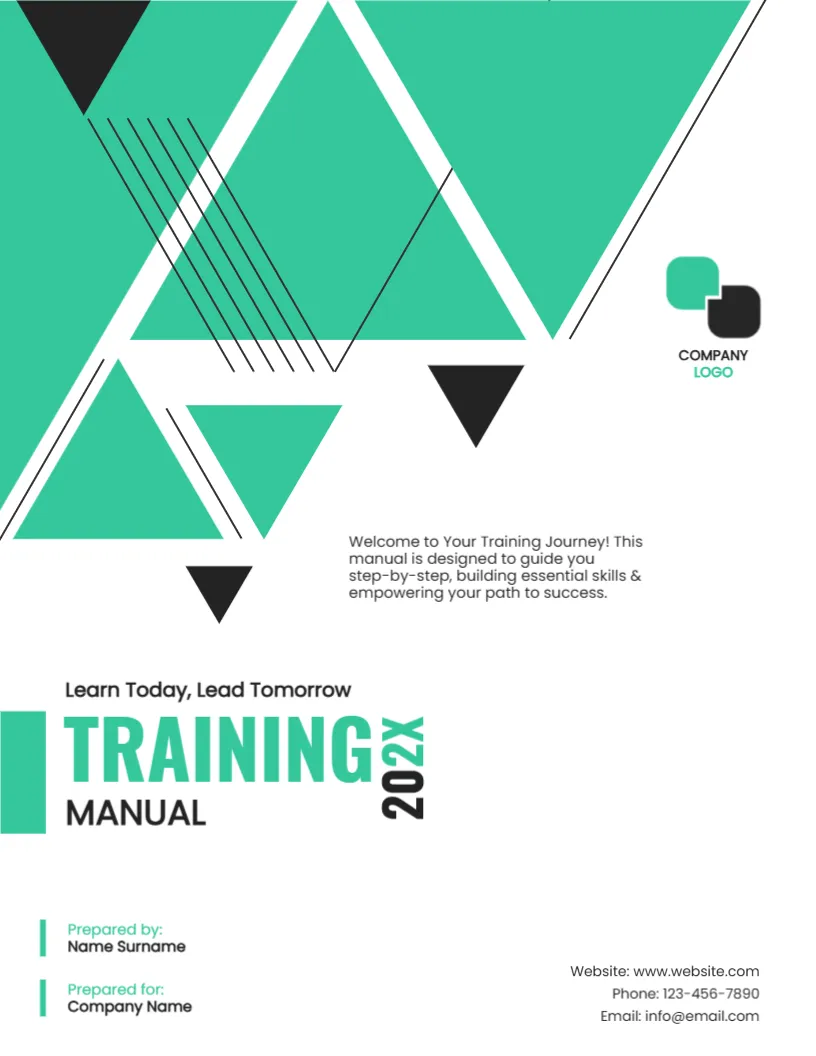
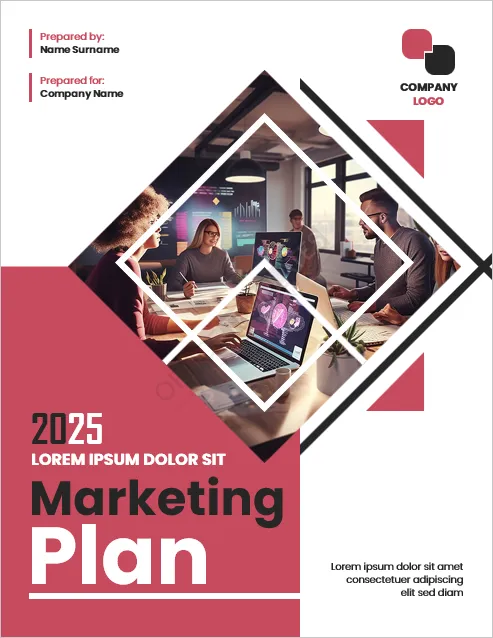
#13 – Marketing Plan Cover Page
#14 – Meeting Agenda Cover Page
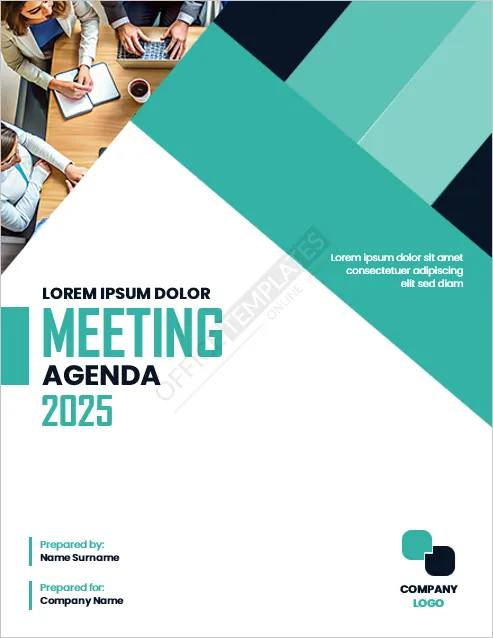
#15 – Monthly Financial Report Cover Page

#16 – Newsletter Cover Page
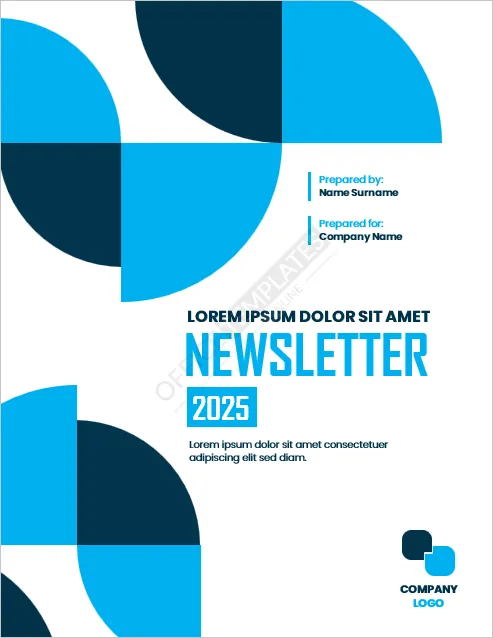
#17 – Portfolio Cover Page

#18 – Presentation Cover Page
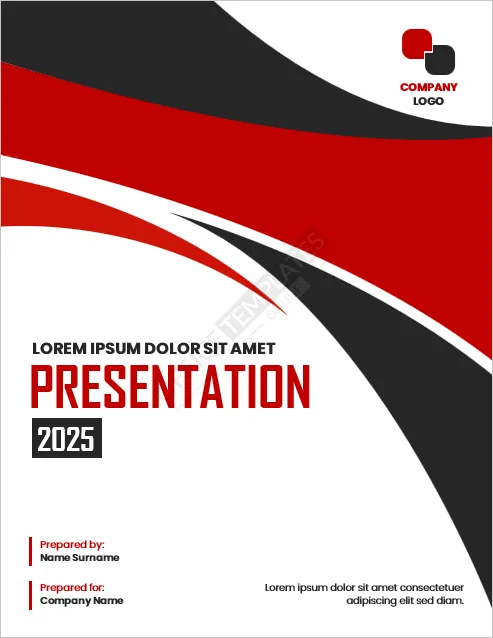
#19 – Project Report Cover Page

#20 – School Assignment Cover Page
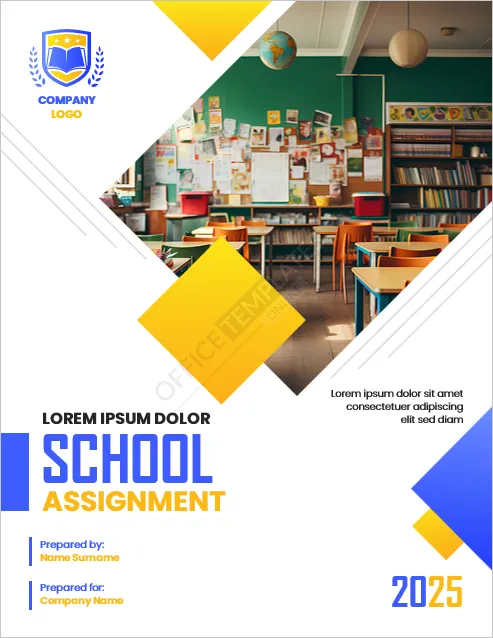
What Important Things to be Included on a Cover Page?

Title Text
The most important thing on a front page is its title. This title text should be like “to build a bridge over the bridge”. If one looks at it, one will know very clearly what is inside a book.
Sub Title Text
Subtitle text usually refers to an edition of a book or a version of an official document. This text is written just below the title so that the reader can see the title as well as the subtitle text at a glance.
Author Name
Then there is the author’s name. If you are designing it for a book, thesis, assignment, or research paper, then it is very important that the author’s name is written on it in very clear words. But if you are making it for a magazine or a documentary that does not require the author’s name, then this is not a necessary thing.
Teaser Text
In addition to the title and author’s name, the third important thing you can write is the teaser text. One or two lines in this text you can write for your reader how he can benefit from reading this book. In a way, this text should be the main idea or essence of this book.
Layout and Design
An attractive and beautiful design is an essential part of writing the three things mentioned above on a front page. A general analysis is that design and layout are the first things that attract the viewer. Then, in the second stage, a person reads the written information. Therefore, the design should be very attractive in terms of its colors and layout.
Creation Date
After that, if you are preparing an official document such as a proposal, quotation, report, assignment, or research paper, it is also necessary to write the date of its creation of such documents. This lets the reader know that he is not going to read an old or outdated document.
Place
Another thing you can write is the name of the place where this book or document was made. This is not a very important thing but in the case of an official document, it may be useful to write the office address and contact information here.


![Cover Page Designs & Formats for Business Plan in MS Word [Free and Editable]](https://officetemplatesonline.com/wp-content/uploads/2021/09/cover-page-templates-for-business-plan-in-ms-word-1-250x300-oto-trim.jpg)