
Free Invoice & Receipt Templates for Word & Excel - Invoices, Receipts, POs & Quotes
Free, editable invoice & receipt templates for Microsoft Word and Excel – create professional bills, receipts, POs, and quotes in minutes.
Open in Word (works in Google Docs) or Excel (works in Google Sheets), add your logo and company info, adjust currency and tax, then export to PDF for a polished send.
- Invoices & Receipts:Invoice Templates (Word), MS Word Invoice Templates (Set 2), Receipt Templates (Word), Receipt Templates (Set 2)
- Quotes & Orders:Quotation Templates, Quotation Templates (Set 2), Purchase Order Templates, Sample PO Form
- Payments:Payment Voucher Templates
- Need it now? Try our Free Online Invoice Generator to create and download a PDF in seconds.
Browse the templates below and download your file – clean formatting, fewer errors, and client-ready documents.


Try Our Interactive Template Editor
Prefer editing without opening Word or Excel? These templates below are editable online - change the text and graphics, then export a print-ready file.

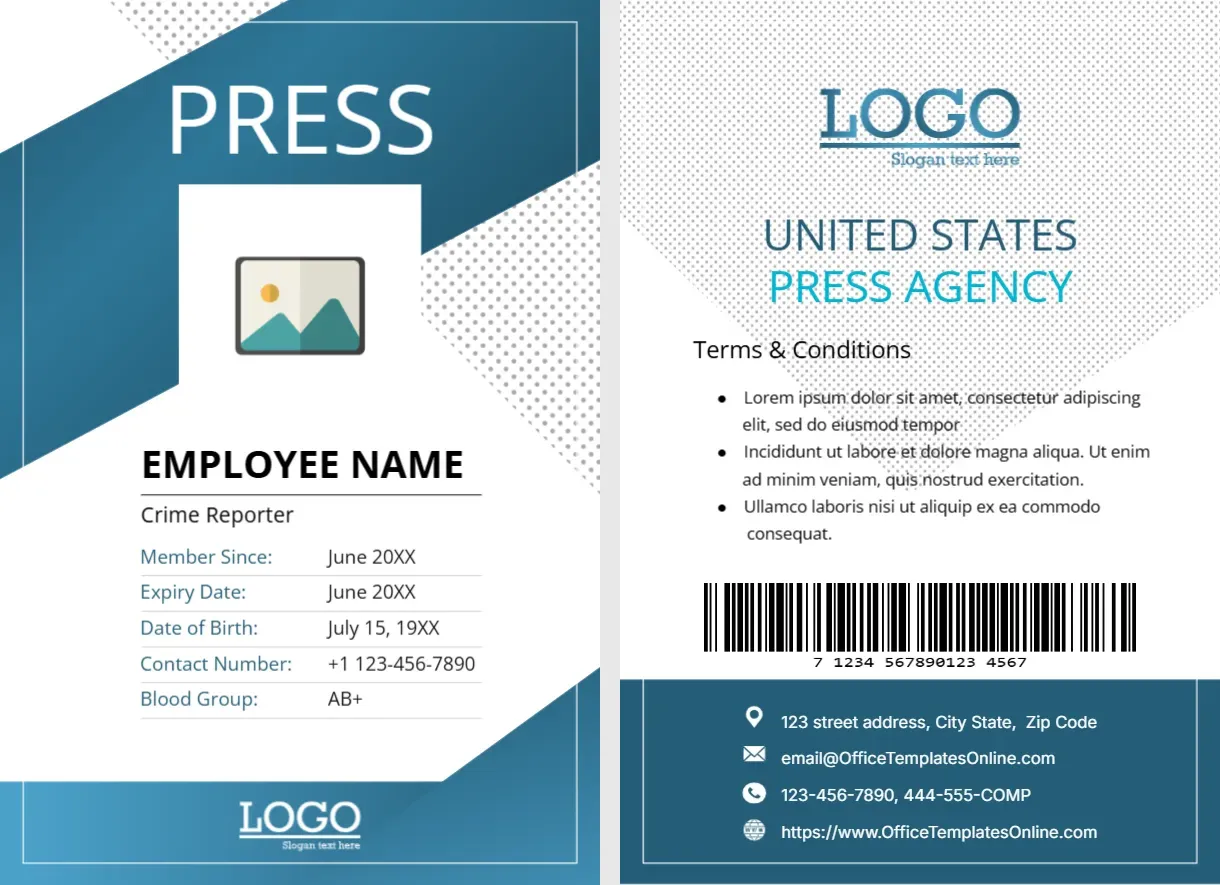

Top Picks











Which template do you need?
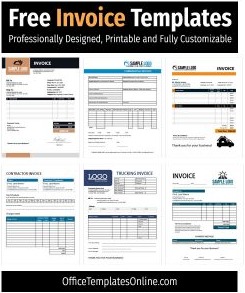
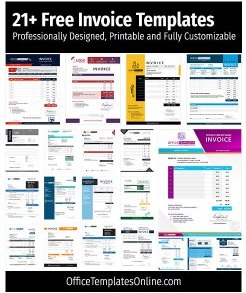
- Invoice (Word): branded billing with terms, tax, and totals – start with Invoice Templates or this collection.
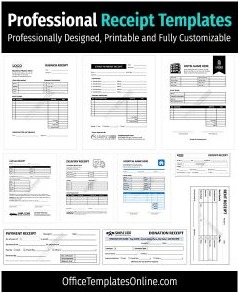
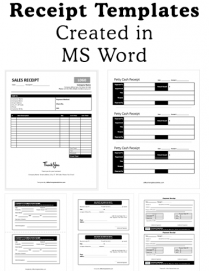
- Receipt (Word): confirm payment with method, amount, and balance — see Receipt Templates and more receipts.
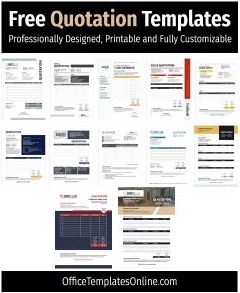
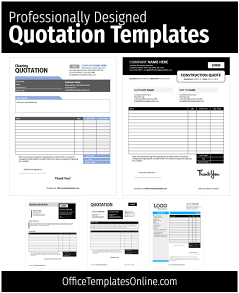
- Quotation (Word): send prices and validity terms — use Quotation Templates or the pro set.
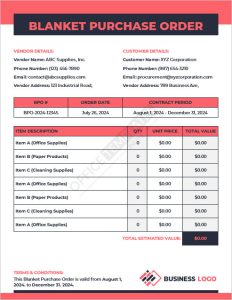
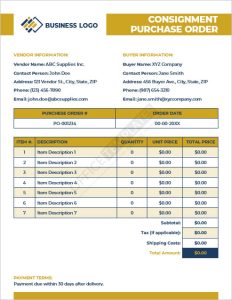
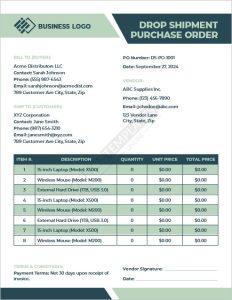
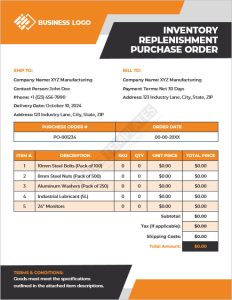
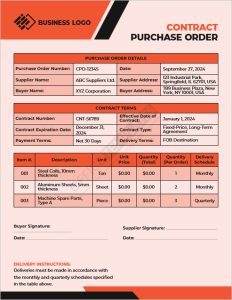
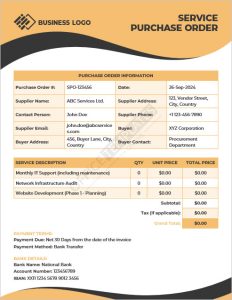
- Purchase Order (Word): formalize purchases with vendor & ship-to — try PO Templates or the sample PO form.
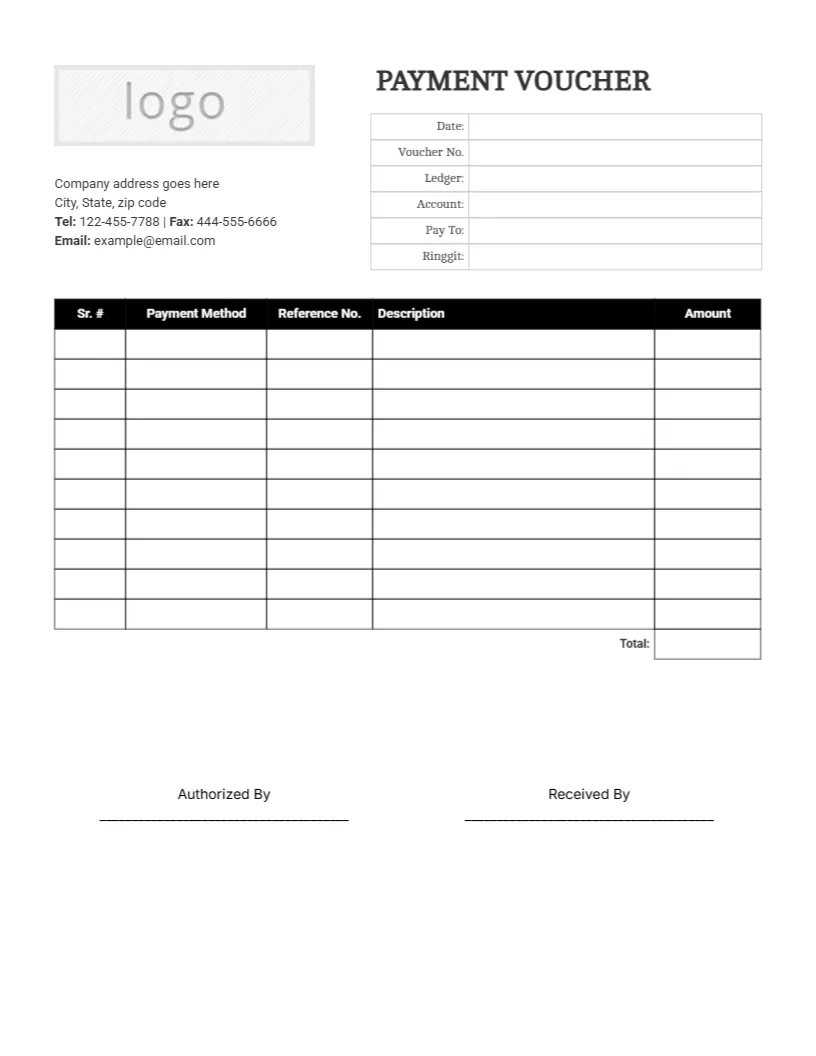
- Payment Voucher (Word): record payouts and approvals — use Payment Vouchers.
Customize in minutes
- Open the DOCX or XLSX in Word or Excel (Google Docs/Sheets also work).
- Update logo, company details, currency/tax, line items, and signer fields.
- Export to PDF before emailing to preserve layout and totals.
Word vs. Excel — which to choose?
- Word: client-facing documents (invoices, receipts, POs, quotes) with polished branding.
- Excel: when you want built-in formulas for tax, subtotals, and balances.
Good practices
- Use unique IDs (e.g.,
INV-2025-00123,PO-2025-0917-045). - Include issue date, due date, payment terms, and contact info.
- Lock formula cells in Excel to avoid accidental edits.
FAQs
Can I change currency and tax?
Yes — switch symbols/number formats and update tax/percent fields in Word or Excel.
Is there a quick way to make one invoice?
Use the Free Online Invoice Generator to create and download a PDF instantly.
Advertisement
