Free Calendar Templates for Word & Excel
Free, editable 2025 calendar templates for Microsoft Word and Excel—ready to customize, print, and use at home, school, or work.
Choose the layout that fits your planning style: yearly overviews for big-picture goals, clean monthly calendars for schedules, or weekly/daily planners for task detail. Every file opens in Word (and works in Google Docs) or Excel, so you can change colors, fonts, and sizes in minutes.
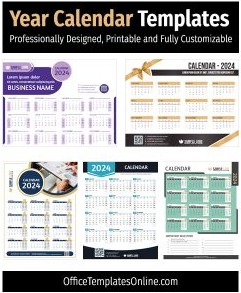
- Yearly:Year Calendar Templates for Planning 2025
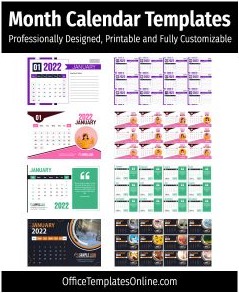
- Monthly:Printable Monthly Calendar Templates (2025)
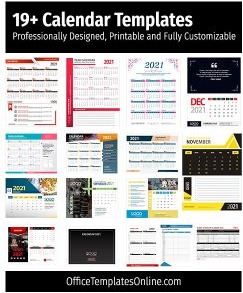
- All-in-One pack:Word & Excel Calendar Collection
- Planners:Daily & Weekly Planner Templates (Word)
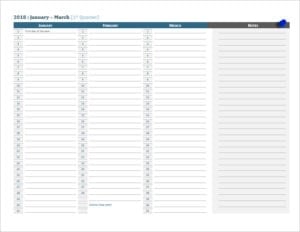
- Year with notes:2025 Year Calendar with Notes (Word)
Need a quick print? Use our free PDF calendar maker to generate a neat monthly calendar instantly.
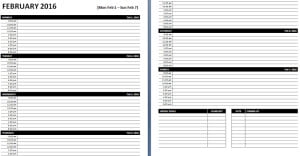
Trending Templates You Can Edit Online
Looking for quick online customization? Browse our featured interactive editor templates below—perfect for creating polished certificates, letterheads, cards, and flyers with zero software needed.
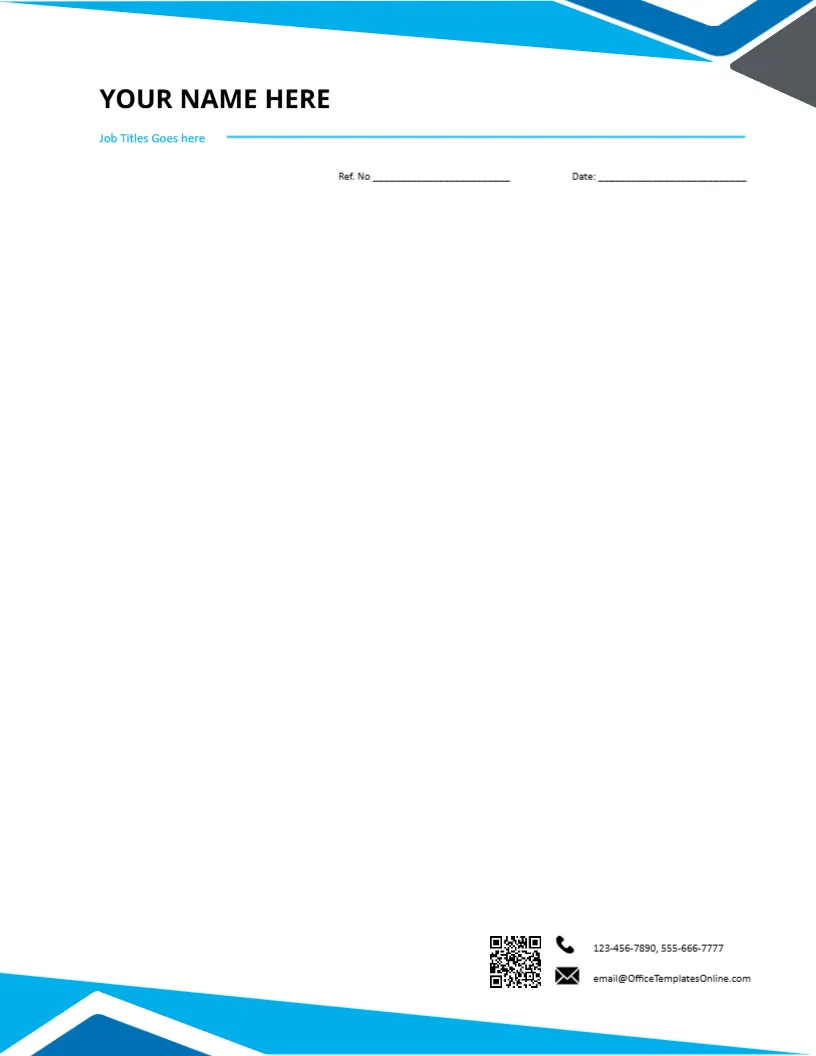
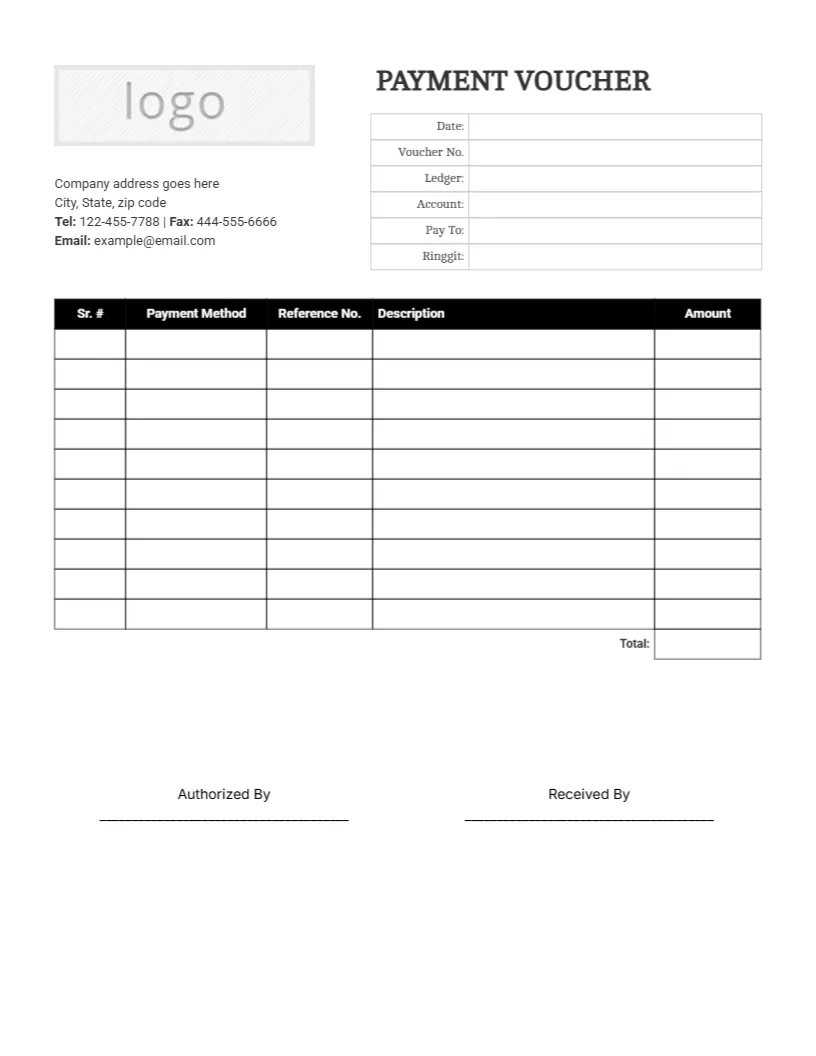
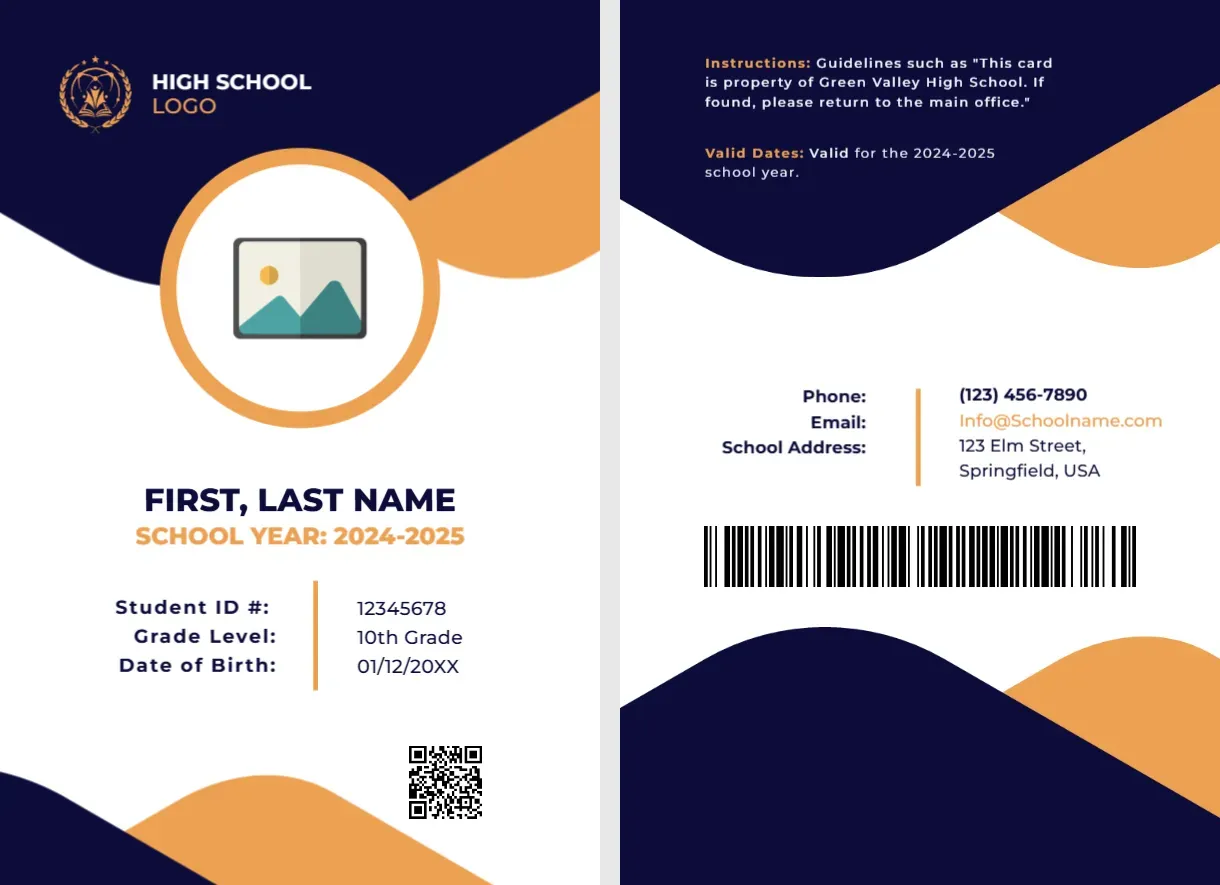
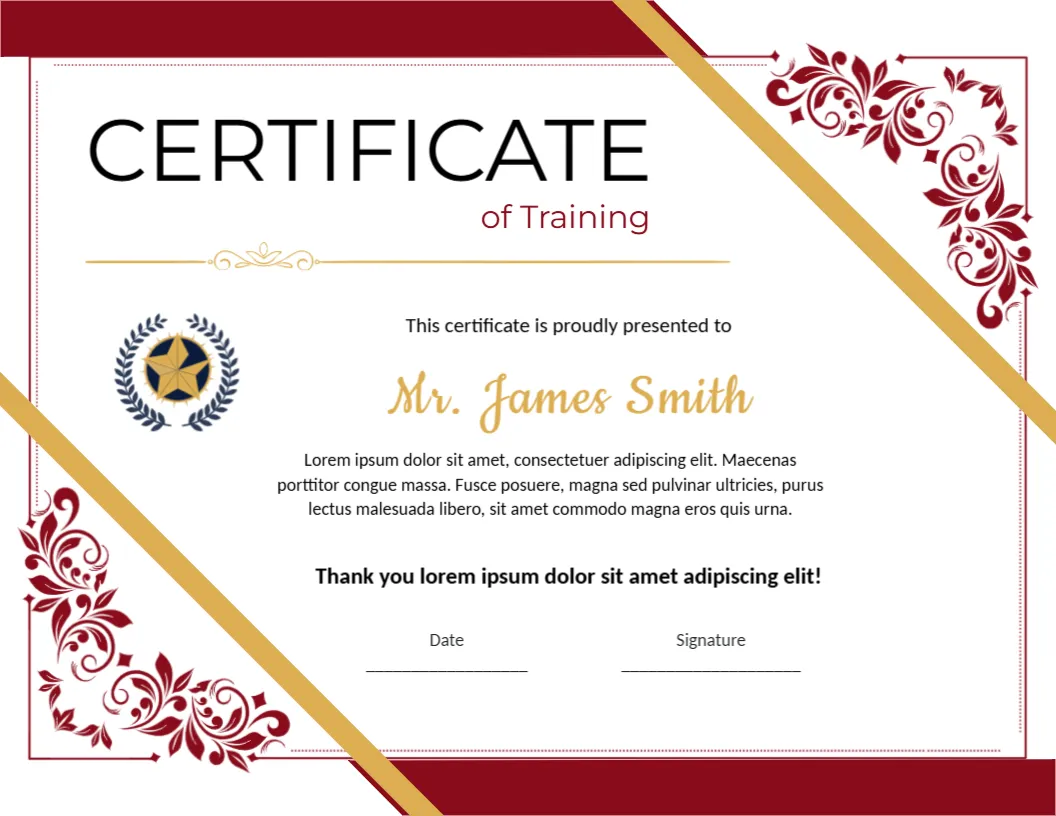
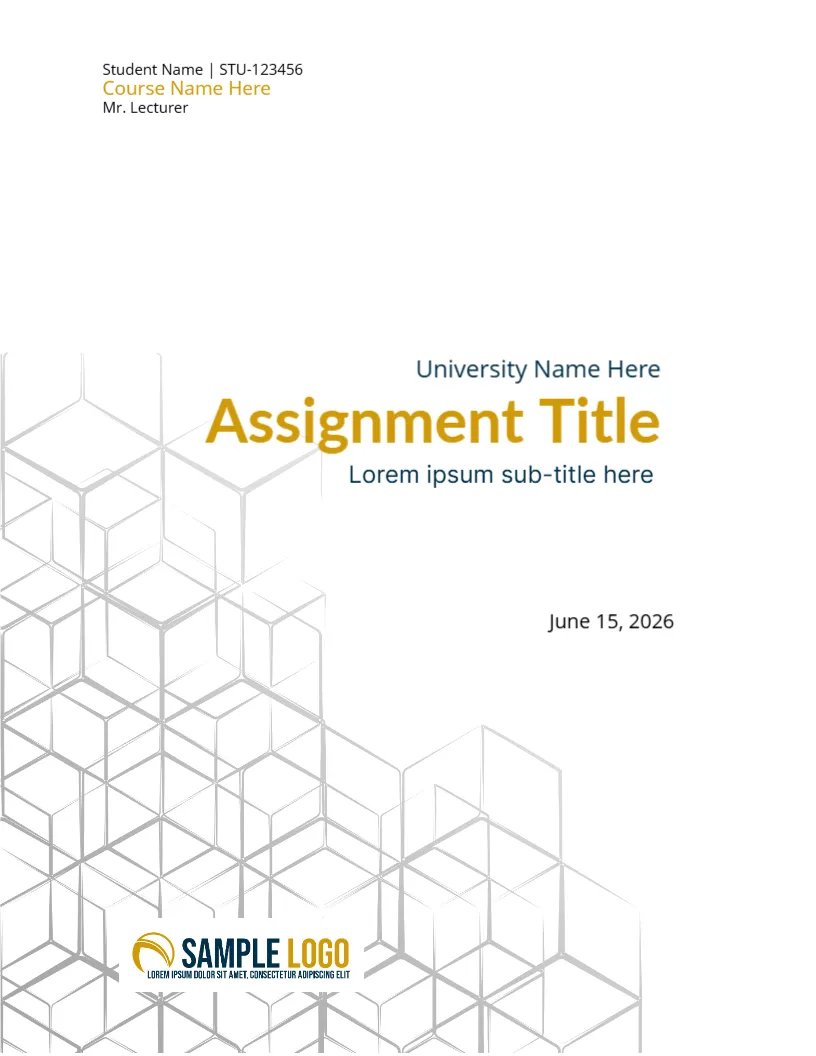
Top Picks
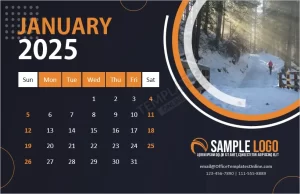
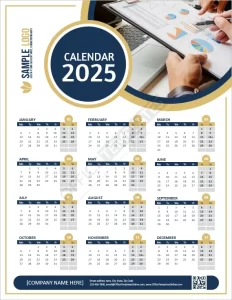
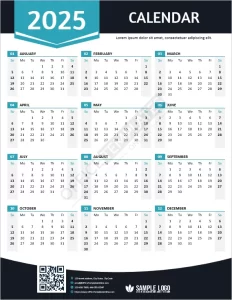
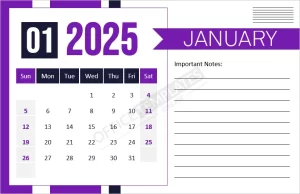
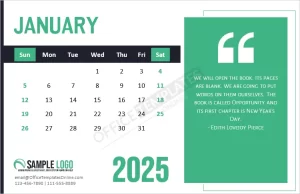
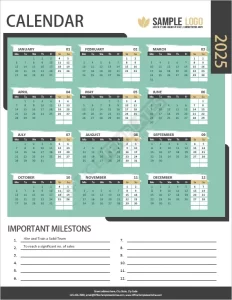
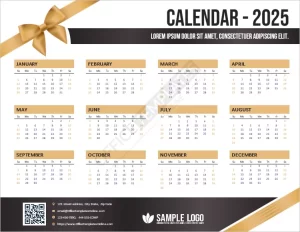
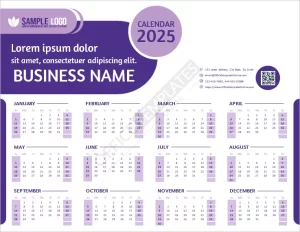
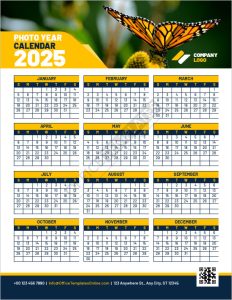
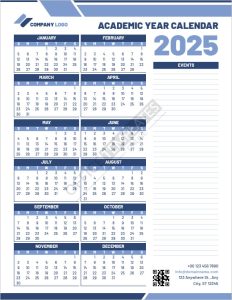
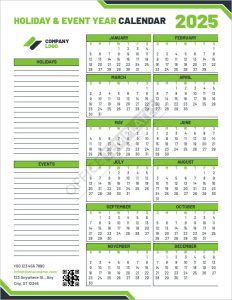

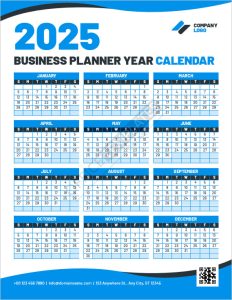
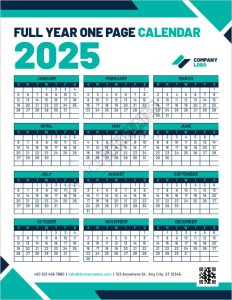

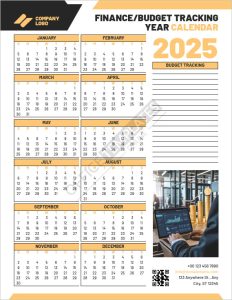

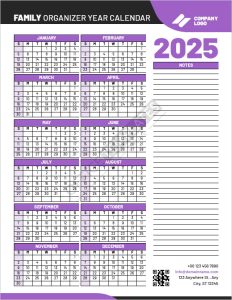
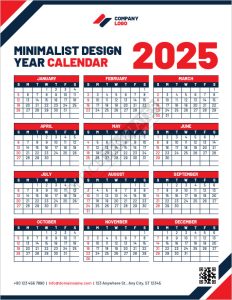
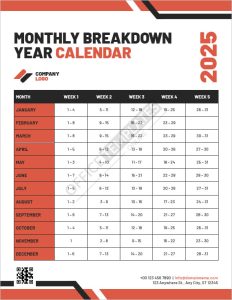
Which 2025 calendar template do you need?
Pick a format that matches how you plan. You can always download more than one and mix styles.
- Yearly (one page): See the whole year at a glance—perfect for project roadmaps, PTO, and school terms. Start with Year Calendar Templates for 2025.
- Monthly (12 pages): Plenty of room for notes, due dates, and reminders. Try our Printable Monthly Calendar Templates.
- Weekly & Daily planners: Plan priorities, appointments, and habits in detail using Daily & Weekly Planner Templates.
- All-in-One pack: A variety of styles (Word & Excel) in one download—see the All-in-One Calendar Collection.
- Year with notes: Annual view plus a column for key dates—use the Year Calendar with Notes.
Customize in minutes
- Open the DOCX or XLSX file in Microsoft Word or Excel (Google Docs/Sheets also work).
- Replace colors & fonts, add events and holidays, and adjust for A4 or US Letter.
- Export to PDF for crisp printing or sharing.
Word vs. Excel templates—what’s best?
- Word (DOCX): best for clean printable layouts, cover pages, and quick styling.
- Excel (XLSX): best for auto-filling dates, formulas, and color-coding by category.
Printing tips
- Use “Fit to page” to avoid clipping margins.
- Switch orientation (Portrait/Landscape) per month if you need extra writing space.
- For wall use, print on 120–160 gsm paper; for binder use, standard 80–100 gsm works fine.
FAQs
Can I change colors, fonts, and layout?
Yes—everything is editable. Update your brand colors and typography easily in Word or Excel.
Do you have a 2025 monthly calendar for Word?
Yes—download the 2025 Monthly Calendar (Word) and start typing.
Is there a one-page year calendar I can annotate?
Yes—use the Year Calendar with Notes, or the standard yearly set.
Quick option: generate a one-off month with our PDF calendar maker—no editing required.
Advertisement
