Free ID Card Templates for Word (DOCX) - Employee, Student & Membership
Free, editable ID card templates for Microsoft Word (DOCX) – download professional layouts for employee, student, membership, and press ID cards and customize them in minutes.
Each design is built for fast edits: add a photo and logo, update names/roles/ID numbers, adjust colors, then export to PDF for clean printing on card stock or common badge sheets (CR80/CR100).

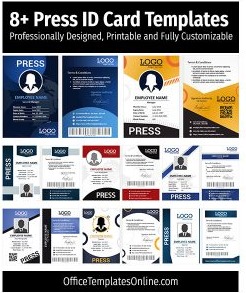
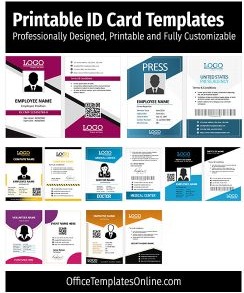
Online Editable ID Cards Templates
Choose from 162 id cards designs and start editing straight away. Update the wording, colors, and images in your browser, then export a print-ready file.


Top Picks

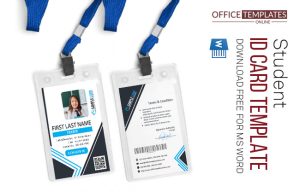
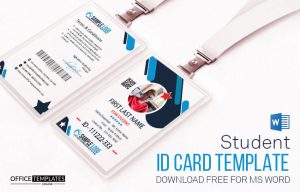
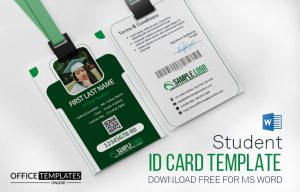
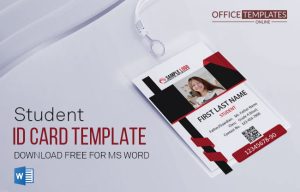

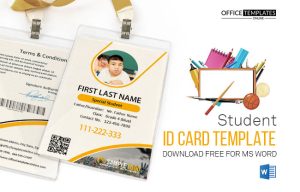








What are ID card templates?
ID card templates are ready-made badge layouts you can open in Word and personalize with your details (photo, organization name, ID number, department, issue/expiry dates, and more). They’re ideal when you want consistent, professional-looking IDs without starting from a blank document.
Why use Word (DOCX) ID card templates?
- Faster setup: start with a polished layout instead of designing from scratch.
- Easy edits: swap text, colors, logos, and photos directly in Word (many also work in Google Docs).
- Consistent branding: keep all staff/student badges uniform across departments and campuses.
- Print-ready: export to PDF and test print before producing a full batch.
Types & common use cases

Education (schools & universities)
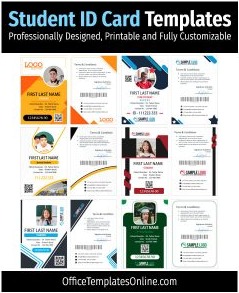
Create student and faculty IDs for attendance, library access, and campus security. Start here:
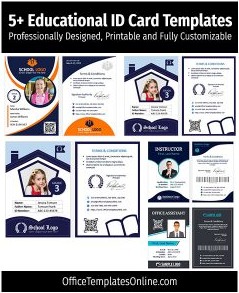
Student ID Card Templates,
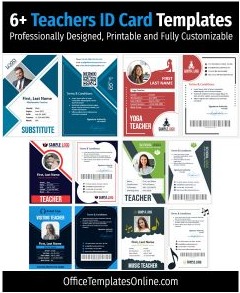
Teacher ID Card Templates, and
Educational ID Card Templates.
Healthcare (clinics & hospitals)
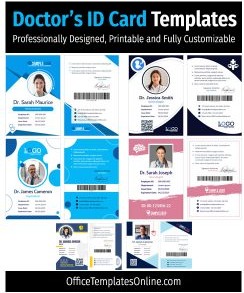
Use clear role + department fields for fast identification on-site. See:
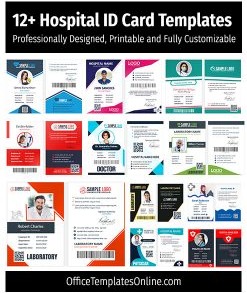
Doctor ID Card Templates and
Hospital ID Badge Templates.
Business, staff & access badges
Perfect for employees, contractors, events, and controlled areas. Start with:
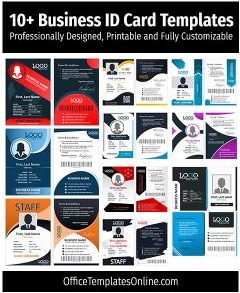
Business / Employee Badge Templates.
Media & press
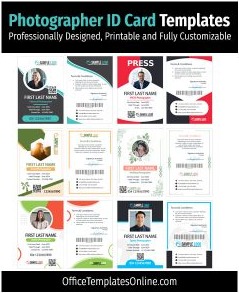
Create press passes with photo, publication, and QR/website fields:
Press ID Card Templates.
Organizations & membership
Make member cards with tier/expiry dates:
Membership Card Templates.
Related: name cards & tags
If you need badges for events or quick identification (without full ID fields), browse:
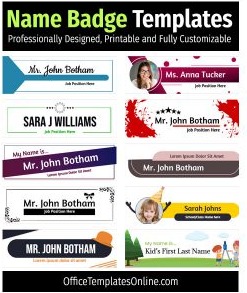
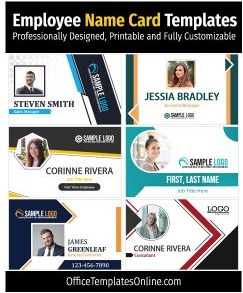
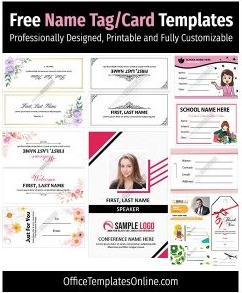
Name Tags & Place Cards and Employee/Staff Name Cards.
Ready to download? Browse the templates below and choose a style that matches your organization — then customize it in Word and print.
What’s included in these ID card templates
Most ID card layouts on this page are designed to be practical and print-friendly. Common fields include:
- Photo placeholder (consistent crop frame)
- Organization/school name + logo
- Name, role/department, and ID number
- Issue/expiry date (optional)
- QR/barcode placeholder (optional, depending on design)
How to customize an ID card template in Word
- Open the DOCX in Microsoft Word (many templates also work in Google Docs).
- Replace placeholders: photo, logo, name, role/department, ID number, and dates.
- Match your brand: update accent colors and fonts to fit your school or company style.
- Export to PDF and test print one sample before printing in bulk.
Tips & best practices (print + layout)
- Use a consistent photo crop (same head size/position) for a professional look across everyone’s badge.
- Choose durable materials: 200–250 gsm card stock, PVC card sheets, or laminate for long-term use.
- Test your size: many designs fit common CR80/CR100-style badge formats — print one first to confirm alignment.
- Keep scanning reliable: if you add a QR/barcode, print a sample and test scanning under normal lighting.
FAQ
Can I add barcodes or QR codes?
Yes. Generate a QR code or barcode image (PNG/SVG), insert it into the placeholder area, then test a printed sample to confirm it scans correctly.
Do these ID card templates work on Mac or in Google Docs?
Yes. You can open the DOCX in Word for Mac or import it into Google Docs, customize it, and then export to PDF for printing.
Which templates should I choose for schools vs. workplaces?
For schools, start with Student ID Cards and Teacher ID Cards. For workplaces, use Business/Employee Badges for clear role + access fields.
What should I include on an employee ID badge?
At minimum: photo, full name, role/department, and an ID number. Add issue/expiry dates and a QR code if you need faster check-in or system lookup.
What’s the best way to print ID cards at home?
Export to PDF, print one test on heavy card stock (200–250 gsm), and adjust scaling if needed. For durability, laminate or use PVC card sheets designed for ID printing.
Where can I find name tags and place cards?
For event-style badges and table identification, see Name Tags & Place Cards and Employee/Staff Name Cards.
Related templates
If you’re building a full identification set, you may also want:
Membership Card Templates and
Press ID Card Templates.
Advertisement
