Free Resume Templates for Word (DOCX) - ATS-Friendly CVs for Every Role
Free, editable resume & CV templates for Microsoft Word (DOCX) – built to look professional, stay clean in ATS scans, and save you time. Choose a modern or classic layout, replace the sample text, and export a polished PDF in minutes.
These templates open in Microsoft Word and also work in Google Docs (upload the DOCX, edit online, then download). If you’re applying through online portals, keep a DOCX copy handy too.
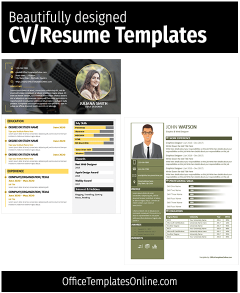
![Best Free Resume Templates for Word [2026] – 6+ Editable & ATS-Friendly](https://officetemplatesonline.com/wp-content/uploads/2021/02/medern-resume-templates-suitable-for-eny-job-for-ms-word-250x300-oto-trim.jpg)
Trending Templates You Can Edit Online
Prefer editing without opening Word or Excel? These templates below are editable online - change the text and graphics, then export a print-ready file.
Top Picks

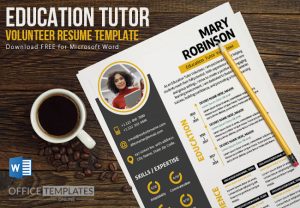
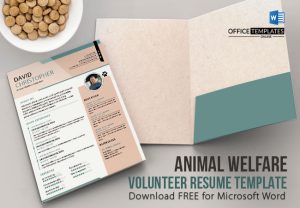
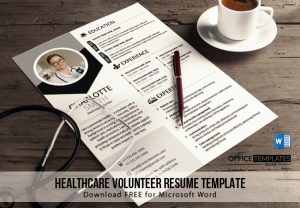
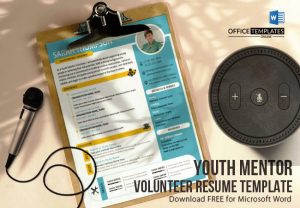


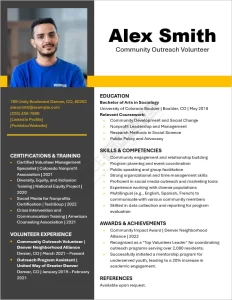
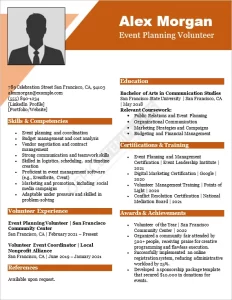
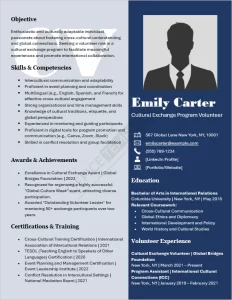
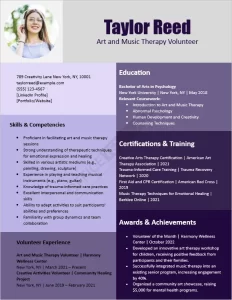
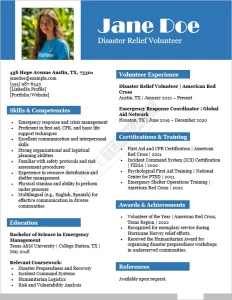
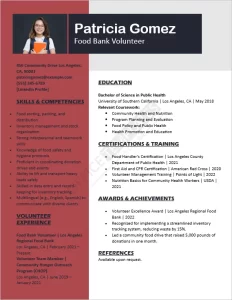
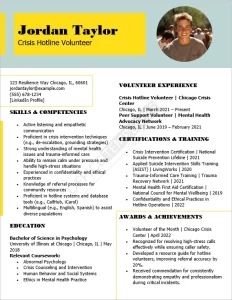
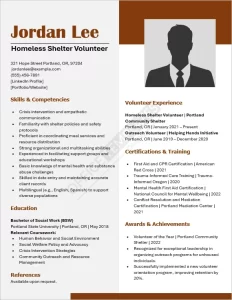
What is a resume template?
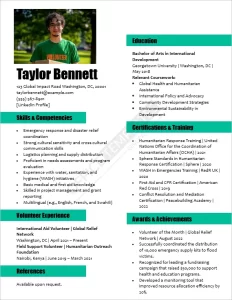
A resume template is a pre-formatted DOCX file with a proven structure (headings, spacing, bullet styles, and sections) so you can focus on content – not layout. The best templates balance readability for humans with simple formatting that’s friendly to applicant tracking systems.
Why use Word resume templates?
- Faster editing: swap in your details, keep spacing consistent, and avoid “formatting chaos.”
- ATS-friendly structure: clean headings (Summary, Experience, Skills, Education) and easy-to-parse text.
- Professional design: a polished layout that prints well and exports cleanly to PDF.
- Reusable: duplicate the file and tailor versions for different jobs.

Types & use cases
By audience
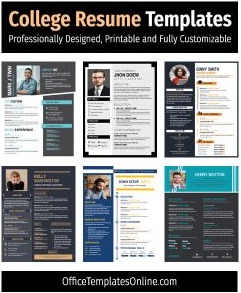
- College resume formats (students & internships)
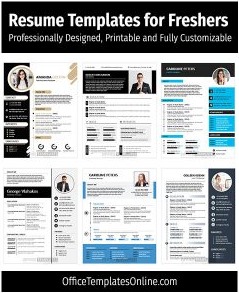
- Freshers’ creative resume templates (first job)
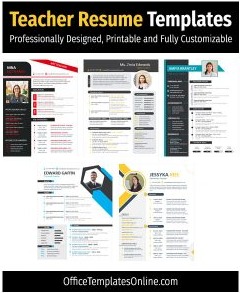
- Teacher resume templates (education roles)
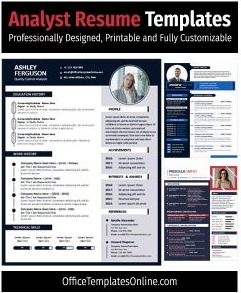
- Analyst resume/CV formats (data & business roles)
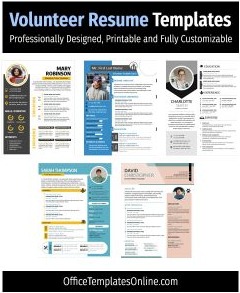
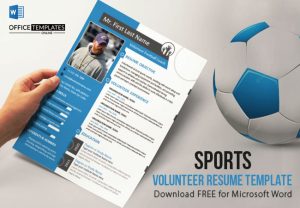
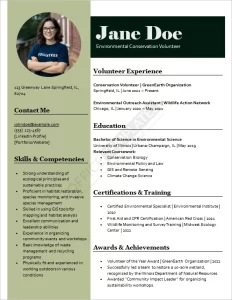
- Volunteer resume templates (community & nonprofit)
By style
- Modern resume templates (clean, current)
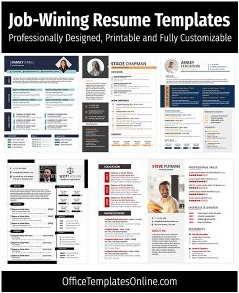
- Professional job-winning designs (traditional + premium look)
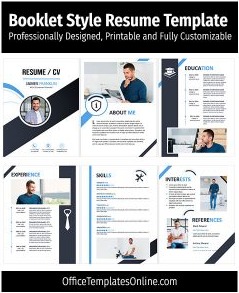
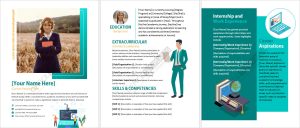
- Multi-page booklet style (senior roles / portfolios)
- Job-winning resume/CV templates (general purpose)
Start-here resources
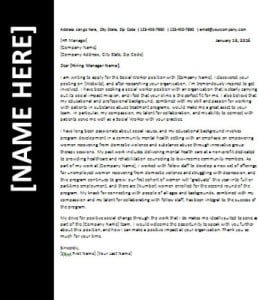
- Resume cover letter templates (match your resume style)
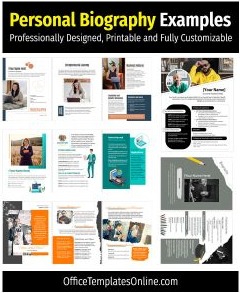
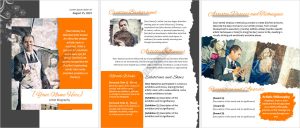
- Personal biography examples & templates (profiles, portfolios, speaker bios)
Tip: Pick one template for your industry, then tailor the summary + skills to the job post before you edit colors.
Ready? Browse the templates below and download a Word resume template (DOCX) to customize.
What’s included in these resume & CV templates
Most templates in this category follow a clean, ATS-friendly structure and include:
- Header: name, target role, phone, email, location, LinkedIn/portfolio
- Professional summary: 3–4 lines tailored to the role
- Experience: bullet points designed for measurable achievements
- Skills: role-specific hard skills + tools
- Education & certifications: most recent first
- Optional sections: projects, awards, volunteering, publications
How to customize in Word (and Google Docs)
- Download the DOCX and open in Microsoft Word (or upload to Google Docs).
- Replace the sample text section by section (don’t delete headings unless you truly won’t use them).
- Match formatting once: update font family/size and line spacing globally.
- Swap colors sparingly: keep contrast high for readability and printing.
- Export to PDF for emailing and uploads where layout consistency matters.
- Keep a DOCX copy for ATS portals that request an editable file.
Tips & best practices for ATS-friendly resumes
- Use standard headings: Summary, Experience, Skills, Education.
- Avoid tables/text boxes for core resume text (they can break parsing).
- Use job-post keywords naturally in Skills + Experience bullets (no stuffing).
- Quantify results: numbers like %, $, # make bullets stronger.
- Length rule of thumb: one page for early-career; two pages for 8+ years or technical depth.
FAQ
Will these resume templates open in Google Docs?
Yes. Download the DOCX, upload it to Google Drive, open in Google Docs, edit, then download as PDF (and keep a DOCX copy if needed).
Are these resume templates ATS-friendly?
They’re designed to be ATS-friendly when you keep the structure simple -use standard headings, avoid text boxes for core content, and keep bullet formatting consistent.
Should I send a PDF or a DOCX?
Use PDF for human readers to preserve layout. Keep a DOCX version for online application forms or portals that specifically request an editable file.
How do I tailor a resume quickly for each job?
Start by rewriting the summary to match the role, then mirror 6 – 10 key skills from the job description (only if you actually have them), and update 2 – 4 experience bullets with relevant metrics.
Do you have templates for specific roles like teachers, analysts, or volunteers?
Yes – see the dedicated collections for Teachers, Analysts, and Volunteer.
Related: If you want a matching application set, grab a resume cover letter template to pair with your chosen resume design.
Advertisement
