Fine Hexagon Lines Under a Gold Title
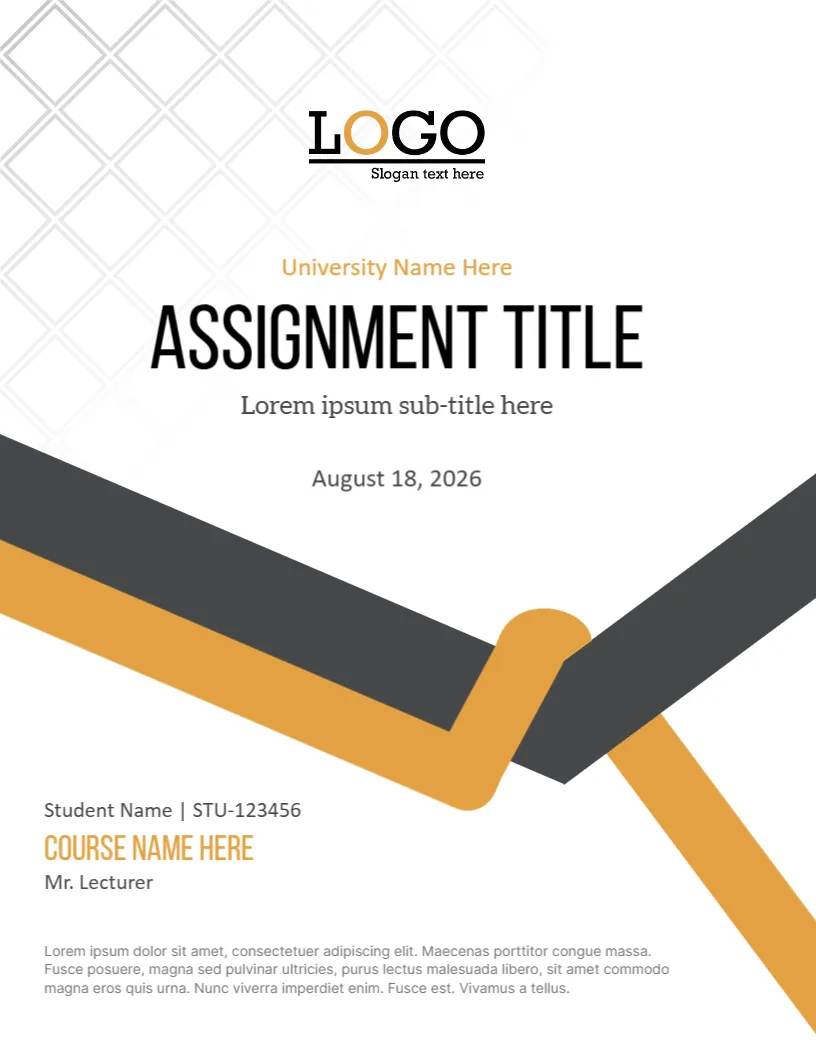
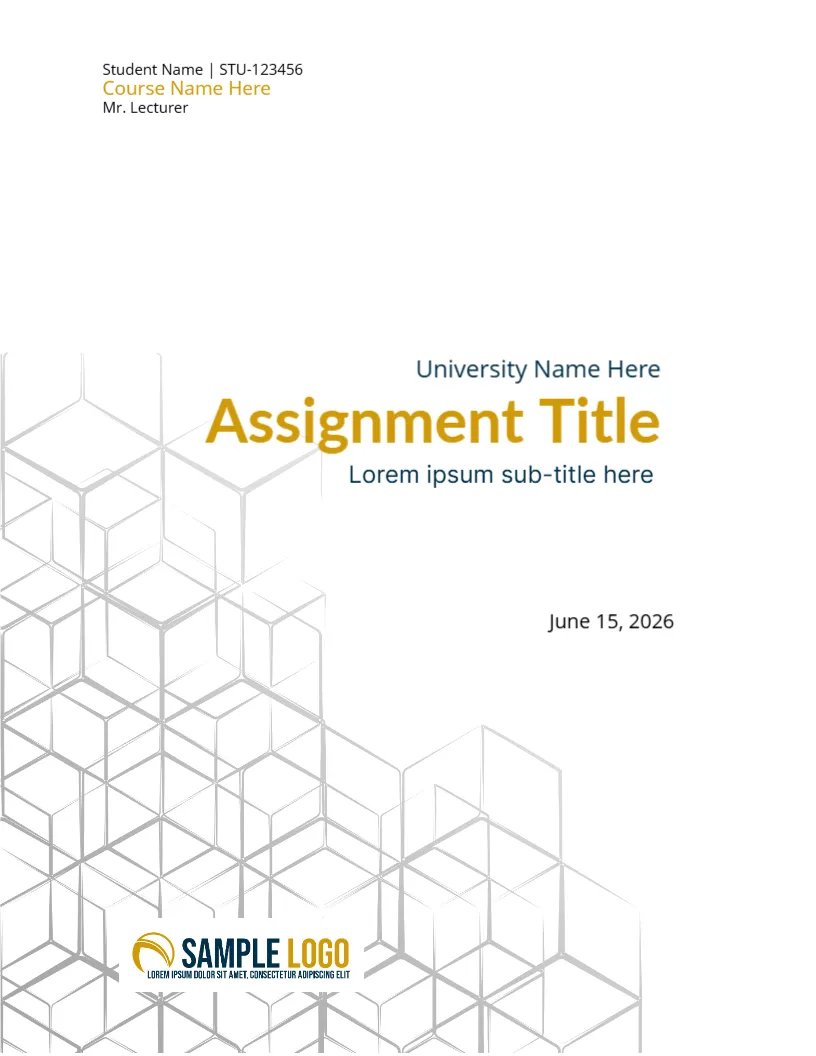
The hexagon outlines in silver grey fill the lower half of this cover and fade towards the top, where the title sits in gold on a white page. It is a quiet design for those who want a cover without photos, and it prints lightly. It suits science, engineering, IT and business assignments.
Hexagon Pattern and Right Aligned Title
The page is 8.5 x 11 inches, portrait, one page. The student name block sits at the upper left. The title block is right aligned near the middle. The date sits on the right, and the logo sits at the foot over the pattern.
Student Block, Title and Date
At the top left, Student Name | STU123456, Course Name Here in gold and Mr. Lecturer. University Name Here, Assignment Title in gold and Lorem ipsum sub-title here follow at the right, with June 15, 2026 below. The SAMPLE LOGO sits at the bottom. Replace all lines.
Matching Colours to Your Subject
- Gold for business and humanities.
- Blue for science.
- Green for environment.
- Keep the pattern grey.
- Use one accent colour.
Why Light Patterns Save Ink
The pattern is thin and light, so it uses little ink. This is a good cover for a class set printed on a budget.
Right Aligned Titles
The title is aligned to the right, which creates a strong edge. Keep it to two lines and avoid long words that overrun the margin.
Printing the Hexagon Cover
Print on 100 gsm paper. The fine lines print well at standard quality.
Step by Step Editing of the Hexagon Outline Gold Design
- On the hexagon outline gold design, click the main headline and type your own words, keeping a similar length.
- Retype every name, date and contact line on the hexagon outline gold design, checking each against a trusted source.
- Search the hexagon outline gold design for the words Lorem and Company so that no placeholder remains.
- Click any logo or photo on the hexagon outline gold design, choose Replace Image and resize the new picture to fit.
- Zoom the hexagon outline gold design to full size and read each line aloud before you save it.
- Keep a clean master of the hexagon outline gold design without private details, so later versions start tidy.
Adding a Word Count
Many courses ask for a word count on the cover. Add a small text box under the date and state the number, excluding references. Keep it accurate, since markers check.
Choosing Fonts That Print Well
Plain sans serif fonts print cleanly at small sizes. Keep the title large and the name block small, and avoid decorative scripts on an academic cover.
Choosing a Single Accent Colour
Because the hexagon pattern is grey, the gold title carries all the colour. If you change the accent, pick one colour and use it for the title and the course name only. A restrained palette keeps a cover professional.
Also worth a look: assignment cover page. Next to try is the university assignment cover page template. Have a look at the educational assignment cover page. Every hexagon outline gold style alternative sits in assignment cover pages.