A Business Team in an Office Under Navy and Orange Blocks
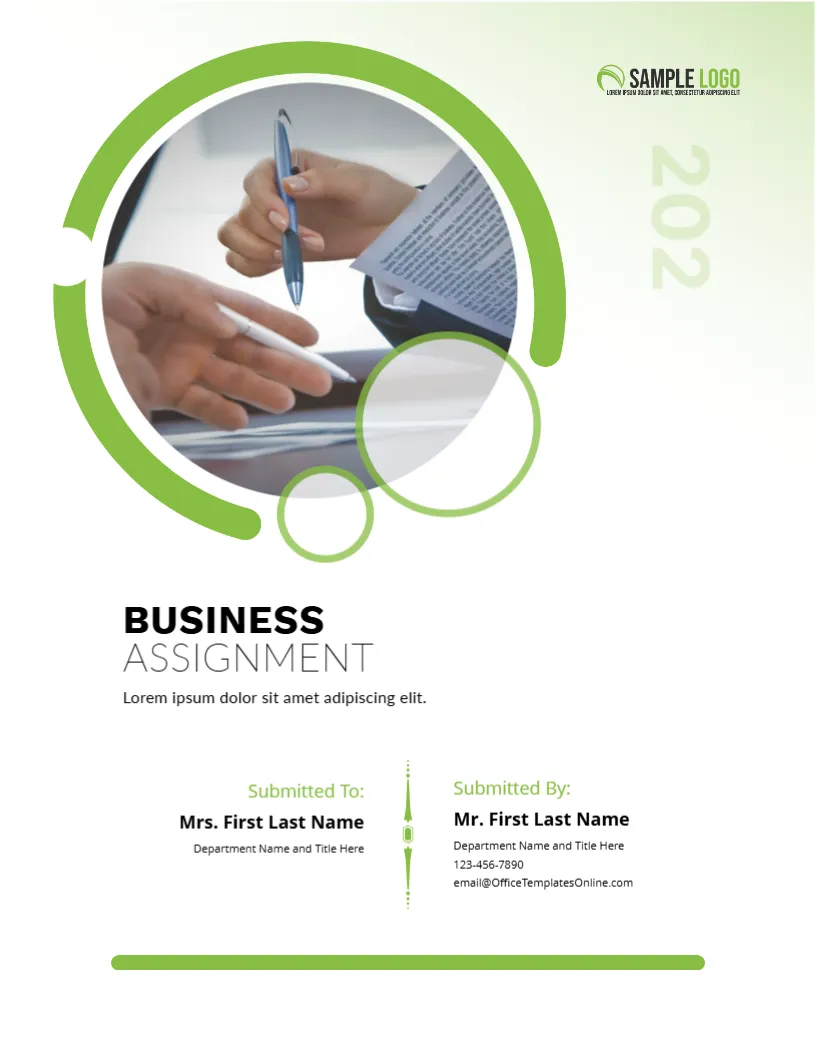
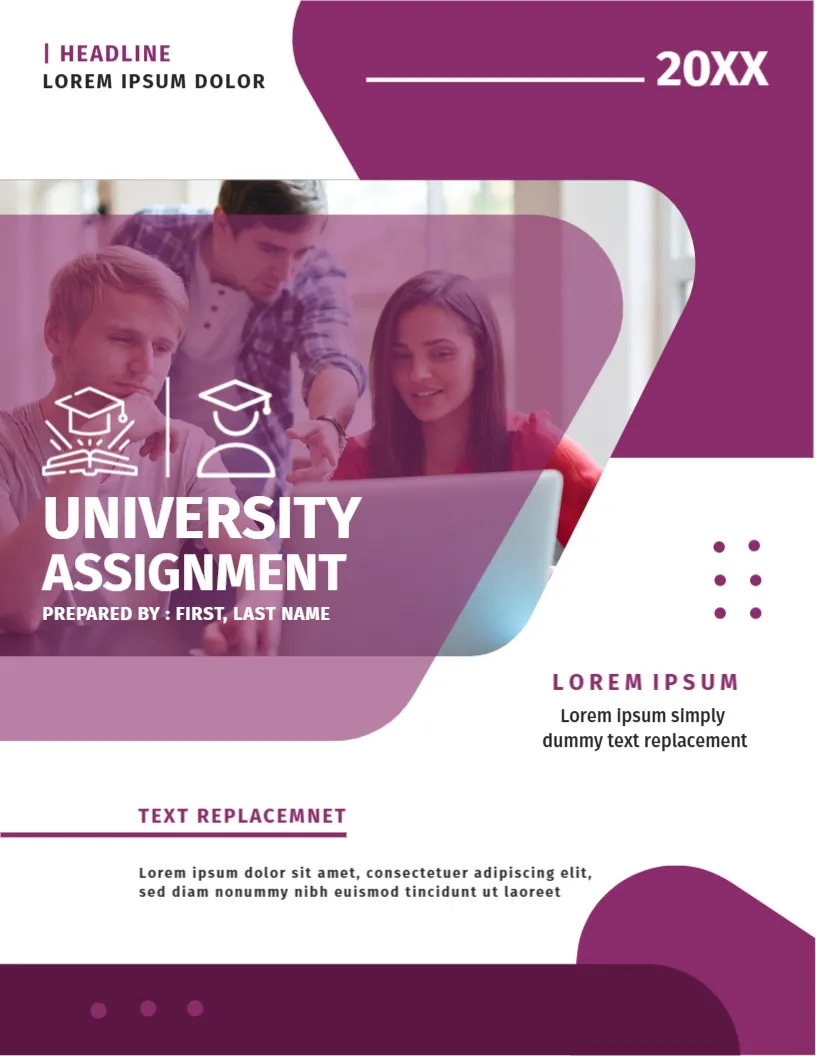
A team of colleagues gathers around laptops in a bright office at the top of this cover, with a big navy shape holding the title BUSINESS ASSIGNMENT in orange and white. Orange and teal blocks sit at the lower right. It suits management, marketing, finance and entrepreneurship coursework.
Photo, Navy Shape and Orange Block
The page is 8.5 x 11 inches, portrait, one page. The photo is cut by a diagonal. The navy panel has rounded corners. The orange block at the lower right holds the year and a line of text. TEXT REPLACEMENT sits at the lower left.
Title, Author and Year
BUSINESS is in orange and ASSIGNMENT in white, with By: Name Surname underlined in orange. 20XX is in navy on the orange block with a line of placeholder text. Use TEXT REPLACEMENT for the course and the lecturer. Replace the photo with your own if you have one.
Business Cover Details
- Course name and code.
- Lecturer.
- Your name and group.
- Date.
- Company studied.
Naming a Company in the Subtitle
If your assignment studies a company, add its name to the cover. A marker then sees the case at once.
Navy and Orange for Business
Navy suggests trust and orange adds energy. They suit business subjects.
Printing the Navy Orange Cover
Print in colour on 120 gsm paper.
Step by Step Editing of the Navy Orange Team Laptop Design
- On the navy orange team laptop design, click the main headline and type your own words, keeping a similar length.
- Retype every name, date and contact line on the navy orange team laptop design, checking each against a trusted source.
- Search the navy orange team laptop design for the words Lorem and Company so that no placeholder remains.
- Click any logo or photo on the navy orange team laptop design, choose Replace Image and resize the new picture to fit.
- Zoom the navy orange team laptop design to full size and read each line aloud before you save it.
- Keep a clean master of the navy orange team laptop design without private details, so later versions start tidy.
Using a Real Company in Your Paper
If you analyse a real company, use public sources and cite them. Avoid confidential material and state the date of the data. Markers expect up to date, checkable facts.
Presenting Charts Clearly
Label axes and units, give each chart a title and refer to it in the text. A few clear charts beat many cluttered ones.
Preparing for Questions After Submission
Some lecturers ask students to explain their paper in class. Keep a one page summary of your argument and sources, so you can answer calmly without rereading the whole assignment.
Dealing With Word Limits
Check the word limit in the brief and stay within ten percent. Cut repeated points and long quotations first, and keep tables and appendices outside the count only if the course allows.
Another option is the business assignment cover page. A related layout is the academic assignment cover page design. Also worth a look: assignment cover page. Every navy orange team laptop style alternative sits in assignment cover pages.