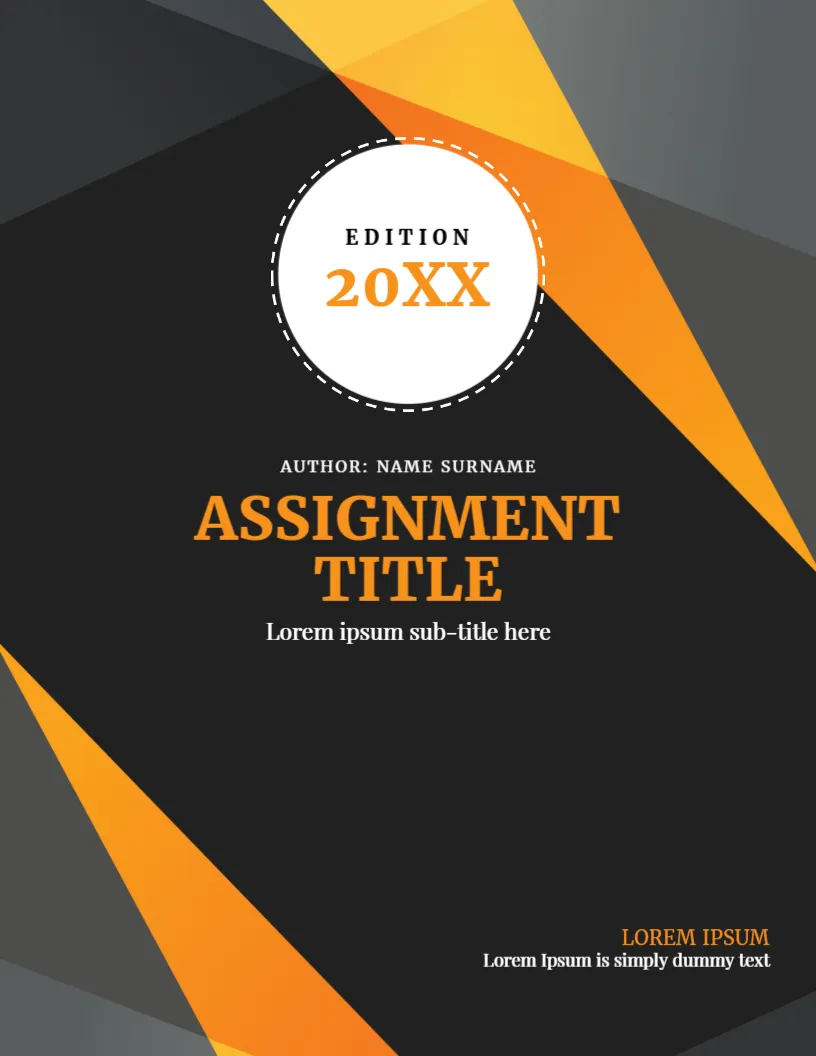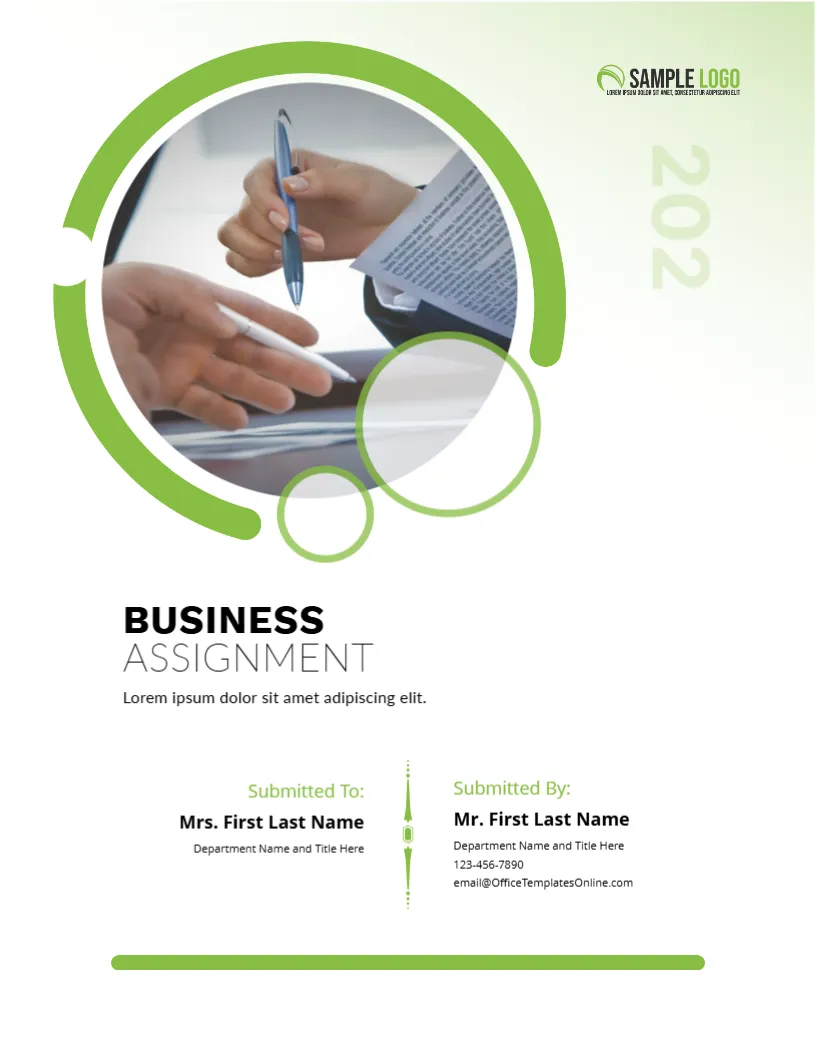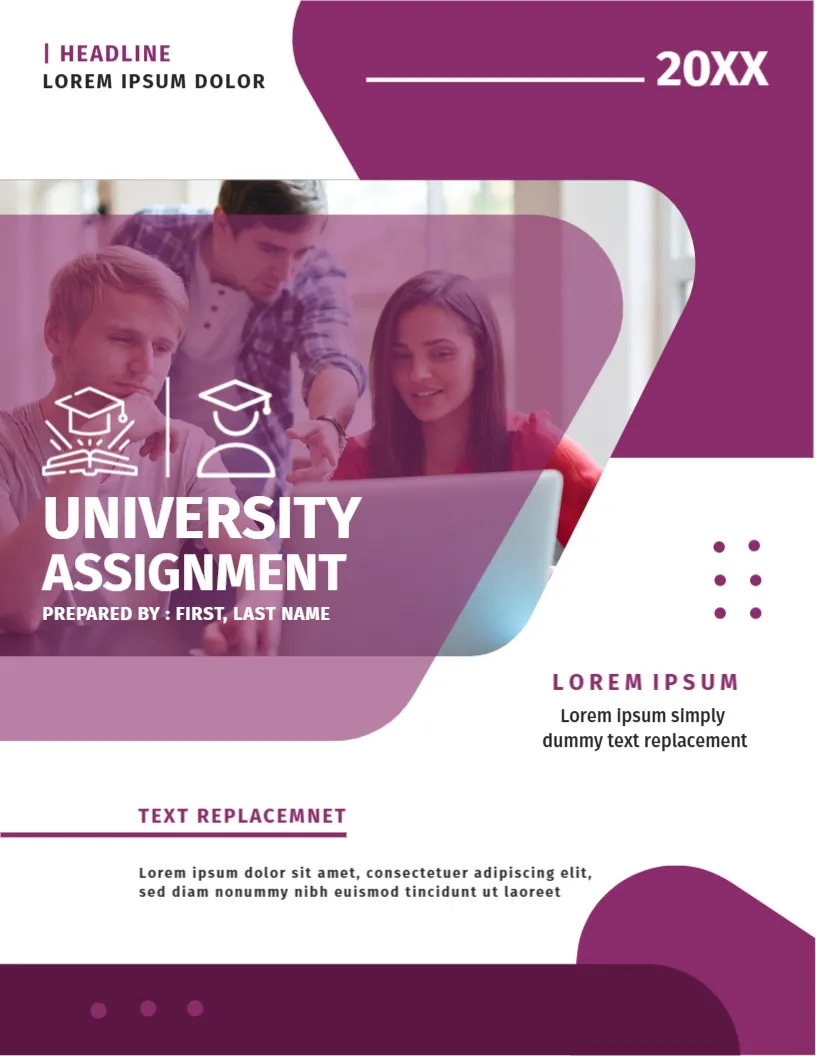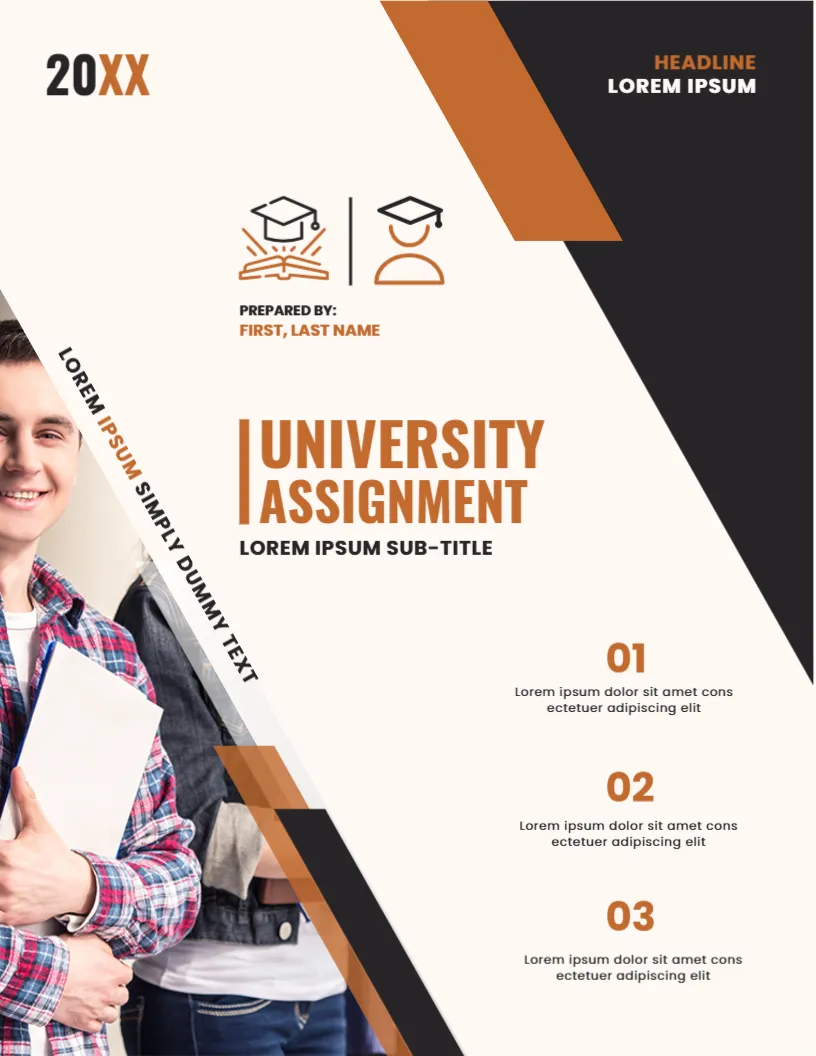
A Plain Cover With One Bold Red Curve
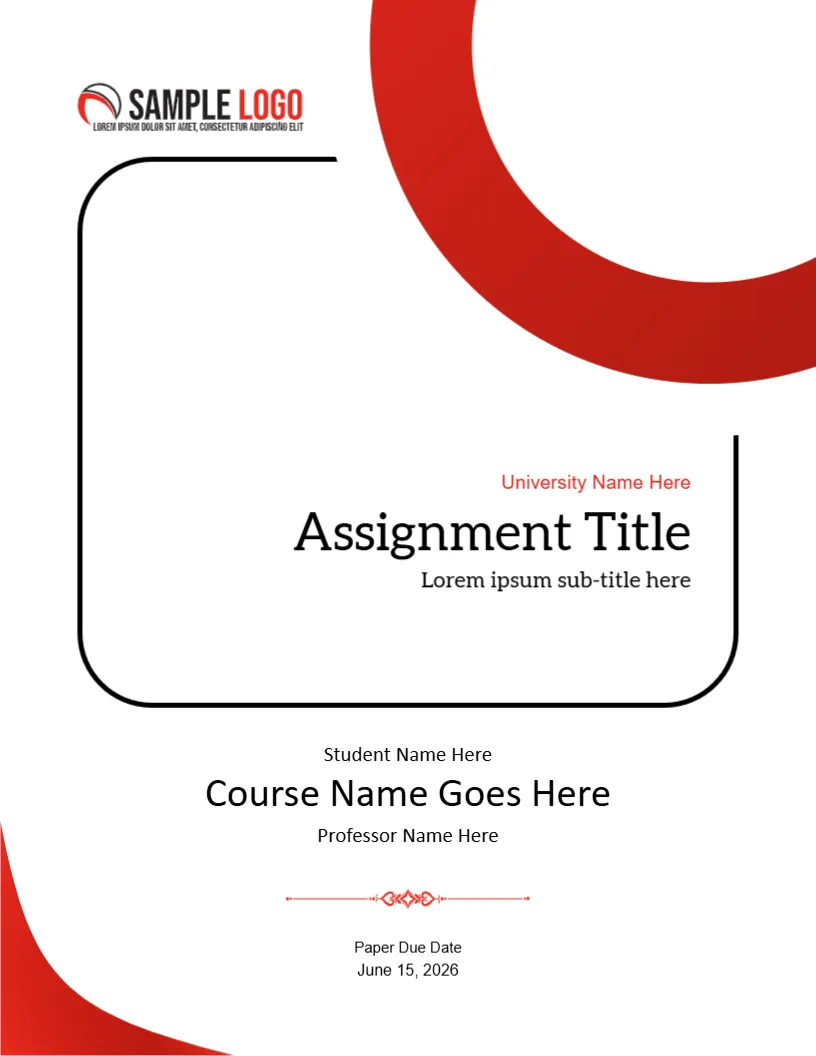
When you want a cover that looks tidy and professional without heavy graphics, this design is a good choice. A single red arc sweeps in from the top right, a rounded black frame holds the title, and a red flourish divides the name block from the due date. It suits university and college assignments in any subject.
Red Arc, Black Frame and Centred Details
The page is 8.5 x 11 inches, portrait, one page. The black frame has two rounded corners and two open corners, which gives it a modern, hand drawn look. A second red curve sits at the lower left. The SAMPLE LOGO sits at the upper left of the page, above the frame.
Title, Student, Course and Due Date
University Name Here is in red above Assignment Title in large type and Lorem ipsum sub-title here. Below the frame, Student Name Here, Course Name Goes Here in a larger size and Professor Name Here are centred. A red ornament leads to Paper Due Date and June 15, 2026. Replace each with your own details, and make sure the date format matches your school.
Details Your Marker Looks For
- Your full name as registered.
- The exact course name and code.
- The professor or tutor name.
- The due date or submission date.
- The title of the assignment.
Using the Logo Space
The logo at the top left is a picture. Replace it with your university crest if the rules allow, or delete it. A clear space above the frame keeps the page balanced.
Printing With a Rounded Frame
The frame uses a thick black line with open corners. Print at 100 percent scale and check that the open corners are not clipped. Use plain 90 gsm paper.
Printing the Red Arc Cover
The red arc is a large shape, so a laser printer gives an even finish. For online submission, save a PDF and check the page.
Step by Step Editing of the Red Arc Plain Assignment Design
- On the red arc plain assignment design, click the main headline and type your own words, keeping a similar length.
- Retype every name, date and contact line on the red arc plain assignment design, checking each against a trusted source.
- Search the red arc plain assignment design for the words Lorem and Company so that no placeholder remains.
- Click any logo or photo on the red arc plain assignment design, choose Replace Image and resize the new picture to fit.
- Zoom the red arc plain assignment design to full size and read each line aloud before you save it.
- Keep a clean master of the red arc plain assignment design without private details, so later versions start tidy.
Setting Margins and Fonts for a Marker
Many markers read dozens of papers in a sitting. A cover with generous margins and a clear typeface helps. Keep the title in one font family and use the same font for the body of the paper.
Combining the Cover With a Declaration
Some courses ask for a signed declaration of originality. Place it on the line below the due date or on a separate page, and sign it once the paper is finished.
Consider the assignment cover page design. Similar designs include the university assignment cover page template. Compare it with the educational assignment cover page. Looking beyond the red arc plain assignment design? See all assignment cover pages.