A Gold Ribbon Across a Clean White Page
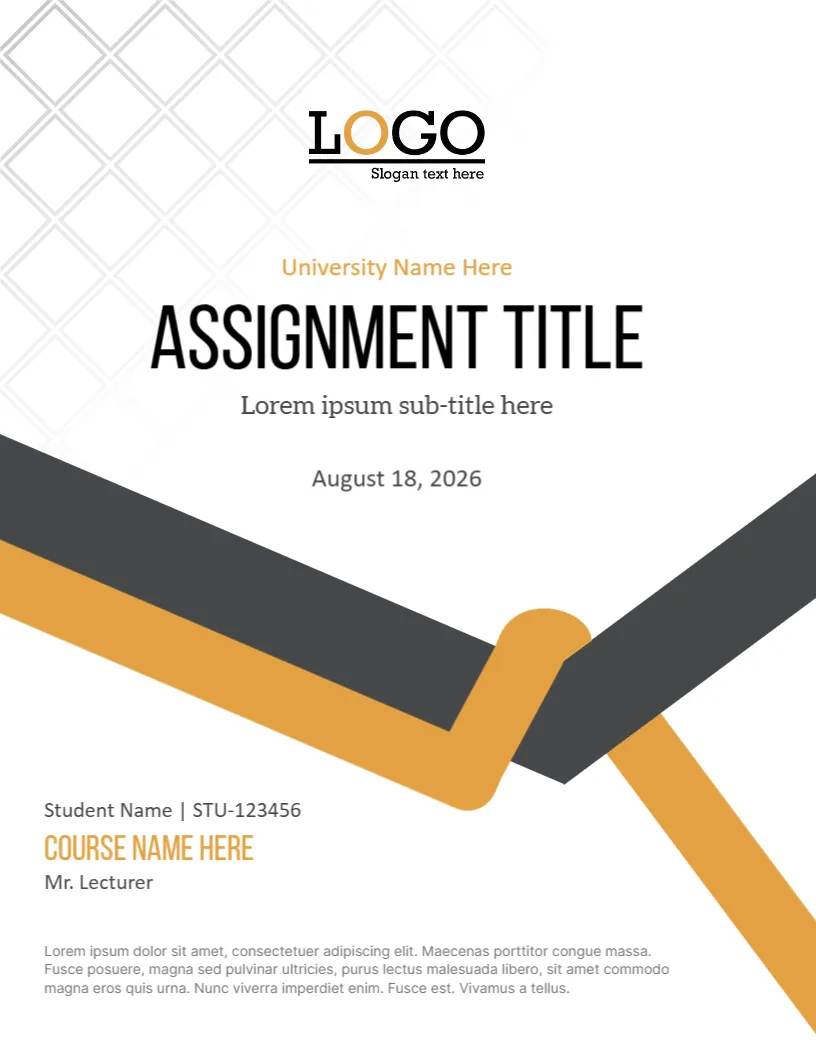
A grey and gold ribbon dips across the middle of this cover like a bookmark, under a faint pattern of diamonds and a large title in condensed capitals. It looks smart and calm, and it suits education, humanities and social science assignments.
Diamond Pattern, Ribbon and Name Block
The page is 8.5 x 11 inches, portrait, one page. The pattern fades in the upper left corner. The LOGO sits at the top centre with a slogan. The ribbon is a thick V with a gold loop at the join. The name block and a grey paragraph fill the lower part.
Title, Date and Student Information
University Name Here sits in gold above ASSIGNMENT TITLE and Lorem ipsum sub-title here, with August 18, 2026 below. The lower block reads Student Name | STU123456, COURSE NAME HERE in gold and Mr. Lecturer. A short grey paragraph sits at the foot. Replace the title, the course, the lecturer and the date with your own.
Educational Assignment Fields
- Title of the assignment.
- Unit or module name.
- Student name and number.
- Lecturer name.
- Submission date.
Using the Grey Paragraph on the Ribbon Cover
The paragraph is a good place for a declaration of originality or a word count. Keep it to two lines in the small grey type.
Gold on White in Print
Gold prints as a mustard orange on a plain printer. For a smarter look, print on cream paper.
Printing the Gold Ribbon Cover
Print on 100 gsm paper. The pattern is light, so check that it shows without banding.
Step by Step Editing of the Gold Grey Ribbon Educational Design
- On the gold grey ribbon educational design, click the main headline and type your own words, keeping a similar length.
- Retype every name, date and contact line on the gold grey ribbon educational design, checking each against a trusted source.
- Search the gold grey ribbon educational design for the words Lorem and Company so that no placeholder remains.
- Click any logo or photo on the gold grey ribbon educational design, choose Replace Image and resize the new picture to fit.
- Zoom the gold grey ribbon educational design to full size and read each line aloud before you save it.
- Keep a clean master of the gold grey ribbon educational design without private details, so later versions start tidy.
Reading the Assignment Brief First
Before you design the cover, read the brief twice and note the word count, the format and the deadline. Add the unit code to the cover, so the marker can match it to the class list.
Keeping Files Organised
Name the file with your surname, the course code and the assignment number. A tidy file name helps the marker and protects you from lost papers.
Presenting the Gold Ribbon Cover Professionally
Print the cover and the paper on the same paper stock, and staple at the top left or use a simple folder. A tidy package shows respect for the reader and makes the ribbon design feel intentional rather than decorative.
Try too the assignment cover page. Have a look at the academic assignment cover page. Another option is the assignment cover page design. Every gold grey ribbon educational style alternative sits in assignment cover pages.