Business Report and Proposal Cover Page Templates
Part of: Business & Office
Decision makers judge a document before they read it. A confident cover page makes a report look finished and a proposal look worth funding. It also helps your document stay recognizable in a pile of PDFs and email attachments.
These templates are built for business, research and project work. Edit the title, company and date, choose your colors, then download the cover as a PDF, PNG or JPG ready to attach to your document. Layouts suit business plans, marketing proposals, research papers and case studies.
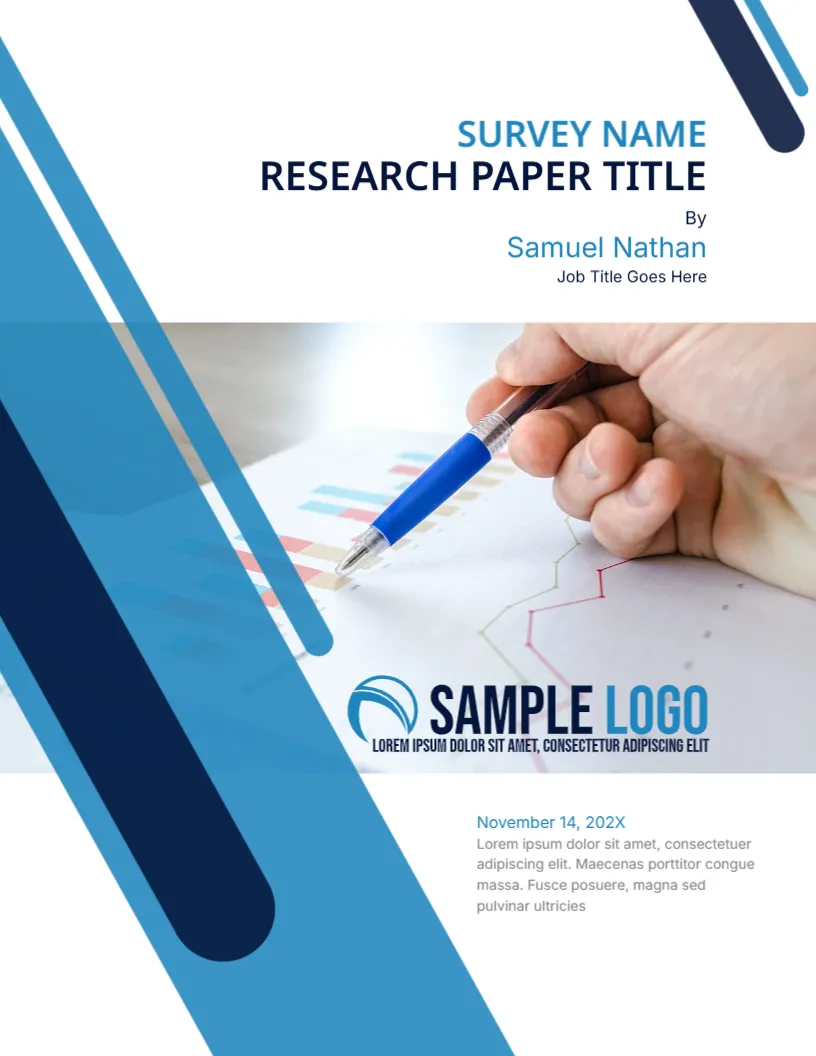
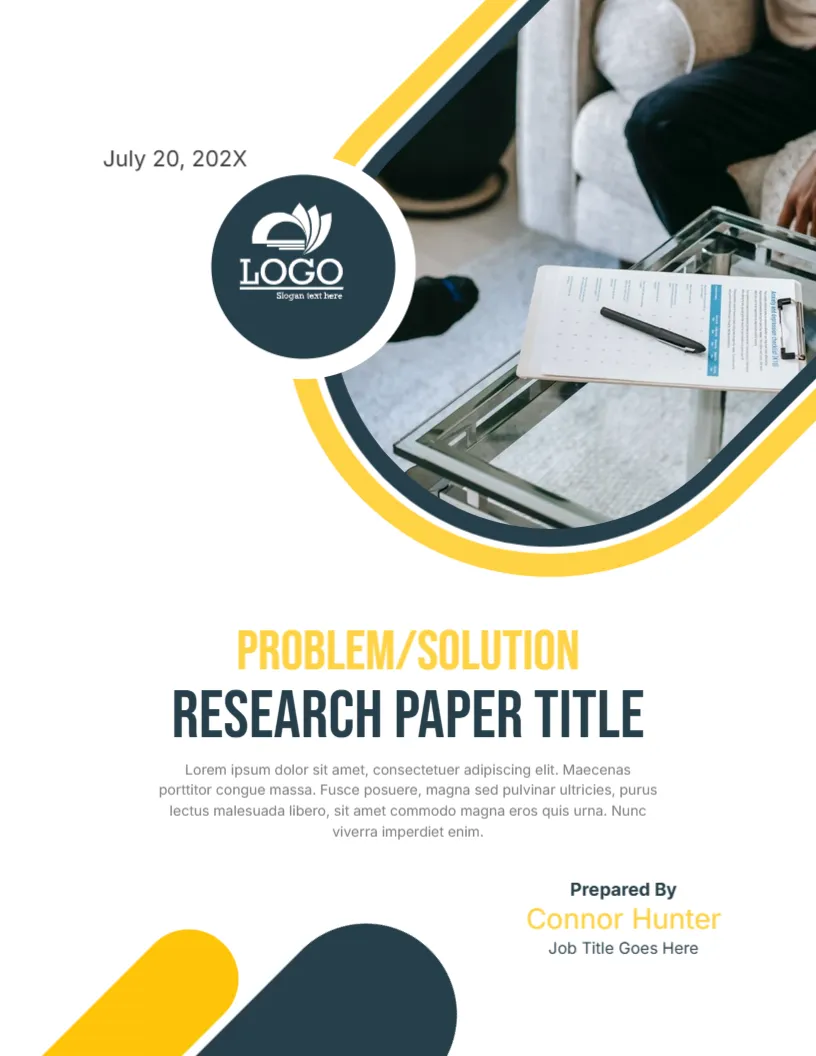








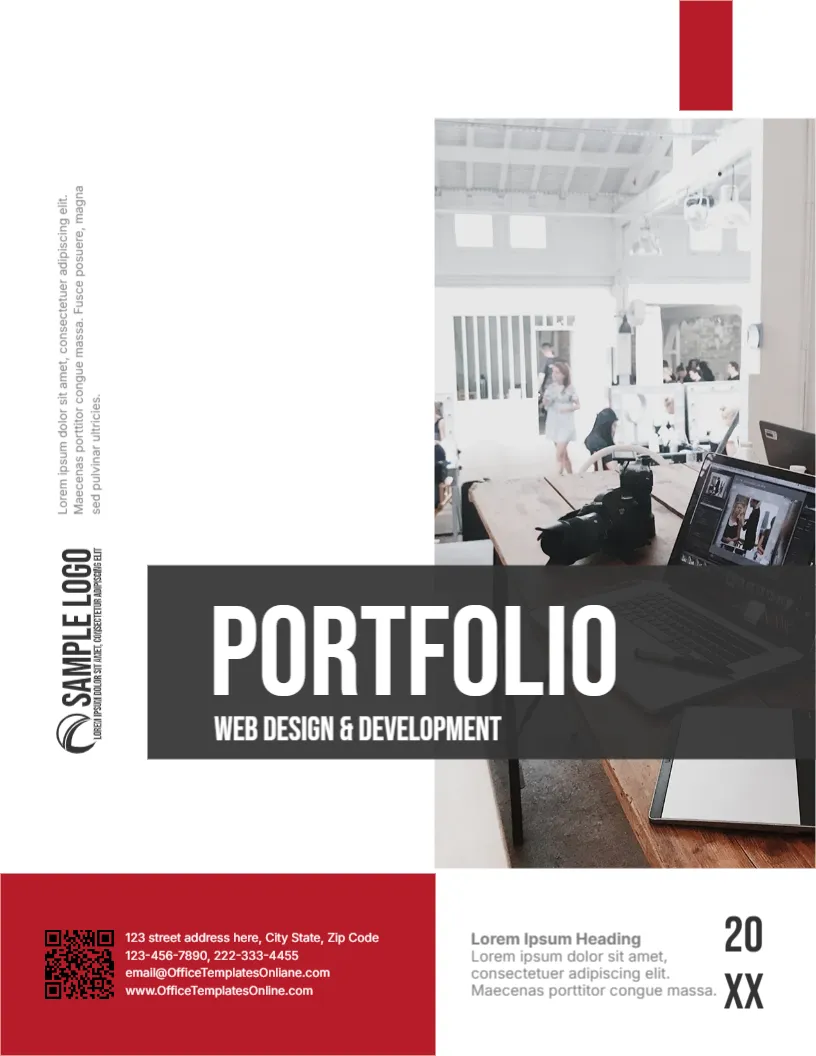
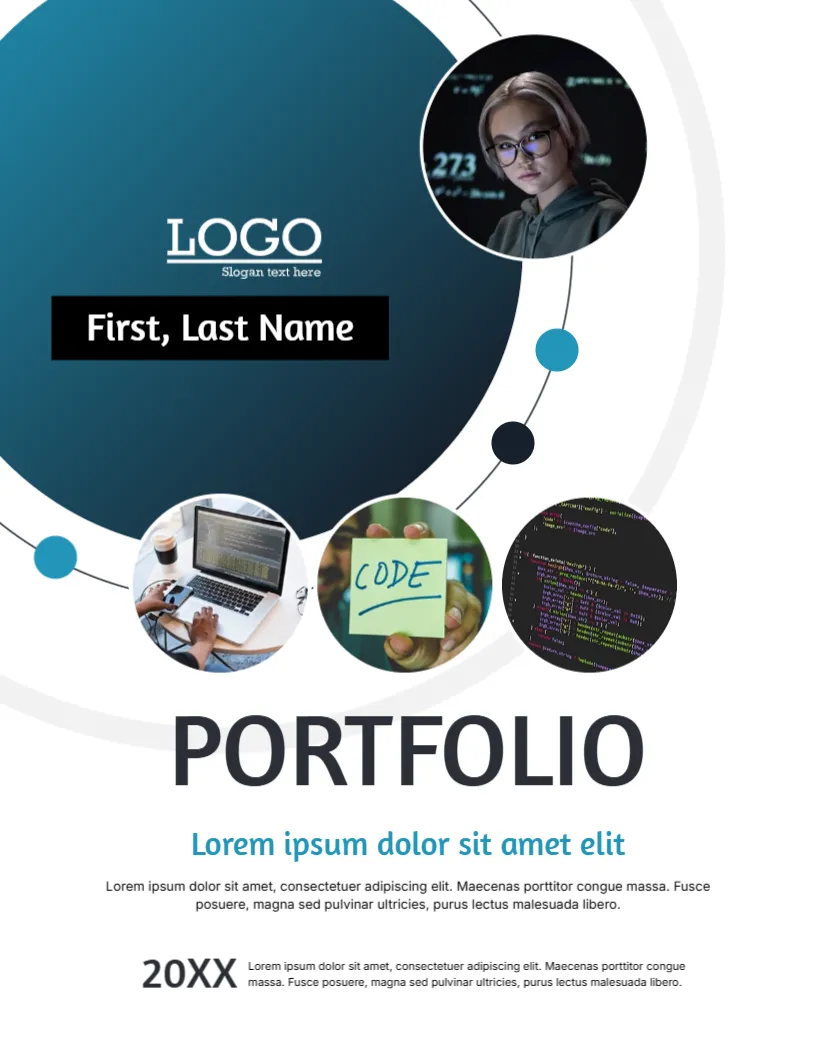
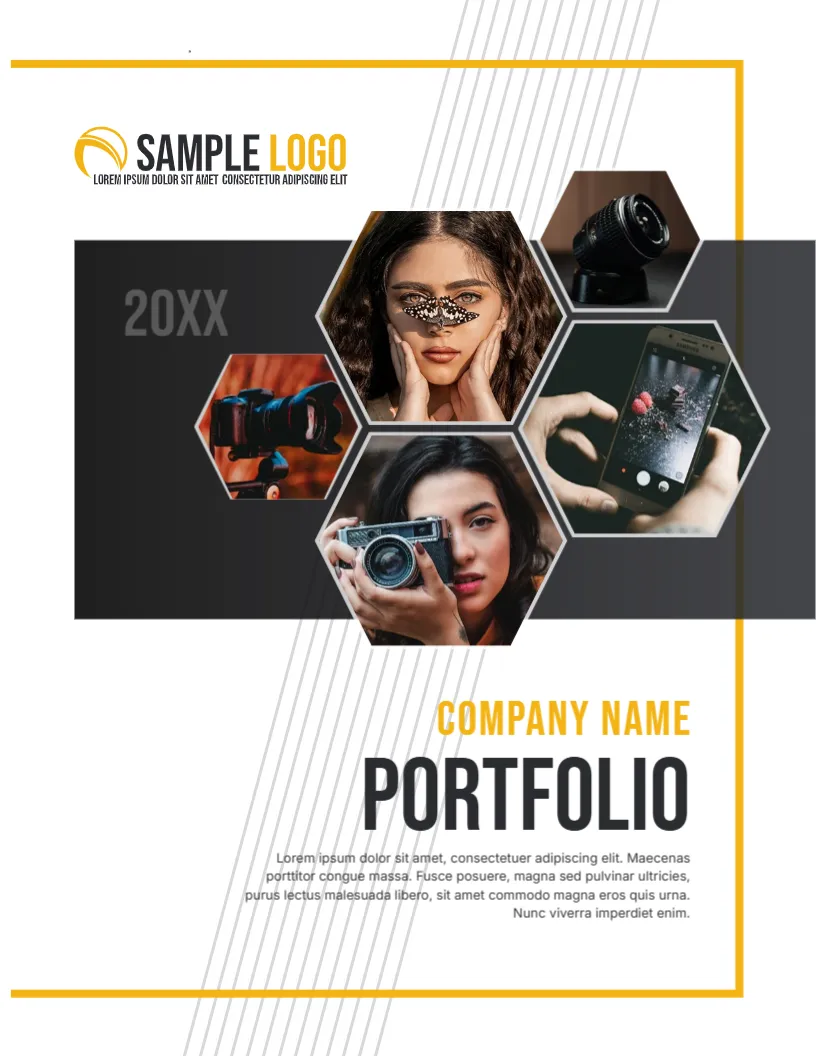
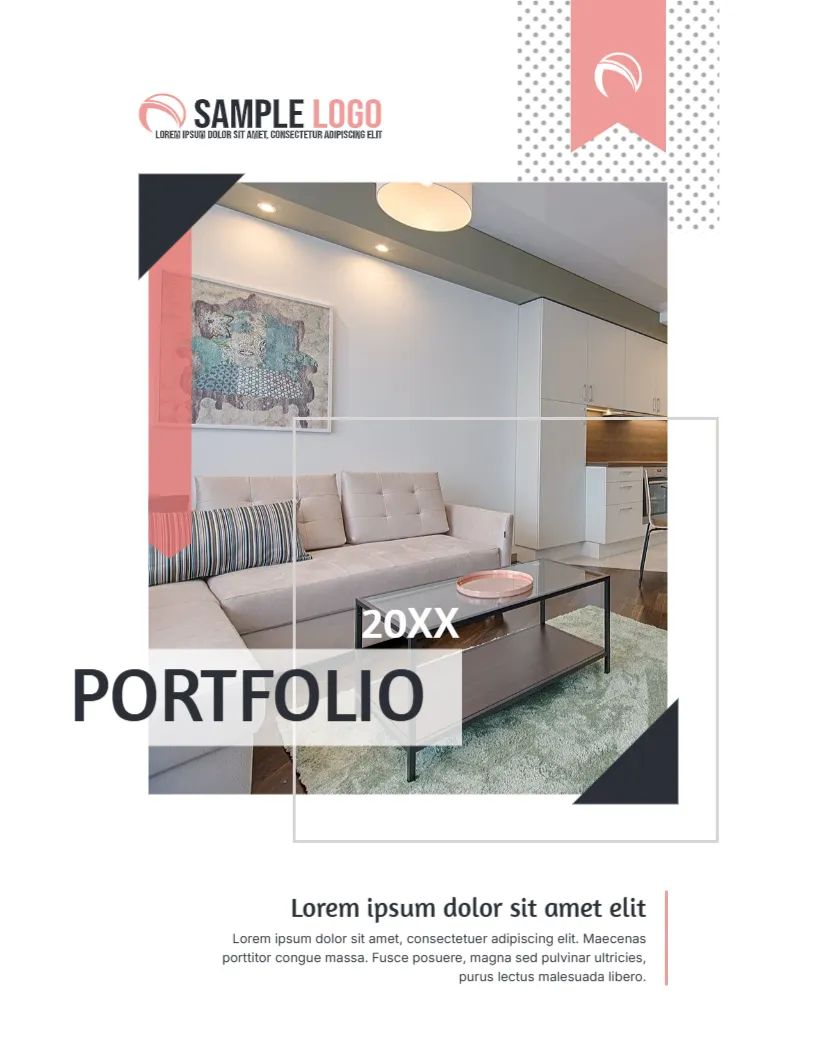
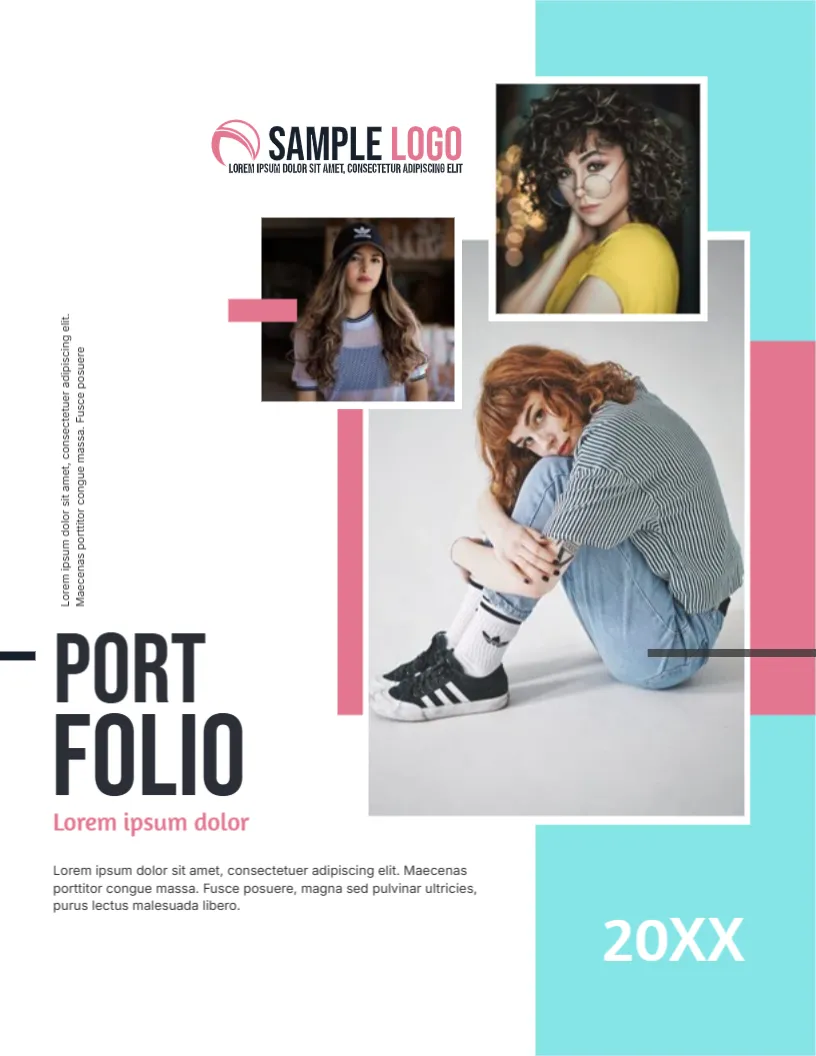

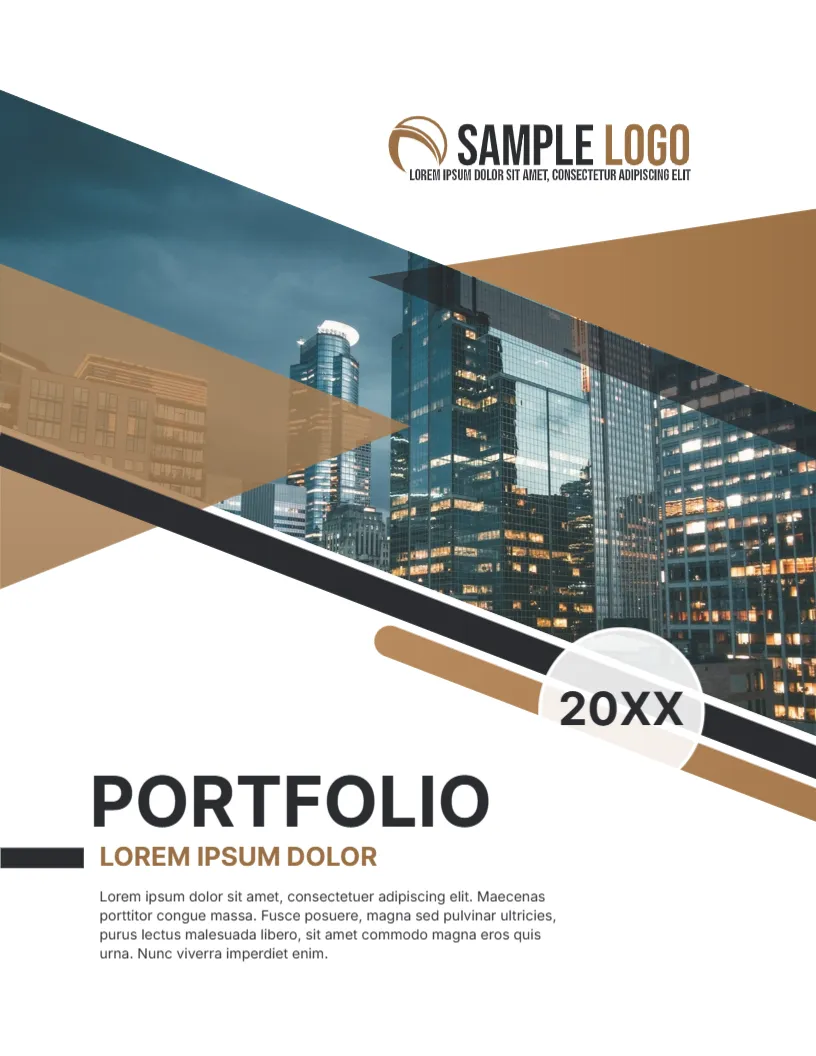
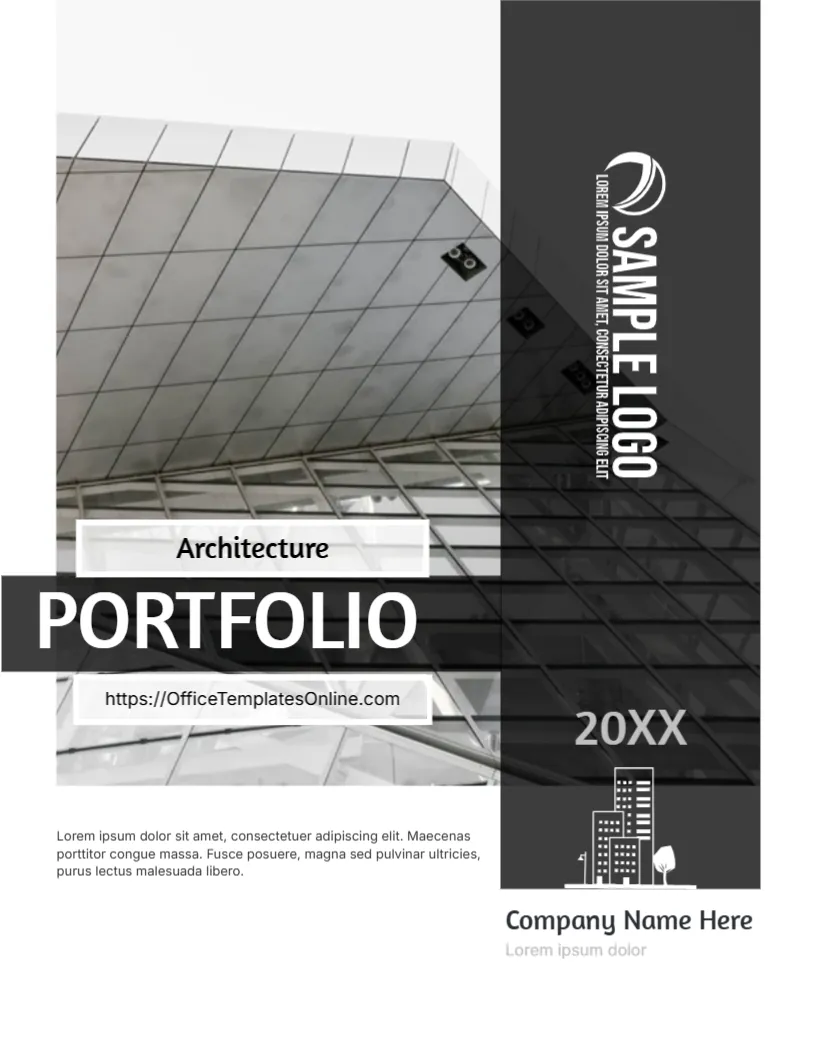
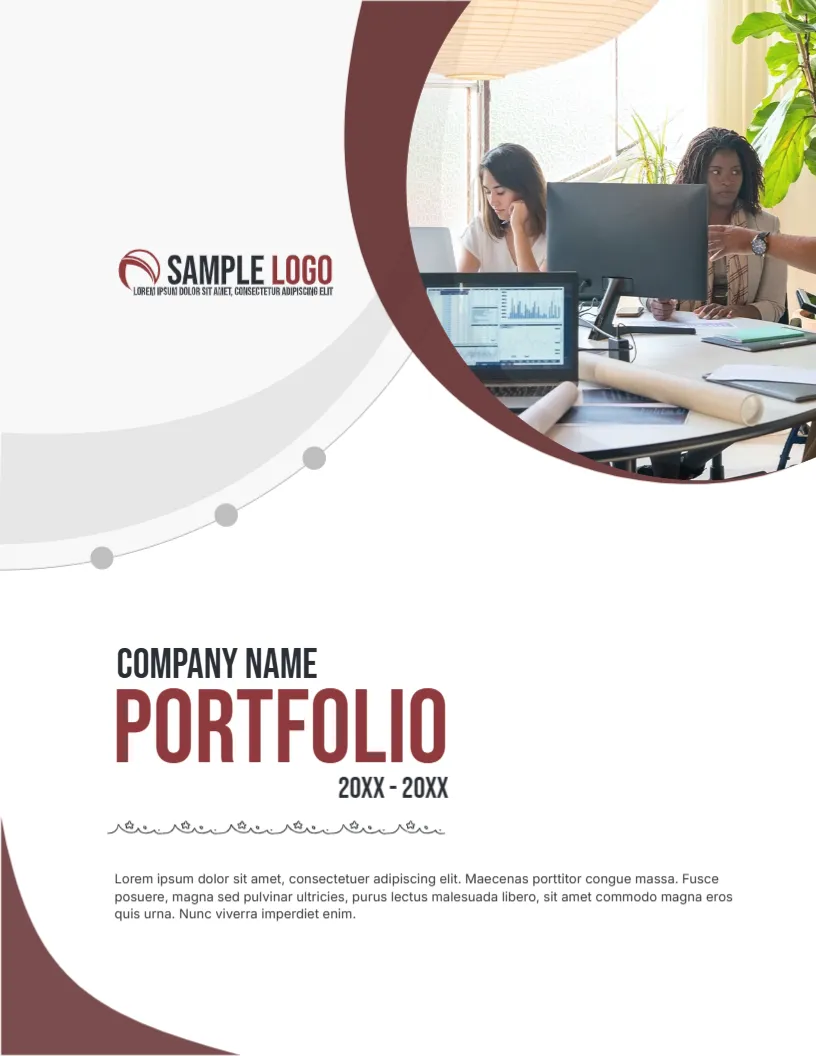
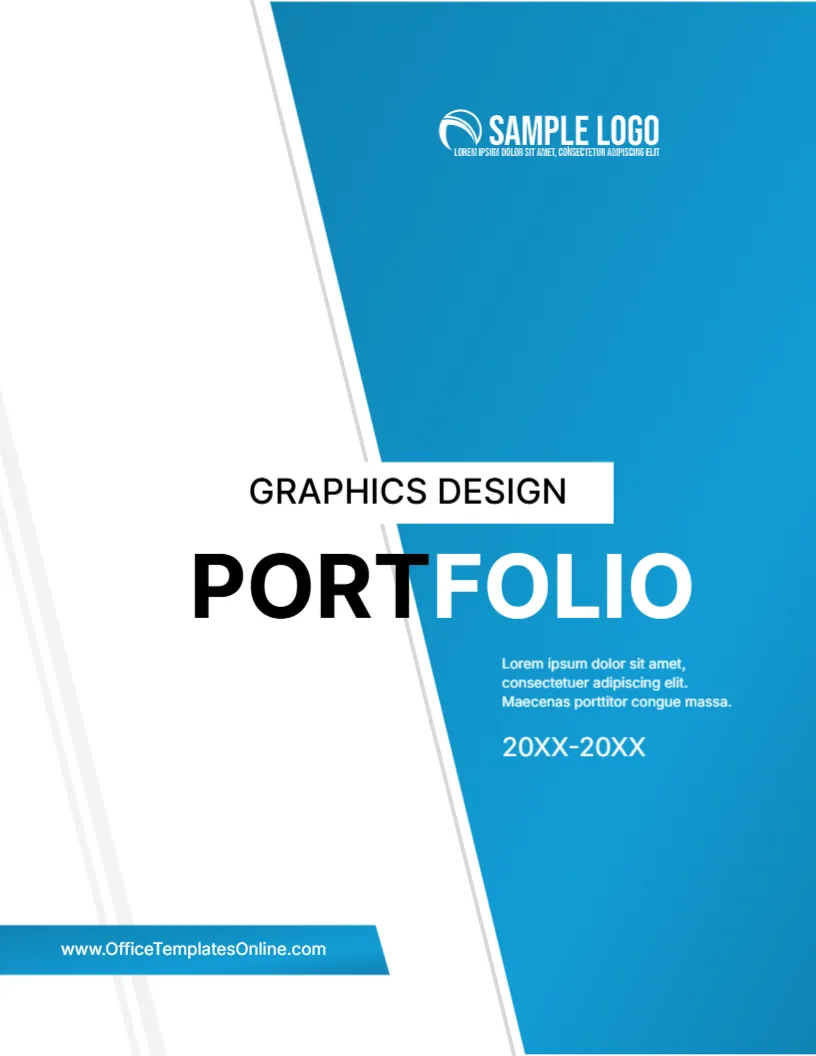
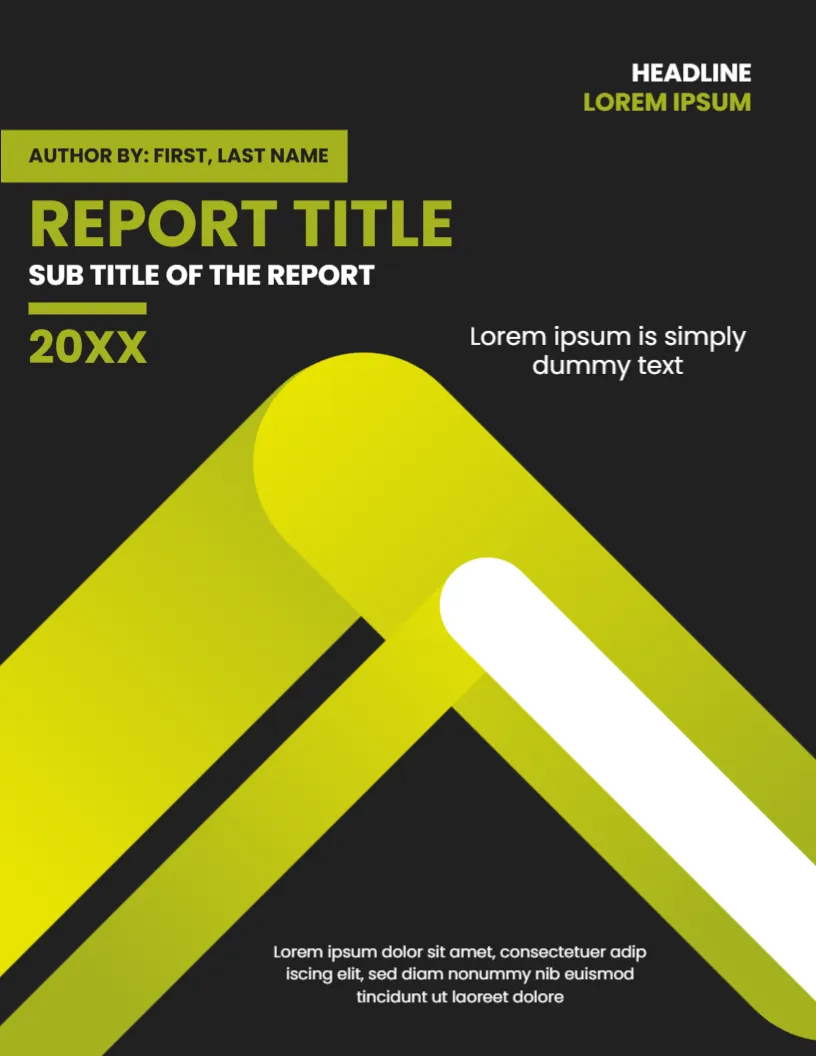

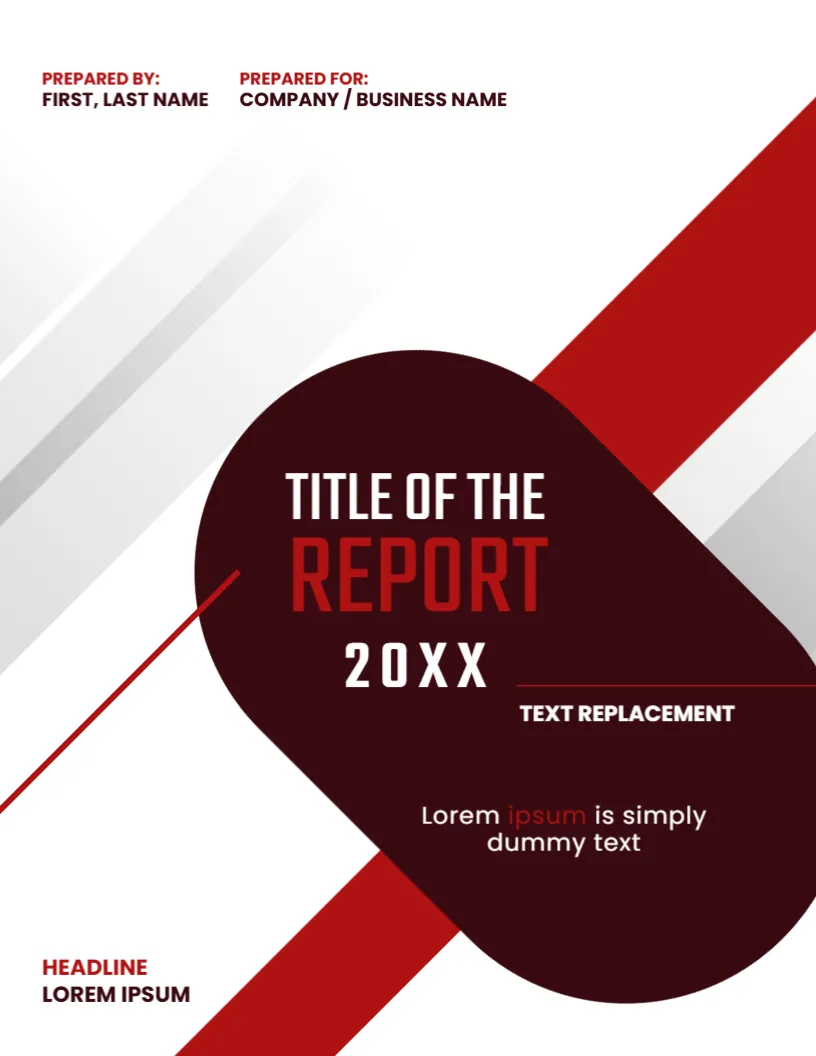

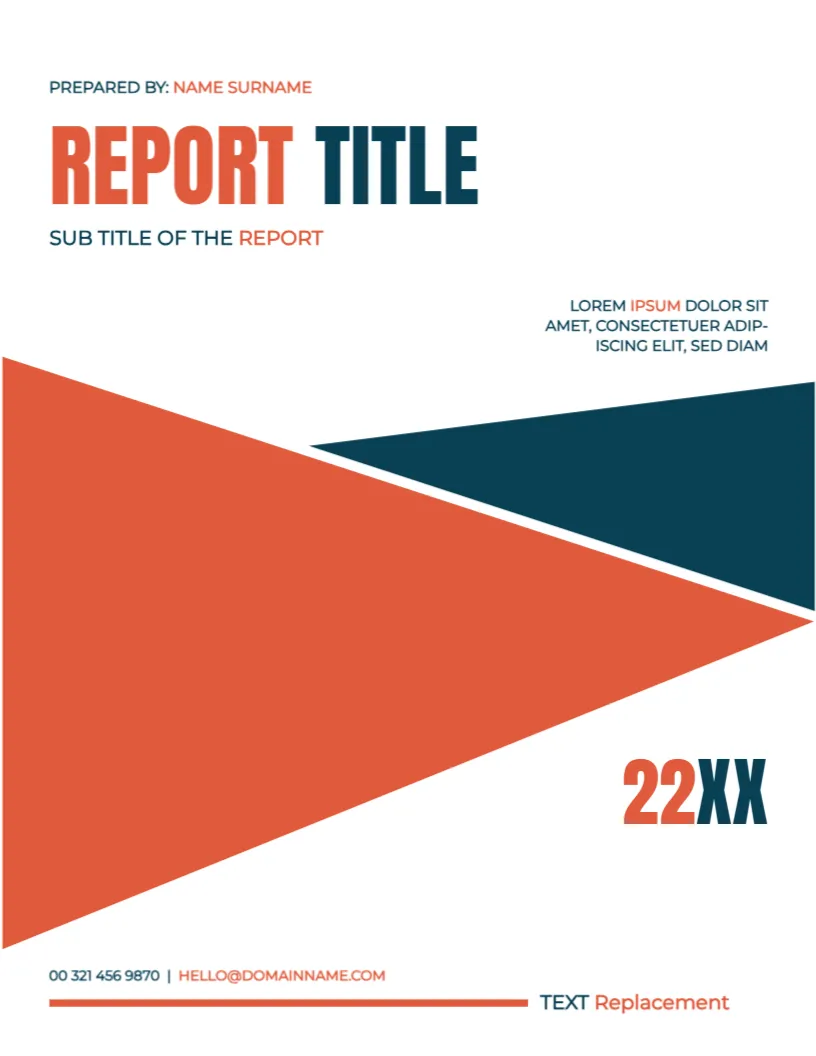
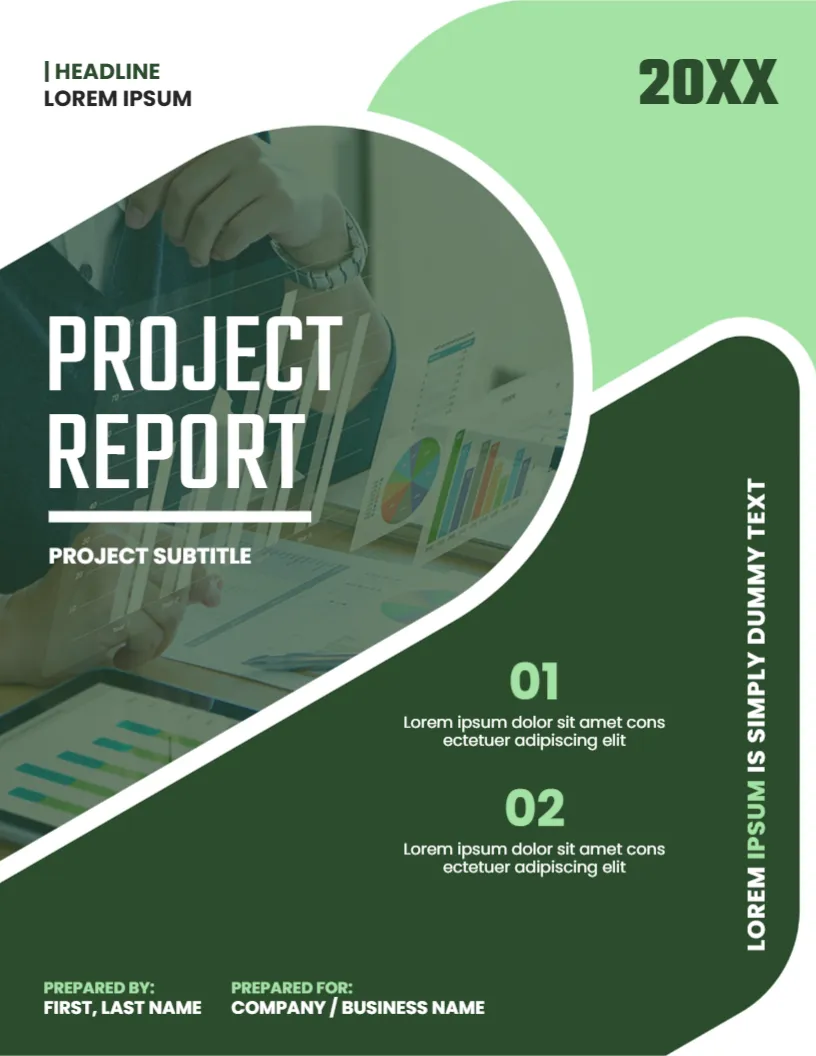










What Belongs on a Business Cover Page
Keep it short and clear. People should know in three seconds what the document is, who made it and when.
- A specific title, for example Q3 Marketing Plan rather than Plan
- A subtitle or a short description when the title is broad
- Company or team name and logo
- Author or presenter
- Date or version number
- Confidentiality notice if the document is internal
Match the Cover to the Document Type
| Document | Cover style that works | What to emphasize |
|---|---|---|
| Business plan | Strong, structured and confident | Company name and plan period |
| Marketing proposal | Modern and bold | Client name and campaign title |
| Annual or internal report | Clean and minimal | Reporting period and department |
| Research paper | Quiet and academic | Title, author and institution |
| Case study | Simple with room for an image | Subject and key result |
Two Small Design Rules
First, use no more than two fonts. One for the title and one for the details is plenty. Second, leave generous white space around the title. Empty space makes a cover look calm, and it prevents the page from feeling like a poster.
Export for the Way You Share
If you send reports as PDFs, download the cover as a PDF and merge it with the rest of your document. If you work in slides, a PNG or JPG makes a fine title slide. For printed documents, check the margin on the side you plan to bind.
Looking for Something Different?
Students may prefer our assignment cover pages, and publishers can look at magazine cover pages. The full range sits on the cover pages page.
Writing a Title That Earns Attention
A strong title is specific, short and honest. Instead of "Marketing Report", try "Spring Campaign Results: Social Reach and Sales Impact". Instead of "Business Plan", use "Northfield Bakery: Three Year Growth Plan". Add a subtitle when the title needs context, such as the client, the period covered or the version. Avoid vague words, and place the most important phrase first.
Cover Elements Compared by Document
| Element | Proposal | Report | Research paper |
|---|---|---|---|
| Title and subtitle | Required | Required | Required |
| Client or recipient | Required | Optional | Not needed |
| Author or team | Required | Required | Required |
| Date or version | Required | Required | Required |
| Logo | Recommended | Recommended | Institution logo |
| Confidential label | Optional | Often used | Not needed |
Branding Your Cover
Use your company colors for the main shapes and text, and keep the background simple. Place the logo where readers expect it, usually at the top left or center. If you send many documents, create one master cover layout and change only the title and date, so every report looks part of the same family.
Design Mistakes to Avoid
- Using stock photos that have nothing to do with the topic.
- Writing the title in more than two font styles.
- Putting small text on a busy background where it cannot be read.
- Forgetting the date, which makes the document hard to place later.
- Letting the cover look more important than the content inside.
Pairing the Cover With the Rest of the Document
Carry the same fonts and accent color into headings, charts and page numbers. A consistent look signals that the content has been thought through, and it makes long documents easier to scan. If the report will be bound, leave an extra margin on the binding side of the cover design.
Choosing Colors That Suit the Subject
Blue and gray suggest stability and suit finance and consulting. Green fits sustainability, health and growth plans. Warm colors such as orange feel energetic and fit marketing and creative proposals. Keep the palette small, and check that text is readable when the cover is printed in black and white.
Cover Page Q&A
Can I add my company logo and brand colors?
Yes, both are easy to change in the editor.
Is the cover suitable for a printed report?
Yes. Download the PDF and print at the original size.
Should every report have a cover page?
Formal reports, proposals and research papers benefit from one. For short internal notes, a simple title at the top is enough.
Can I add a client logo as well as mine?
Yes. Upload both logos and place them in opposite corners or side by side at the top.
Should a proposal cover include the client name?
Yes. It shows the proposal was written for them and makes your document easier to file.
How many fonts should a cover use?
Two at most. One for the title and one for the supporting details keeps the page calm and professional.
Can I reuse the same cover for every report?
Yes. Keep one master layout and change only the title and date so every report looks part of the same family.
Can I include a confidentiality notice?
Yes. Add a small line in the footer, for example Confidential, for internal reports and client proposals.
Explore Related Categories
Business and office templates for the documents every team needs, from letterheads, business cards and envelopes to cover pages, price lists, purchase…
Professional letterhead templates help businesses, organizations, consultants, and professionals maintain a consistent brand image across official correspondence. A well-designed letterhead enhances credibility…
Business card templates help professionals create a strong first impression when networking, meeting clients, and promoting their services. Our editable business card…
Cover page templates help students, professionals, researchers, and businesses create polished front pages for reports, assignments, proposals, presentations, portfolios, and academic projects.…
Fact sheet templates for products, programs, funds, venues, safety information, biographies and school projects. Put the key numbers, dates and details on…
Assignment cover page templates for subjects such as law, psychology, economics, physics, computer science, philosophy and environmental science. Add your course, name,…
Research paper cover page and title page templates for APA, MLA, Chicago, Harvard and IEEE styles, lab reports, theses, dissertations, case studies…
Holiday and seasonal templates for every date on the calendar, from Eid and Mother's Day to Halloween, Independence Day, Labor Day and…
Card and invitation templates for the moments people remember, including birthdays, parties, get well wishes, condolences, announcements, gift tags and event tickets.…
Certificate, ID card and voucher templates for schools, businesses, clubs and events. Create award and employment certificates, student and staff ID cards,…
Marketing and promotion templates for small businesses, shops and teams, including flyers, promotion banners, signs, outdoor signs, door hangers, job hiring posters,…
Education templates for teachers, schools, tutors and homeschooling families. Build report cards, progress reports, behavior charts, classroom posters, schedules, homeschool planners and…