A Lime Green Report Cover With a Marketing Spark
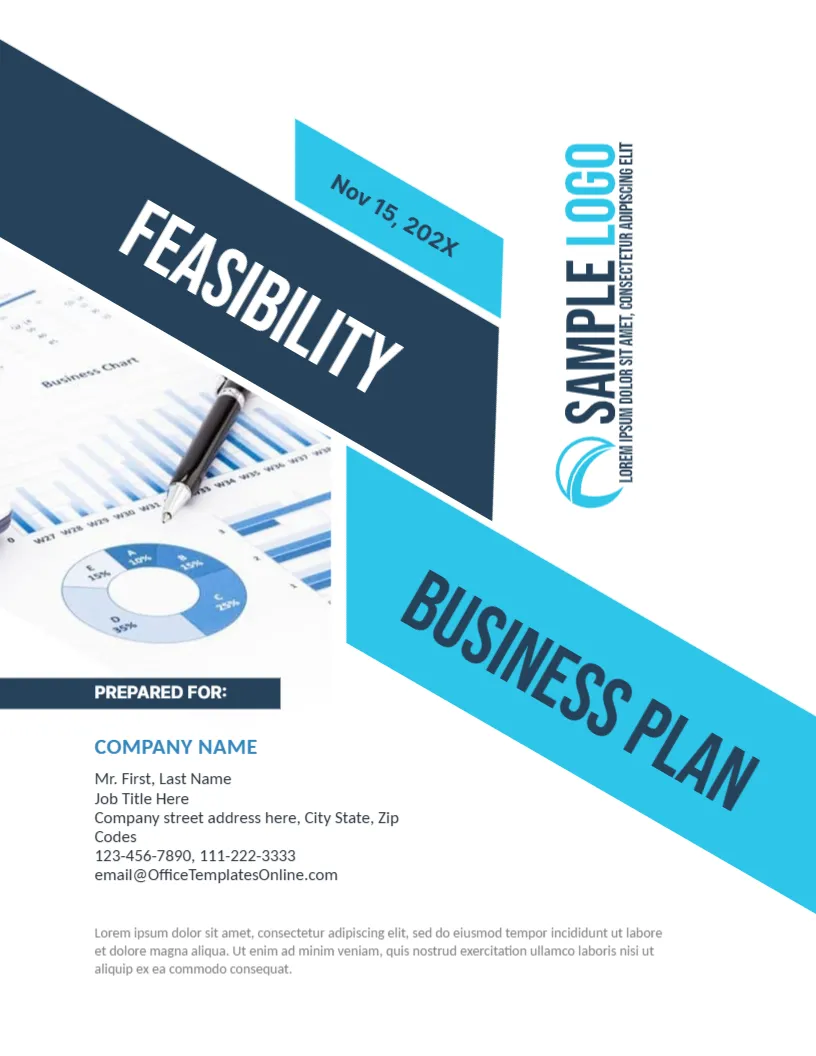
Lime green stands out on a pile of grey reports, and set on charcoal it looks fresh and energetic. This cover gives marketing teams a bold look for a business report: a large BUSINESS REPORT title with a vertical year, a slanted lime panel with icons, and a photo of a hand using a calculator over printed figures. It suits marketing, sales, advertising and e commerce reports.
Charcoal Page and the Lime Panel
The page is 8.5 x 11 inches, portrait, one page. The charcoal background covers the whole sheet. A slanted lime panel runs across the middle with a white diagonal line, and a second lime wedge closes the right edge. The photo of hands, a calculator, a pen and charts sits at the right of the panel. The shapes in the lime marketing cover are graphics, and the photo is replaceable.
Title, Icons and Headline
BUSINESS is set in lime, REPORT in white, and 20XX turns vertical next to them. Under the title, Prepared by: Name Surname has the name in lime. Inside the lime panel, | HEADLINE LOREM IPSUM sits above two outline icons, a clipboard with a chart and a dollar sign with arrows. At the foot you find LOREM IPSUM DUMMY TEXT, two lines with lime bars and a right aligned TEXT REPLACEMENT.
Marketing Details to Put on the Cover
- The campaign or channel the report covers.
- The reporting period instead of 20XX.
- The team or agency preparing the report.
- A headline result such as leads up 22 percent.
- A short line saying where to find the raw data.
Showing Results Without Overstating
Use real numbers from your own tools and state the period. If a result is estimated, say so. A cover headline with a precise figure builds trust, while a vague boast makes readers sceptical. Link the headline to a chart on page two.
Using the Icons
The clipboard and the dollar icons suggest tasks and budget. Keep them if your report covers spending, or replace them with icons for traffic, email or social media. Icons are pictures, so use Replace Image and keep them in the same line style.
Editing and Printing the Lime Marketing Cover
The fonts are Teko and Poppins. Text edits freely. Lime can look yellow on some printers, so run a test. For a PDF, check that the thin white diagonal line is visible at full screen.
Sharing the Report With Clients
If the report goes to a client, remove internal notes and check that every chart shows only approved data. Send it as a PDF, and book a short call to walk through the headline. A call often prevents misunderstandings and builds the relationship.
Step by Step Editing of the Lime Marketing Cover
- On the lime marketing cover, click the main title and type your own words, keeping the same style of capitals.
- Retype every name and contact line on the lime marketing cover, checking each spelling against an official source.
- Change the year or date on the lime marketing cover, then search the page for XX and for the word Lorem so that no placeholder remains.
- Click the logo or the photo on the lime marketing cover, choose Replace Image and resize the new picture until it fills its space.
- Zoom the lime marketing cover to full screen and read each line aloud, because spoken reading catches slips that silent reading misses.
- Keep a clean master of the lime marketing cover without your private details, so that later versions begin from a tidy copy.
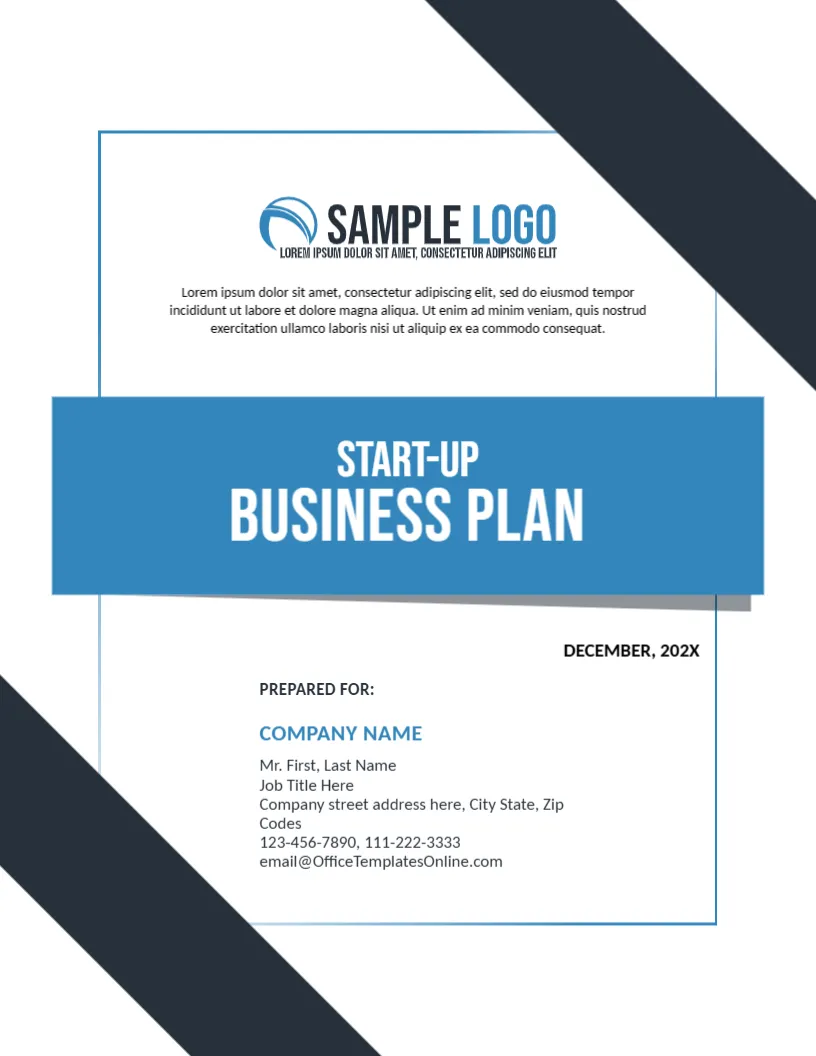
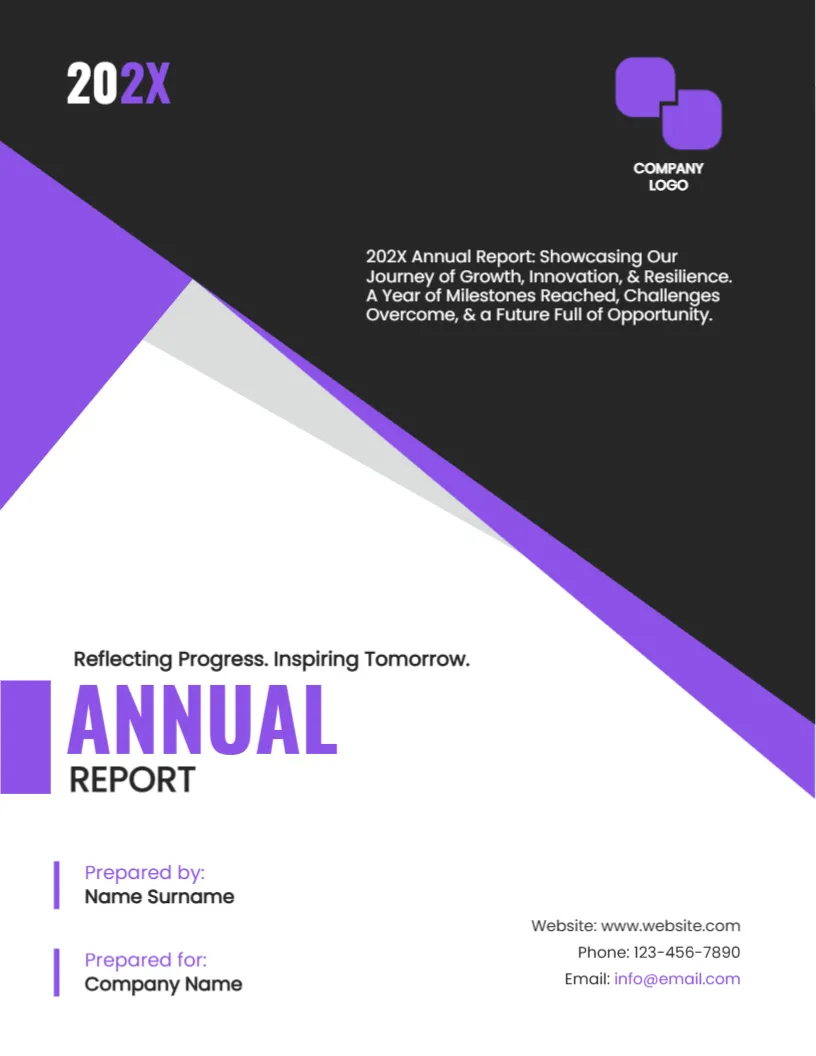
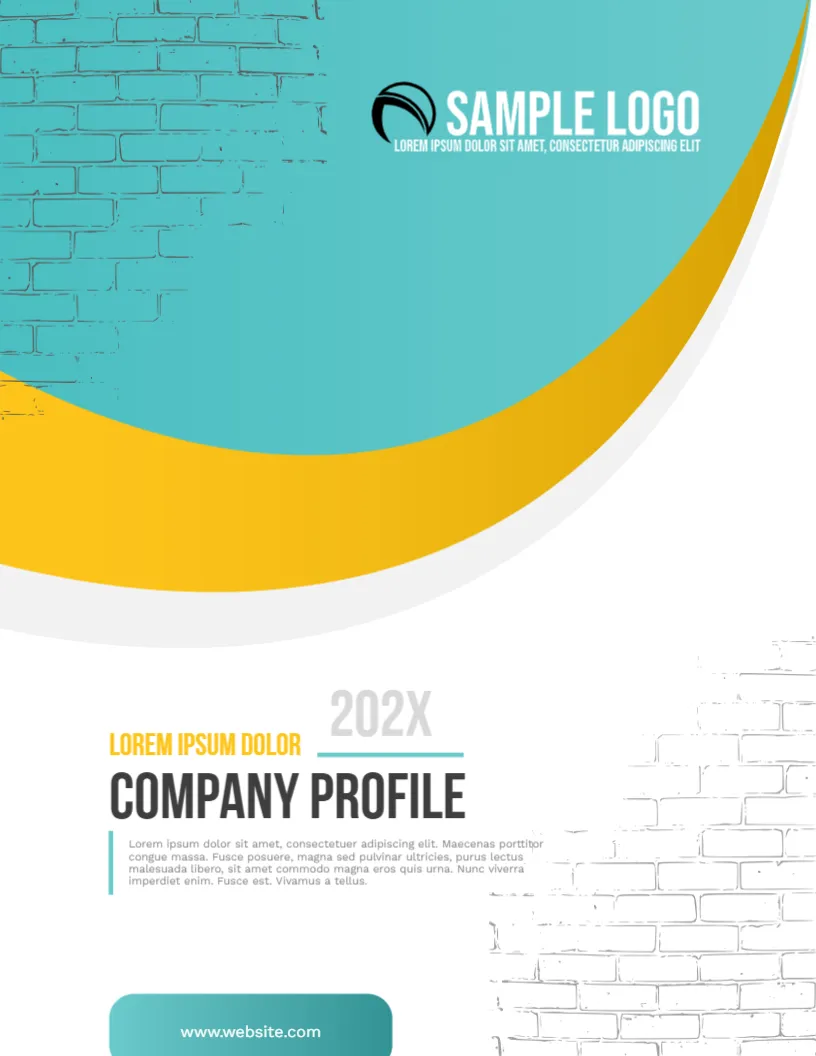
Similar designs include the digital marketing proposal cover. Compare it with the social media report cover. You may also like the report cover page for business. Every lime marketing style alternative sits in business and report cover pages.