A Report Cover That Looks Like a Social Feed
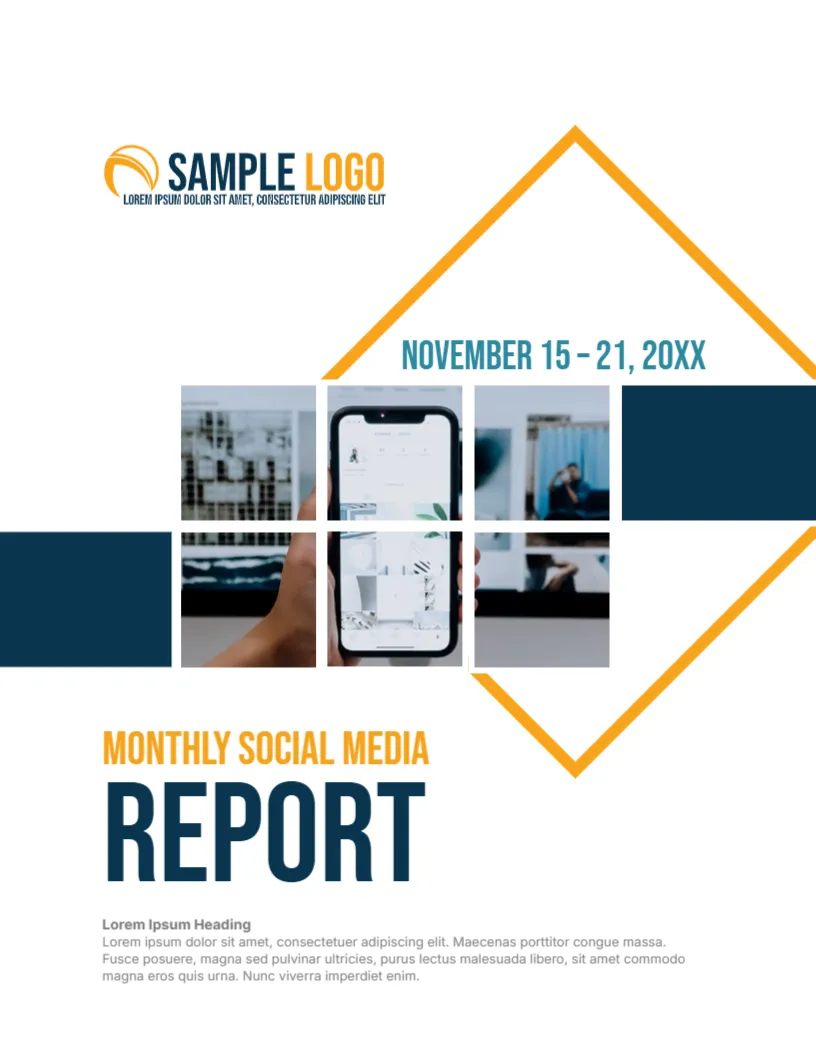
A social media report shows what happened on the channels in a week or a month: reach, engagement, followers and top posts. This cover brings the subject to the front with a grid of small photos in a gold diamond outline, including a hand holding a phone that shows a profile page. It suits social media managers, agencies and marketing teams who report to clients or leadership.
Gold Diamond and the Photo Grid
The page is 8.5 x 11 inches, portrait, one page. A thin gold diamond outline crosses the page, with a block of six small photos at its centre and navy rectangles at the left and right edges. The photos are pictures, so you can replace them with real post images or screenshots. The diamond and rectangles are graphics.
Date Range in Teal
NOVEMBER 15 to 21, 20XX is set in teal capitals at the top of the diamond. It reflects a weekly report. For a monthly report, change it to a single month, for example OCTOBER 20XX. A clear period is the most important detail on this kind of cover, since readers keep many of them.
Title in Gold and Navy
MONTHLY SOCIAL MEDIA appears in gold condensed capitals above a very large navy REPORT. If your report is weekly or quarterly, replace MONTHLY. If you cover one platform, name it, such as INSTAGRAM. Keep the title to four words or fewer.
Heading and Summary Note
A bold heading and three lines of grey text sit at the foot. Use them to name the accounts covered and the one headline result, for example Followers up 8 percent, reach up 14 percent. Readers who glance at the cover can then learn the main news.
Metrics Worth Putting in the Report
- Followers and growth by platform.
- Reach and impressions.
- Engagement rate and top posts.
- Clicks and conversions from social traffic.
- Next month’s plan and tests.
Branding and Logo
A SAMPLE LOGO in orange and navy sits at the upper left. Replace it with your own or the client’s mark. Use the same cover each period and change only the dates, so that clients can see the series build up.
Editing and Output for the Social Feed Cover
Fonts are Bebas Neue and Inter. Text edits freely. Export a PDF to send by email.
Explaining Social Results to Non Specialists
Not every reader knows what reach or engagement means. Add a short key to the report with one line for each term. Compare numbers with the last period, and say in plain words whether the trend is good. A client who understands the numbers is more likely to renew.
Keeping a Series of Reports Consistent
If you send a social report every month, keep the cover identical and change only the dates and the photos. Number the files in order. Clients who file them in a folder will see their progress at a glance.
You may also like the digital marketing proposal cover. For comparison, open the business report cover page. Consider the internal and external reports cover. Every social feed style alternative sits in business and report cover pages.