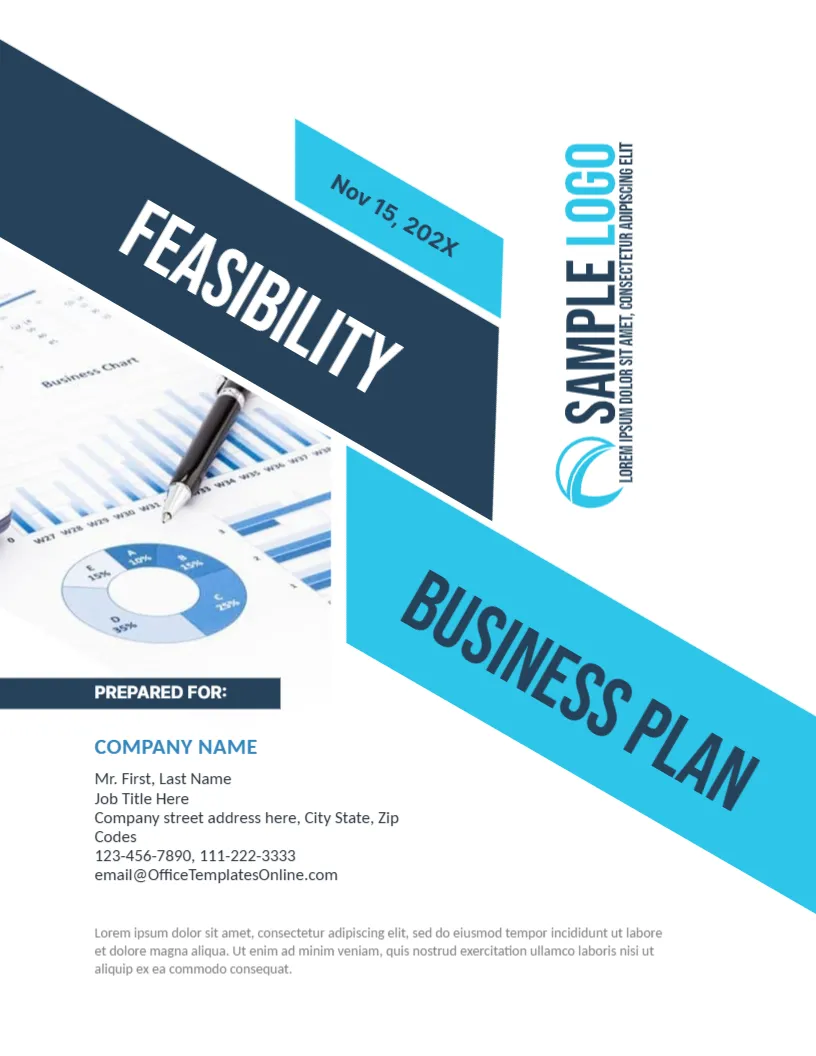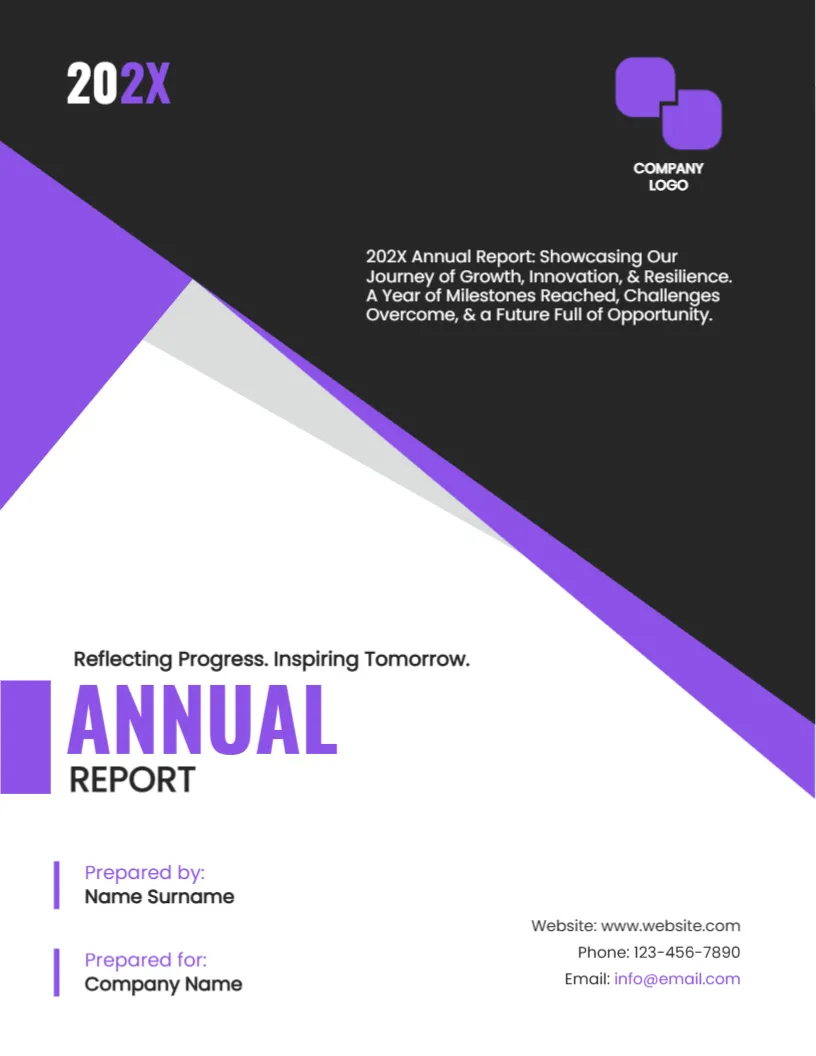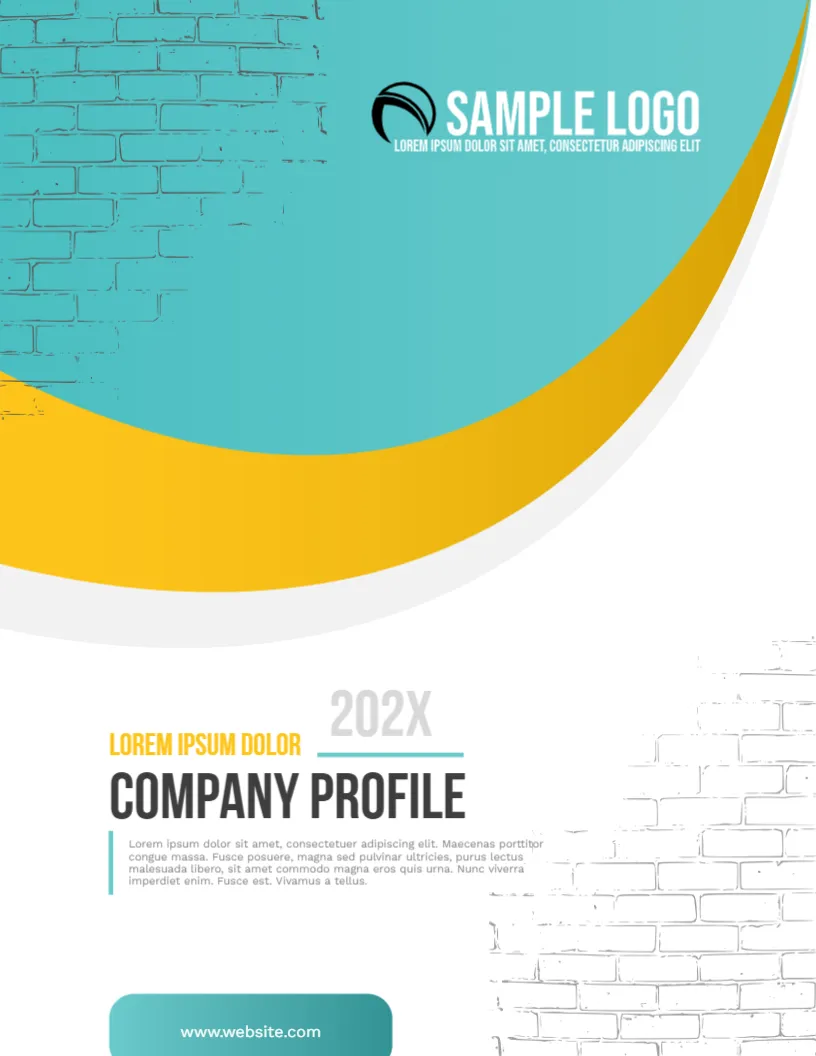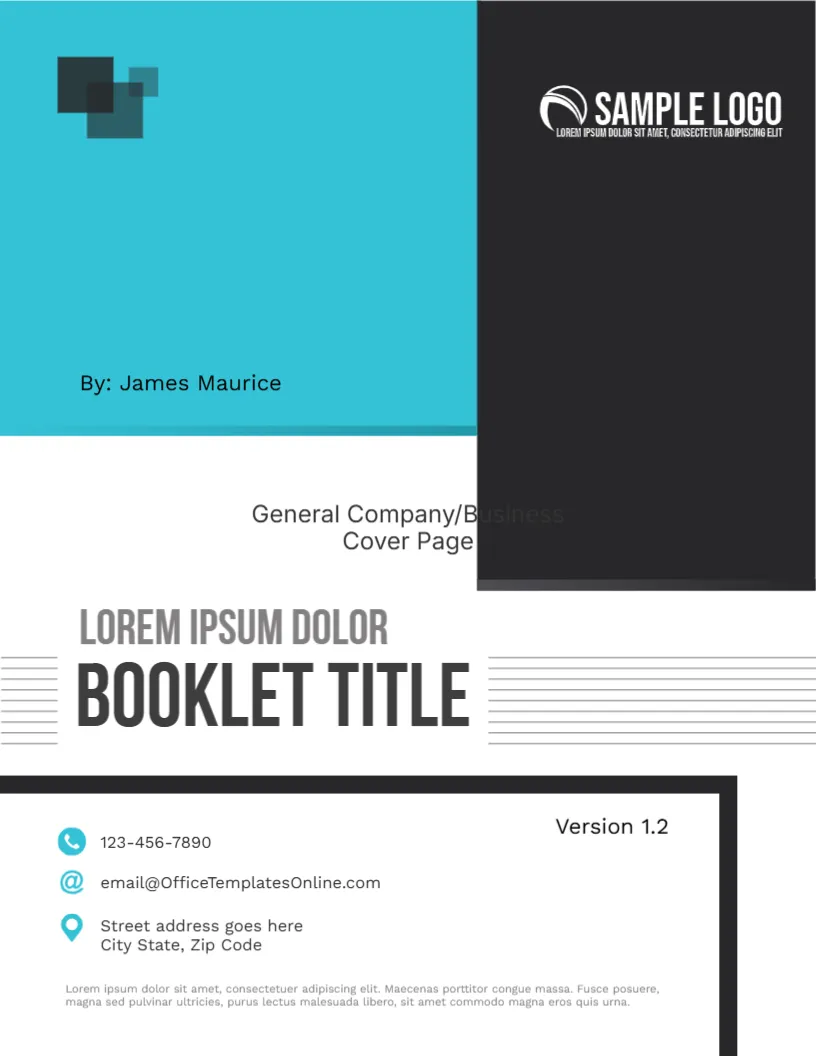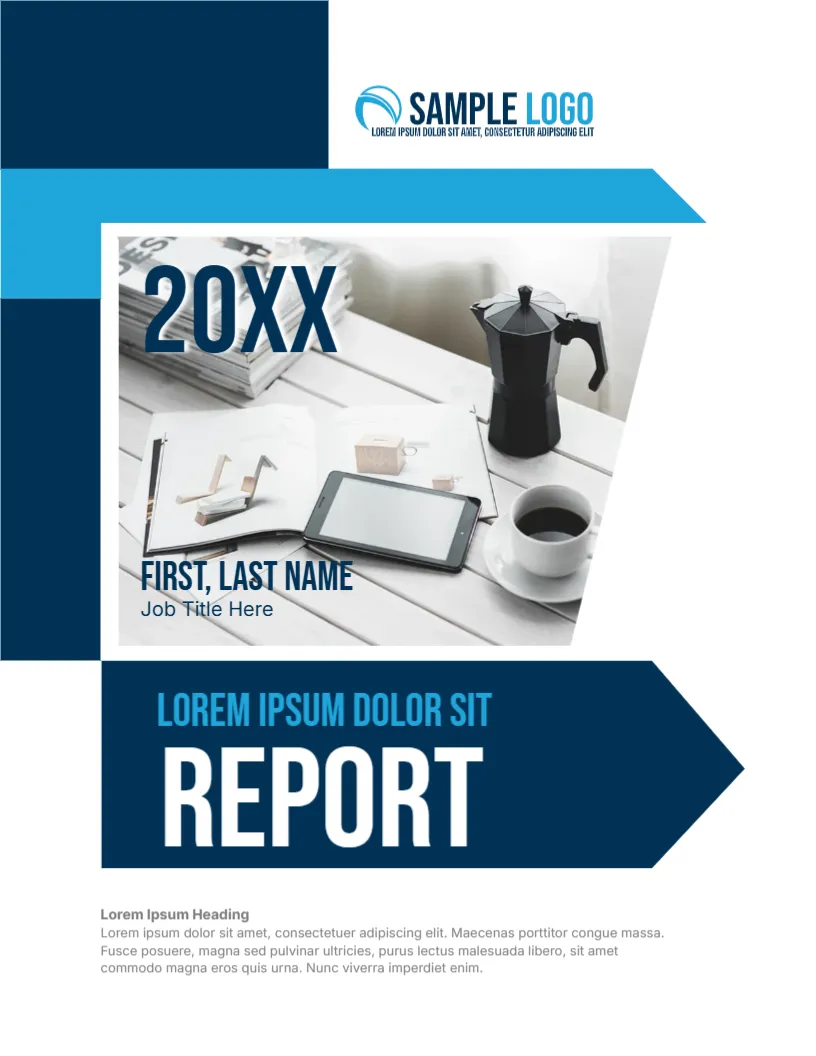
A Report Cover With an Arrow That Points Forward
Reports that go to staff and reports that go to clients can share one cover if the design is neutral. This one uses navy and cyan blocks, a photo of a desk with a tablet and coffee, and a big arrow shaped banner with the word REPORT pointing right. It suits managers, coordinators and consultants who issue regular updates.
Blocks, Photo and Arrow Banner
The page is 8.5 x 11 inches, portrait, one page. A navy block fills the upper left, a cyan stripe crosses beneath the logo, and a slanted photo frame holds the desk picture. A navy arrow shaped banner below it holds the title. The shapes are graphics. The photo is replaceable.
The Name Overlay on the Photo
On the photo, 20XX appears in big navy capitals at the top left. At the bottom of the photo, FIRST, LAST NAME and Job Title Here are printed over the image. Retype them with the author’s name and role. Because the text sits on a picture, make sure that the new photo is light enough for dark type.
Banner Wording
Inside the arrow, a cyan line reads LOREM IPSUM DOLOR SIT and the word REPORT is in huge white capitals. Replace the small line with the report name, such as Quarterly Operations or Customer Survey. Keep REPORT if it applies.
Notes Under the Banner
A bold heading, Lorem Ipsum Heading, and three lines of grey text sit below the banner. Use them to say what the report covers, the period and who should read it. This is helpful for external readers who may not know your organisation.
Differences Between Internal and External Reports
- Internal: frank, short, with action items for named owners.
- External: more formal, with background and definitions.
- Both: clear dates, sources and contact details.
Marking Confidentiality
If a report is for internal use, add a line such as Internal, not for distribution in the notes under the banner. For external use, remove any internal comments and check that figures are approved for release.
Editing and Printing for the Arrow Report Cover
A SAMPLE LOGO sits beside the blocks at the top. Replace it with your own. Print on 120 gsm in colour, or share as a PDF.
Distribution Lists and Versions
Decide who receives each report. Keep a list of internal readers and external recipients, and a note of the version each one holds. When you send an update, send it to the same list with a short summary of what changed. It prevents people from working with old figures.
Choosing the Right Banner Word
The word REPORT can be swapped for UPDATE, REVIEW or SUMMARY. Choose the word that matches how formal the document is. Short words fit the arrow best, and long ones may need a smaller size or two lines.
Next to try is the business report cover page. Have a look at the social media report cover. Another option is the formal and informal report cover. Looking beyond the arrow report cover? See all business and report cover pages.