A Navy and Teal Report That Looks Like a Boardroom
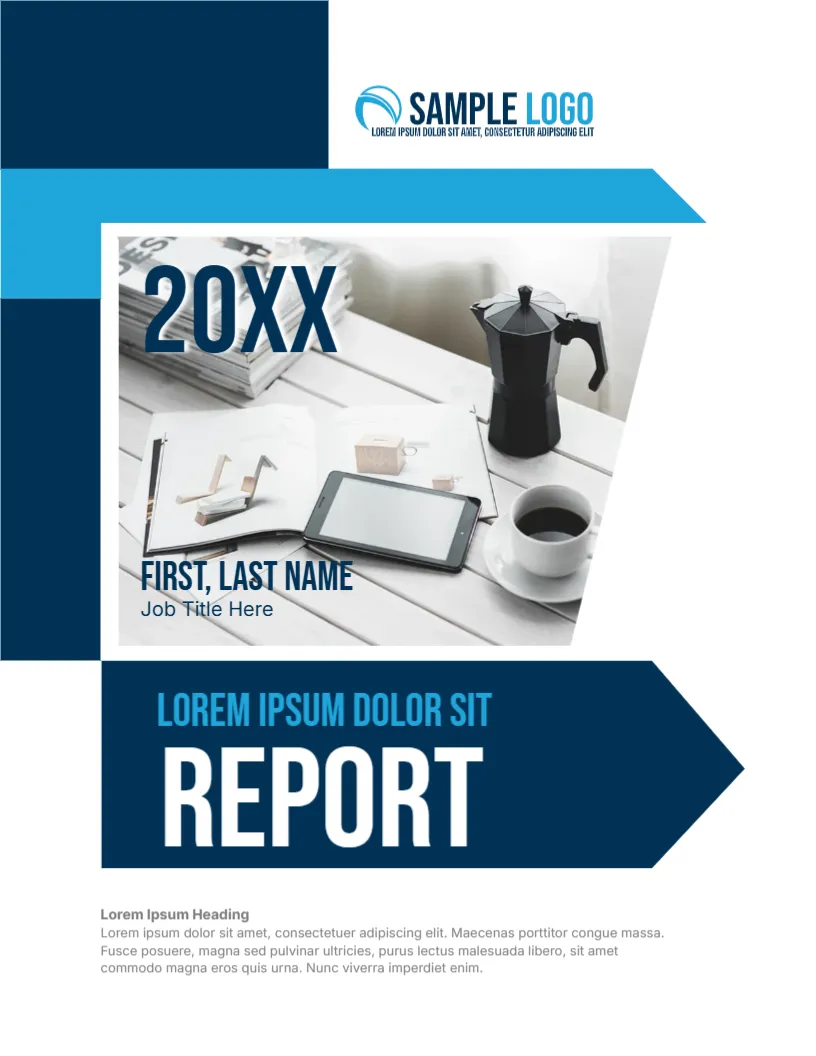
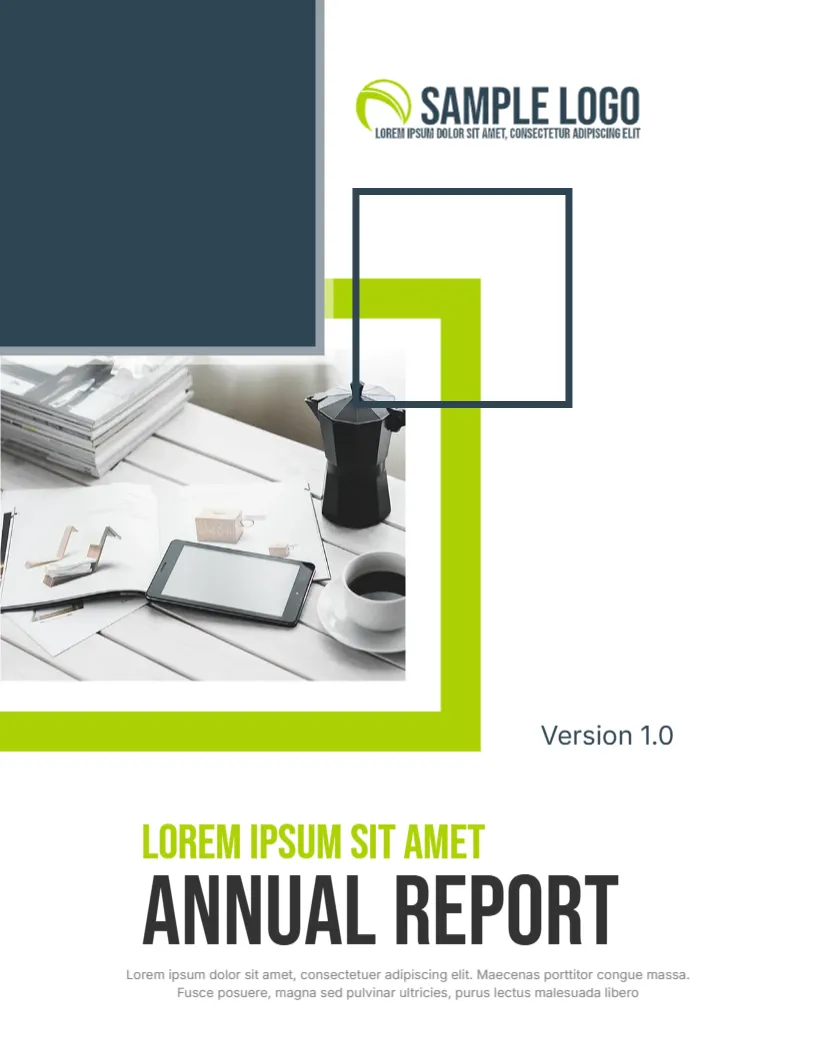
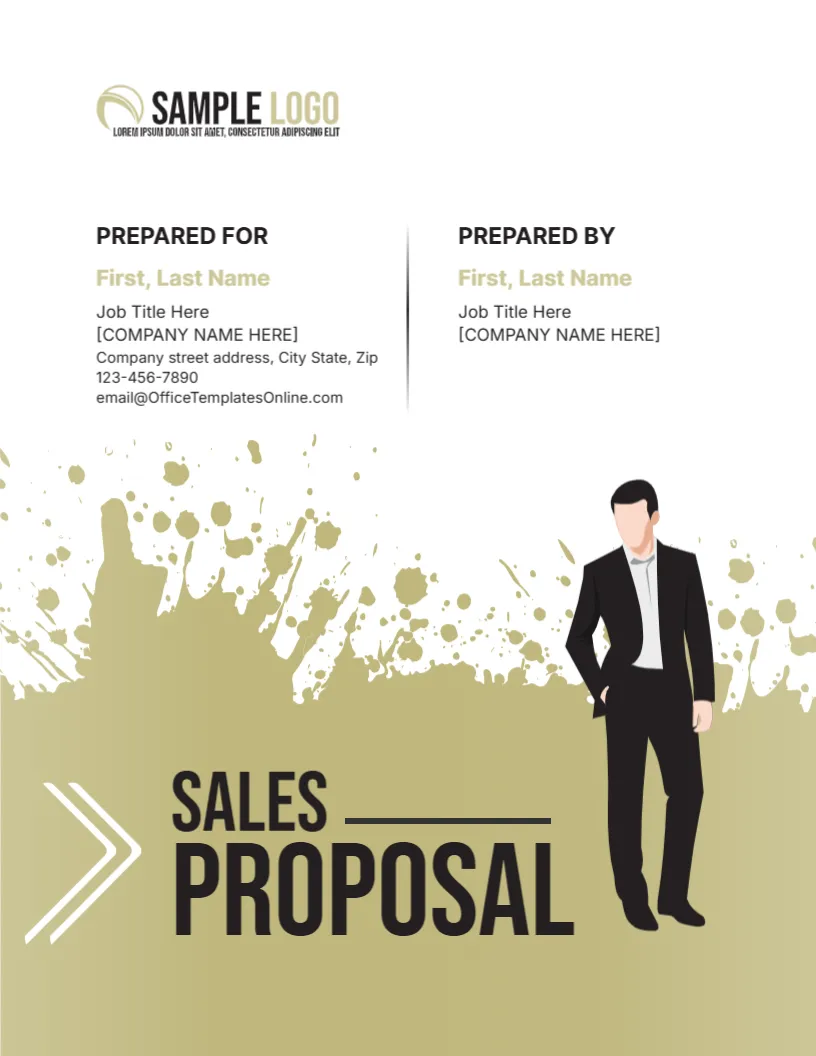
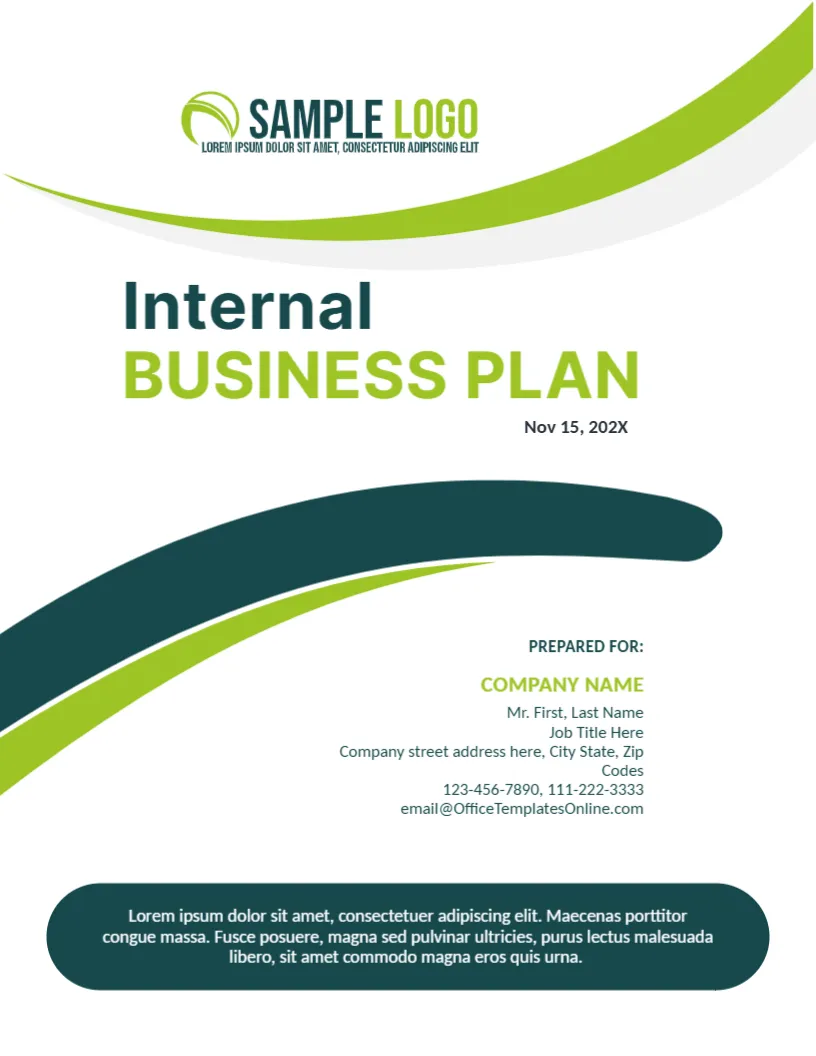
A report is often read in a meeting room, and this cover looks as if it belongs there. A deep navy background carries teal angled shapes, and a photograph taken from above shows colleagues around a table with laptops, tablets and printed charts. The title is set in large teal capitals at the top. It suits management reports, finance updates, team summaries and any report that comes out of a meeting culture.
Navy Field With Teal Angles
The page is 8.5 x 11 inches, portrait, one page. Teal shapes with rounded corners cut in from the upper left and sweep along the right side, framing a slanted window for the photo. Two thin white lines add speed. The shapes in the teal navy report cover are graphics. The photo is replaceable, and a bright overhead meeting scene works best because it contrasts with the dark page.
Title, Year and the Headline Block
PREPARED BY: NAME SURNAME is a small line at the top. Below it BUSINESS is in large teal capitals, followed by REPORT and 20XX in a slightly smaller size. Lower left, a teal vertical mark introduces | HEADLINE with the line Lorem ipsum simply dummy text replacement. Use the headline for the report topic or a one sentence finding. Two small teal icons, a clipboard with an arrow and a dollar symbol with arrows, hint at results and money.
What to Replace Before Sharing
- Name of the author or team in the top line.
- The year, or the period such as Q3 20XX.
- The headline text and its sentence.
- The meeting photo with your own team or workplace.
- Icons, if they do not match your topic.
Keeping White Text Readable on Navy
Text on dark backgrounds can look thin on paper. Check a printed test and, if needed, increase the font size by a point or two. Avoid long sentences in the headline block, since the narrow column suits two short lines. Use bold for the key word.
Reports Suited to the Boardroom Look
Use this cover for monthly management reports, budget reviews, sales summaries and project dashboards. If your audience is a board, add the meeting date under the year. A little context on the cover helps people find the right report in a stack.
Editing and Printing the Teal Navy Report Cover
The font is Roboto Condensed, which keeps long titles compact. Print in colour on 120 gsm paper, and use a laser for even navy. For email, export a PDF and check the thin white lines at full screen.
Agenda Style Contents for Meeting Reports
If the report will be discussed in a meeting, add a contents list that follows the agenda. Number each section, and attach a one line decision needed for each. People can then prepare in advance, and the meeting stays short and focused.
Another option is the marketing business cover page. A related layout is the tech business report cover. Also worth a look: business management report cover. Find more designs next to the teal navy report cover in business and report cover pages.