A Cover for Reports That Are Full of Numbers
An analytical report summarises data, trends and conclusions for decision makers. The cover should look precise. This design uses a clean white page with a teal triangle, a dark ring around a photo of a monitor showing a chart, and a globe made of connected nodes. It suits data teams, market researchers, finance groups and consultants who report on a regular schedule.
Teal Triangle, Dark Ring and Chart Photo
The page is 8.5 x 11 inches, portrait, one page. A teal triangle fills the upper left. A thick charcoal diagonal line crosses the page and loops into a ring around a round photo of a desktop computer displaying a line chart. A teal curve runs under the ring at the right. These are graphics, and the photo can be replaced with a chart from your own work.
Title Lines and the Date
JUNE 202X appears in large charcoal capitals, followed by BI-ANNUAL ANALYTIC in teal and REPORT in big dark type. Change the date to the period the report covers. Replace BI-ANNUAL ANALYTIC with the kind of analysis you do, such as QUARTERLY SALES or CUSTOMER RETENTION. Keep the middle line short, so it stays inside the width of the globe icon.
The Globe Network Icon
At the right of the title, a globe inside a hexagon with teal nodes suggests global data and connections. It is a picture. Keep it for an international theme, or replace it with an icon that suits your topic.
Heading Note at the Foot
A teal vertical bar introduces a bold heading and a short paragraph. Use it to state what the report covers and who should read it, for example Sales and returns for all regions, for the leadership team. Two sentences are enough.
Report Habits That Help Readers
- Put the main finding on page two in one sentence.
- Use the same chart styles throughout.
- Define each measure once, in plain words.
- Show the period and the data source on each chart.
Logo and Editing for the Analytic Report Cover
A SAMPLE LOGO appears at the top right. Replace it with your mark. All text lines edit freely.
Printing for the Analytic Report Cover
Use 120 gsm for an office copy. The ring and triangle print cleanly on any colour laser. For circulation by email, export a PDF.
Charts That Match the Cover
The teal and charcoal of the cover work well in charts. Use teal for the main series and grey for comparison. Label axes and units, and give each chart a one sentence title that states the finding. A reader who only looks at charts should still understand the message.
Setting the Reporting Period Clearly
State the first and last dates of the data in the title or the note below it. Readers compare reports from different periods and need to see at once which one they hold. Use the same date style in every issue.
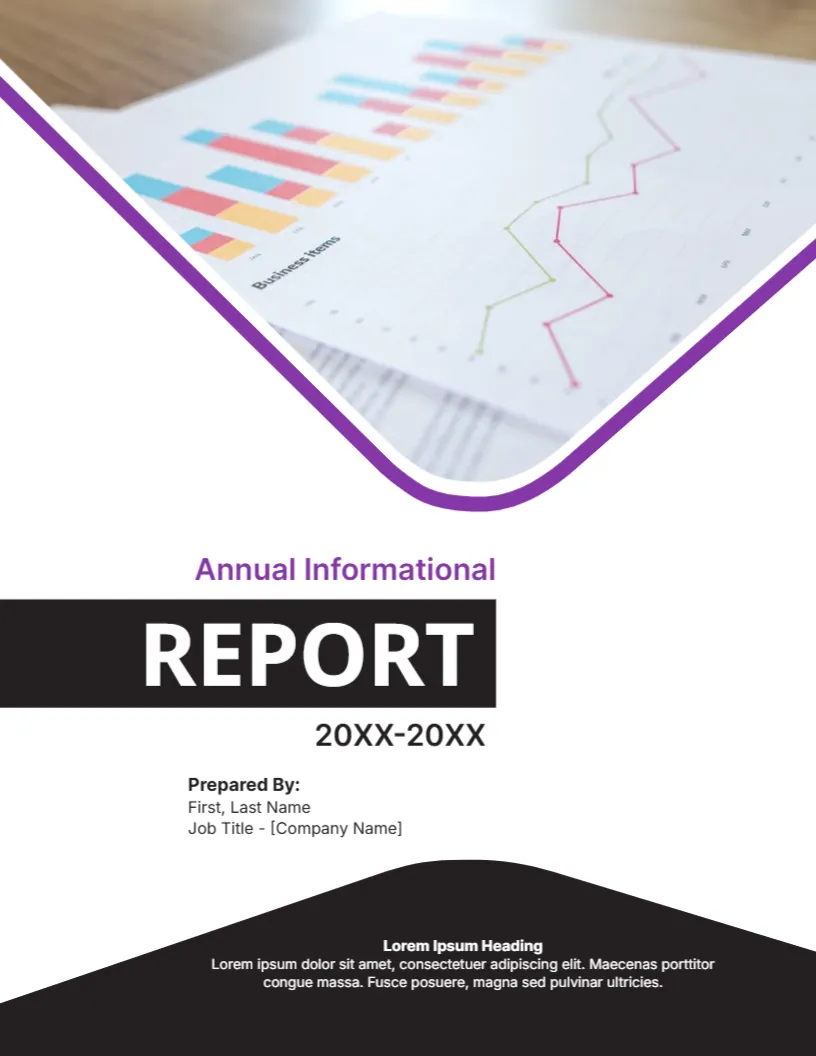
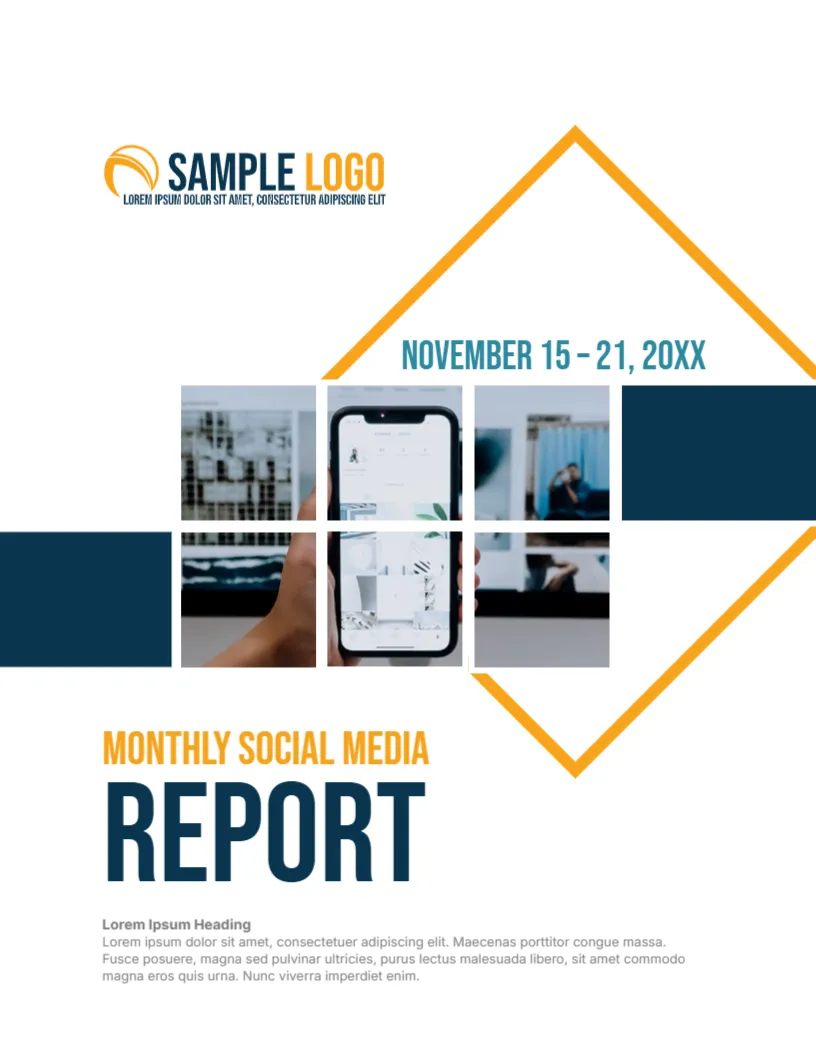
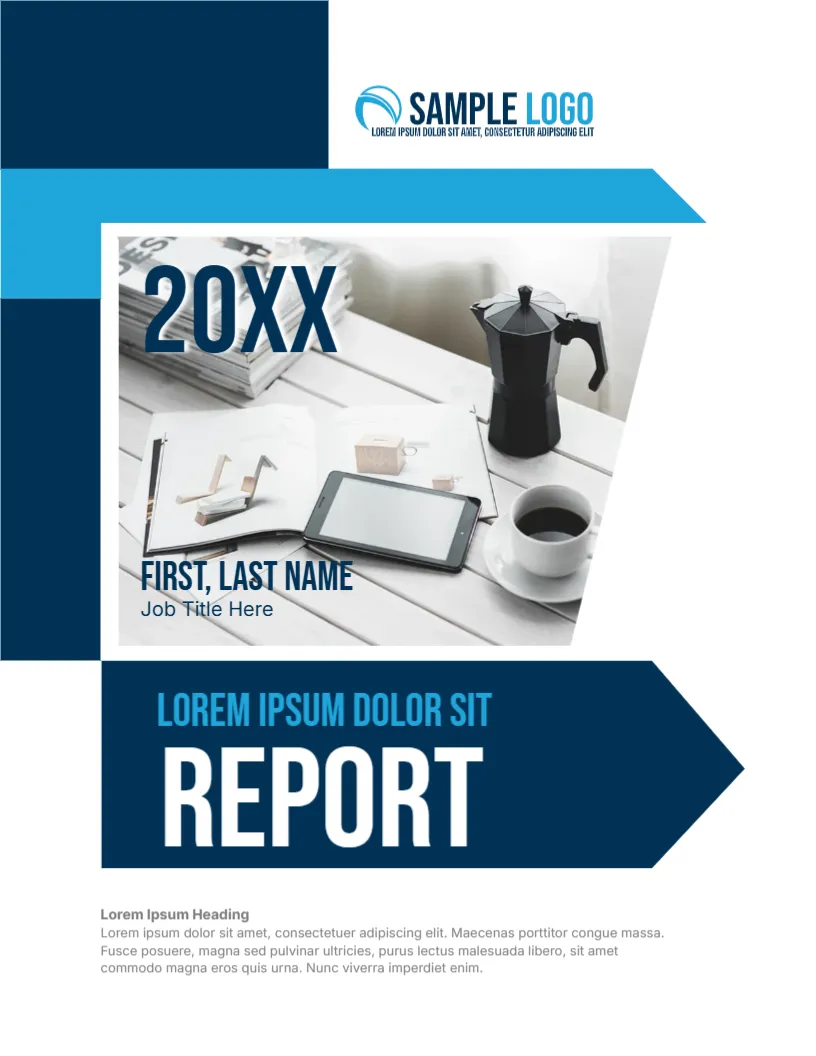
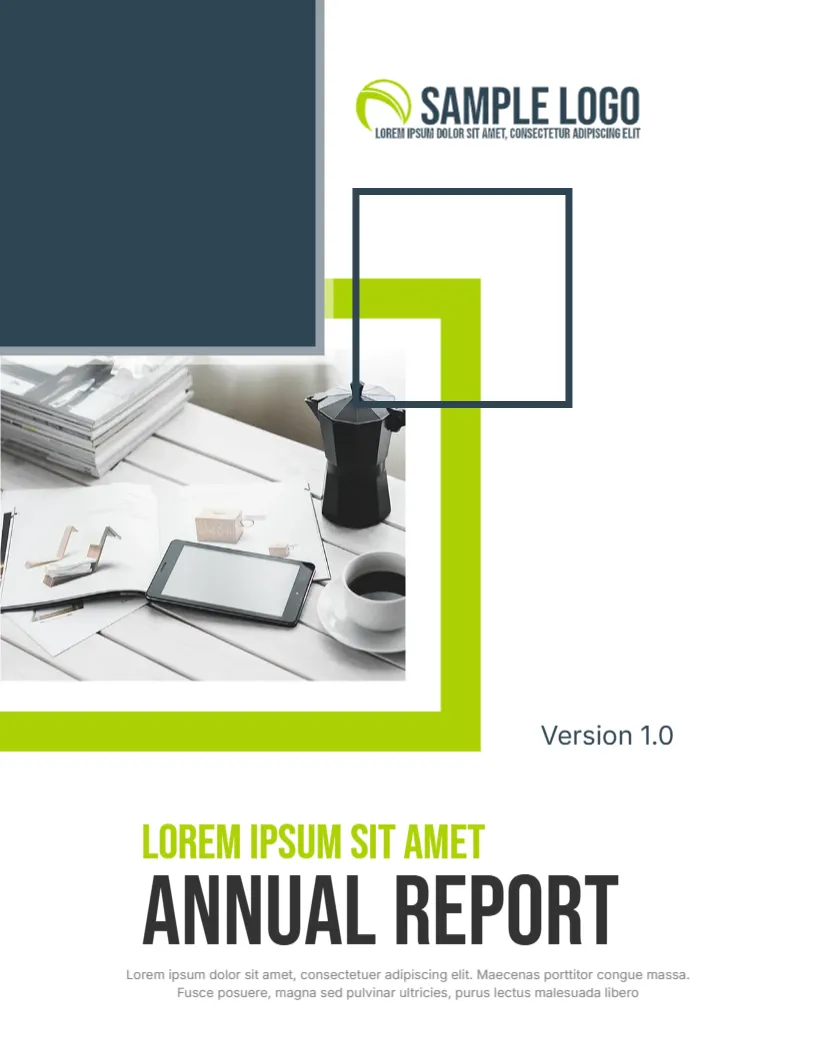
For comparison, open the informational report cover. Consider the tech business report cover. Similar designs include the financial report cover. Every analytic report style alternative sits in business and report cover pages.