Research Paper Cover Page and Title Page Templates
Part of: Business & Office
A research paper is judged on its argument, but the first page sets the tone before a single sentence is read. A tidy title page shows your reader that the work has been organised with care, and it keeps your title, name, course, instructor and date exactly where your department expects them.
These editable research paper covers follow common academic styles and subjects. Choose one, replace the sample text with your own details, and download it as a PDF, PNG or JPG to place in front of your paper.


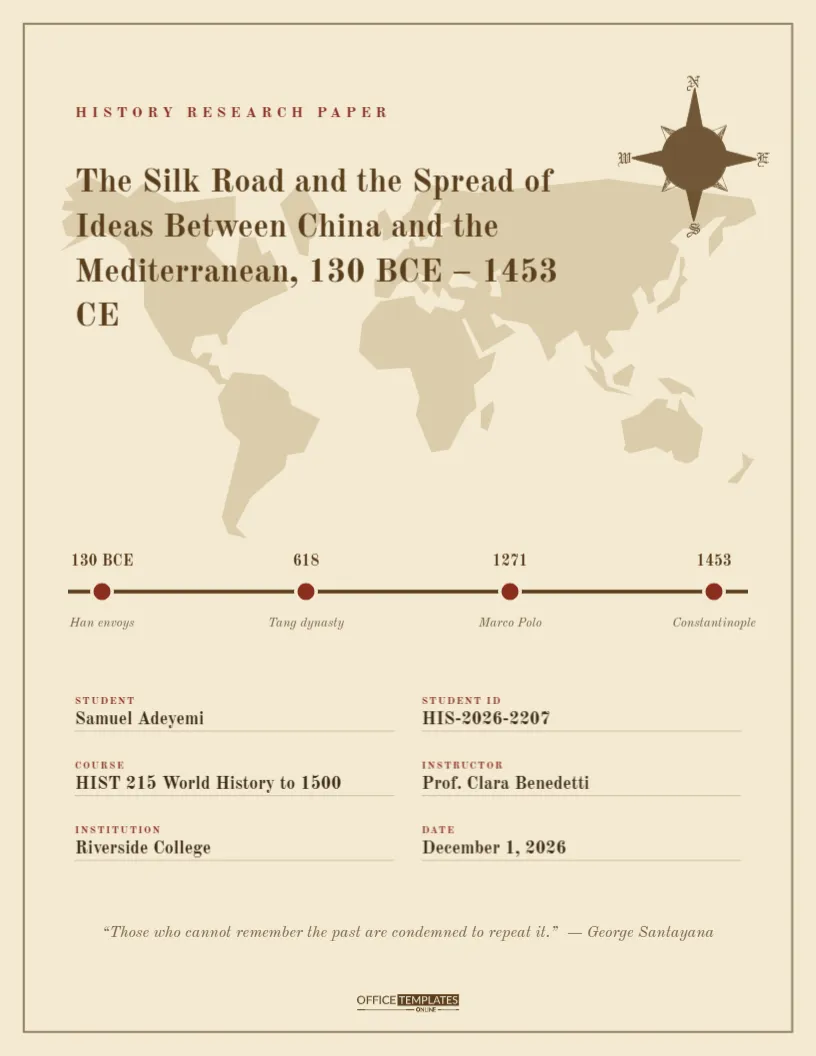
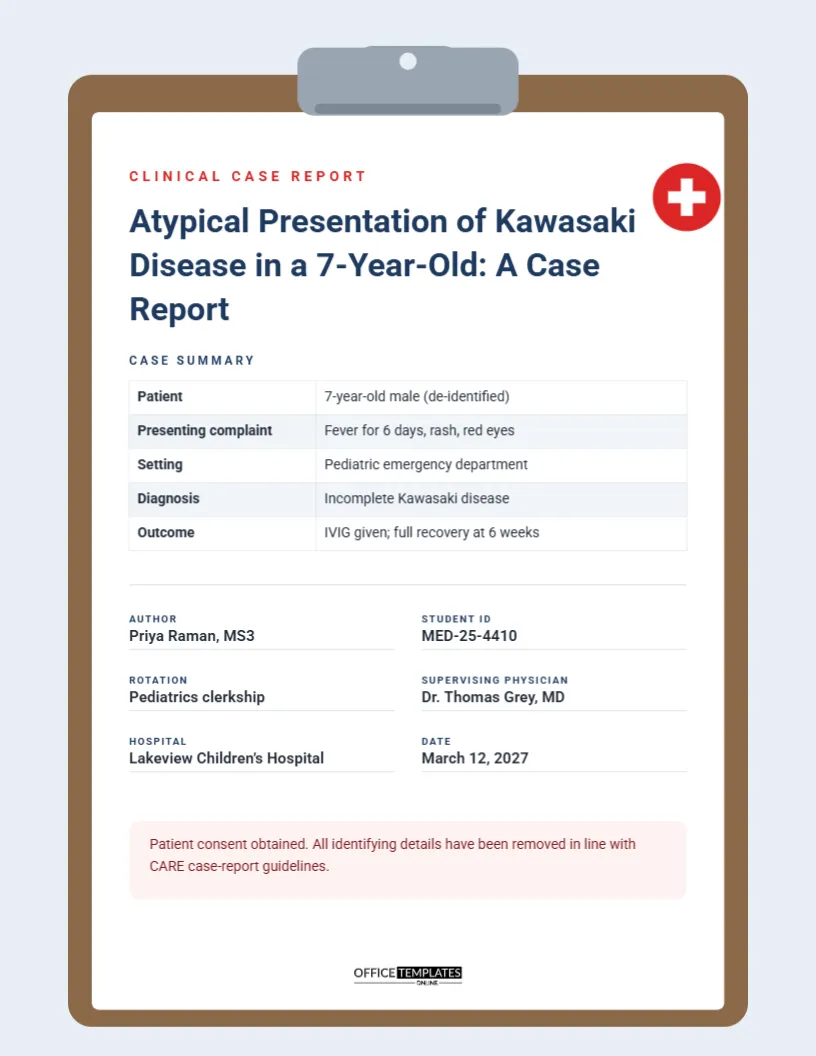



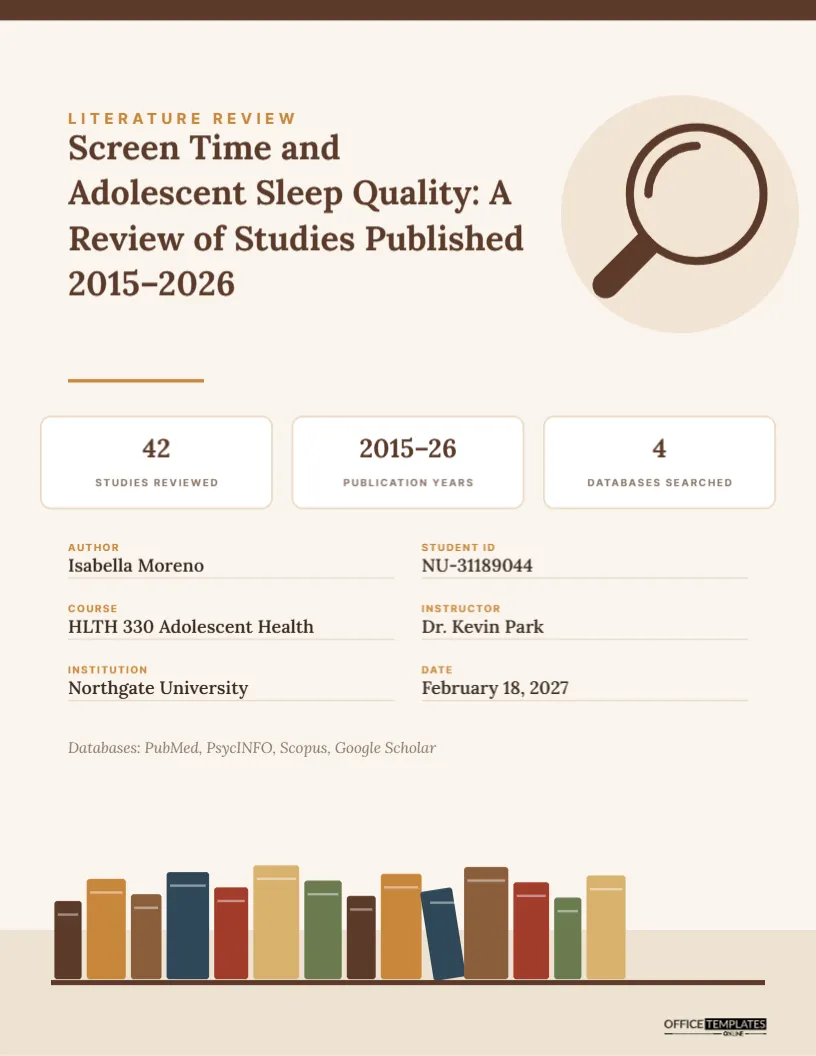



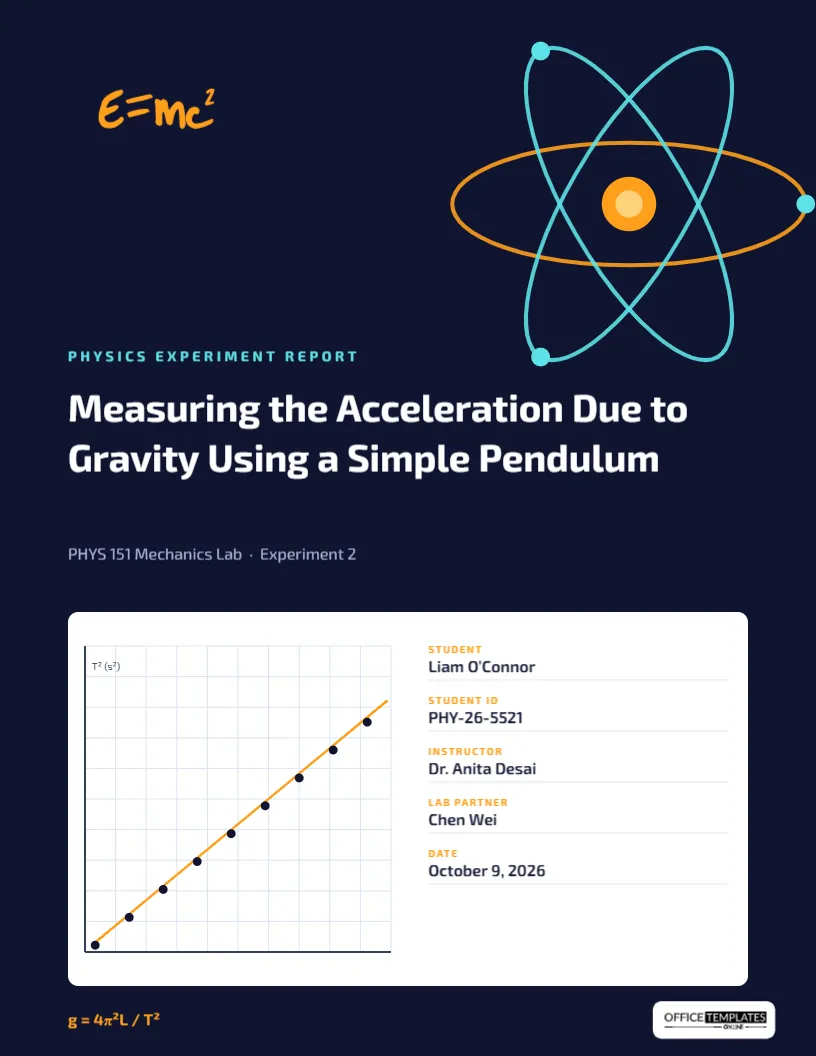

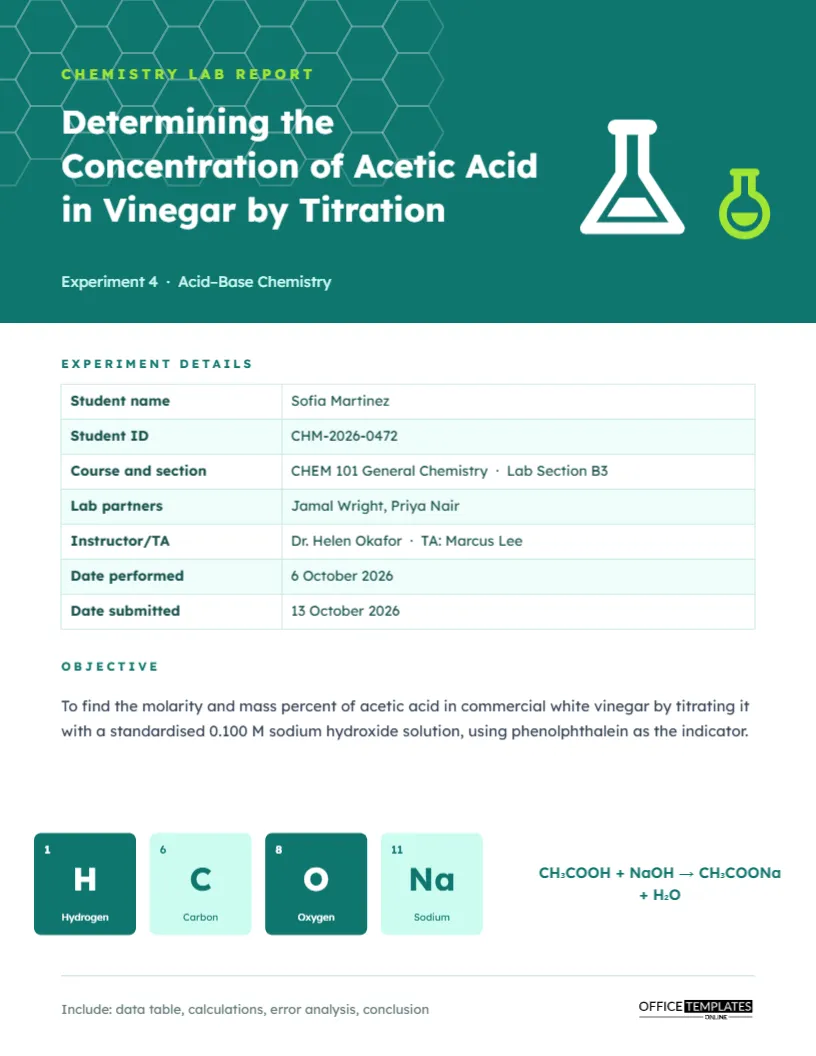



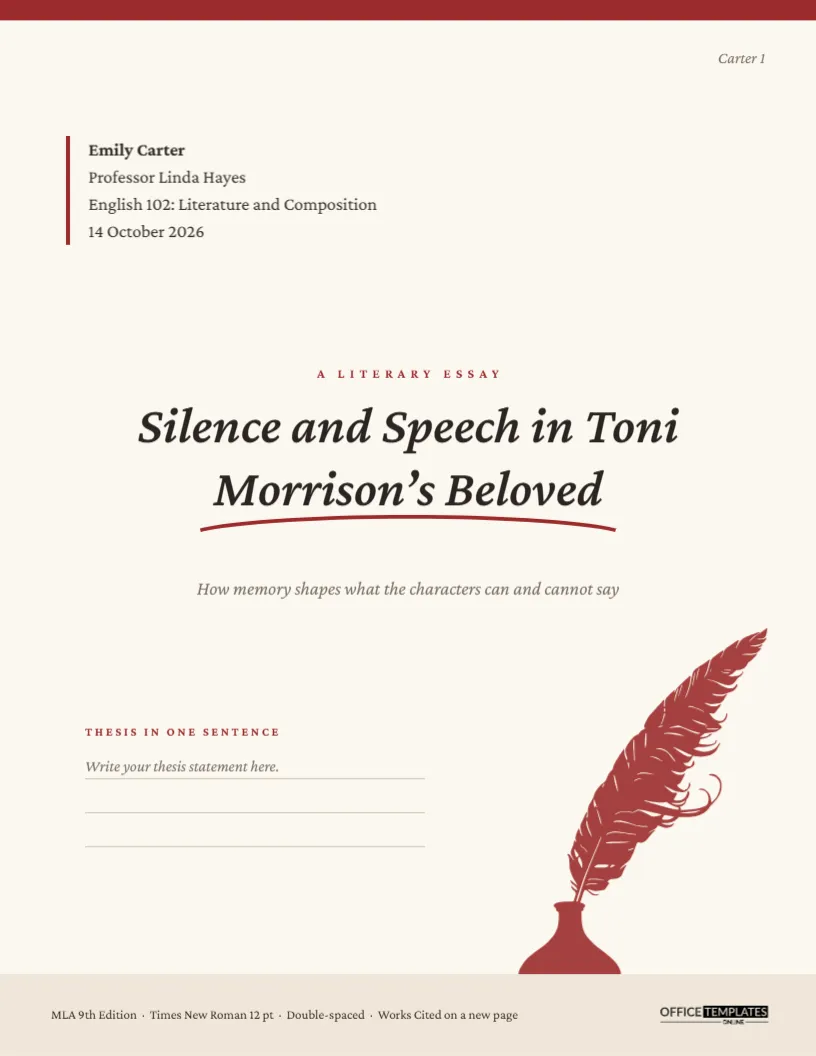

Choosing a Cover for Your Citation Style
The citation style you were assigned decides what a title page should contain, so start there. APA 7 student papers use a bold centred title, your name, department and university, the course, your instructor and the due date, with the page number in the top corner. Chicago and Turabian papers usually place the title about a third of the way down the page and put your name, course and date lower down. Harvard rules differ between institutions, so use the layout your own department publishes if it has one. IEEE style reports lean on a title block with authors, affiliation and report number.
MLA is the exception worth knowing about. Standard MLA papers do not need a separate cover page at all, because the heading goes at the top of the first page. The MLA style template here is for courses that ask for a cover anyway, or for portfolios and projects that are bound together.
Covers Matched to Your Field
Different fields expect different details on the first page. Lab report covers leave room for the experiment title, lab partners, section and the date of the experiment. Psychology, nursing, sociology and economics papers have layouts with space for the extra identifiers those departments use. History, philosophy, English literature and art history covers keep a quieter, more traditional look that suits essay work. Computer science, mathematics, architecture and engineering covers can carry a more technical feel. Legal memos, case studies, marketing reports and action research reports each have a layout that reads like the document they introduce.
Theses, Dissertations and Capstone Projects
Longer work has stricter rules. Graduate schools often publish an exact title page format, with set margins, wording for the degree statement and a list of committee members. If yours does, treat the template as a starting point for the layout and copy the required wording word for word. For capstone projects, internship reports and group projects, where the rules are usually looser, you have more freedom to add a logo, a team table or a company name.
Items to Fill In Before You Download
| Item | What to write |
|---|---|
| Title | The full title of the paper, in title case |
| Author | Your full name, and your student number if asked |
| Affiliation | Department and institution |
| Course | Course number and name |
| Instructor | Name and title as your department writes it |
| Date | The due date or submission date in the format your style uses |
Keeping the Design Appropriate
Many of these covers include illustration, color and decorative frames, which suit school projects, portfolios, presentations and courses that welcome personality. For a journal submission, a strict thesis or a class where the instructor has asked for plain formatting, choose the simplest layout and remove anything decorative. If you are unsure, ask your instructor or read the assignment brief before you decide. A plain page that follows the rules is always safer than a striking one that does not.
Saving and Combining Your Pages
Download a PDF if you plan to print the cover or merge it with the rest of your paper. Use PNG or JPG if you want to place the cover as an image in a word processor or a slide deck. Keep the same paper size as your document so that the pages line up when you merge them. Read the finished file once on screen before you submit, checking names, dates and the spelling of the title.
Related Cover Page Collections
For coursework that is not a full research paper, browse assignment cover pages. For business documents, there are business and report cover pages, and the full cover pages collection brings every cover style together in one place.
Research Paper Cover Page Questions
Does every research paper need a cover page?
No. Requirements depend on your instructor and your citation style. APA student papers normally have a title page, standard MLA papers do not, and some courses ask for one regardless. Check the assignment brief first.
What goes on an APA 7 student title page?
The page number, the paper title in bold, your name, your department and university, the course number and name, your instructor and the due date. Student papers do not need a running head unless your instructor asks for one.
Can I use a decorative cover for a university paper?
Only if your institution allows it. Some departments want a plain, standard title page. When the choice is yours, one accent color and a clear layout look the most professional.
Can I add my university logo or crest?
Yes. Upload the logo and place it where your department wants it. Some covers already include a spot for a crest or a company logo.
Can I change the fonts and colors?
Yes. Every line of text can be edited, resized and recolored, so you can match a required font, usually a serif such as Times New Roman, or soften a design that feels too bold.
Is a title page the same thing as a cover page?
People use the terms loosely. A title page follows a set academic format, while a cover page is often a more designed first page. Use whichever your instructor asks for, and use the formal layout when in doubt.
What size should I choose?
These designs are made for standard letter size paper. If your document uses A4, check the preview and printing options before you print, so that the margins stay even.
How do I attach the cover to my paper?
Download the cover as a PDF and merge it with your paper in a PDF tool, or insert the PNG or JPG at the start of your document. For a printed paper, simply place the printed cover on top.
Can I use these for a group project?
Yes. There is a group project cover with a table for team roles, and any other cover can take extra lines for additional names and student numbers.
Can I use these for a thesis or dissertation?
You can use them as a layout base. Graduate schools often require exact wording and margins, so compare the template with your school's formatting guide and edit it to match.
Explore Related Categories
Business and office templates for the documents every team needs, from letterheads, business cards and envelopes to cover pages, price lists, purchase…
Professional letterhead templates help businesses, organizations, consultants, and professionals maintain a consistent brand image across official correspondence. A well-designed letterhead enhances credibility…
Cover page templates for business reports, project proposals, marketing plans, research papers, case studies and portfolios. Add the title, company and date,…
Business card templates help professionals create a strong first impression when networking, meeting clients, and promoting their services. Our editable business card…
Cover page templates help students, professionals, researchers, and businesses create polished front pages for reports, assignments, proposals, presentations, portfolios, and academic projects.…
Fact sheet templates for products, programs, funds, venues, safety information, biographies and school projects. Put the key numbers, dates and details on…
Assignment cover page templates for subjects such as law, psychology, economics, physics, computer science, philosophy and environmental science. Add your course, name,…
Holiday and seasonal templates for every date on the calendar, from Eid and Mother's Day to Halloween, Independence Day, Labor Day and…
Card and invitation templates for the moments people remember, including birthdays, parties, get well wishes, condolences, announcements, gift tags and event tickets.…
Certificate, ID card and voucher templates for schools, businesses, clubs and events. Create award and employment certificates, student and staff ID cards,…
Marketing and promotion templates for small businesses, shops and teams, including flyers, promotion banners, signs, outdoor signs, door hangers, job hiring posters,…
Education templates for teachers, schools, tutors and homeschooling families. Build report cards, progress reports, behavior charts, classroom posters, schedules, homeschool planners and…