A Title Page That Puts the Title Inside a Diamond
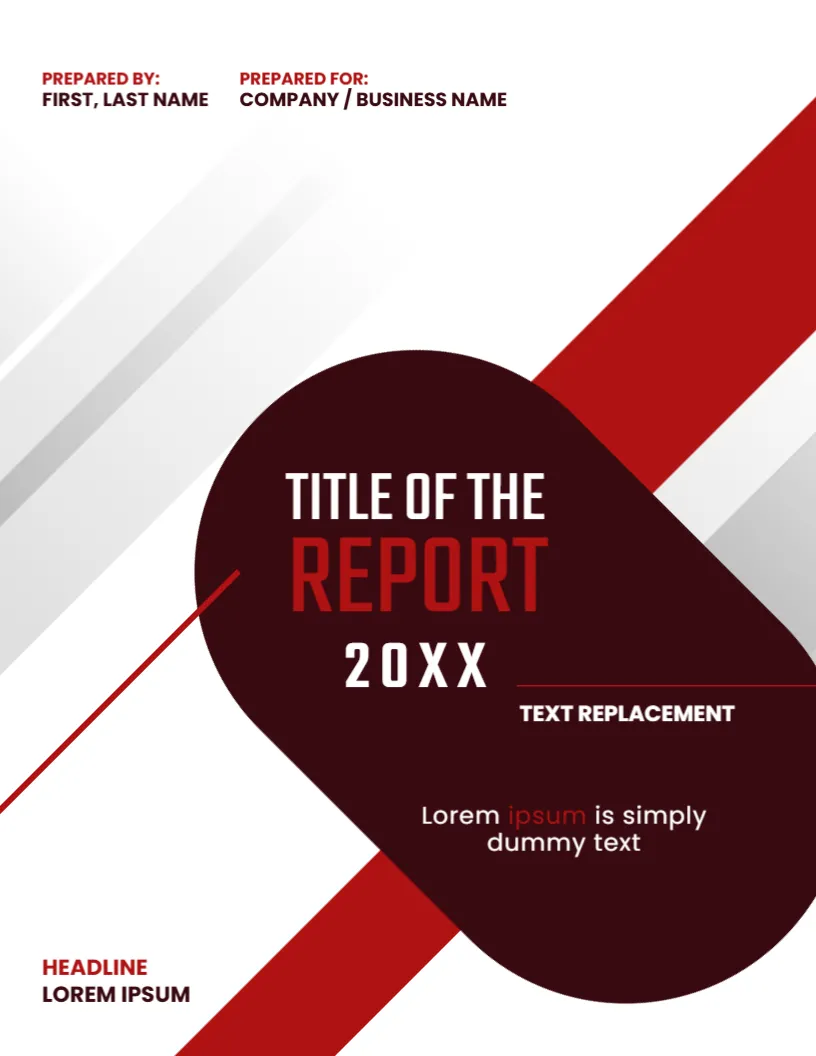
The title on this page is not at the top. It sits inside a large maroon rounded diamond, framed by red stripes, so the eye goes there first. Prepared By and Prepared For lines run along the top, and a small headline sits at the bottom left. It suits formal reports where the title and the parties involved should be clear at a glance.
Maroon Diamond and Red Stripes
The page is 8.5 x 11 inches, portrait, one page. Soft grey streaks fade across the white background. A broad red stripe runs from the upper right through the diamond and out at the foot, and a thin red line crosses the left. The diamond is a graphic with the text on top.
Title, Year and Notes Inside the Shape
TITLE OF THE is in white and REPORT in red, followed by 20 XX with wide letter spacing. A short rule leads to TEXT REPLACEMENT, and the words Lorem ipsum is simply dummy text sit below in white. Replace TITLE OF THE with the first words of your title, and use TEXT REPLACEMENT for a subtitle or a date.
The Prepared By and Prepared For Lines
- PREPARED BY: FIRST, LAST NAME names the author or team.
- PREPARED FOR: COMPANY / BUSINESS NAME names the client or department.
- Both sit at the top left in red labels.
- Use job titles in the same line if needed.
- At the foot, HEADLINE LOREM IPSUM can hold a project code.
Writing Titles That Fit a Diamond
The shape is widest in the middle and narrow at the top and bottom, so a two line title fits best. Use short words, and place the longer part on the central line. If your title is long, reduce the font size slightly rather than adding a third line.
Dark Backgrounds and Readability
White text on maroon is easy to read at the default sizes. When printing, check that the dark shape does not look black on your printer. If it does, a lighter print profile or a shop print gives better colour.
Editing and Printing the Maroon Title Page
The fonts are Poppins and Teko. Text edits freely. Print on 120 gsm paper. The diamond is a large dark area, so use a laser for even coverage.
A Sensible Order for the Pages After This Title Page
After the title page, place a contents list, then a summary, then the main sections. Add page numbers from the first section. A tidy order helps readers who flip through a long report on paper.
Step by Step Editing of the Maroon Title Page Cover
- On the maroon title page cover, click the main title and type your own words, keeping the same style of capitals.
- Retype every name and contact line on the maroon title page cover, checking each spelling against an official source.
- Change the year or date on the maroon title page cover, then search the page for XX and for the word Lorem so that no placeholder remains.
- Click the logo or the photo on the maroon title page cover, choose Replace Image and resize the new picture until it fills its space.
- Zoom the maroon title page cover to full screen and read each line aloud, because spoken reading catches slips that silent reading misses.
- Keep a clean master of the maroon title page cover without your private details, so that later versions begin from a tidy copy.
Consider the report title page design. Close relatives are the unique report title page. Compare it with the presentation report title page. The rest of the series around the maroon title page cover is in business and report cover pages.