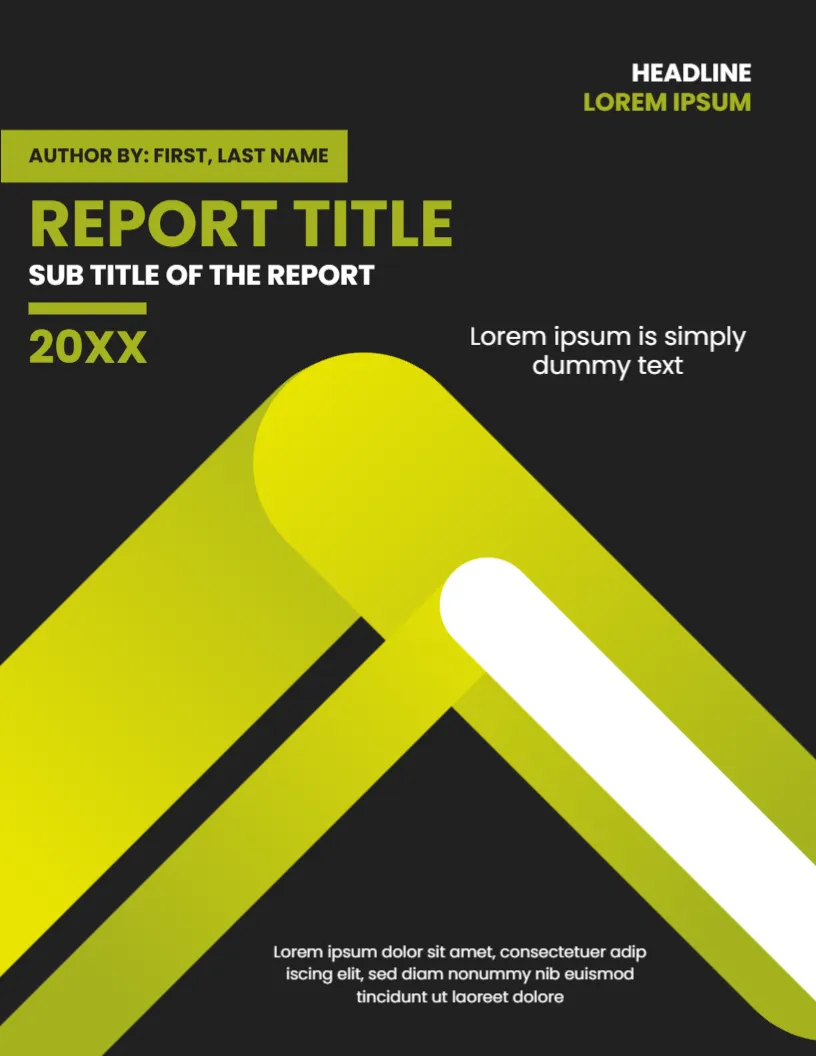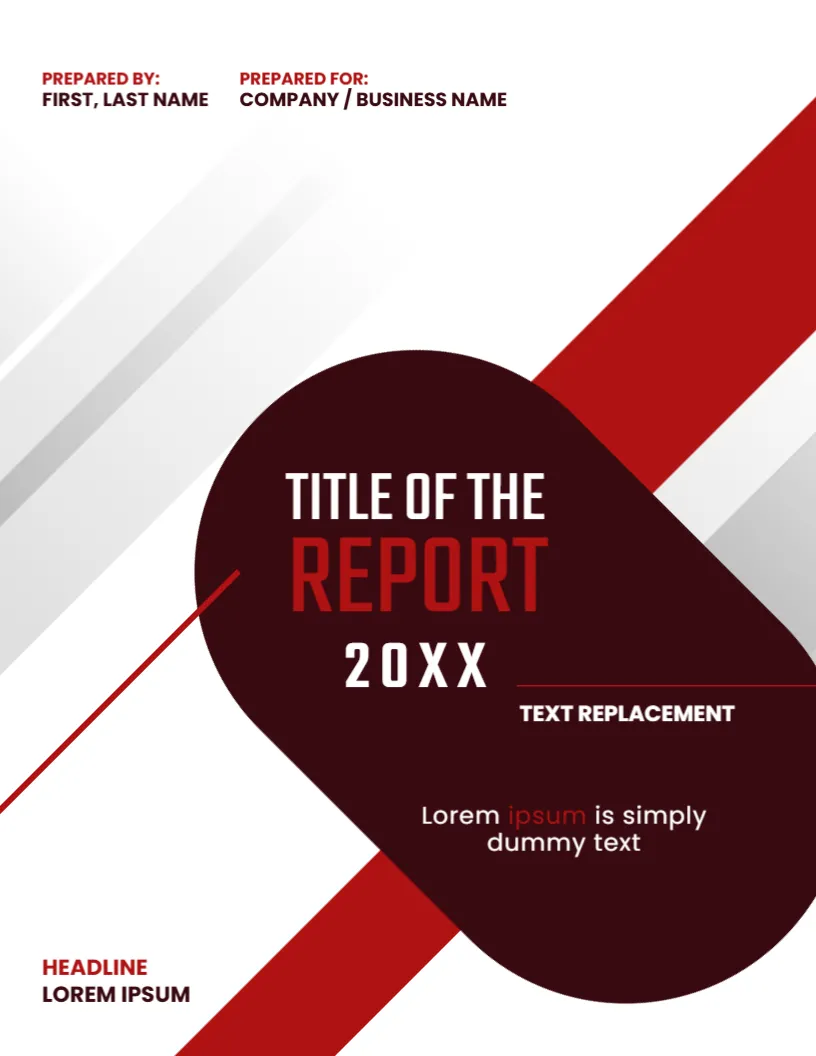
A Title Page Built From Two Simple Triangles
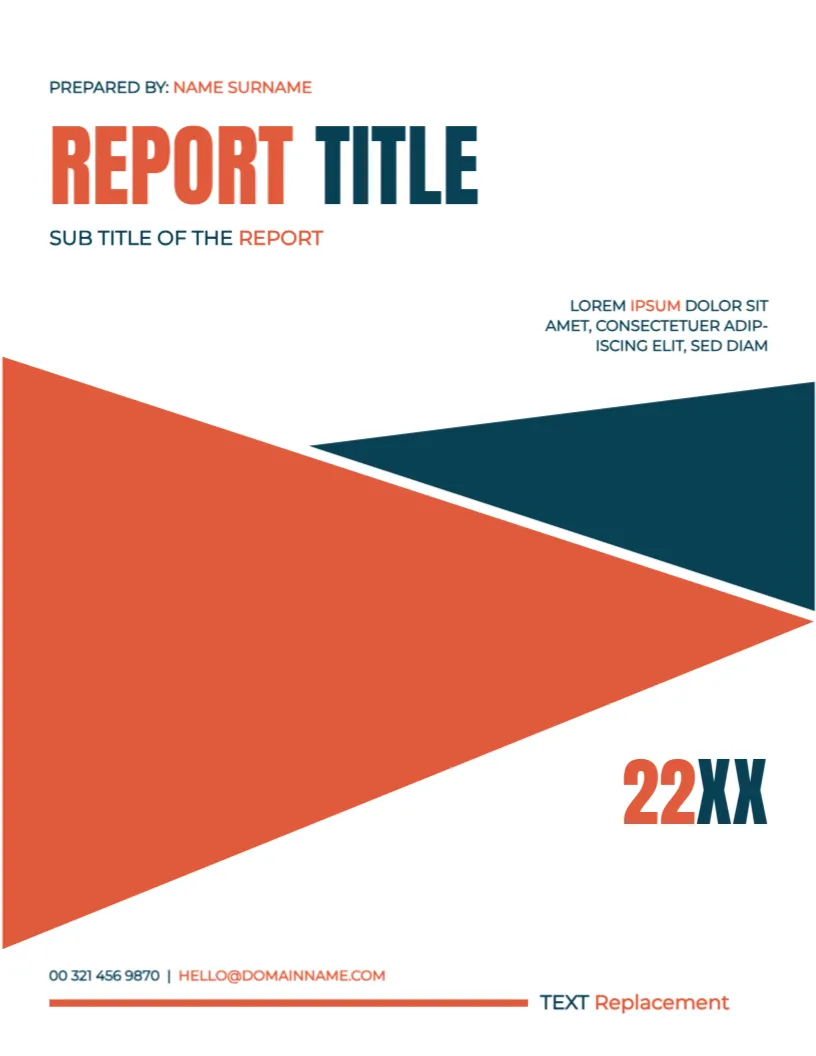
A report title page has one job: to state the title, the author and the date clearly. This design does it with almost no decoration. A big coral triangle points to the right, a navy triangle answers it from the upper right corner, and the title is set in heavy condensed capitals above them. It suits reports of any kind, from school research to company reviews, and it prints well on a basic office printer.
Two Triangles and a Lot of White
The page is 8.5 x 11 inches, portrait, one page. The white background is mostly empty, which makes the coral and navy shapes stand out. The triangles are graphics and stay fixed. Because there is no photo, the cover loads quickly in a PDF and uses little ink compared with photo covers.
Title, Subtitle and Year Placeholder
At the top, PREPARED BY: NAME SURNAME is a small line, followed by REPORT TITLE in coral and navy and SUB TITLE OF THE REPORT beneath it. A short paragraph, LOREM IPSUM DOLOR SIT AMET, sits at the right. The year at the right reads 22XX, a placeholder that should be replaced with the real year. At the foot you find 00 321 456 9870 | [email protected] and TEXT Replacement beside a coral line.
Lines You Must Change
- REPORT TITLE: the real title, in two words if possible.
- SUB TITLE OF THE REPORT: the topic or the period.
- 22XX: the correct year.
- The contact line: your own phone and email.
- The short paragraph: a one sentence summary.
Why a Simple Title Page Works
Teachers, managers and clients see many reports. A clean title page lets the content speak. It also keeps the focus on the title, which should say what the report is about in a few words. If you have a logo, place it in the empty space at the top right.
Fixing the Year Placeholder
The 22XX in the year area is easy to overlook. Search the page for XX and for the words Lorem and Replacement before you print. A cover with placeholder text left behind looks careless and may cost marks or credibility.
Editing and Printing the Coral Title Page
The fonts are Montserrat and Anton. Text edits freely. Print on 100 gsm paper; the large coral triangle is the only heavy area. For a PDF, no special settings are needed.
Using the Page for Different Report Types
The design is neutral enough for a school report, a company review or a community update. Change the colours of the text boxes if you want to fit your brand, but leave the triangles as they are. A consistent set of reports then shares one look.
Step by Step Editing of the Coral Triangle Title Page Cover
- On the coral triangle title page cover, click the main title and type your own words, keeping the same style of capitals.
- Retype every name and contact line on the coral triangle title page cover, checking each spelling against an official source.
- Change the year or date on the coral triangle title page cover, then search the page for XX and for the word Lorem so that no placeholder remains.
- Click the logo or the photo on the coral triangle title page cover, choose Replace Image and resize the new picture until it fills its space.
- Zoom the coral triangle title page cover to full screen and read each line aloud, because spoken reading catches slips that silent reading misses.
- Keep a clean master of the coral triangle title page cover without your private details, so that later versions begin from a tidy copy.
Similar designs include the unique report title page. Compare it with the title page design for report. You may also like the office report title cover page. The rest of the series around the coral triangle title page cover is in business and report cover pages.