A Green Cover for the Report on a Finished Project
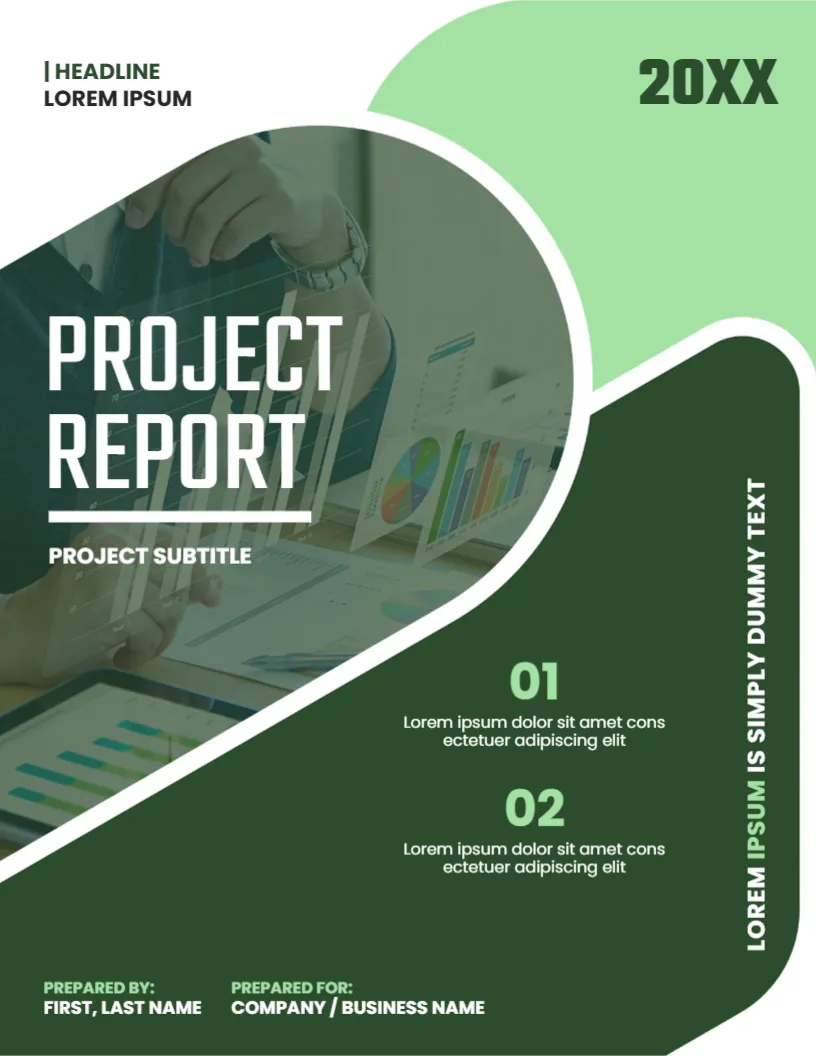
A project report records what was planned, what happened and what comes next. The cover has to make the document look serious but approachable, and dark green does that well. This design uses overlapping green shapes, a tinted photo of hands over charts, a large PROJECT REPORT title and two numbered points that can carry the key results. It suits project managers, teams and consultants.
Green Shapes and the Tinted Photo
The page is 8.5 x 11 inches, portrait, one page. A pale green shape fills the upper right, and a dark green rounded shape sweeps from the lower right up to a circular window holding a photo that has a green tint. White outlines separate the layers. The shapes in the green project report cover are graphics, and the photo is replaceable.
Title, Subtitle and Numbered Points
PROJECT REPORT sits in large white capitals over the photo with a white rule below, followed by PROJECT SUBTITLE. At the lower right, 01 and 02 in light green each introduce a short line. A vertical line reads LOREM IPSUM IS SIMPLY DUMMY TEXT. At the foot, PREPARED BY: FIRST, LAST NAME and PREPARED FOR: COMPANY / BUSINESS NAME appear. A year, 20XX, sits at the top right.
Using the 01 and 02 Slots
- 01: the main outcome, for example Delivered two weeks early.
- 02: the main lesson or next step.
- Keep each to a single line.
- Use numbers where you can, such as cost saved.
- Delete a slot if you only have one point.
A Simple Structure for a Project Report
Begin with a summary, then the goals, the work done, results against targets, problems met and recommendations. A report that follows the same order as the project plan is easy for sponsors to check.
Naming the Sponsor on the Cover
The Prepared For line is where a sponsor, a client or a steering group is named. Use the exact legal or common name, so that the report is filed correctly. Add the project code in the headline label if your organisation uses codes.
Editing and Printing the Green Project Cover
The fonts are Teko and Poppins. Text edits freely. Print on 120 gsm paper in colour. Dark green prints heavily, so ask a print shop for a laser if you need many copies.
Closing a Project Properly
A project report is also a closing document. Record the final cost, the delivered scope and the lessons learned, and have the sponsor sign it off. Store it with the project files so future teams can learn from it.
Step by Step Editing of the Green Project Report Cover
- On the green project report cover, click the main title and type your own words, keeping the same style of capitals.
- Retype every name and contact line on the green project report cover, checking each spelling against an official source.
- Change the year or date on the green project report cover, then search the page for XX and for the word Lorem so that no placeholder remains.
- Click the logo or the photo on the green project report cover, choose Replace Image and resize the new picture until it fills its space.
- Zoom the green project report cover to full screen and read each line aloud, because spoken reading catches slips that silent reading misses.
- Keep a clean master of the green project report cover without your private details, so that later versions begin from a tidy copy.
A related layout is the internship report cover. Also worth a look: final project cover page. Next to try is the business management report cover. Looking beyond the green project report cover? See all business and report cover pages.