An A4 Cover for Business Projects Outside North America
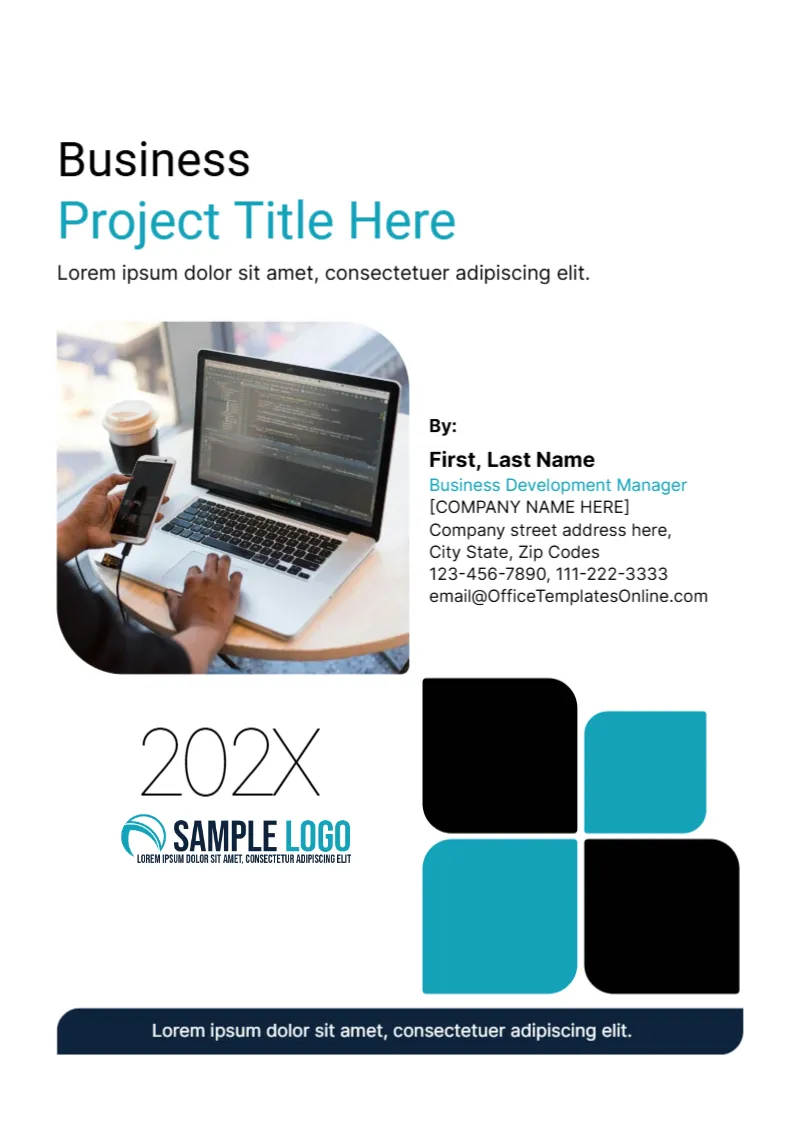
Most templates on this site use US Letter, but many companies, schools and agencies in Europe, Asia, Africa and Australia print on A4. This cover is made at 210 x 297 mm, so it prints without scaling on A4 paper. The look is modern and flat: a large cluster of four rounded blocks in black and teal, a rounded photo and a clear title block.
The Page Size and Why It Matters
The template has one page at 210 x 297 mm. If you print it on US Letter, the printer will shrink or crop the page, so choose A4 in the print dialog. When you share it as a PDF, A4 is read correctly by most devices. If you need a Letter version, look at the other covers in this category, which use 8.5 x 11 inches.
Title Area at the Top
At the top left, the word Business appears in black and Project Title Here in teal, with a one line description under it. Type the real project name in the teal line and the project’s purpose in the description. A short sentence of ten words or fewer reads best.
The Rounded Photo
A photograph of a person using a laptop and phone sits in a rounded square at the left. It is a picture, so you can replace it with a photo of your team, your product or your site. Use an image with a similar landscape shape to avoid awkward cropping.
The Four Block Graphic and the Year
The lower right shows four rounded squares, two black and two teal. They are graphics and stay fixed. To the left, a large light 202X marks the year, with a SAMPLE LOGO underneath. Replace the year with the real one and the logo with your own.
The By Block and the Footer Line
Beside the photo, a By: label leads to a name, a job title in teal, a company placeholder in square brackets, an address, two phone numbers and an email. A navy strip at the foot carries a line of white text, which you can use for a confidentiality note or a project code.
Editing the Template for the A4 Project Cover
- Click each text line and retype it.
- Replace the photo and the logo.
- Update the year and the footer line.
- Export as PDF in A4.
Printing on A4 for the A4 Project Cover
Use 120 gsm paper for an office copy. A shop can print the block graphic to the edge on 170 gsm. Check that the footer strip is not cut by the printer’s margin.
Metric and Imperial Notes for A4 Users
If your team prints on A4 but shares files with partners who use Letter, keep a Letter copy of the cover too. Export both as PDFs and name them clearly. Check that the photo and the block graphic stay inside the margins on each size, since the two pages differ by about half an inch in height and width.
You may also like the any project cover page. For comparison, open the final project cover page. Consider the business case report cover. The rest of the series around the A4 project cover is in business and report cover pages.