A Portfolio Cover That Lets the Title Cross the Divide
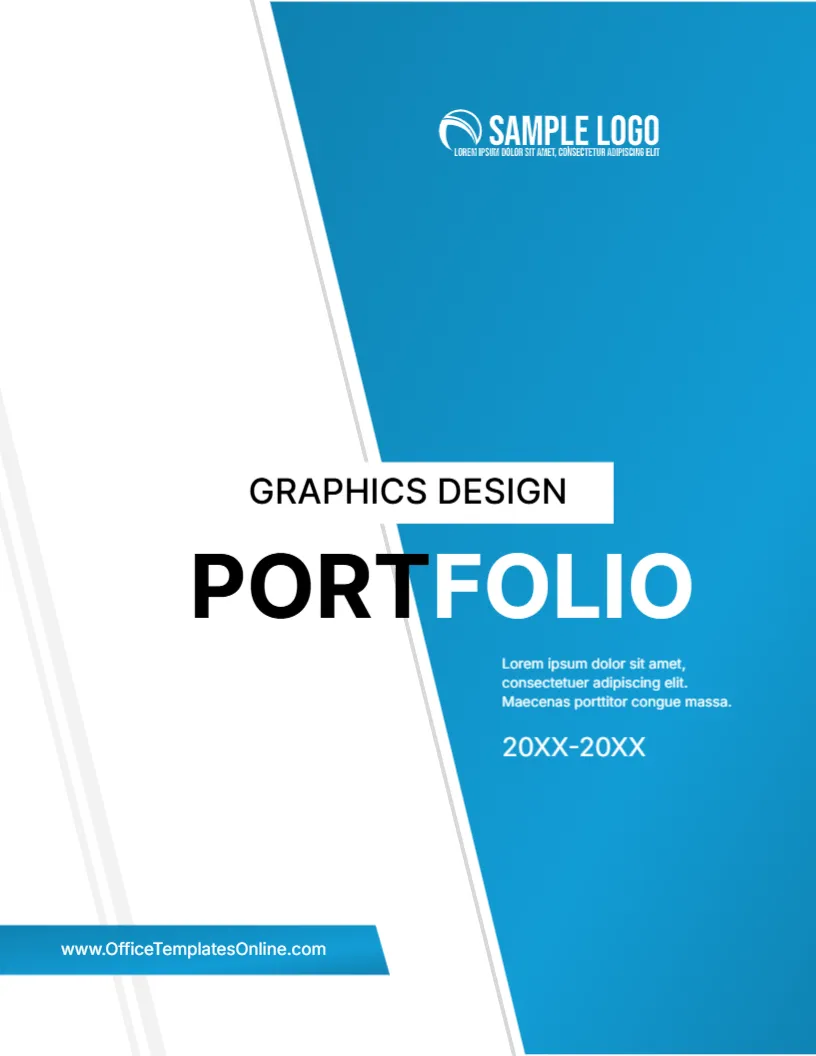
A graphic designer needs a cover that shows an eye for layout. This one splits the page diagonally between white and blue, and the word PORTFOLIO crosses the line, with PORT in black on white and FOLIO in white on blue. It is simple, bold and easy to adapt for designers, illustrators and art students.
Blue Panel and Light Lines
The page is 8.5 x 11 inches, portrait, one page. A tall blue panel leans from the upper centre to the lower right. Thin grey lines run along its left edge, and a blue ribbon at the lower left carries the website. The shapes in the graphics design portfolio cover are graphics and stay fixed.
Title, Label and Year Range
A white label at the left of the panel reads GRAPHICS DESIGN, above the split PORTFOLIO. Under the word, a short paragraph in white and a year range, 20XX-20XX, sit on the blue. At the top, a white SAMPLE LOGO. At the lower left, the web address reads www.OfficeTemplatesOnline.com on the blue ribbon, so replace it with your own address.
Things a Designer Should Replace
- The label: Illustration, Branding, Packaging or any specialty.
- The year range, such as the period of the work shown.
- The logo or monogram.
- The website on the ribbon.
- The short paragraph: your focus in one sentence.
Choosing Work for a Design Portfolio
Select eight to twelve projects that show range and depth. Put the strongest first and last. For each, give the brief, your role and the result. Clients like to see process sketches as well as final pieces.
Splitting a Word Across Colours
The title colour changes where it meets the panel. If you change the word, keep the split near the middle, for example DESIGN split between DES and IGN. For a long word, the effect gets lost, so keep to short words.
Editing and Printing the Graphics Portfolio Cover
The font is Inter. Text edits freely. A print shop can add a spot gloss to the blue. At home, 120 gsm in colour is fine. For online portfolios, export a PDF at high quality.
Packaging Your Portfolio for Clients
Send a short PDF of no more than twenty pages, and keep a longer version available on request. Name the file with your own name and the word portfolio. Add a link to your online gallery on the last page.
Step by Step Editing of the Graphics Design Portfolio Cover
- On the graphics design portfolio cover, click the main title and type your own words, keeping the same style of capitals.
- Retype every name and contact line on the graphics design portfolio cover, checking each spelling against an official source.
- Change the year or date on the graphics design portfolio cover, then search the page for XX and for the word Lorem so that no placeholder remains.
- Click the logo or the photo on the graphics design portfolio cover, choose Replace Image and resize the new picture until it fills its space.
- Zoom the graphics design portfolio cover to full screen and read each line aloud, because spoken reading catches slips that silent reading misses.
- Keep a clean master of the graphics design portfolio cover without your private details, so that later versions begin from a tidy copy.
Have a look at the agency portfolio cover. Another option is the web design portfolio cover. A related layout is the business portfolio cover. Looking beyond the graphics design portfolio cover? See all business and report cover pages.