A Warm Annual Report Cover With a Finance Photo
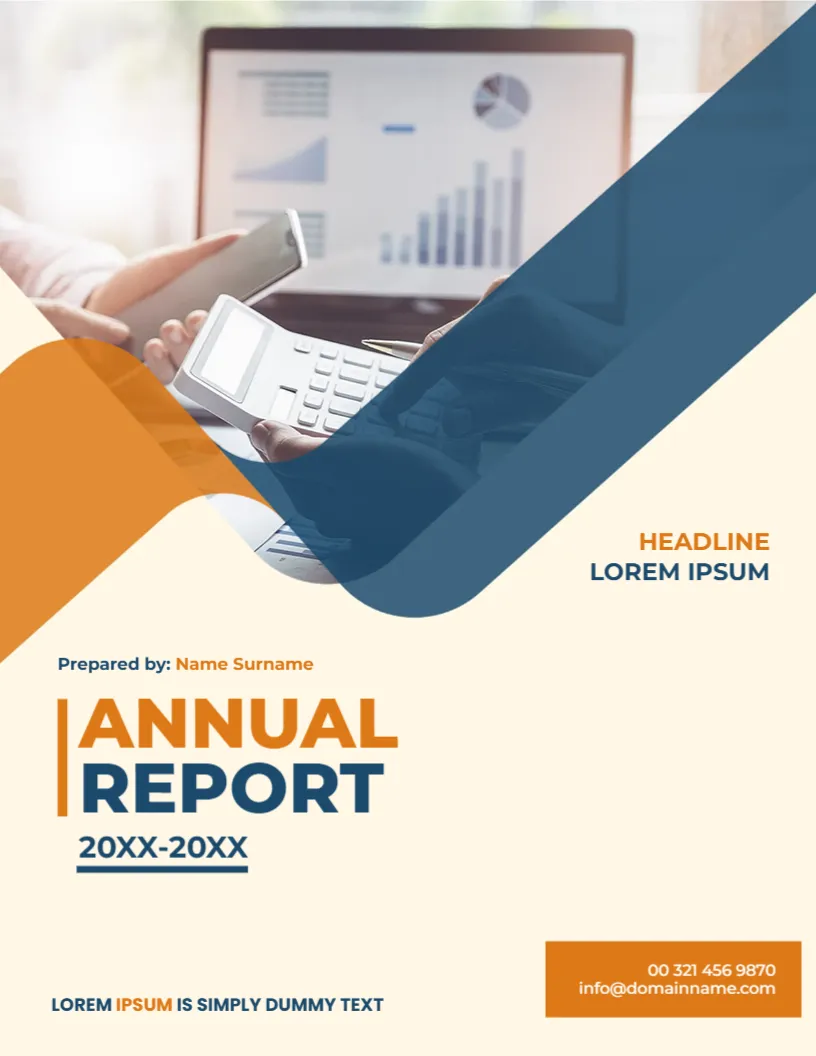
Annual reports often show money, so a picture of a calculator, a phone and a laptop with a chart makes sense. This cover places such a photo at the top of a warm cream page, wraps it in a flowing orange curve and a deep blue curve, and sets ANNUAL REPORT beneath in orange and blue. It suits small businesses, associations and schools that publish a yearly account of what they did.
Orange and Blue Curves Over the Photo
The page is 8.5 x 11 inches, portrait, one page. The photo fills the top, with a translucent blue shape that sweeps from the upper right across the image, and an orange curve that rises from the left. The cream background gives the page a gentle tone. The curves are graphics, and the photo is replaceable.
Title, Year Range and Credits
ANNUAL is in orange capitals with a vertical orange bar, and REPORT in navy. Below, 20XX-20XX is underlined, which fits a financial year that spans two calendar years. Above the title, Prepared by: Name Surname has the name in orange. At the right, HEADLINE LOREM IPSUM is a short label. An orange box at the lower right lists 00 321 456 9870 and [email protected], with LOREM IPSUM IS SIMPLY DUMMY TEXT at the lower left.
Details to Update for the Year
- The year range, or a single year.
- The preparer, such as the finance team or the secretary.
- The headline label, for example the organisation name.
- Phone and email in the orange box.
- The line at the lower left: motto or website.
Two Annual Report Layouts Compared
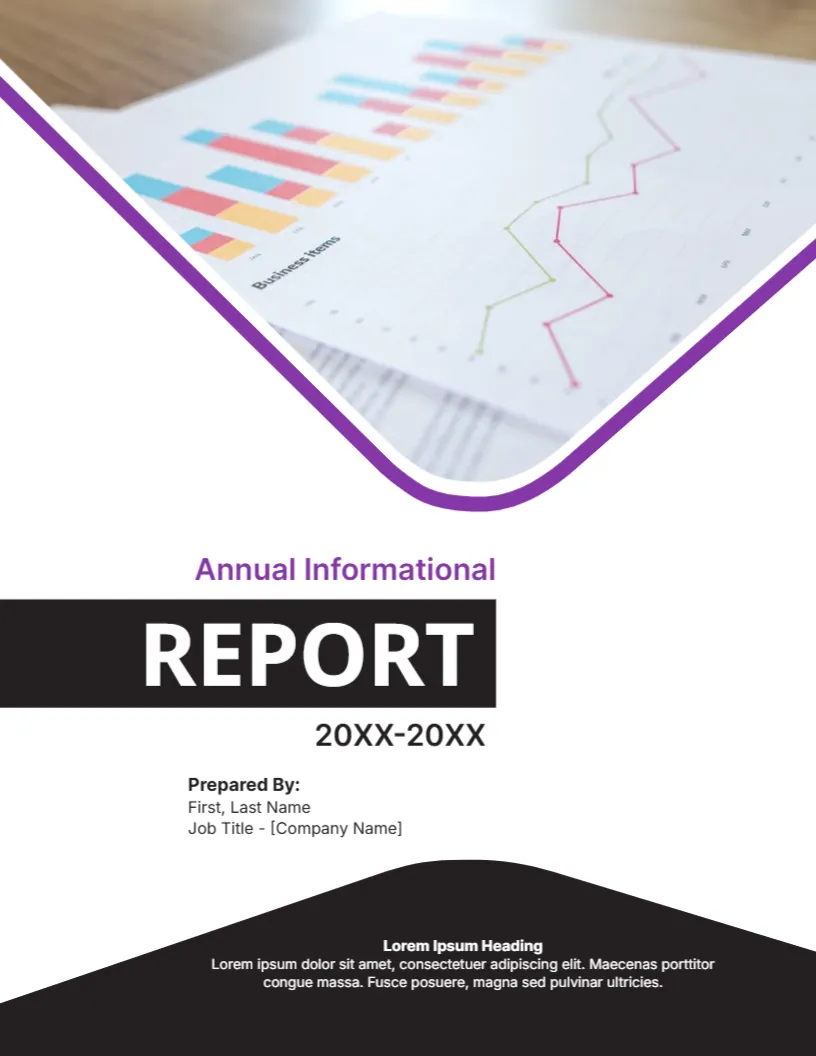
This cover is warmer and lighter than the dark purple one in the same category. Choose it for community and service organisations that want to feel approachable, and choose a darker cover for financial companies that want a serious tone.
Contents to Plan Before You Design the Inside
A good annual report has a summary letter, key figures, programme or product highlights, financial statements and plans. Decide the order first, then fill pages. The cover only works if the inside delivers what the title promises.
Editing and Printing the Cream Annual Cover
The fonts are Montserrat and Poppins. Text edits freely. Print on 120 gsm paper, or cream coloured stock for a richer feel. The cream background prints as a tint, so use colour.
Distributing an Annual Report
Plan how the report will reach its readers. Print a small run for members or donors who prefer paper, post a PDF on your website and send a short summary by email. Track downloads to see which sections attract the most interest.
Step by Step Editing of the Cream Annual Report Cover
- On the cream annual report cover, click the main title and type your own words, keeping the same style of capitals.
- Retype every name and contact line on the cream annual report cover, checking each spelling against an official source.
- Change the year or date on the cream annual report cover, then search the page for XX and for the word Lorem so that no placeholder remains.
- Click the logo or the photo on the cream annual report cover, choose Replace Image and resize the new picture until it fills its space.
- Zoom the cream annual report cover to full screen and read each line aloud, because spoken reading catches slips that silent reading misses.
- Keep a clean master of the cream annual report cover without your private details, so that later versions begin from a tidy copy.
Also worth a look: purple annual report cover. Next to try is the financial report cover. Have a look at the informational report cover. Find more designs next to the cream annual report cover in business and report cover pages.